Blank Venn Diagram Template
Blank Venn Diagram Template for PowerPoint and Google Slides
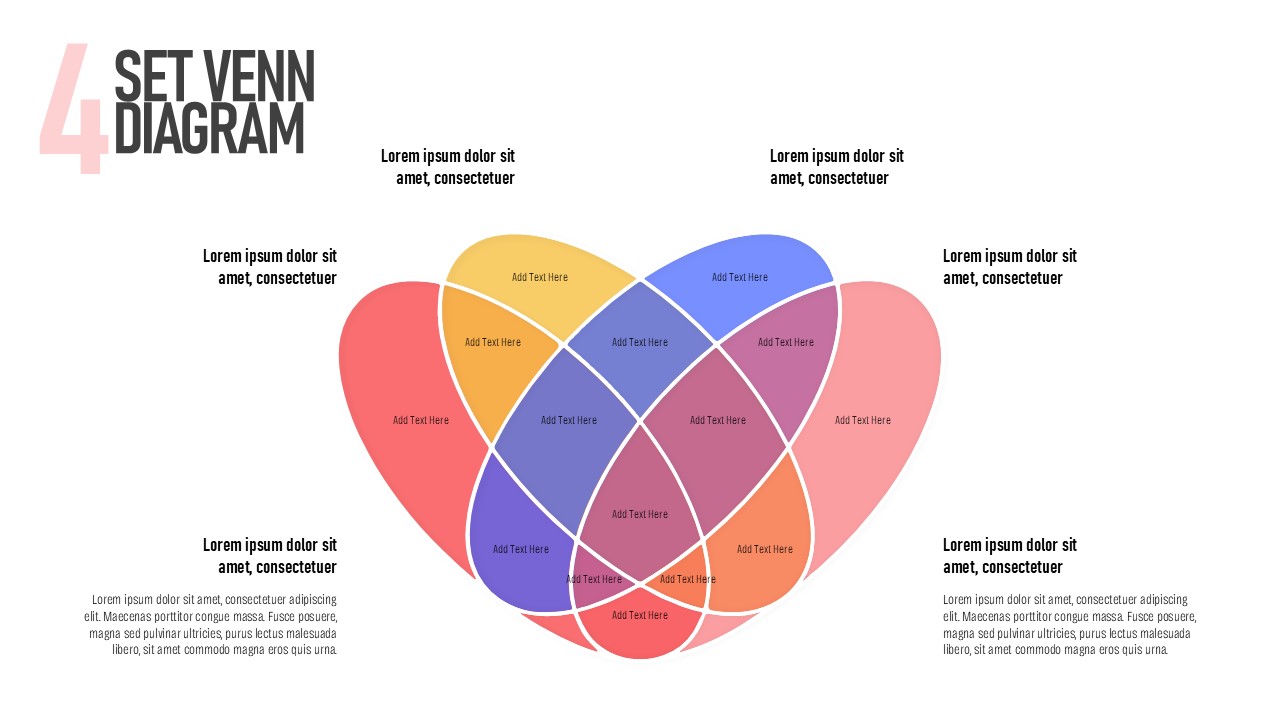
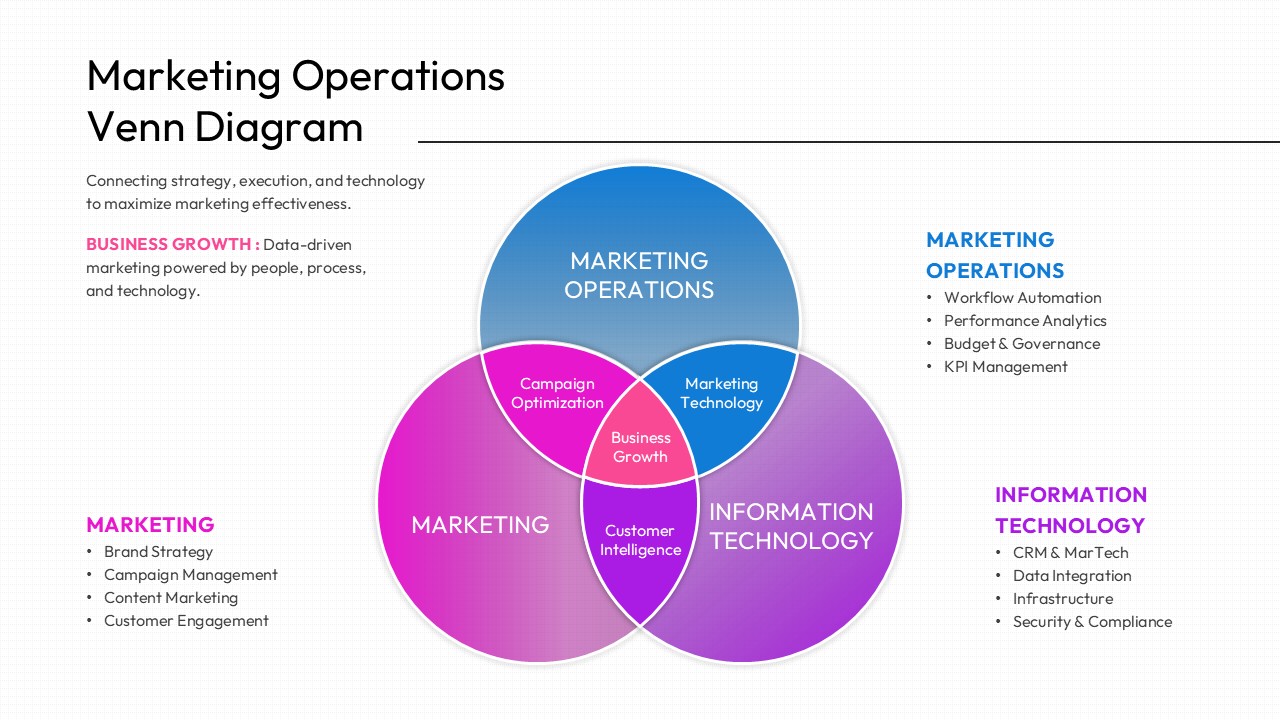
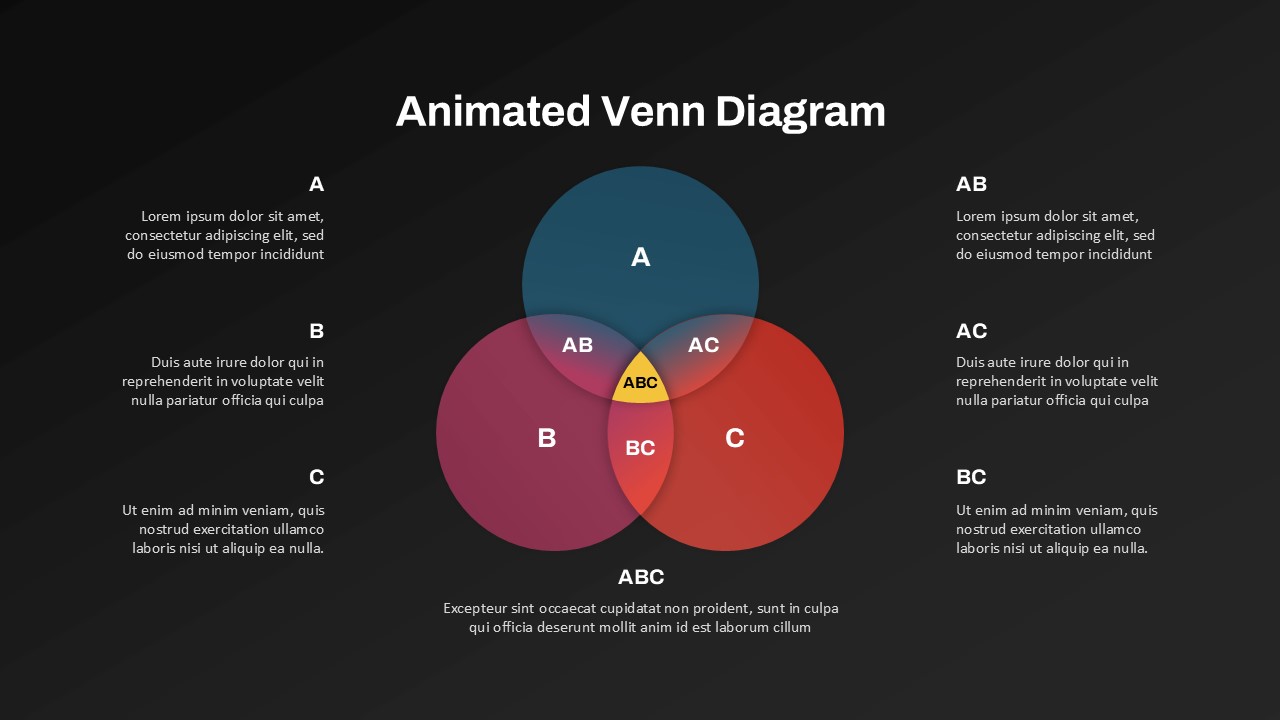
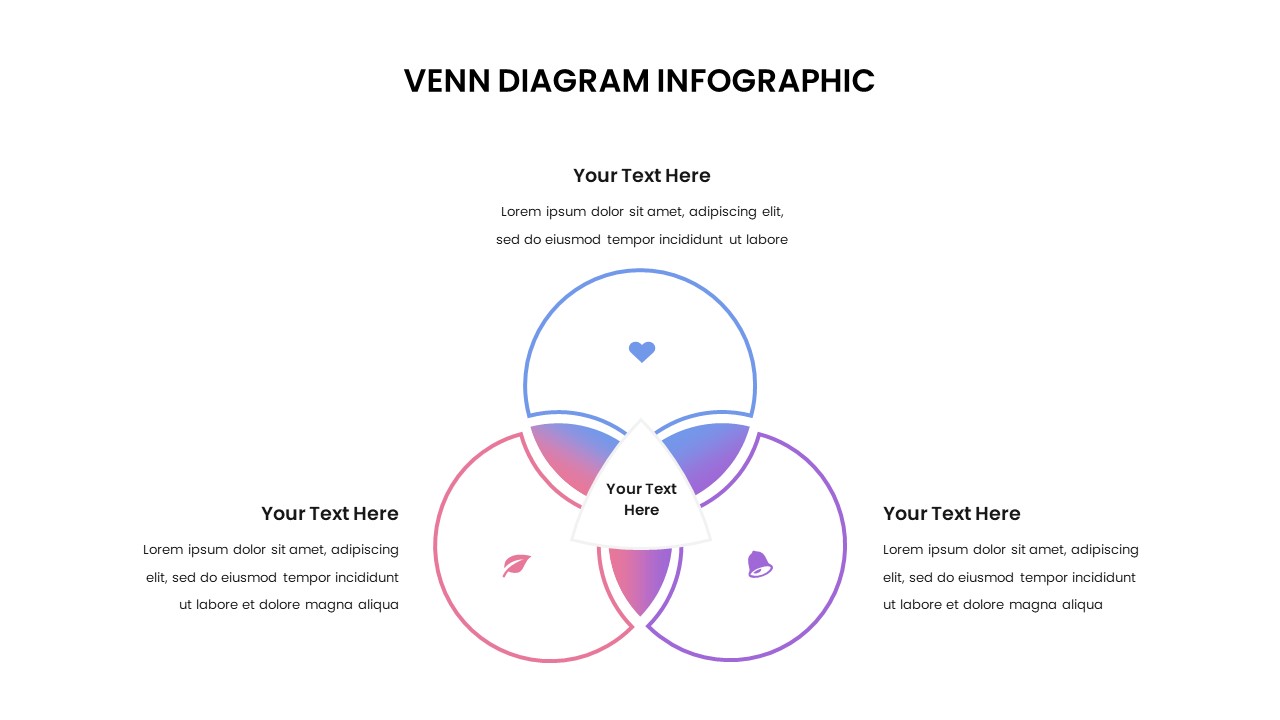
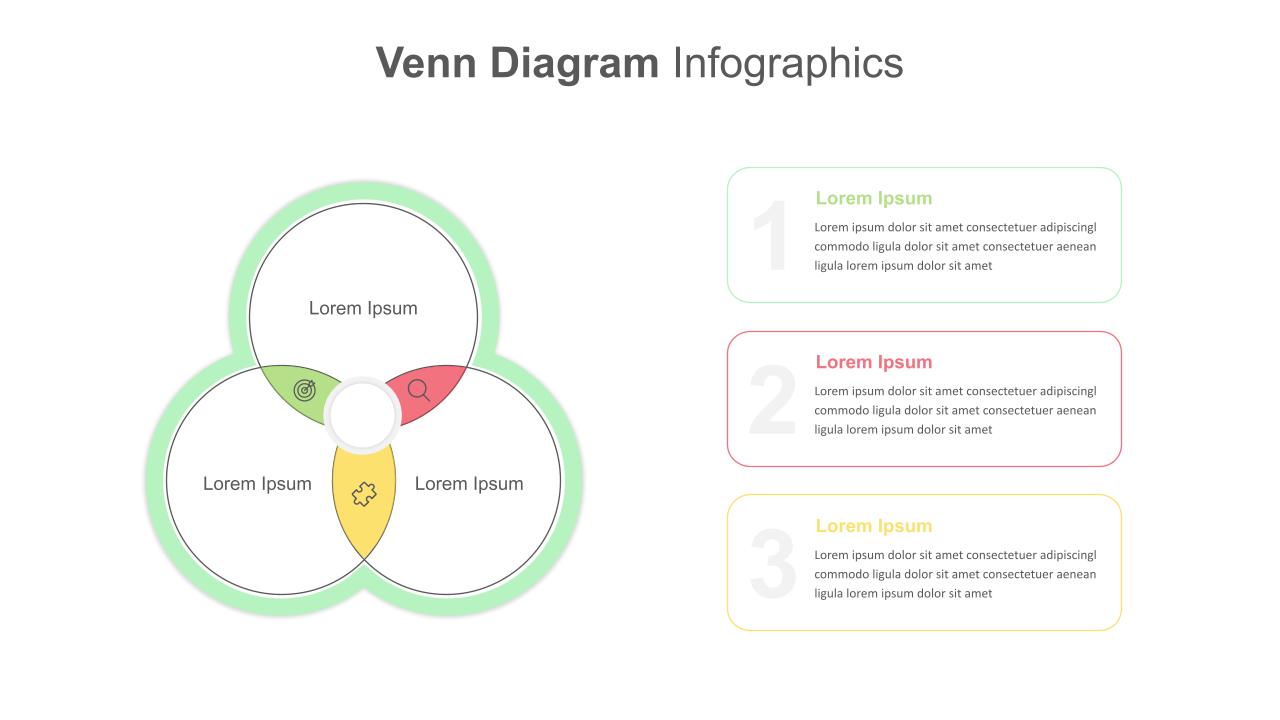
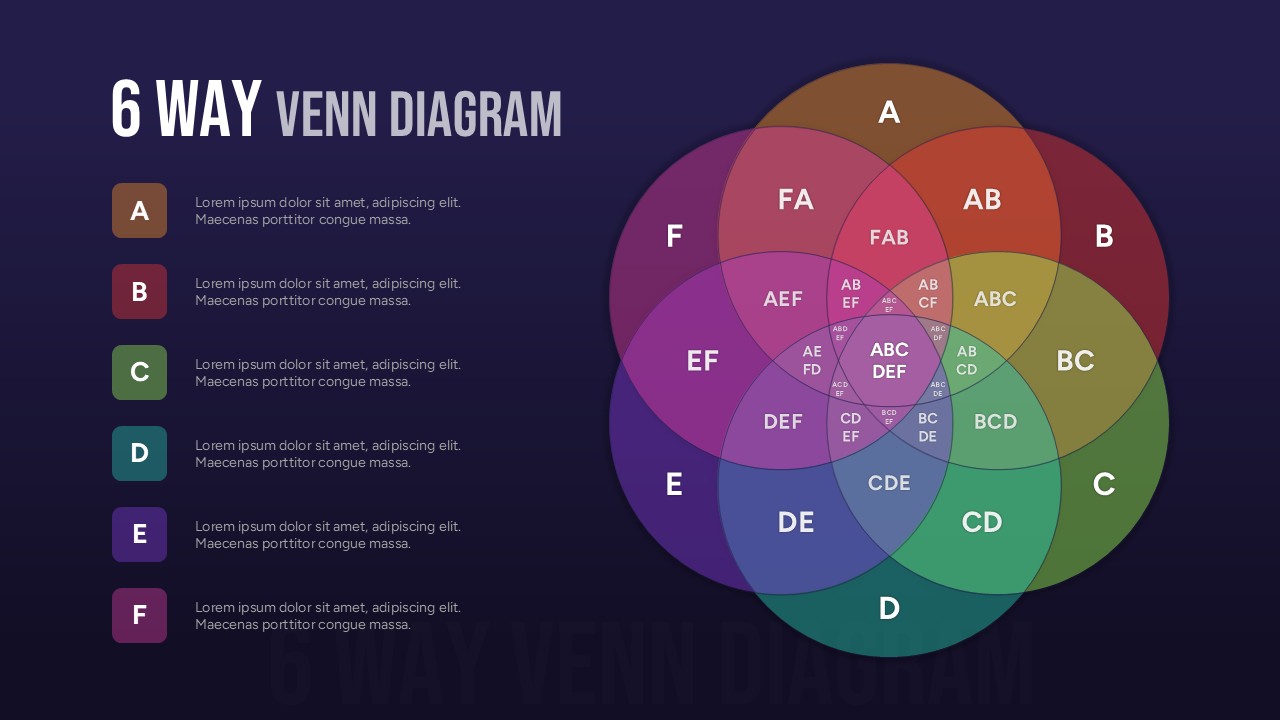
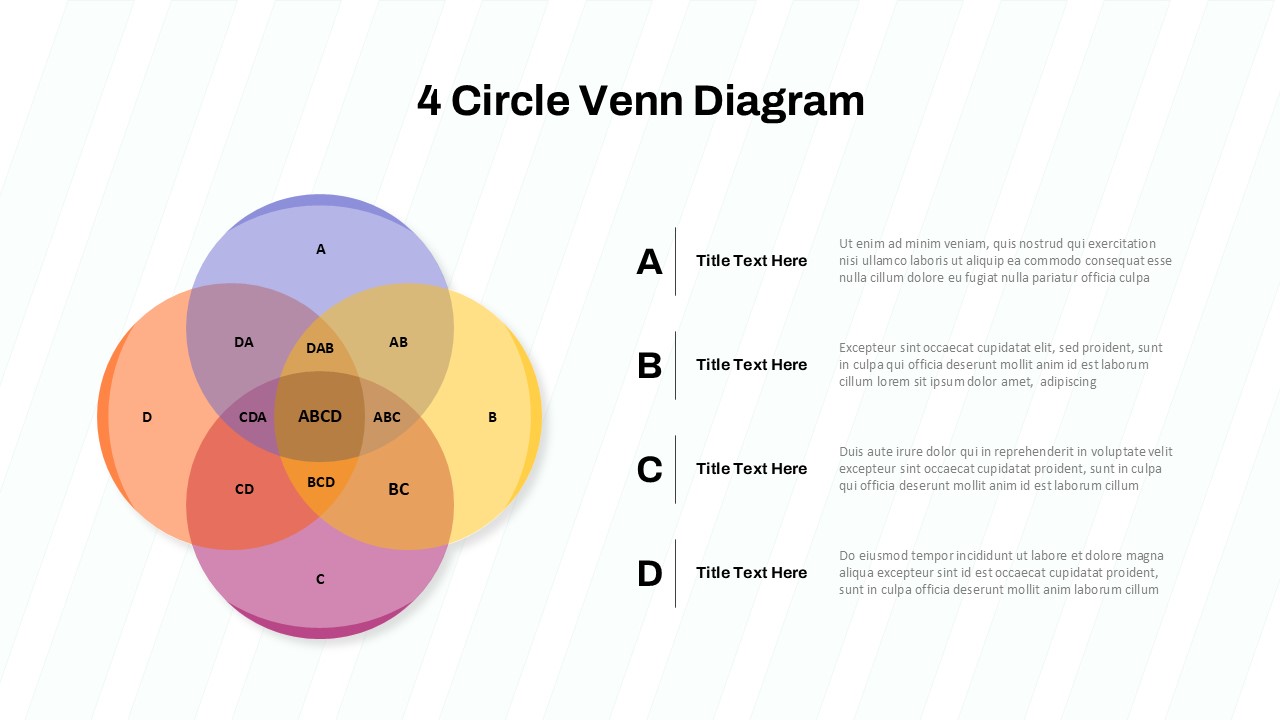
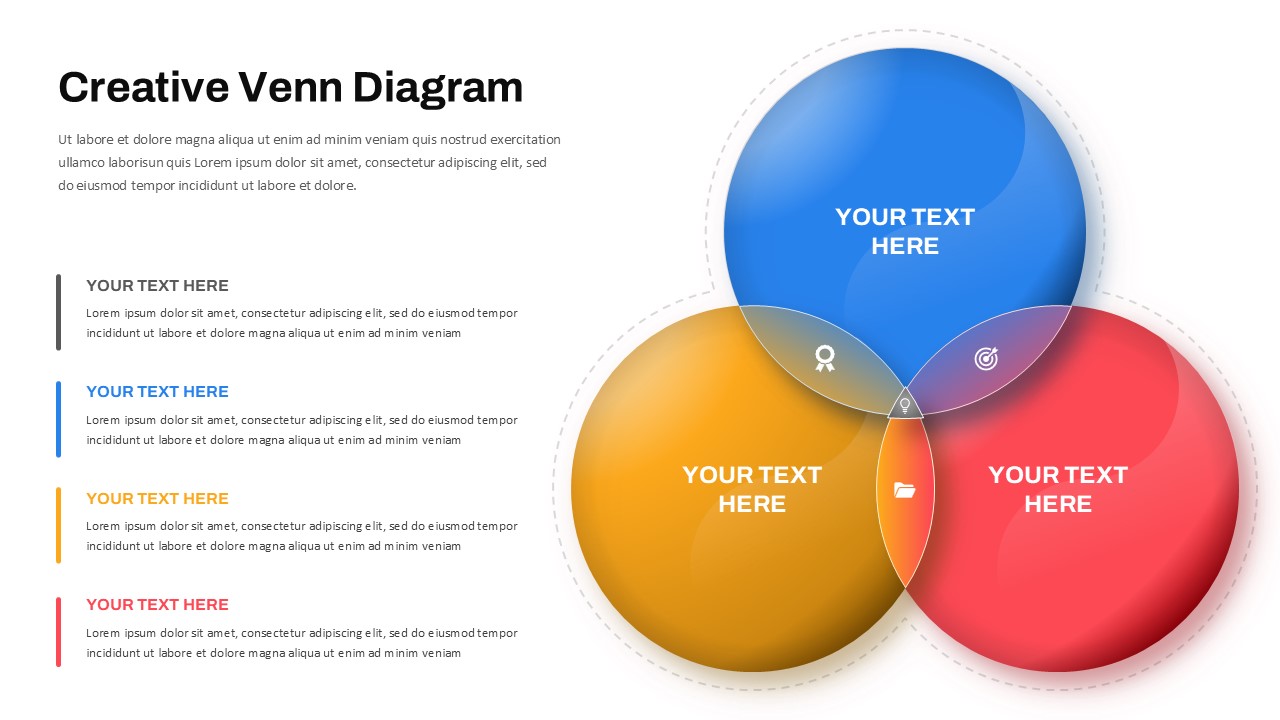
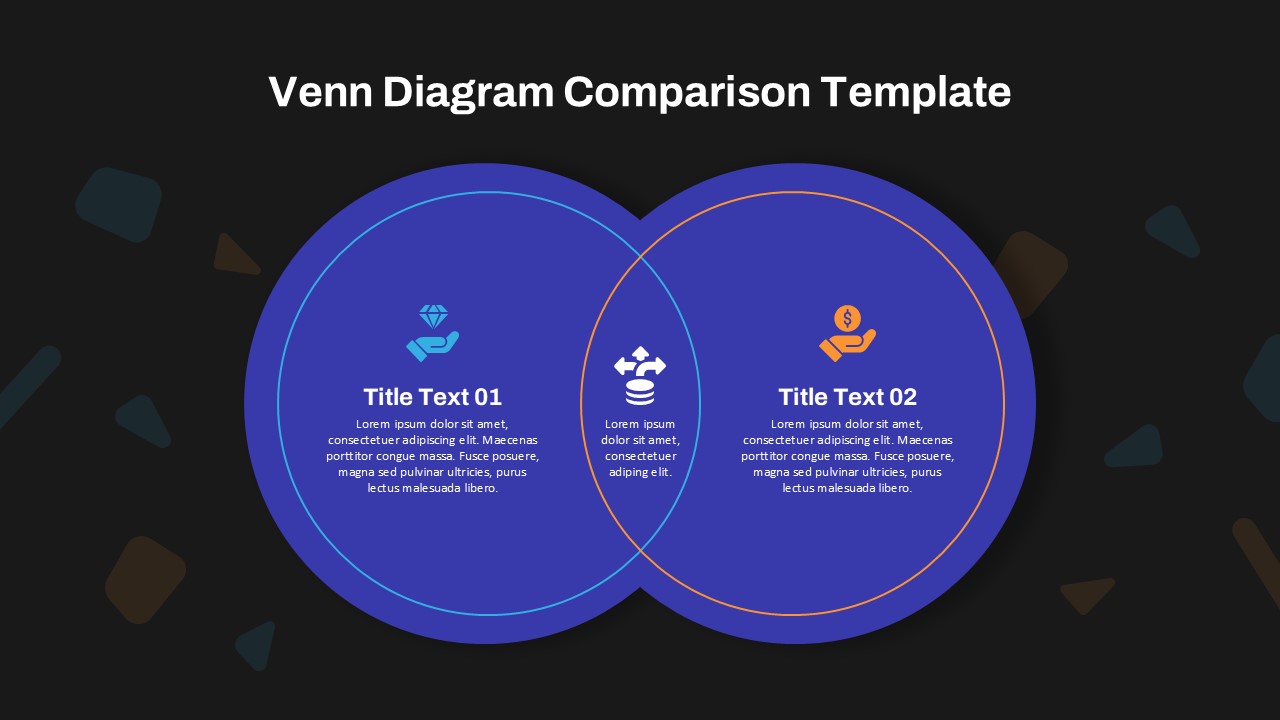
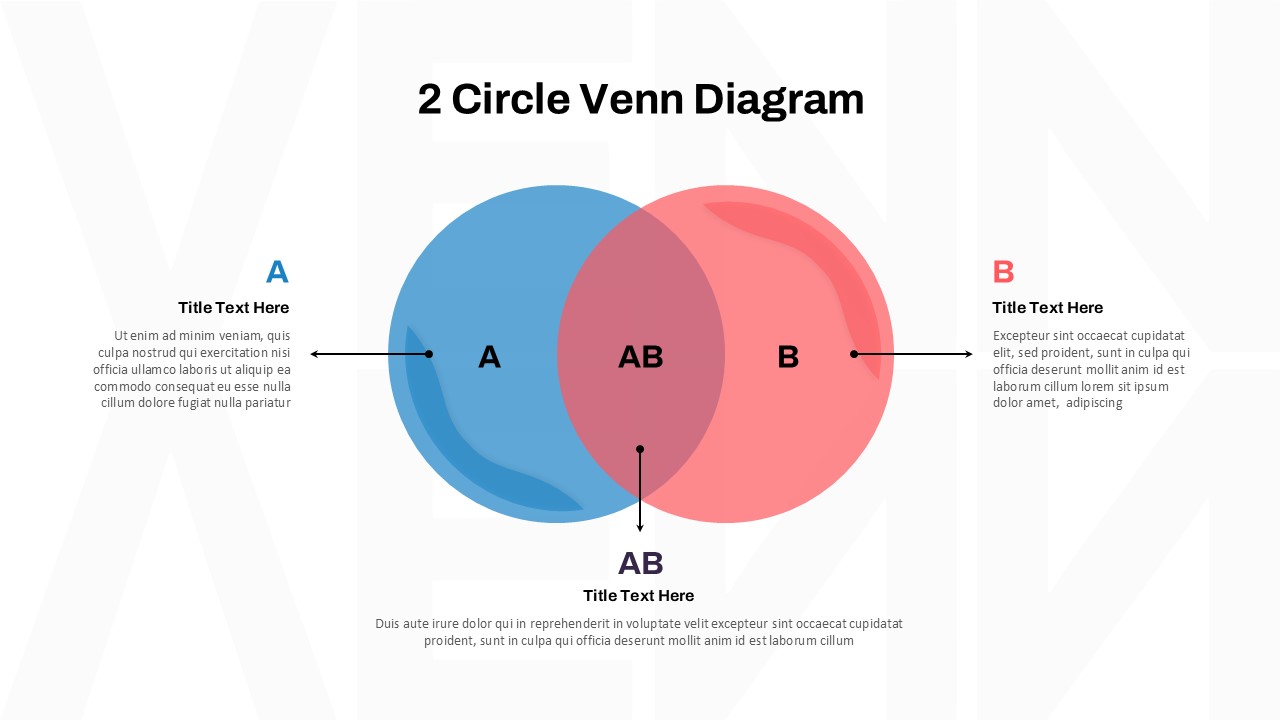
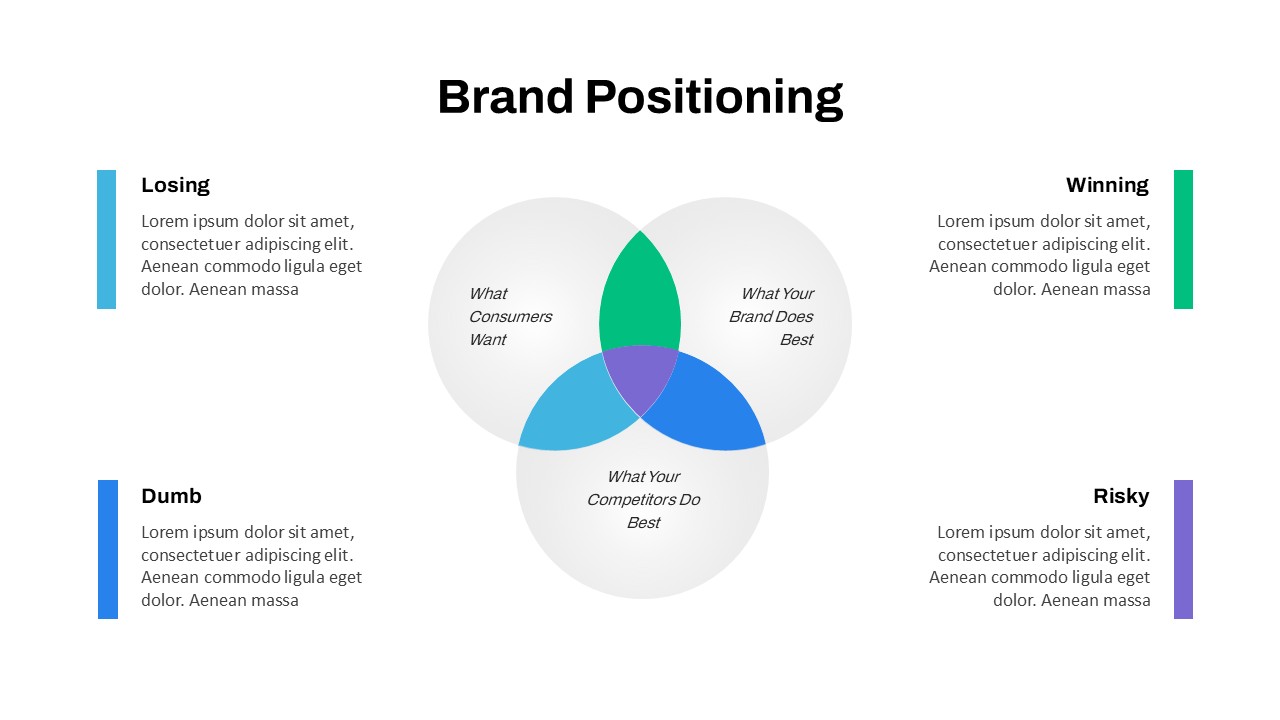
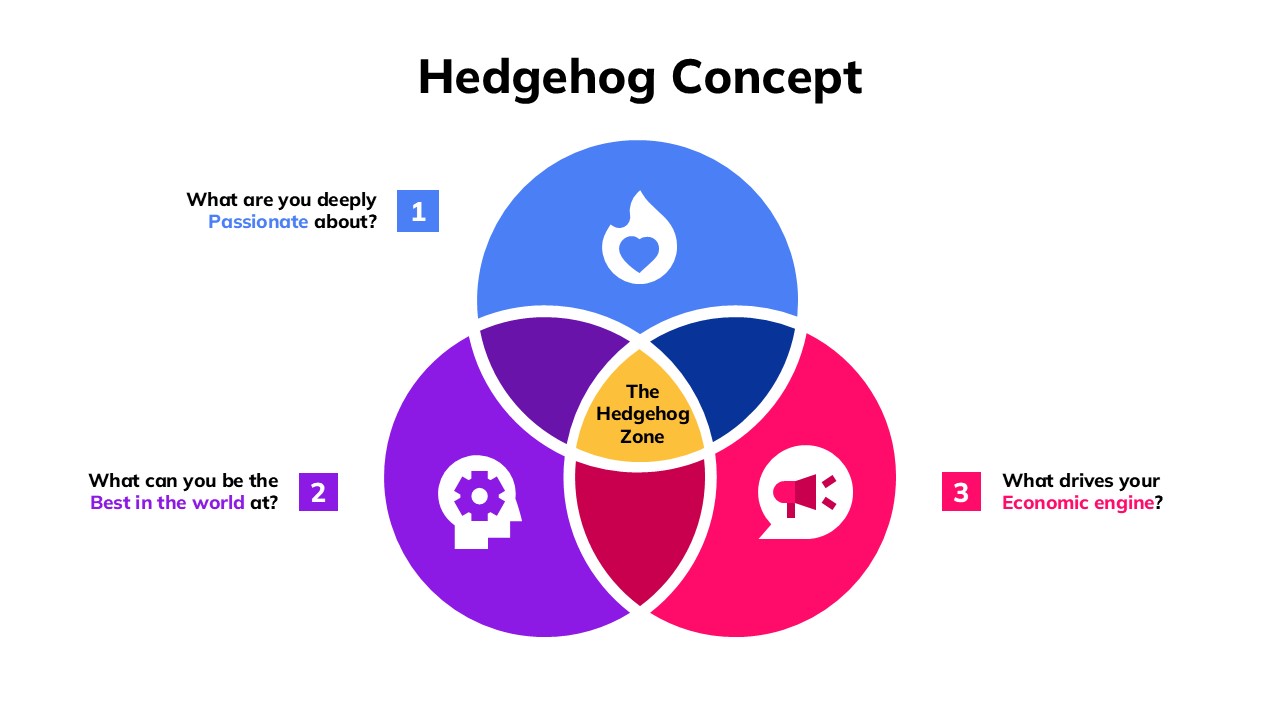
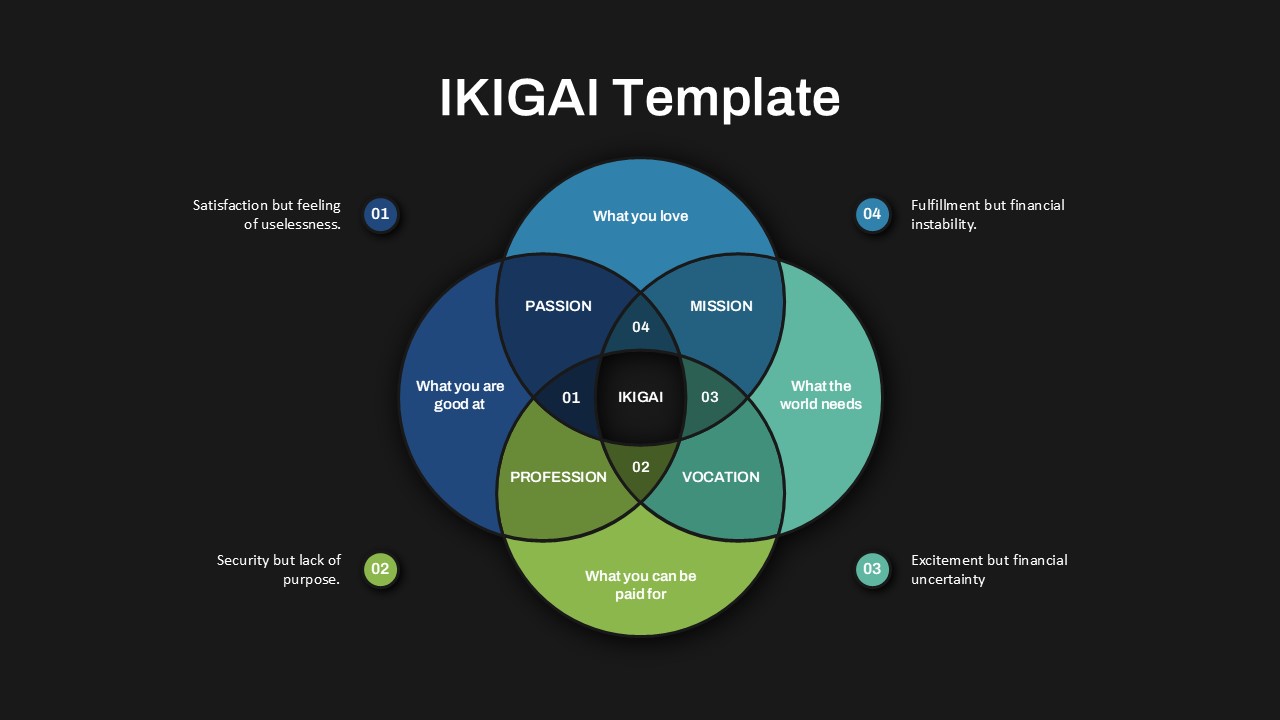
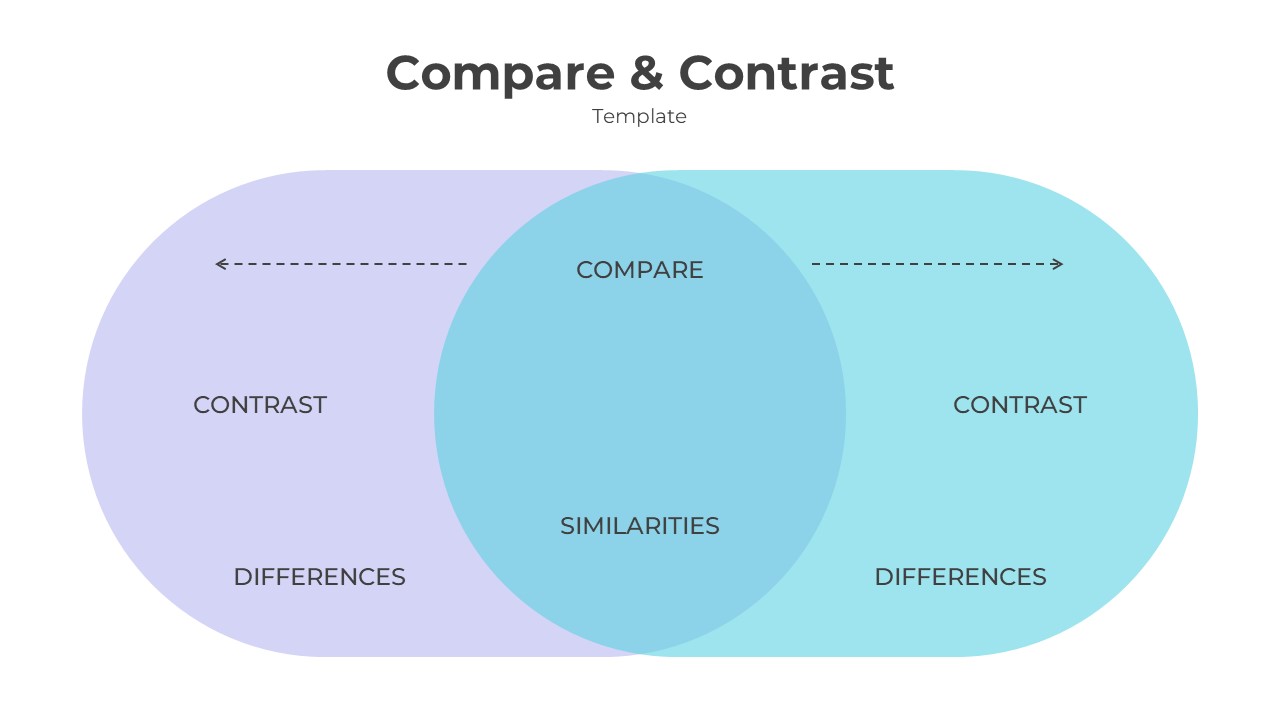
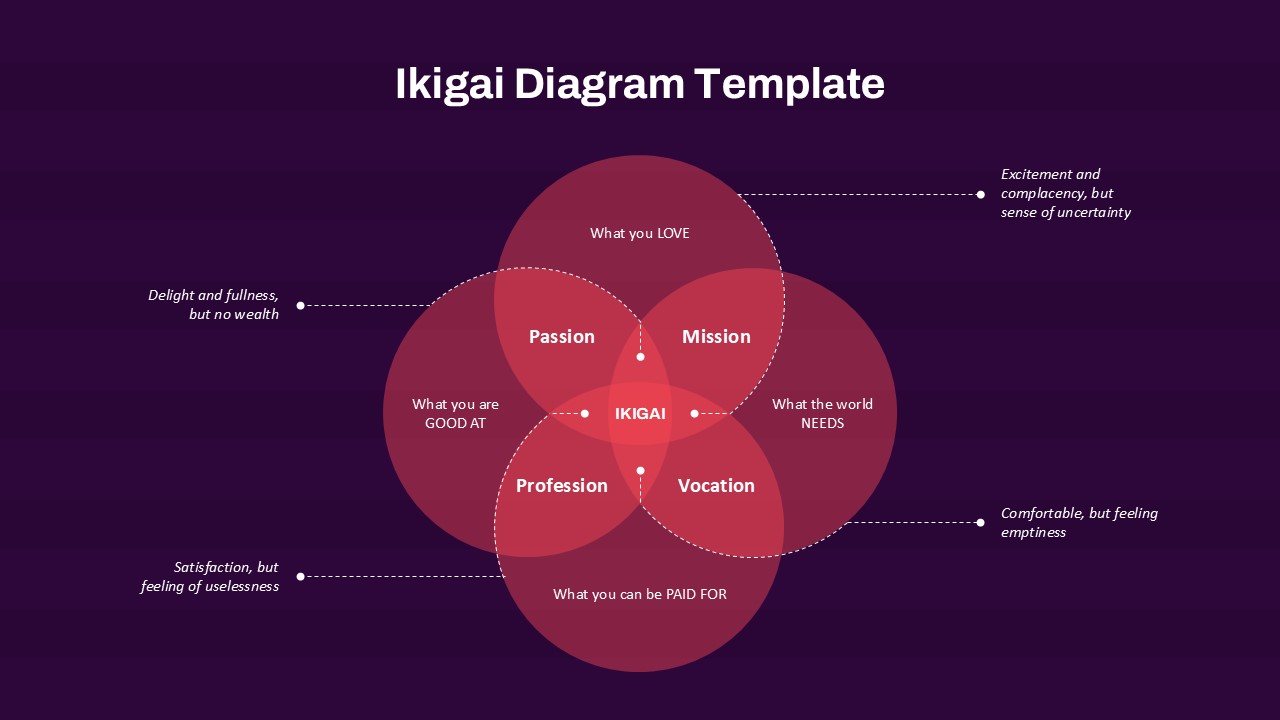
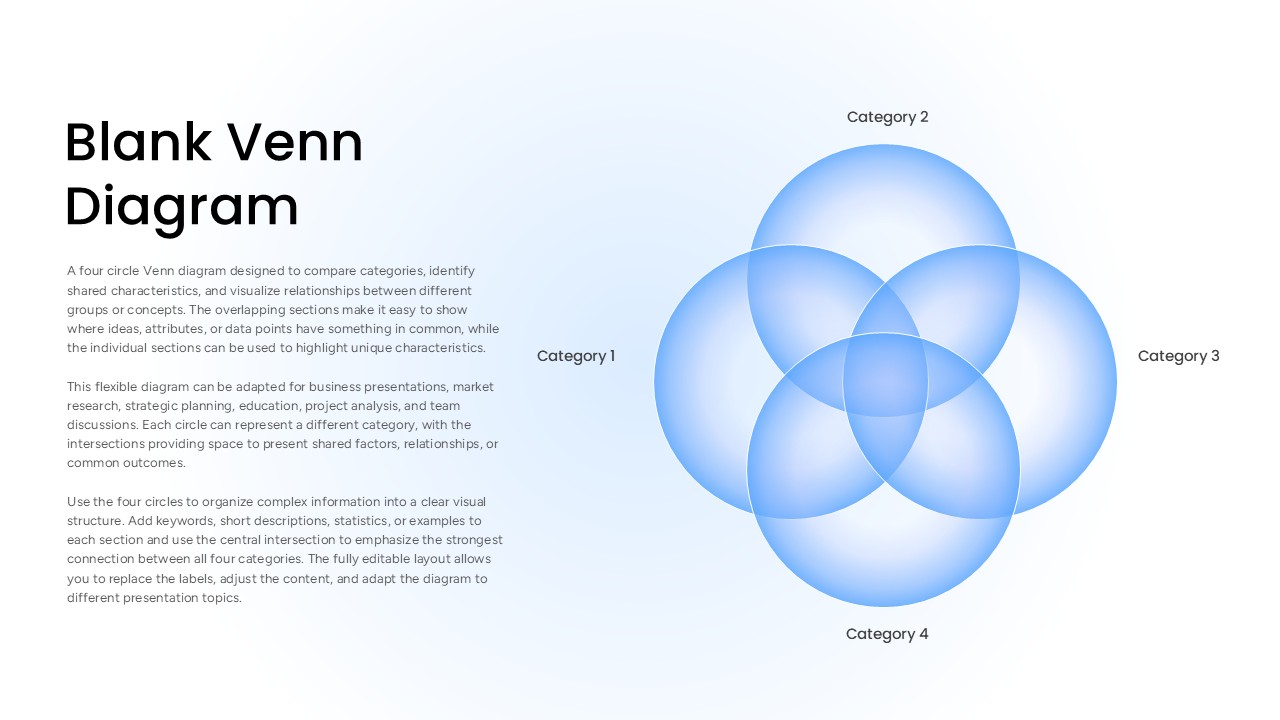
The Blank Venn Diagram Template helps you compare four categories and identify their similarities and differences. It features four overlapping blue circles on a clean, light background. Each circle represents a separate topic, group, or concept. The overlapping areas show where these categories share common features. This simple layout makes complex information easier to understand and present.
You can use this Blank Venn Diagram Template for PowerPoint and Google Slides to organize ideas, compare options, and explain relationships. It works well for business meetings, classroom lessons, research presentations, and team discussions. For example, compare four products, analyze customer groups, or explore related business strategies. Add short labels, keywords, facts, or examples to each circle. Then use the shared sections to highlight common goals, features, or findings.
The template is fully customizable, so you can adapt it to your presentation needs. Edit the category labels and add your own content. You can also change the colors, adjust the text, and highlight important intersections. The blue circles create a professional look without distracting your audience. The spacious layout keeps your information clear and readable. Both PowerPoint and Google Slides make it easy to update the diagram and reuse it for different projects.
- Four Categories: Organize four topics, groups, products, or concepts.
- Overlapping Sections: Show shared features and relationships between categories.
- Clear Labels: Rename each category to match your subject.
- Editable Design: Customize text, colors, and content in PowerPoint and Google Slides.
- Versatile Layout: Present comparisons, research findings, and connected ideas.
- Professional Style: Use the clean blue design for business and educational presentations.
Use this diagram to turn complex comparisons into a clear visual story. Keep each label short and place only relevant information in the overlapping areas. This approach helps your audience understand the connections quickly. Whether you are teaching a concept, evaluating business options, or planning a project, this template provides a practical way to communicate your ideas.
See more

Aspect Ratio
16:9Item ID
SKT05060


FAQs
You May Also Like These Presentation Templates

- Free

- Free
- Free