8-Item Spoke Diagram Infographic Template for PowerPoint & Google Slides
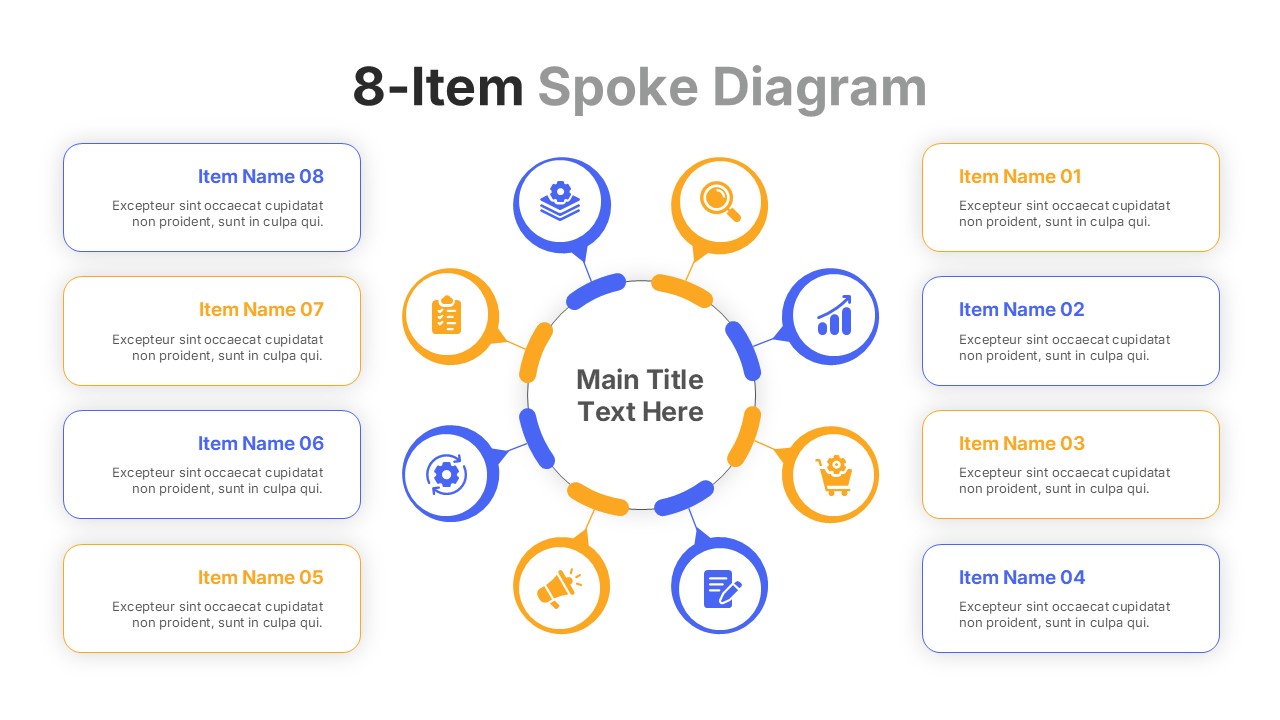
Circular 8-Step Spoke Diagram Presentation Template for PowerPoint & Google Slides
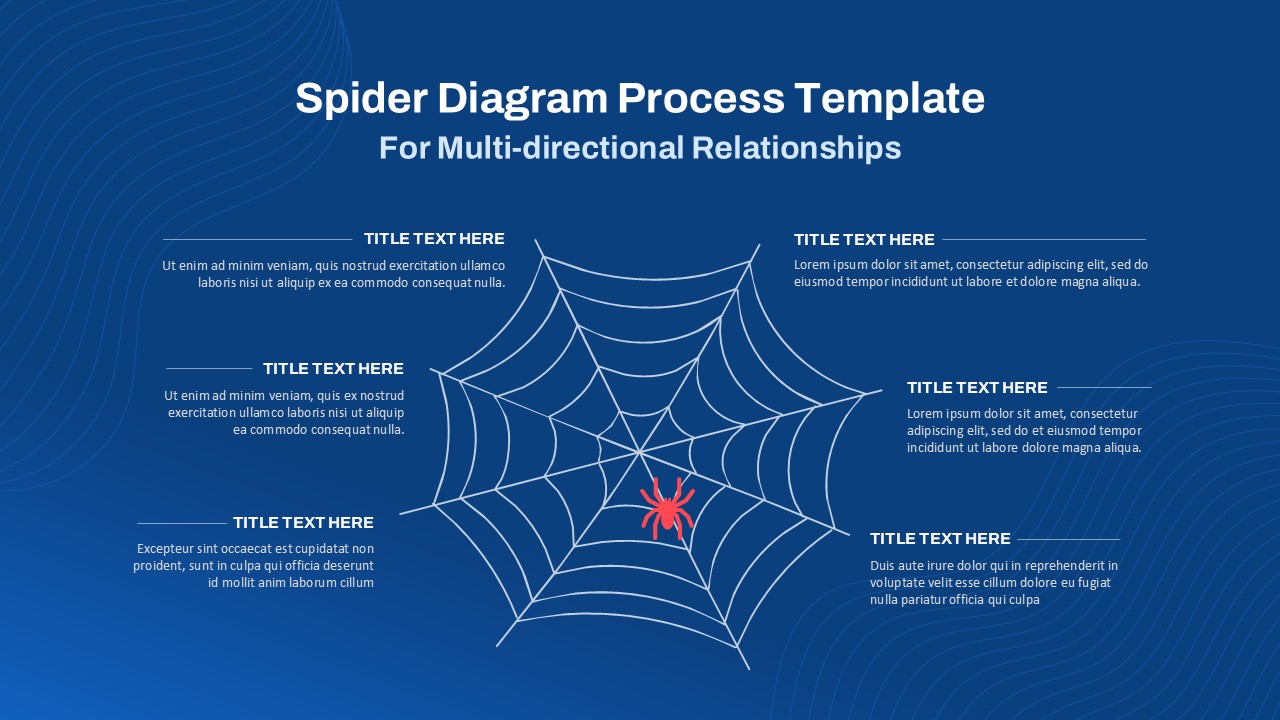
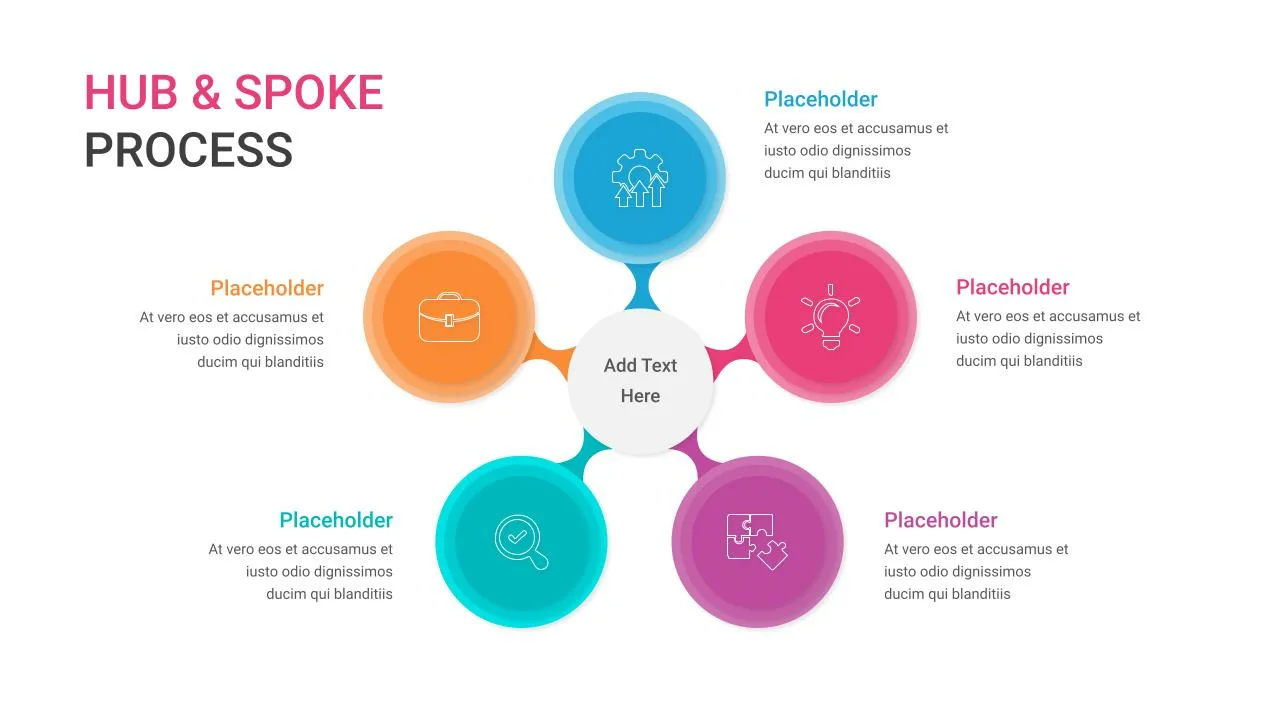
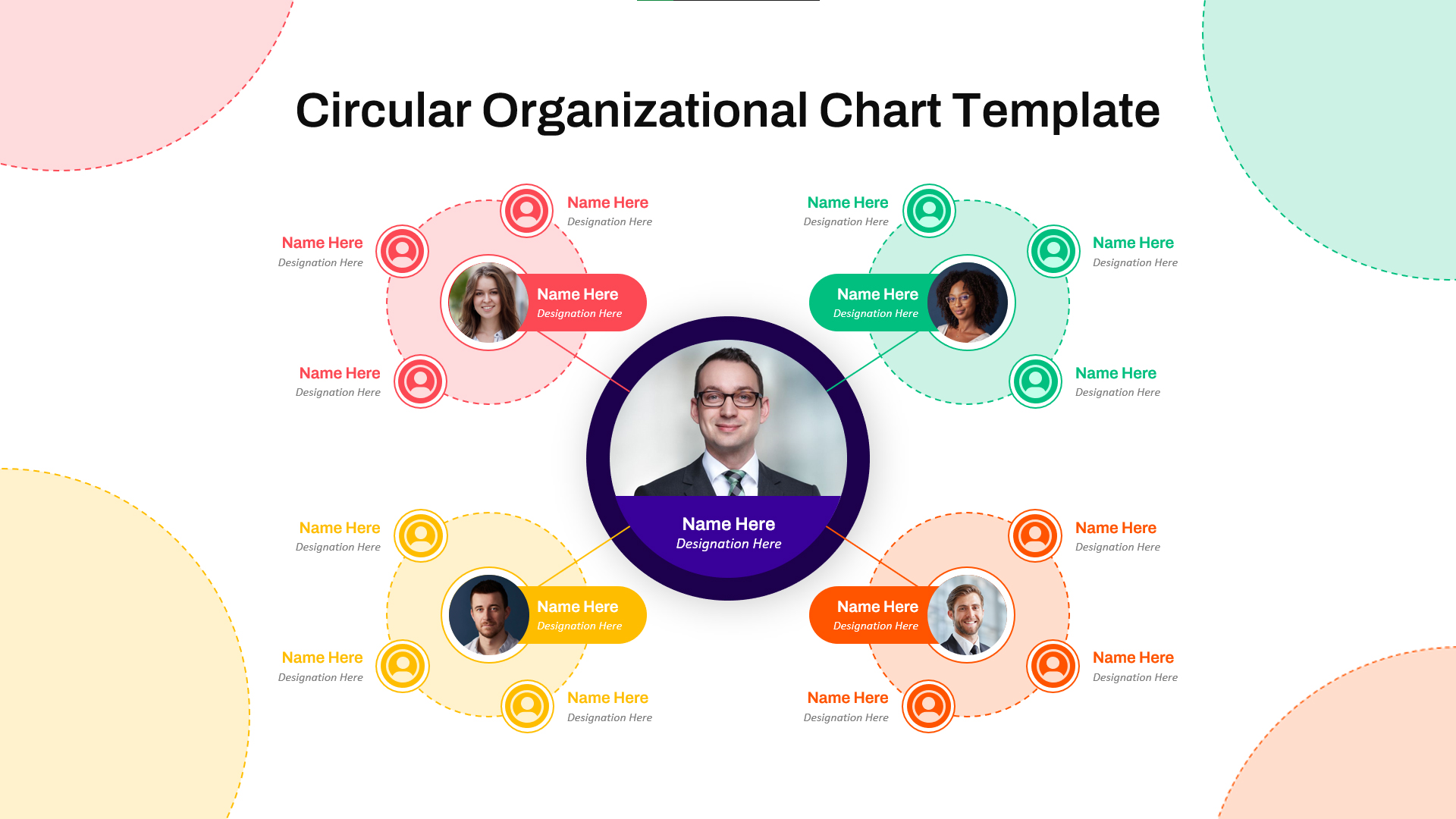
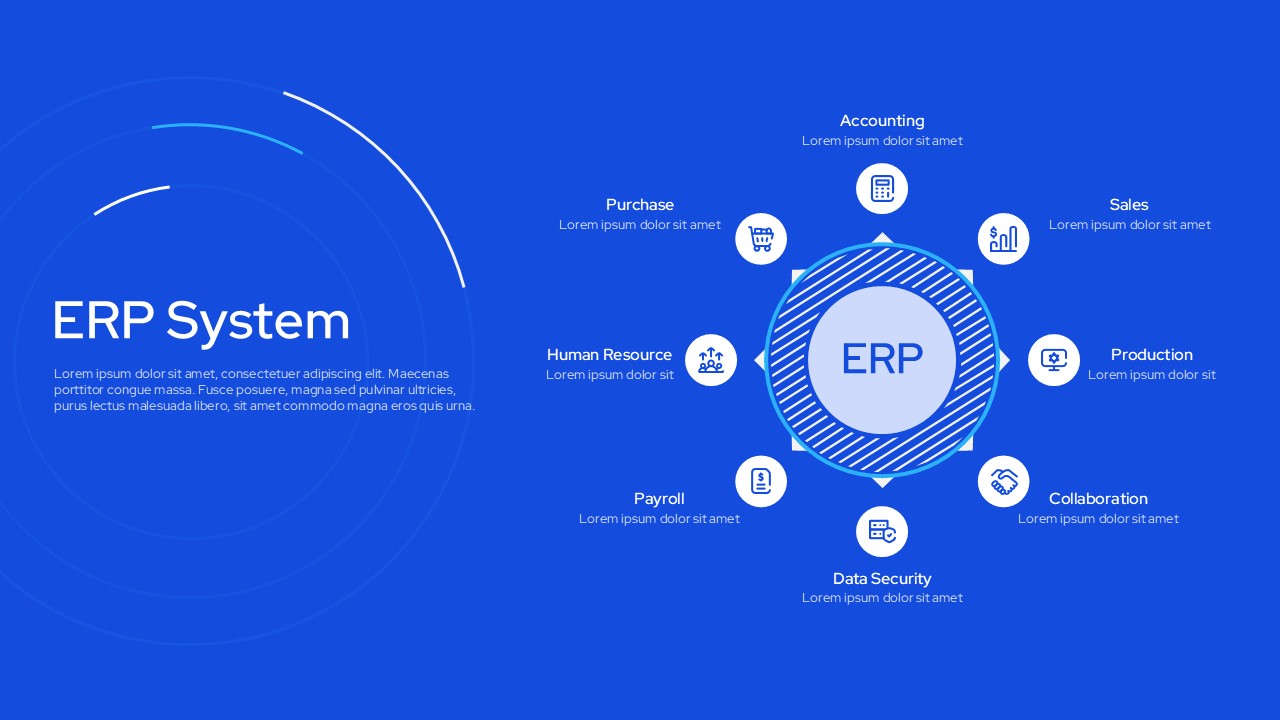
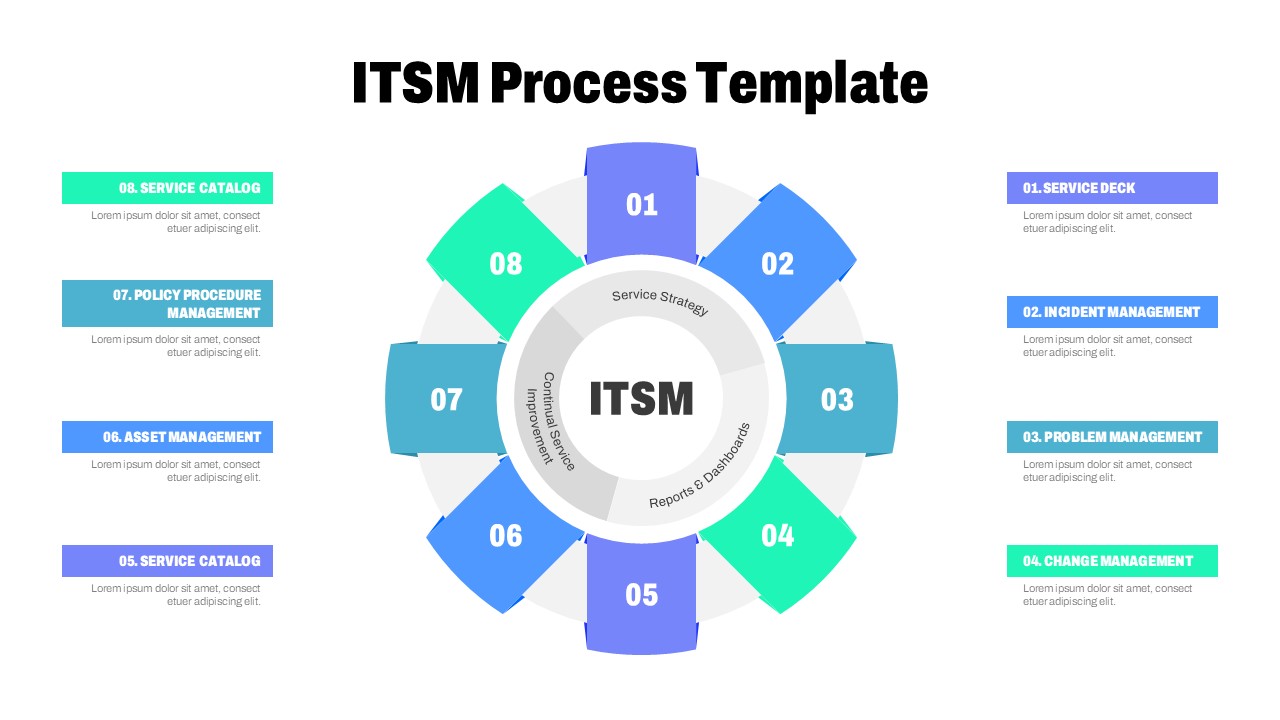
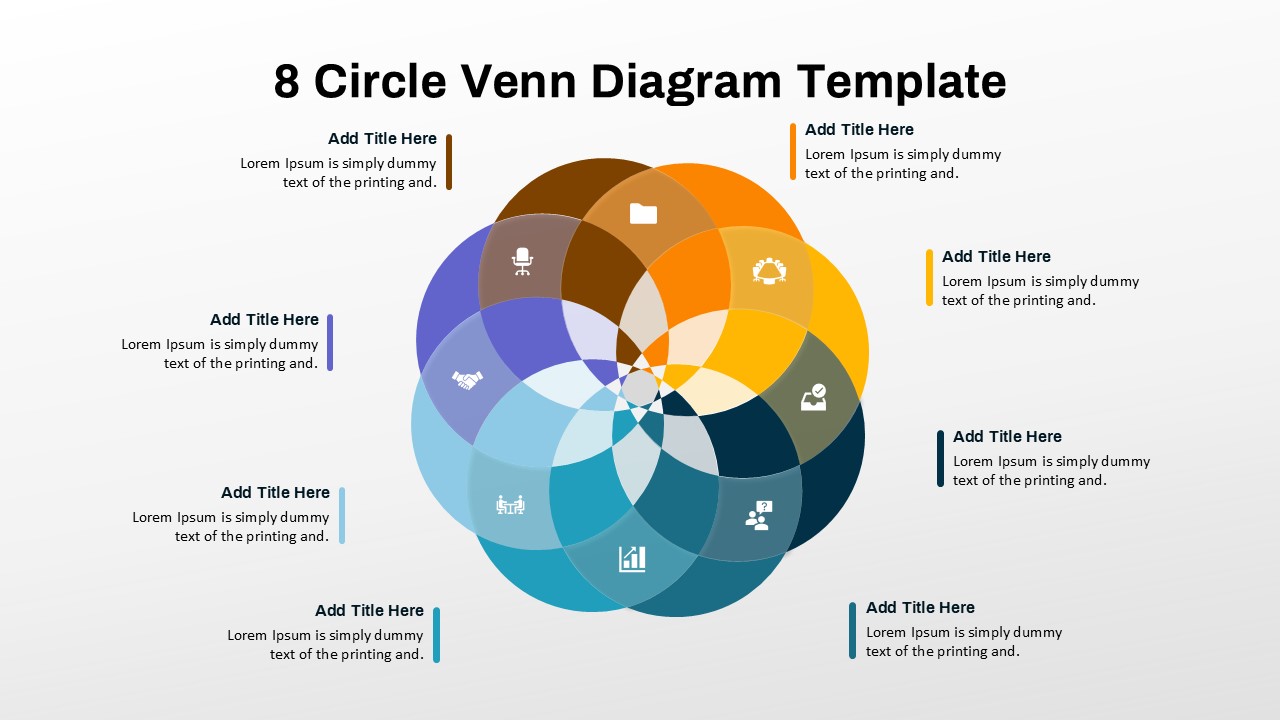
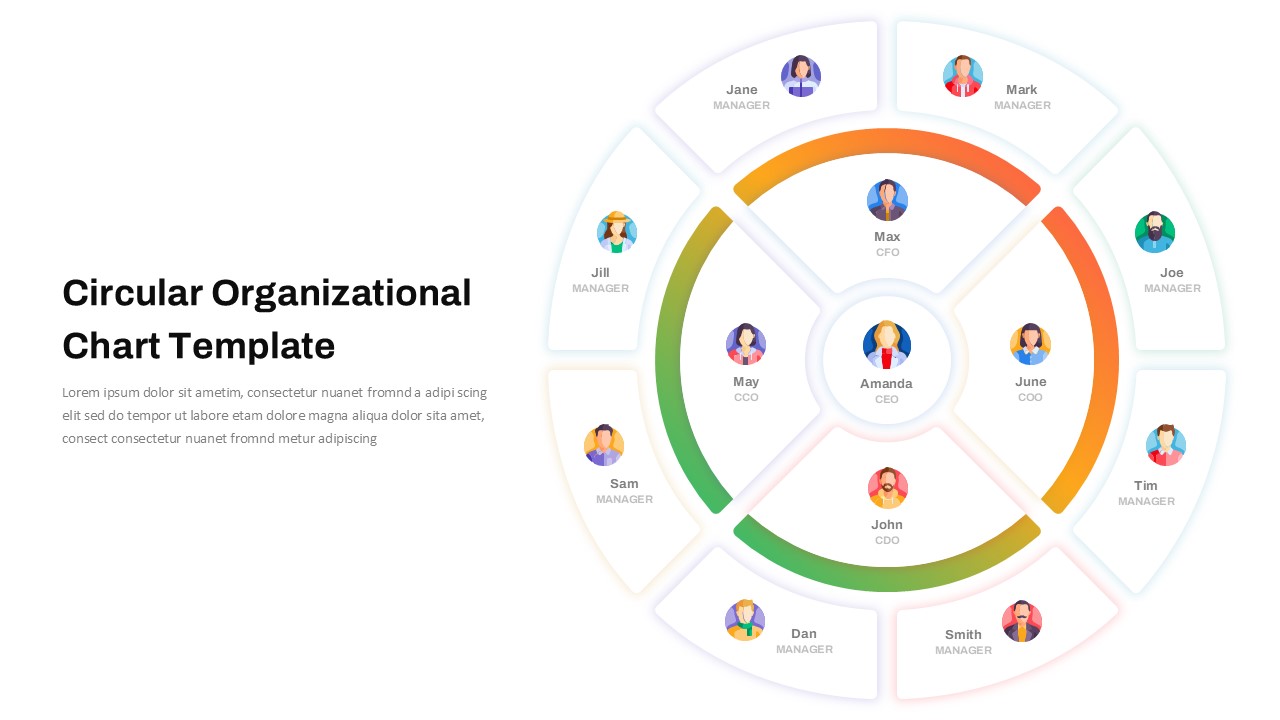
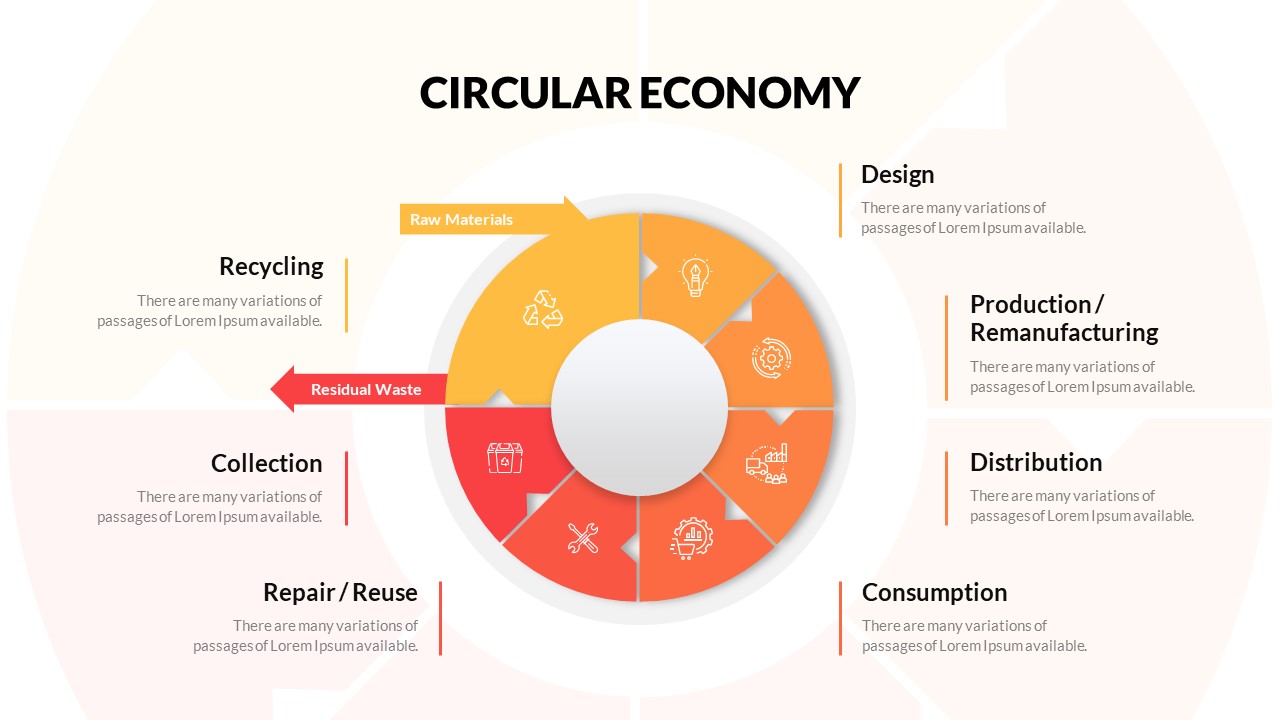
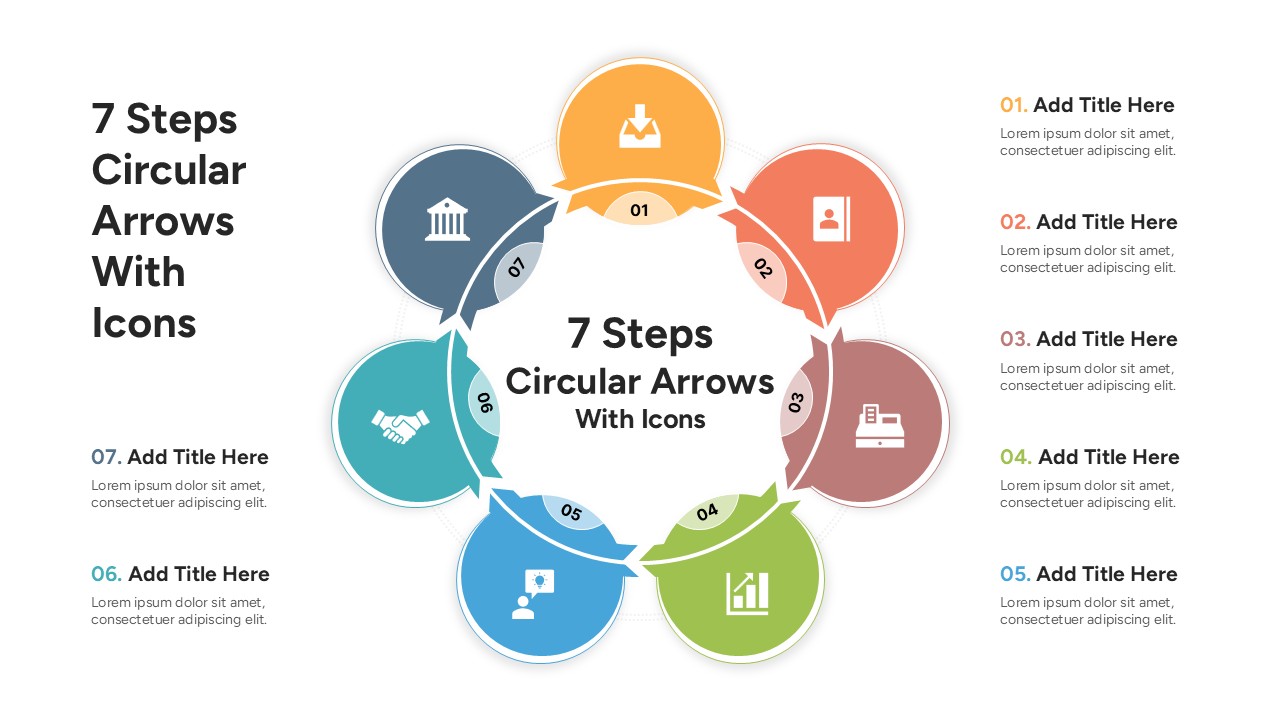
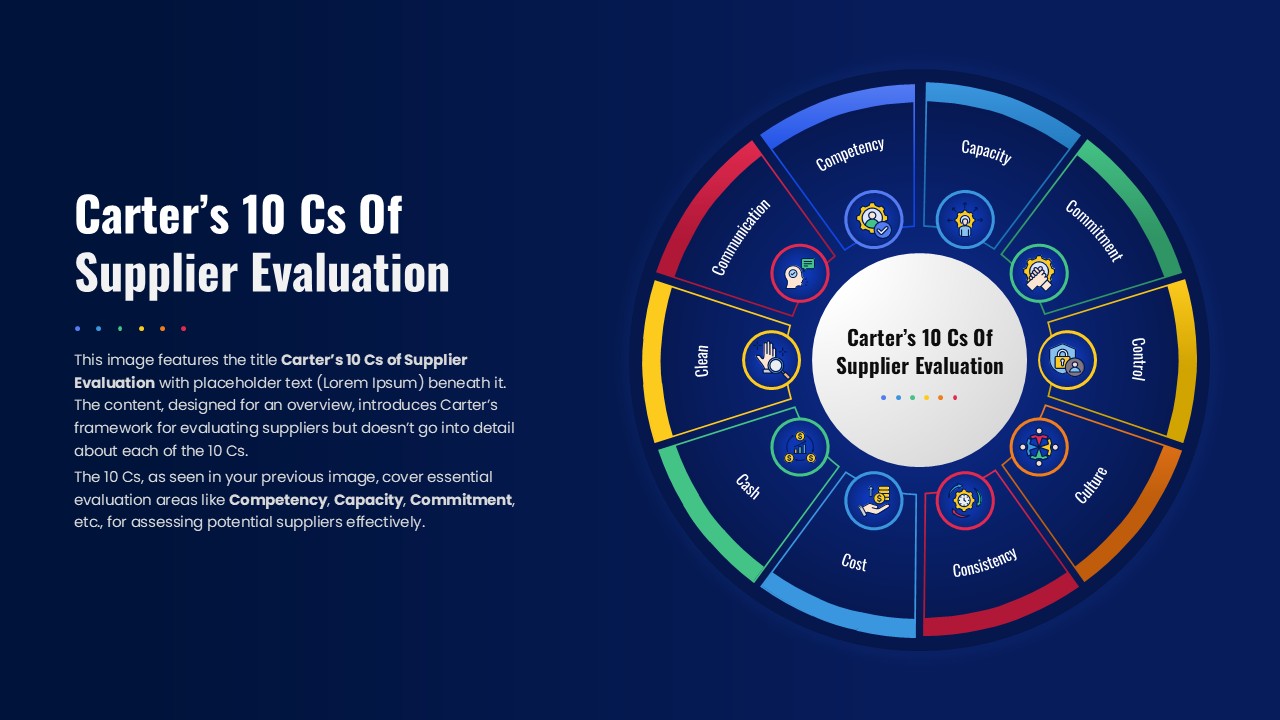
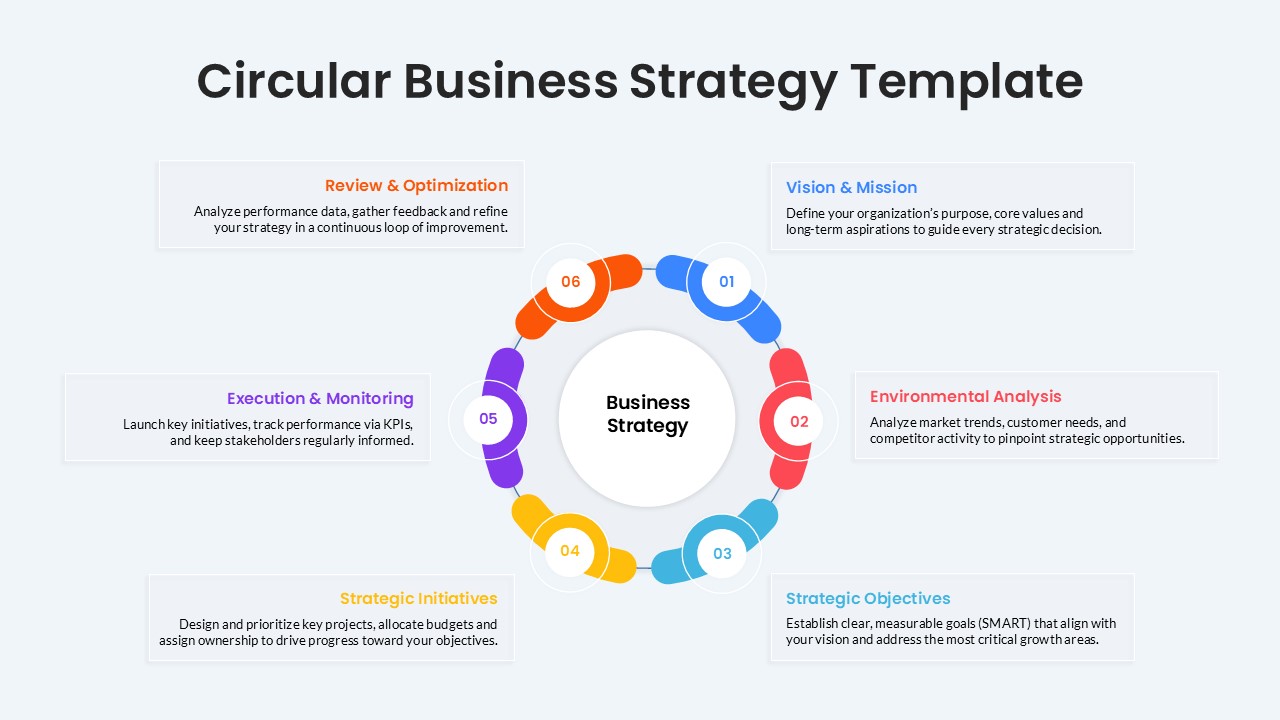
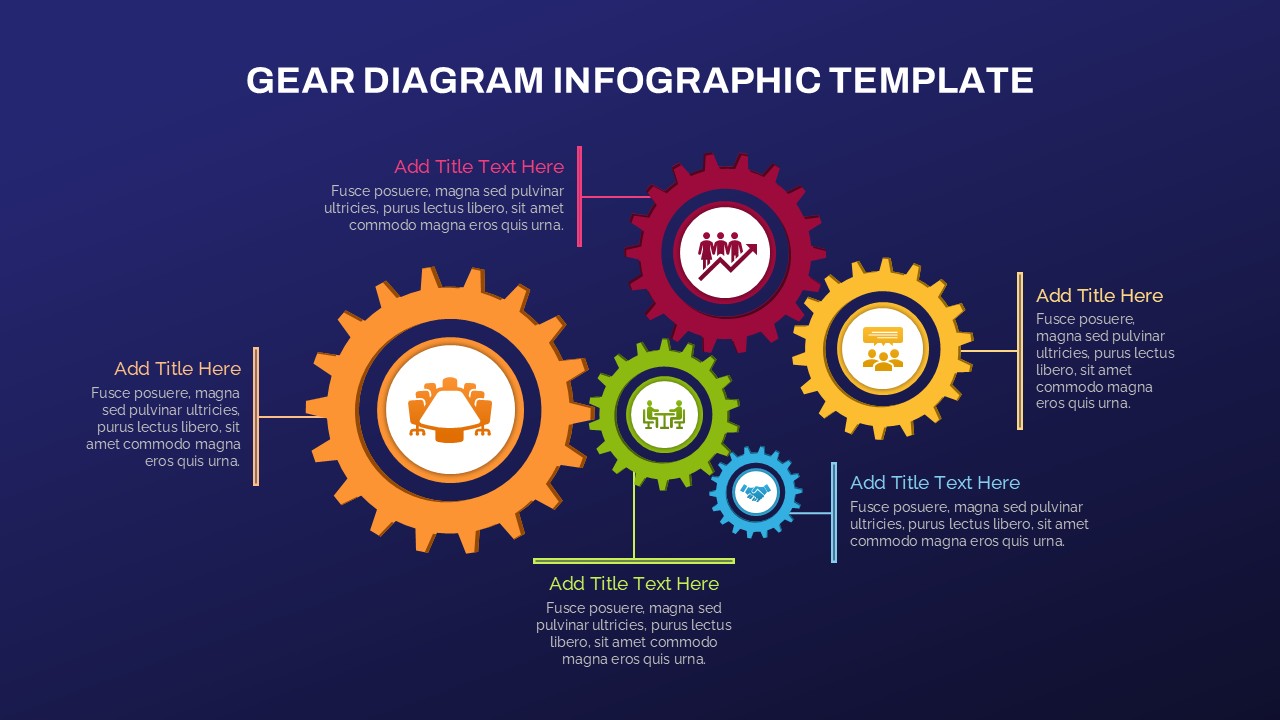
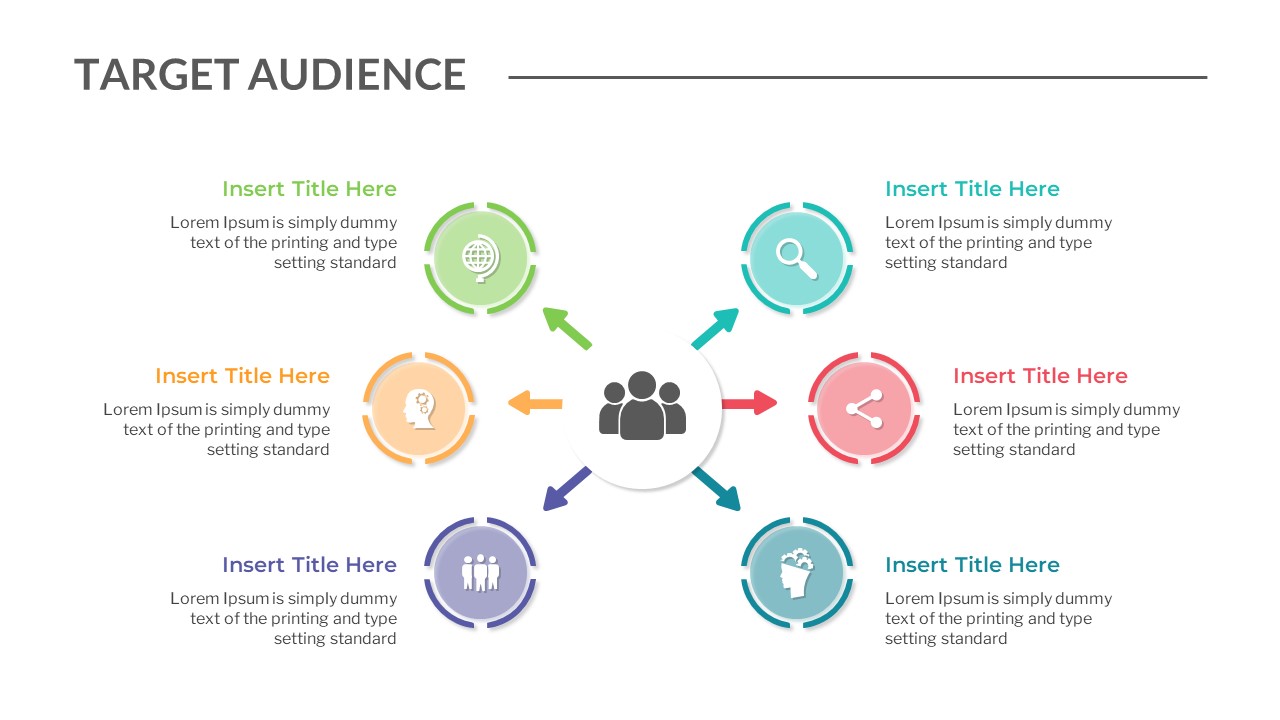
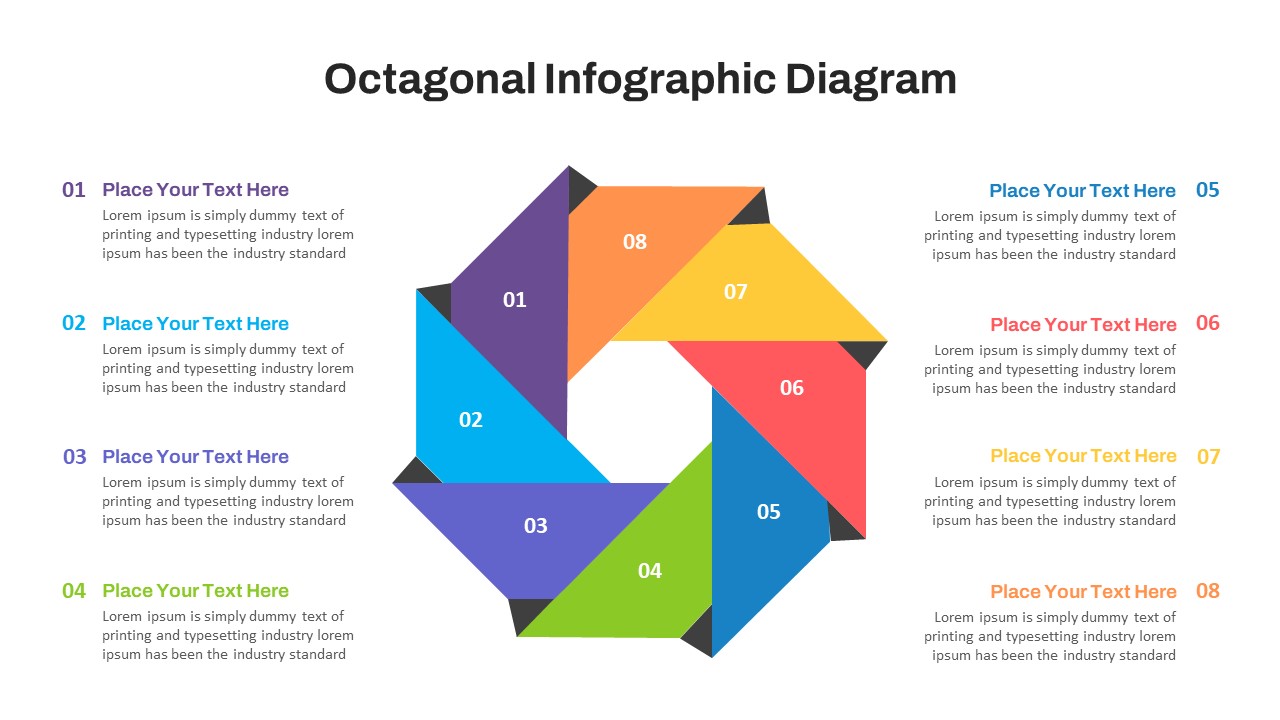
The 8-Item Spoke Diagram Infographic Template for PowerPoint & Google Slides is a visually balanced presentation design created to showcase interconnected ideas, workflows, strategies, and business concepts in a structured circular layout. Featuring a modern spoke diagram with eight connected segments around a central hub, this template helps presenters explain relationships between multiple components in a clean and engaging format. The alternating blue and orange design elements create visual contrast, making each section easy to distinguish during presentations.
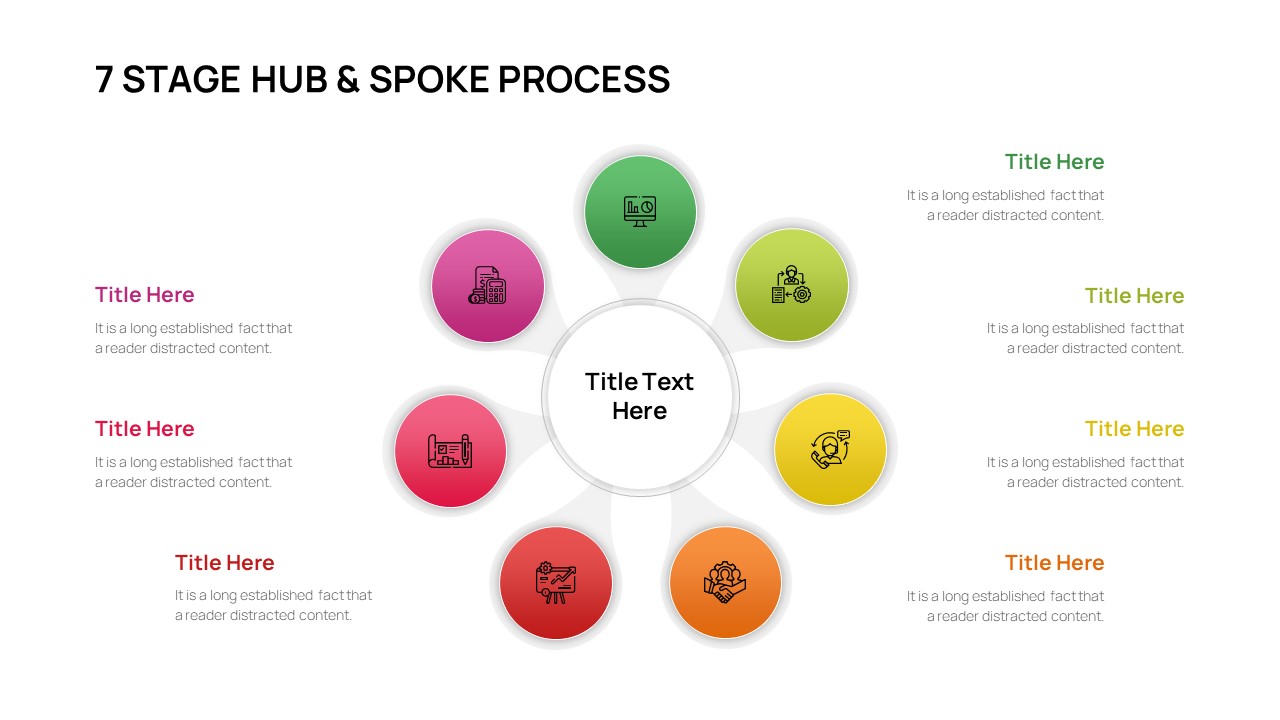
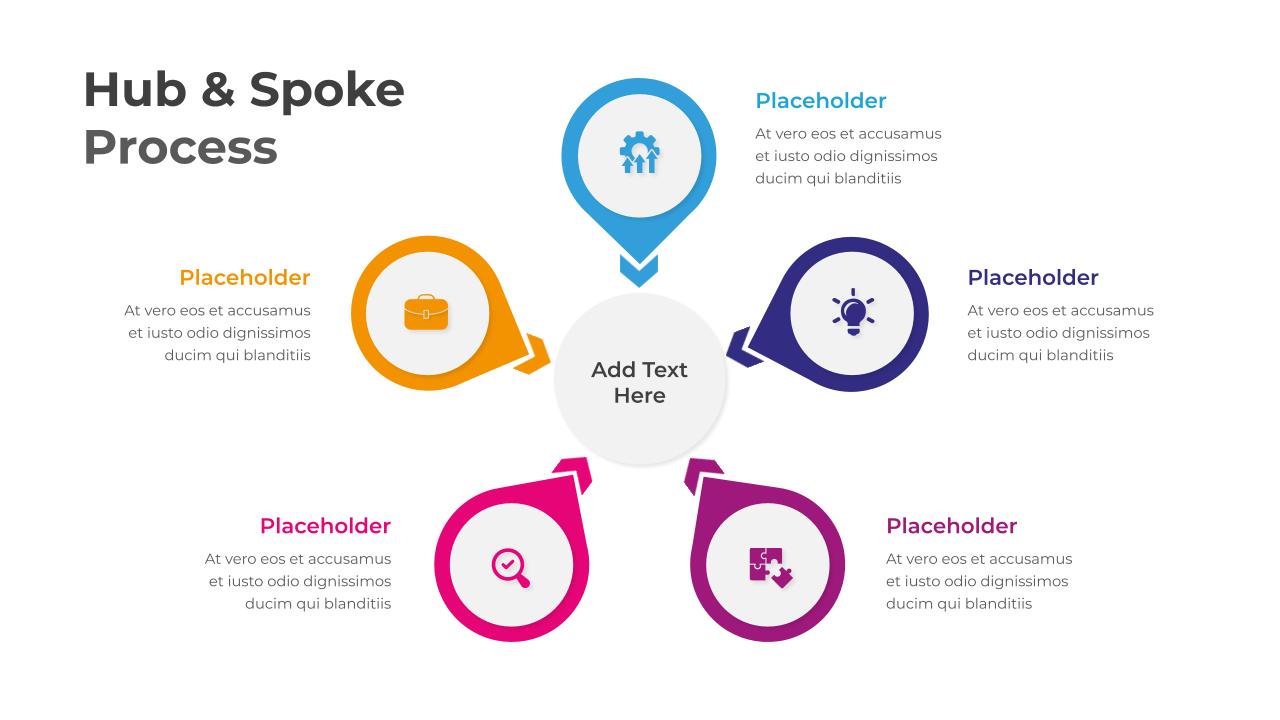
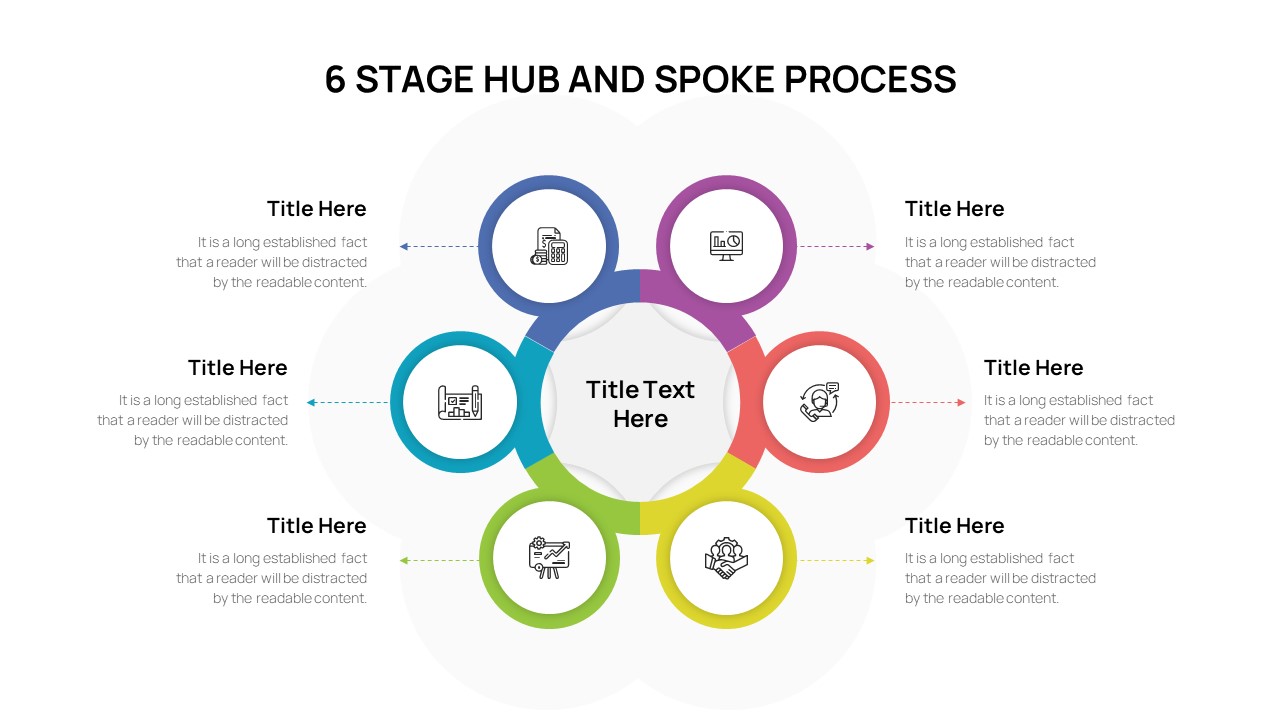
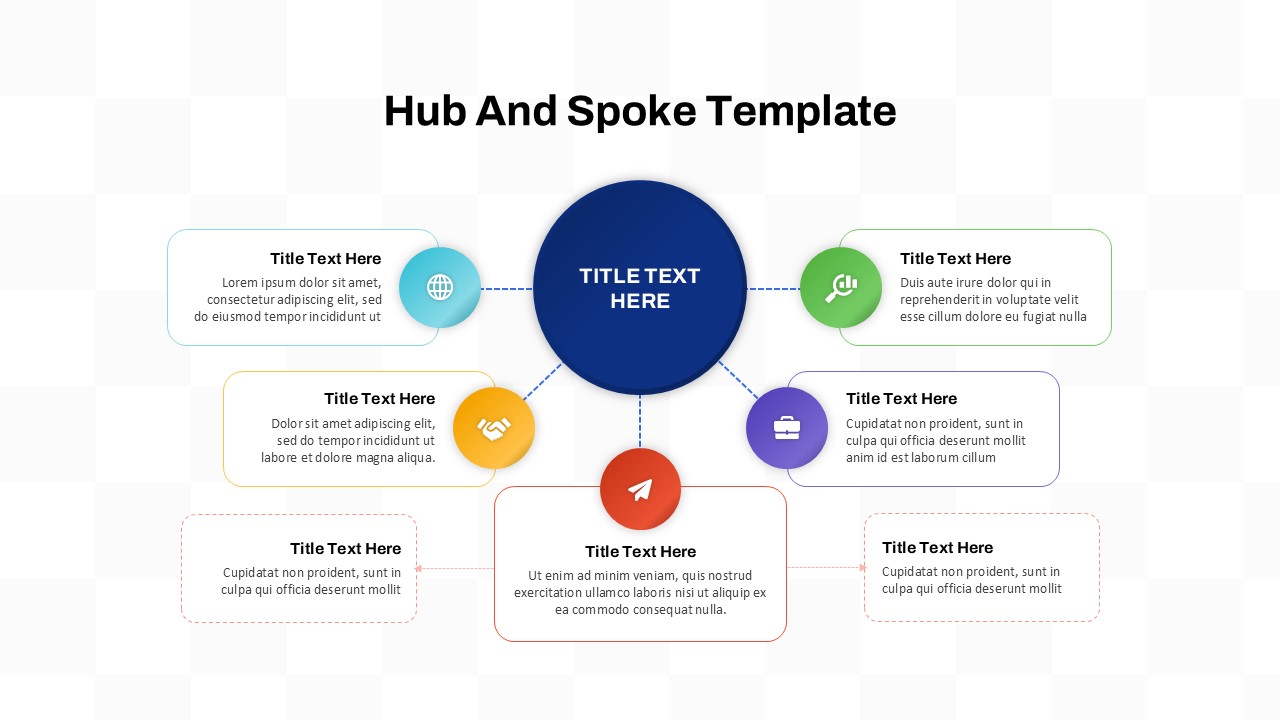
This spoke diagram presentation template is ideal for illustrating processes, project phases, departmental functions, marketing strategies, business operations, and organizational frameworks. Each outer text box provides dedicated space for descriptions, while the center circle highlights the primary concept or main topic. The professional infographic structure supports both corporate and educational presentations, enabling audiences to quickly understand complex relationships and interconnected systems.
The 8-Item Spoke Diagram Infographic Template for PowerPoint & Google Slides is fully editable, allowing users to customize icons, text, colors, and layout elements to match branding or presentation goals. Its minimal and modern appearance makes it suitable for executive meetings, startup pitches, consulting reports, training sessions, and strategic planning discussions. Compatible with both Microsoft PowerPoint and Google Slides, this template helps teams save time while delivering visually impactful presentations with clarity and professionalism.
Features of this template
- Circular spoke diagram with 8 connected items
- Editable infographic layout with modern visuals
- Dedicated text areas for detailed explanations
- Clean blue and orange color combination
- Suitable for business, education, and strategy presentations
- Fully customizable icons, text, and shapes
- Compatible with PowerPoint and Google Slides
Why use this template
- Simplifies complex relationships and interconnected ideas
- Enhances audience engagement with a structured visual layout
- Improves presentation clarity during meetings and reports
- Supports strategic planning and process visualization
- Saves time with ready-to-edit infographic elements
- Delivers a professional and modern presentation appearance
Who is it for
Business professionals, consultants, project managers, educators, marketing teams, startup founders, trainers, analysts, and corporate presenters looking to communicate connected ideas and structured workflows effectively.
See more

Aspect Ratio
16:9Item ID
SKT04467


FAQs
You May Also Like These Presentation Templates


- Free
- Free
- Free
- Free