2 Options Arrow Diagram Template
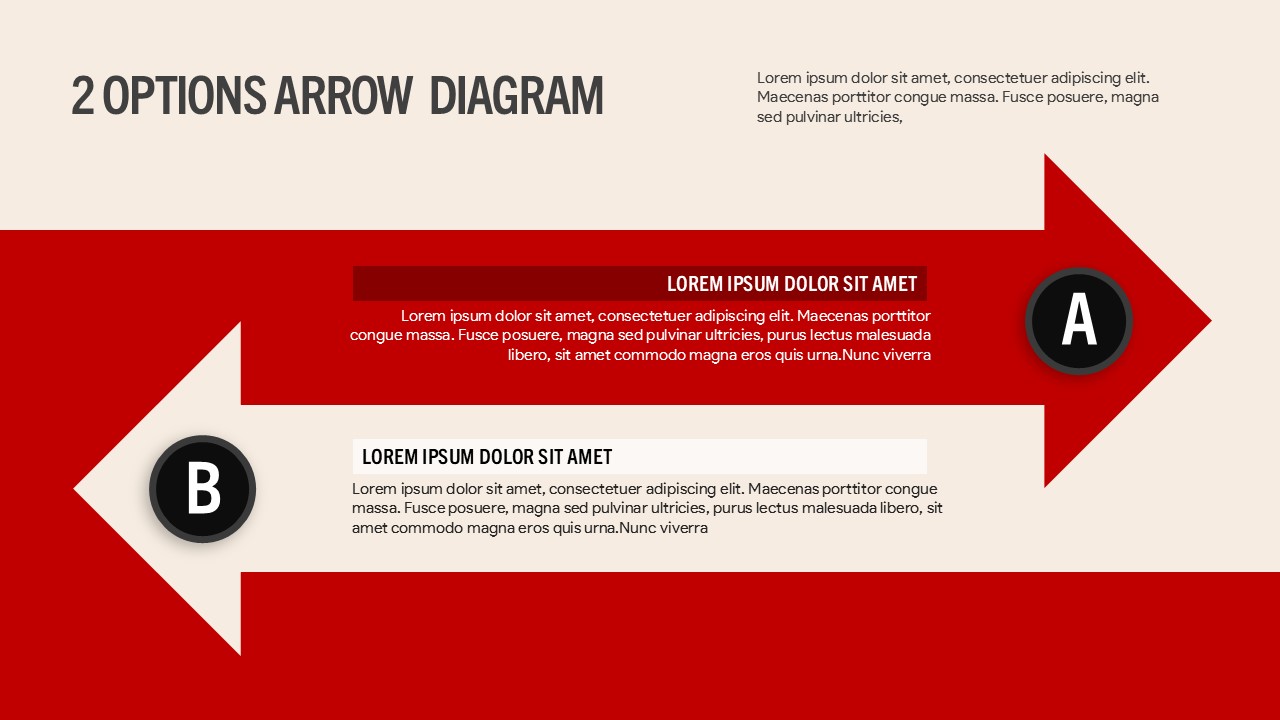
2 Options Arrow Diagram Template for PowerPoint and Google Slides
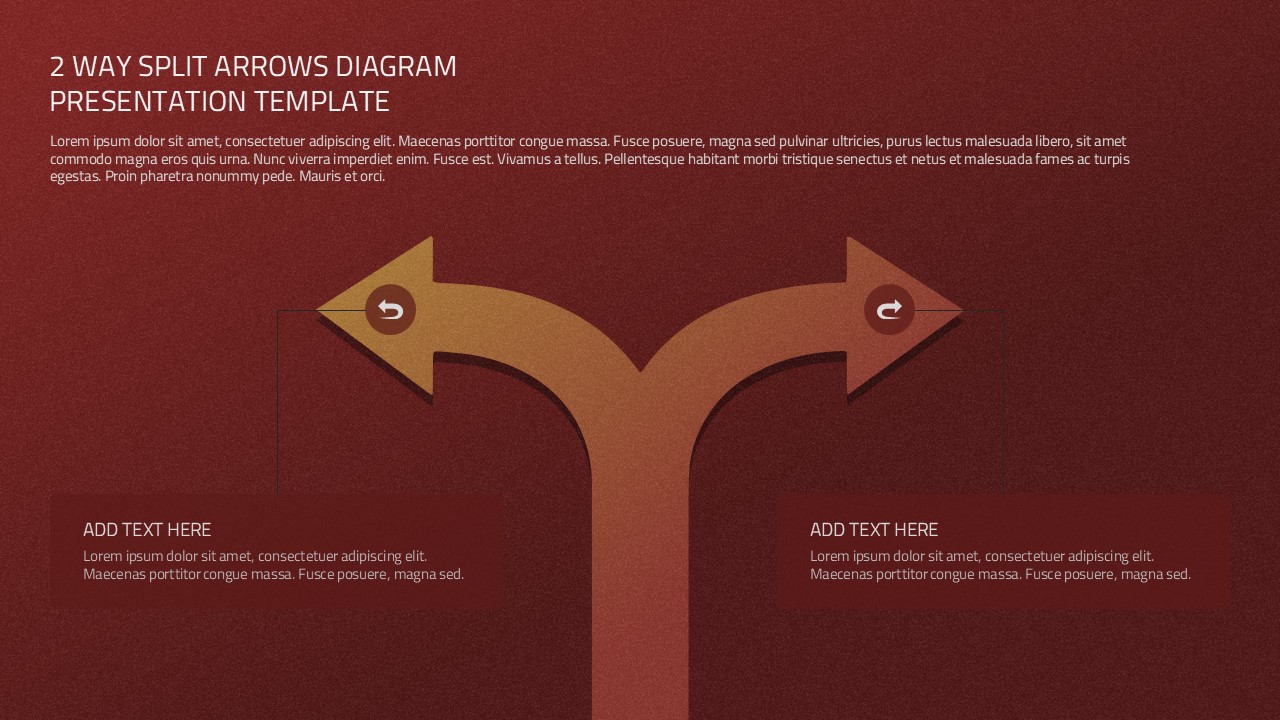
The 2 Options Arrow Diagram Template is a simple and effective way to compare two choices, explain alternatives, and present decisions visually. Designed for PowerPoint and Google Slides, this template features bold red arrows, a clean beige background, and two clearly marked options, A and B. Its directional layout helps audiences understand different paths, compare ideas, and follow key information without confusion. The contrasting sections make it easy to highlight the benefits, features, or outcomes of each option. Whether you are preparing a business proposal, project presentation, or strategy meeting, this diagram helps you communicate your message with clarity.
This two-option arrow diagram is ideal for professionals who need to explain alternatives in a structured format. Use option A to present your preferred approach, proposed solution, or first strategy. Use option B to show an alternative, another solution, or a different course of action. Each section includes space for a heading and supporting text, so you can summarize important details while keeping the slide easy to read.
The bold arrows guide the viewer’s attention and create a clear visual connection between the two options. The red color adds emphasis, while the neutral background keeps the content balanced. You can replace the sample text with your own information, adjust the headings, and customize the colors to match your brand. You can also edit the shapes, fonts, and text placement to suit your presentation style.
Use this template to compare products, evaluate business strategies, explain project alternatives, or present competing ideas. It also works well for classroom lessons, team discussions, planning sessions, and decision-making workshops. The straightforward design makes complex comparisons easier to explain to different audiences.
With editable layouts in PowerPoint and Google Slides, you can quickly adapt the diagram to your needs. Present your options clearly, highlight key differences, and help your audience understand the choices available. This versatile template provides a practical visual framework for presenting alternatives in a professional and engaging way.
See more

Aspect Ratio
16:9Item ID
SKT05037


FAQs
You May Also Like These Presentation Templates


- Free
- Free
- Free
- Free
- Free
- Free
- Free
- Free
- Free