Network Architecture Diagram Template for PowerPoint & Google Slides
Network Infrastructure Workflow Diagram for PowerPoint & Google Slides
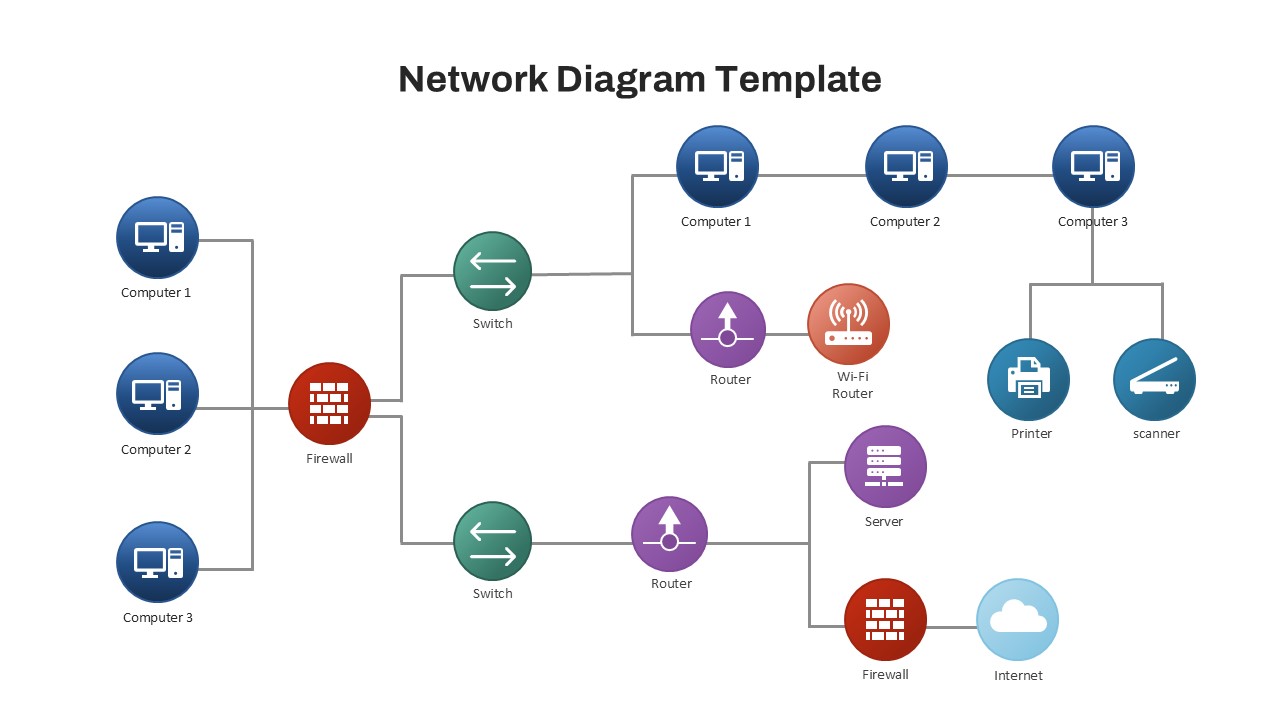
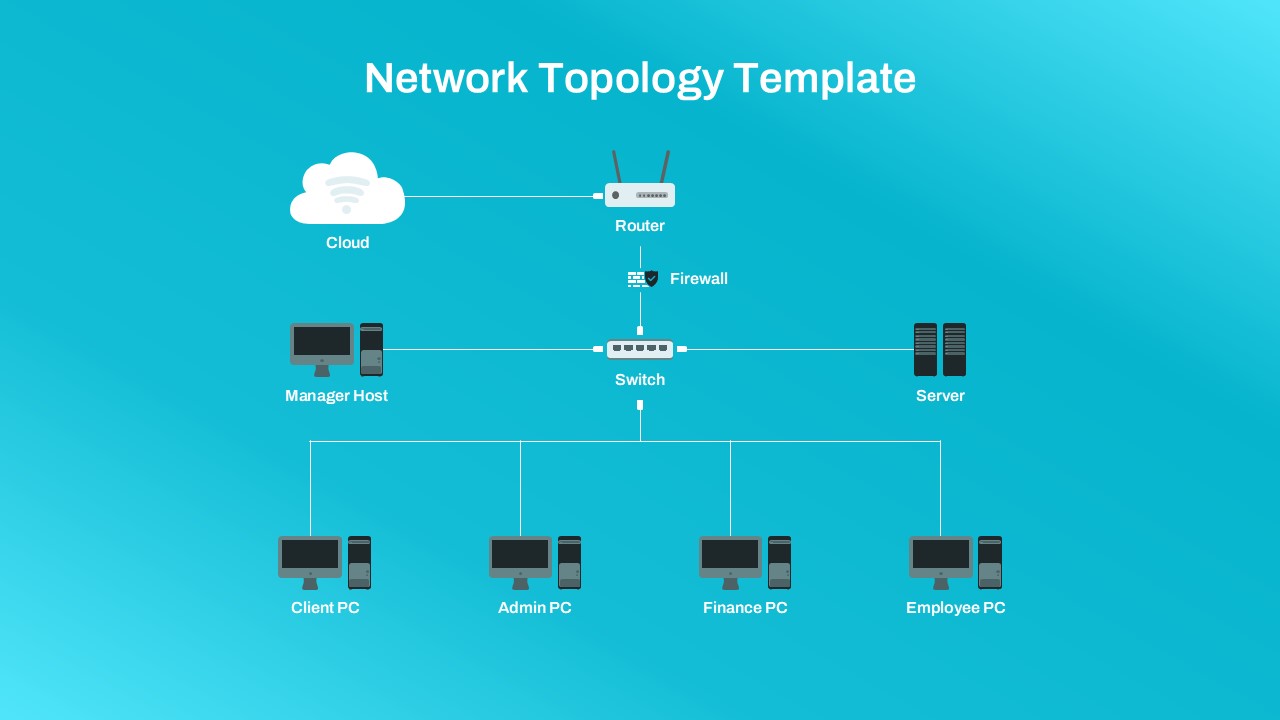
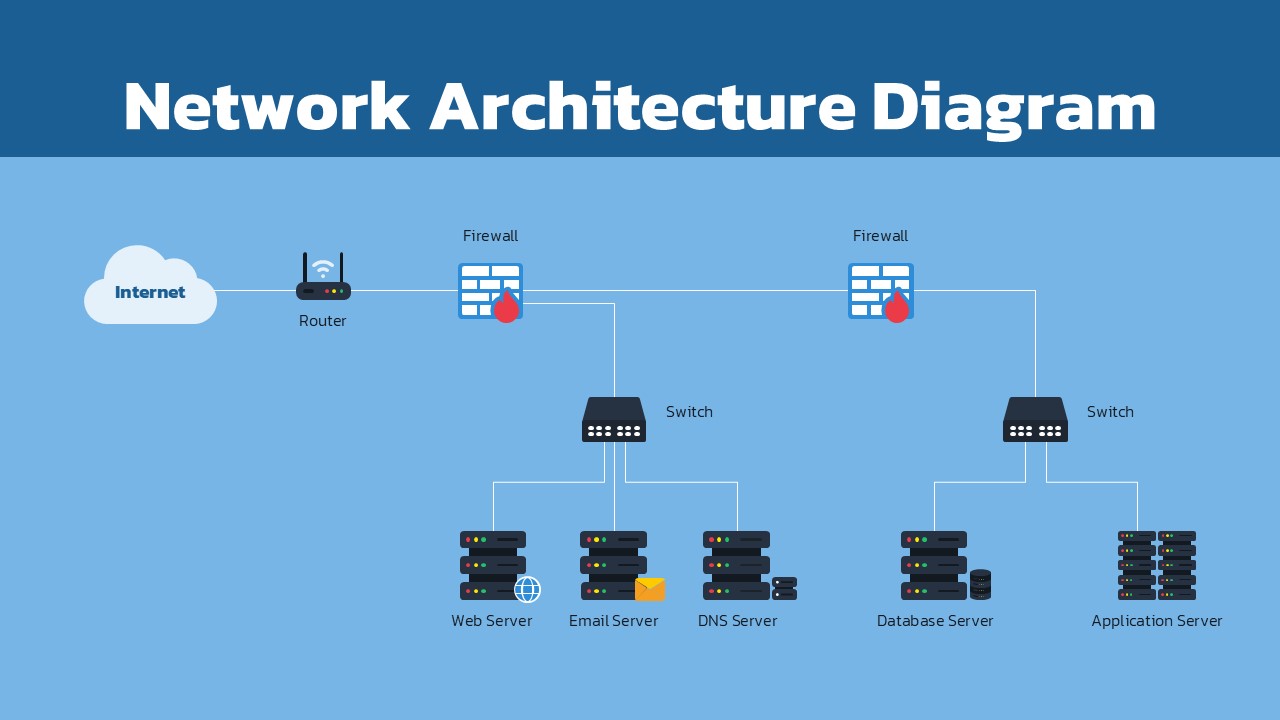
Visualize complex IT systems clearly with this Network Architecture Diagram Template for PowerPoint & Google Slides. Designed for technical presentations, this slide helps teams explain network structures, server connections, firewall security, and enterprise infrastructure using a clean and professional layout. The template includes a complete network flow starting from the internet and router connection through firewalls, switches, and multiple server environments, making it ideal for technology planning and operational documentation.
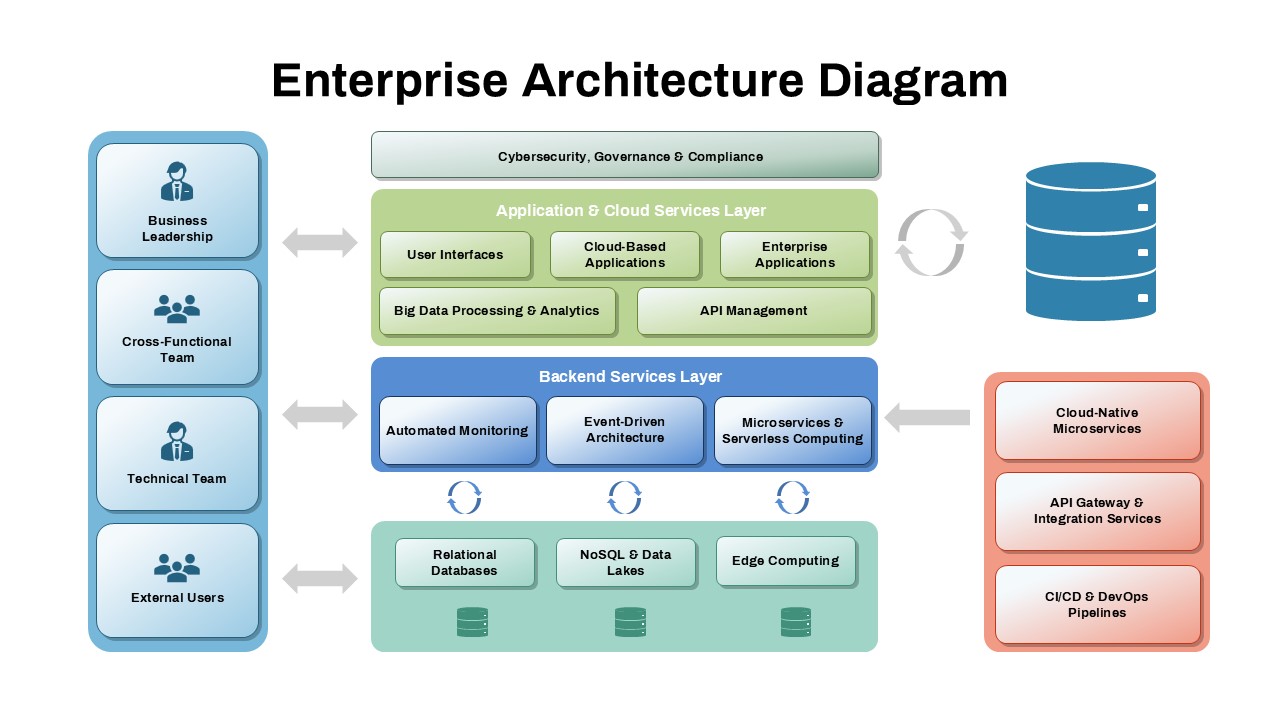
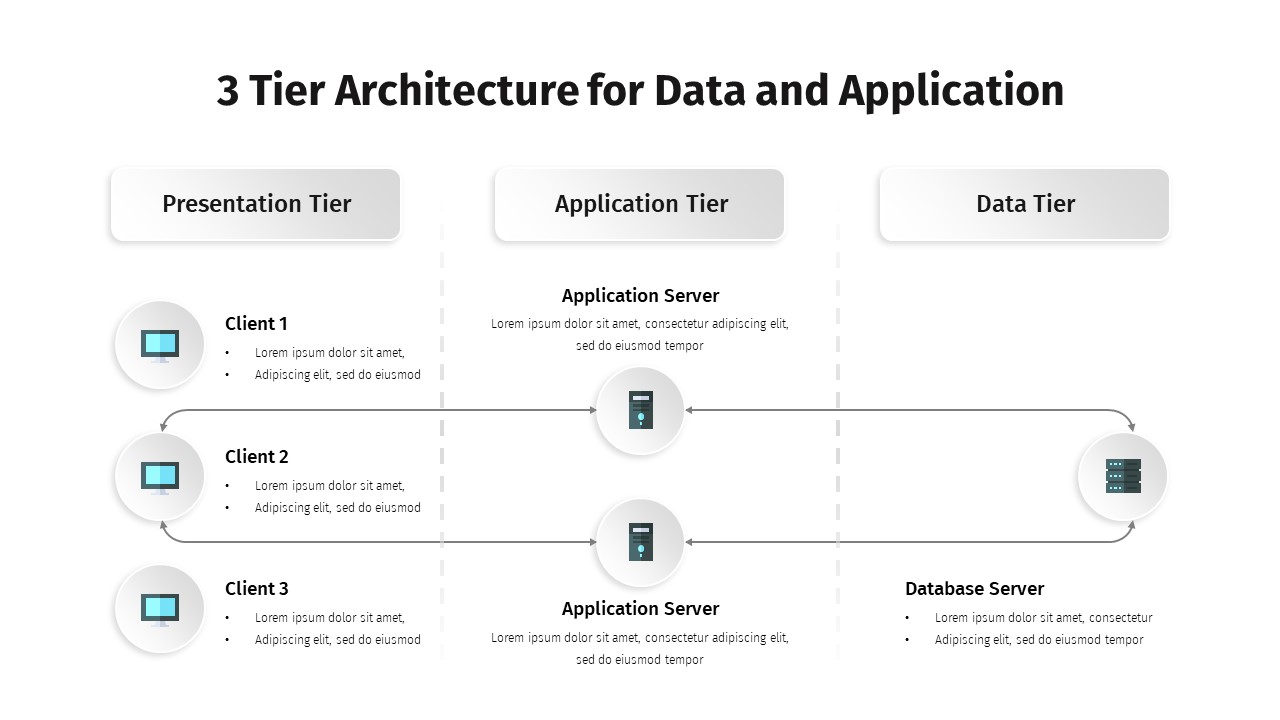
This Network Architecture Diagram template is especially useful for presenting enterprise infrastructure, cybersecurity systems, cloud integrations, and internal communication networks. The organized structure allows presenters to explain how web servers, email servers, DNS servers, database servers, and application servers interact within a secure network environment. Its simple visual hierarchy improves audience understanding during technical meetings, IT audits, system deployment reviews, and infrastructure planning sessions.
The modern blue-themed design creates a professional appearance suitable for corporate and educational use. Every element in the Network Architecture Diagram template is fully editable, allowing users to customize icons, labels, server groups, and network paths according to specific business requirements. Compatible with both Microsoft PowerPoint and Google Slides, the template supports collaborative editing and remote presentation needs across teams and organizations.
Whether you are preparing a cybersecurity presentation, illustrating server architecture, documenting network topology, or explaining enterprise infrastructure workflows, this slide provides a clear and engaging visual framework. It simplifies technical communication while helping IT professionals deliver structured and impactful presentations for stakeholders, clients, and technical audiences.
Features of this Template
- Professional network architecture infographic layout
- Includes routers, firewalls, switches, and server icons
- Fully editable shapes, labels, and connection lines
- Clean blue-themed design for business presentations
- Compatible with PowerPoint and Google Slides
- Suitable for IT infrastructure and cybersecurity topics
Why Use this Template
- Simplifies complex network infrastructure explanations
- Improves technical communication during presentations
- Helps visualize server relationships and workflows
- Enhances professional IT and business reports
- Saves time when creating architecture diagrams
Who is it For
Network engineers, IT administrators, cybersecurity professionals, cloud architects, technology consultants, system analysts, educators, enterprise teams, and organizations presenting infrastructure or server architecture workflows.
See more

Aspect Ratio
16:9Item ID
SKT04509


FAQs
You May Also Like These Presentation Templates

- Free

- Free
- Free
- Free
- Free
- Free

- Free
- Free
- Free