4-Legged Stool Diagram Slide for PowerPoint & Google Slides
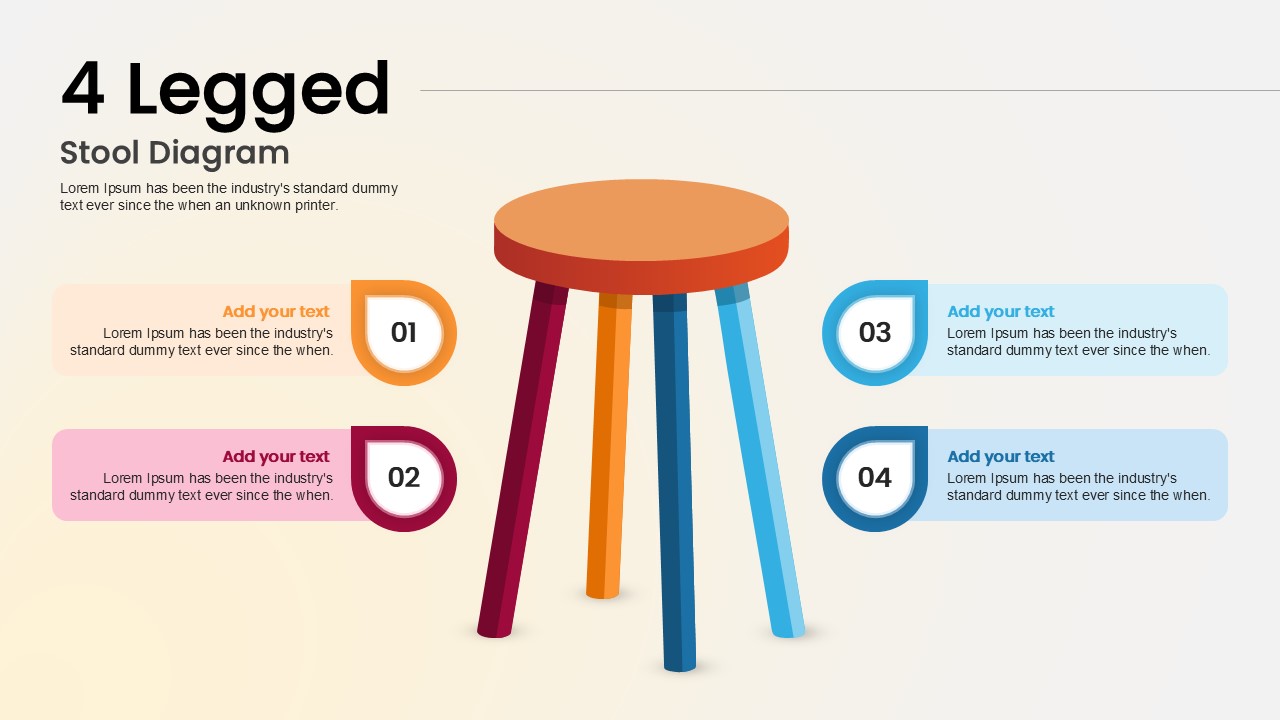
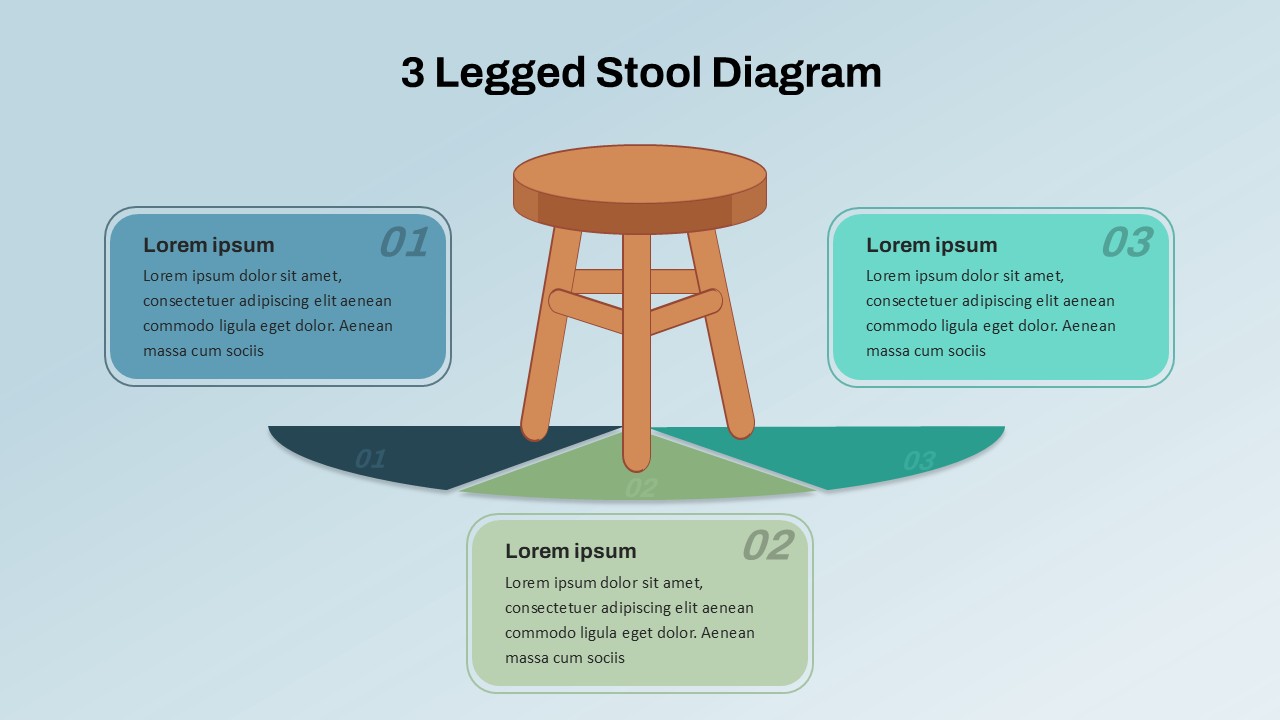
Visualize foundational concepts or balanced strategies with this 4-Legged Stool Diagram slide. Designed to symbolize stability and interdependence, the slide features a central stool illustration with four vividly colored legs, each representing a core element or pillar. Surrounding the stool are four numbered text boxes, color-coordinated with the legs—orange, maroon, blue, and light blue—offering a seamless flow between visual and textual content.
Each segment includes a bold title and descriptive placeholder text, enabling you to highlight individual pillars while reinforcing their collective importance. Whether used to communicate business enablers, support structures, or strategic frameworks, this diagram provides clarity and impact in a visually engaging format. The clean layout with ample spacing ensures readability and directs focus toward your key points.
Fully editable in PowerPoint and Google Slides, this asset is ideal for explaining systems that require multiple components working together. You can easily adapt the design to reflect your brand’s color palette, adjust content blocks, or duplicate elements to match evolving presentation needs.
See more

Aspect Ratio
16:9Item ID
SKT04083


Features of this template
Other Uses
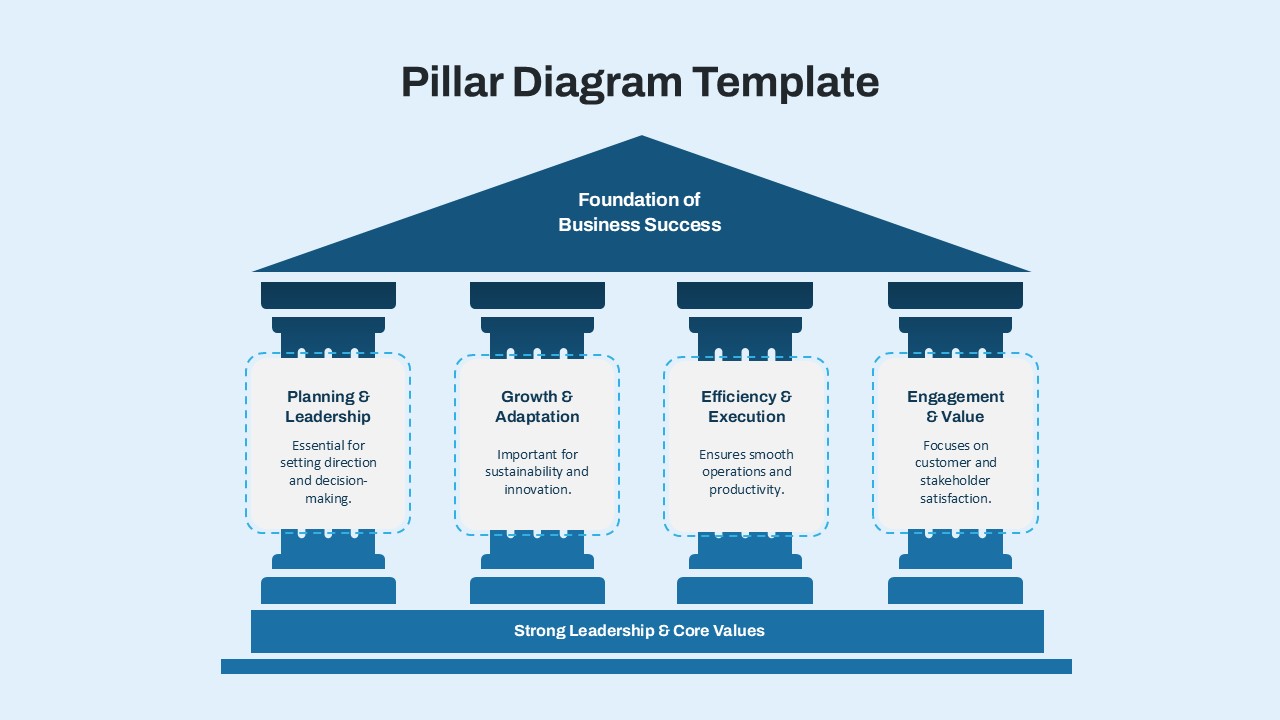
Repurpose this slide to illustrate four-part models like business pillars, product features, risk categories, support services, or educational principles. It can also depict interrelated KPIs, leadership values, or customer experience drivers.
FAQs
You May Also Like These Presentation Templates


- Free
- Free
- Free
- Free


- Free

- Free
- Free
- Free
- Free
- Free
- Free

- Free
- Free
- Free