Custom Sticky Notes Template
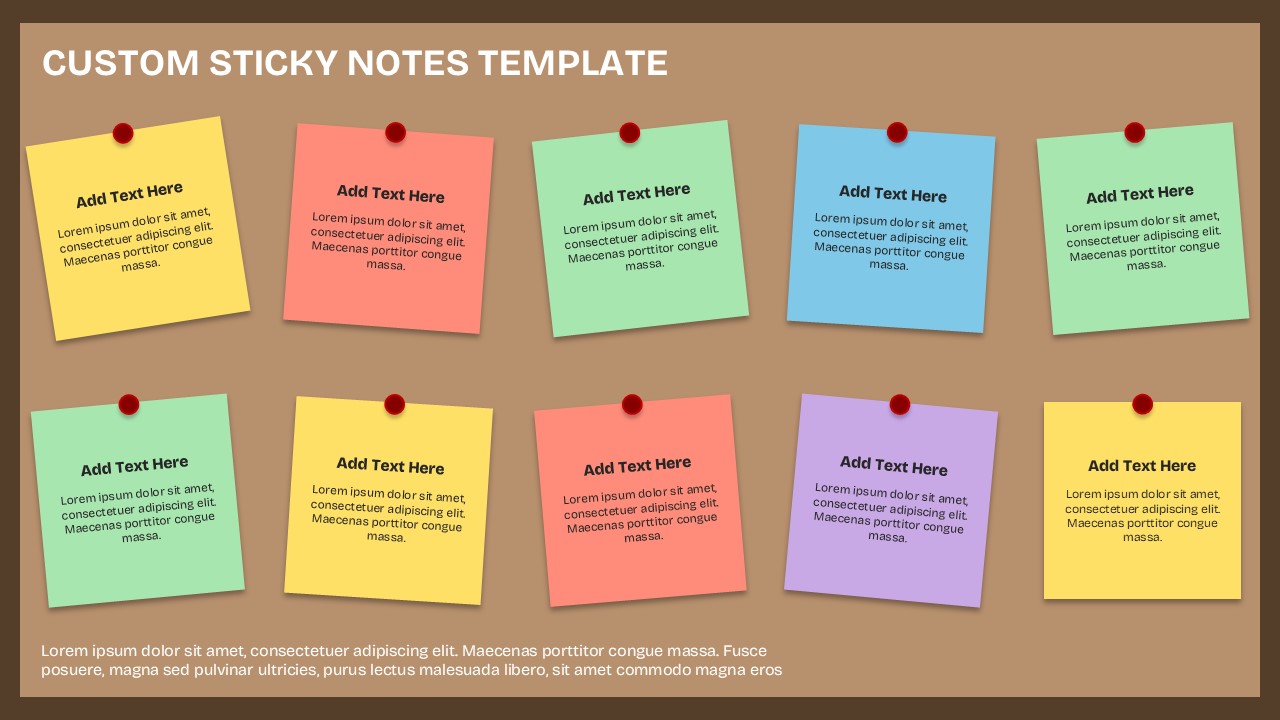
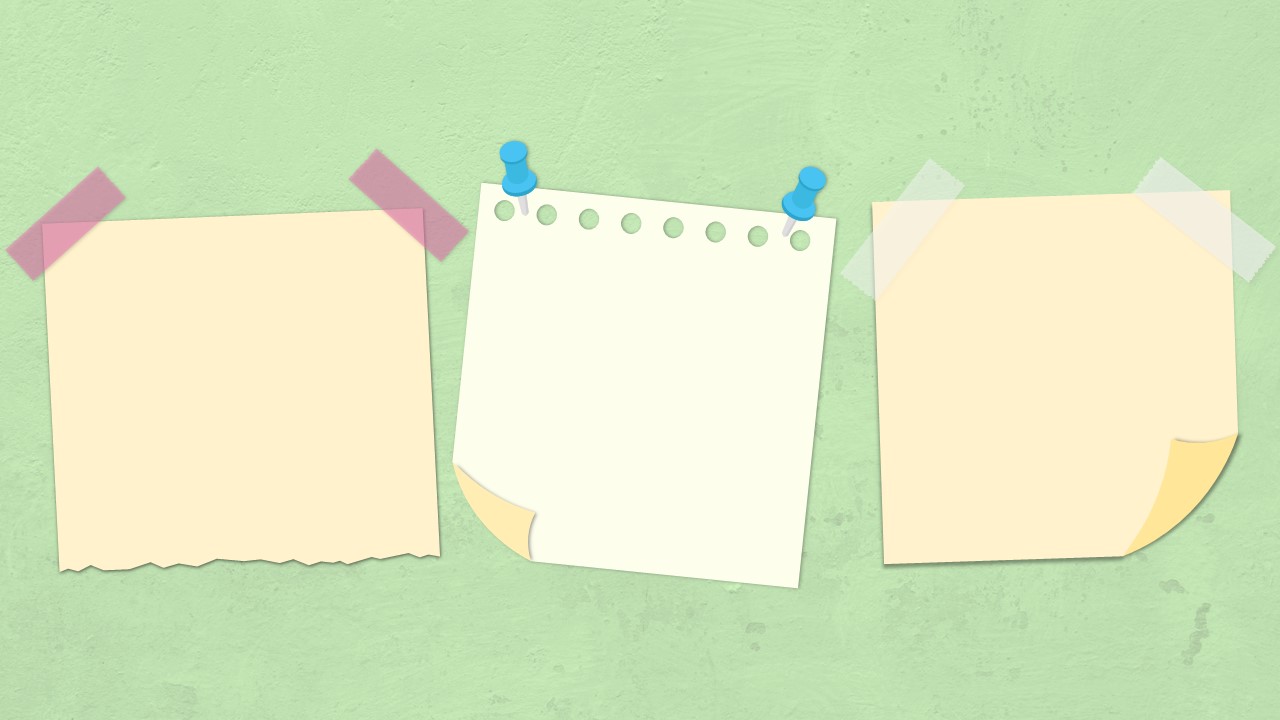
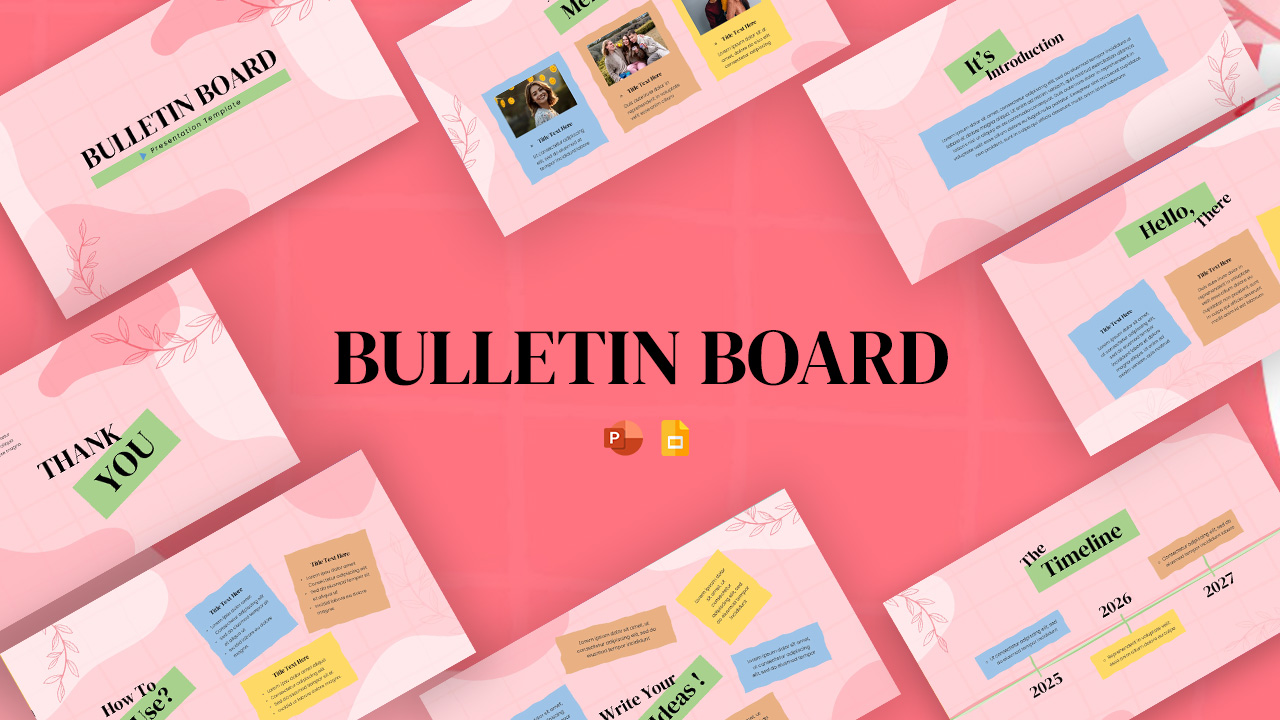
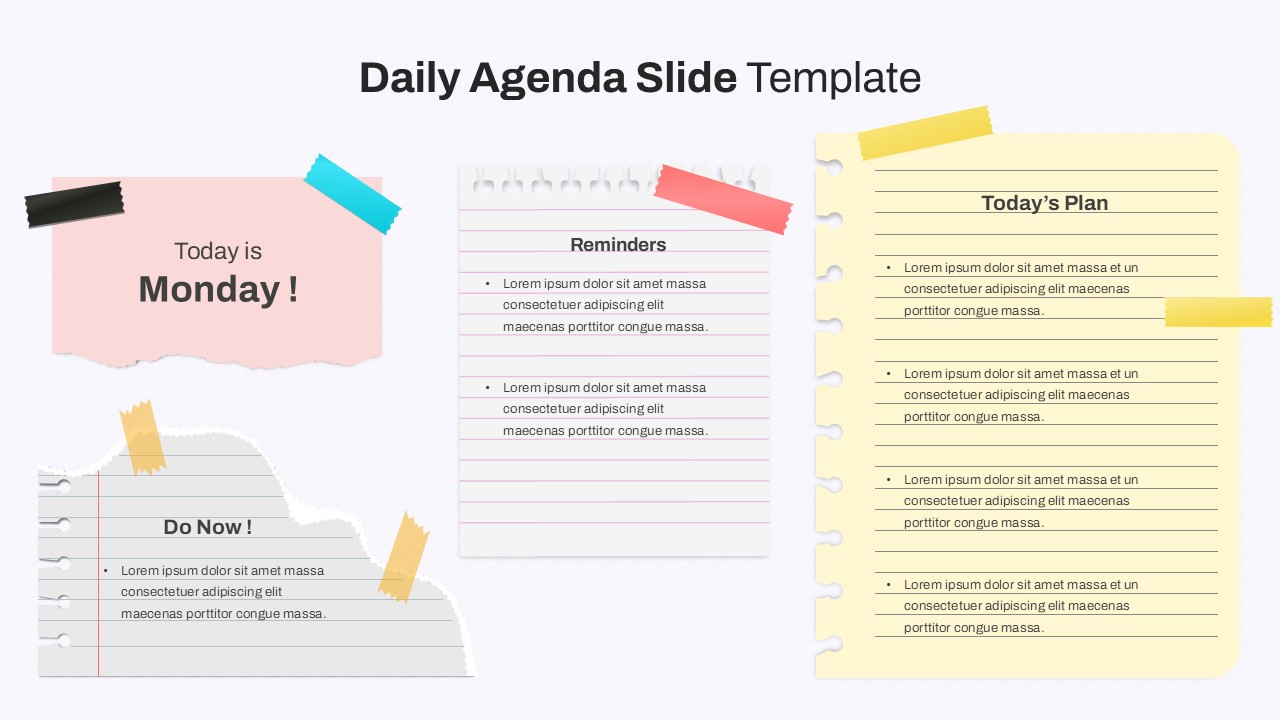
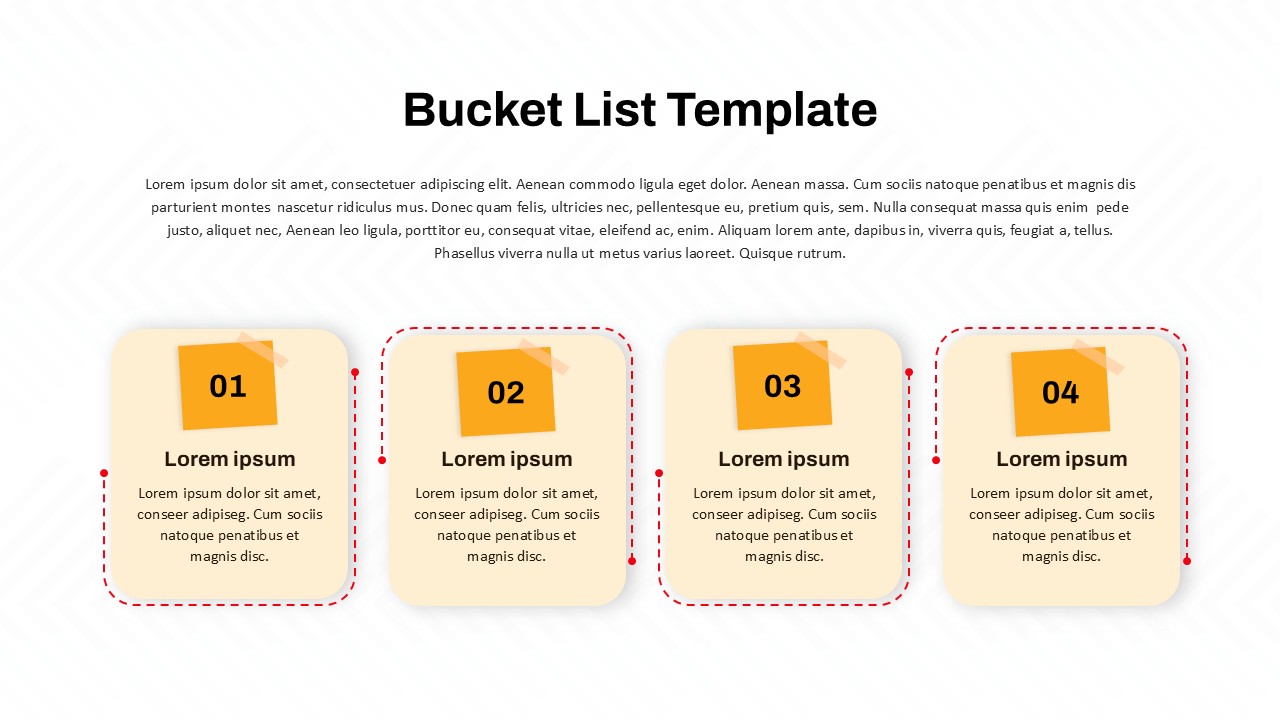
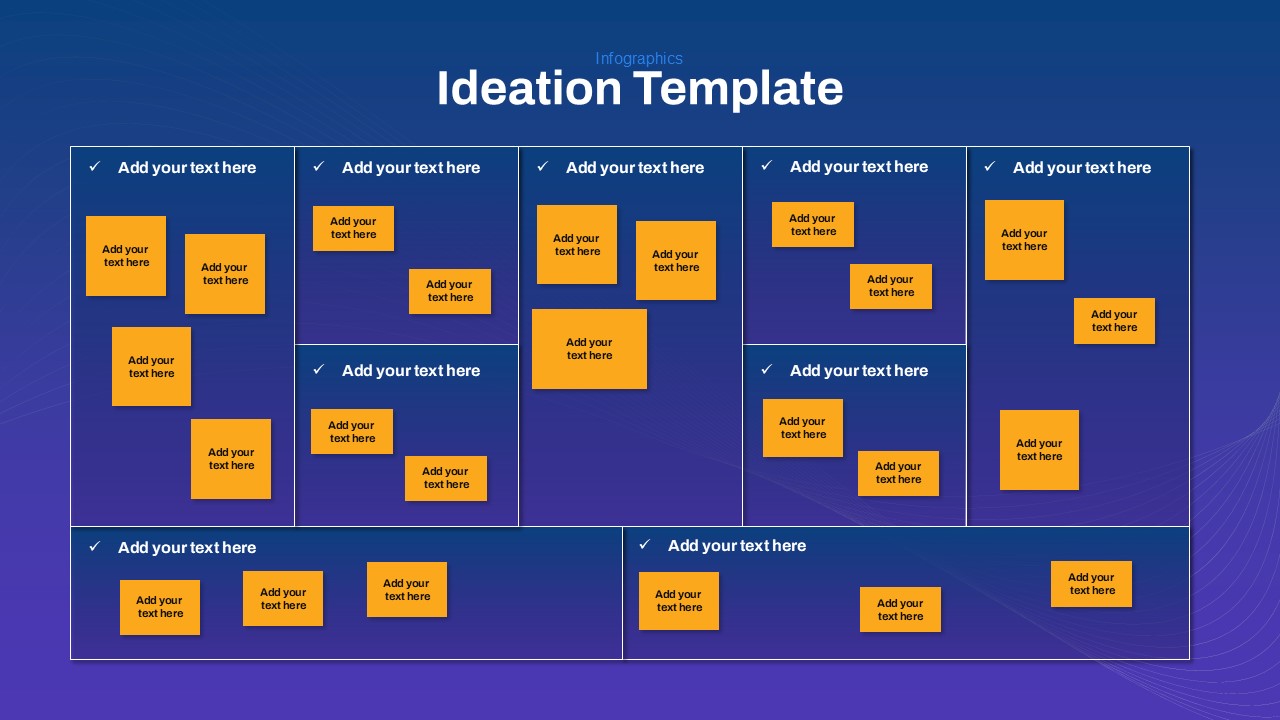
The Custom Sticky Notes Template is a versatile and visually engaging presentation resource designed to organize ideas, capture key points, and present information in a simple, memorable format. Featuring a collection of colorful sticky notes arranged across a clean, professional canvas, this template brings the familiar look of physical brainstorming notes into a polished digital presentation.
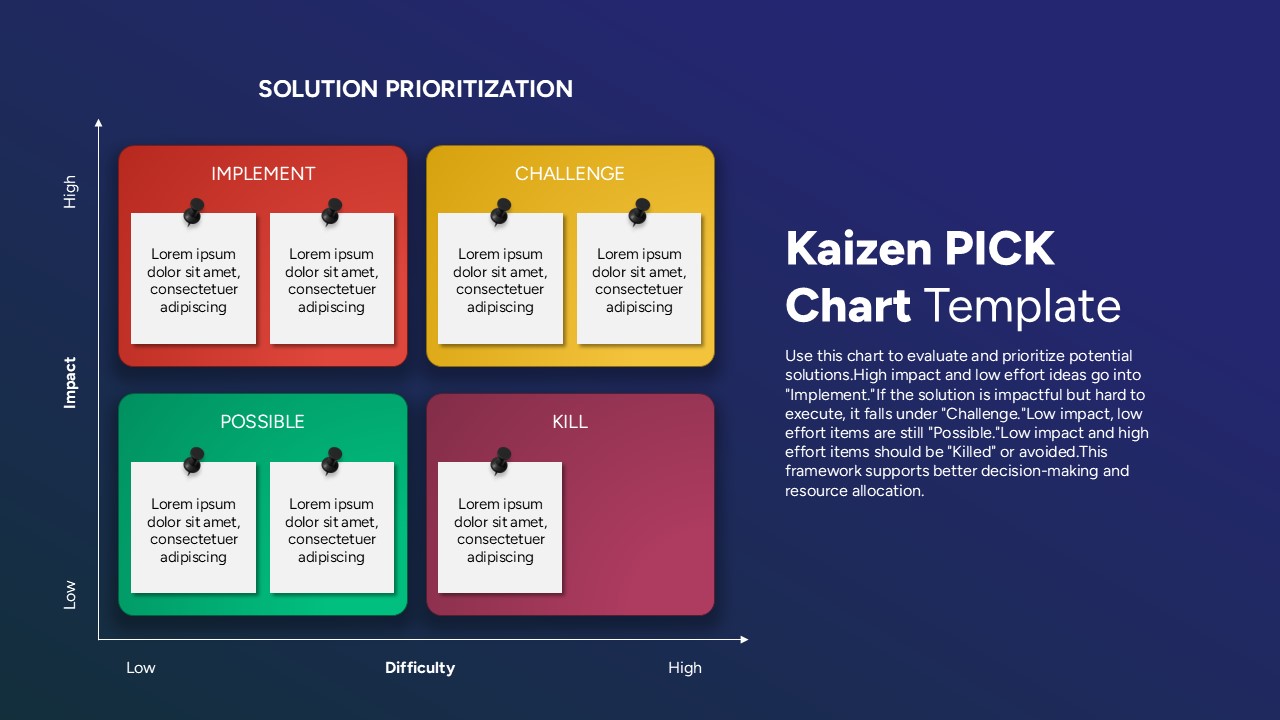
Each editable sticky note can be customized with your own headings, descriptions, action items, reminders, questions, or supporting information. The varied pastel colors make it easy to distinguish different categories, priorities, topics, or stages of a project while keeping the overall presentation cohesive. The pinned-note design and subtle shadows add a realistic, tactile feel that helps create a more approachable visual experience.
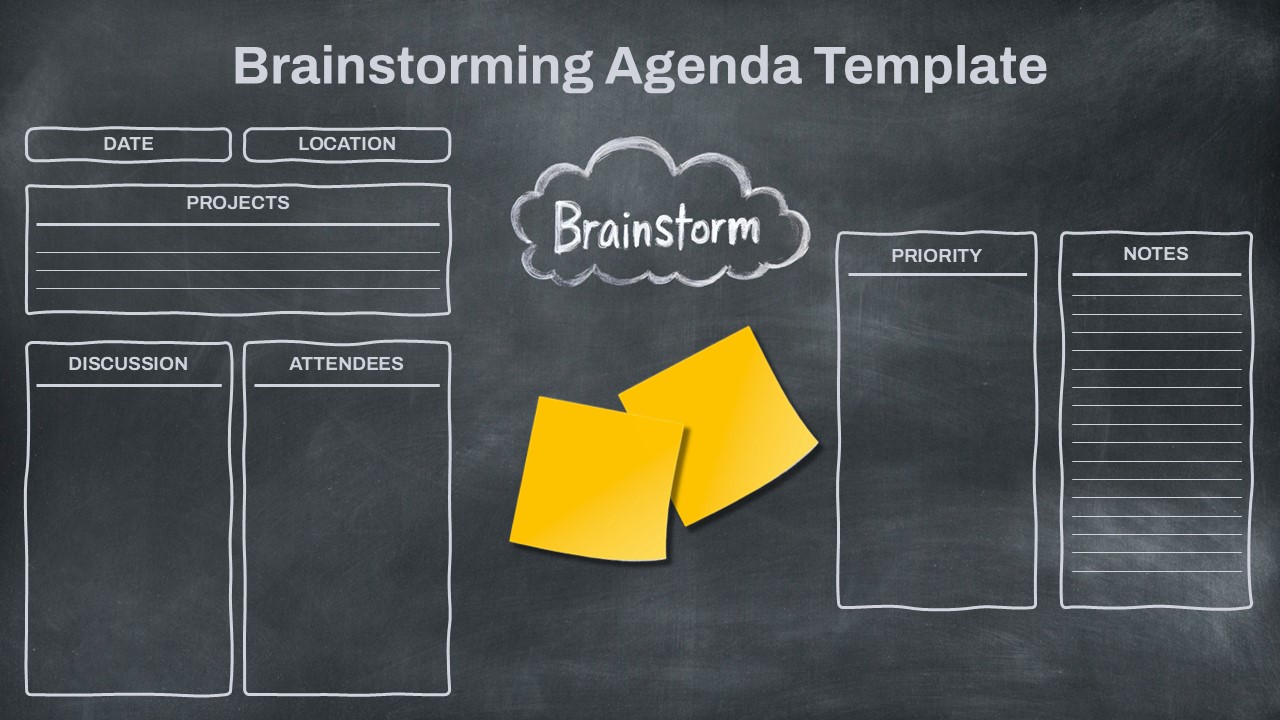
This template works particularly well for brainstorming sessions, project planning, task management, workshops, team collaboration, and idea generation. Presenters can use individual notes to summarize concepts, organize discussion points, outline project milestones, or highlight important takeaways. It can also serve as a practical framework for displaying customer feedback, research insights, meeting notes, learning activities, or strategic priorities.
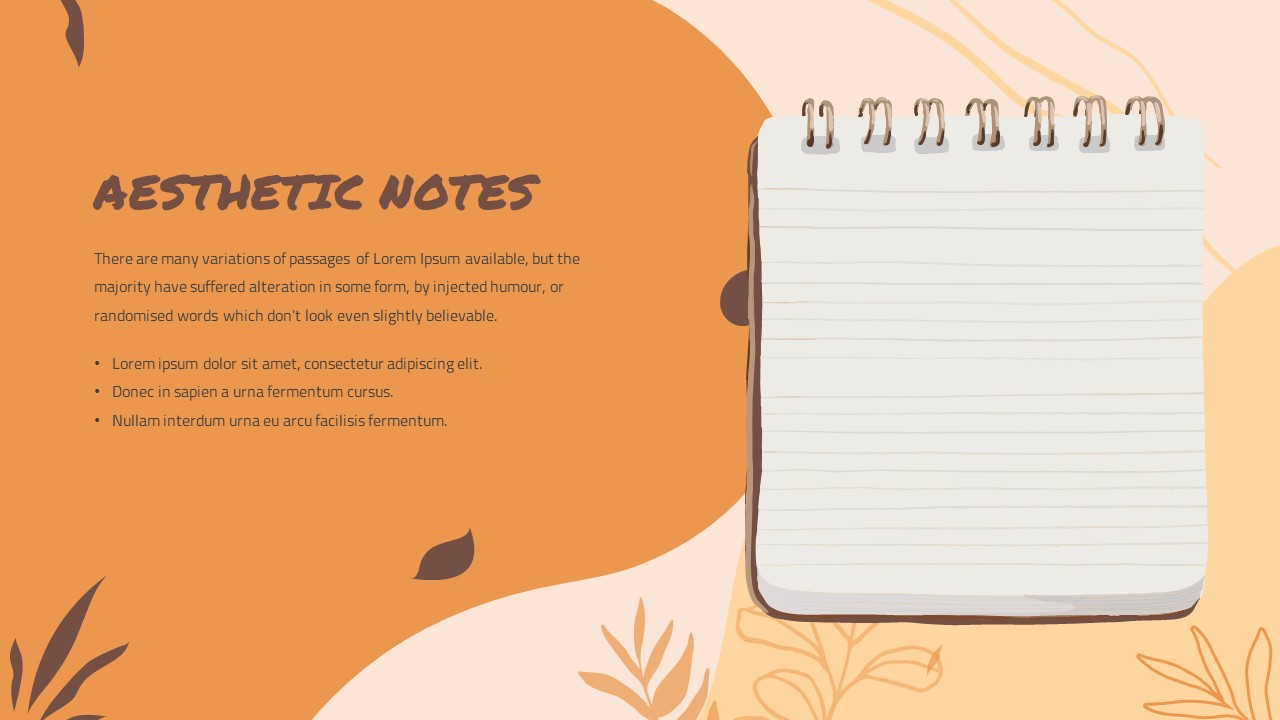
The spacious layout provides enough room for concise text without overwhelming the audience, making it suitable for both business and educational presentations. The editable structure allows users to replace the placeholder content and adapt the notes to different presentation requirements while maintaining the original visual style.
Key details and features include:
- Multiple editable sticky notes for presenting ideas, tasks, insights, or important points.
- Color-coded note design that can help categorize information, priorities, departments, or project stages.
- Clean and organized layout for presenting multiple concepts clearly on one slide.
- Realistic pinned-note appearance with subtle shadows that adds depth and visual interest.
- Fully customizable text areas for adding headings, descriptions, action items, reminders, or supporting information.
- Flexible presentation structure that can be adapted for business, education, marketing, consulting, and creative purposes.
- Easy-to-edit design that allows users to modify content while maintaining the overall visual presentation.
- PowerPoint and Google Slides compatibility, making the template convenient for different presentation workflows.
Whether you are preparing a team workshop, presenting a project roadmap, organizing a creative brainstorming exercise, or summarizing multiple ideas on a single slide, this Sticky Notes presentation template offers a flexible and engaging way to communicate information. Available for both PowerPoint and Google Slides, it can be easily incorporated into presentations across business, education, marketing, consulting, and creative workflows.
See more

Aspect Ratio
16:9Item ID
SKT04768


Features of this template
Other User Cases of the Template
Brainstorming sessions, project planning, task management, team collaboration, workshop presentations, meeting notes, project milestones, idea generation, strategic planning, customer feedback, research insights, educational activities, lesson planning, creative presentations, marketing planning, business proposals, workflow visualization, action plans, priority mapping, retrospective meetings.
FAQs
You May Also Like These Presentation Templates

- Free

- Free
- Free
- Free
- Free
- Free
- Free

- Free
- Free
- Free
- Free
- Free
- Free
- Free
- Free
- Free
- Free
- Free

- Free