Pencil Six Stage Process Diagram Template
Six Stage Process Diagram Presentation Template for PowerPoint & Google Slides
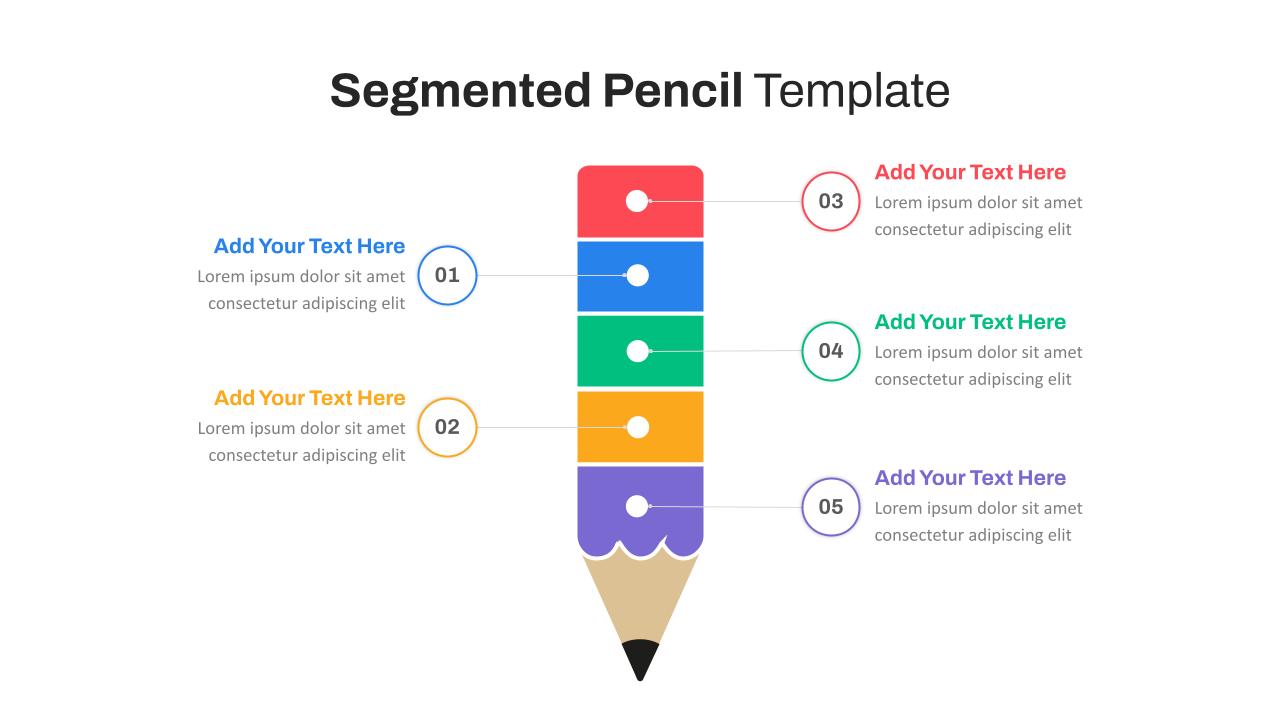
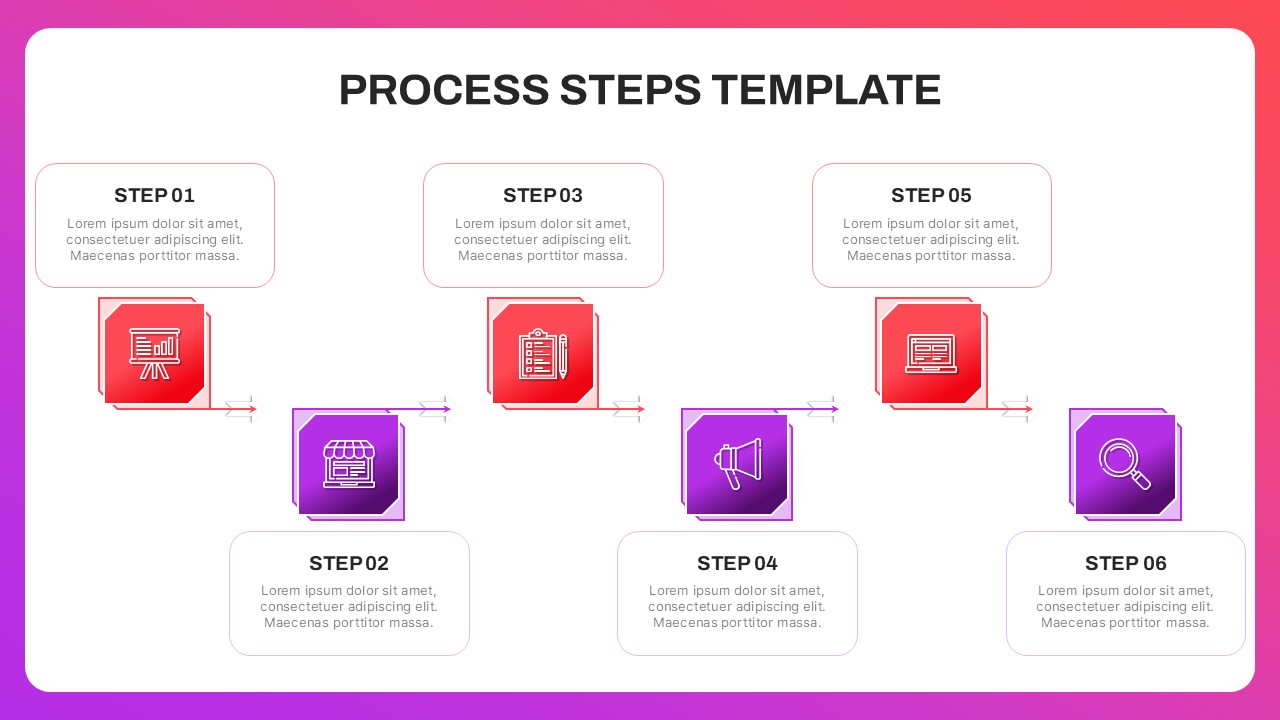
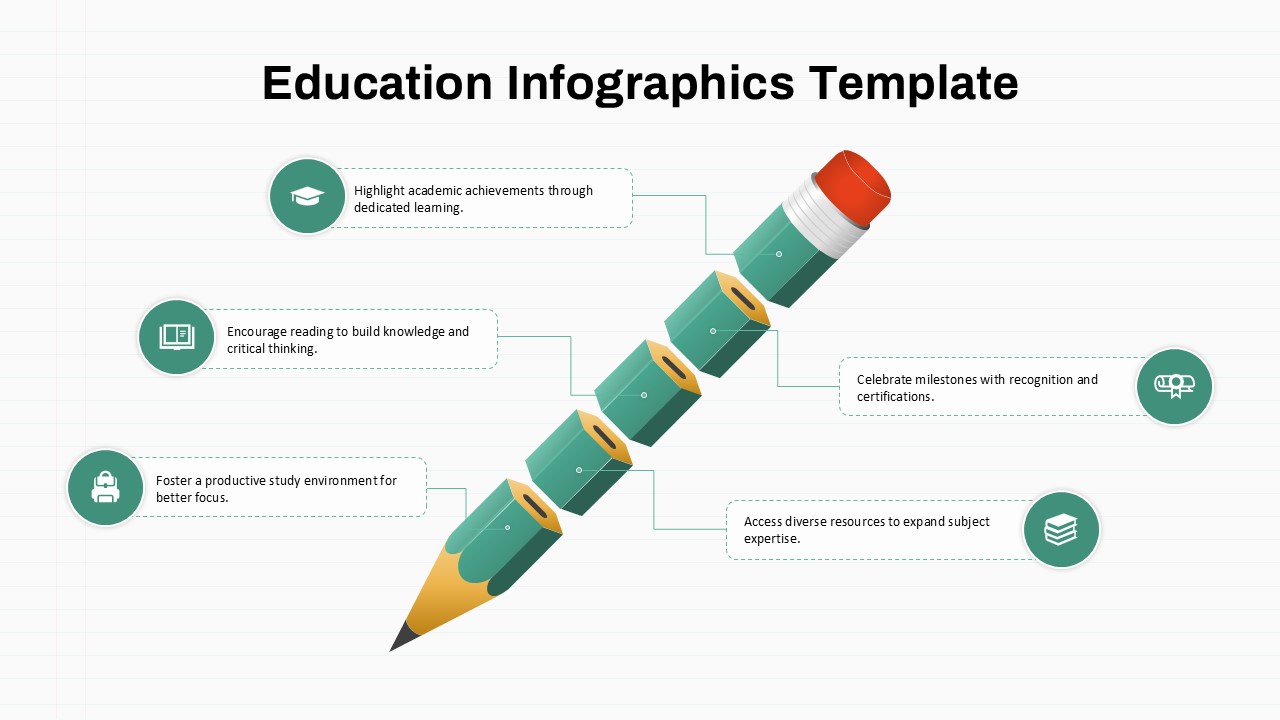
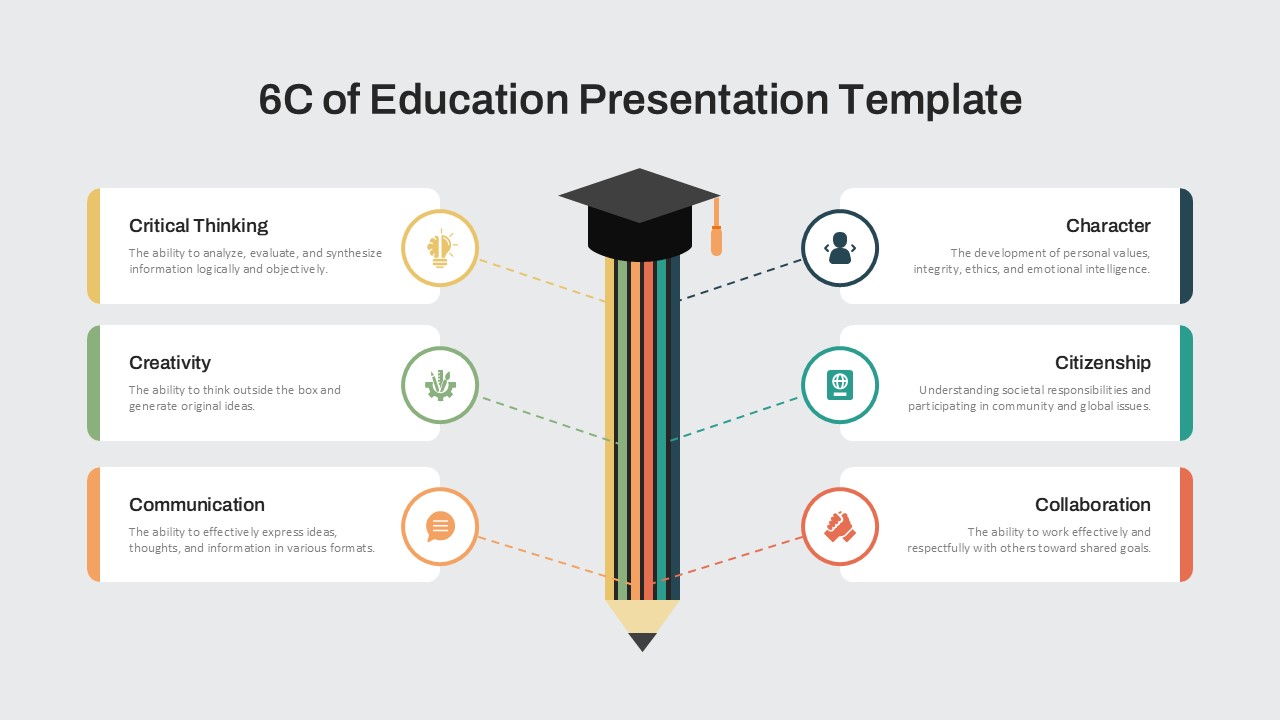
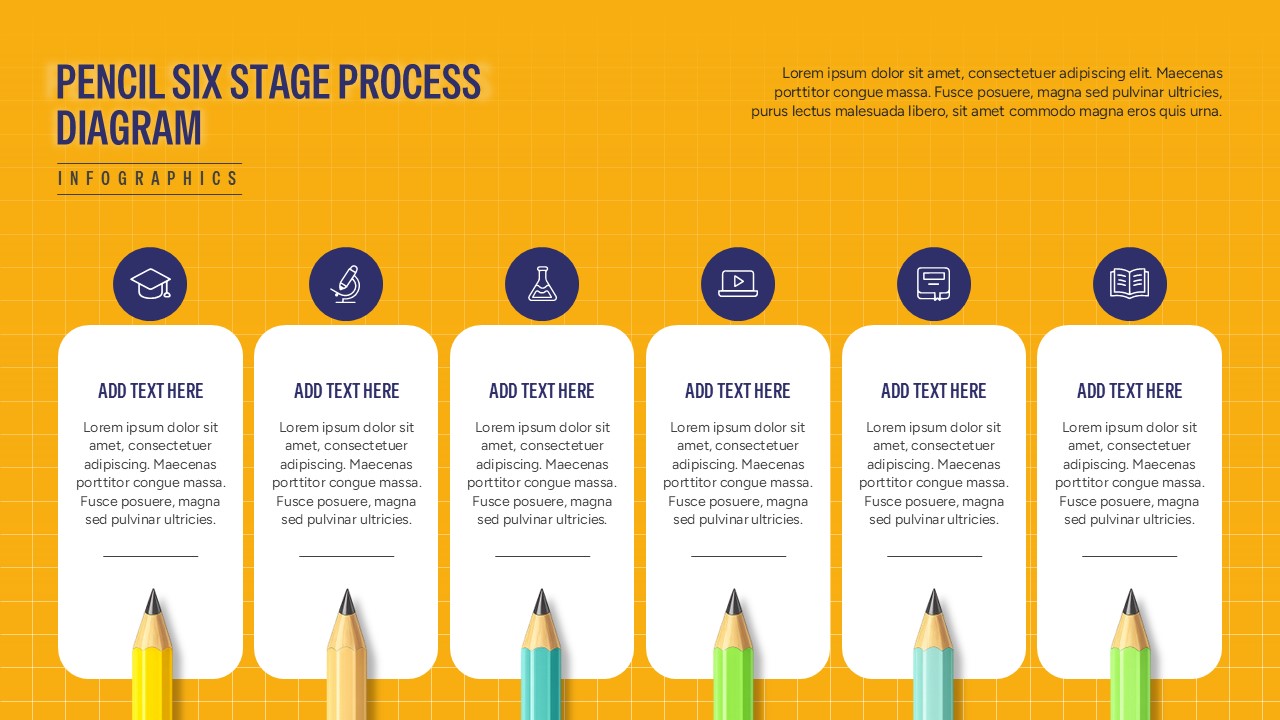
The Six Stage Process Diagram is a visually engaging presentation layout designed to explain sequential workflows, processes, and development stages in a clear, structured format. The slide features six vertically aligned content cards, each paired with a circular icon and a realistic pencil illustration. This arrangement creates a strong visual connection between each stage while making complex information easy to follow.
The Six Stage Process Diagram uses a bright, energetic background with a grid pattern and contrasting white content panels. Each section provides space for a stage title, supporting description, and visual marker, making the layout flexible for presenting sequential activities, milestones, or key phases. The pencil imagery adds a creative educational character while maintaining a professional presentation structure.
This process diagram can be customized with your own text, icons, and stage descriptions to match different business, academic, or organizational topics. The six-stage structure works particularly well for demonstrating workflows from beginning to completion, strategic procedures, project phases, learning journeys, or operational frameworks. The organized layout also helps audiences quickly understand relationships between individual stages.
Available for both PowerPoint and Google Slides, this presentation layout is suitable for consultants, educators, business professionals, project managers, marketers, and trainers. Use it to transform step-by-step information into a compelling visual story that keeps presentations organized and audience-friendly.
Features of this template
- Six clearly separated stages for sequential information
- Pencil illustrations that reinforce the process concept
- Editable text areas for titles and supporting descriptions
- Distinct icons for visually identifying each stage
- Bright, creative background with a structured grid
- Suitable for PowerPoint and Google Slides presentations
See more

Aspect Ratio
16:9Item ID
SKT04779


FAQs
You May Also Like These Presentation Templates

- Free

- Free
- Free