ERP System Template for PowerPoint & Google Slides
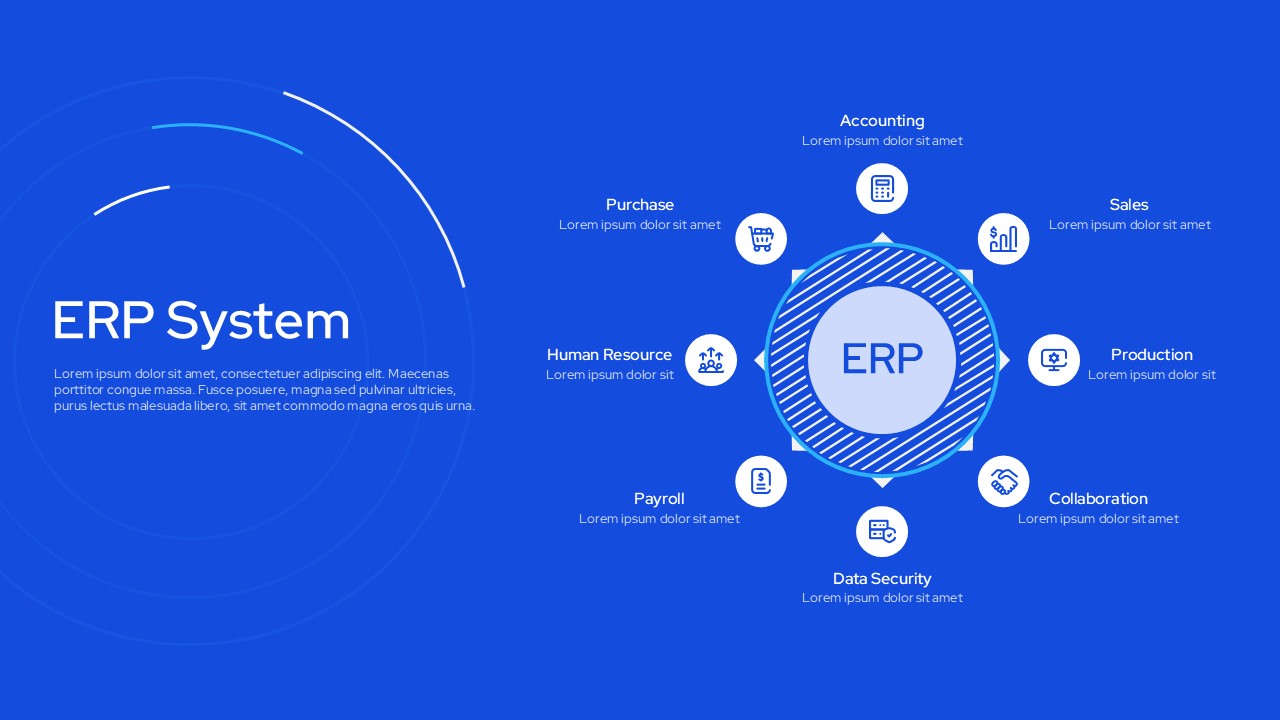
Businesses today manage multiple operations at the same time. Accounting, sales, payroll, production, and human resources all run alongside each other. Keeping these functions connected and visible in one place is a common challenge for growing organizations. The ERP System Template helps teams present this structure clearly and professionally to decision-makers and stakeholders.
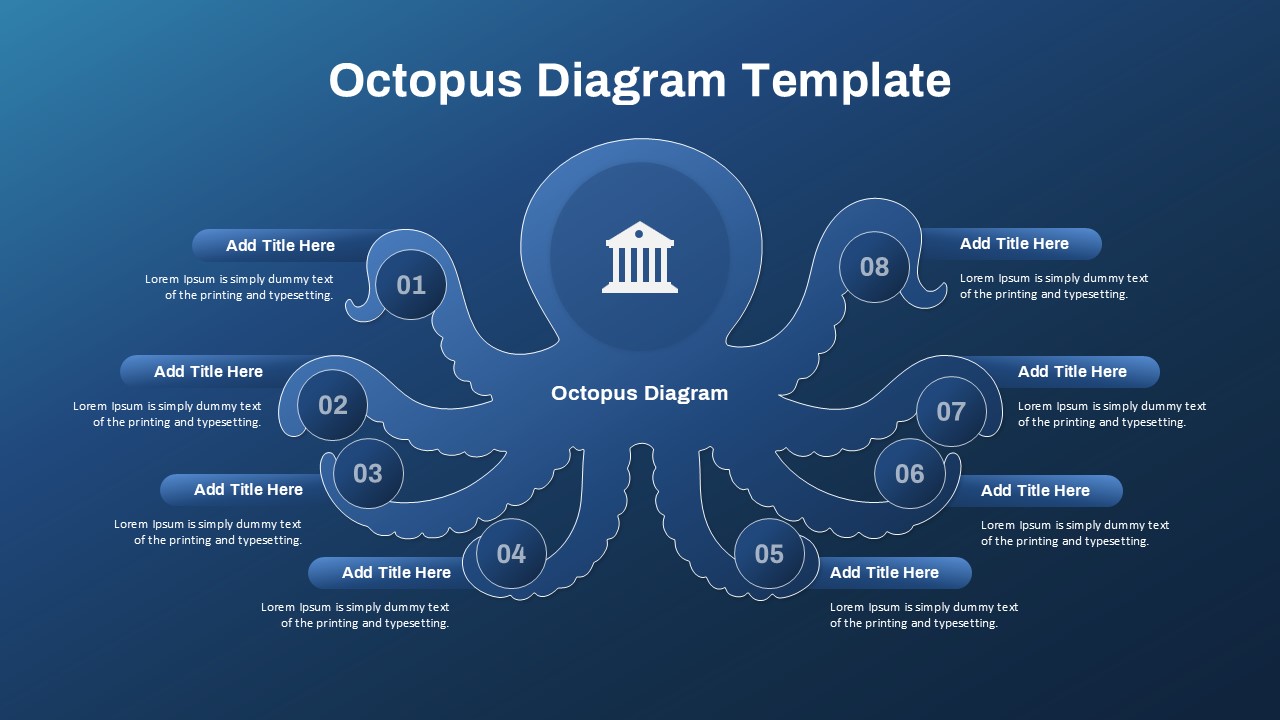
This template is a pre-built presentation slide designed around a circular ERP module diagram. It displays eight core business functions arranged around a central ERP hub. Each module includes an icon and a text placeholder for descriptions. The layout uses a bold blue background with white typography and outlined icons throughout.
The template is available for both PowerPoint and Google Slides. It suits IT teams, business consultants, ERP vendors, and operations managers. Teams can use it to present ERP system structures, module overviews, and enterprise software proposals to internal and external audiences.
What Is This ERP System Template?
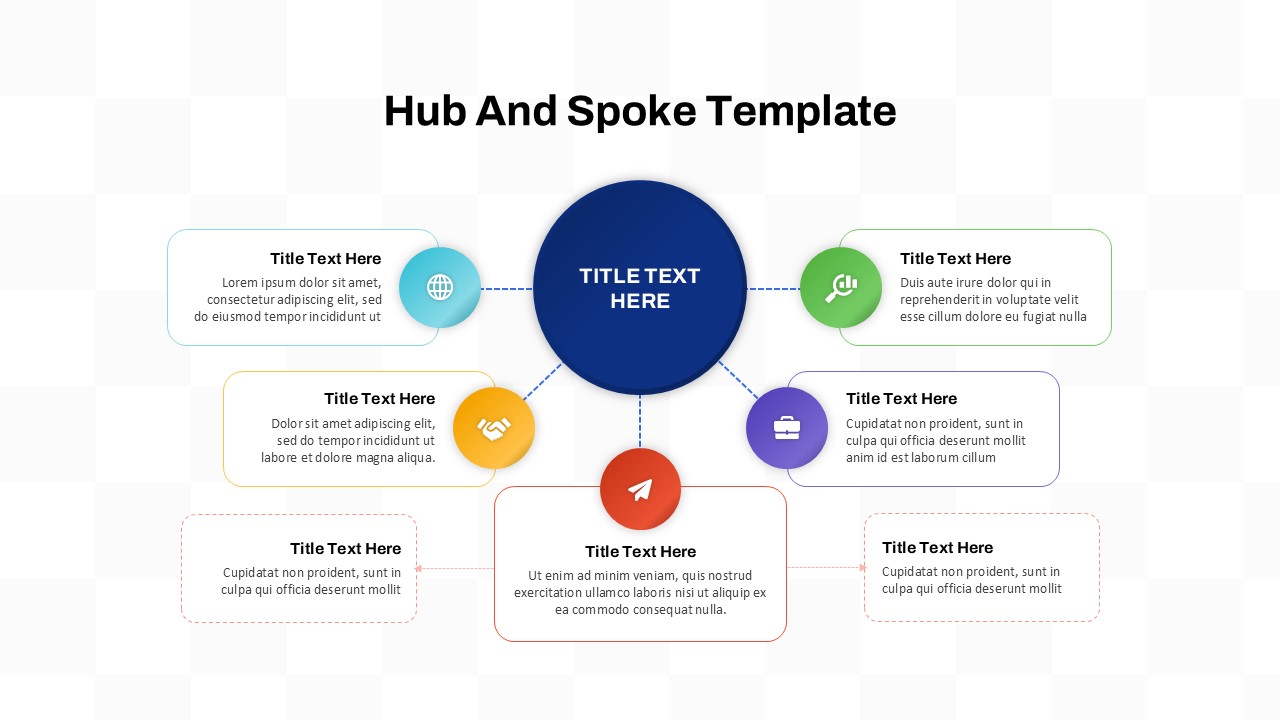
The ERP System Template is a single-slide presentation layout built around a circular hub-and-spoke diagram. It places an ERP label at the center and arranges eight business function modules around it. These modules include Accounting, Sales, Production, Collaboration, Data Security, Payroll, Human Resource, and Purchase. Each module uses a distinct icon and a short text area for descriptions.
The slide uses a vibrant blue background with white and light-toned elements. This gives it a clean, professional appearance suitable for corporate and enterprise presentations. The left side of the slide holds a title area and a supporting paragraph block. Together, these elements allow presenters to introduce an ERP system and its components in a single, structured visual.
When to Use This Template
This template works well when a presenter needs to explain the structure of an ERP system to a non-technical or business audience. It is suited for enterprise software proposals, ERP vendor pitches, and digital transformation presentations. The circular module layout clearly shows how different business functions connect through a single integrated platform. It is also a practical choice for internal IT strategy reviews and executive briefings where a visual overview is more effective than a text-heavy slide.
Customization and Editing Options
All text placeholders in the template are fully editable. This includes the slide title, module labels, supporting descriptions, and the body paragraph on the left side. Each of the eight module labels and icon text areas can be updated to match specific ERP functions relevant to the presenter’s organization or software platform.
The blue background color can be changed using the slide background fill options in PowerPoint or Google Slides. Icon colors and shapes are built from native elements and can be recolored individually. Additionally, module positions around the central circle can be adjusted to add or remove functions based on the scope of the presentation. The central ERP label can also be replaced with a company name or product name as needed.
PowerPoint and Google Slides Compatibility
The ERP System Template is fully compatible with Microsoft PowerPoint and Google Slides. Both formats are ready to use immediately after download. No additional plugins, fonts, or software installations are required for either platform.
The blue color scheme, circular diagram layout, and white icon styling remain consistent across both platforms. Google Slides users can open and edit the deck directly in a browser and share it with team members for real-time collaboration. Meanwhile, the PowerPoint version supports offline editing and allows further customization of animations and transitions. The widescreen 16:9 format shown in the template image is maintained in both versions.
See more

Aspect Ratio
16:9Item ID
SKT04579


Features of this template
Other Use Cases of This Template
ERP software vendor sales presentations, Enterprise digital transformation proposals, IT department strategy and planning decks, ERP implementation project kickoff presentations, Business process integration overviews for C-suite audiences, Operations management review presentations, SaaS platform feature and module overview decks, Supply chain and procurement system presentations, HR technology and payroll system briefings
FAQs
You May Also Like These Presentation Templates


- Free
- Free
- Free
- Free
- Free
- Free
- Free
- Free
- Free
- Free
- Free
- Free