Spaghetti Circular Diagram Concept Template
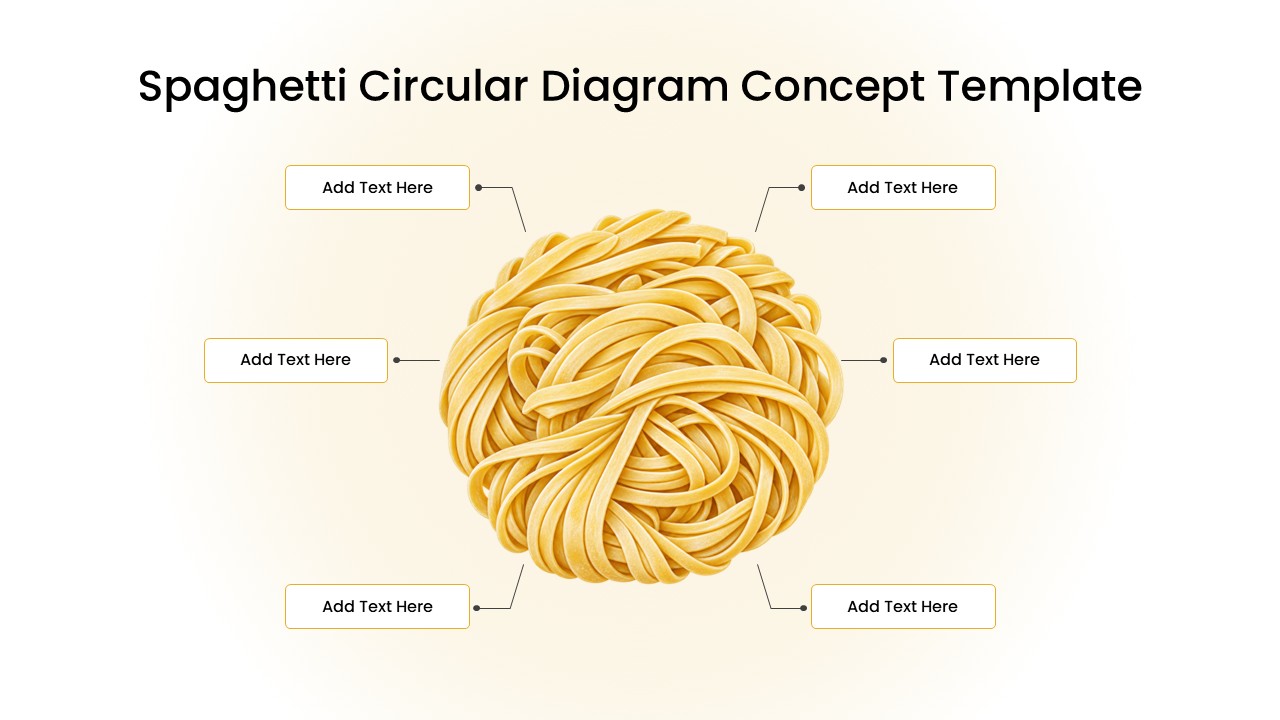
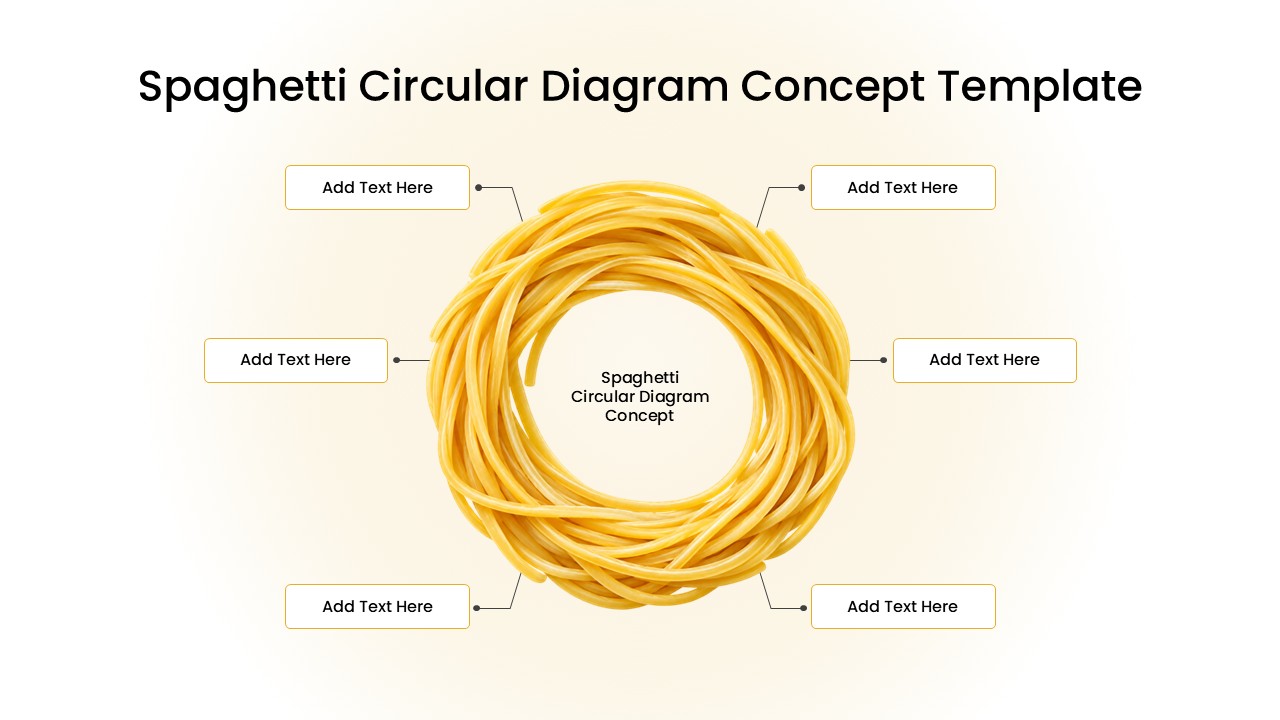
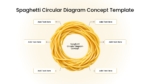
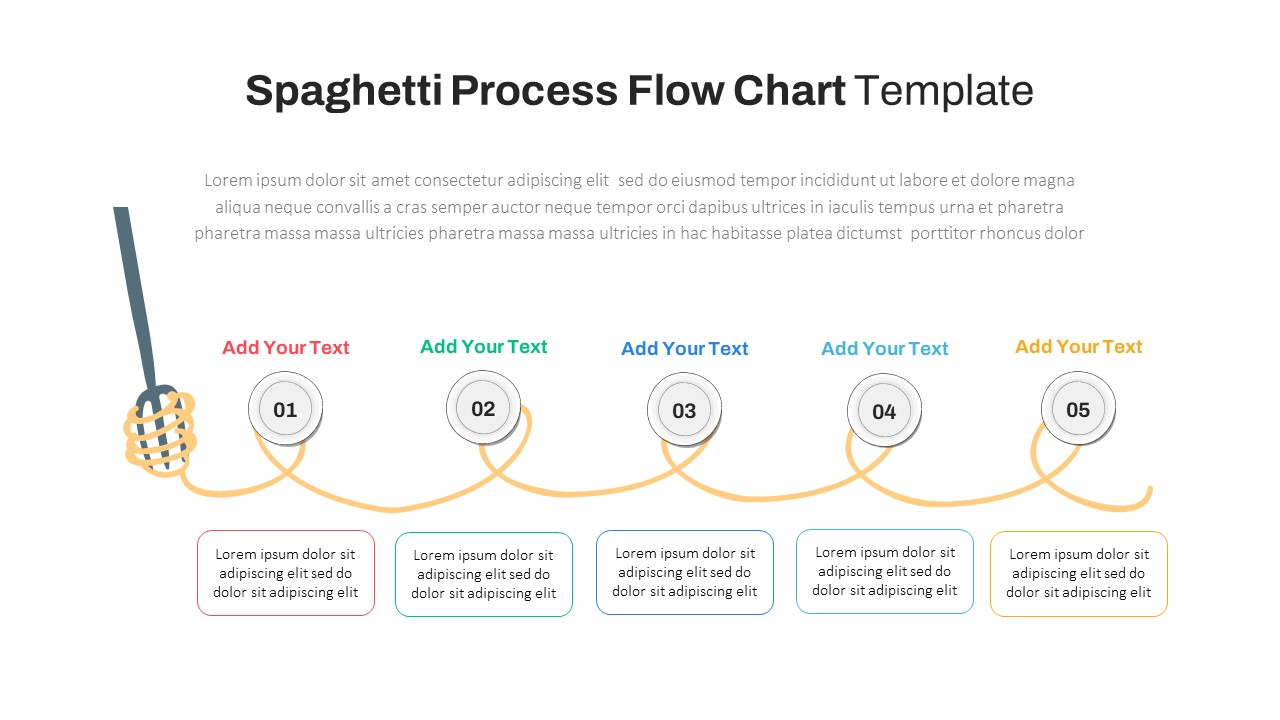
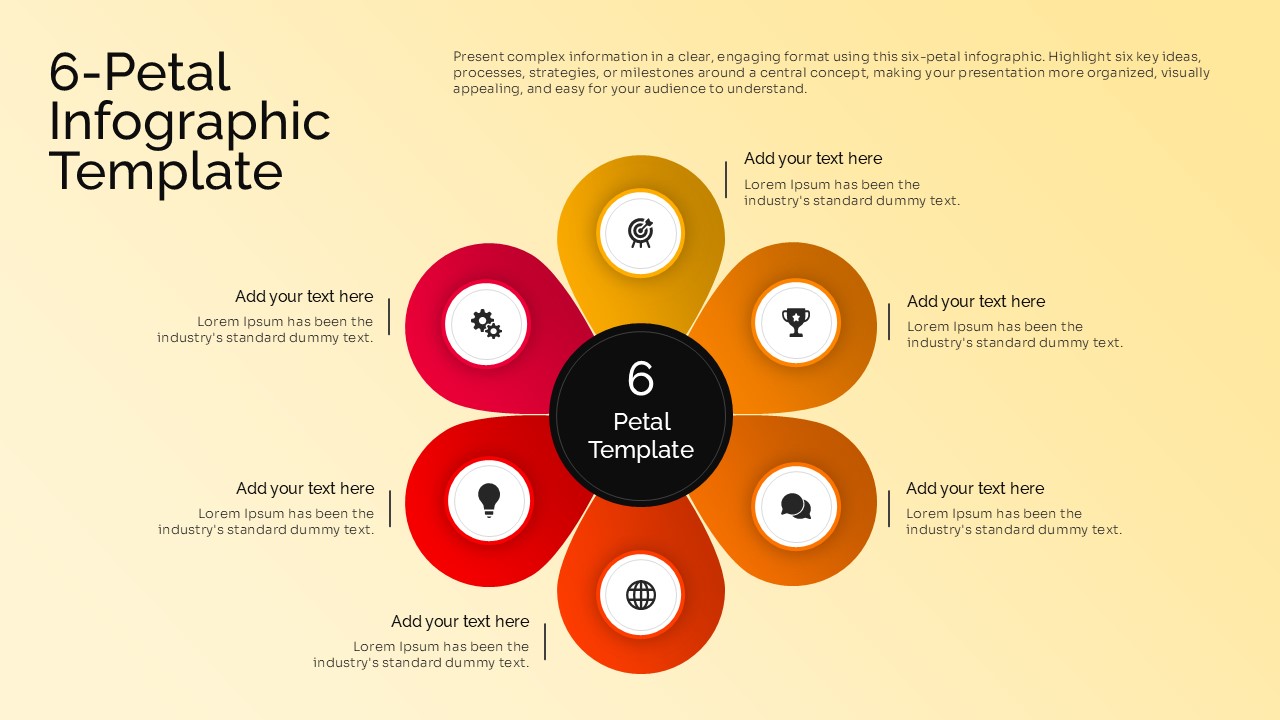
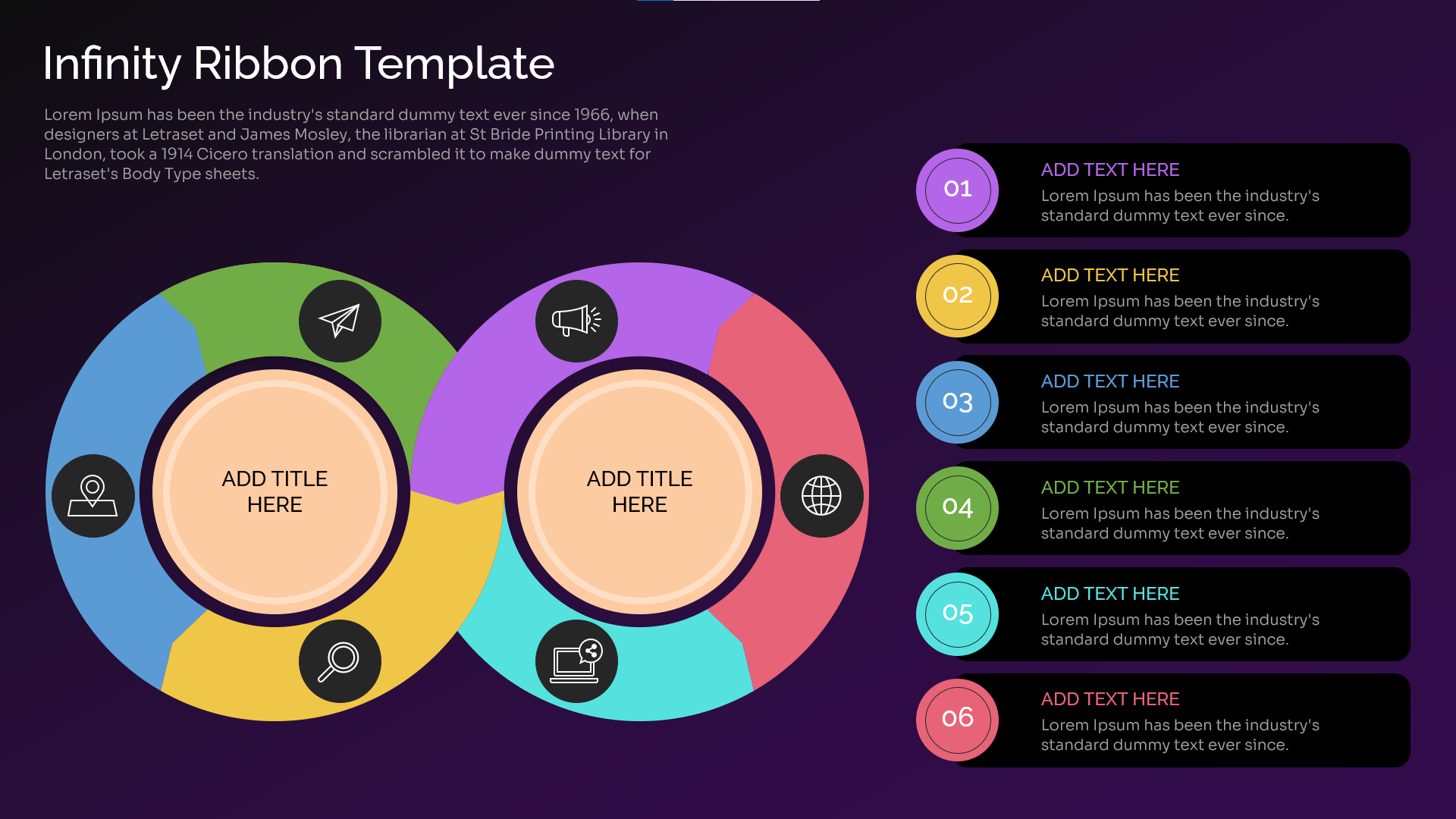
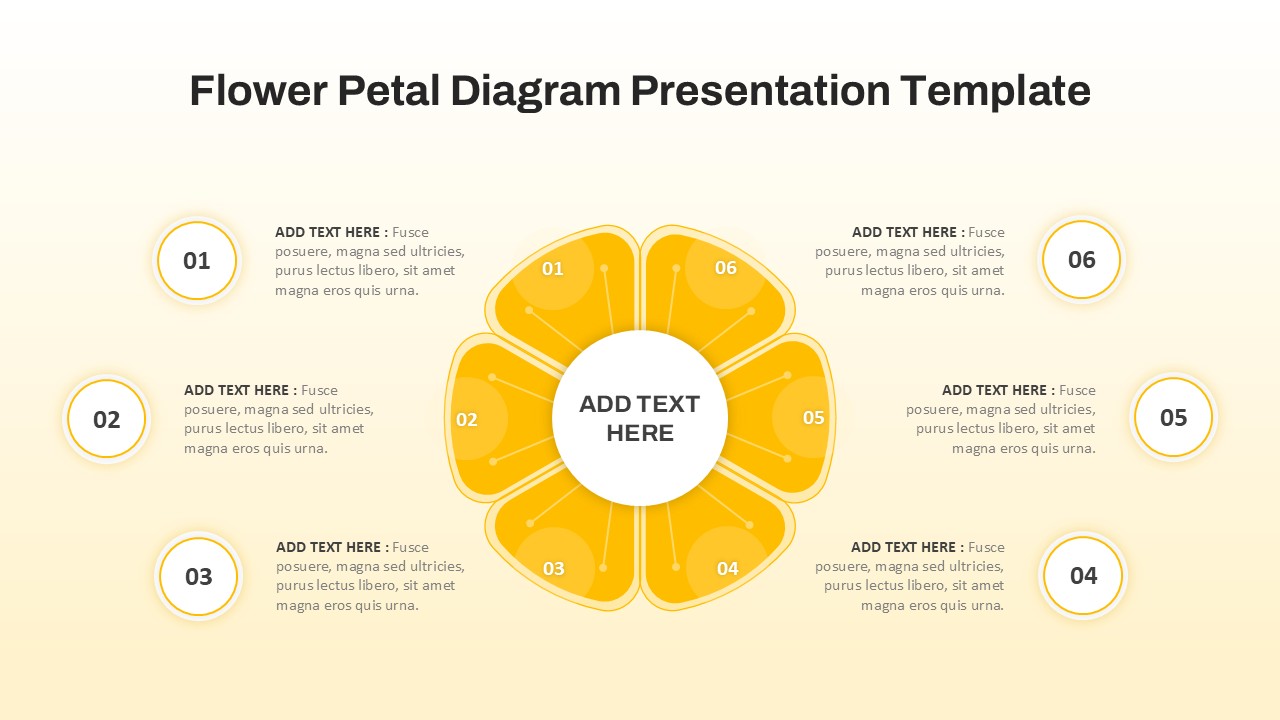
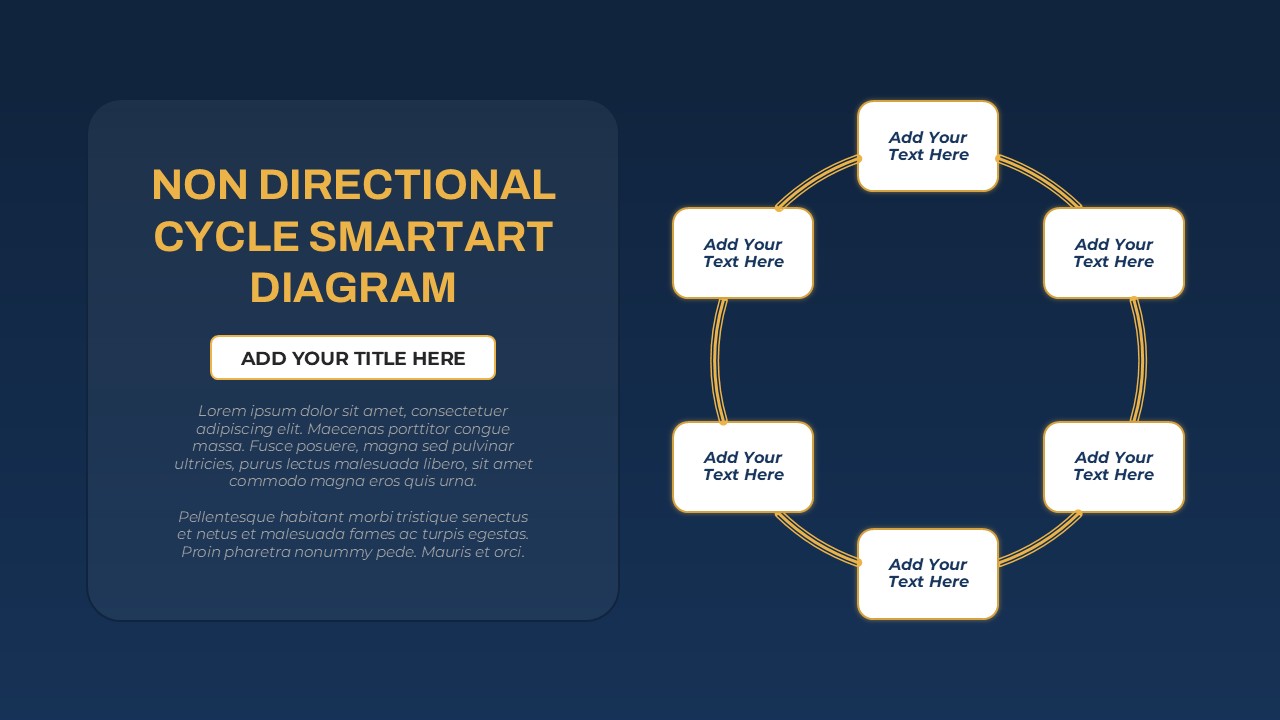
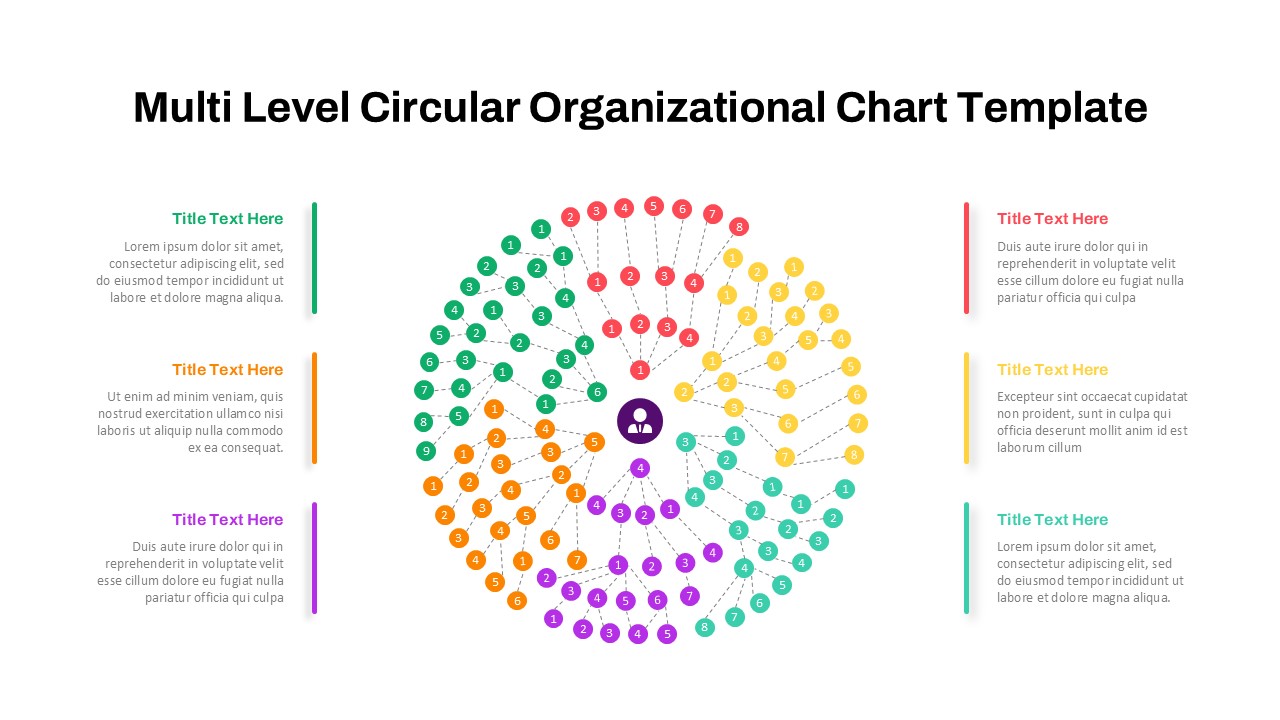
Make complex ideas easier to understand with the Spaghetti Circular Diagram Template. This visual presentation template uses a circular spaghetti illustration and six surrounding text boxes to help you organize information in a clear, engaging way. Its simple layout draws attention to the central concept while keeping supporting details easy to follow. The warm golden colors, soft background, and thin connector lines create a clean and professional appearance. Use this template to explain connected ideas, present business strategies, or break down a process into six key elements. The circular structure works well when you want to show relationships between topics without using a traditional list or table. You can also use it to highlight stages, categories, priorities, or factors that contribute to a central goal.
Designed for PowerPoint and Google Slides, this template offers a flexible way to build presentations for different audiences. Replace the placeholder text with your own headings and descriptions. Adjust the colors, fonts, and layout to match your brand or presentation style. You can also add supporting information to make each section more meaningful. The editable design is suitable for business professionals, educators, students, consultants, and marketing teams. Use it in meetings, workshops, training sessions, classroom lessons, or project discussions. The circular format helps viewers connect individual points to one main topic. As a result, your message becomes easier to present and remember.
Choose this Spaghetti Circular Diagram Template to turn scattered information into a structured visual story. Customize the labels to suit your topic and create a presentation that communicates your ideas with clarity and confidence.
See more

Aspect Ratio
16:9Item ID
SKT05045


FAQs
You May Also Like These Presentation Templates


- Free
- Free
- Free
- Free