2 Way Split Arrows Diagram Template
2 Way Split Arrows Diagram PowerPoint & Google Slides Template
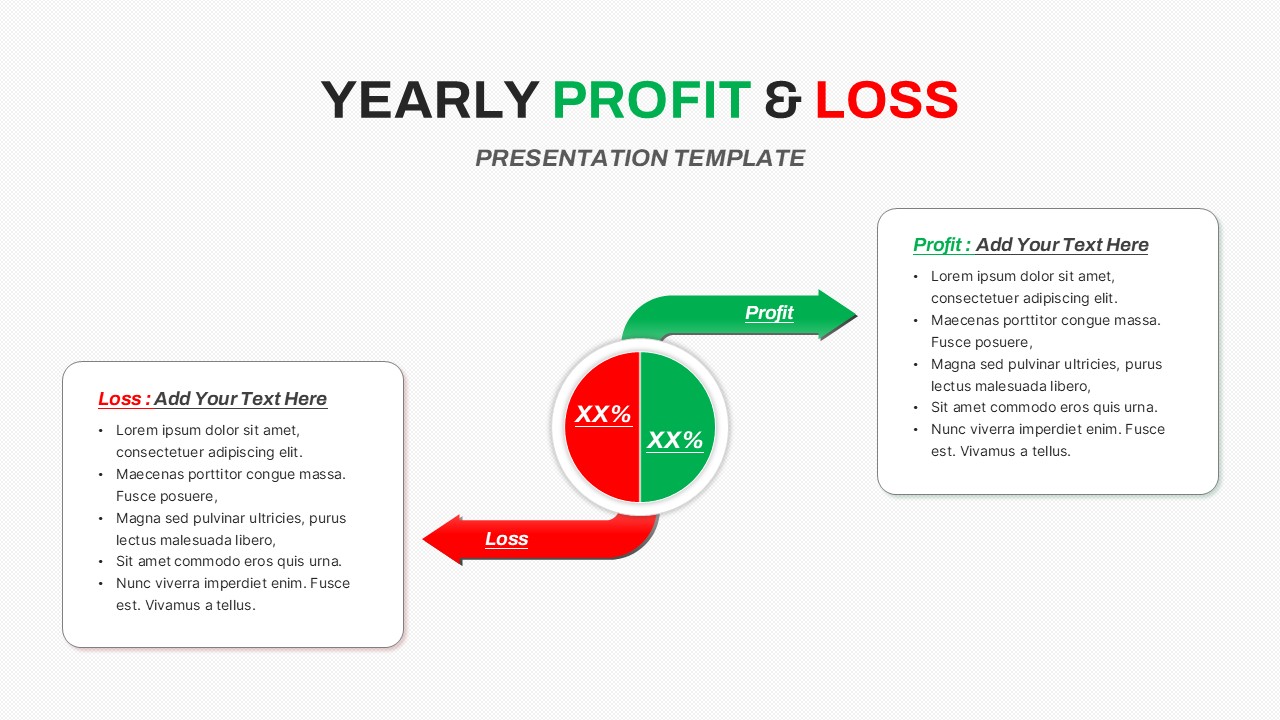
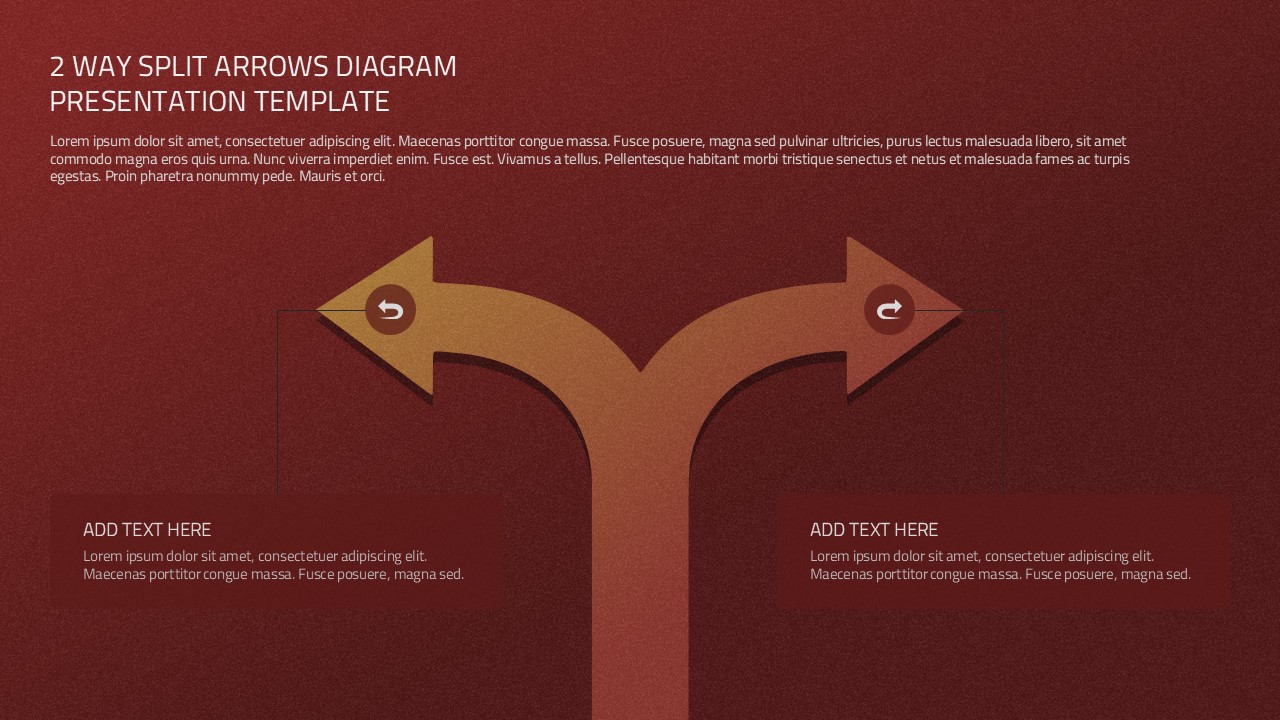
The 2 Way Split Arrows Diagram PowerPoint Template is a clean visual tool for presenting decisions, processes, strategies, and two directional outcomes. It uses a central pathway that divides into two curved arrows, making it easy to show how one idea, action, or process can lead to different directions.
The layout works well for business presentations, project planning, strategy discussions, workflow diagrams, decision making, and process analysis.
The dark red background creates a strong visual foundation, while the warm arrow design gives the diagram a clear focal point. Each arrow can represent a separate option, stage, result, or strategic direction. Supporting text boxes below the arrows provide space for short descriptions, key findings, or additional details. You can replace the sample text with your own content and adjust the headings, colors, shapes, and text to match your presentation.
The 2 Way Split Arrows Diagram PowerPoint Template is fully editable in Microsoft PowerPoint, so you can customize the design without advanced graphic design skills. It is also suitable for Google Slides, allowing you to edit and present the diagram online. Use this template when you need to explain a process with two possible paths or compare two outcomes from a common starting point.
Its simple structure keeps the information organized and helps your audience understand the relationship between the central idea and the two resulting directions. Add project milestones, business decisions, workflow stages, strategic options, or process outcomes to create a clear and engaging slide. This 2 Way Split Arrows Diagram PowerPoint Template can also be reused across different presentations, making it a practical addition to your presentation toolkit.
Key Details
- Two way split arrow design for showing different directions
- Editable PowerPoint elements for easy customization
- Google Slides compatible for online editing and presenting
- Curved arrows highlight two possible paths or outcomes
- Text boxes provide space for supporting information
- Useful for business strategy and decision making
- Suitable for process diagrams and workflow presentations
- Flexible layout for multiple presentation topics
- Easy to customize with your own text and colors
- Professional visual structure for clear communication
See more

Aspect Ratio
16:9Item ID
SKT04967


FAQs
You May Also Like These Presentation Templates

- Free
- Free
- Free
- Free

- Free
- Free