Business Petal Diagram Template
Business Strategy Petal Diagram Presentation for PowerPoint & Google Slides
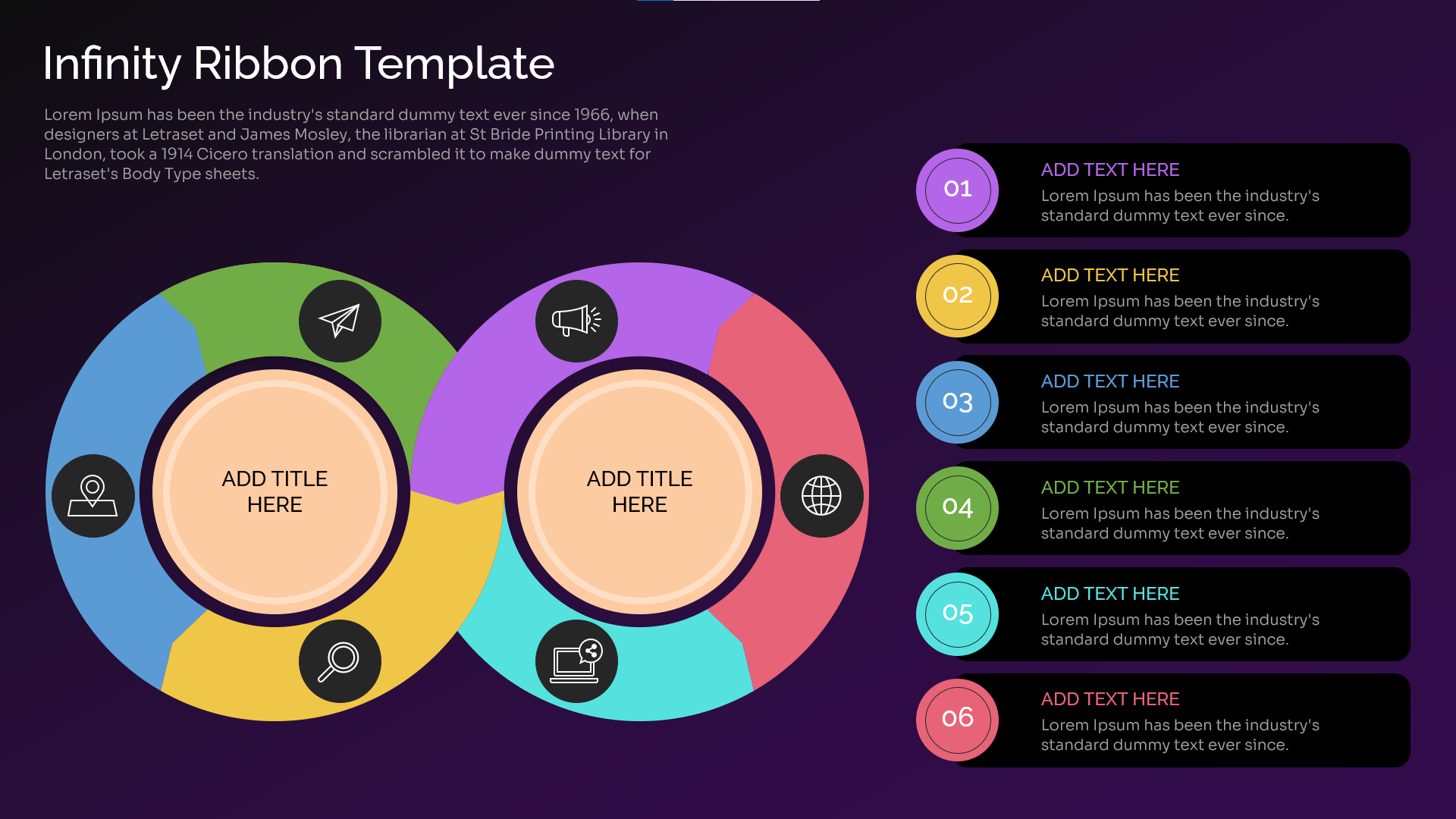
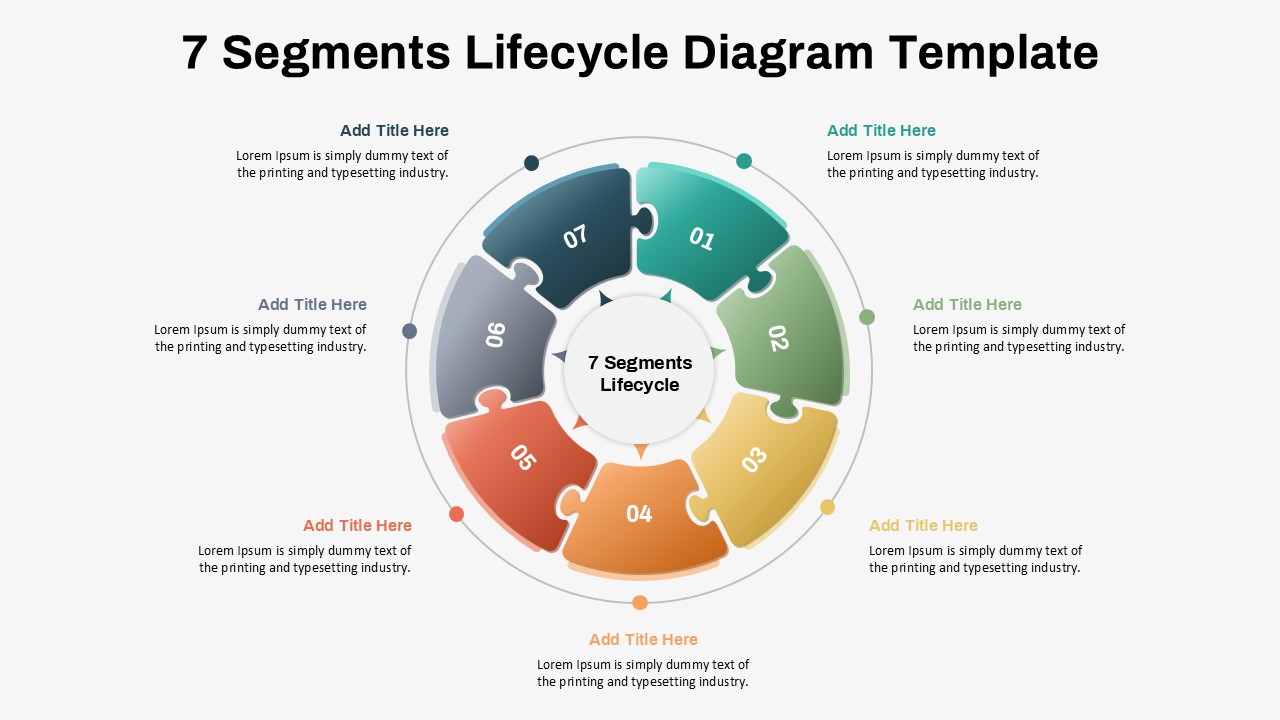
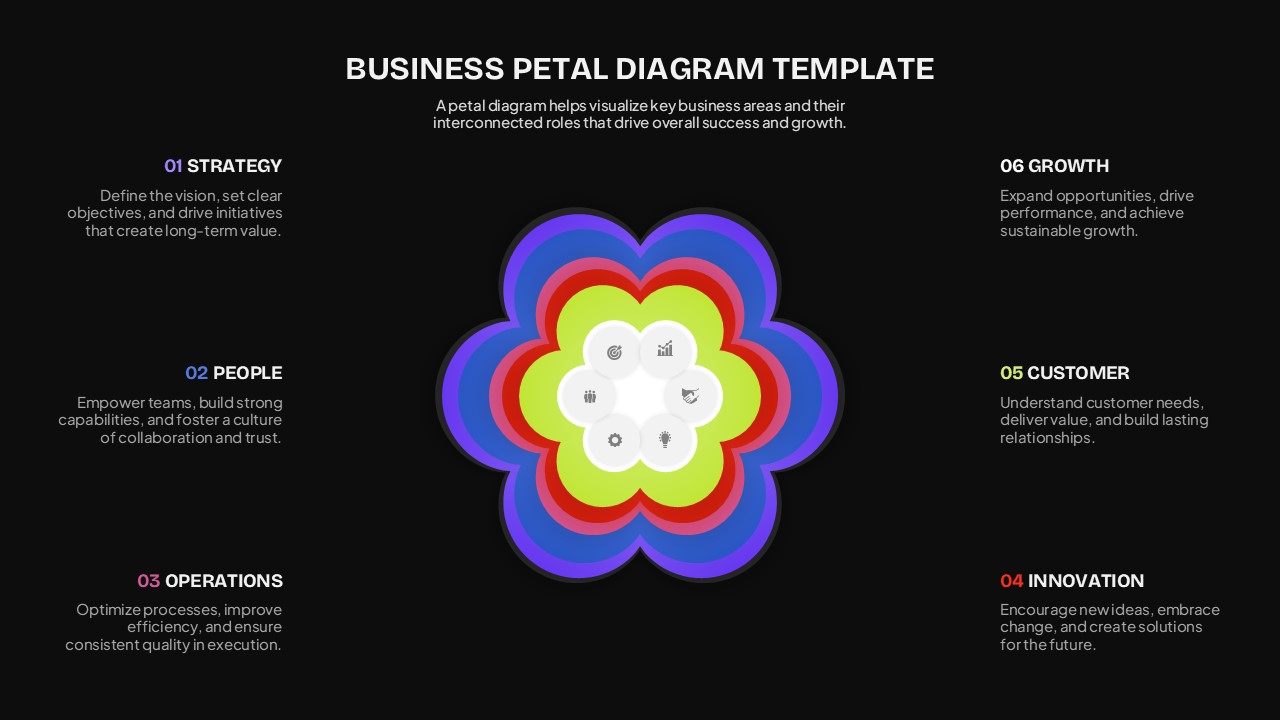
Present interconnected business priorities with this Business Petal Diagram Template, designed to organize key areas of strategy, operations, people, innovation, customer focus, and growth in a visually engaging format. The layered petal diagram places the core business concept at the center while surrounding it with six supporting areas, creating a clear visual structure for strategic presentations.
The Business Petal Diagram Template features a bold dark background with vibrant layered petals in blue, purple, red, and green. Each section includes a numbered heading and supporting text, making the layout suitable for presenting strategic frameworks, business models, organizational priorities, and growth plans. The central floral diagram creates a strong focal point while the surrounding content areas provide space for concise explanations.
- Visualize six interconnected business areas using a petal diagram.
- Present strategy, people, operations, innovation, customer, and growth priorities.
- Use a layered central graphic to emphasize relationships between concepts.
- Add concise descriptions alongside each business area.
- Customize text, colors, numbers, and branding in PowerPoint or Google Slides.
- Use the dark, modern layout for impactful business presentations.
Who is it for
This presentation is suitable for business leaders, strategists, consultants, marketers, managers, entrepreneurs, educators, and corporate teams creating strategy presentations, business plans, organizational frameworks, growth strategies, or management reports.
See more

Aspect Ratio
16:9Item ID
SKT04760


FAQs
You May Also Like These Presentation Templates

- Free

- Free