Four-Step Converging Arrows Diagram for PowerPoint & Google Slides
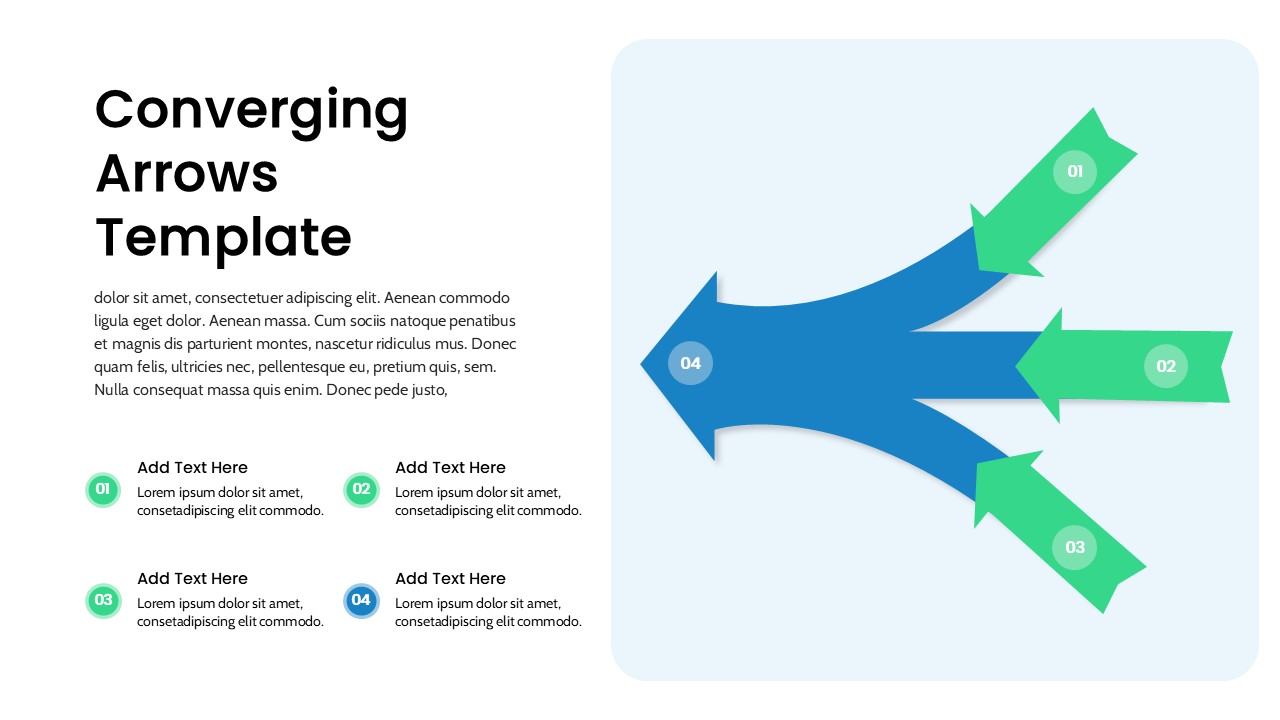
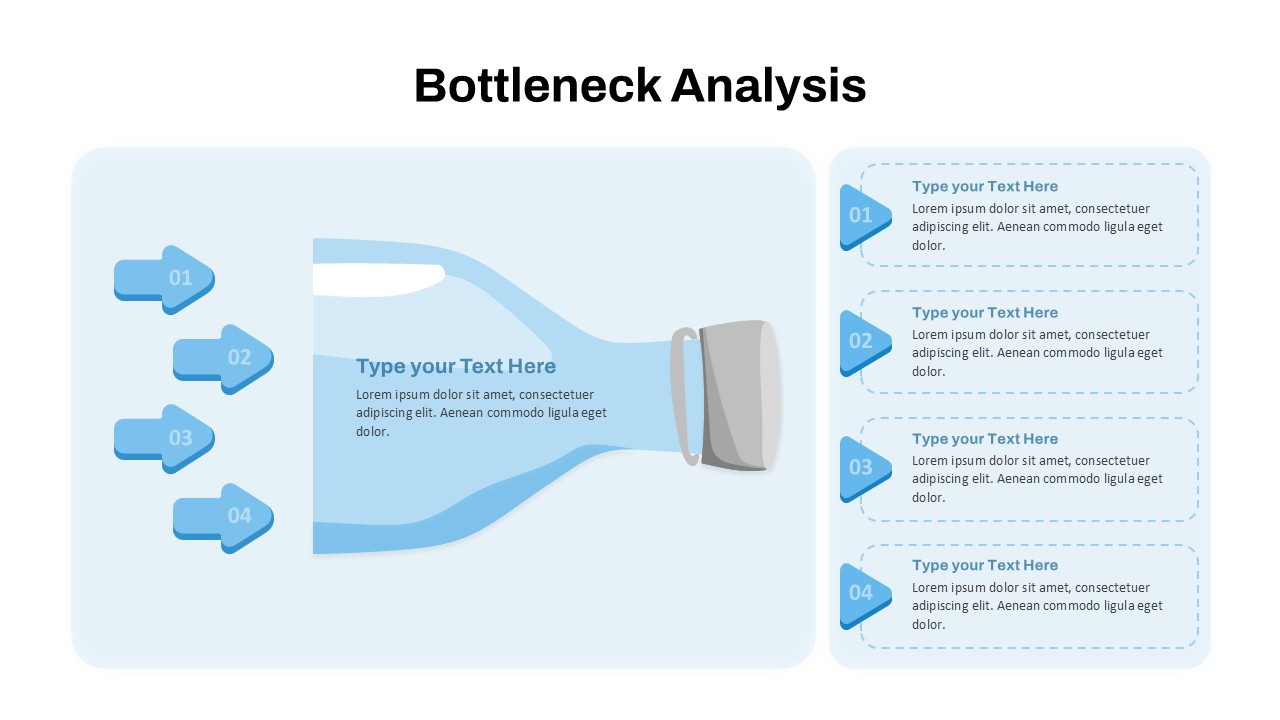
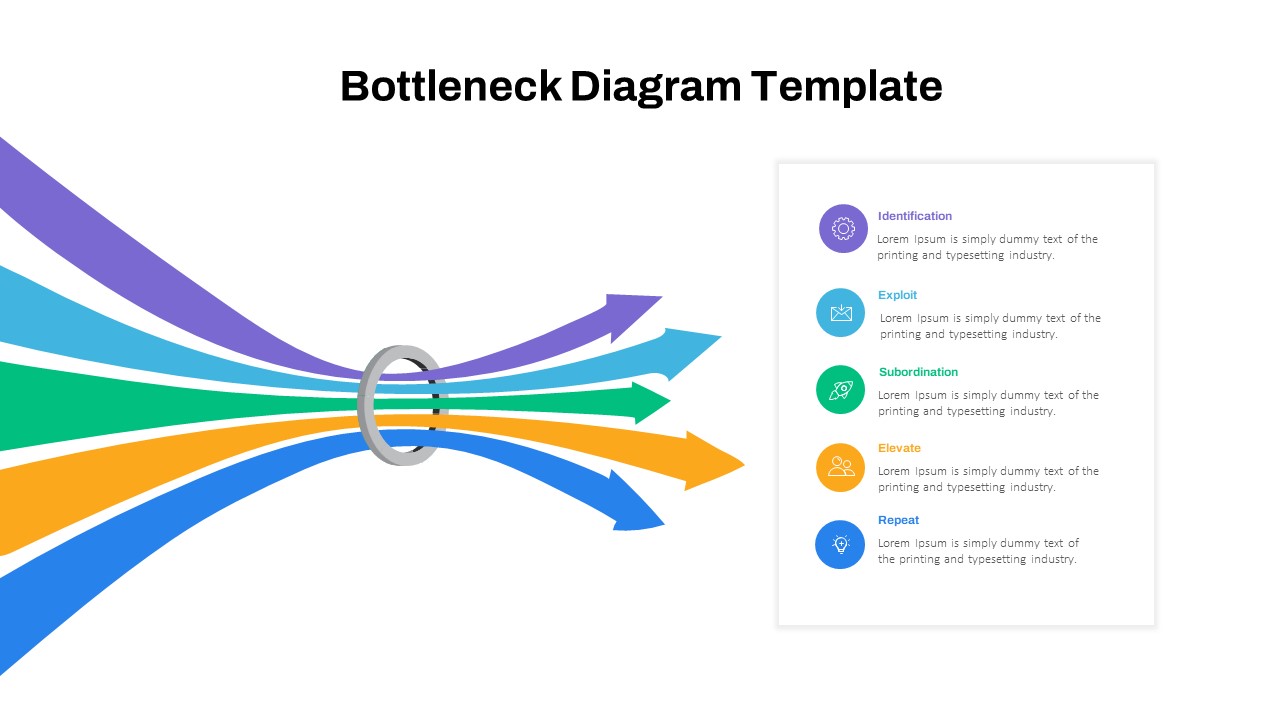
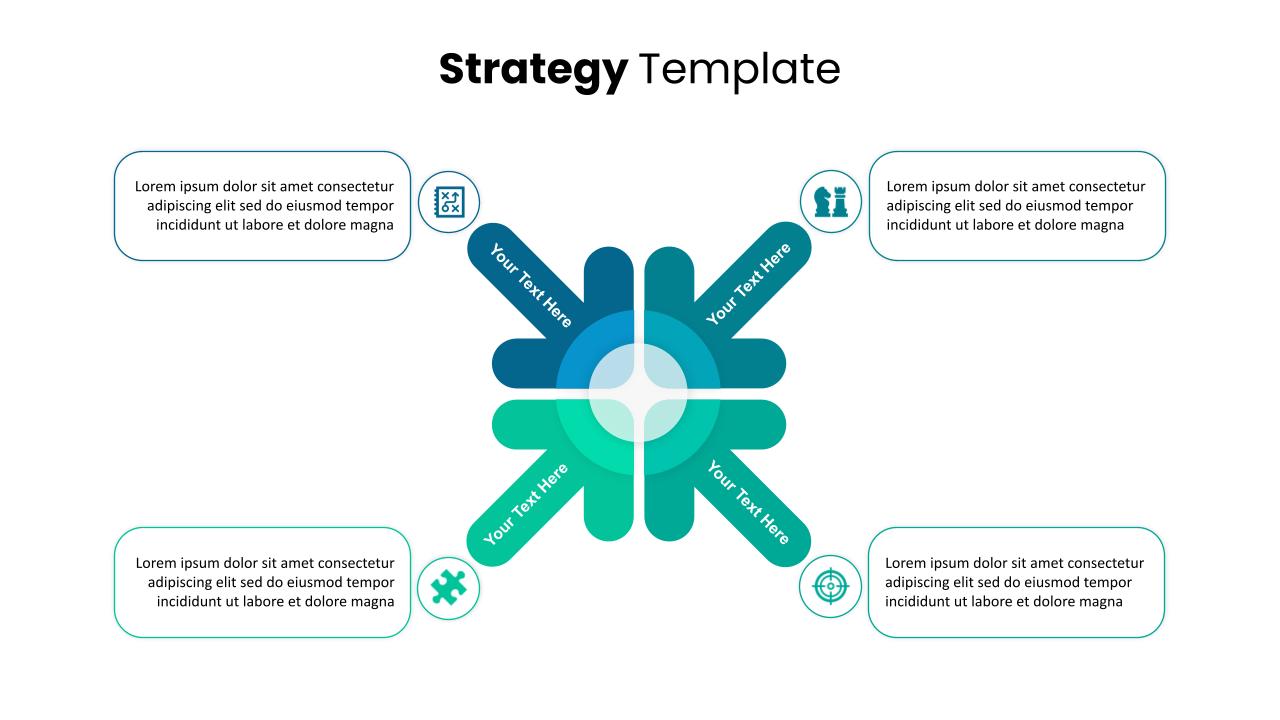
Use this Four-Step Converging Arrows Diagram to illustrate how multiple inputs, factors, or ideas align into a single unified outcome. Featuring a sleek, curved-arrow layout, this slide visually communicates integration, collaboration, or convergence across four distinct elements. Each arrow is numbered and color-coded—three green input arrows flow into one bold blue output arrow—emphasizing directional flow and thematic consistency.
This layout is ideal for breaking down complex processes such as project consolidation, data aggregation, team collaboration, or multi-channel strategies. The left panel provides space for supporting text and detailed descriptions corresponding to each step, while the right-hand graphic drives visual engagement. Clean fonts, rounded arrow shapes, and a subtle blue background enhance readability and modern appeal.
Compatible with both PowerPoint and Google Slides, the diagram is fully editable—allowing you to change colors, numbers, icons, or text to suit any industry or purpose. Whether you’re crafting a marketing funnel, summarizing departmental efforts, or showcasing integrated systems, this slide ensures your audience grasps the big picture at a glance.
See more

Aspect Ratio
16:9Item ID
SKT04192


Features of this template
Other Uses
Repurpose this slide for workflows, conflict resolution models, root cause analysis, customer journey mapping, or merger strategy visuals. It also works well for illustrating partnerships, data convergence, or product development phases.
FAQs
You May Also Like These Presentation Templates

- Free
- Free
- Free

- Free
- Free
- Free