Speech Bubble Banner Diagram Template
Speech Bubble Banner Diagram Template for PowerPoint & Google Slides
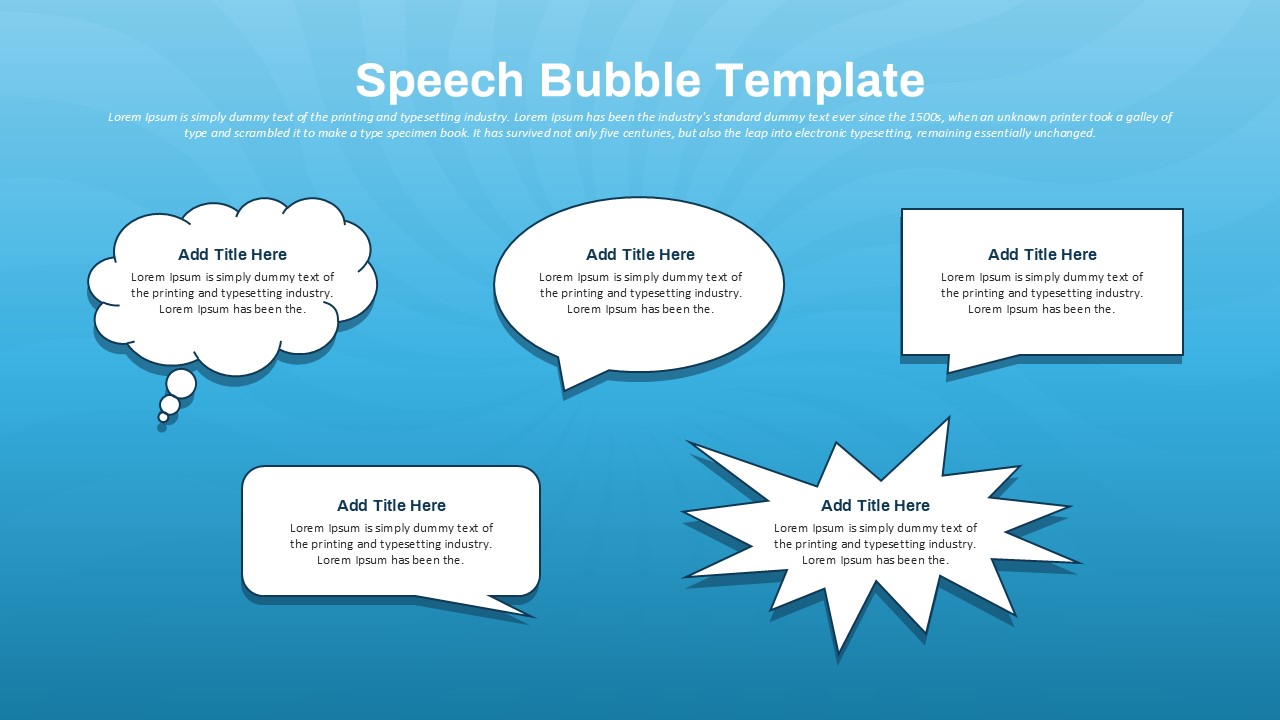
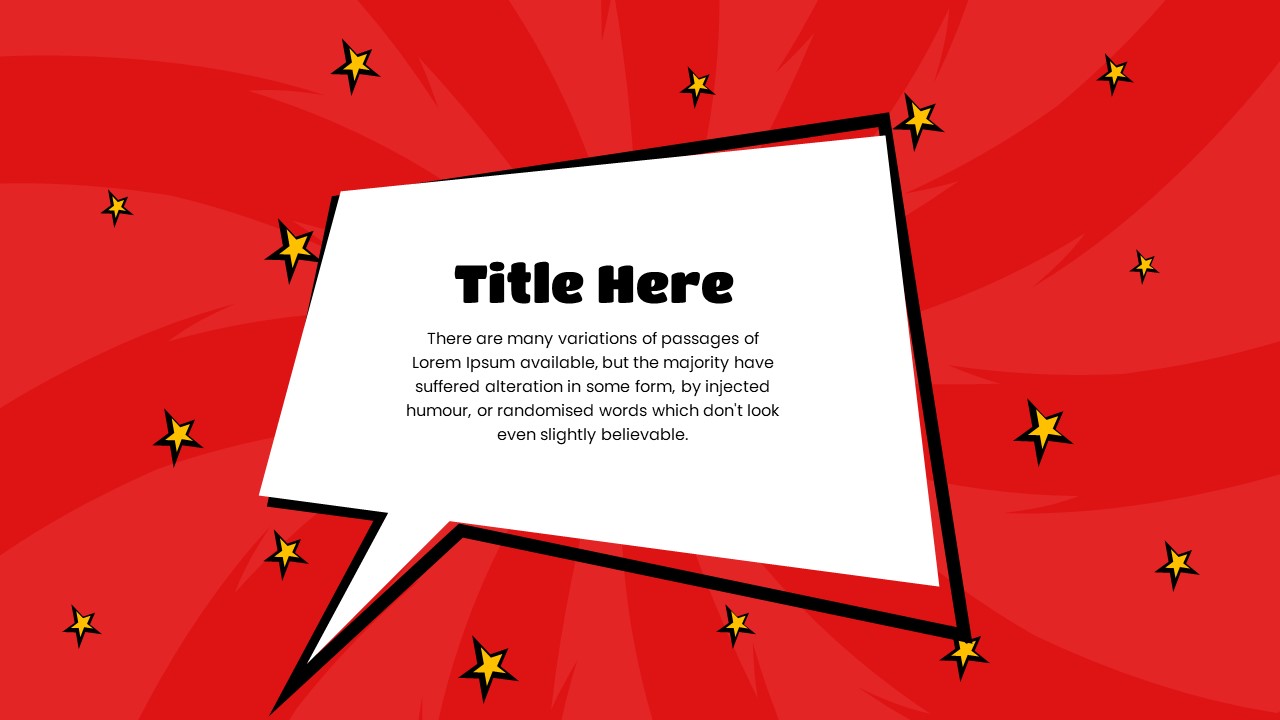
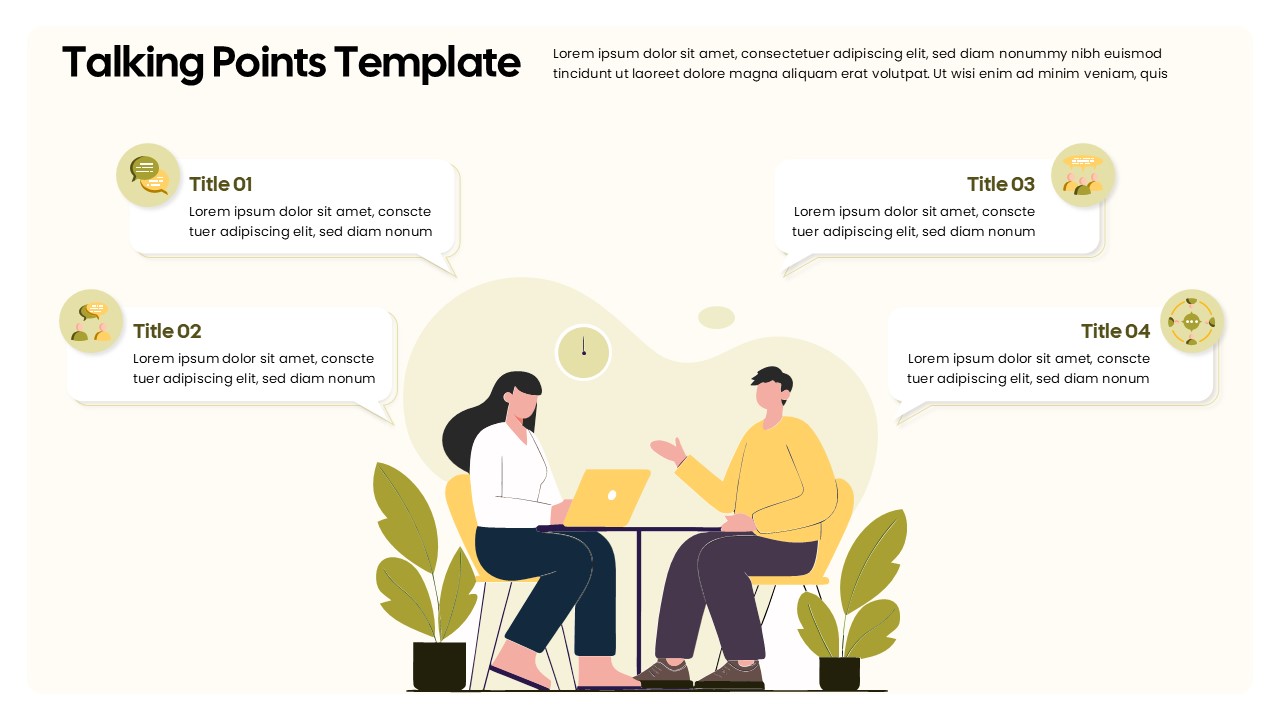
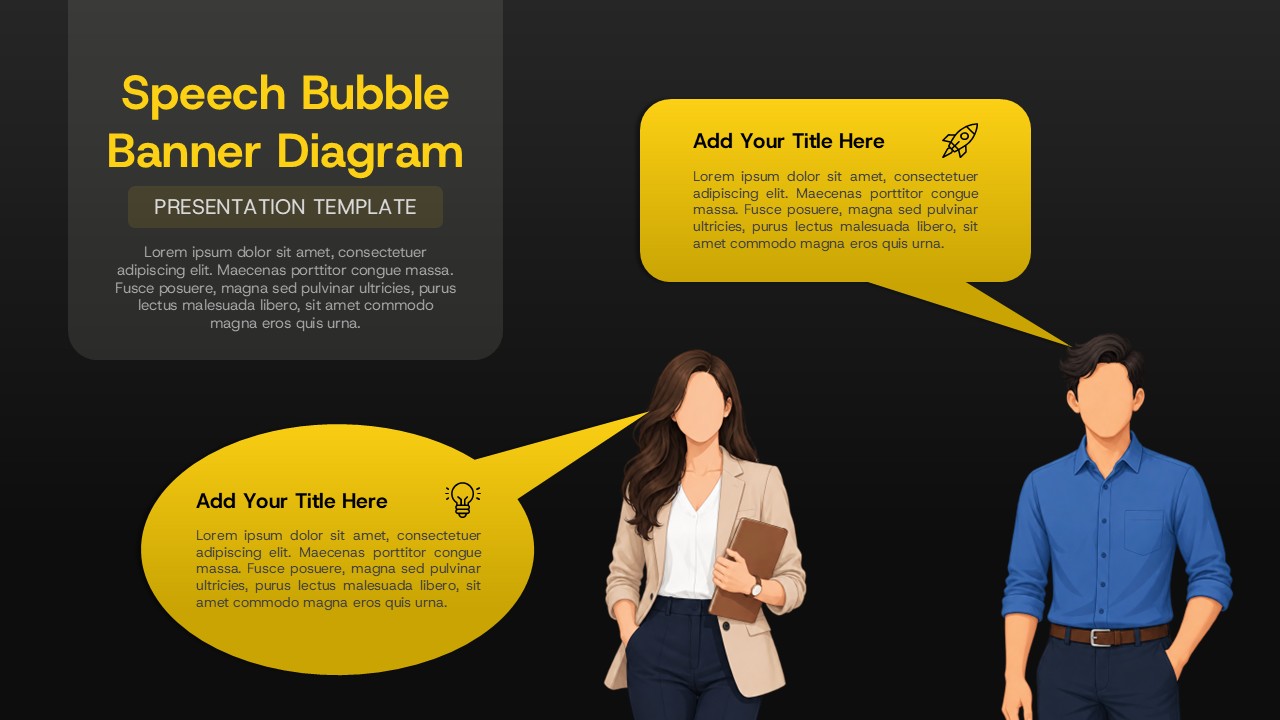
The Speech Bubble Banner Diagram Template for PowerPoint and Google Slides is a creative way to present ideas, explain concepts, and highlight important messages. Designed for business professionals, educators, marketers, and project teams, this template makes communication more visual and engaging. Its bold yellow speech bubbles stand out against a dark background. The modern layout also features illustrated people, creating a conversational style that helps your audience connect with the content. Use this speech bubble diagram to explain ideas, share feedback, present suggestions, or show conversations between individuals and teams. The editable design gives you space to add titles, descriptions, and supporting information. Each speech bubble can represent a different viewpoint, message, or discussion topic. This makes the template useful for presentations that need clear communication and easy-to-follow information.
The bright yellow color draws attention to key points, while the dark background improves contrast and readability. You can customize the text, colors, and layout to match your brand or presentation theme. Add your own examples, business messages, learning points, or project updates to make the content relevant to your audience. The template works well for team meetings, brainstorming sessions, marketing campaigns, classroom lessons, and business proposals. It can also help explain customer feedback, communication strategies, and workplace discussions. With PowerPoint and Google Slides compatibility, you can edit the content using your preferred presentation platform. Update the text, adjust the design, and reuse the layout for different topics. The visual structure helps simplify complex information and encourages audience engagement. Whether you are introducing a new idea or comparing different perspectives, this speech bubble banner diagram provides a practical and attractive presentation solution. Use it to make your message clear, keep your slides organized, and create presentations that are easy to understand.
Key Features and Slide Details
- Speech Bubble Layout: Present messages, ideas, and discussion points in separate visual sections.
- Clear Text Areas: Add headings and short descriptions to explain each concept.
- People Illustrations: Support conversational topics and people-focused presentations.
- High-Contrast Design: Use bright yellow bubbles against a dark background to emphasize key information.
- Editable Content: Customize text, colors, and labels in PowerPoint and Google Slides.
- Flexible Applications: Adapt the diagram for meetings, brainstorming, education, marketing, and communication training.
Use this template to turn everyday discussions into engaging visual presentations. Customize each speech bubble with your own content and create a consistent design for sharing ideas with colleagues, clients, or students.
See more

Aspect Ratio
16:9Item ID
SKT04954


FAQs
You May Also Like These Presentation Templates
- Free

- Free
- Free
- Free
- Free

- Free
- Free
- Free
- Free
- Free
- Free
- Free
- Free
- Free
- Free
- Free
- Free
- Free
- Free
- Free
- Free
- Free
- Free
- Free
- Free
- Free