Version Control Process Flow Chart Template
Version Control Process Flow Chart Template for PowerPoint and Google Slides
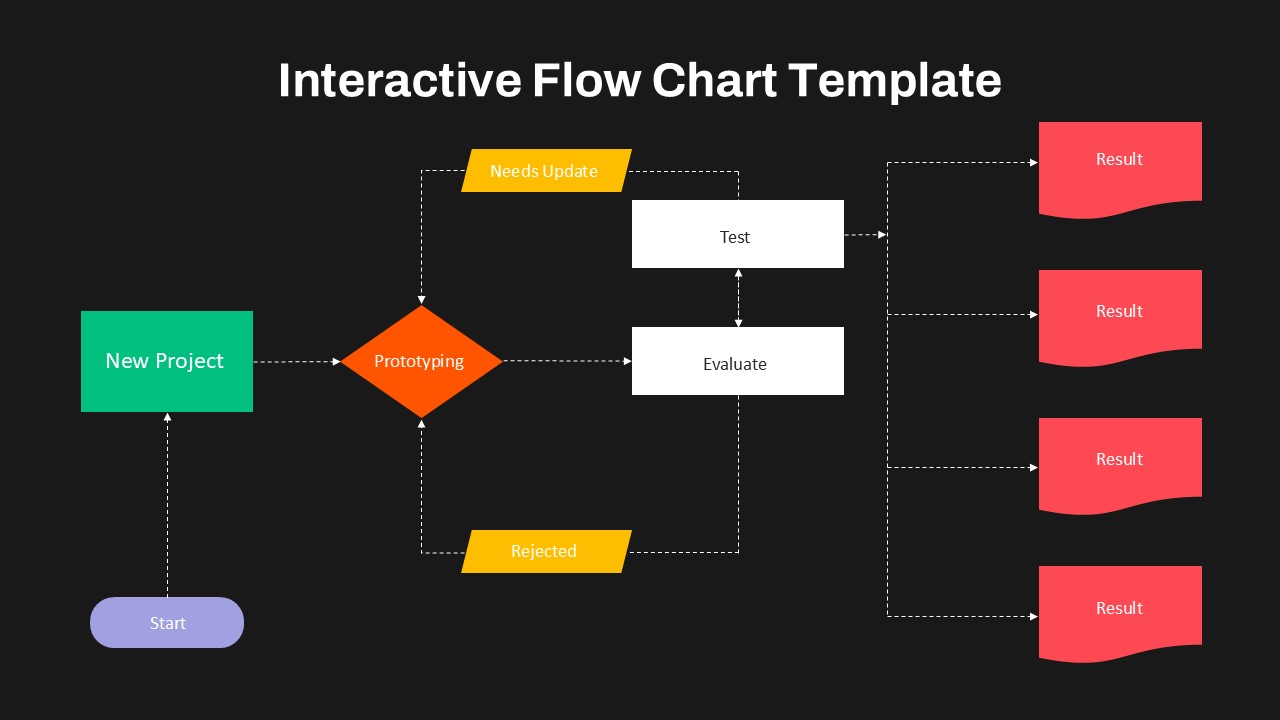
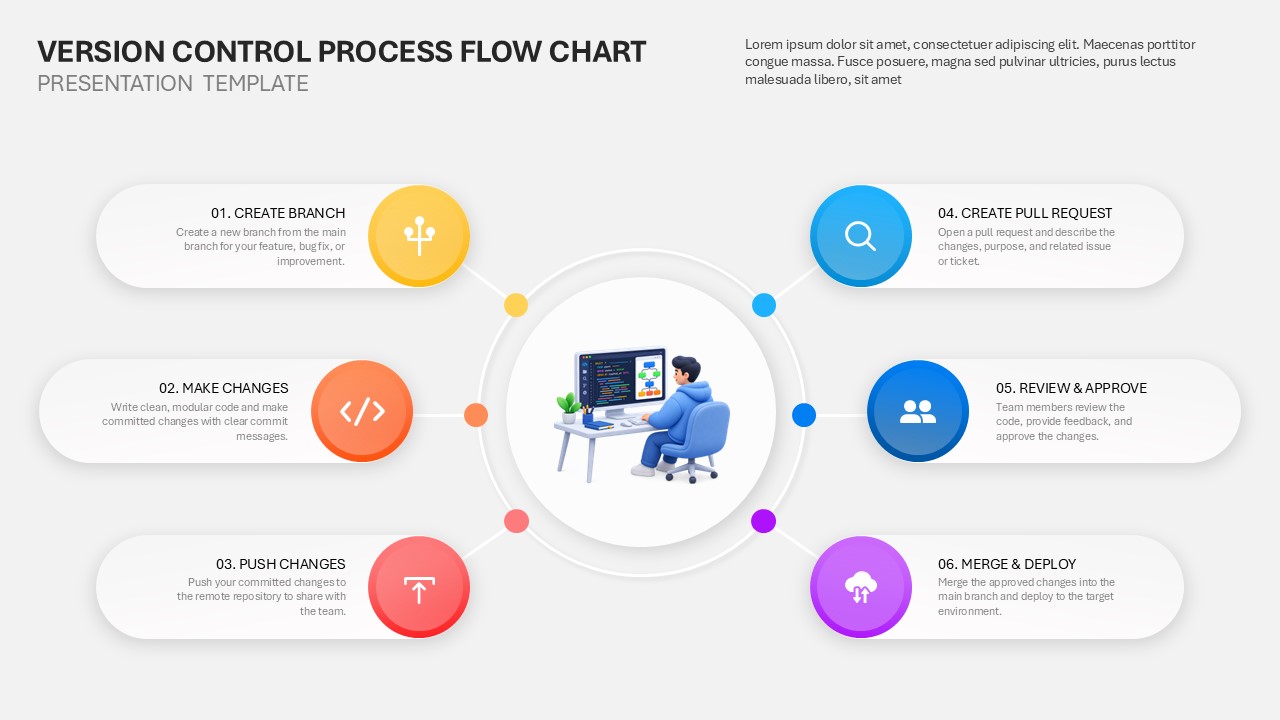
The Version Control Process Flow Chart Template helps teams explain and present their software development workflow in a clear, organized way. Available for PowerPoint and Google Slides, this template is ideal for developers, project managers, software engineers, IT teams, and technical trainers. It uses a clean layout, colorful process icons, and connected steps to make version control easier to understand. The central illustration highlights the role of developers in managing code and collaborating on projects. Six key stages surround the visual, creating a simple flow from creating a branch to merging and deploying approved changes. Each stage includes a short explanation, so viewers can quickly understand the purpose of each activity. The second step, Make Changes, focuses on writing clean, modular code and committing updates with clear messages. Next, Push Changes explains how developers send committed code to a remote repository for team access.
The template also helps teams explain collaboration, code quality, change tracking, and deployment practices. Its balanced design makes technical information easier to present during meetings, training sessions, and project discussions. You can edit the text, colors, icons, and layout to match your team’s process. Use it to introduce version control to beginners or document an existing workflow for stakeholders. Customize it in PowerPoint or Google Slides to create a professional presentation that supports better collaboration and a more consistent development workflow.
See more

Aspect Ratio
16:9Item ID
SKT04948


FAQs
You May Also Like These Presentation Templates


- Free
- Free
- Free
- Free
- Free