Free Speech Bubble PowerPoint Template and Google Slides
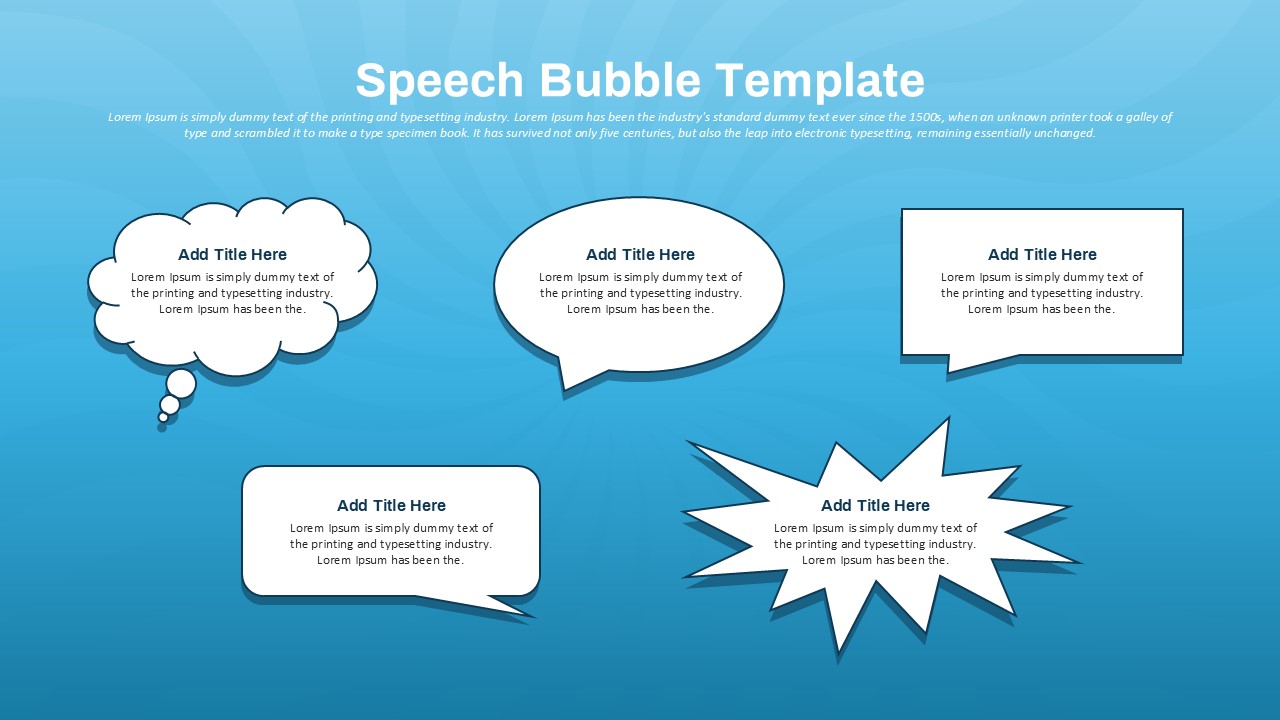
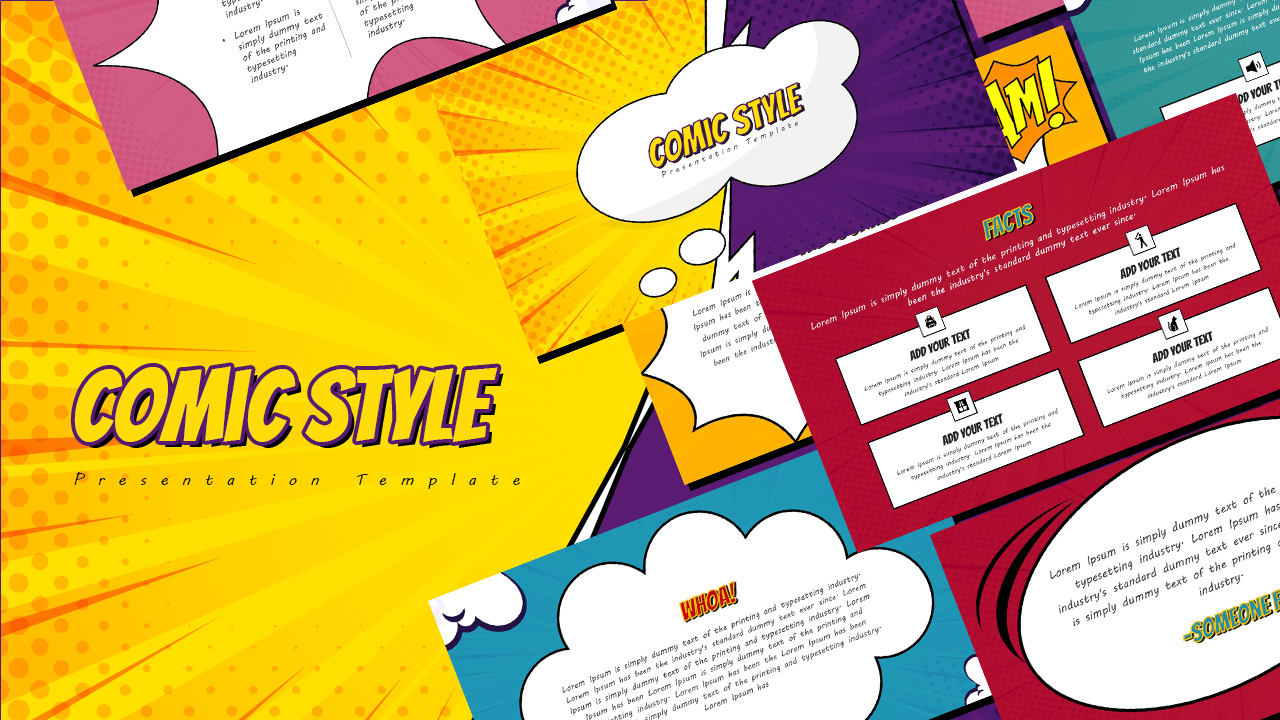
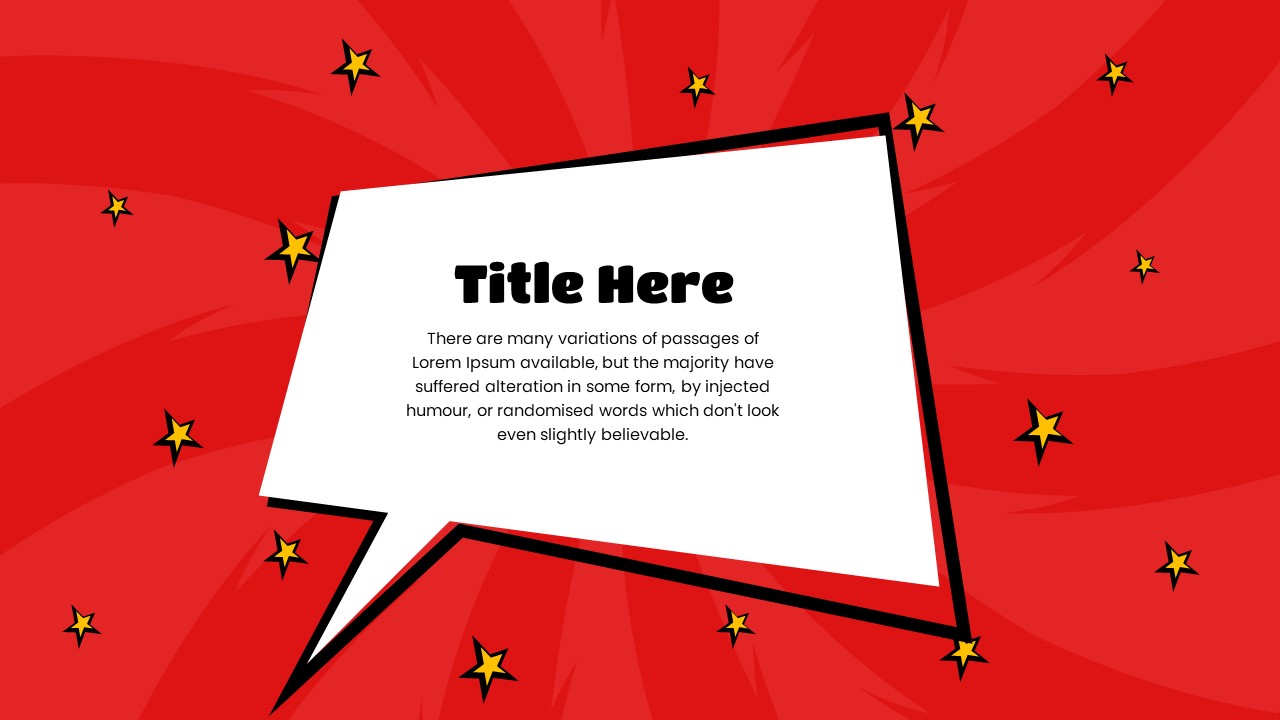
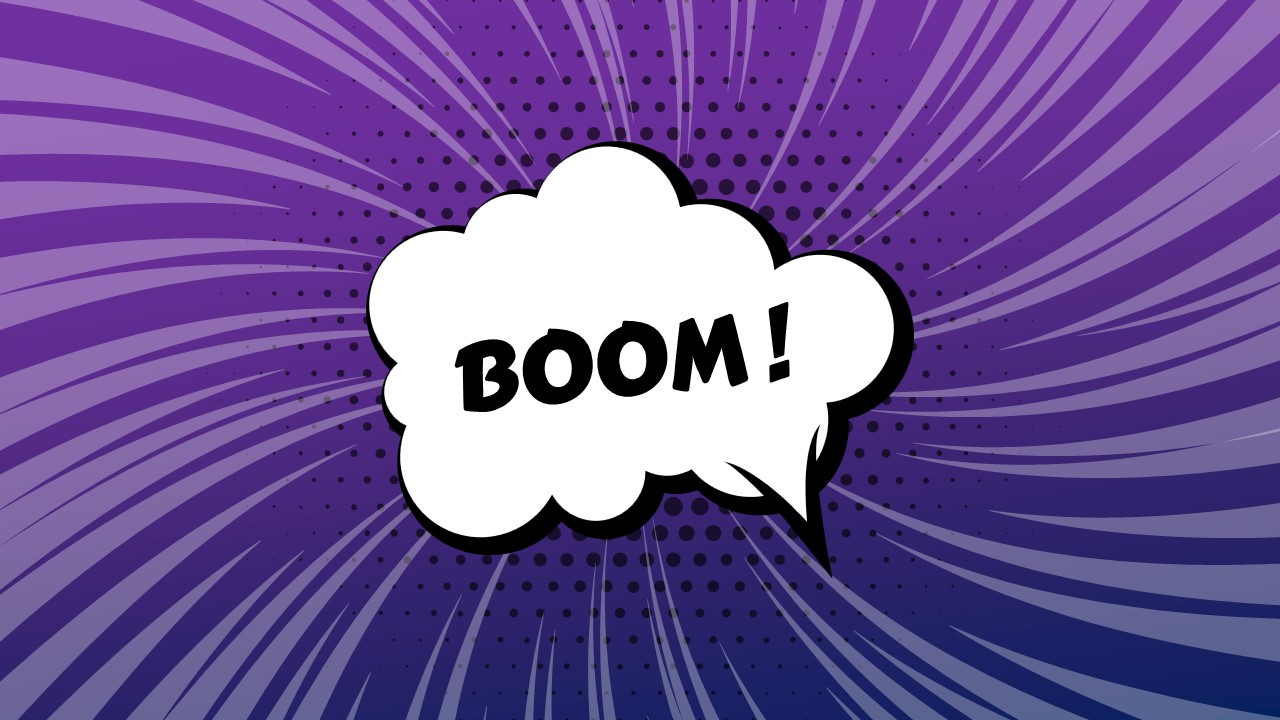
Make your presentations more engaging and visually dynamic with the Speech Bubble PowerPoint Template and Google Slides for free. Designed for creative storytelling, discussions, and brainstorming sessions, this template allows presenters to illustrate dialogues, emphasize key points, and add an interactive touch to their content.
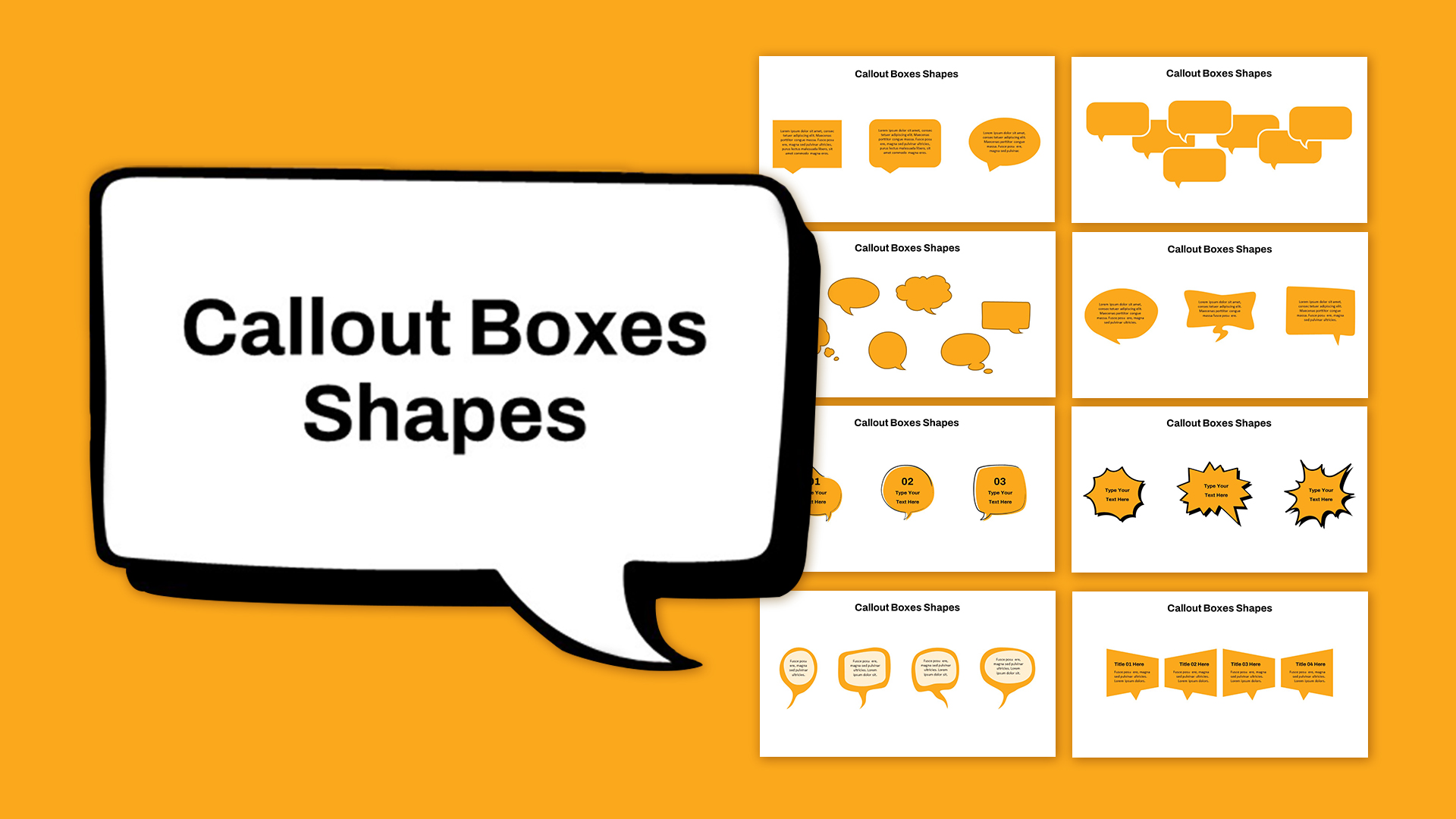
Featuring various speech bubble designs, including classic round bubbles, comic-style bursts, and thought clouds, this template brings a conversational and fun element to presentations. The blue background enhances readability, while the editable text placeholders make customization effortless. Whether you are highlighting key messages, presenting quotes, or simulating conversations, this template provides an innovative way to convey information.
Perfect for business meetings, educational presentations, team discussions, marketing campaigns, and creative storytelling, this template encourages audience engagement and clarity in communication. The variety of speech bubbles allows users to structure dialogues effectively, making it useful for customer feedback presentations, scriptwriting, product reviews, and interactive training sessions.
Compatible with PowerPoint and Google Slides, this template is fully editable, enabling users to modify colors, fonts, and text to fit their presentation needs. Whether you’re looking to add a fun element to a classroom lesson, create an engaging team discussion, or enhance a marketing pitch, this Speech Bubble Template is a must-have for effective communication.
See more

Aspect Ratio
16:9Item ID
SKT03322


Features of this template
Other Use Cases of the Template:
Creative storytelling, brainstorming sessions, educational lessons, marketing campaigns, business team discussions, customer feedback presentations, scriptwriting, product reviews, social media strategy meetings.
FAQs
You May Also Like These Presentation Templates

- Free
- Free
- Free

- Free
- Free
- Free
- Free
- Free
- Free
- Free
- Free
- Free
- Free
- Free
- Free
- Free
- Free
- Free

- Free
- Free
- Free
- Free
- Free
- Free
- Free
- Free
- Free
- Free
- Free
- Free
- Free
- Free
- Free
- Free
- Free
- Free
- Free
- Free
- Free
- Free
- Free
- Free
- Free
- Free
- Free
- Free
- Free
- Free
- Free
- Free
- Free
- Free
- Free
- Free
- Free
- Free
- Free
- Free
- Free
- Free
- Free
- Free
- Free
- Free