Checkmate Metaphor Presentation Template
Chess Checkmate Strategy Presentation Template for PowerPoint & Google Slides
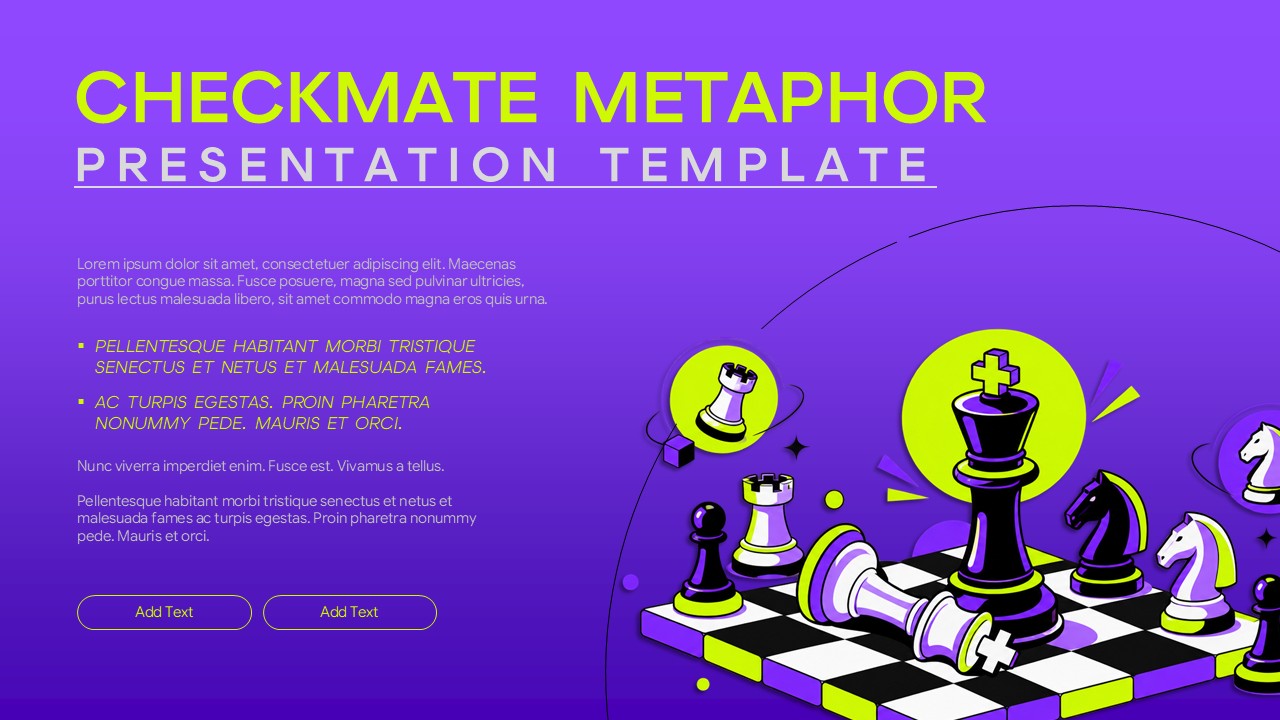
The Checkmate Metaphor Template is a bold and creative presentation design that uses chess as a visual metaphor for strategy, decision-making, competition, leadership, and achieving goals. The striking purple background, neon lime accents, black-and-white chessboard, and illustrated chess pieces create an energetic and memorable visual style. The central king piece represents control, leadership, and the ability to make decisive moves, while the surrounding chess pieces can be used to explain business priorities, strategic choices, challenges, or competitive positioning.
The Checkmate Metaphor Template for PowerPoint and Google Slides helps present business strategies, leadership ideas, marketing plans, and educational topics using a clear chess-inspired design. Easily edit the text, colors, and content to match your presentation.
- Chess Metaphor: Uses checkmate and chess pieces to communicate strategy, competition, and decisive action.
- Bold Visual Design: Purple, lime, black, and white elements create a high-impact presentation style.
- Editable Layout: Customize text, colors, graphics, and content in PowerPoint and Google Slides.
- Strategy Focus: Suitable for goals, business moves, competitive analysis, and leadership concepts.
- Clear Content Areas: Organized sections make key messages easy to present and follow.
Use this presentation template to turn strategic concepts into a visual story that feels engaging and easy to understand. It works especially well when you need to explain how individual decisions contribute to a larger objective. The chess-inspired design can also help make presentations about business strategy, leadership, competition, planning, and problem-solving more memorable.
See more

Aspect Ratio
16:9Item ID
SKT05009


FAQs
You May Also Like These Presentation Templates


- Free
- Free
- Free
- Free
- Free
- Free
- Free
- Free
- Free
- Free
- Free
- Free
- Free