Metro Style Flow Chart Template
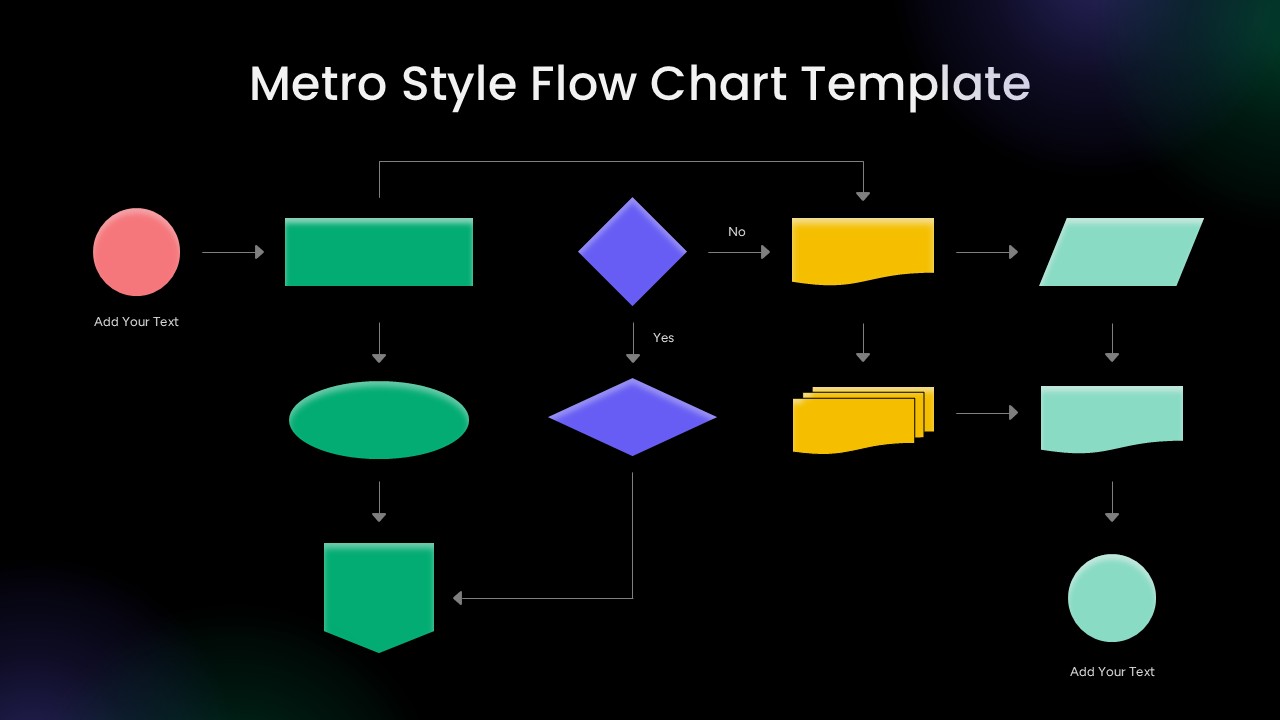
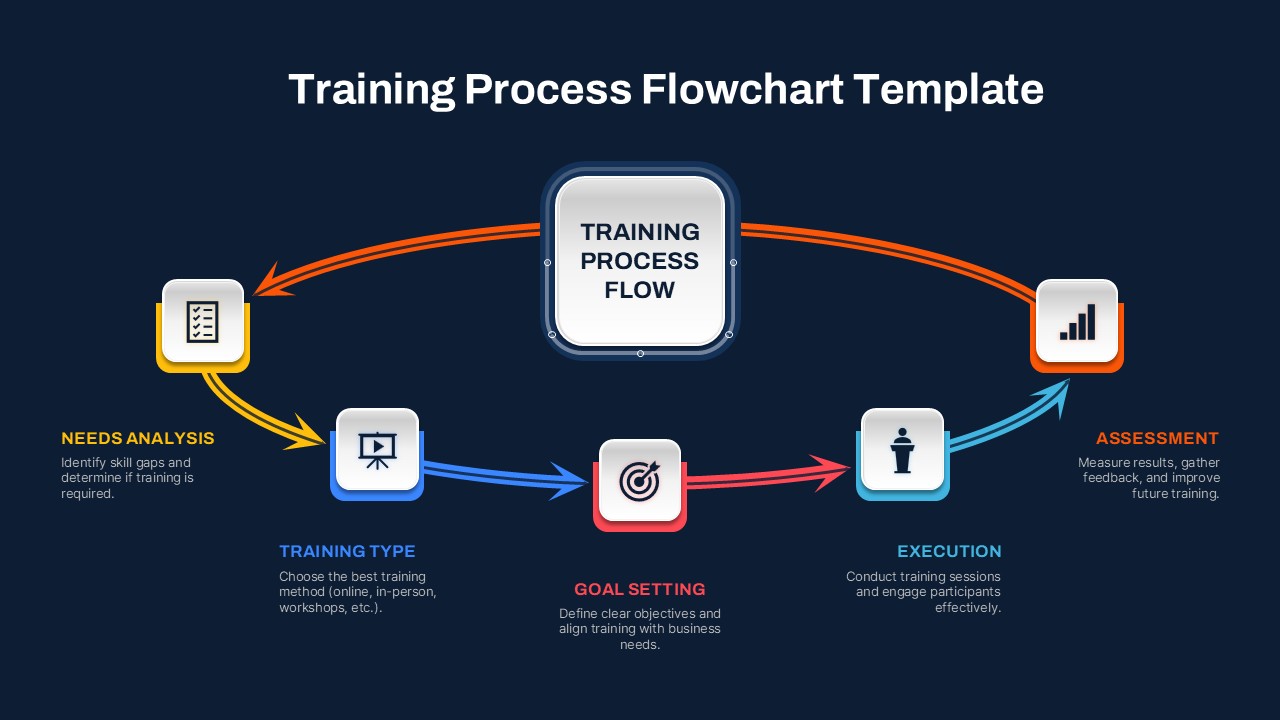
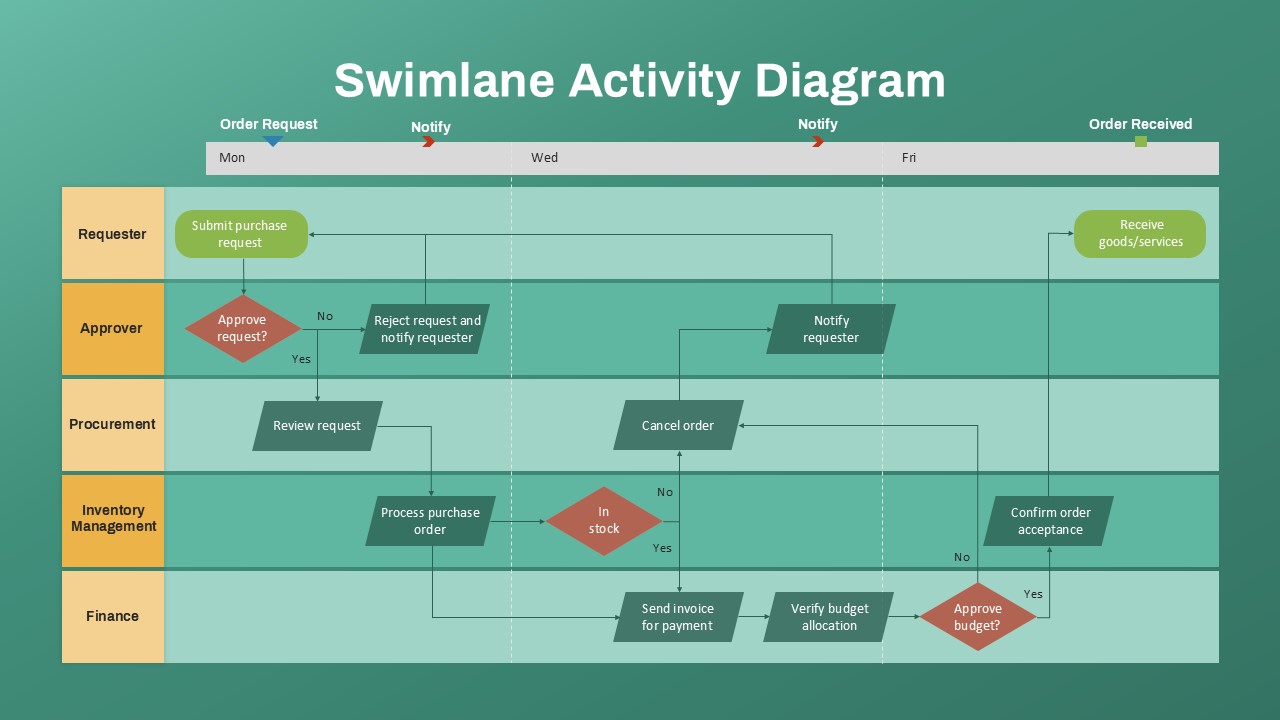
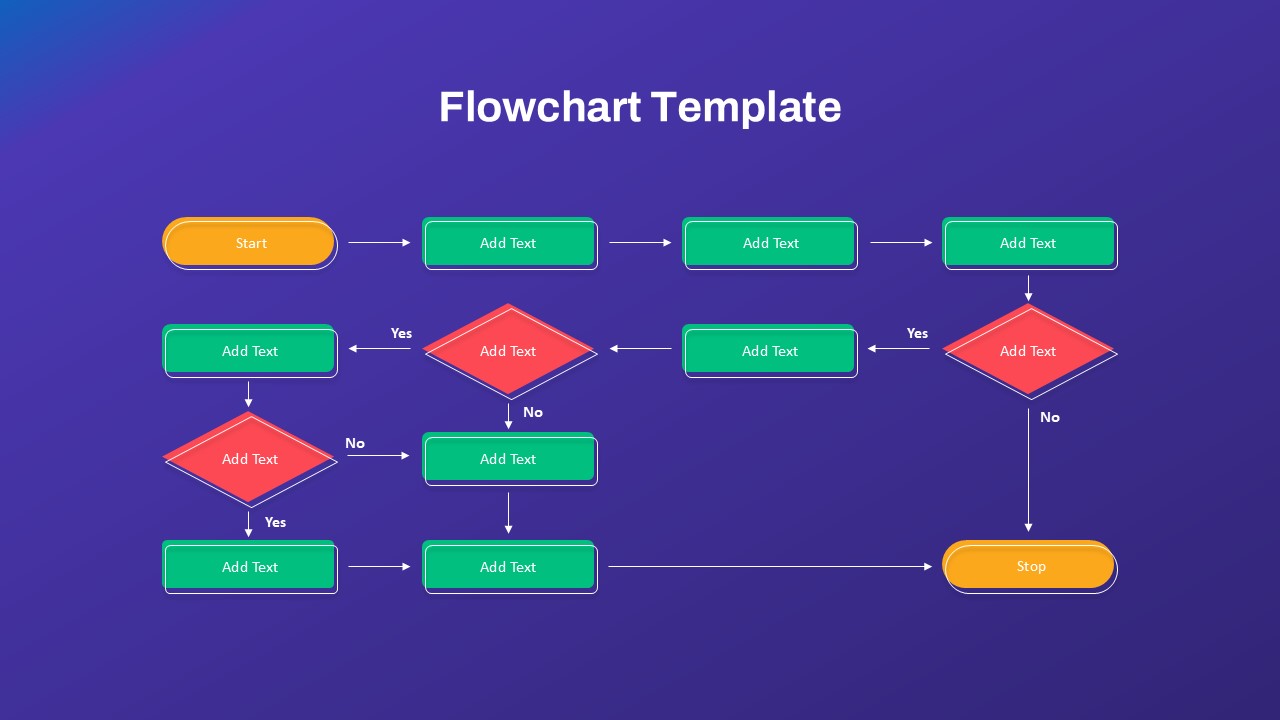
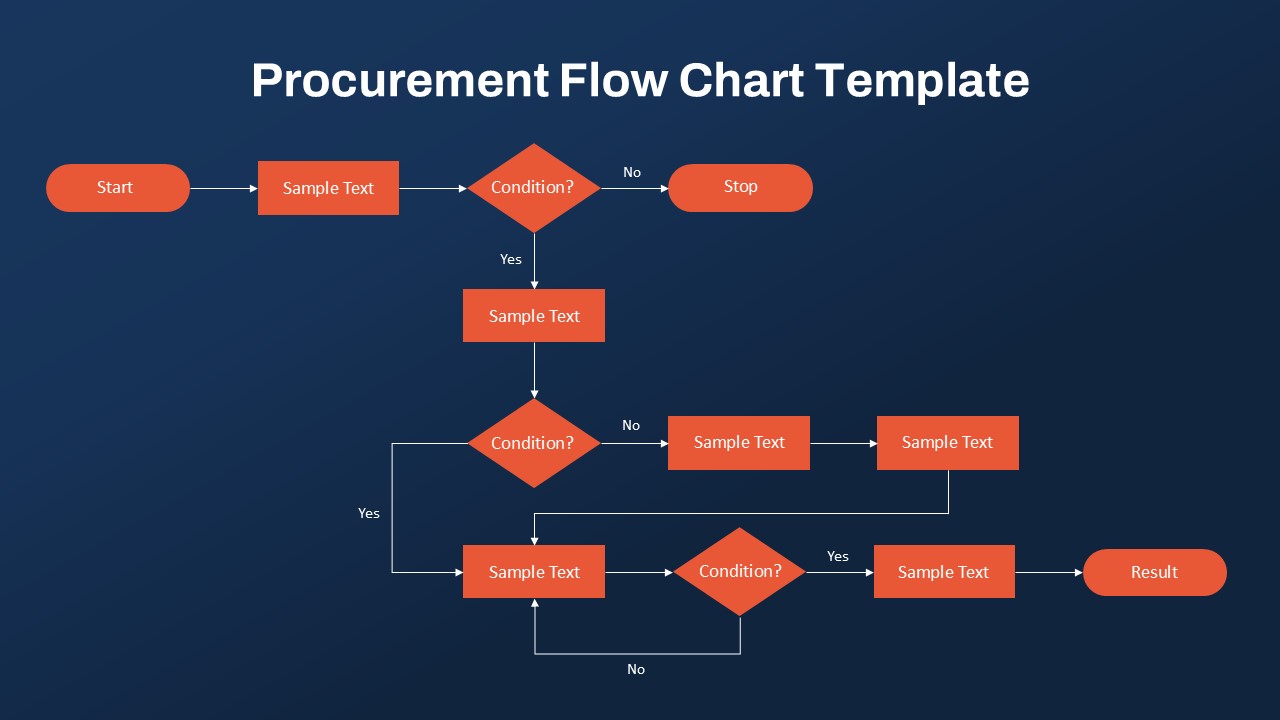
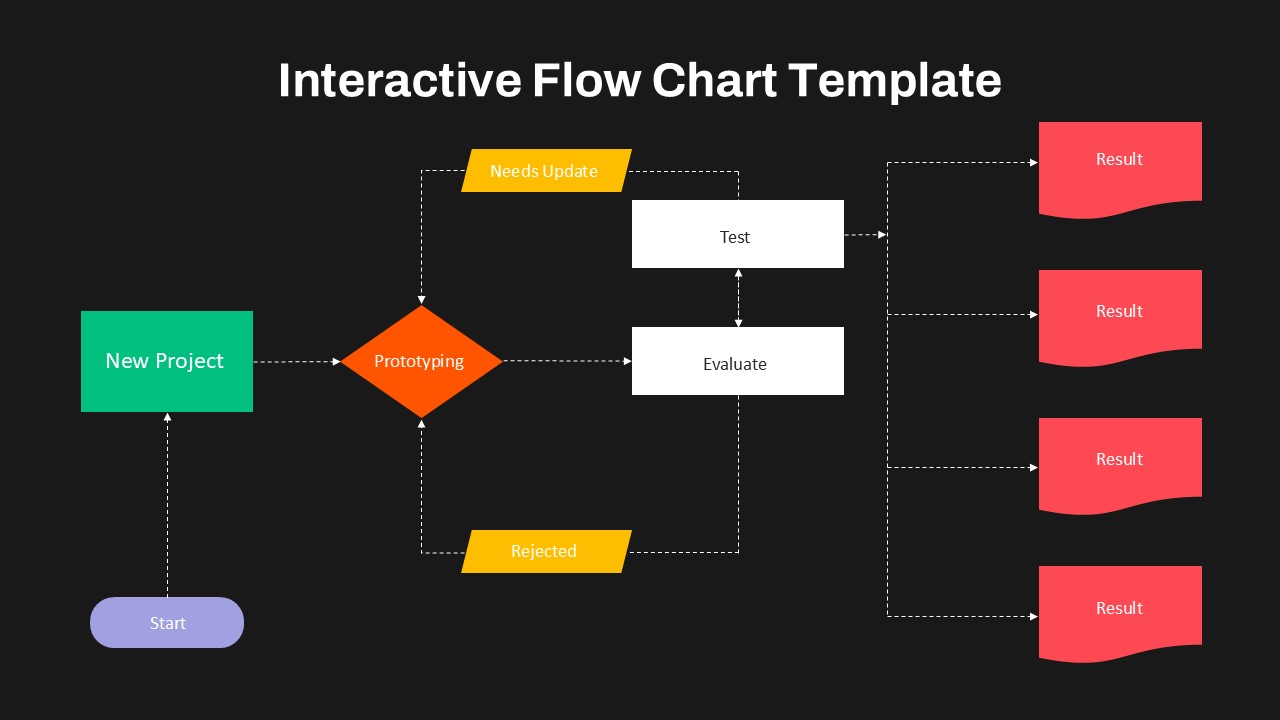
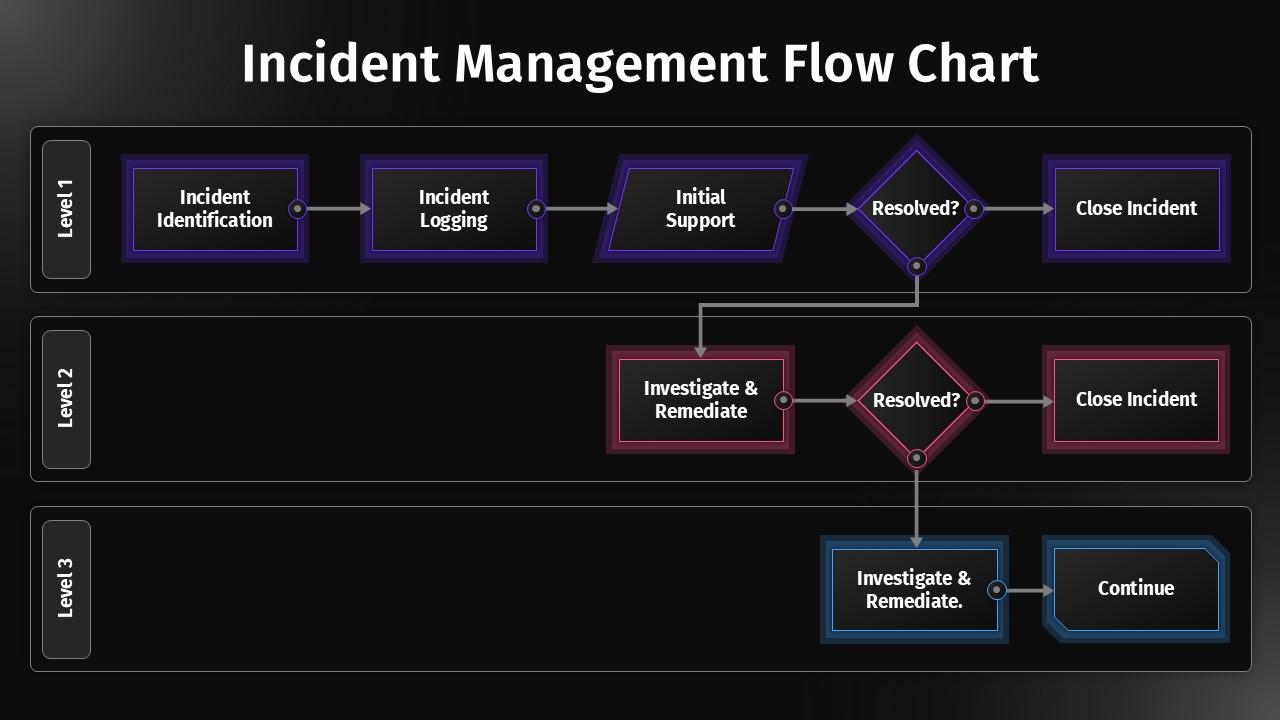
Make complex processes easier to understand with the Metro Style Flow Chart Template for PowerPoint and Google Slides. This modern flowchart template helps you present workflows, explain decisions, and organize step-by-step processes in a clear visual format. Its dark background and colorful geometric shapes create a bold, professional look. Green, purple, pink, yellow, and turquoise elements help distinguish different stages of a process. Directional arrows connect the shapes and guide viewers through each step. As a result, your audience can follow the workflow with less effort.
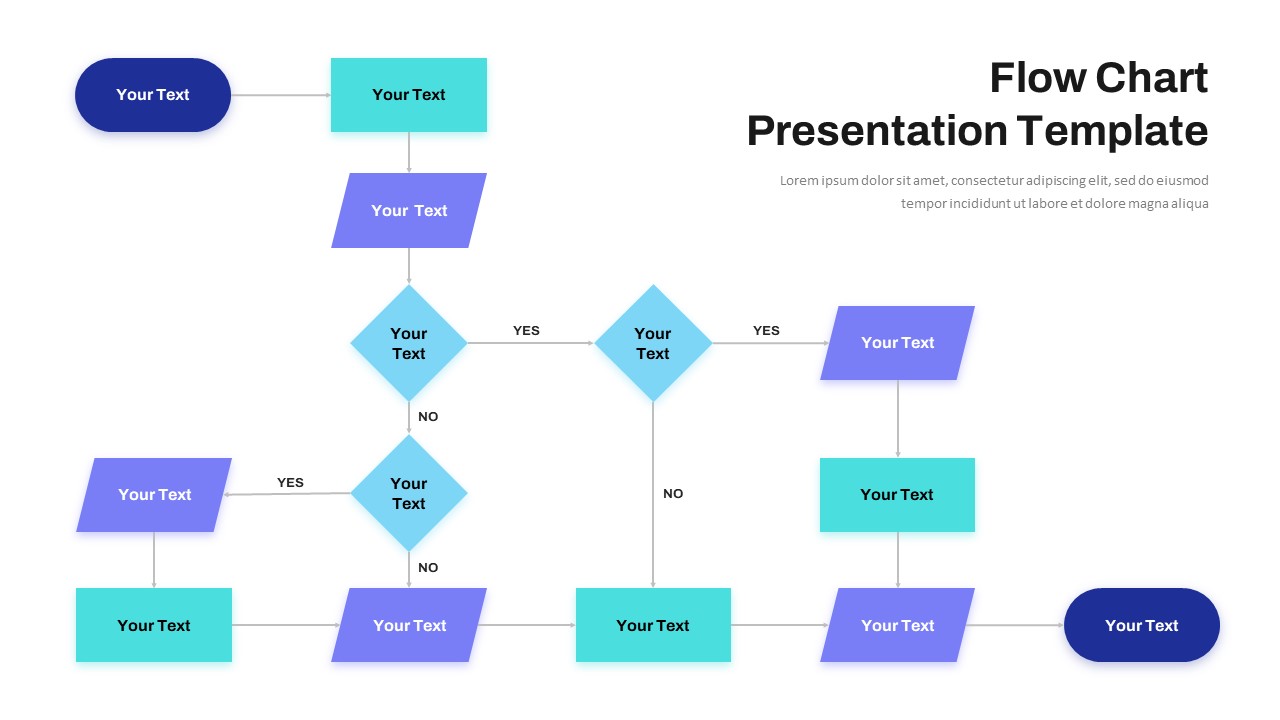
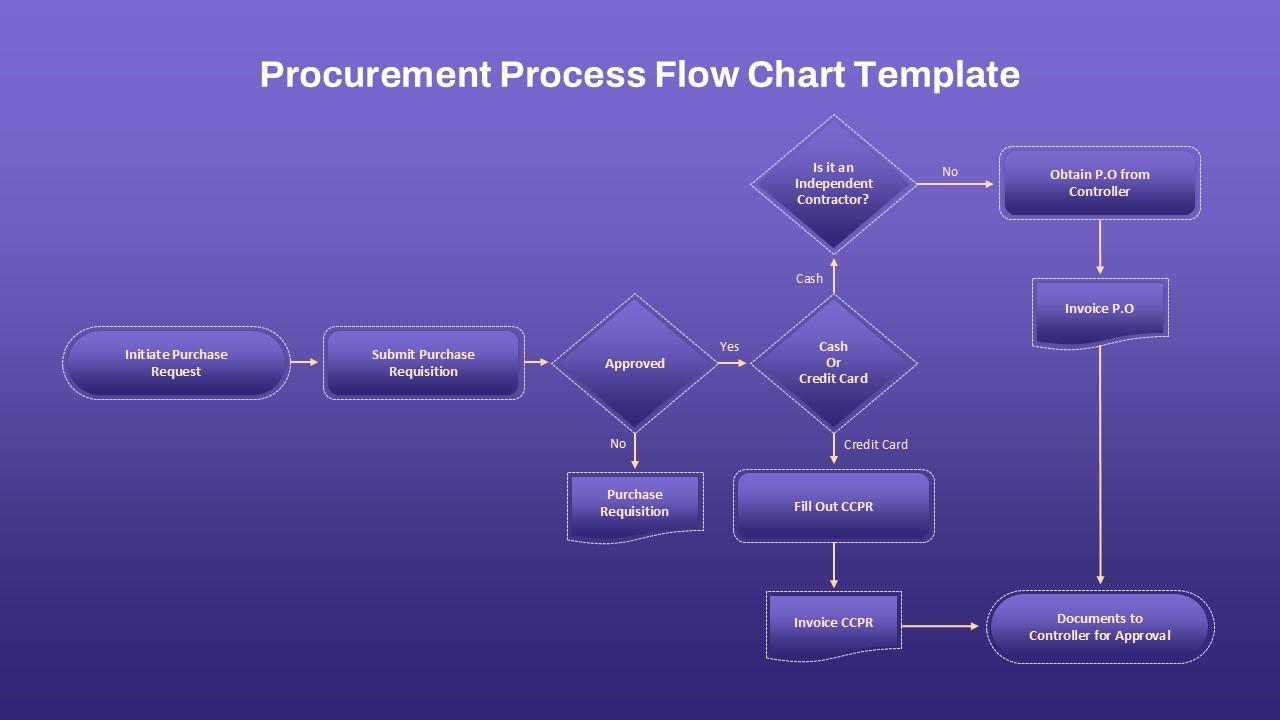
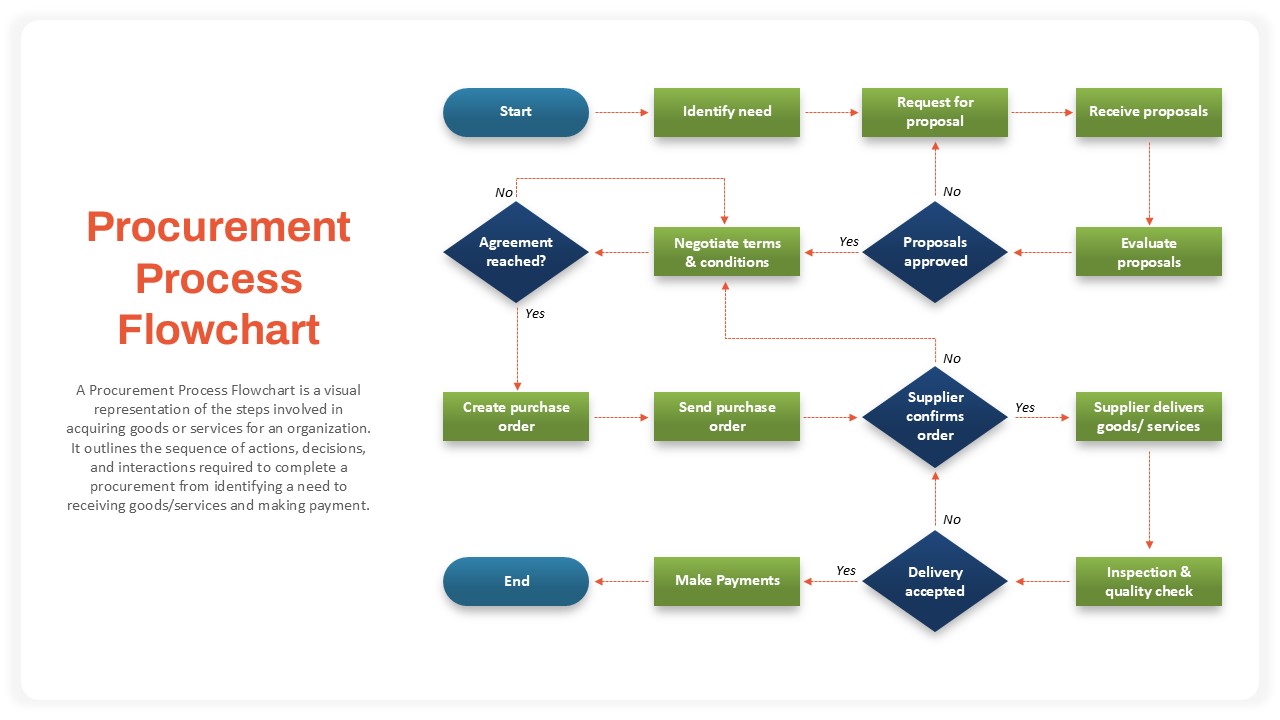
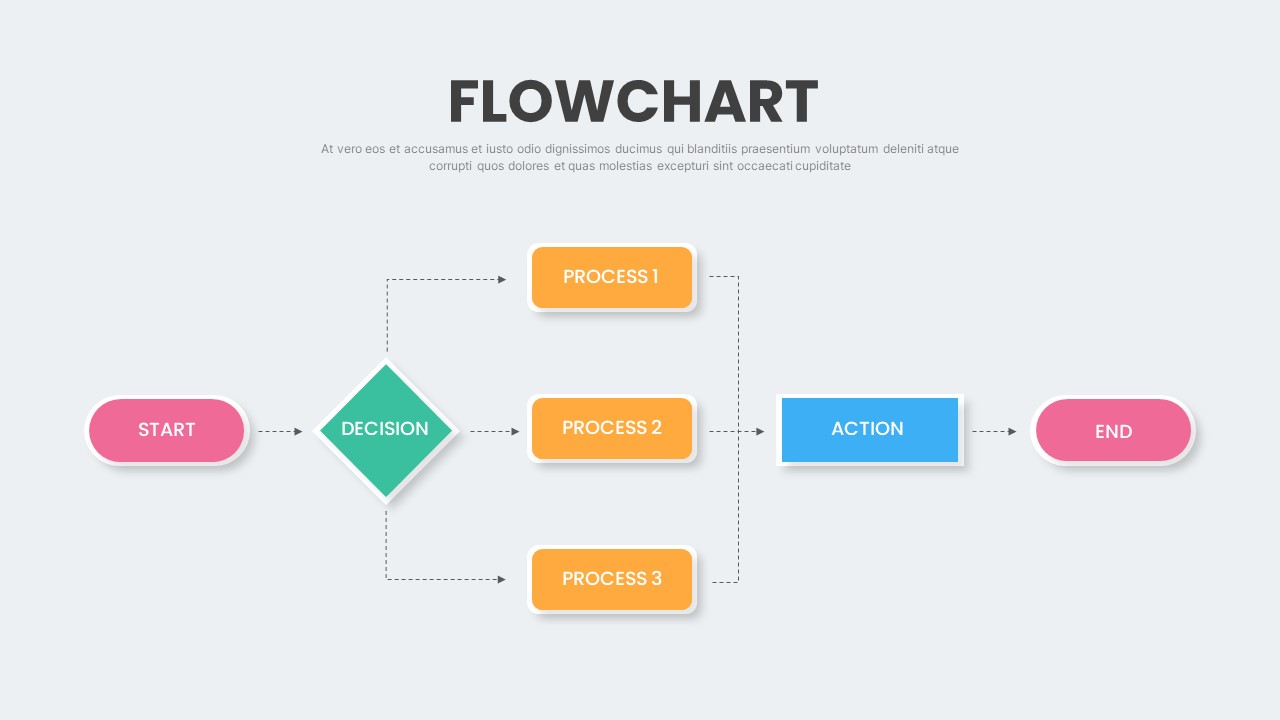
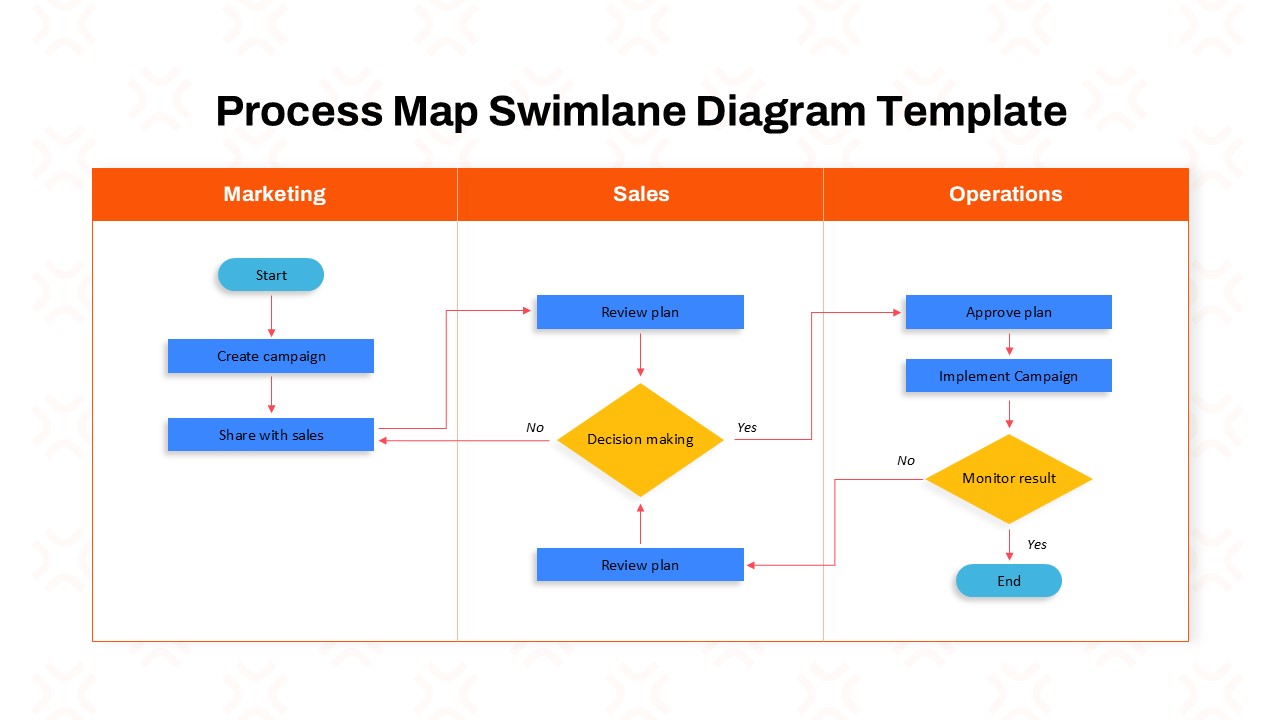
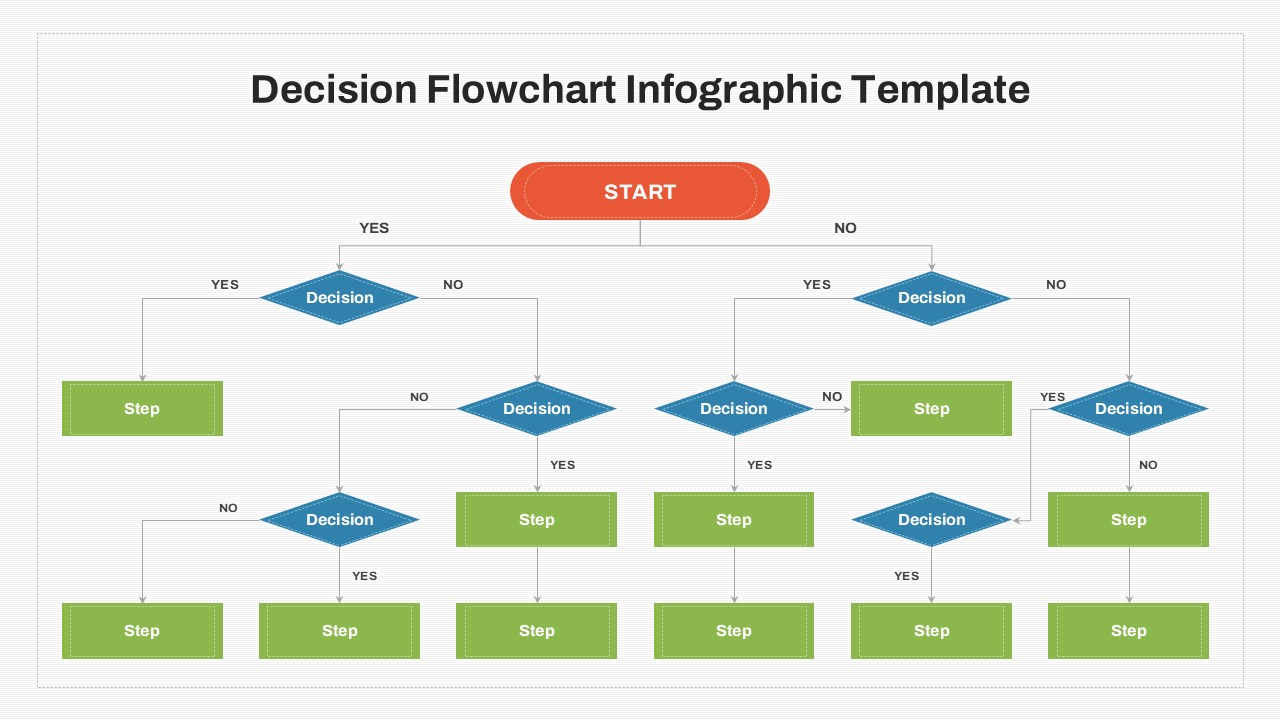
This Diagram template includes a variety of flowchart symbols to represent different actions and stages. Use rectangles to show process steps, diamonds to highlight decision points, and circles or ovals to mark starting or ending stages. Document-style shapes can represent records or outputs. Connecting arrows help show the direction of movement between tasks. You can edit the placeholder text to match your workflow and customize the diagram for different business or technical needs.
This metro style flowchart template works with Microsoft PowerPoint and Google Slides. You can adapt it for team meetings, training sessions, project planning, or business process documentation. Replace the sample labels with your own content and adjust the diagram to fit your presentation. Whether you are explaining a simple procedure or mapping a multi-stage workflow, this template gives you a practical starting point.
Use this editable flowchart to improve communication, explain responsibilities, and help teams understand how individual steps connect. Its flexible design makes it suitable for both technical and non-technical audiences.
Key Features of the Template
- Clear Process Mapping: Organize tasks into a logical sequence that is easy to follow.
- Decision-Based Workflows: Use diamond shapes to show choices and alternative paths.
- Color-Coded Stages: Separate process steps with distinct colors for better visual clarity.
- Directional Arrows: Show how information or tasks move from one stage to another.
- Editable Layout: Change text, colors, shapes, and connections to suit your requirements.
- Professional Design: Use the dark background and bright accents to create engaging presentations.
See more

Aspect Ratio
16:9Item ID
SKT05057


FAQs
You May Also Like These Presentation Templates

- Free

- Free
- Free
- Free