Snap Sales Process Template for PowerPoint & Google Slides
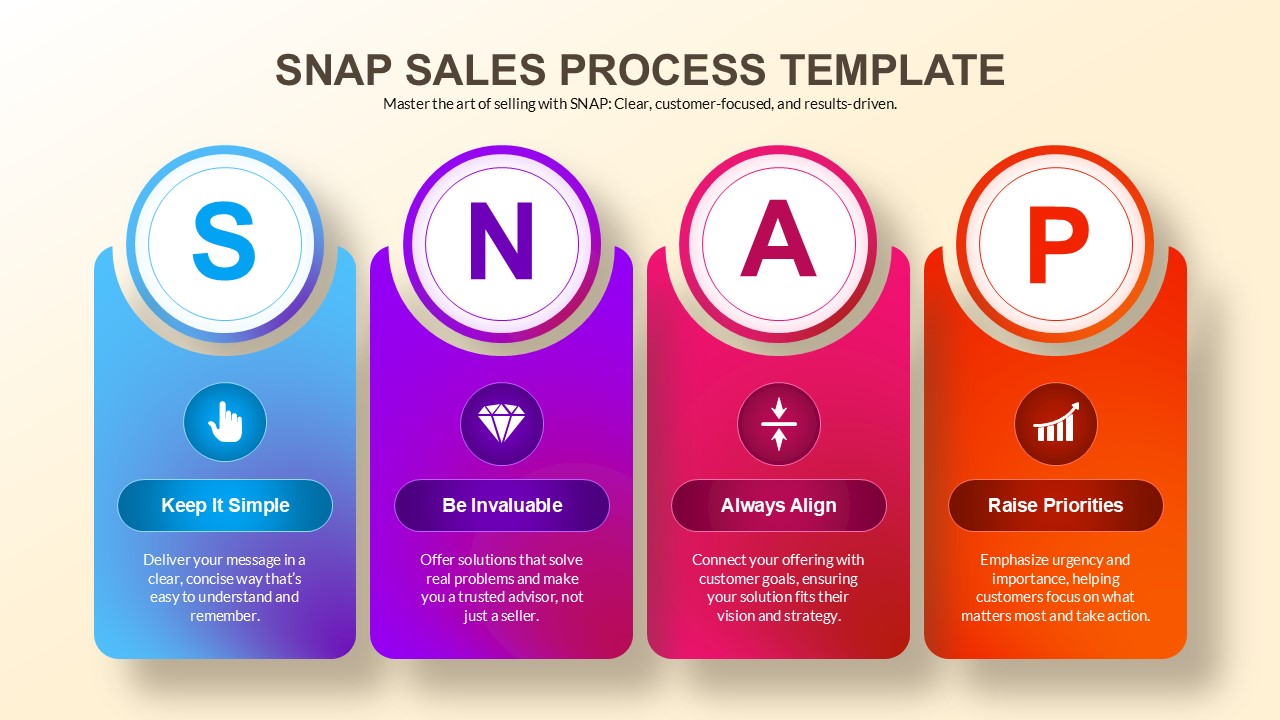
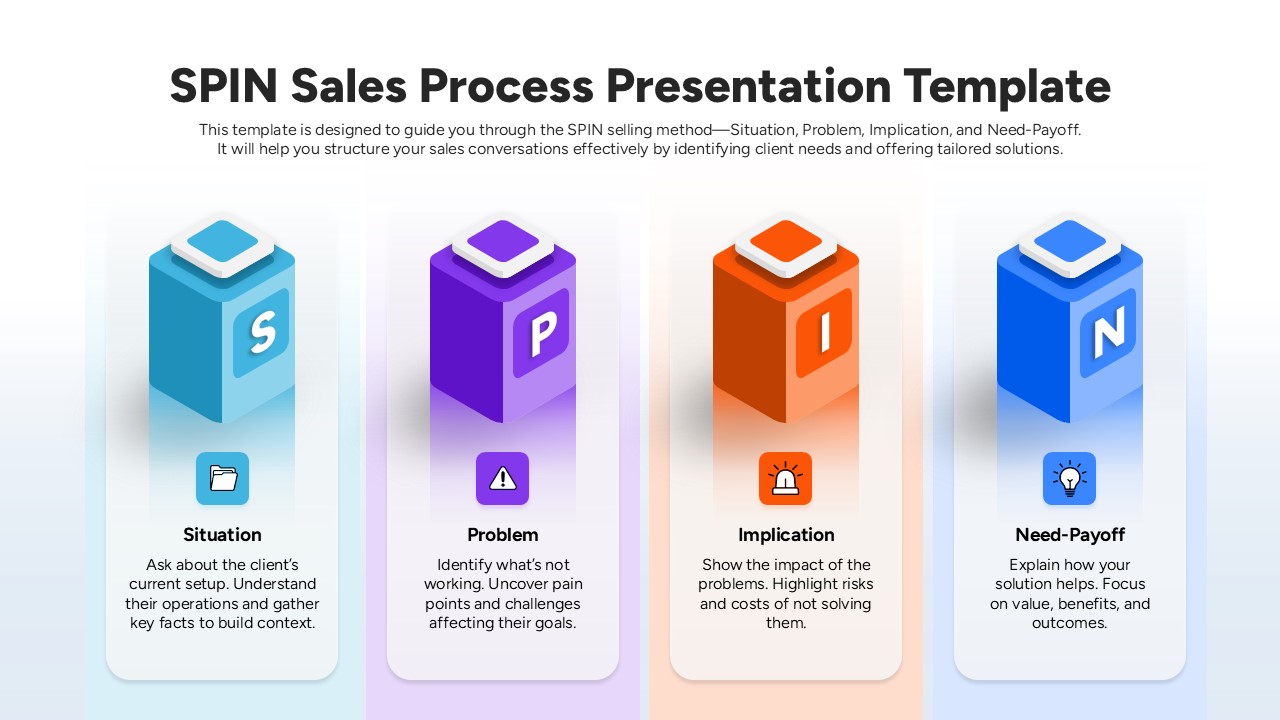
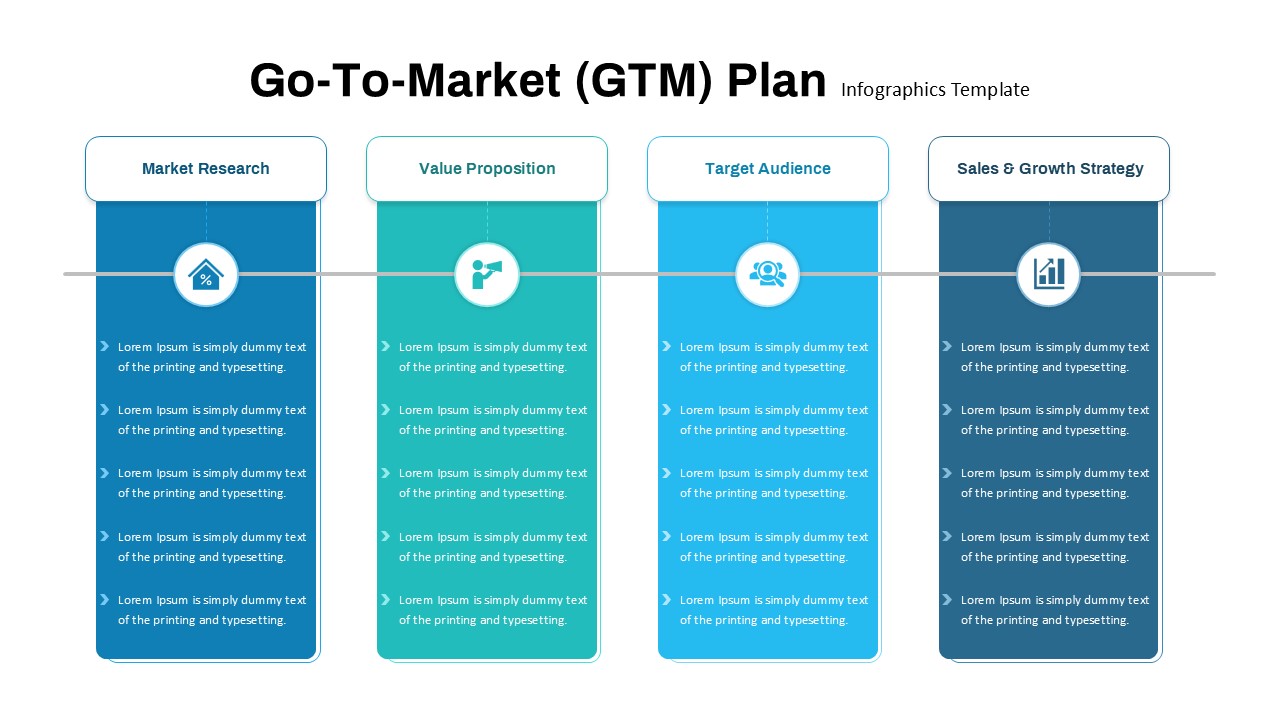
The Snap Sales Process Template is a structured presentation slide design built to present customer-focused sales messaging using a four-stage visual format. The layout highlights four core SNAP stages using color-coded vertical sections with supporting icons and short explanatory text. The template is designed to help present sales approaches, customer communication strategies, and sales training material in a clear visual structure. It includes sections suitable for explaining sales messaging, customer value positioning, and priority setting in sales conversations. The visual structure supports presentations that require step-based sales communication. The template is suitable for internal sales training, sales strategy reviews, or client-facing sales methodology presentations. The design supports the use of short text blocks combined with icons and headings.
The template is designed for use in PowerPoint and Google Slides. The primary professional use case is presenting structured sales processes and customer-focused selling frameworks. The layout allows teams to present consistent sales messaging across presentations.
What Is This Snap Sales Process Presentation Template?
This template is a ready-to-use presentation layout designed to visually present the SNAP selling process in a four-stage format. It helps communicate sales messaging, customer value positioning, and sales conversation priorities using structured visual sections. The slide layout supports presenting key sales ideas using short text descriptions and visual markers. It is suitable for teams presenting sales methodologies or customer engagement approaches. The template supports both training and presentation scenarios. It can be adapted for sales workshops, team briefings, or sales onboarding sessions.
When to Use This Template for PowerPoint & Google Slides
This template is useful when presenting sales methodologies, customer communication approaches, or sales training content to teams or stakeholders. It works well in sales kickoff meetings, training sessions, or strategy discussions where structured sales messaging is required. It is suitable for presenting step-based sales approaches to both internal teams and client audiences. The template fits presentations where visual clarity and consistent structure are required.
Customization and Editing Options
Users can edit text content, adjust colors, replace icons, and modify layout sections directly in PowerPoint or Google Slides. Slides can be duplicated, reordered, or removed based on presentation needs. Users can update fonts, brand colors, and visual elements to match company guidelines.
PowerPoint and Google Slides Compatibility
This template works with Microsoft PowerPoint and Google Slides. Users can edit, present, and share the slides using either platform. The layout remains usable across both presentation tools.
See more

Aspect Ratio
16:9Item ID
SKT04397


Features of this template
Other Use Cases of The Template:
Sales training program presentations, Sales onboarding presentations, Customer engagement strategy decks, Sales coaching session materials, Account strategy planning presentations, Revenue team alignment presentations, Customer success strategy presentations, Sales consulting presentations, Product sales training presentations, Sales leadership review presentations, Sales meeting presentation decks
FAQs
You May Also Like These Presentation Templates
- Free

- Free
- Free
- Free
- Free

- Free
- Free
- Free
- Free
- Free
- Free