Free April Fools Day Template for PowerPoint & Google Slides
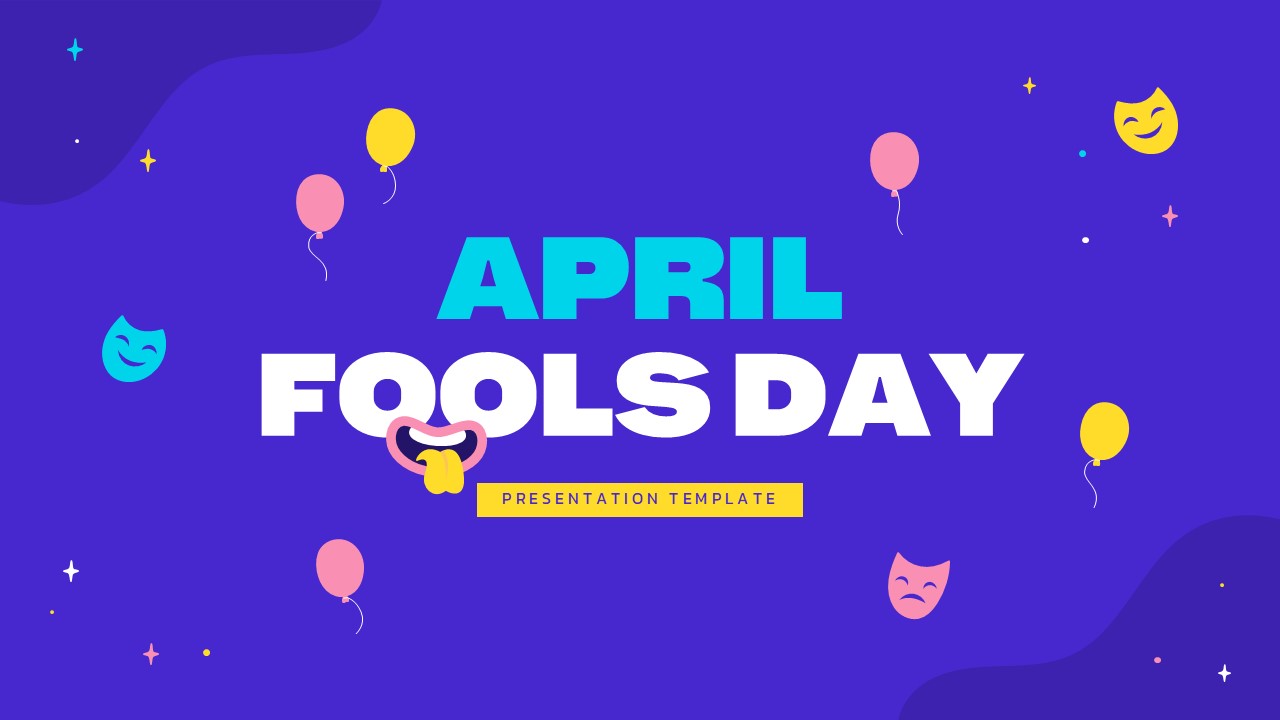
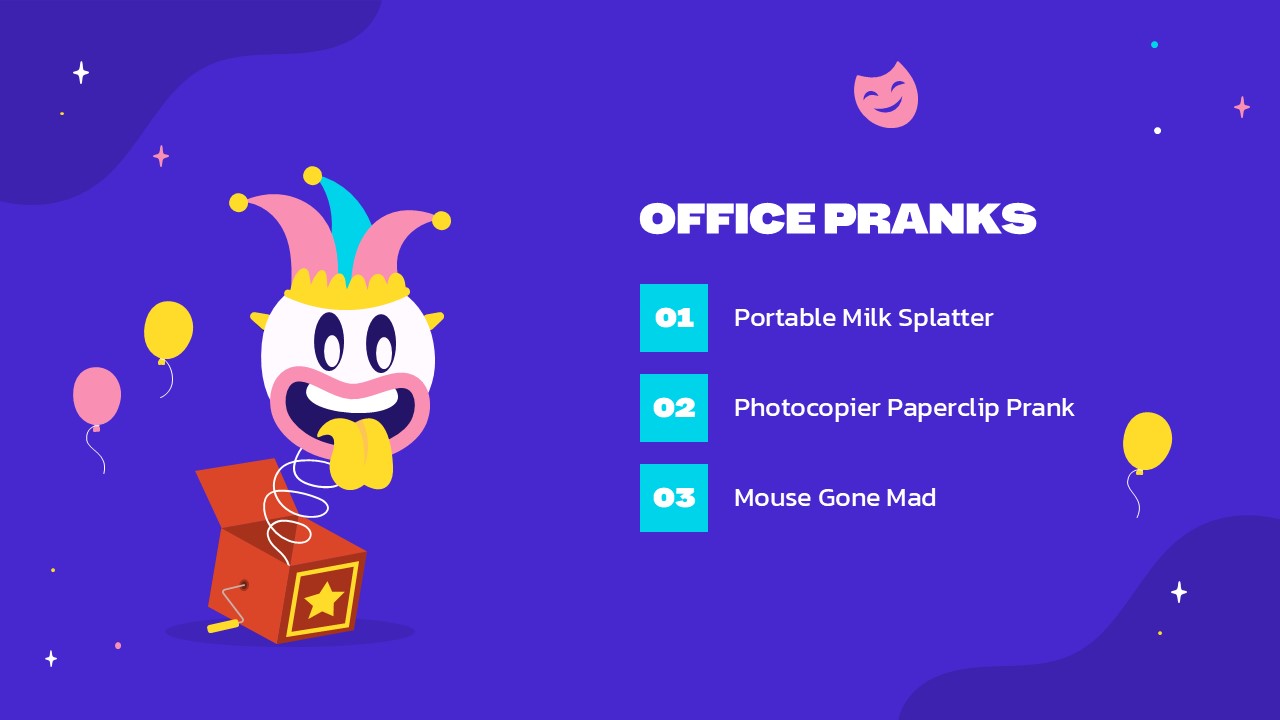
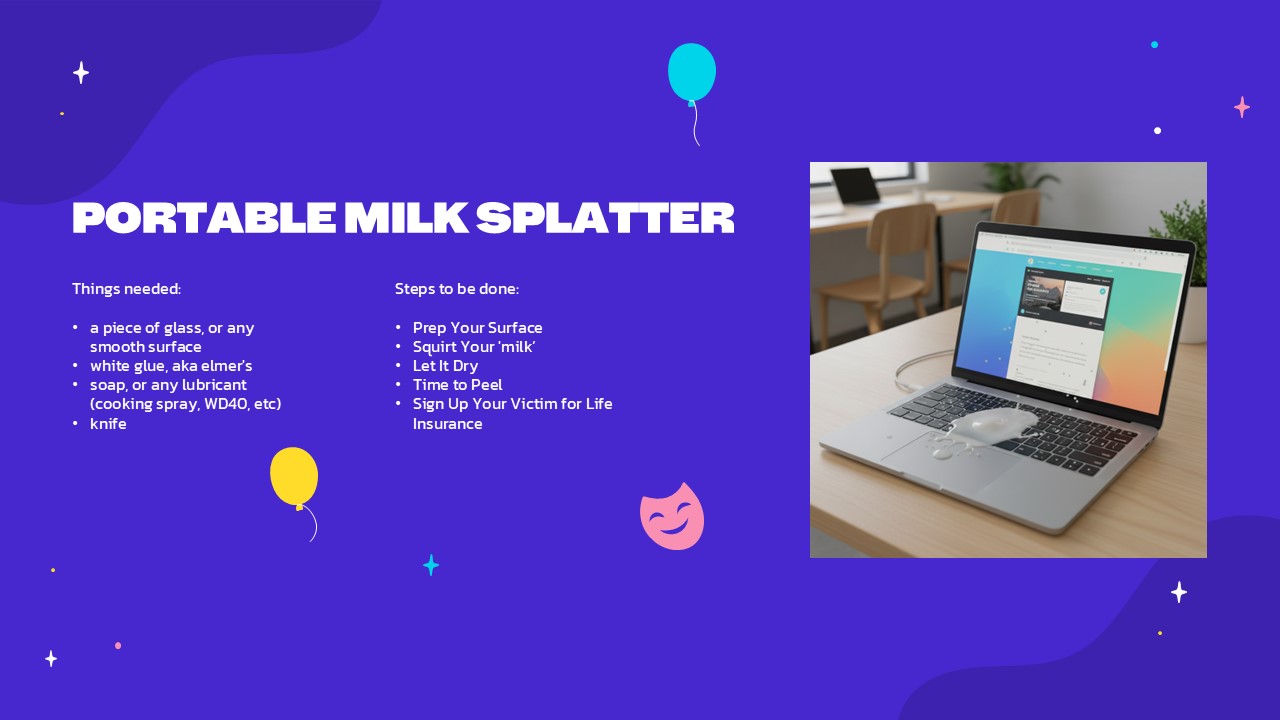
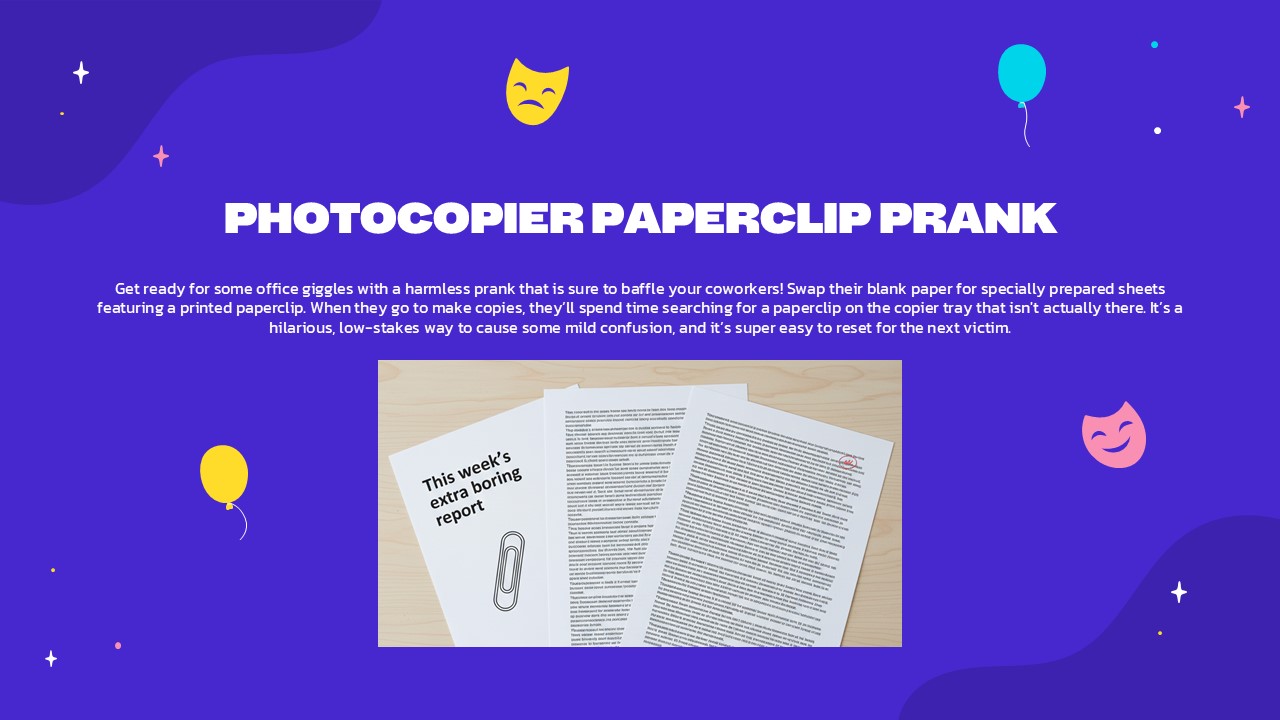
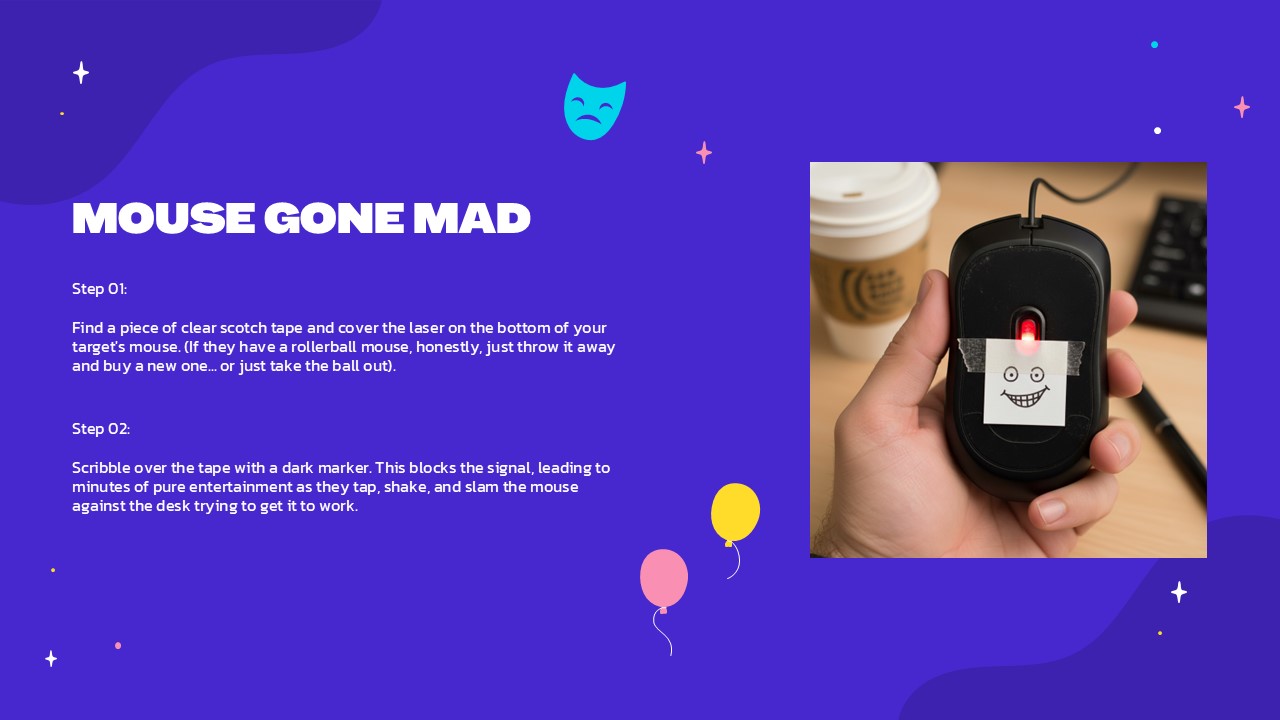


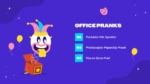
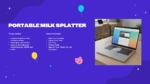
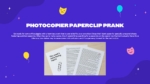
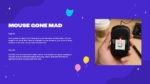

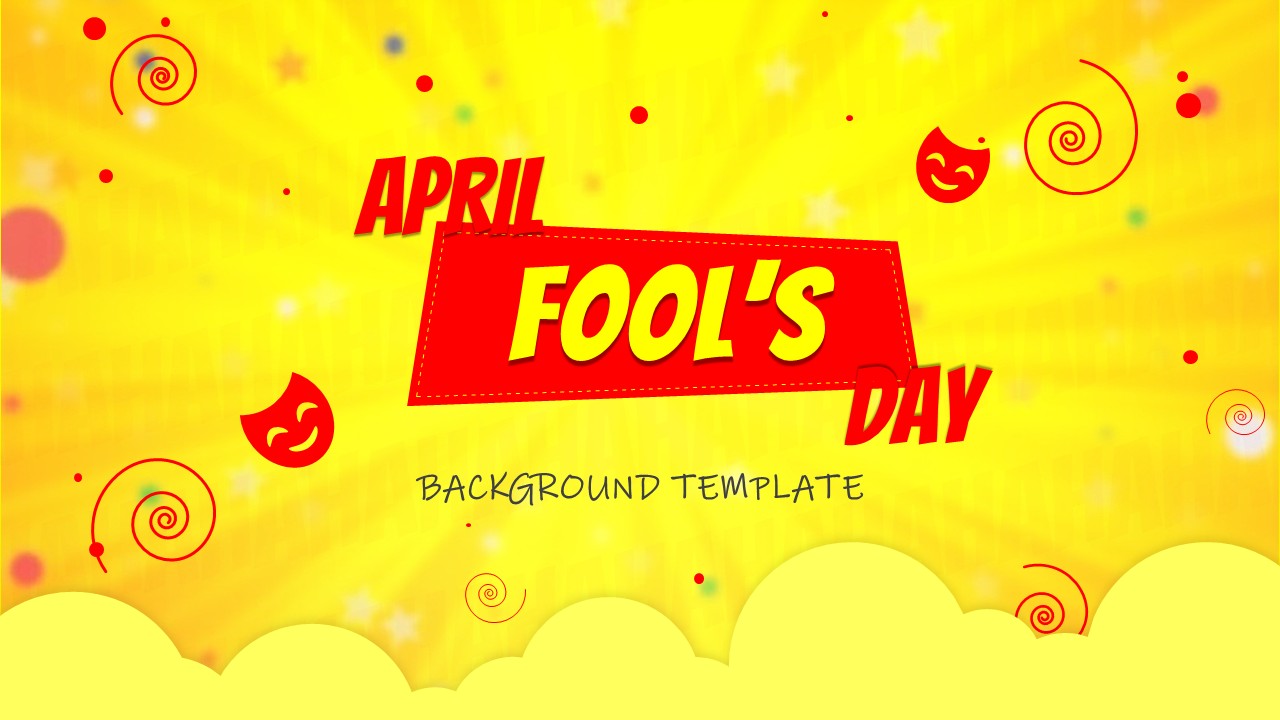
The Free April Fools Day Template is a themed presentation design created for light-hearted office sessions, team activities, and fun event presentations. The template features a bold purple background with playful elements such as balloons, masks, and illustrated graphics that reflect an April Fool’s theme. It includes large headline slides, section dividers, content layouts with text blocks, numbered lists, and image placeholders. The design supports presenting prank ideas, activity steps, and event agendas in a structured format. It allows presenters to introduce different prank concepts with titles, short descriptions, and visual examples. The layout maintains clear hierarchy with strong headings and readable body text. A dedicated closing or thank-you slide is also included to conclude presentations. This template is fully compatible with PowerPoint and Google Slides for both in-office and virtual presentations.
What Is This Free April Fool’s Day Template for PowerPoint and Google Slides?
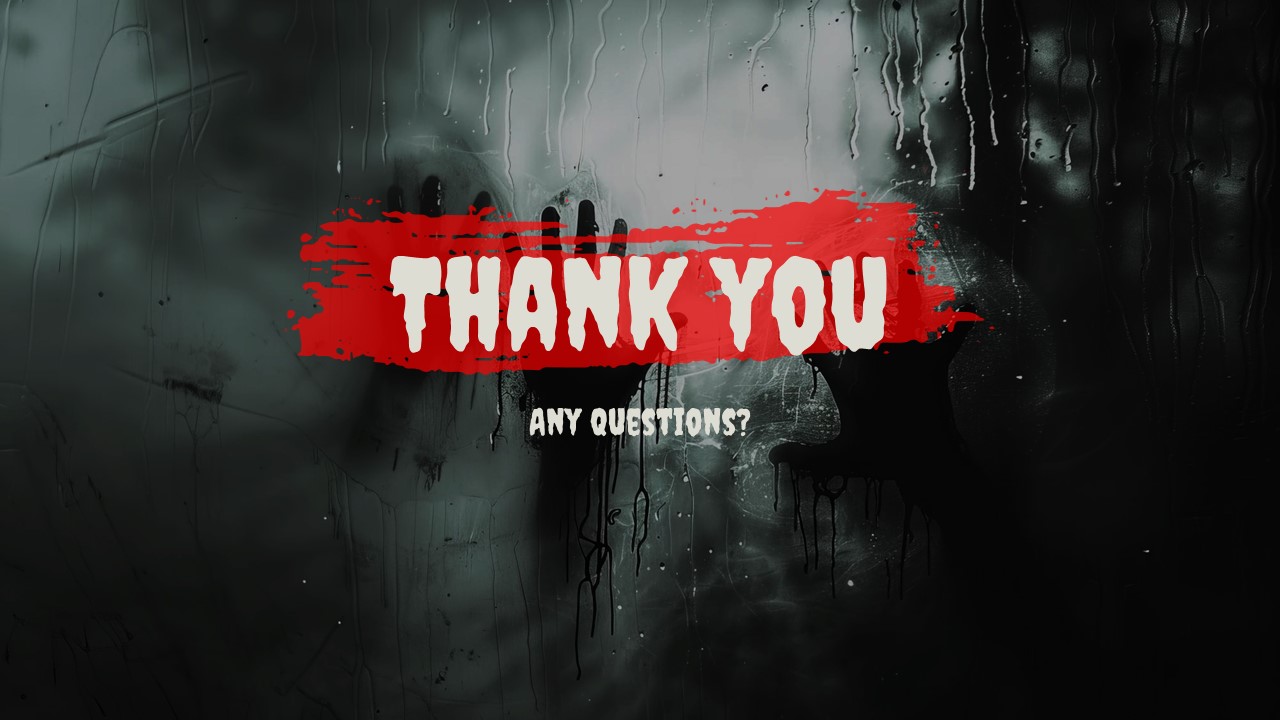
This Free April Fool’s Day Template is a ready-to-use presentation theme designed for creating fun, event-based slides around April Fool’s activities. It provides structured layouts for introducing prank ideas, outlining steps, and organizing content into sections. It begins with an April Fool’s Day title slide, followed by an office pranks overview slide. The next slides introduce prank examples such as Portable Milk Splatter, Photocopier Paperclip Prank, and Mouse Gone Mad. The presentation ends with a Thank You slide. The layout supports clear headings and short text content for each prank idea. It provides a structured format for sharing light and playful content.
When to Use This Template
This template is used when preparing presentations for April Fool’s Day events, team engagement sessions, office celebrations, or classroom fun activities. It fits informal presentation settings where the goal is to share prank ideas, outline activity plans, or introduce themed segments. The layout supports presenters addressing colleagues, students, event participants, or online audiences in a structured yet playful format.
Customization and Editing Options
Users can edit titles, subtitles, and body text directly in PowerPoint or Google Slides. Colors can be adjusted to match brand guidelines while maintaining the festive theme. Images can be replaced with custom visuals or screenshots. Numbered sections can be duplicated or rearranged to add more prank ideas or agenda items. Fonts, shapes, and background elements remain editable using standard slide tools.
PowerPoint and Google Slides Compatibility
This template works in Microsoft PowerPoint and Google Slides without layout disruption. Users can present it in meetings, classrooms, or online sessions. The theme, text formatting, and slide structure remain editable across both platforms.
See more

Aspect Ratio
16:9Item ID
SKT04502


Features of this template
Other Use Cases of This Template
HR team engagement presentations, Office celebration event slides, Classroom fun activity decks, Icebreaker session presentations, Corporate culture event introductions, Team bonding workshop slides, Virtual team fun meeting decks, Student club event presentations, Creative storytelling sessions, Informal training day openers, Social event program outlines, Themed party agenda presentations
FAQs
You May Also Like These Presentation Templates
- Free

- Free
- Free
- Free

- Free
- Free
- Free
- Free
- Free
- Free
- Free
- Free
- Free
- Free
- Free
- Free
- Free
- Free
- Free
- Free
- Free

- Free
- Free
- Free
- Free
- Free
- Free
- Free
- Free
- Free
- Free
- Free
- Free

- Free
- Free
- Free
- Free
- Free
- Free
- Free
- Free
- Free

- Free

- Free
- Free
- Free
- Free
- Free
- Free
- Free
- Free
- Free
- Free
- Free
- Free
- Free
- Free
- Free
- Free
- Free
- Free
- Free
- Free
- Free
- Free

- Free
- Free
- Free