Time Clock Infographic PowerPoint Template
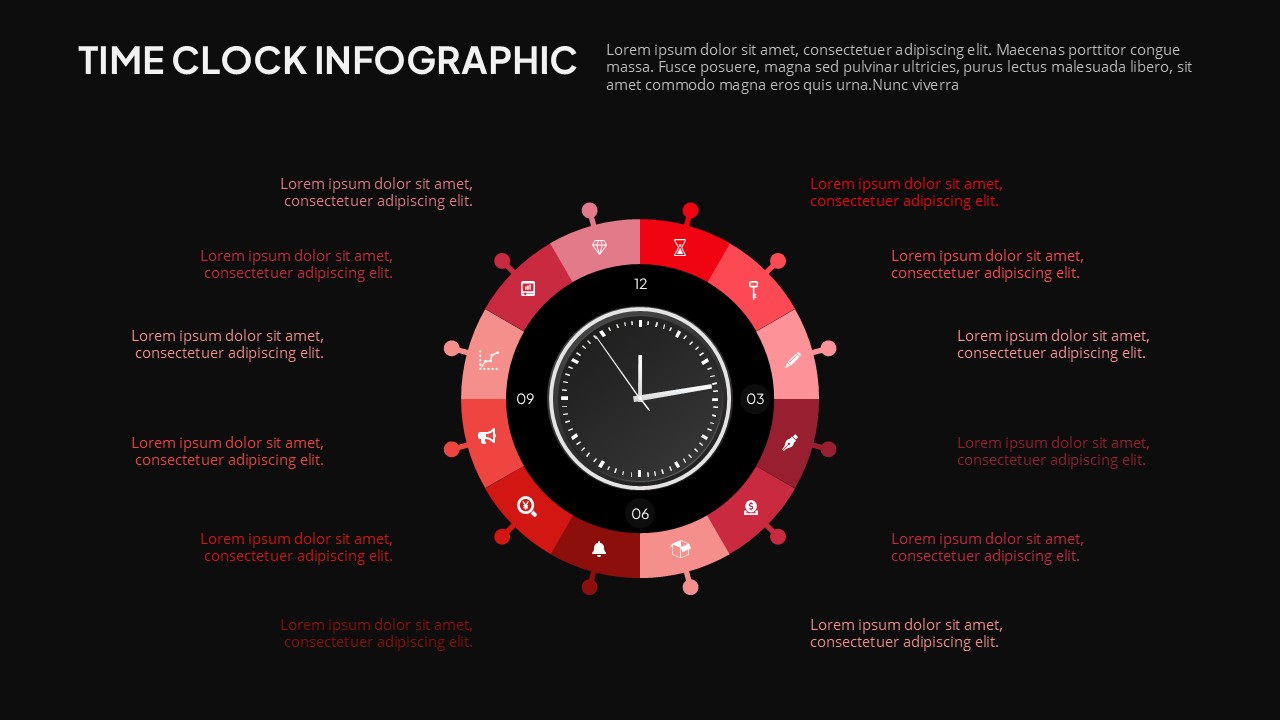
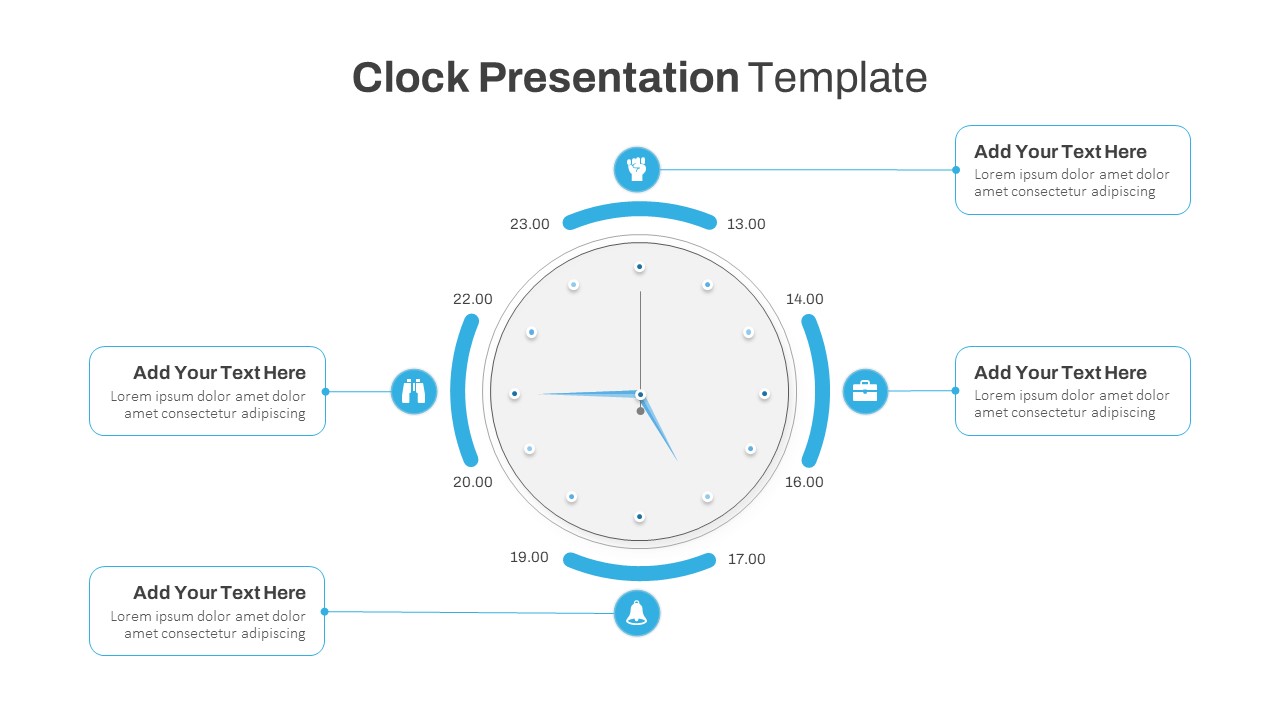
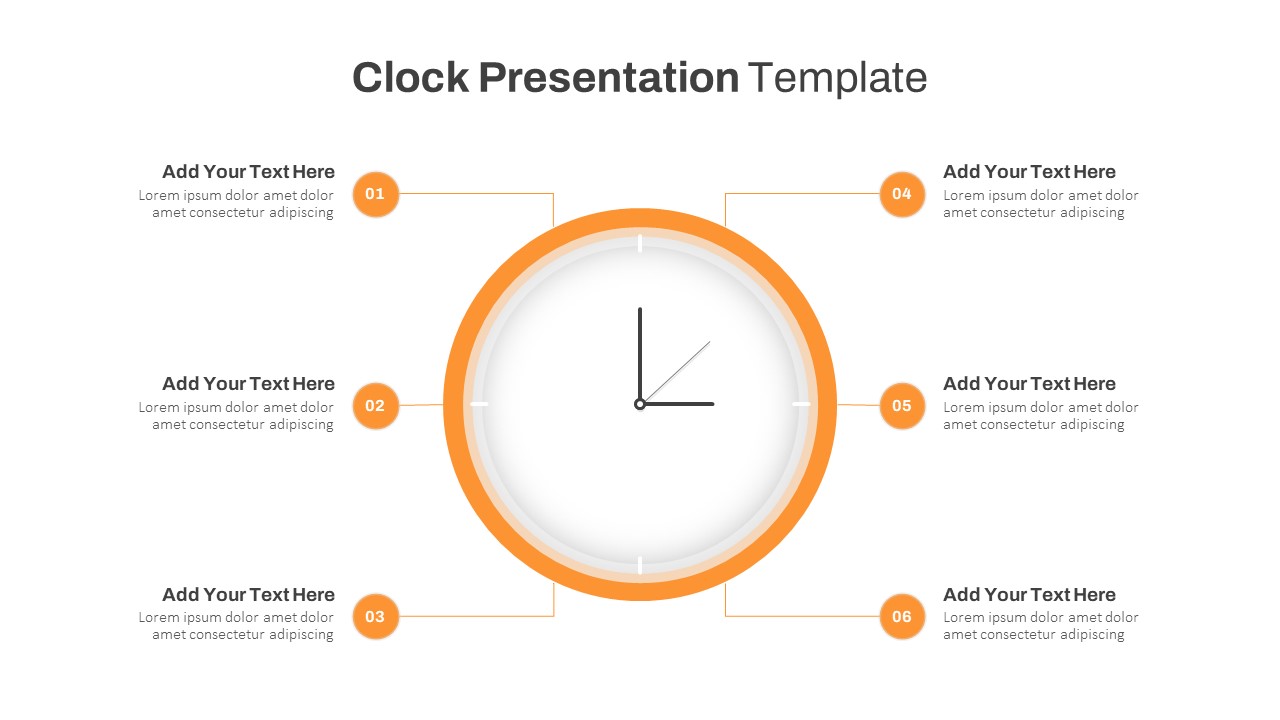
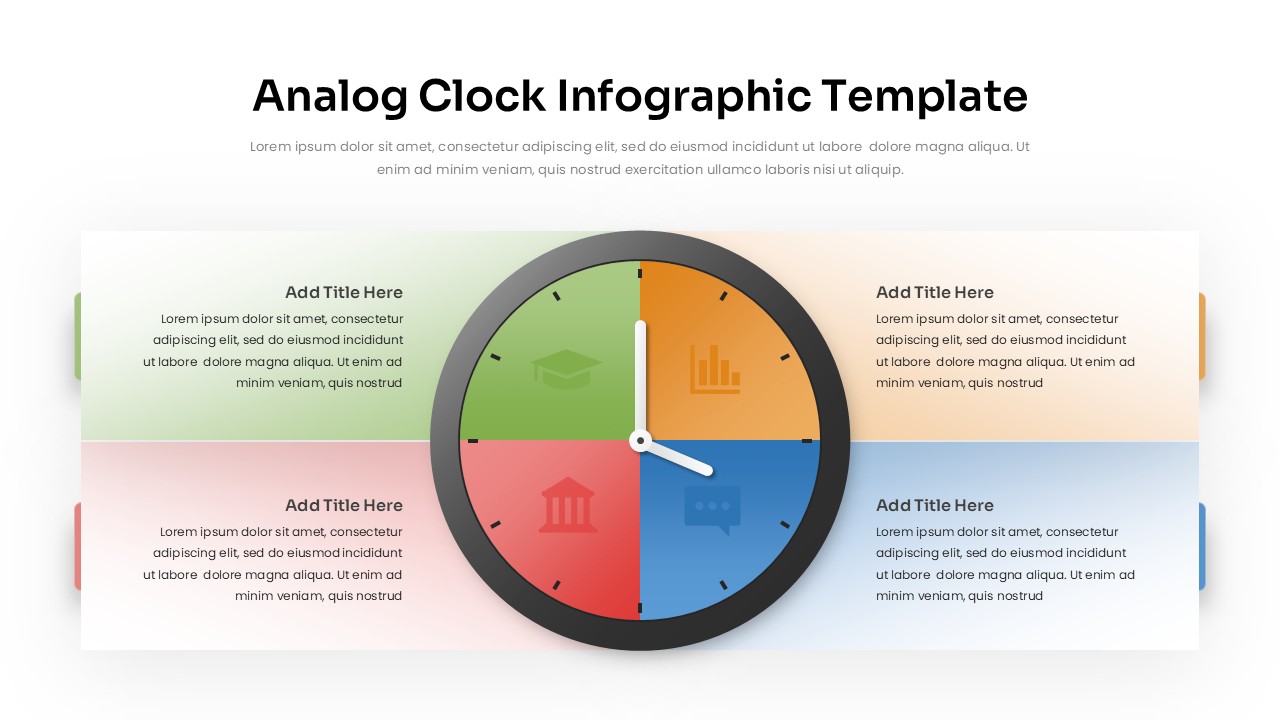
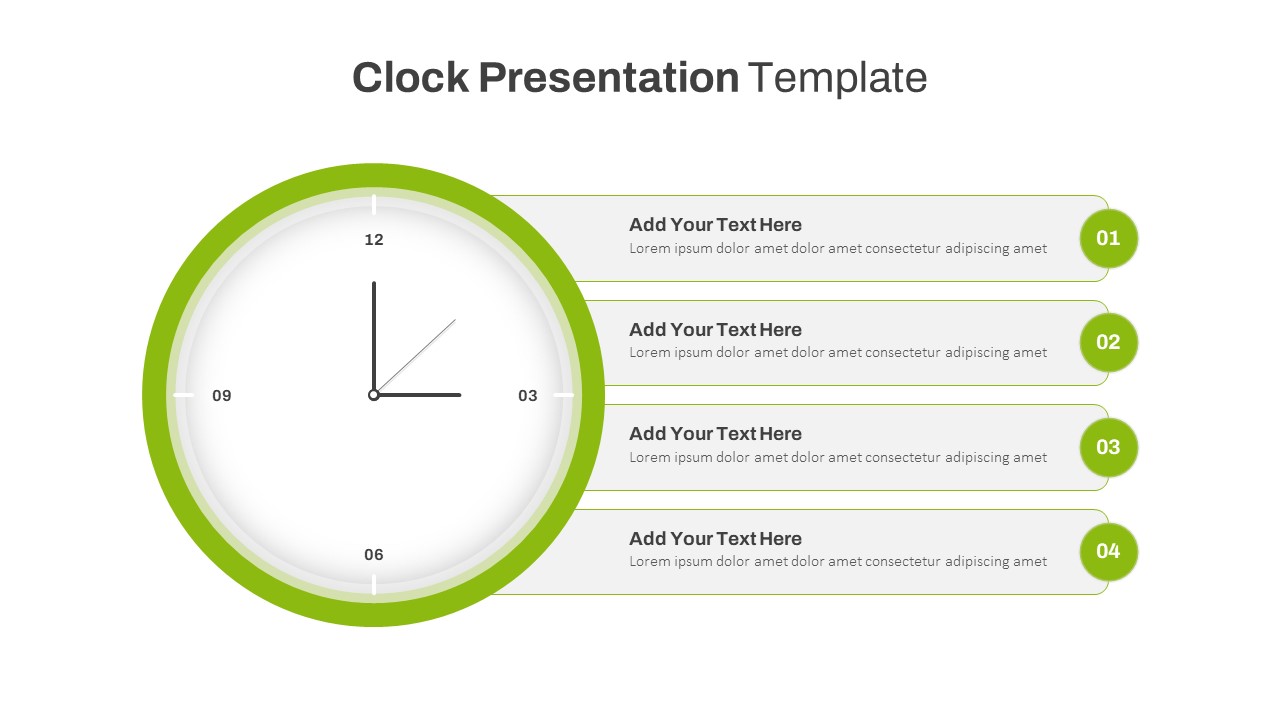
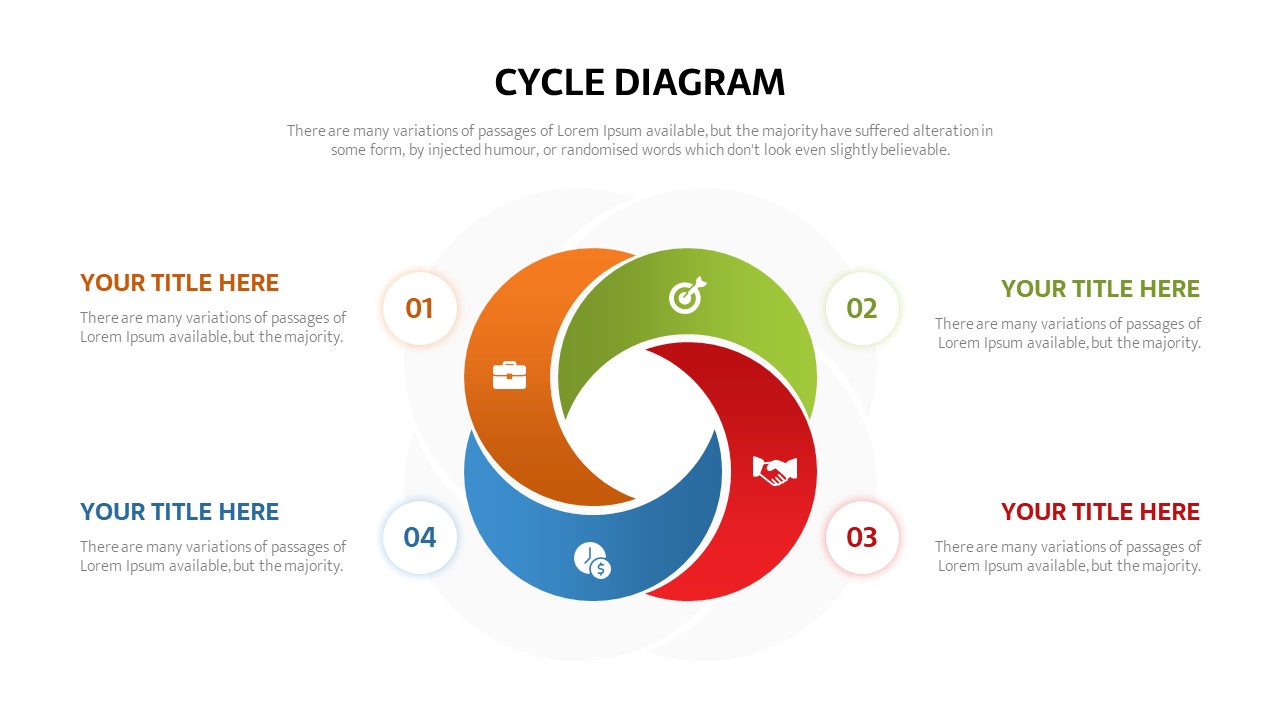
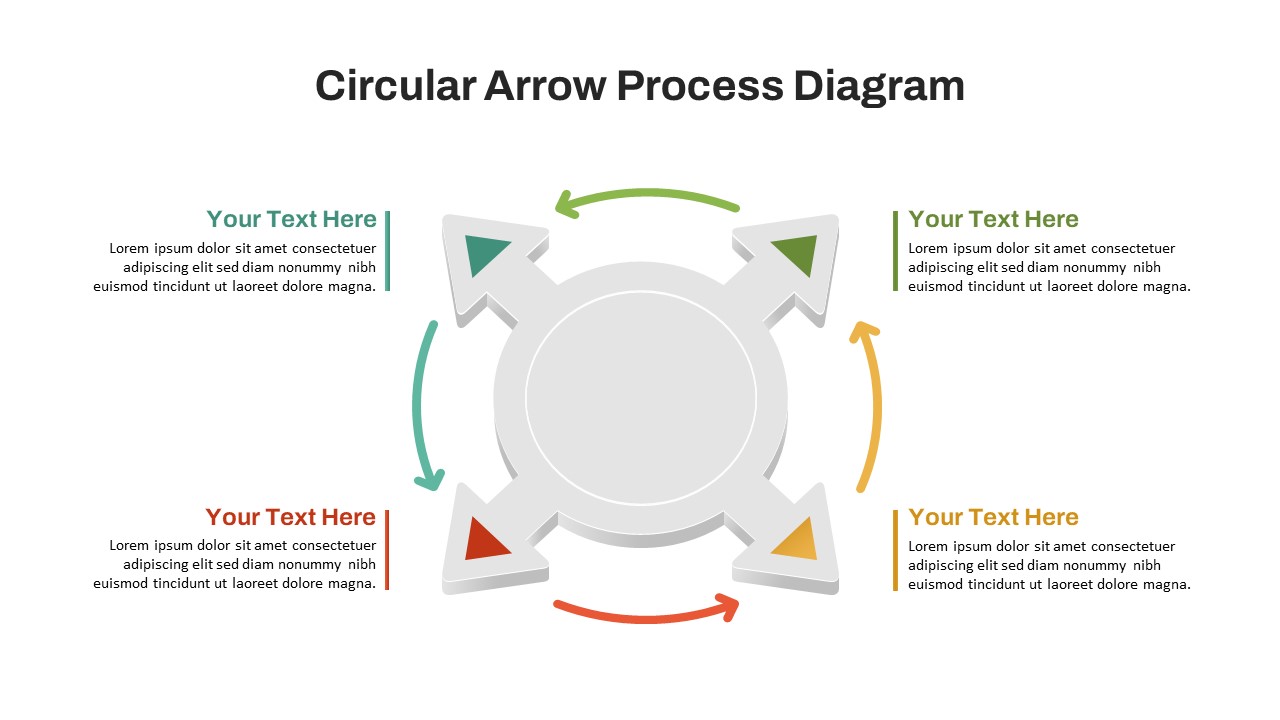
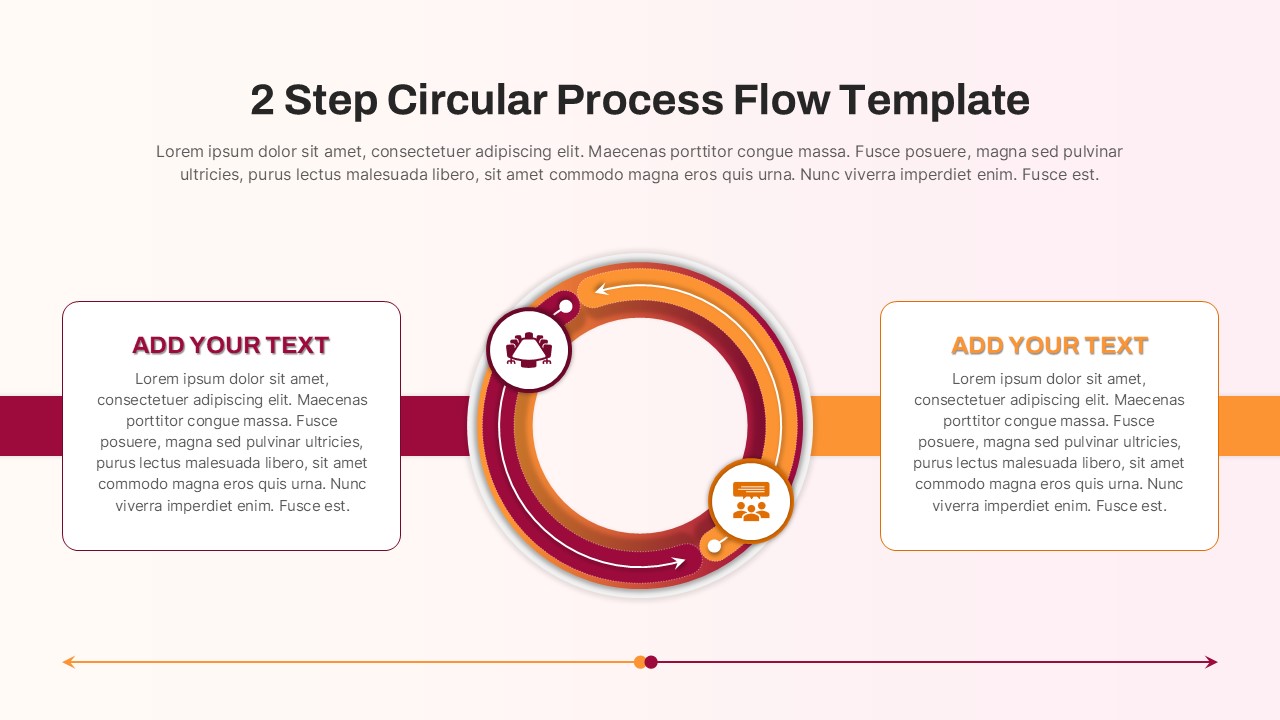
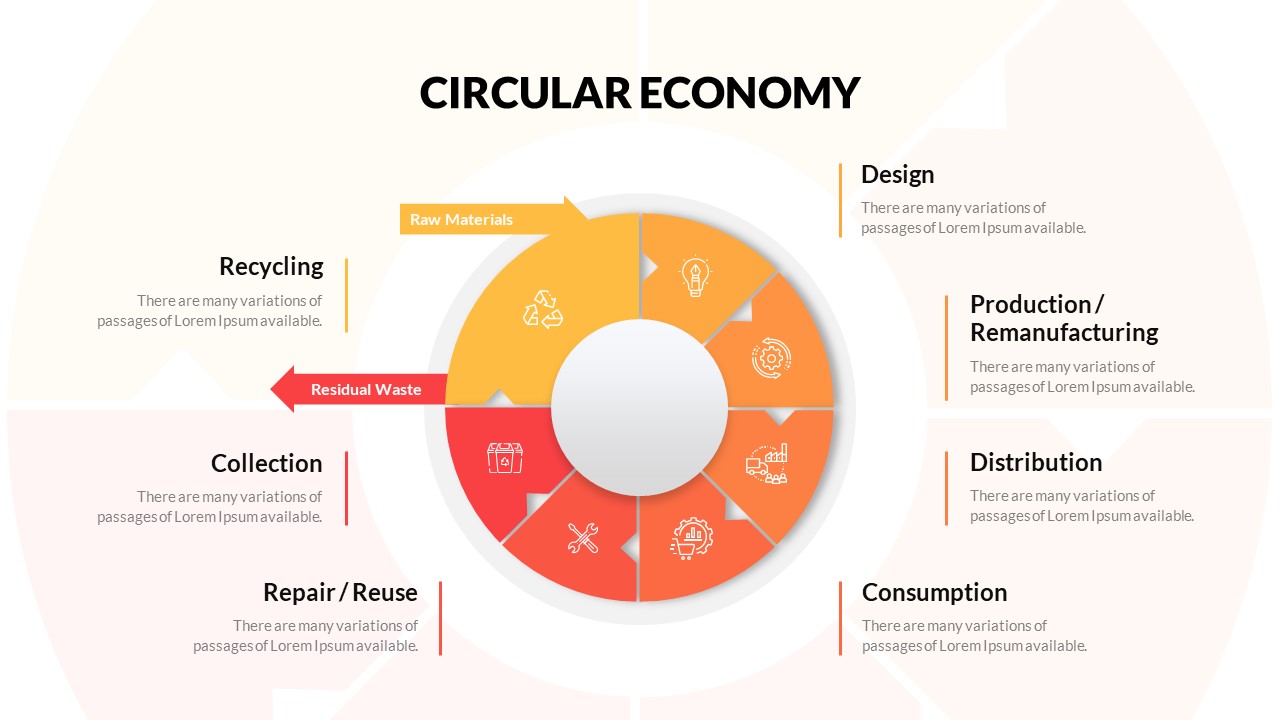
The Time Clock Infographic PowerPoint & Google Slides Template is a visually engaging presentation resource designed to communicate schedules, timelines, processes, time-based activities, and sequential information in a clear and memorable format. The centerpiece features a modern circular clock surrounded by segmented sections, creating a natural visual flow that helps audiences understand information across different time periods or stages.
Designed with a bold dark background and a vibrant red, coral, and pink color palette, this infographic template creates strong visual contrast while maintaining a professional and contemporary appearance. Supporting text areas positioned around the infographic provide space for concise descriptions, explanations, or important details associated with each segment. The circular layout also makes it suitable for explaining recurring processes, cycles, routines, and time management concepts.
Available for both Microsoft PowerPoint and Google Slides, this Time Clock Infographic Template provides a flexible solution for professionals, educators, consultants, managers, students, and business teams looking to present time-oriented information in a polished and easy-to-follow format.
See more

Aspect Ratio
16:9Item ID
SKT04904


Features of this template
Other User Cases of the Template
Other User Cases of the Template: daily schedule planning, project timelines, time management, business processes, workflow presentations, employee shift planning, event scheduling, marketing campaign planning, productivity planning, educational lesson planning, project milestones, operational planning, recurring processes, business strategy presentations, task management, workday planning, process cycles, activity timelines, training presentations, consulting presentations.
FAQs
You May Also Like These Presentation Templates


- Free
- Free
- Free
- Free


- Free