6-Petal Infographic PowerPoint Template
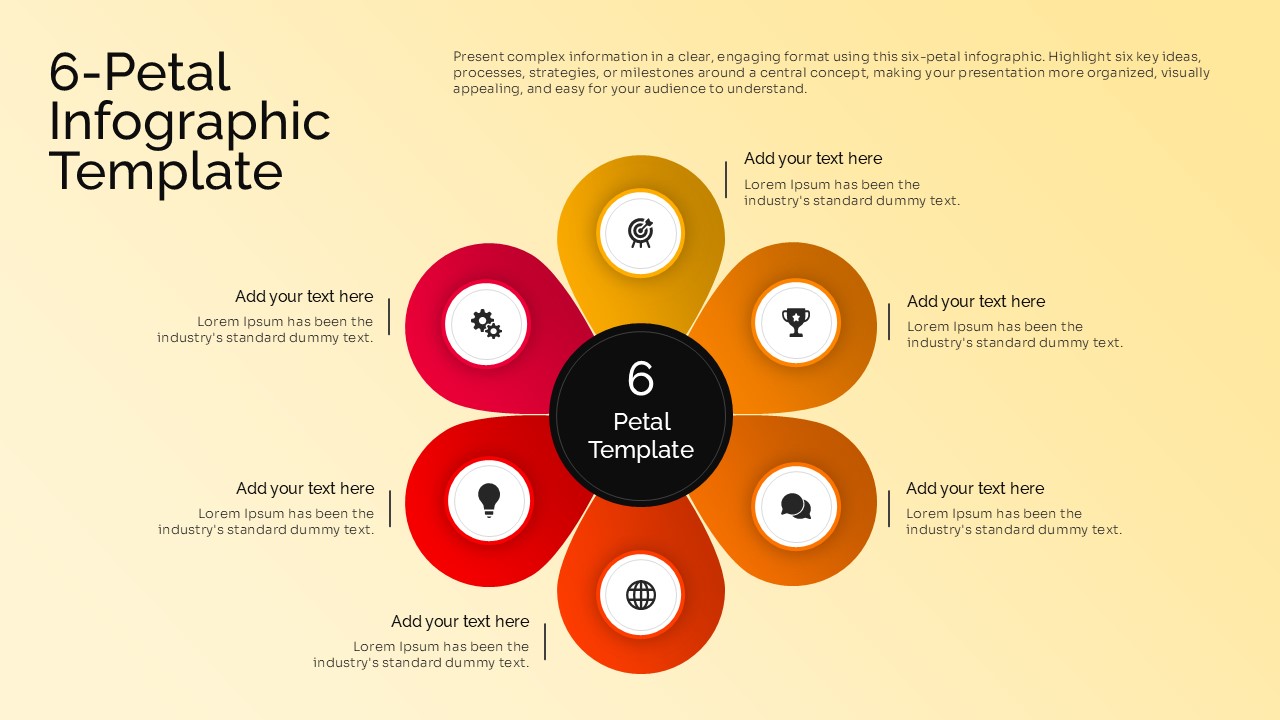
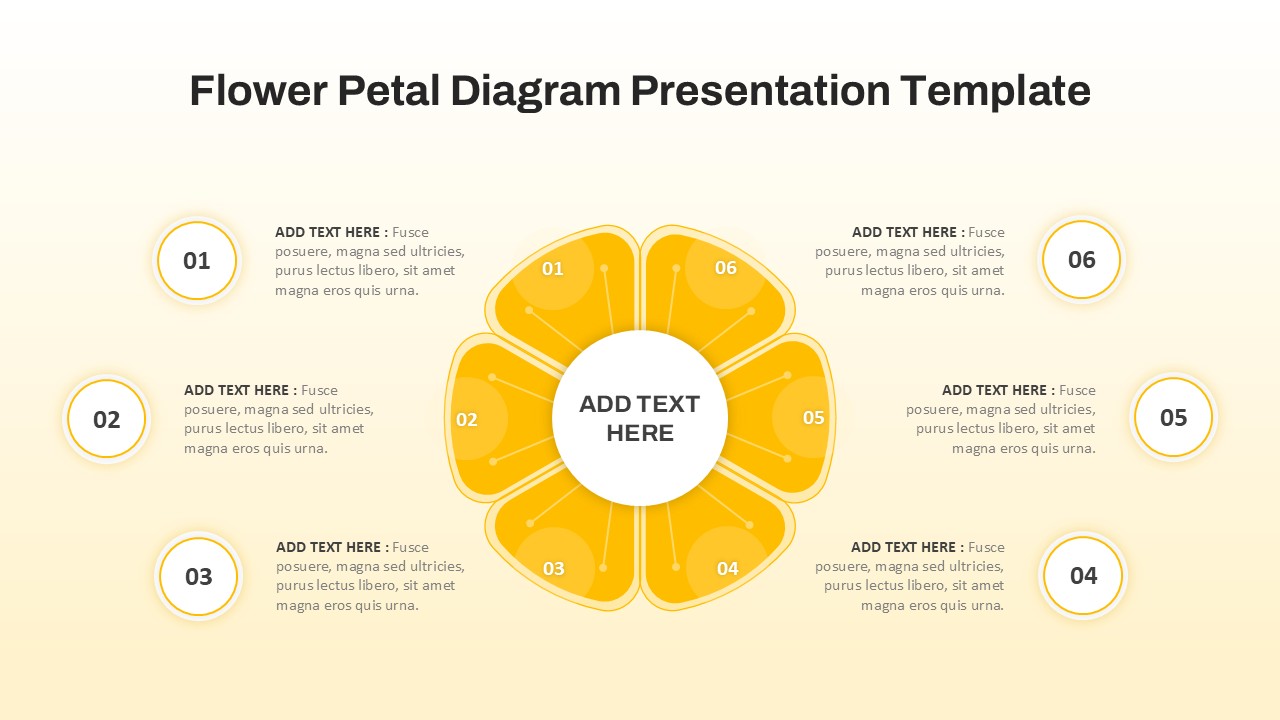
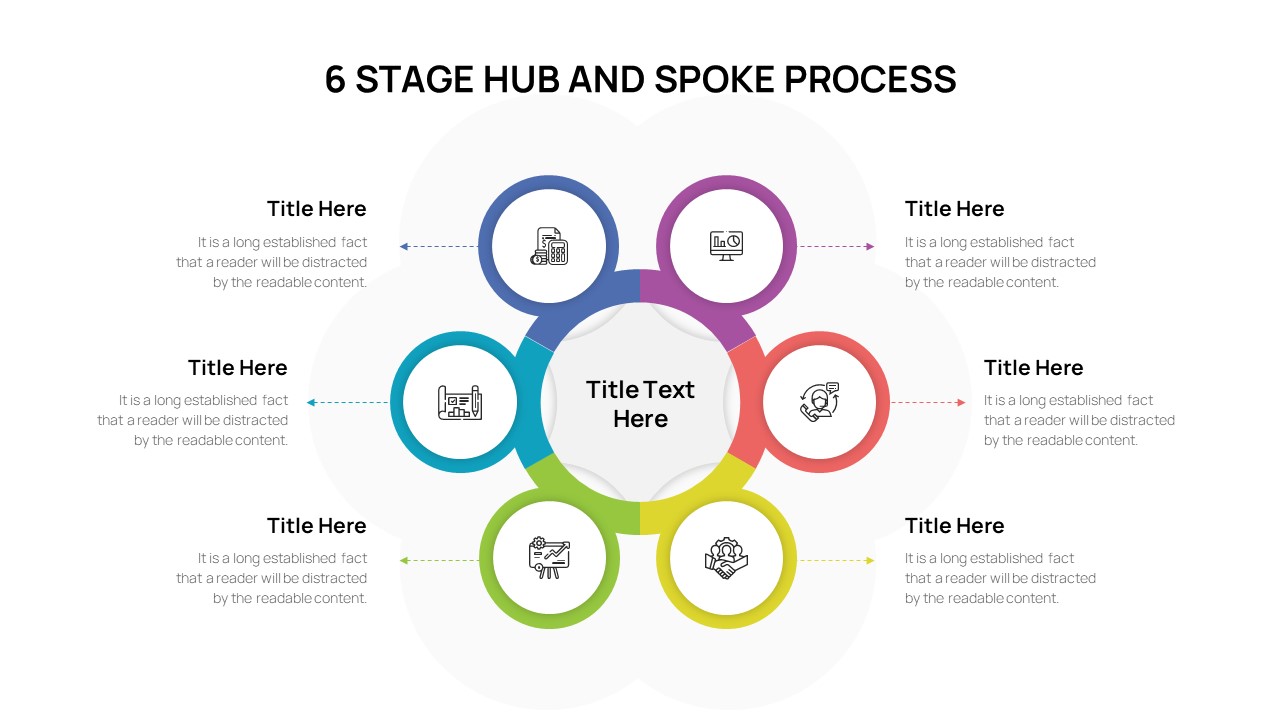
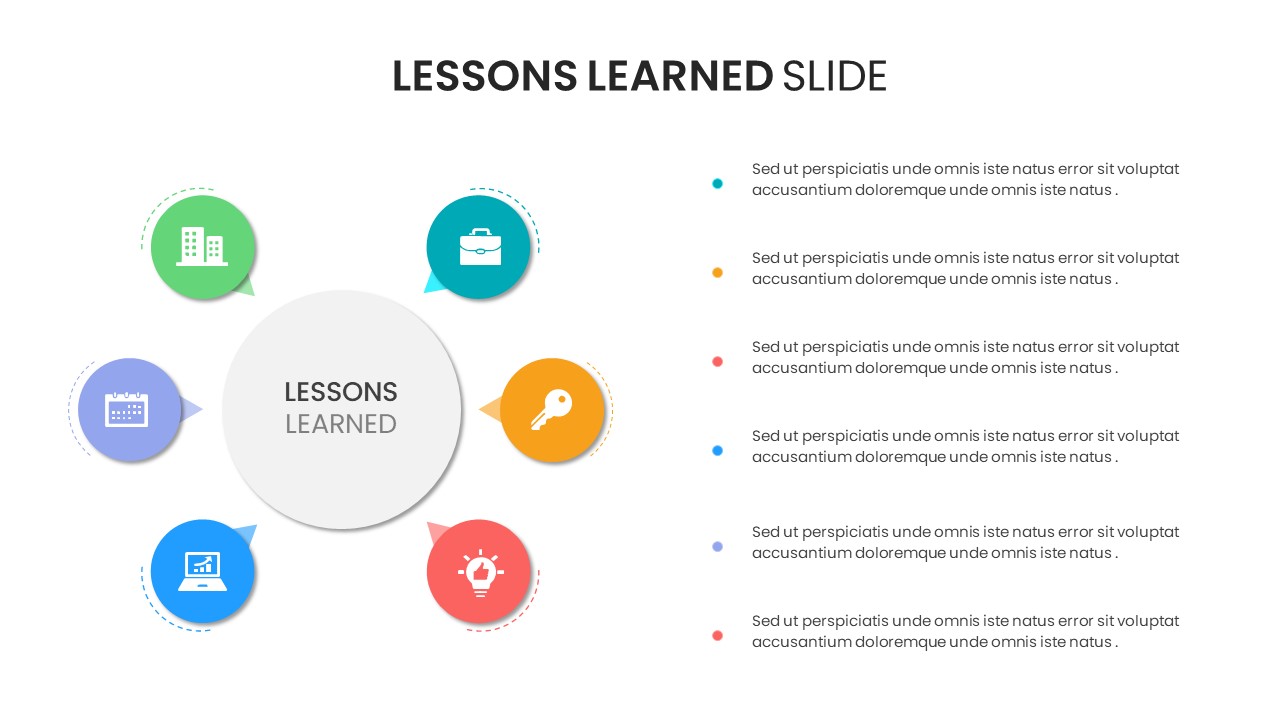
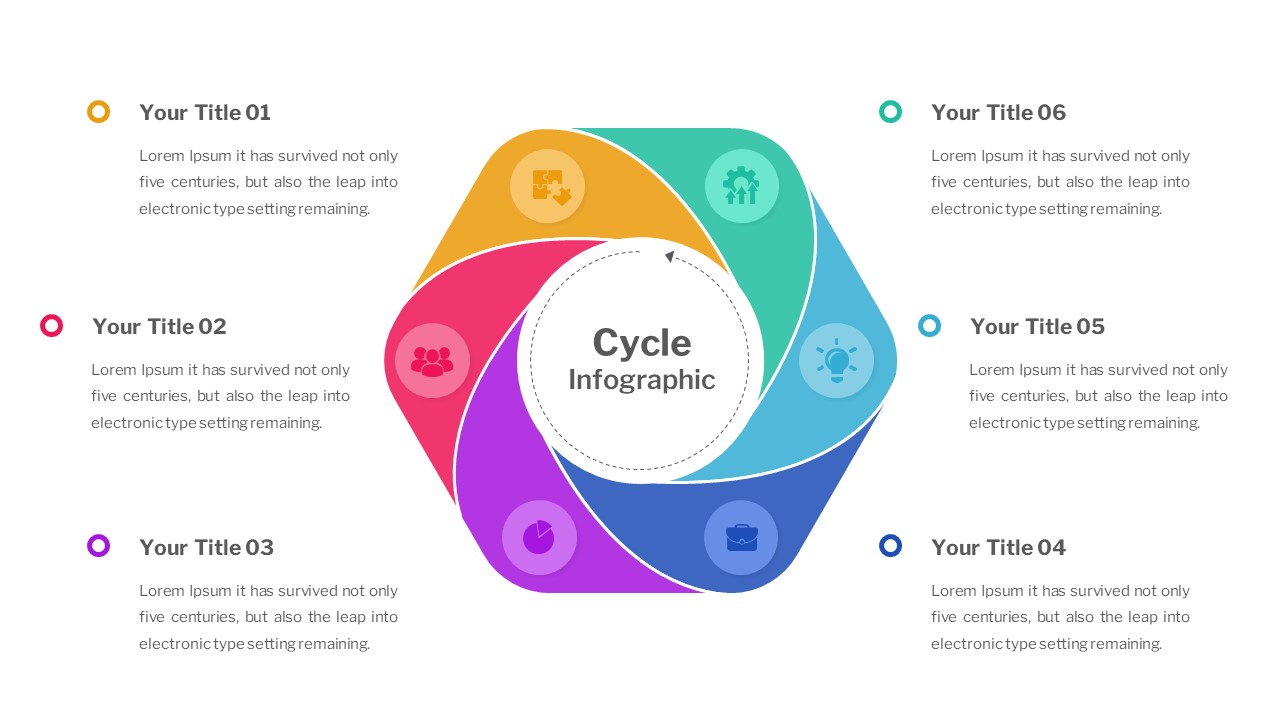
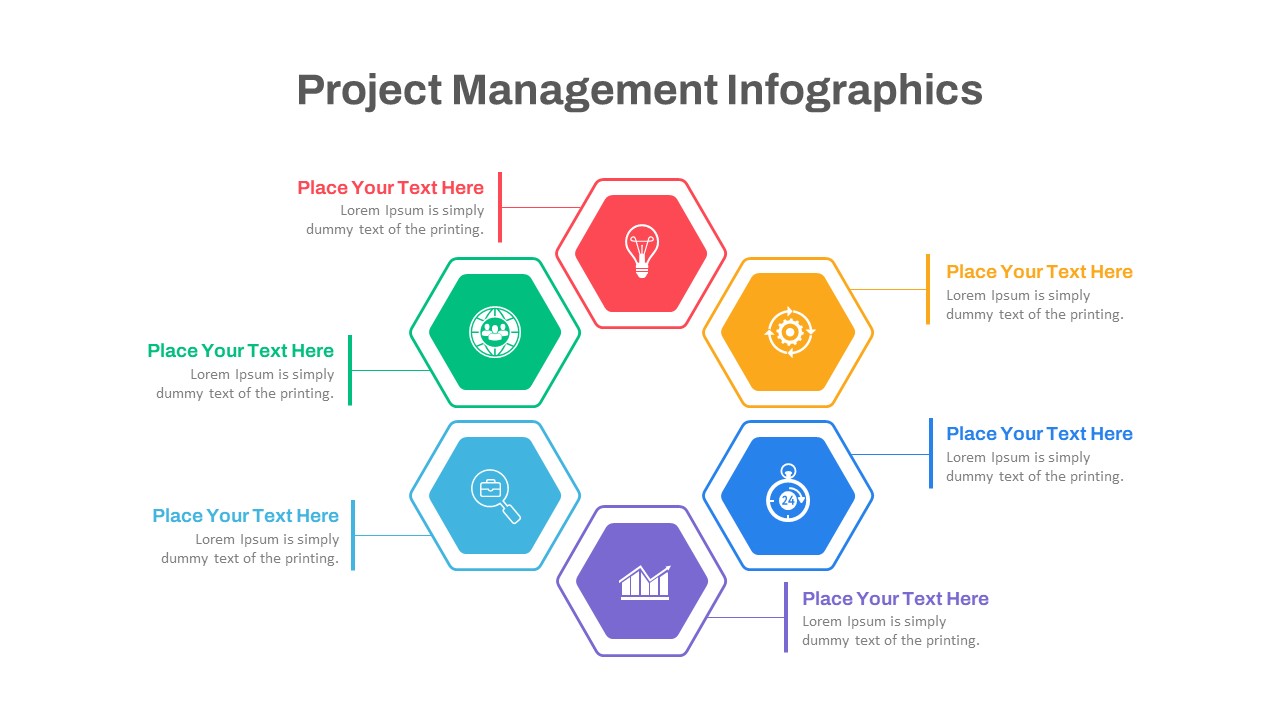
Present information in a structured and visually engaging way with this 6-Petal Infographic PowerPoint and Google Slides Template. Designed around a central concept with six surrounding petals, this professional infographic layout helps you break down complex topics into six distinct sections while maintaining a clean, organized presentation. Its flower-inspired design naturally emphasizes the relationship between a core idea and its supporting elements, making it an excellent choice for business, education, marketing, and strategic planning presentations.
Each petal provides dedicated space for icons, titles, and descriptions, allowing you to explain six key points, stages, features, goals, or milestones in a logical and visually appealing format. The balanced circular arrangement guides your audience’s attention from the central theme to each connected idea, improving clarity and information retention. The vibrant gradient color palette further enhances the slide by making every section stand out without overwhelming the content.
This template is fully editable in both Microsoft PowerPoint and Google Slides, giving users complete flexibility to customize colors, icons, fonts, text, and layout elements to match their branding or presentation style. Whether you’re creating a corporate strategy deck, educational lecture, project overview, product showcase, or marketing report, this infographic can be easily adapted to suit your specific needs.
Its modern, minimal design ensures compatibility with professional business presentations while remaining versatile enough for academic, nonprofit, consulting, and startup use. The clean typography and intuitive layout help presenters communicate ideas with confidence, making meetings, workshops, training sessions, and client presentations more engaging and impactful.
Whether you’re explaining six business objectives, comparing six features, outlining six project phases, or presenting six strategic initiatives, this 6-Petal Infographic PowerPoint and Google Slides Template provides an elegant and effective way to transform information into a compelling visual story.
See more

Aspect Ratio
16:9Item ID
SKT04650


Features of this template
Other User Cases of the Template
Business strategy presentation, Six-step process, Product feature comparison, Project planning, Marketing campaign overview, Customer journey mapping, SWOT discussion, Goal setting, Team responsibilities, Performance metrics, Training materials, Educational lessons, Research findings, Process improvement, Risk management, Innovation framework, Digital transformation roadmap, Workflow visualization, Strategic planning, Consulting presentations.
FAQs
You May Also Like These Presentation Templates

- Free
- Free
- Free

- Free


- Free
- Free
- Free