Doodle Daily Agenda Template for PowerPoint & Google Slides
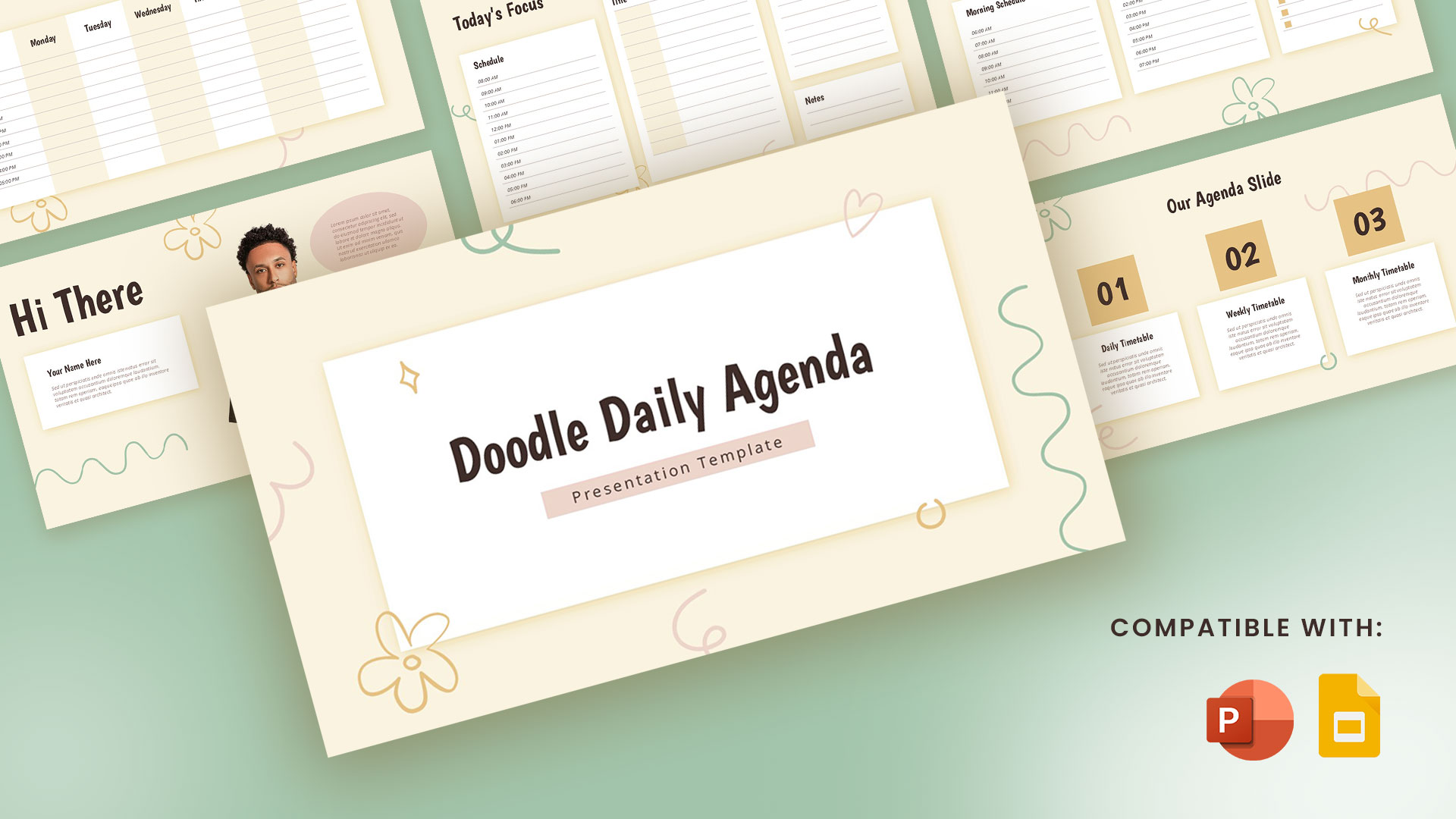
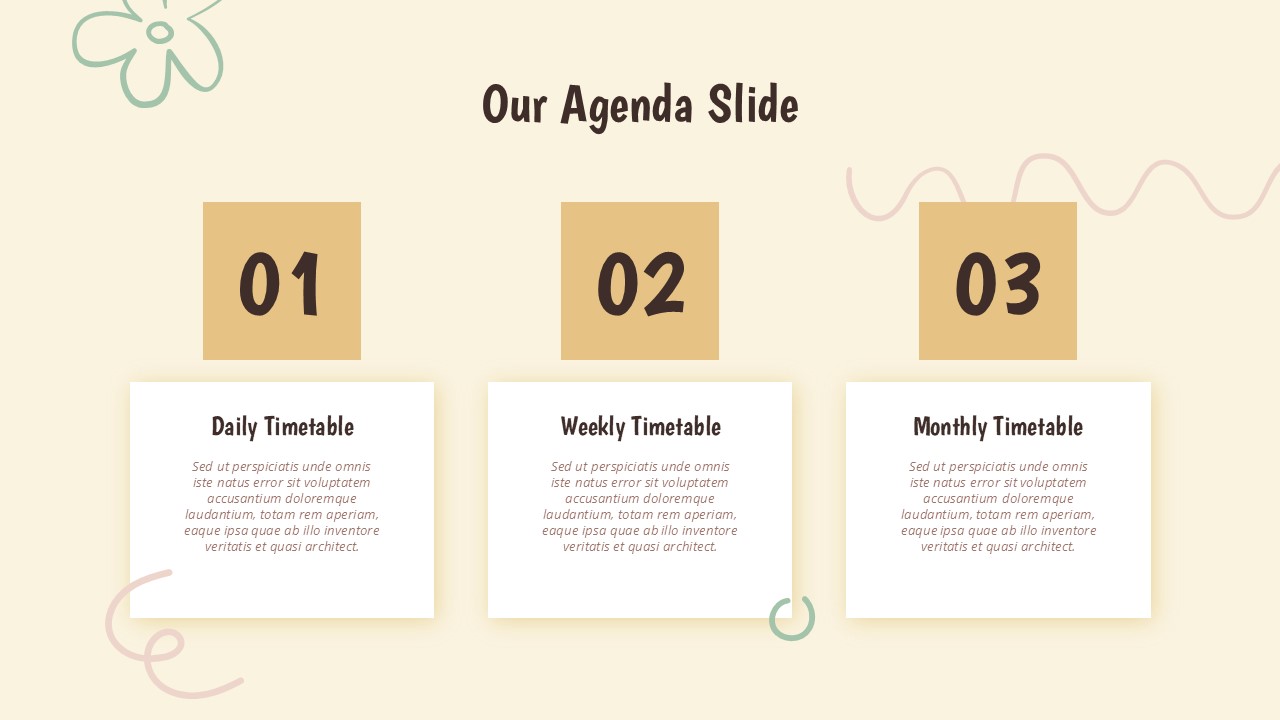

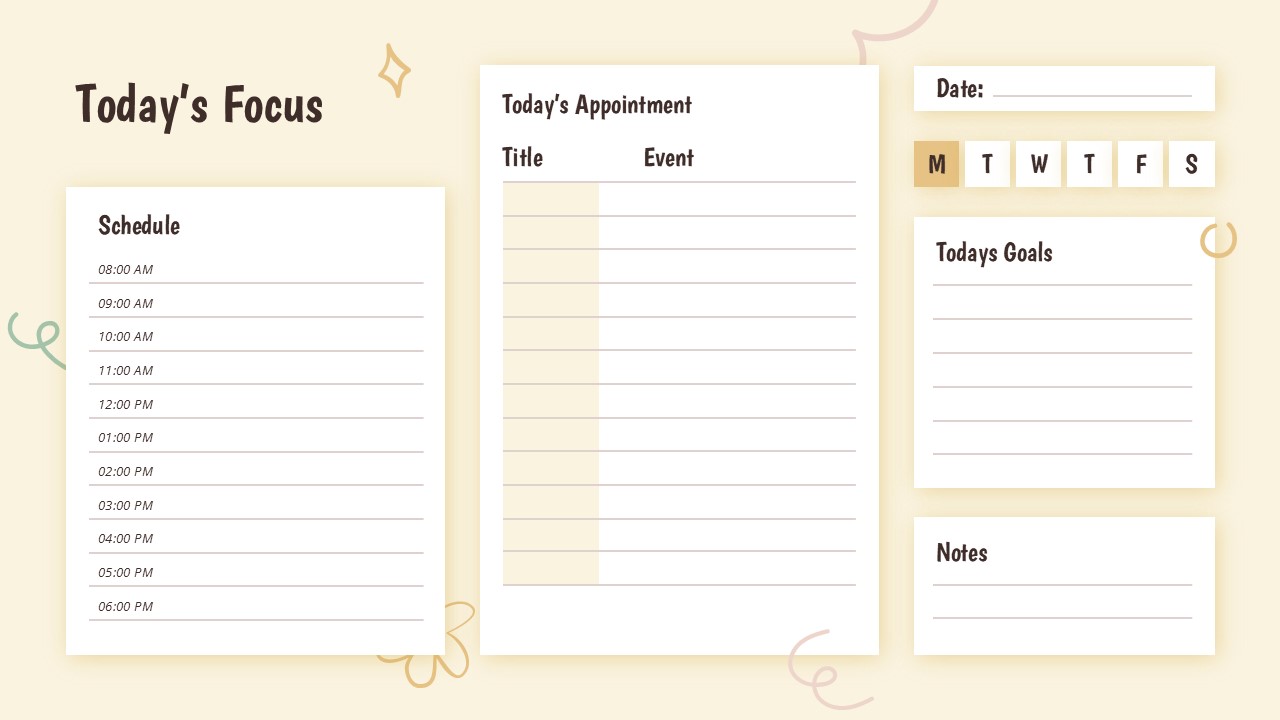
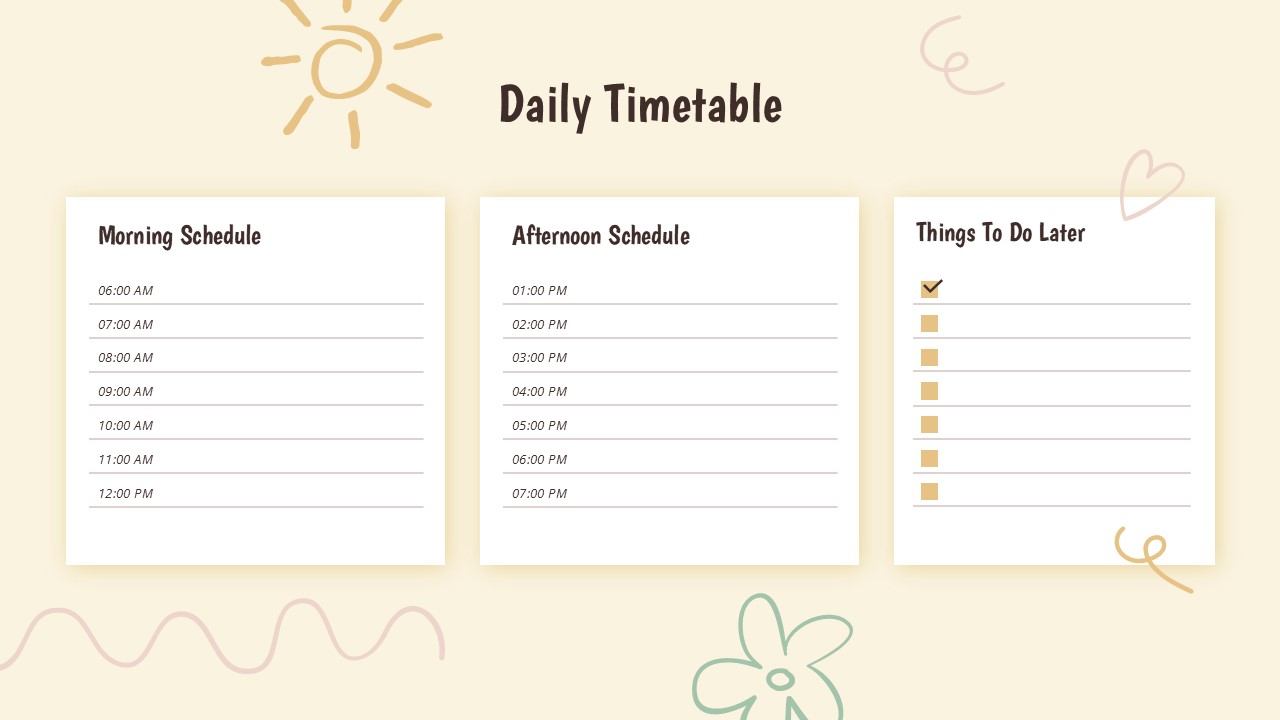
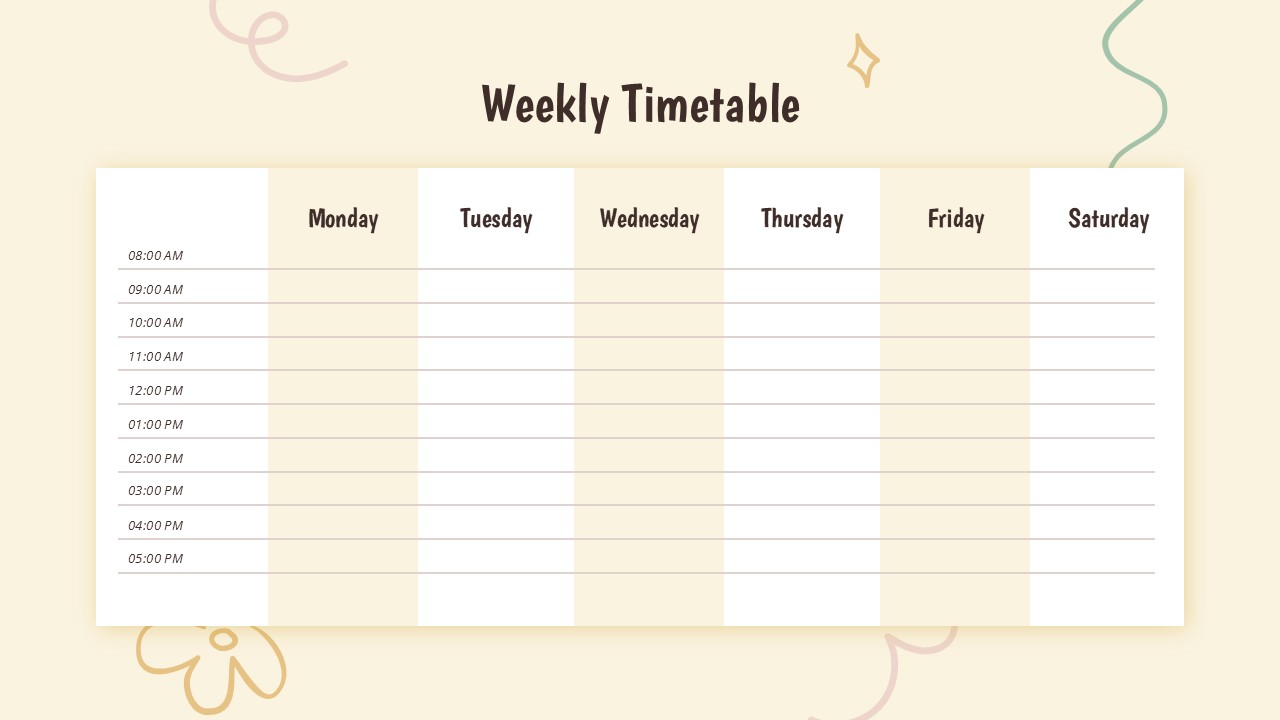
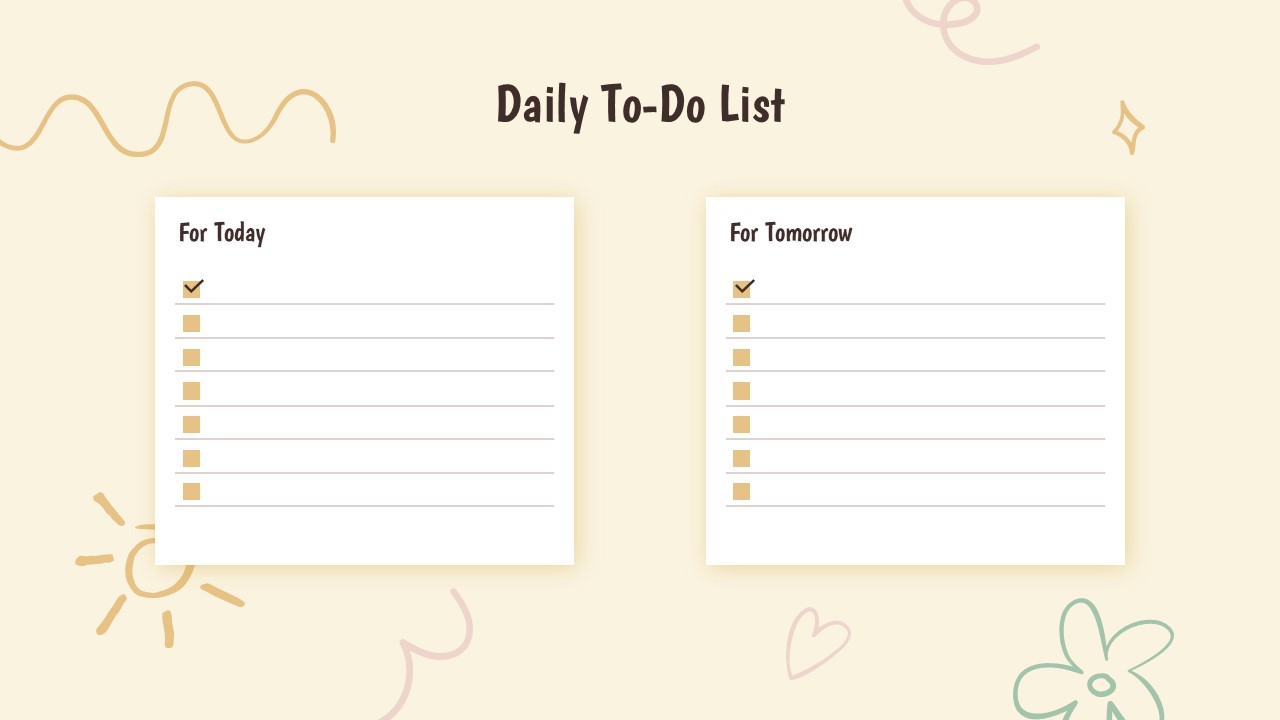
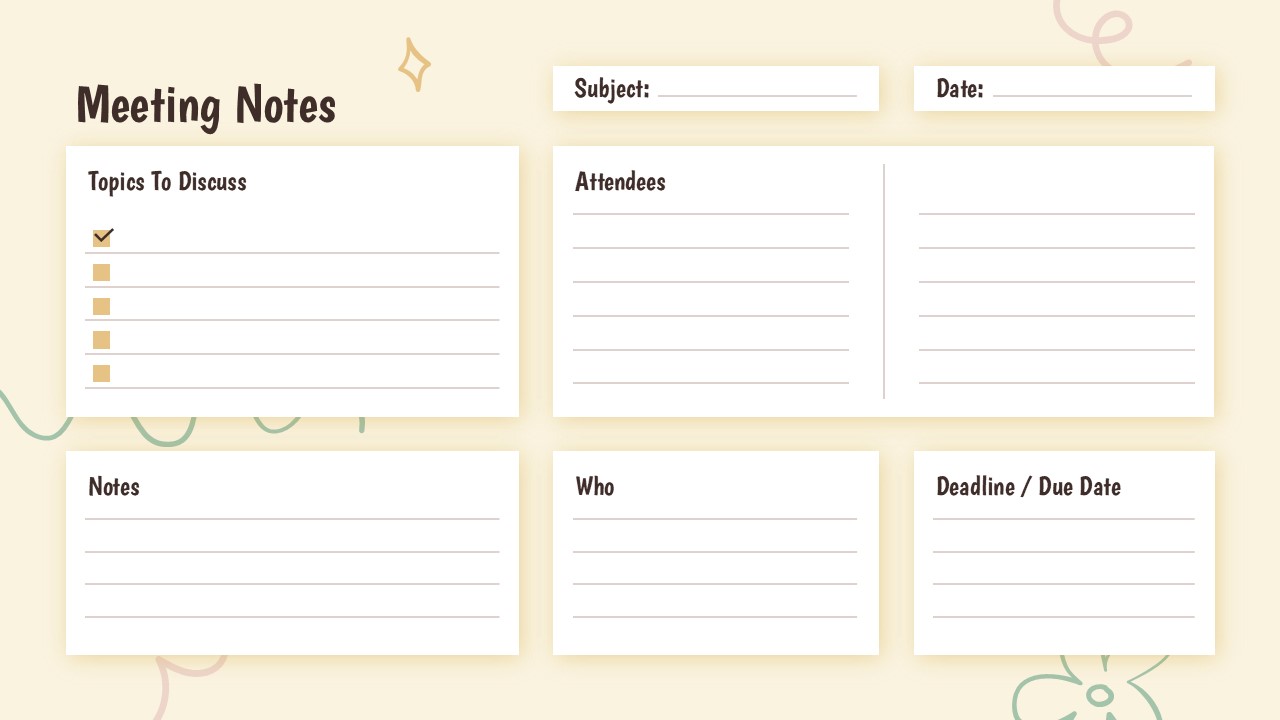
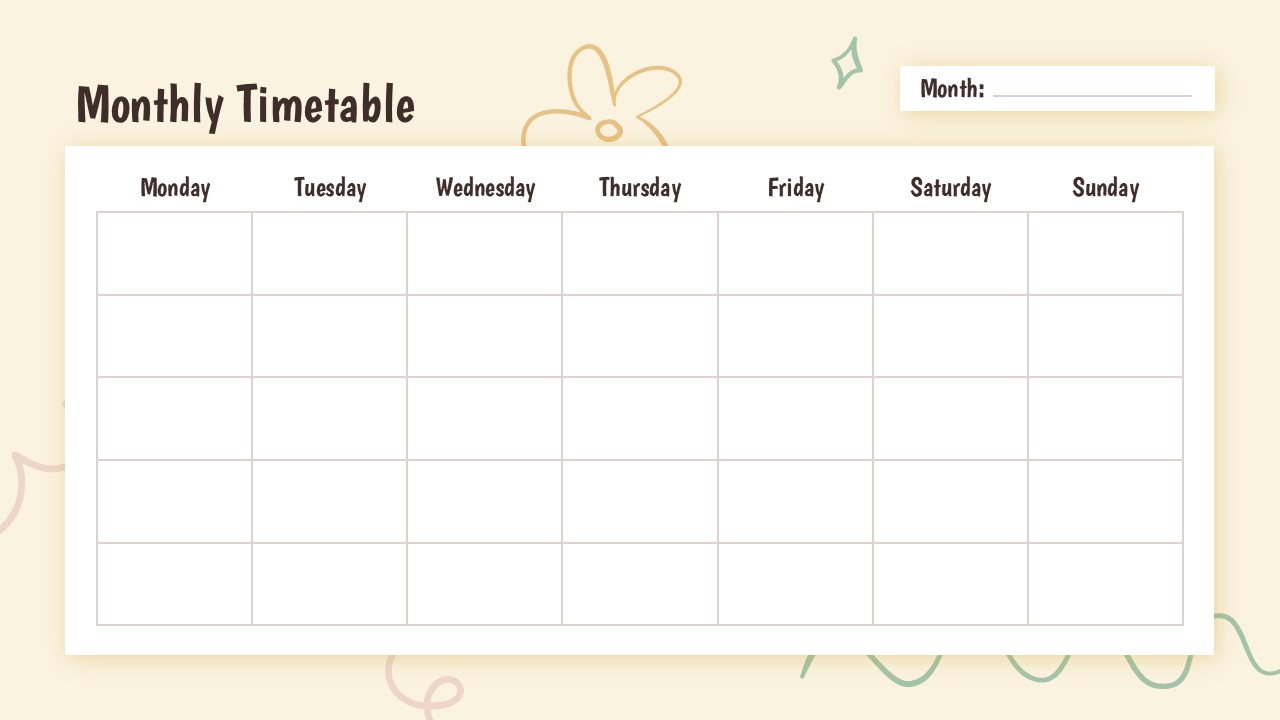



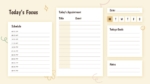
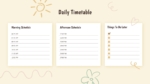
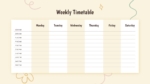
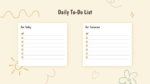
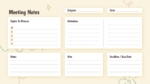
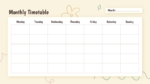

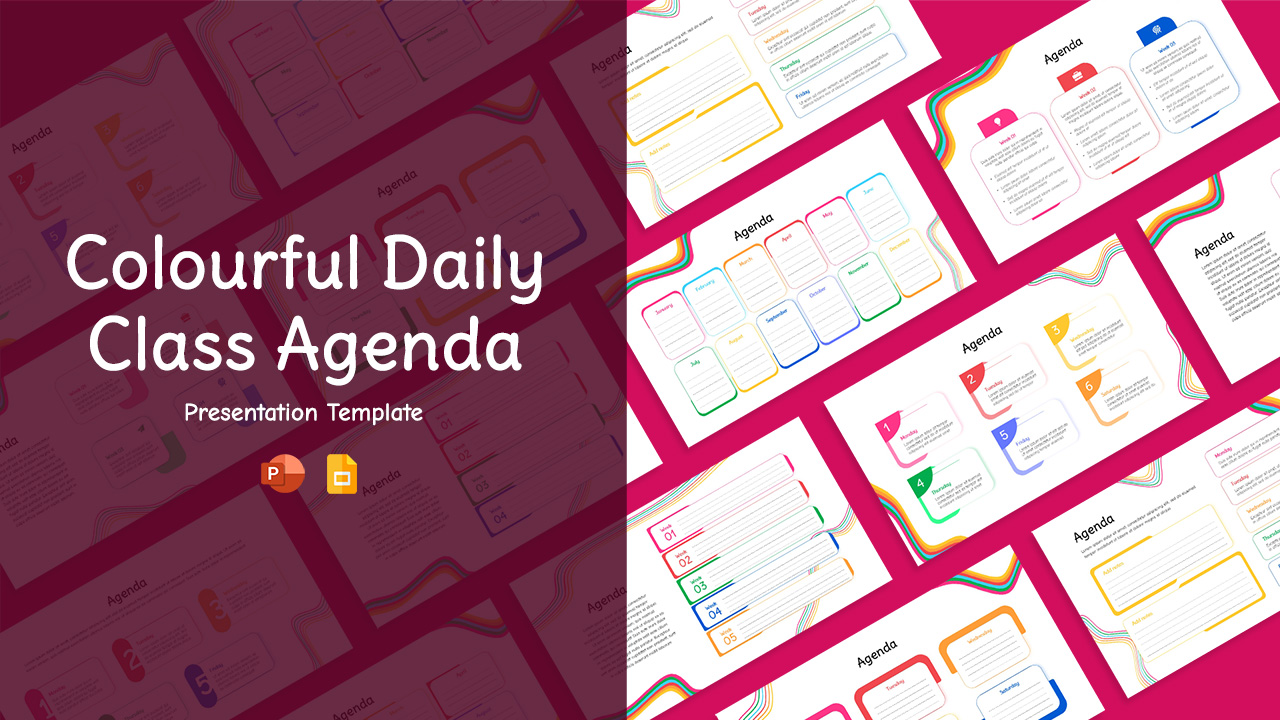
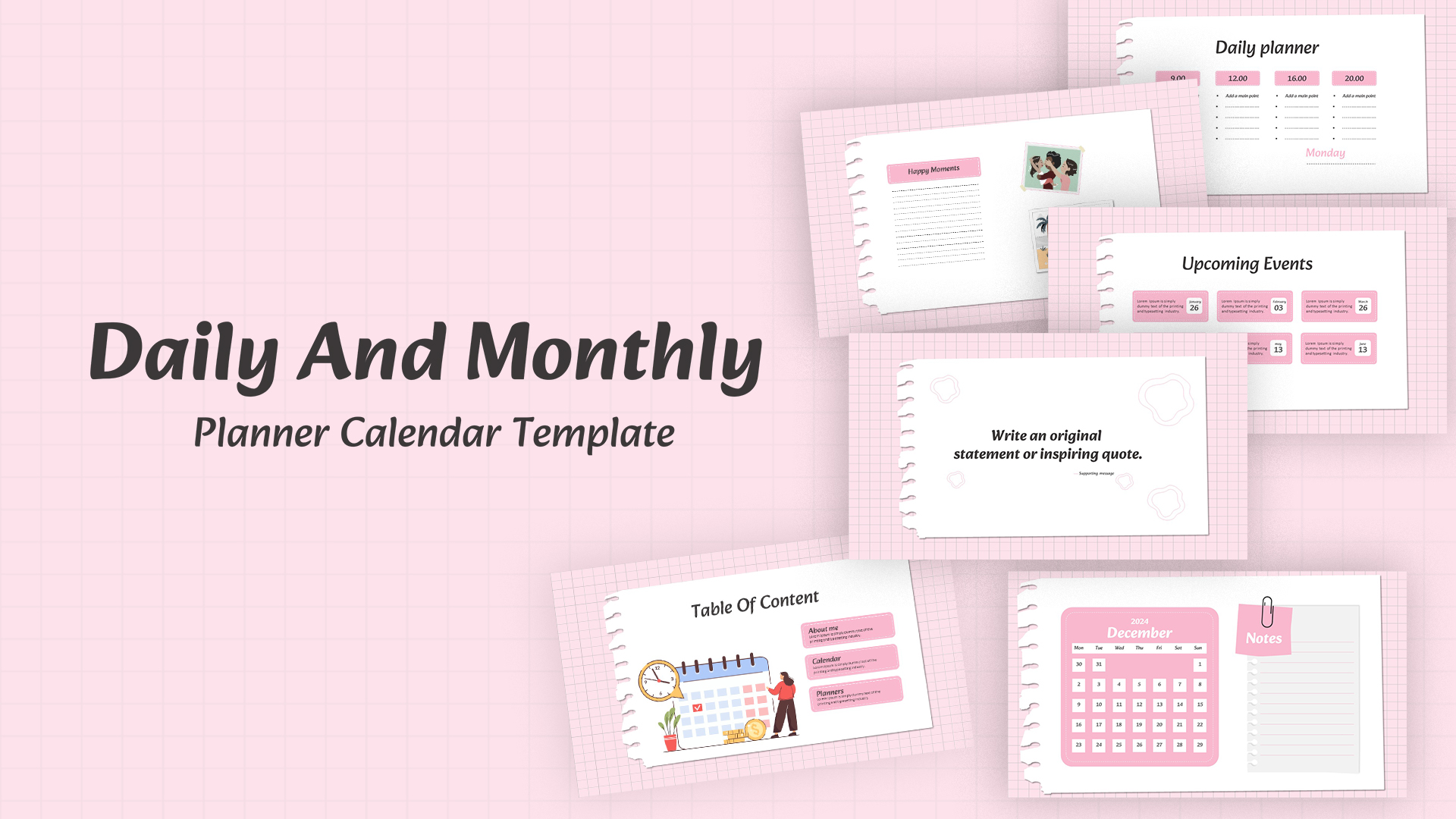
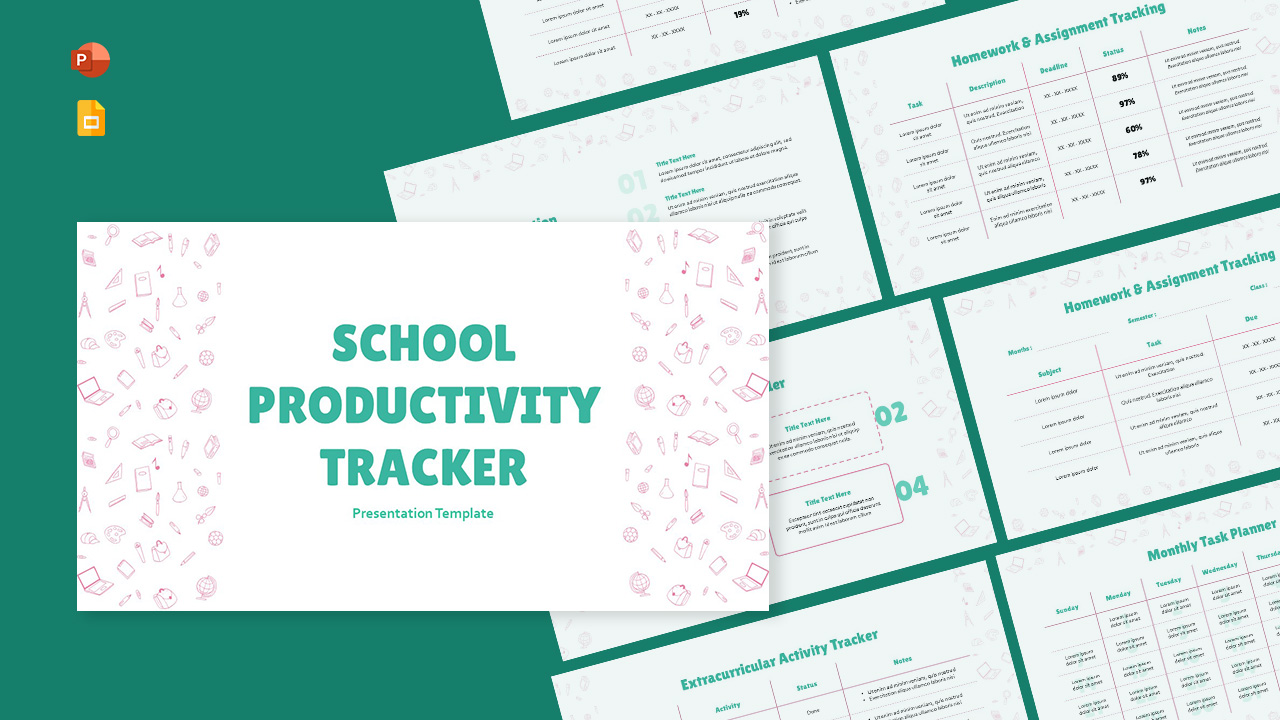
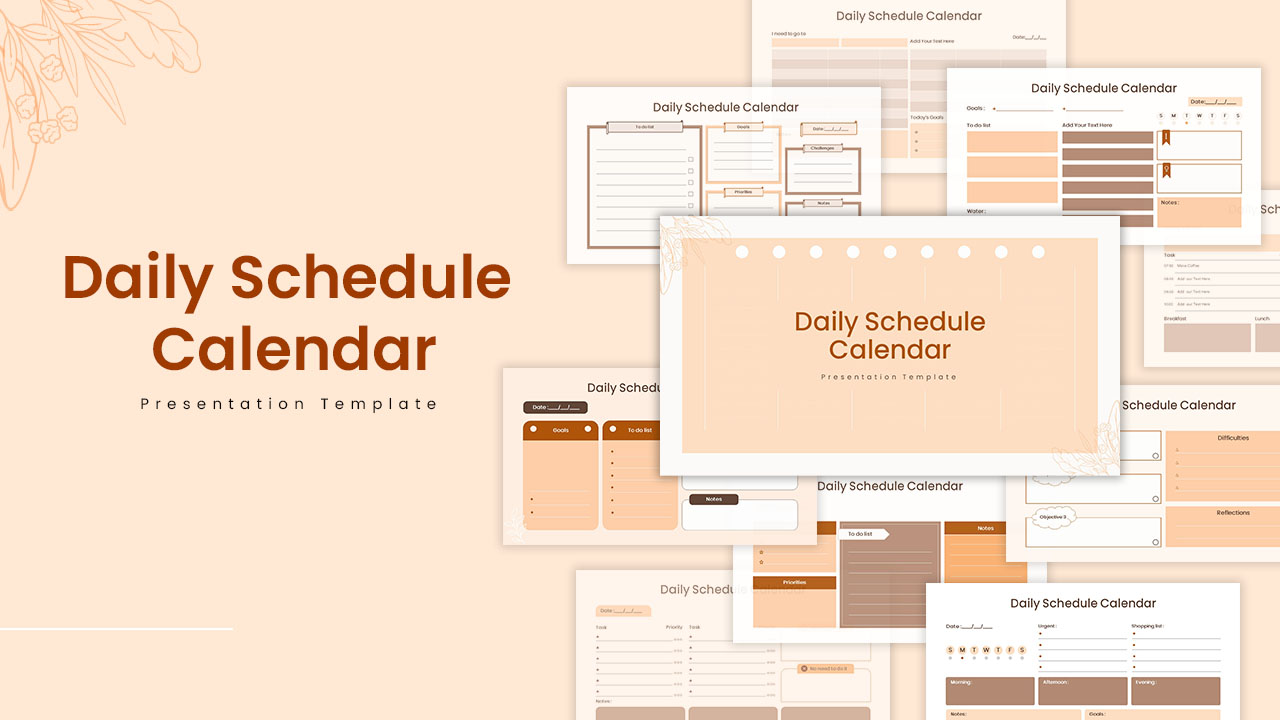
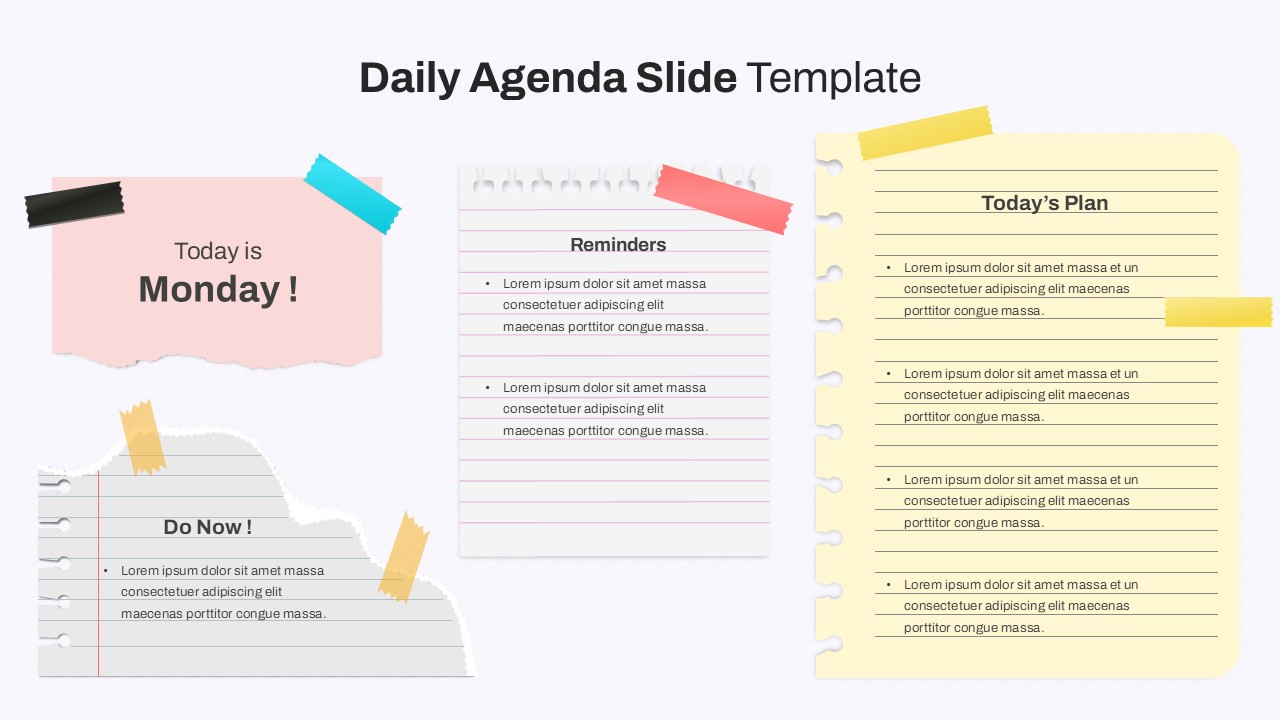
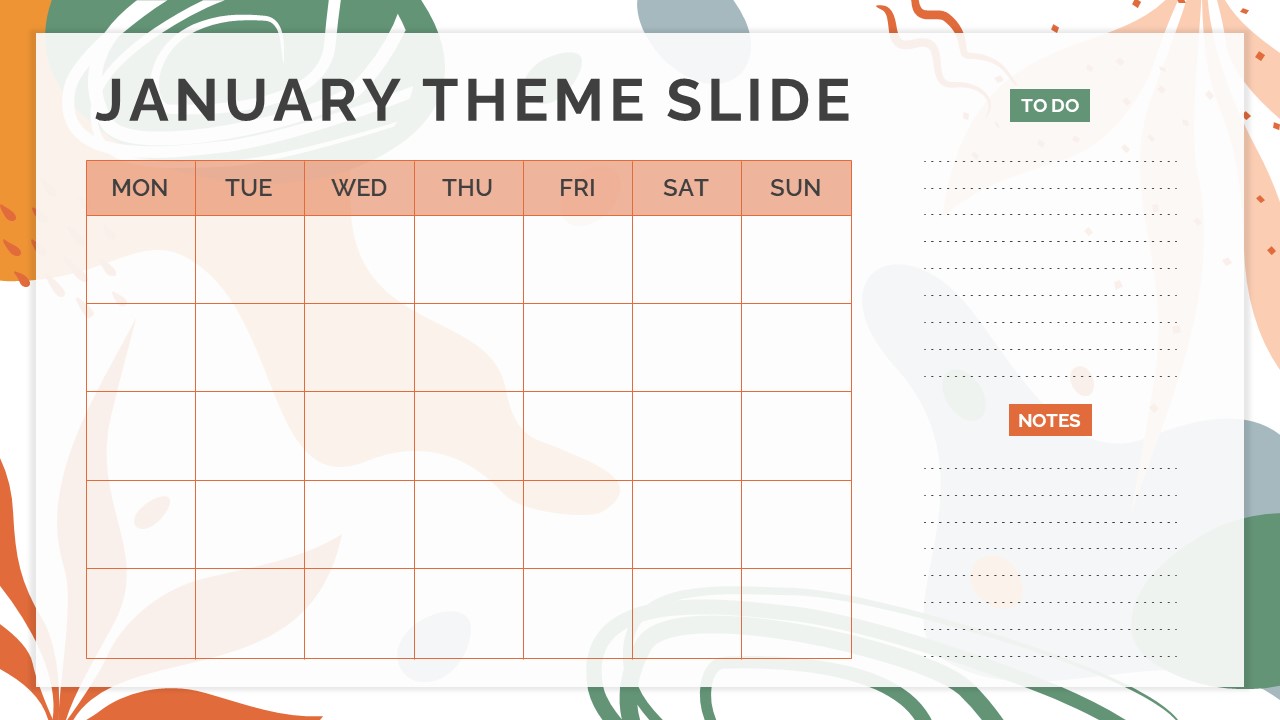
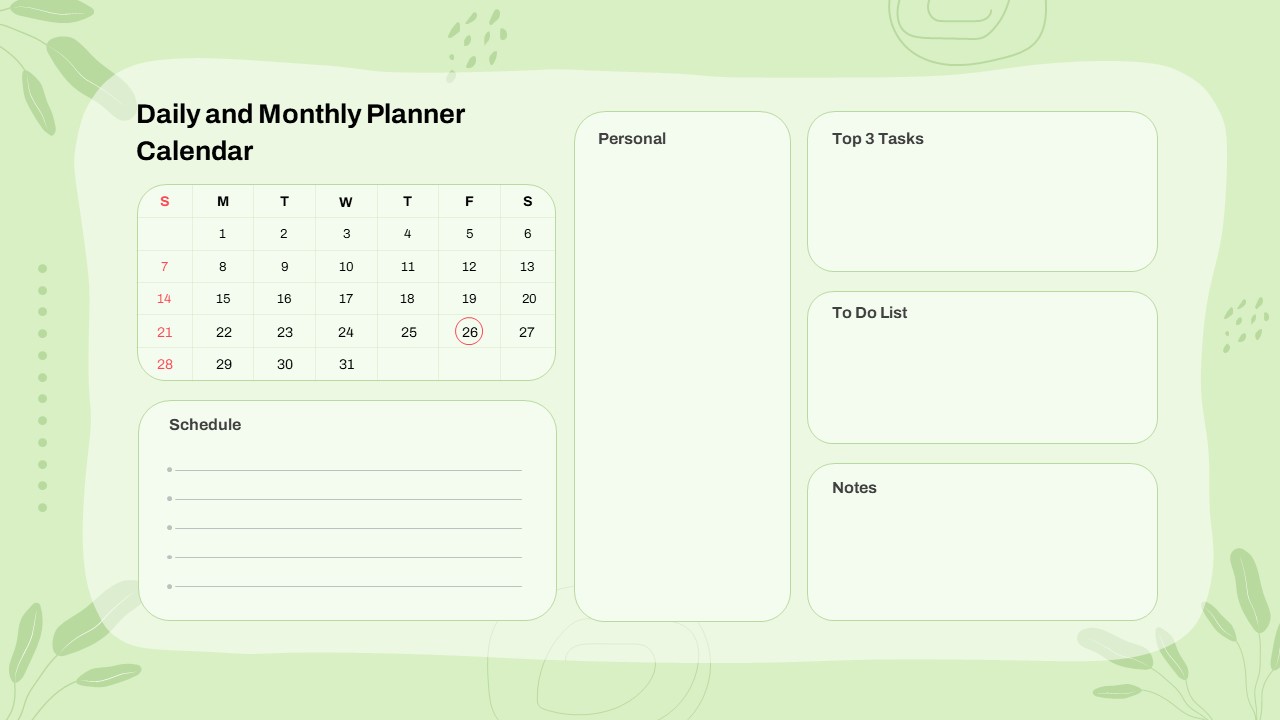
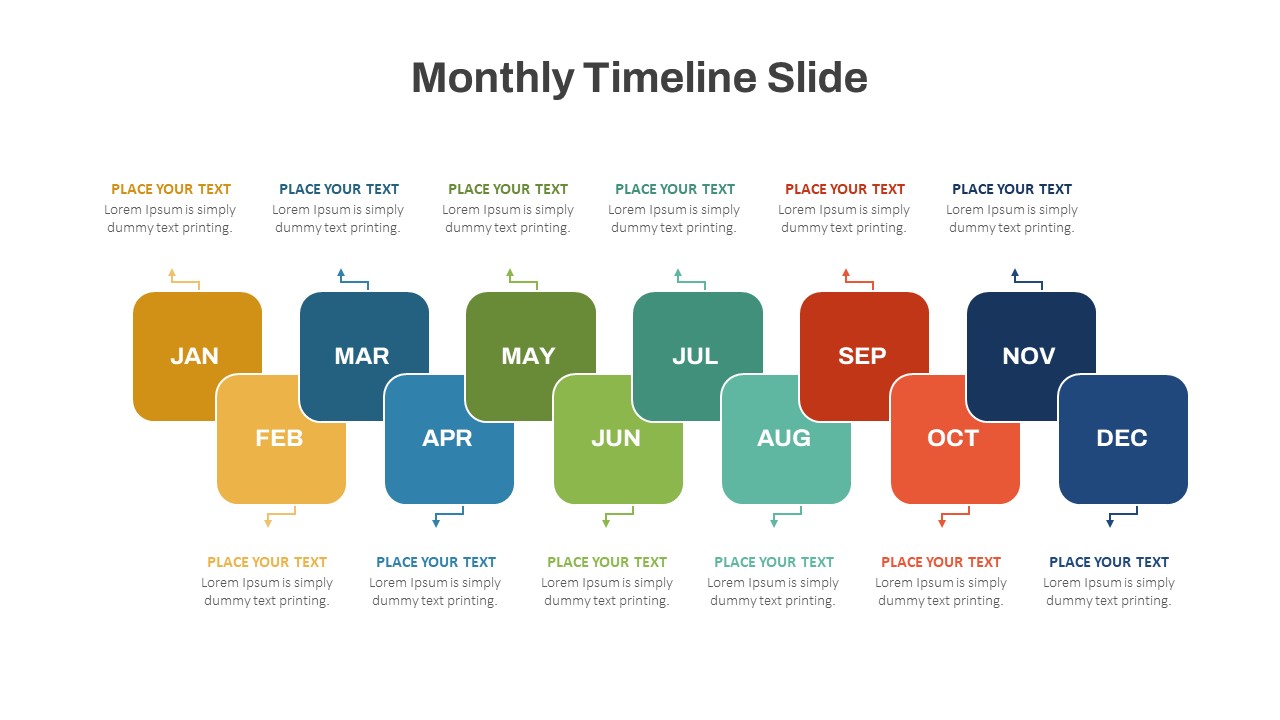
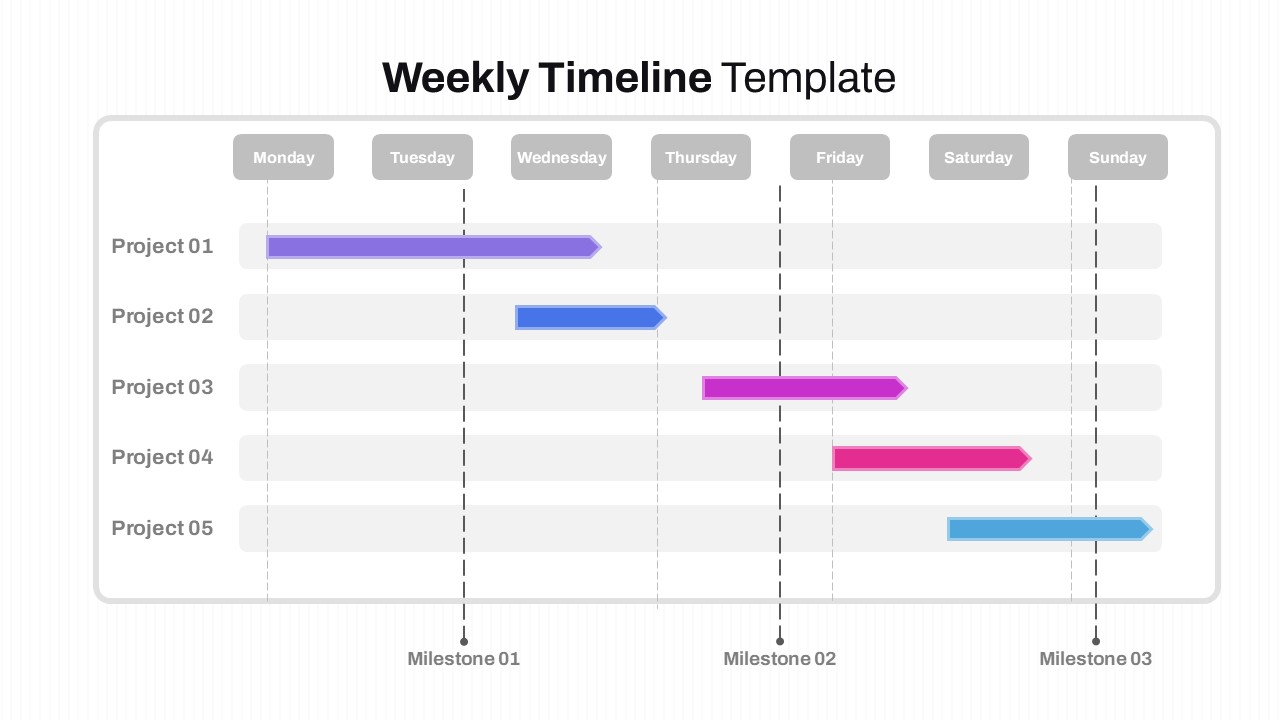
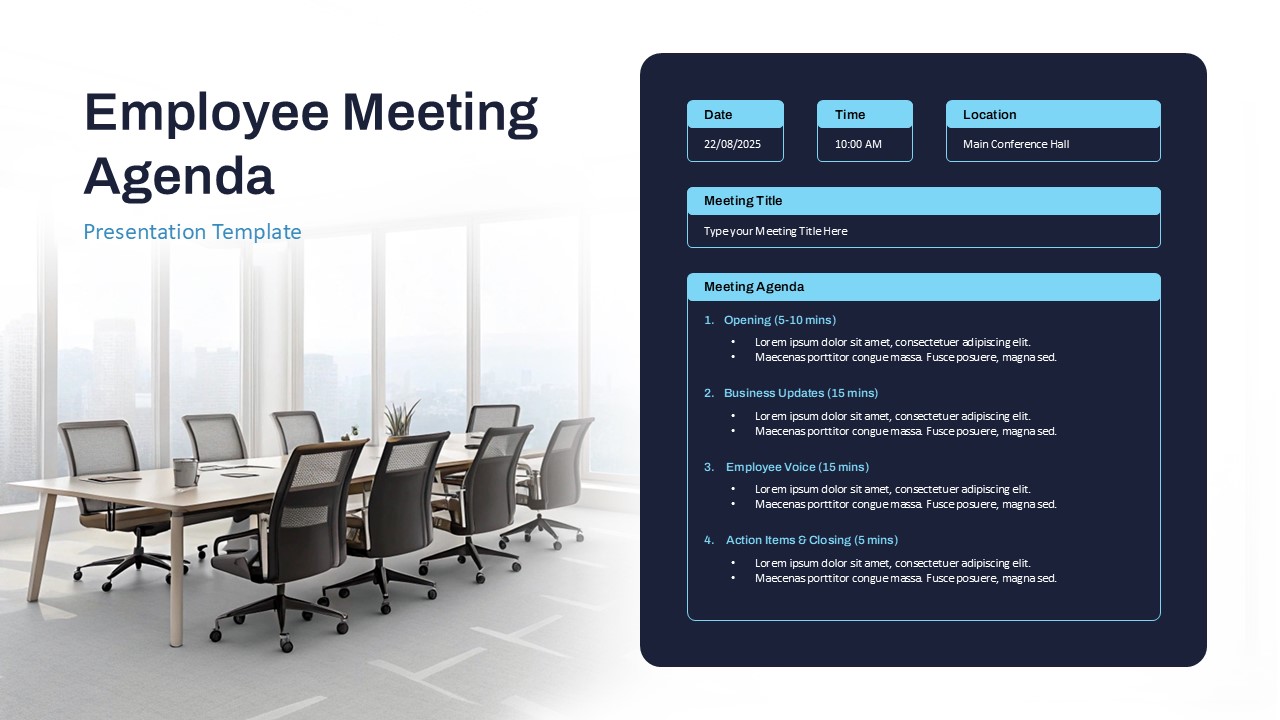
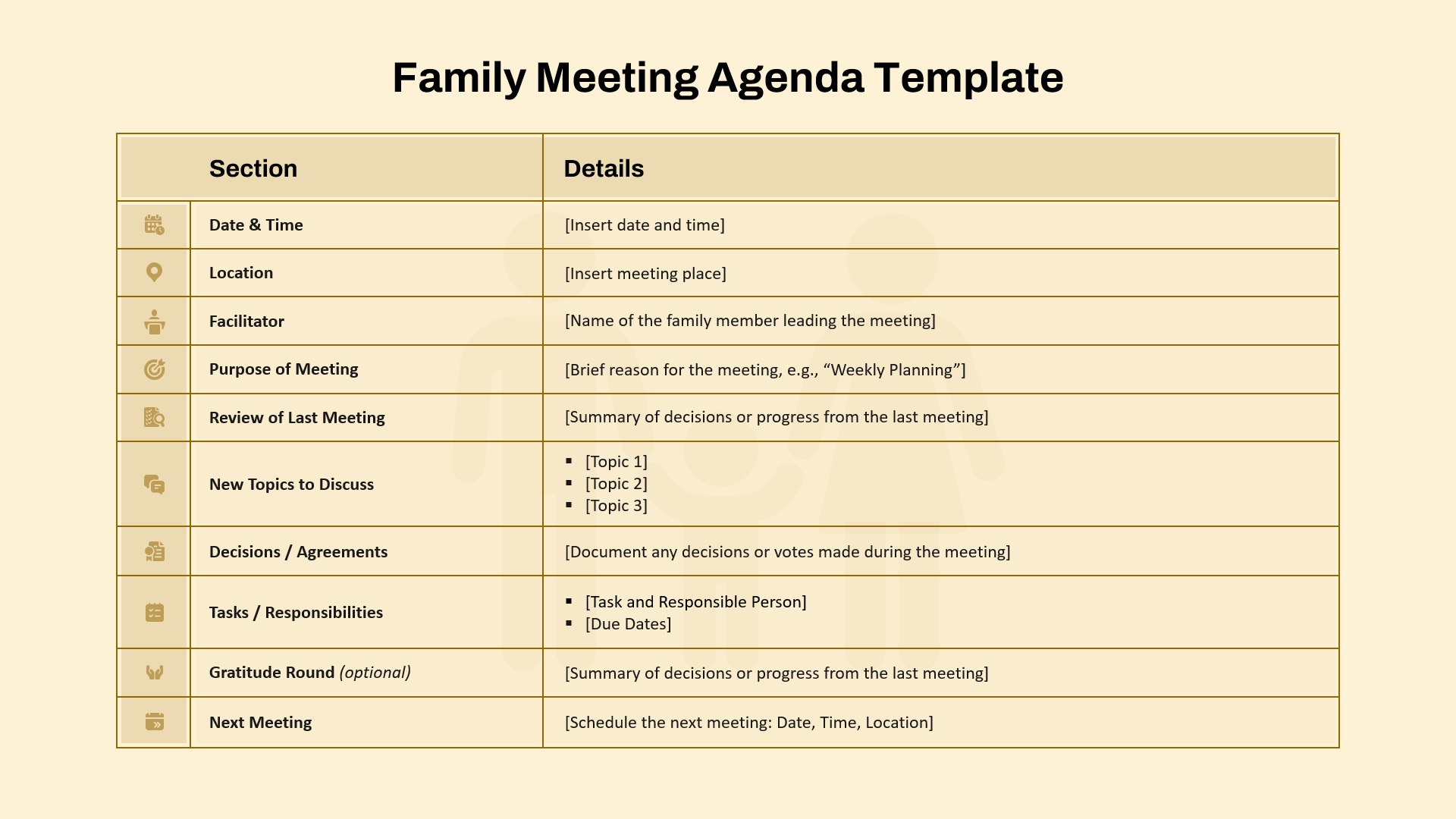
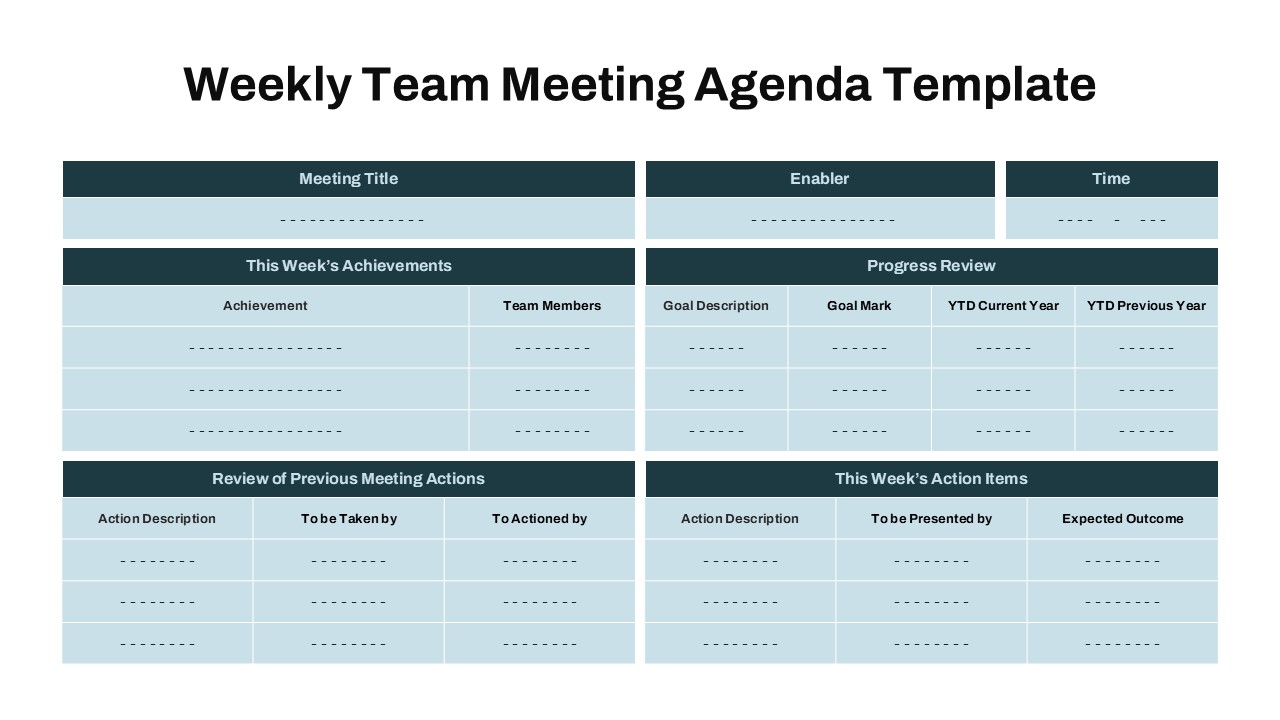
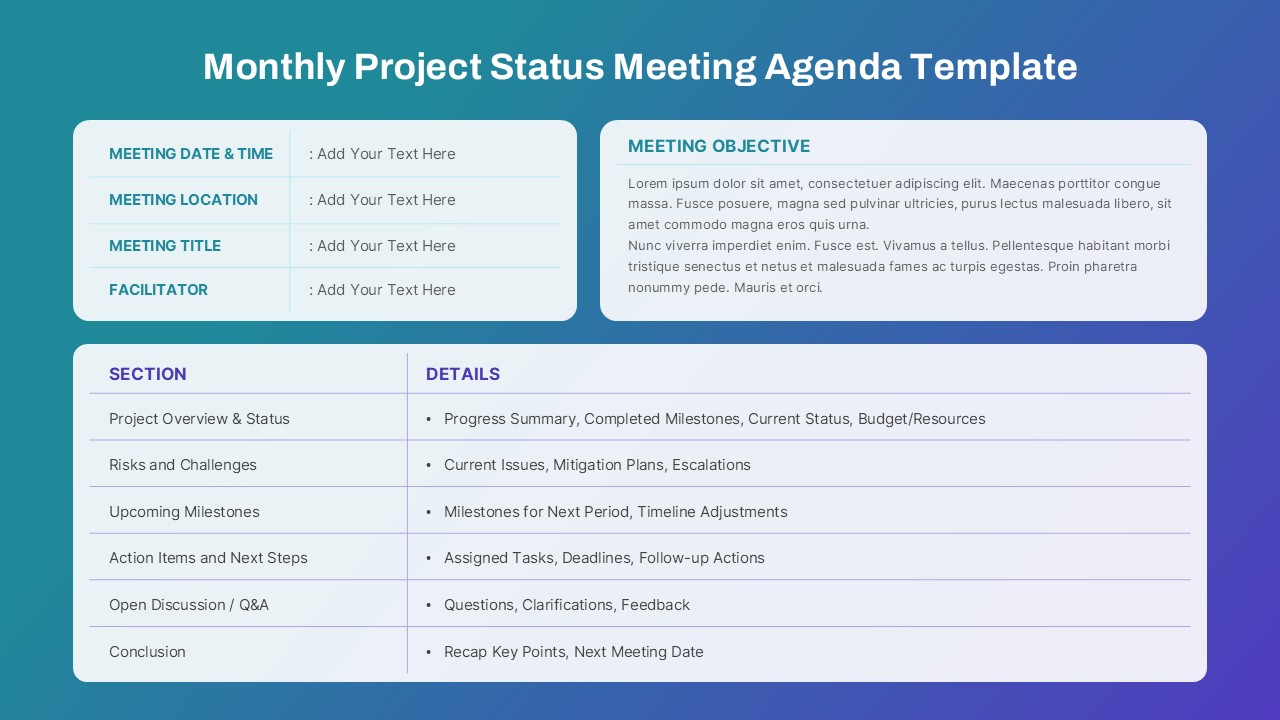
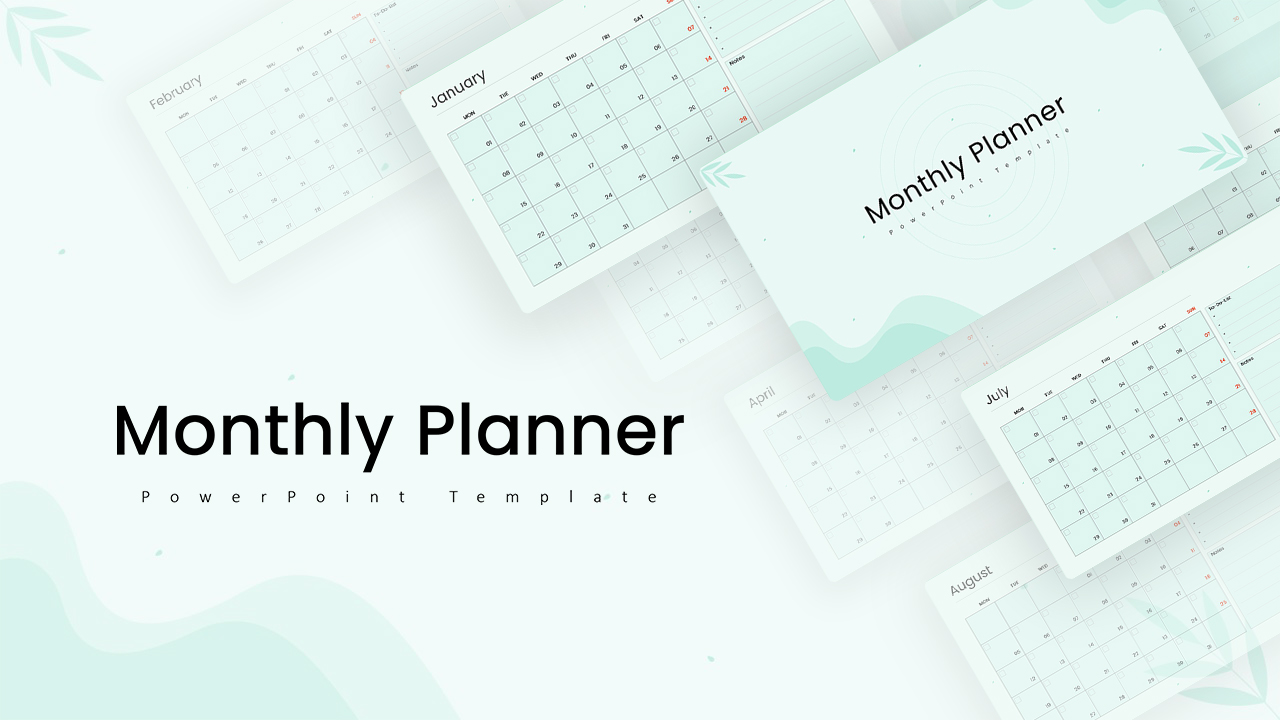
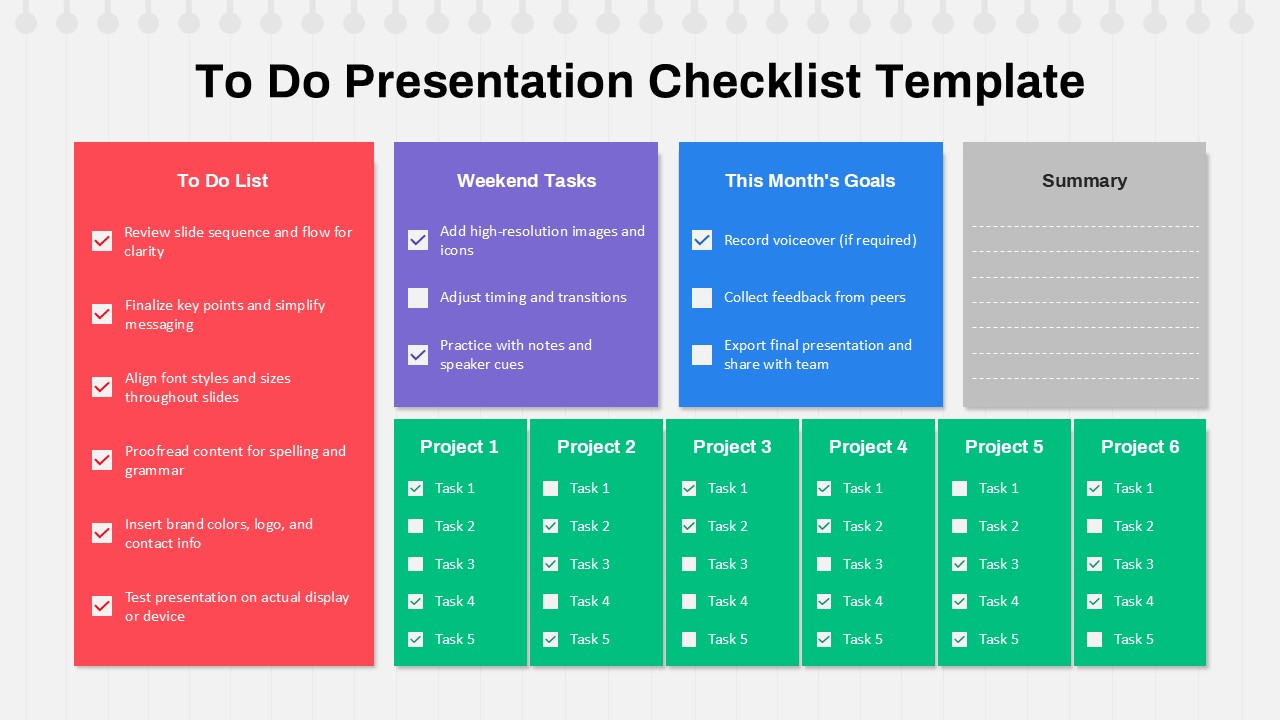
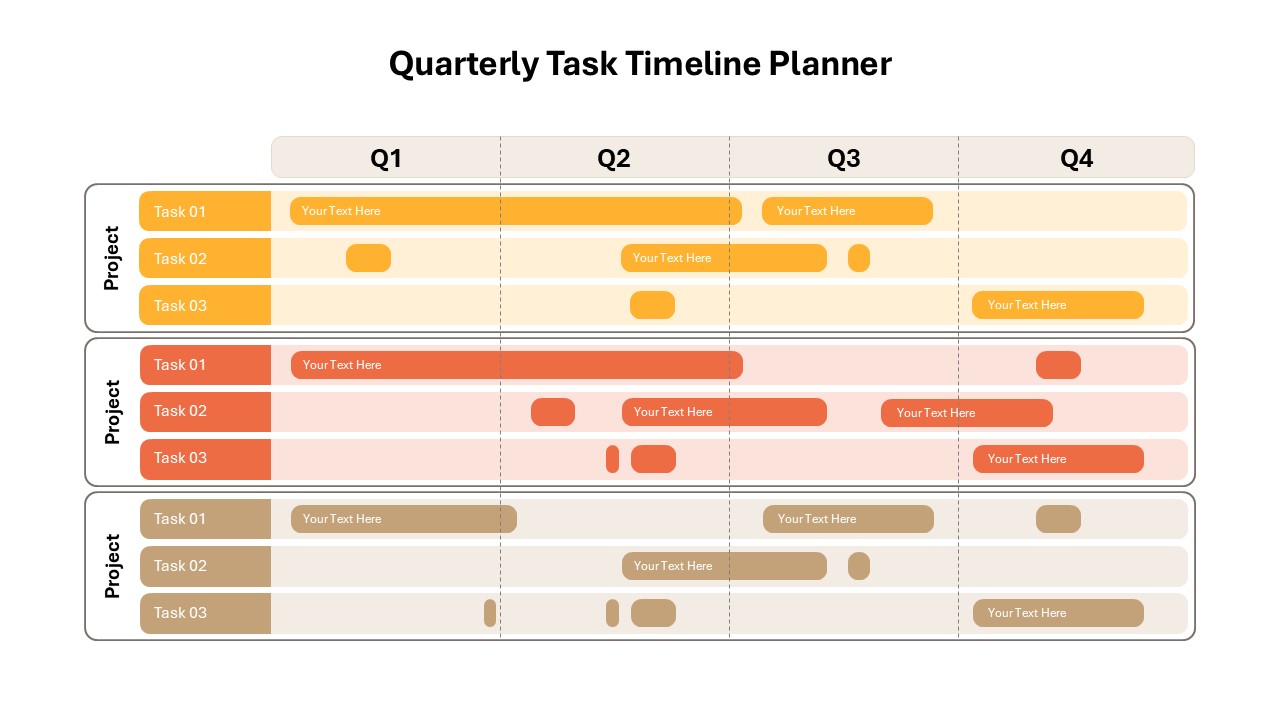
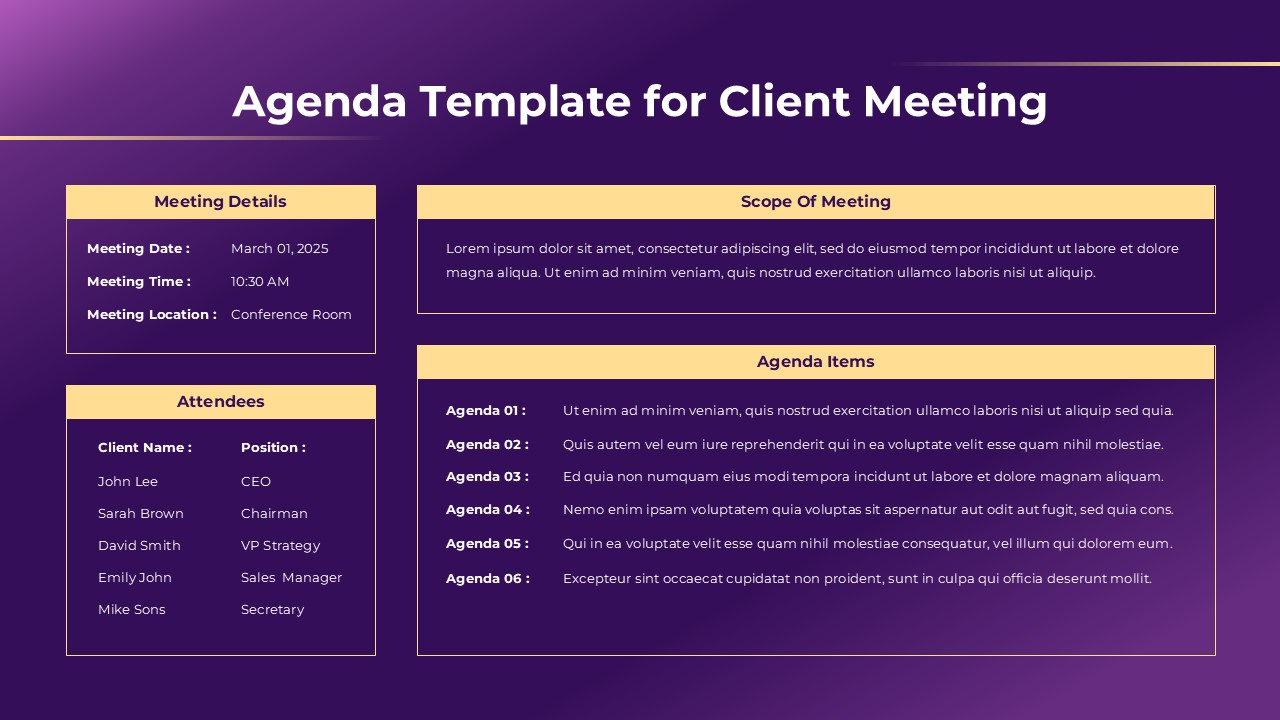
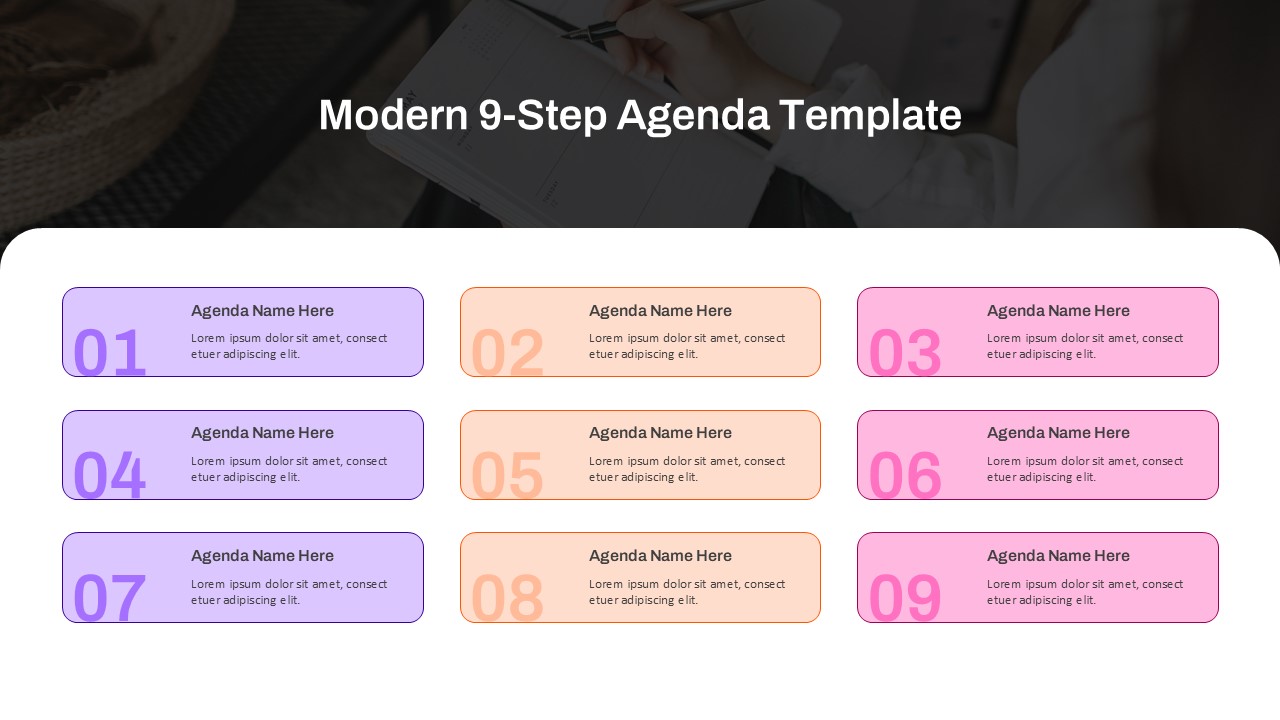
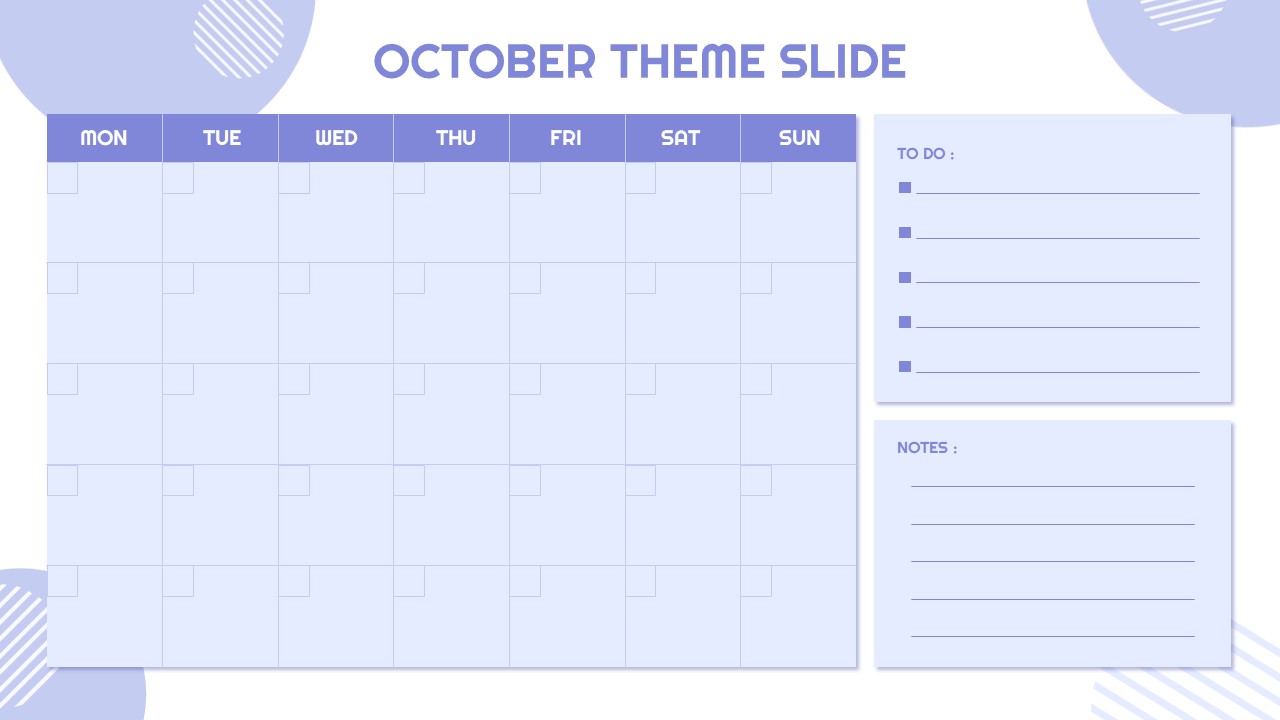
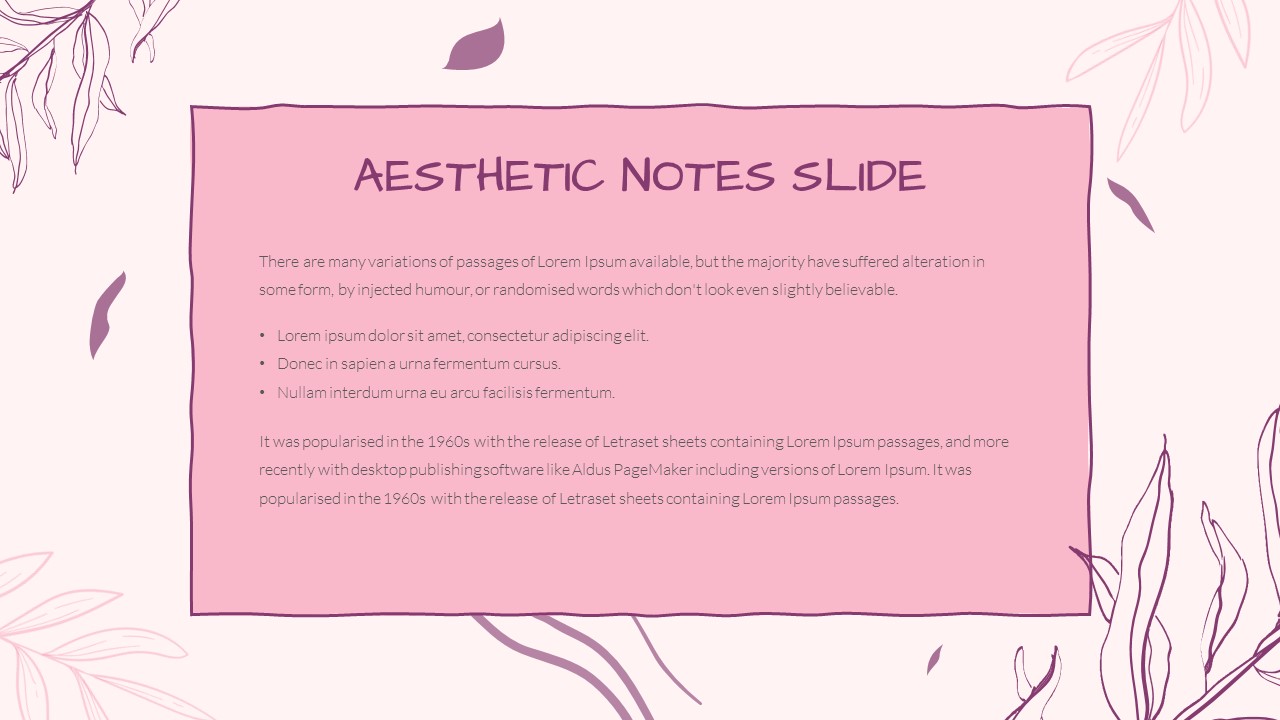

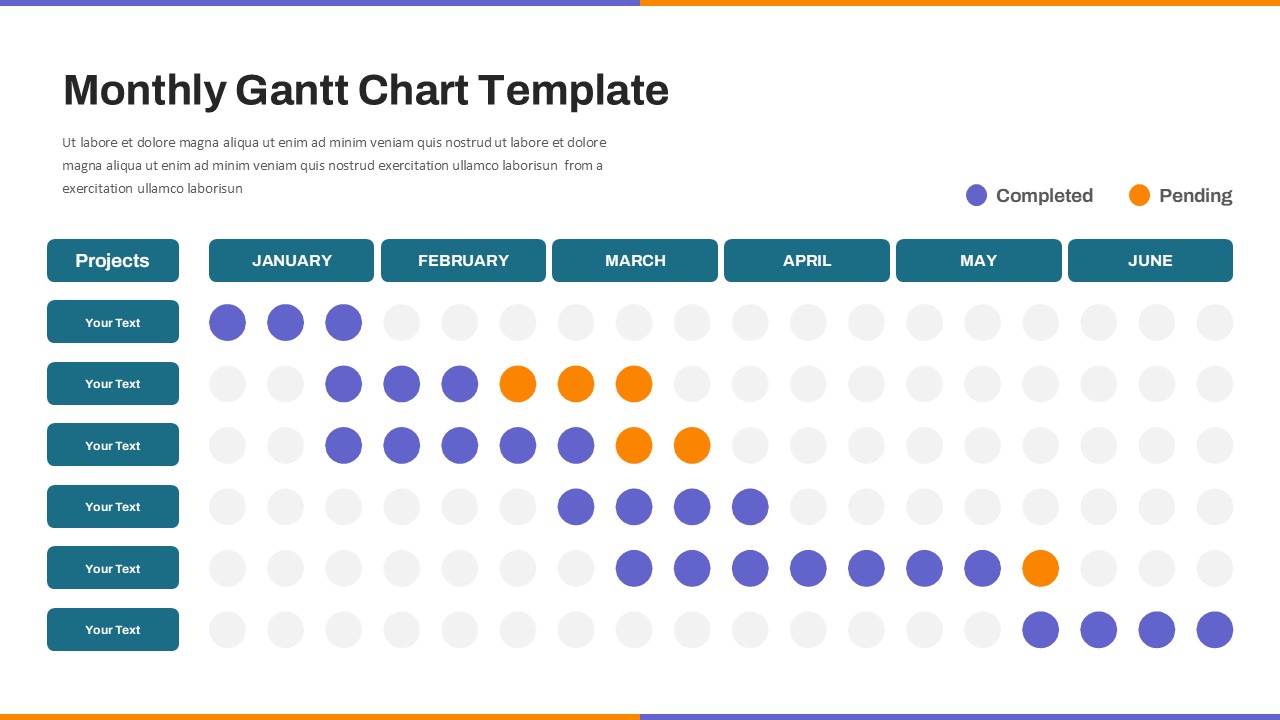
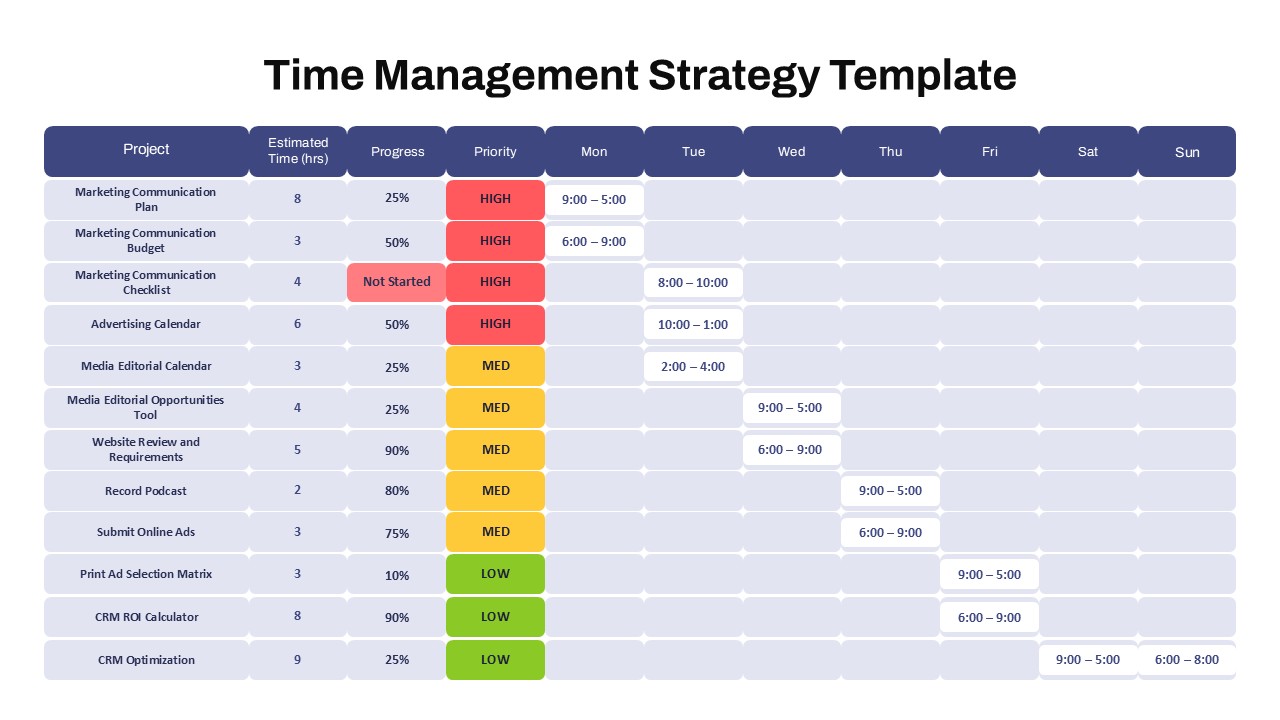
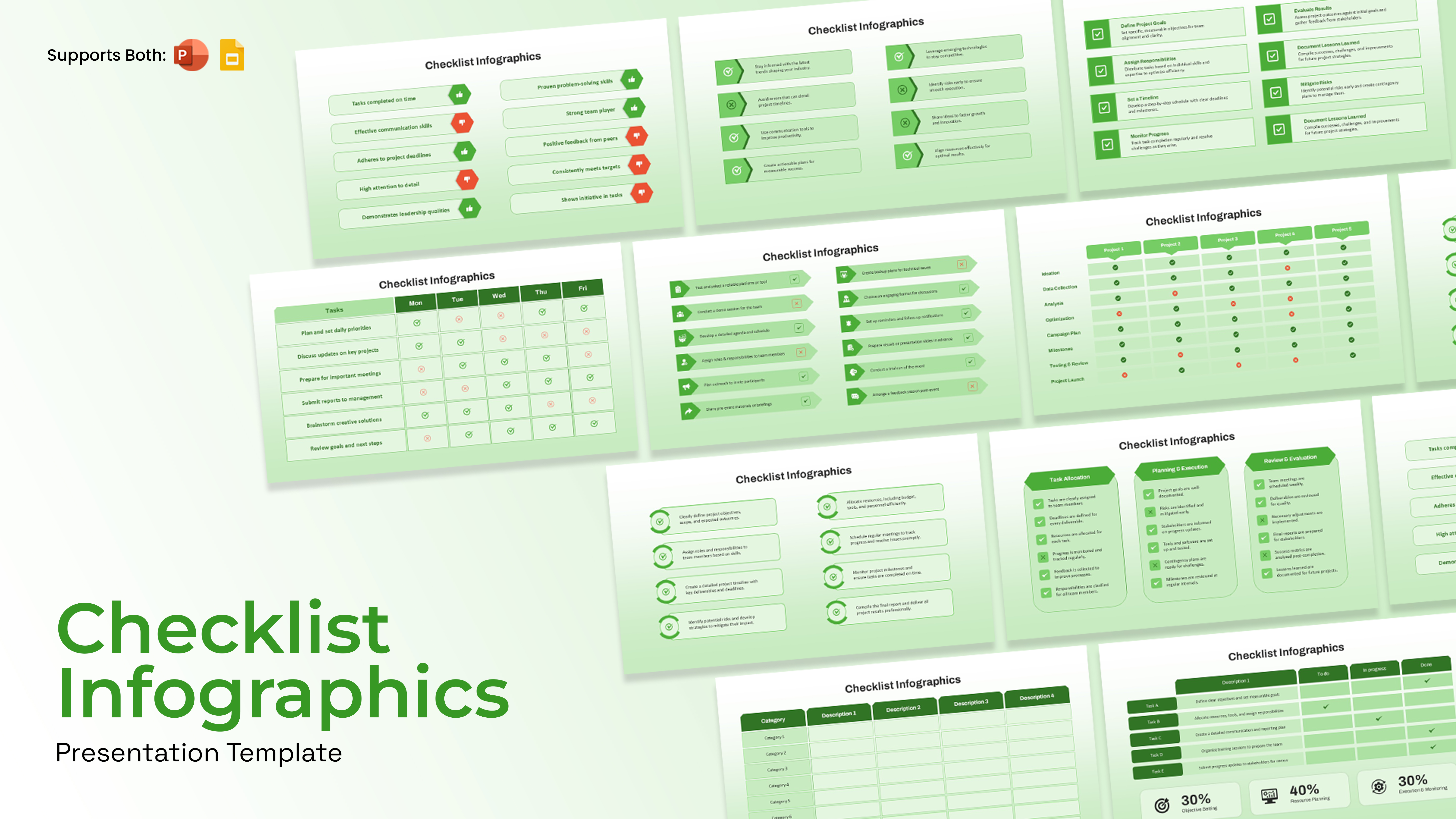
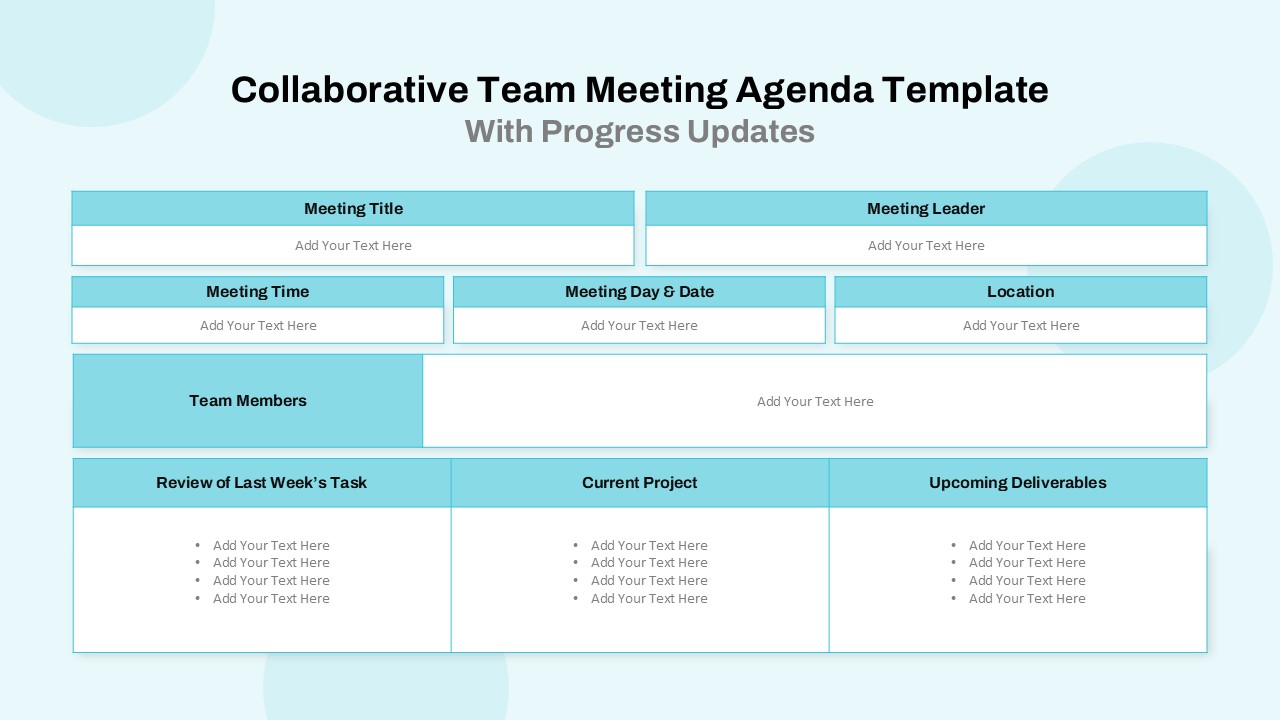
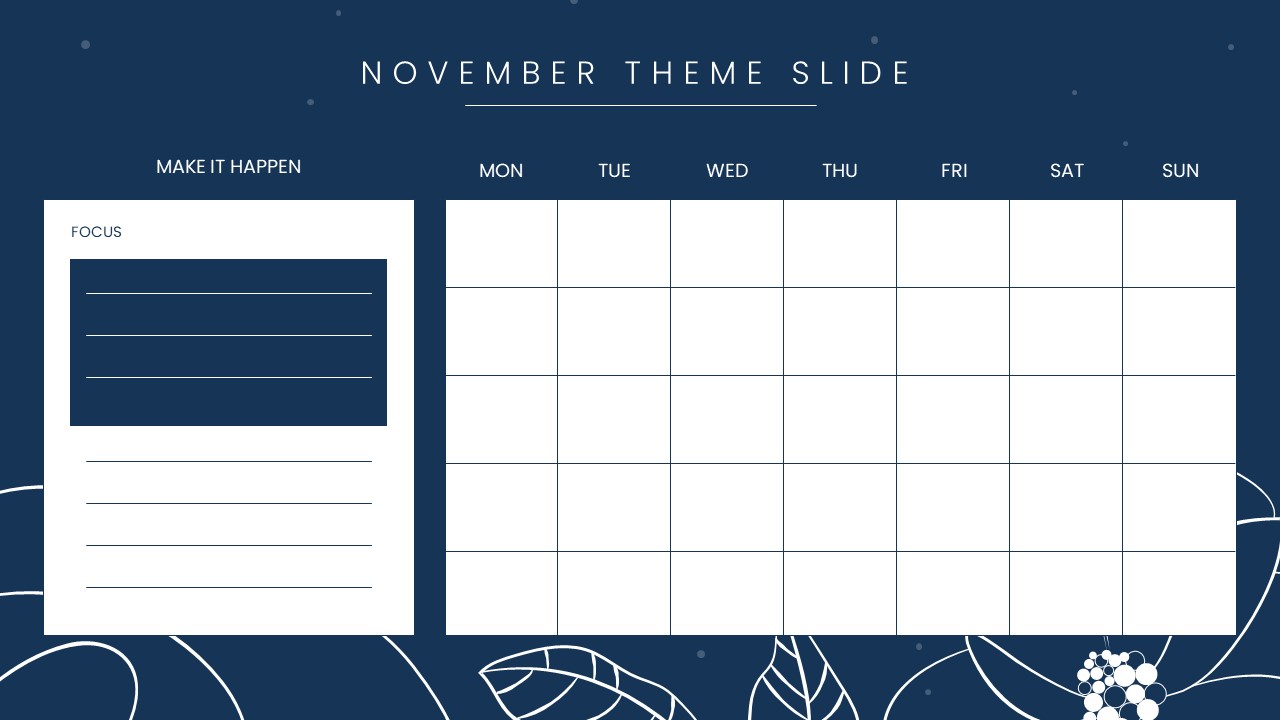
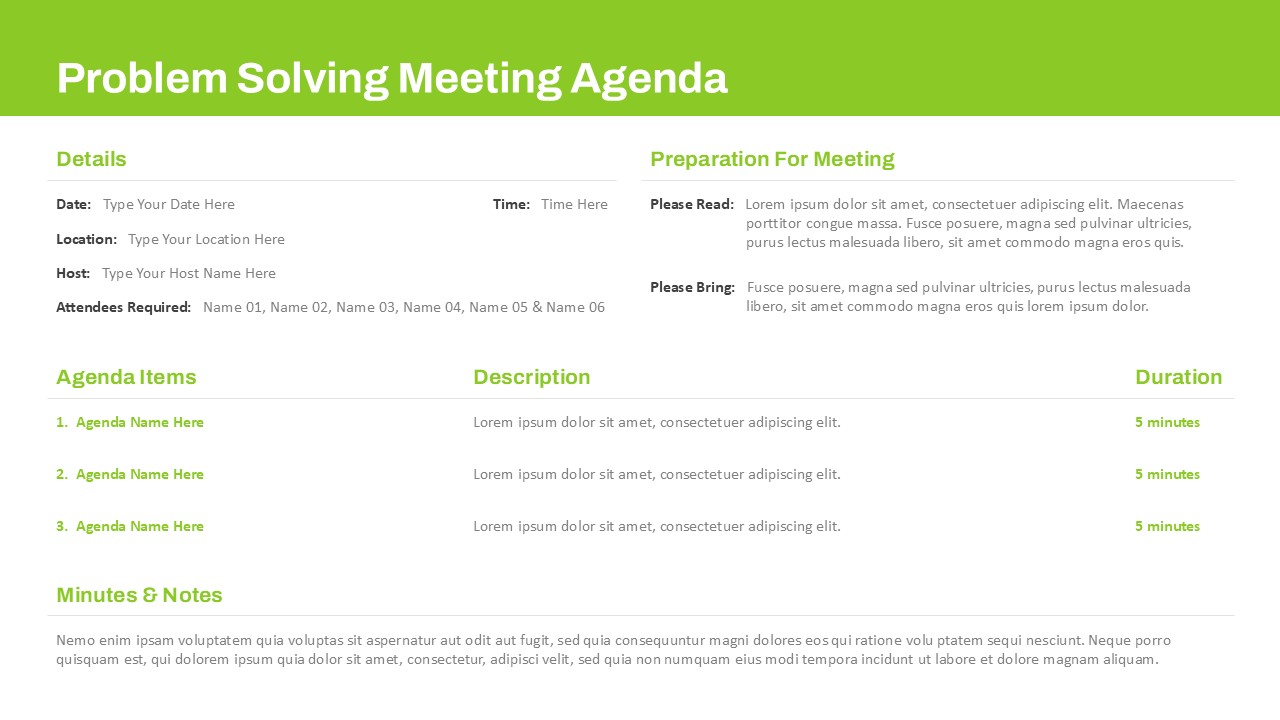
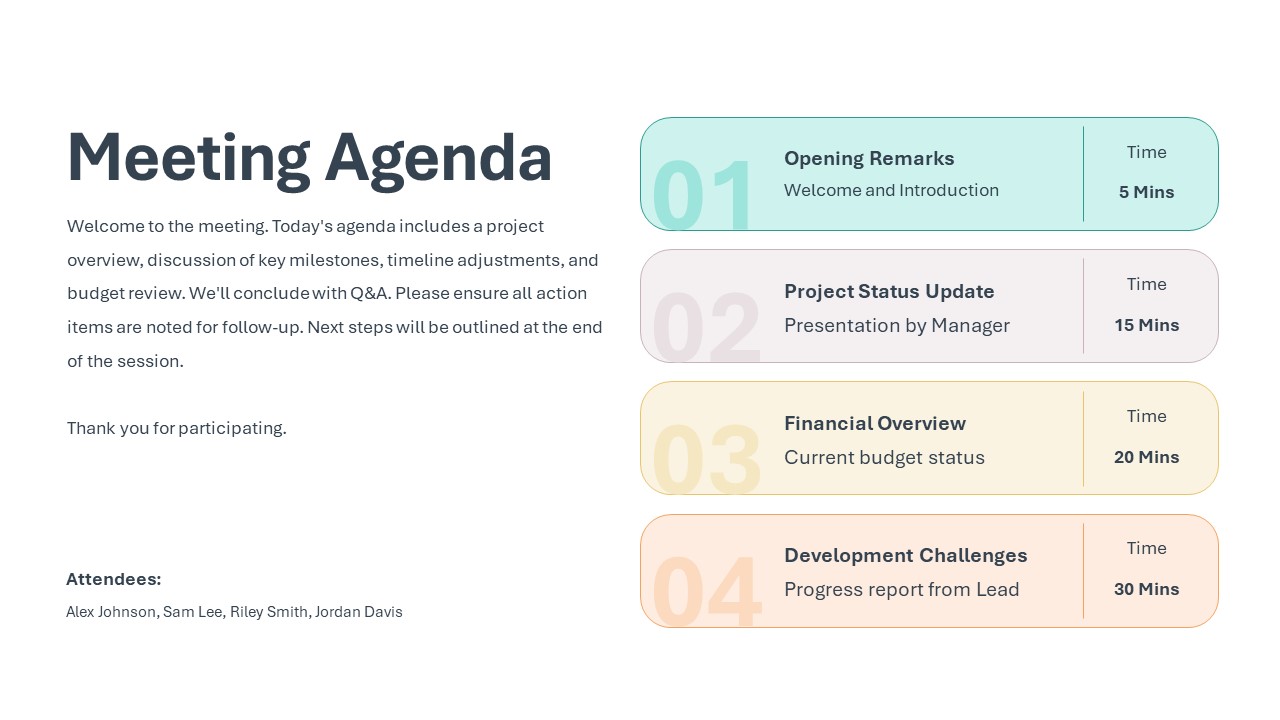
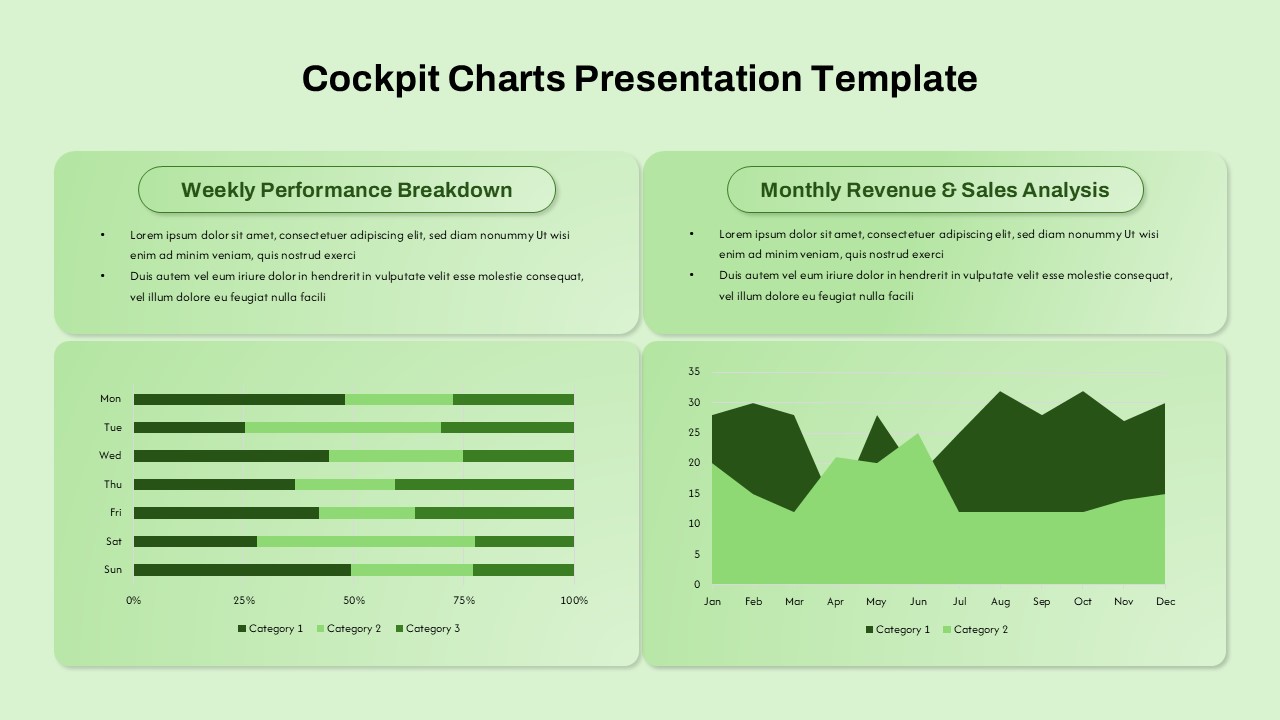
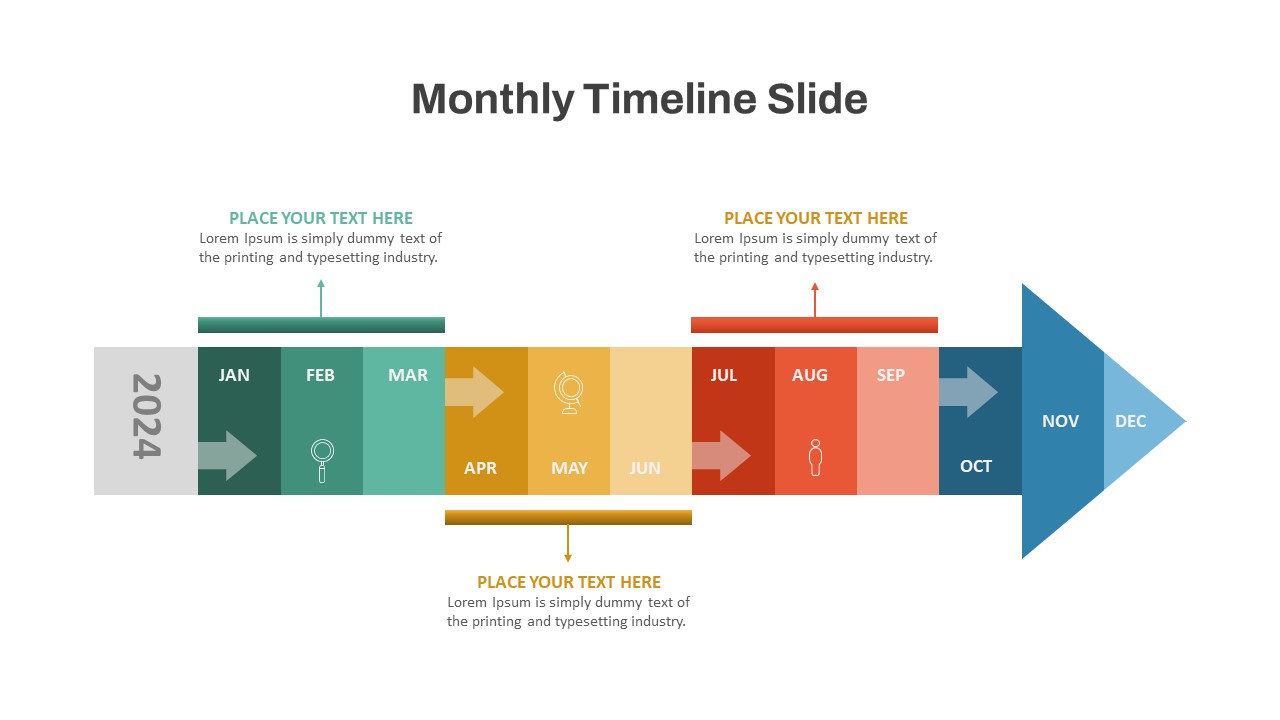
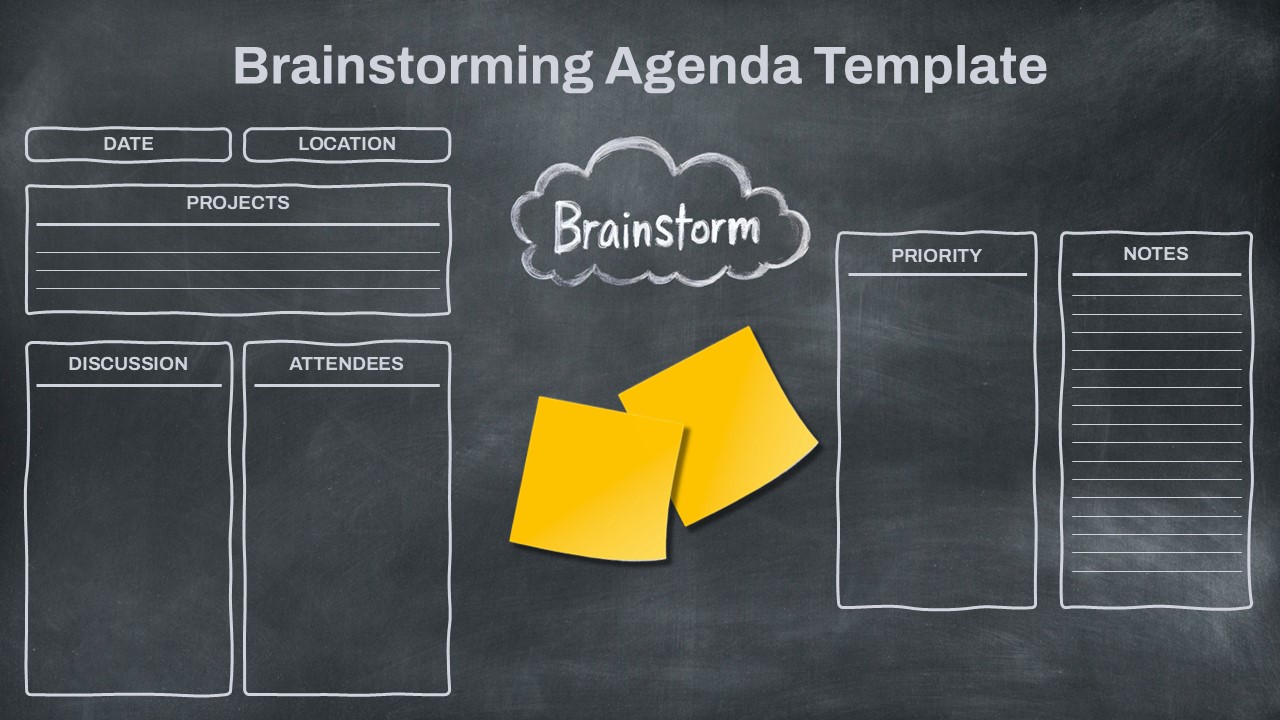
The Doodle Daily Agenda Template is a soft and simple slide set designed to help you plan your day in a clear way. It includes daily, weekly, and monthly planner layouts that make time management easy. The template also comes with meeting notes pages and to-do list slides for better task tracking. Its hand-drawn doodle style adds a warm and friendly feel to your presentation. The clean layout keeps your schedule neat and easy to read. Each section is well spaced so you can add tasks, goals, and notes without crowding the slide. The soft color theme helps reduce visual stress and keeps the focus on your content. This template is suitable for students, teachers, managers, and teams who need a structured plan. It works smoothly in both PowerPoint and Google Slides for online or in-person use.
What Is This Doodle Daily Agenda Template for PowerPoint and Google Slides?
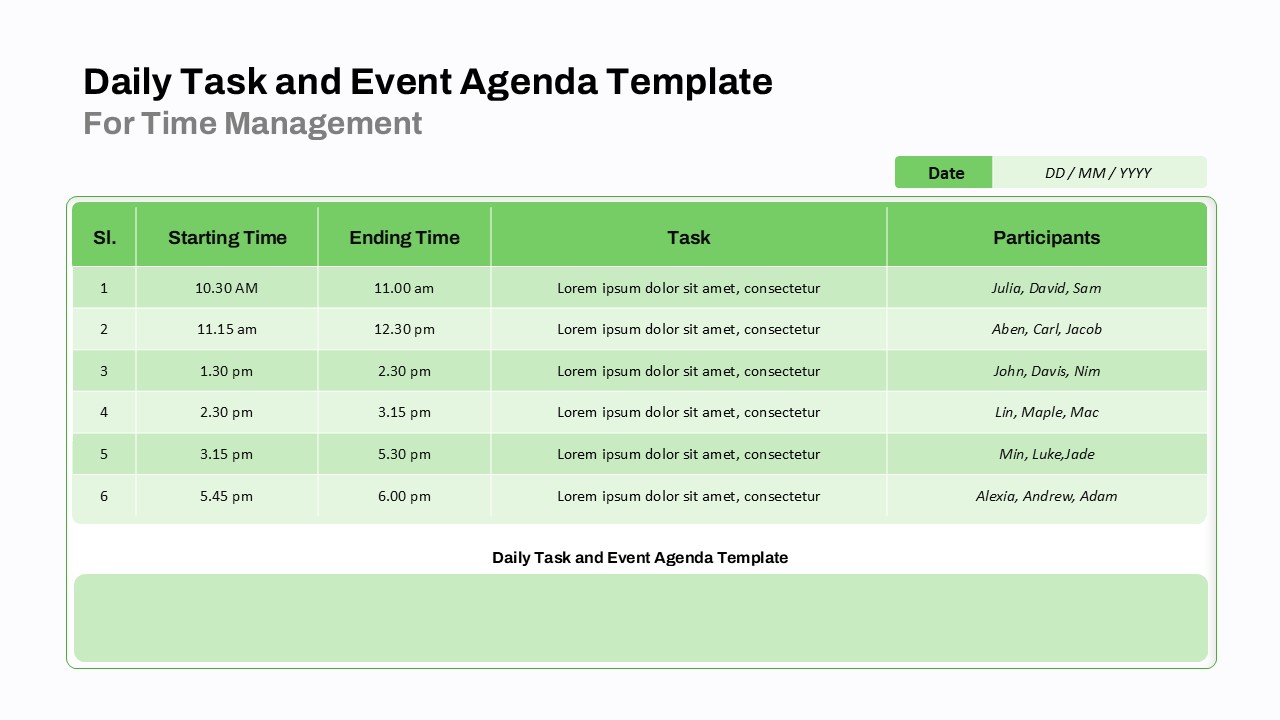
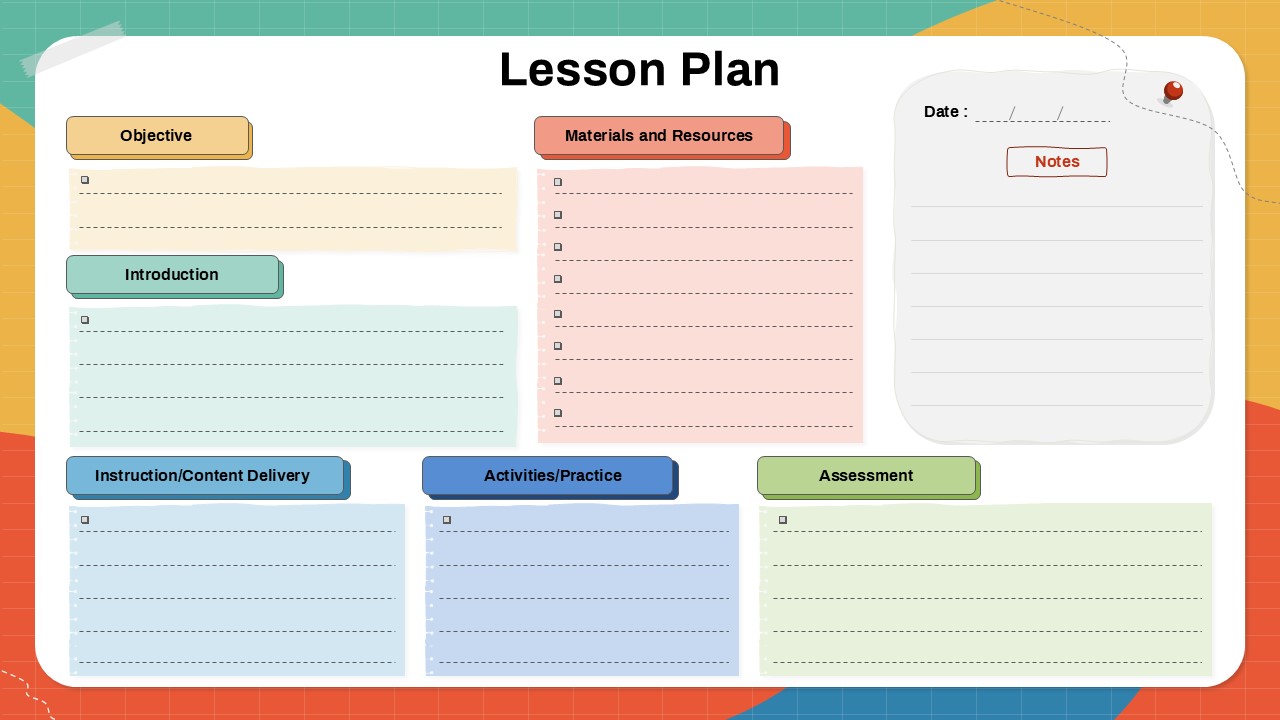
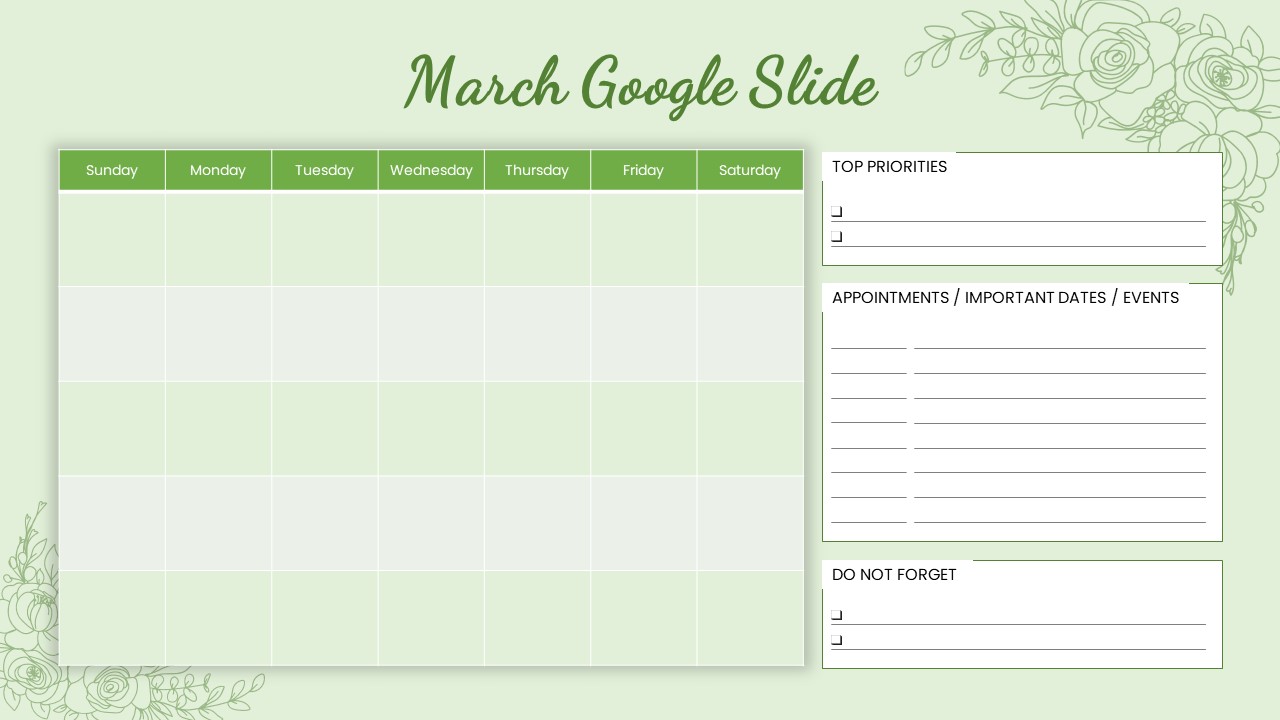
The Doodle Daily Agenda Template is a ready-made planner slide set created to help you manage tasks, schedules, and goals in an organized format. It combines daily, weekly, and monthly planning layouts in one complete presentation. The template includes structured sections for writing appointments, tracking tasks, setting priorities, and adding notes. Each slide is designed with simple headings and lined areas so you can quickly enter your content. The doodle-style graphics add a light and creative touch without distracting from the information. This template acts as a visual planning tool that keeps your work clear and easy to follow. It is suitable for both personal planning and professional presentations.
When to Use This Template
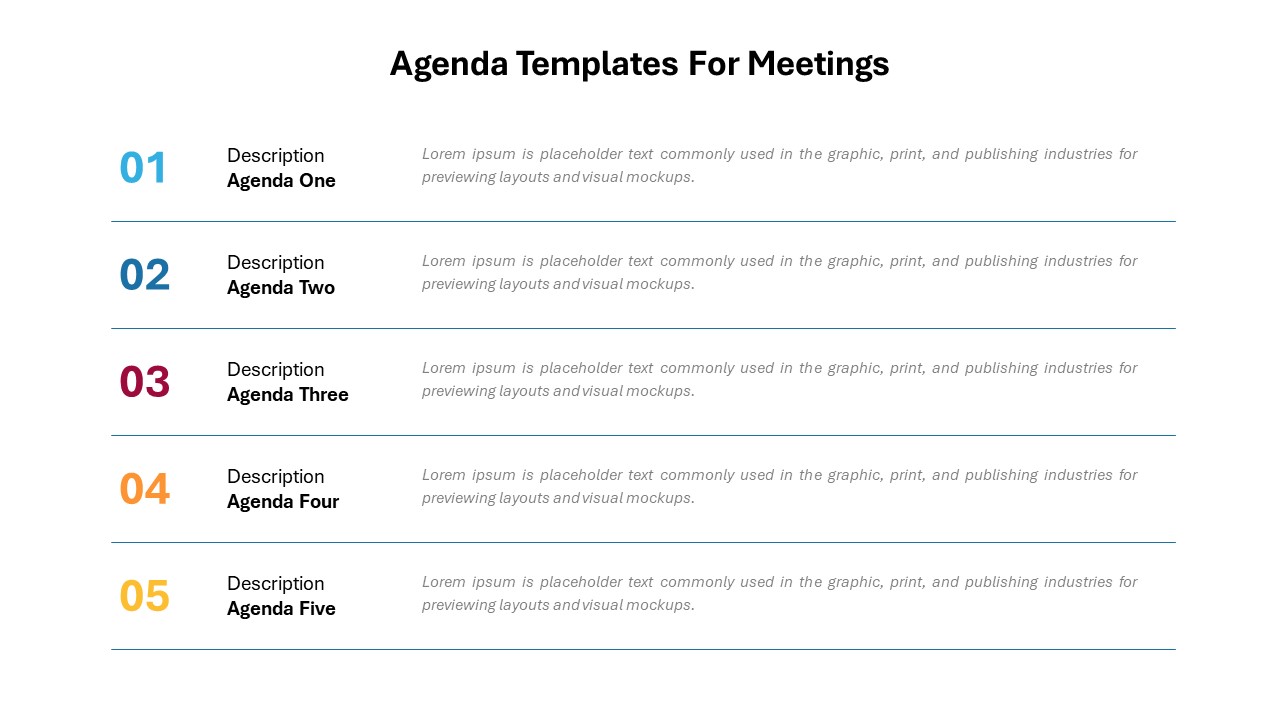
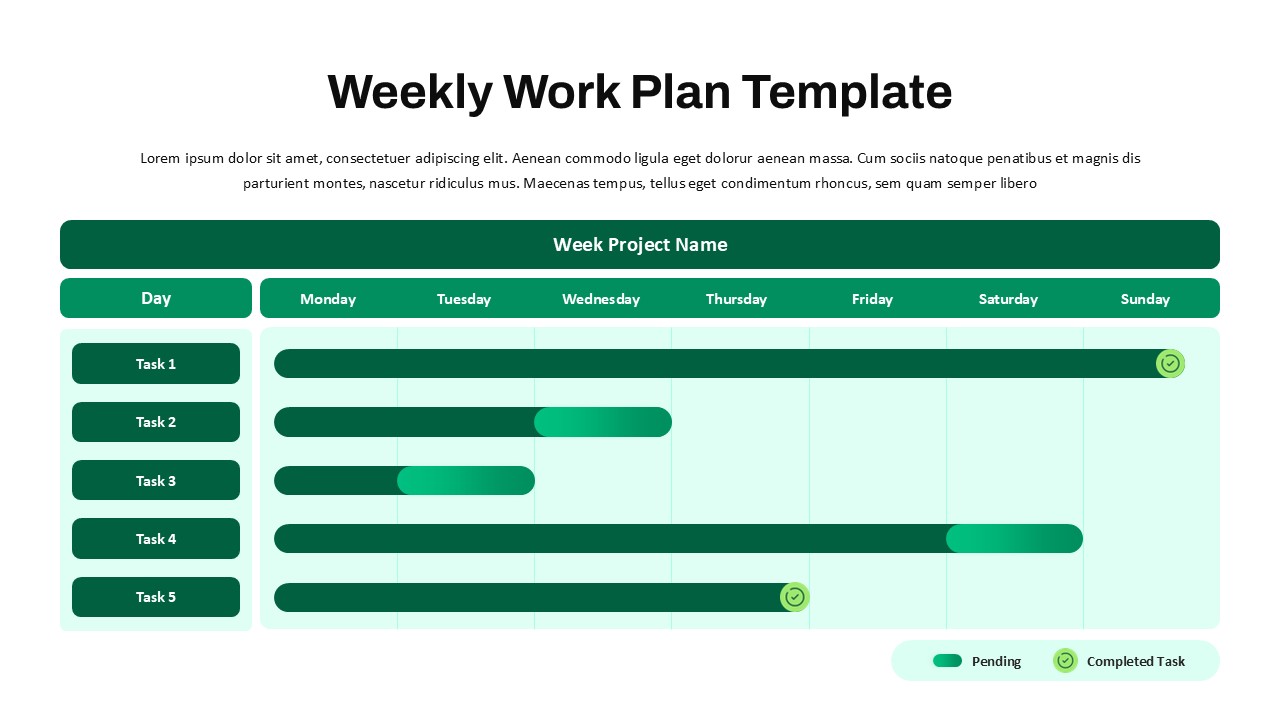
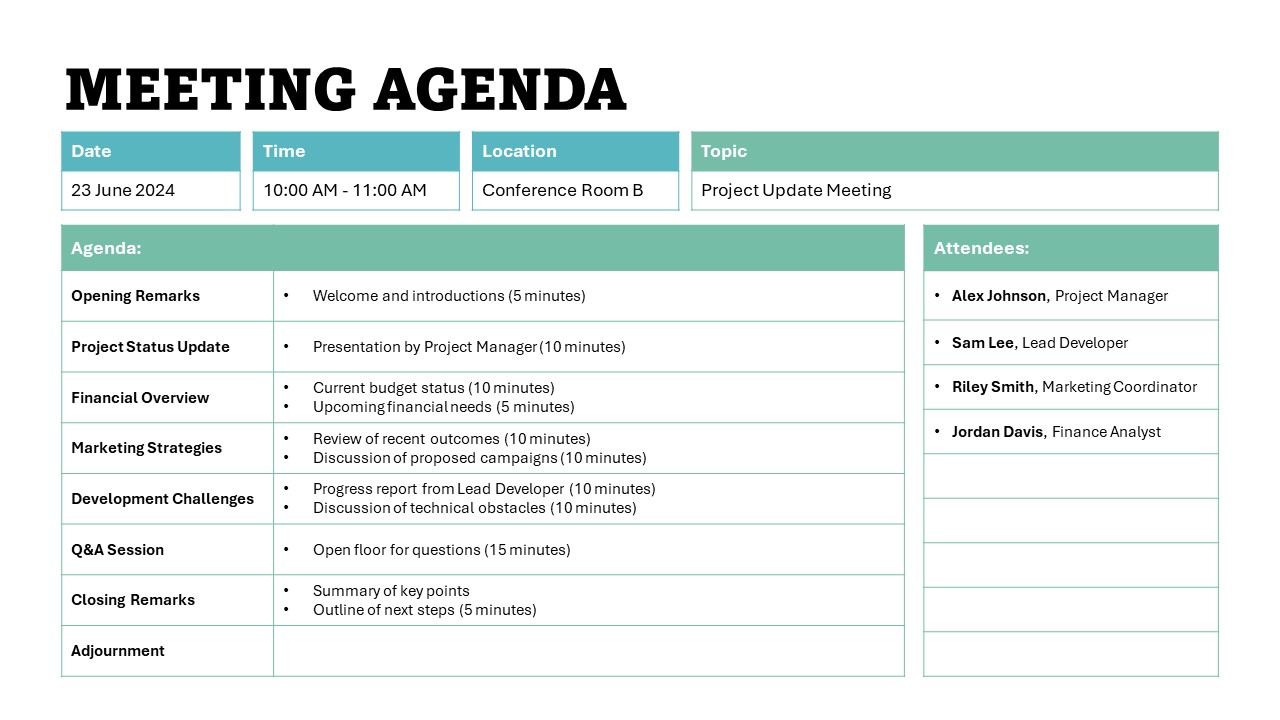
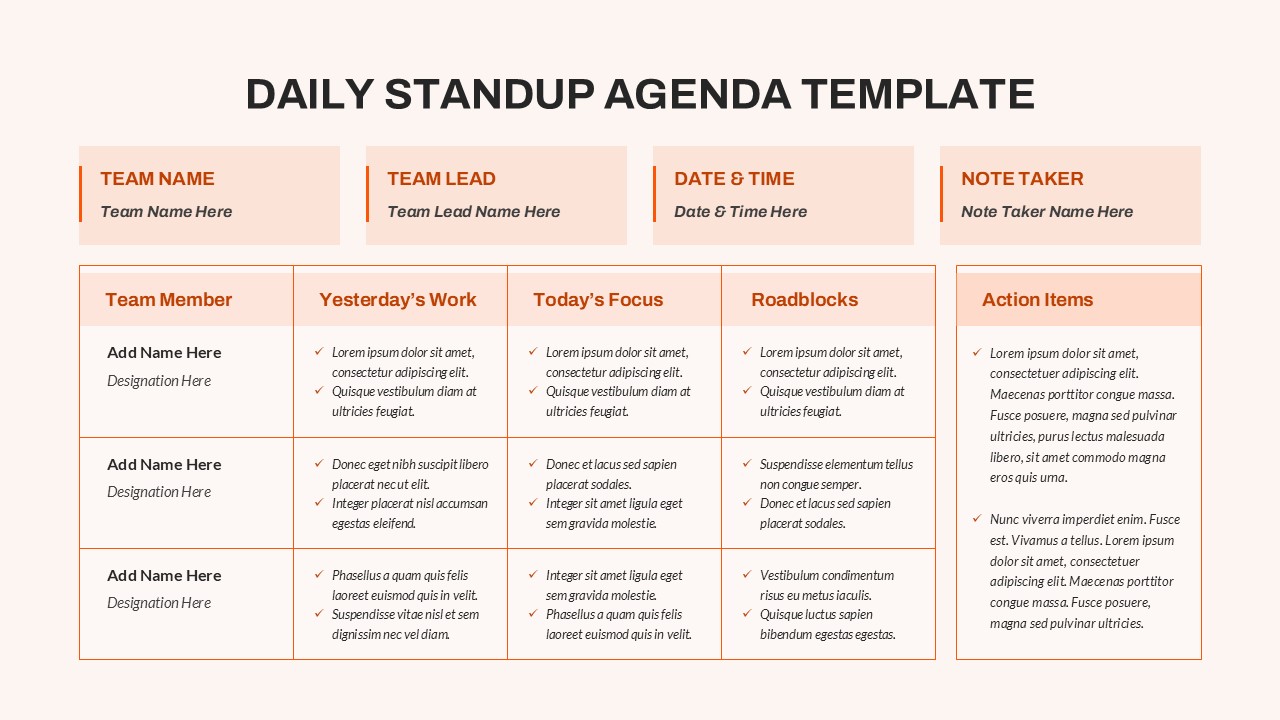
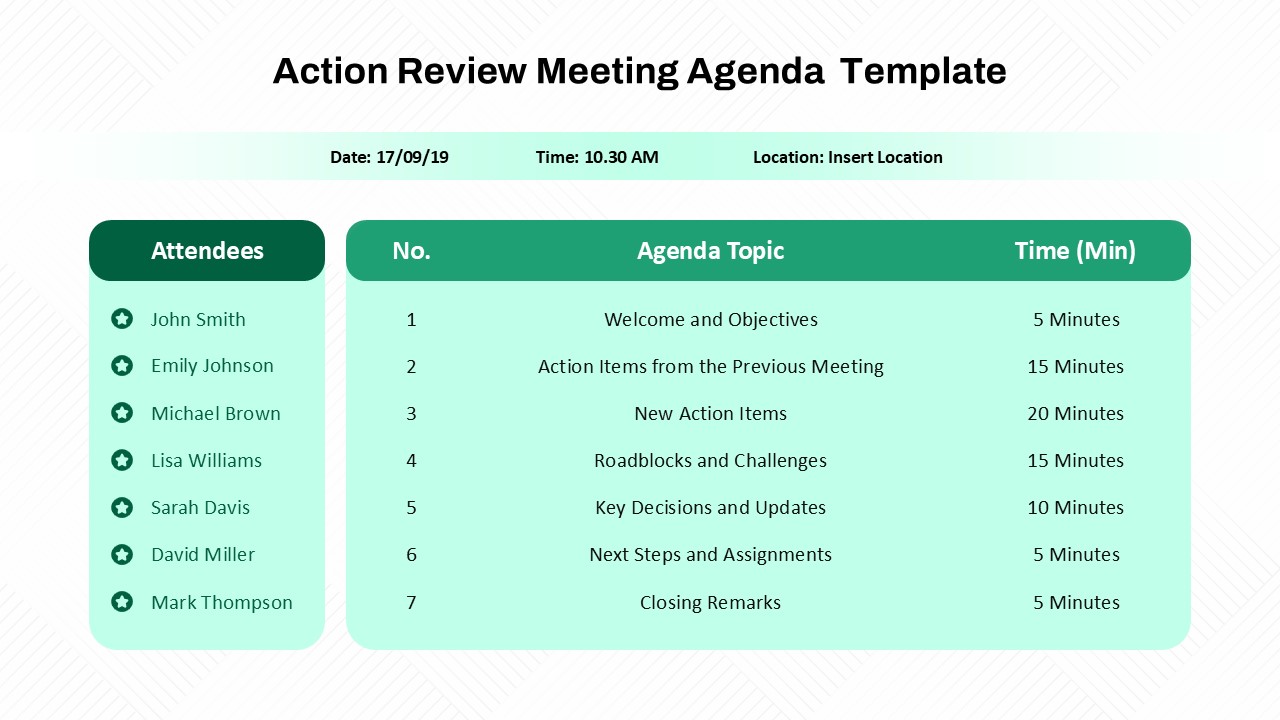
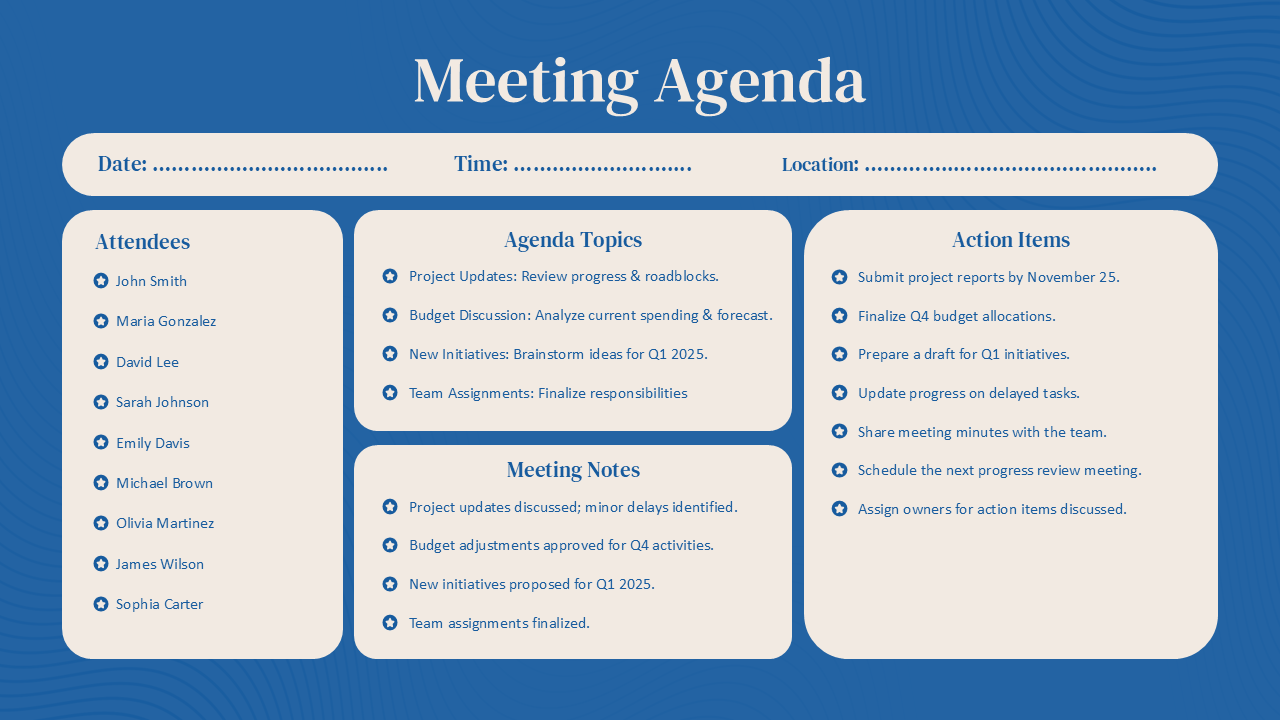
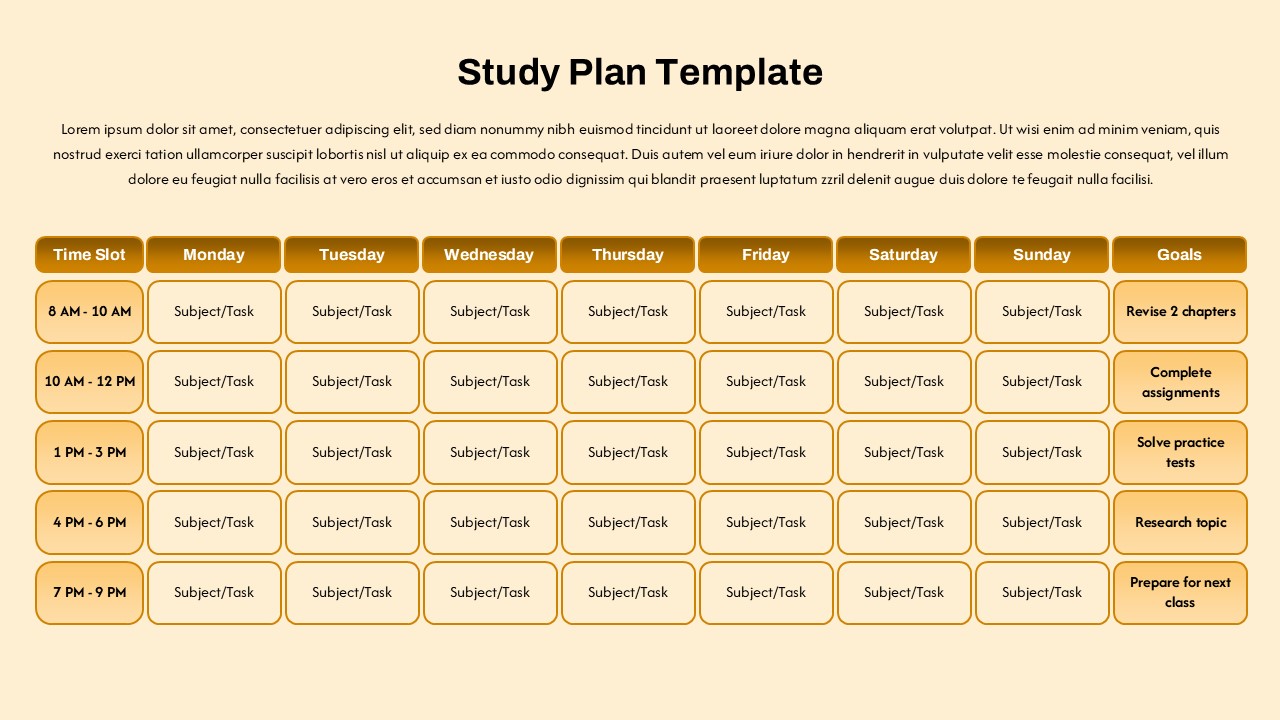
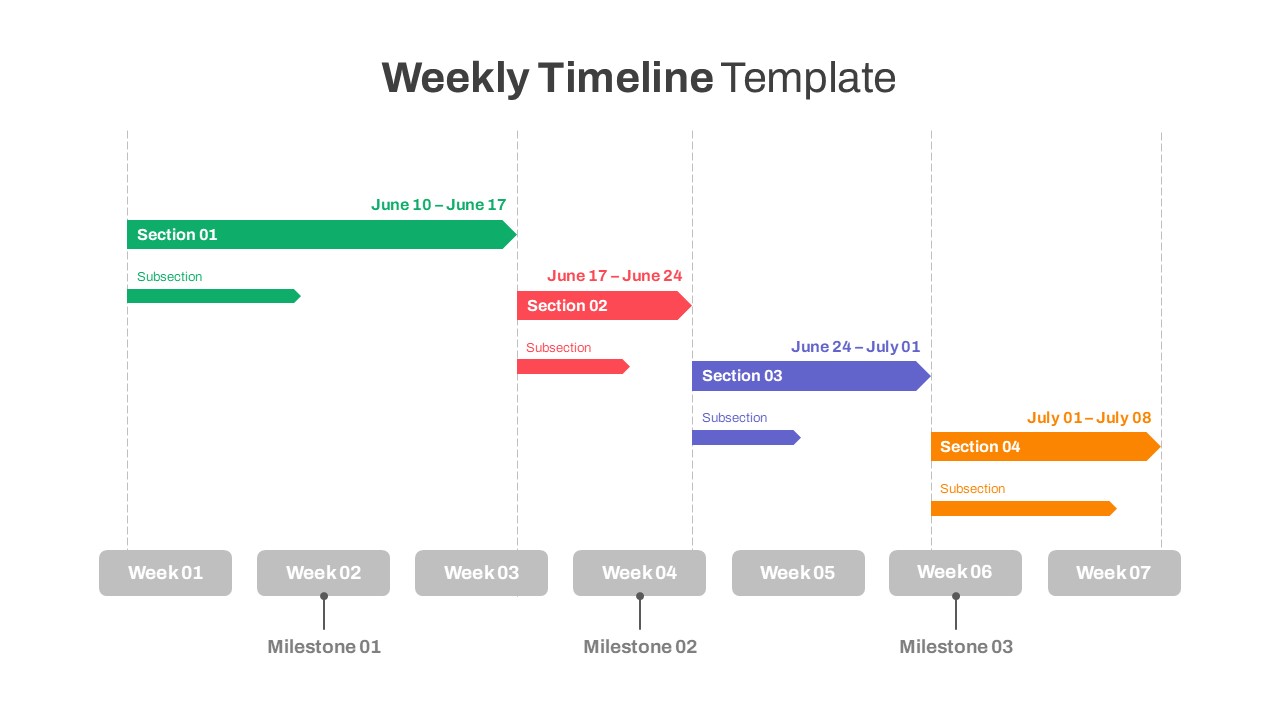
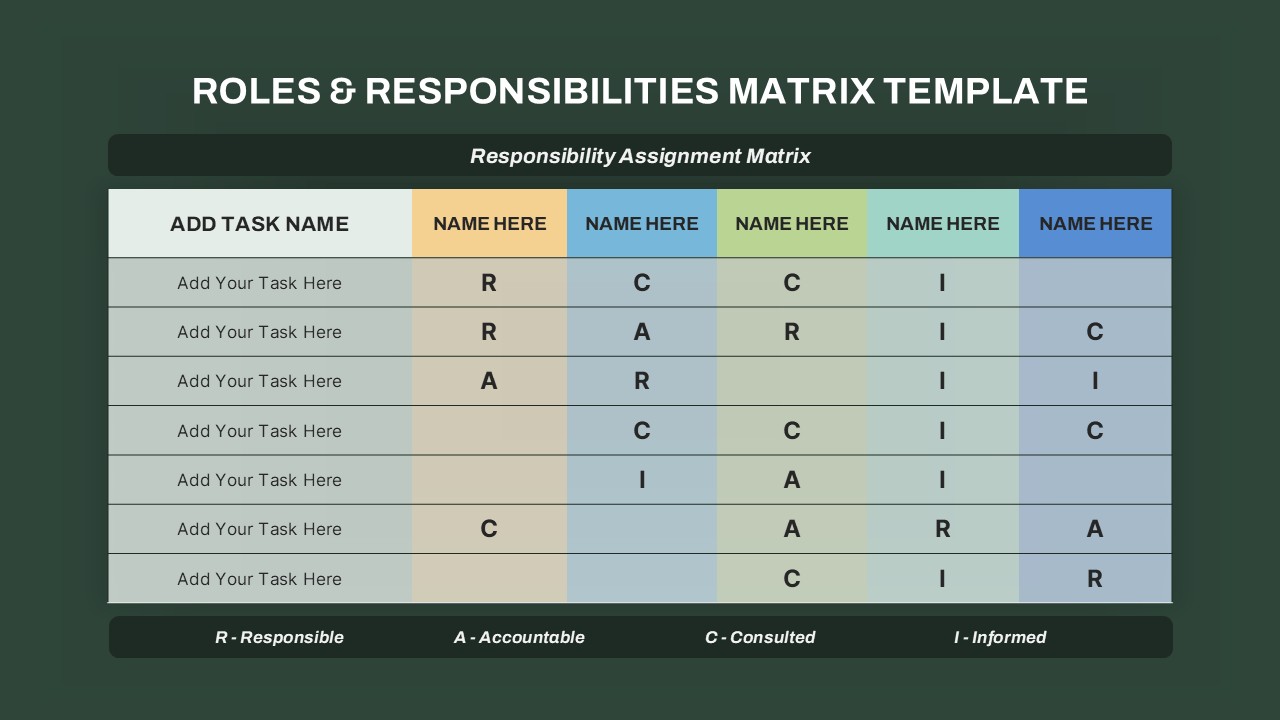
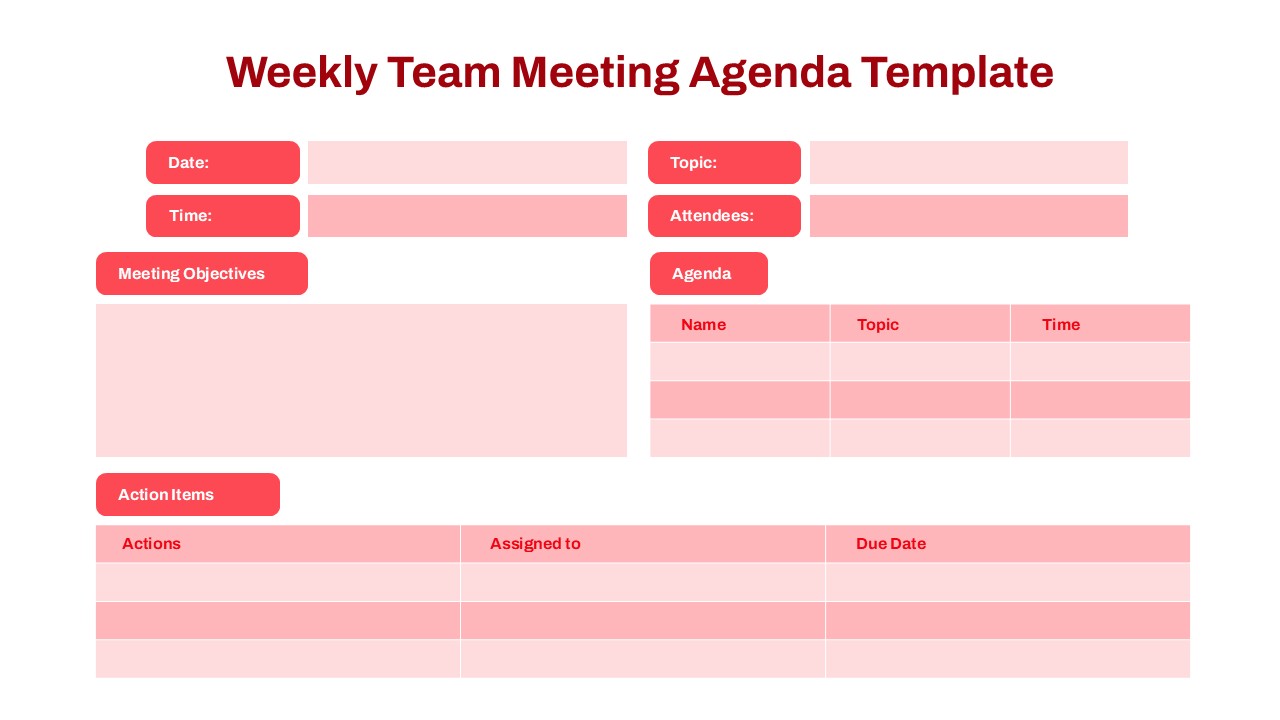
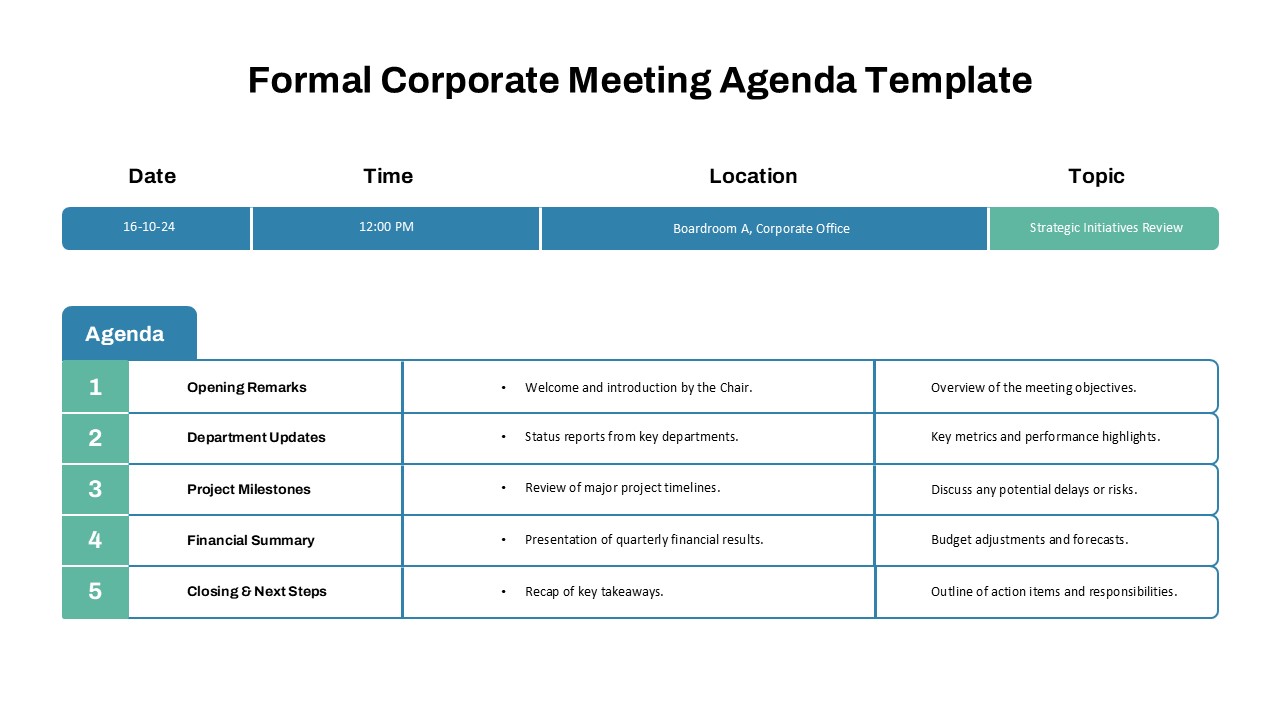
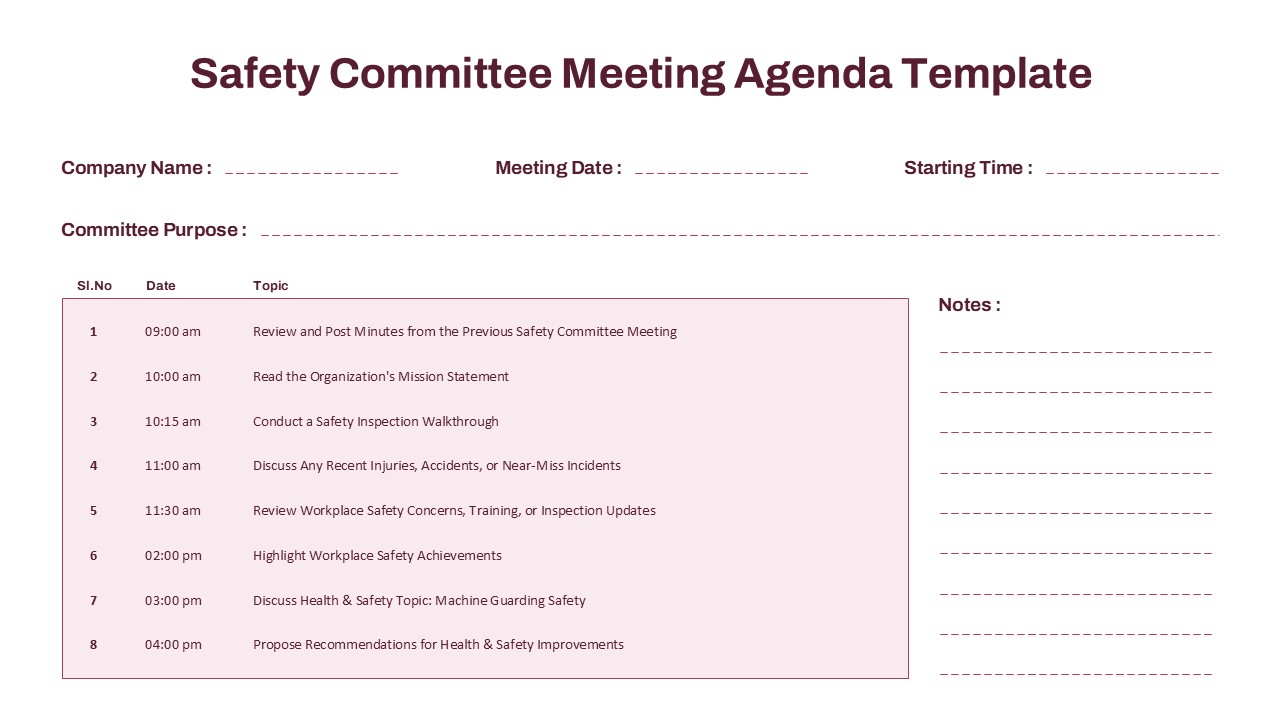
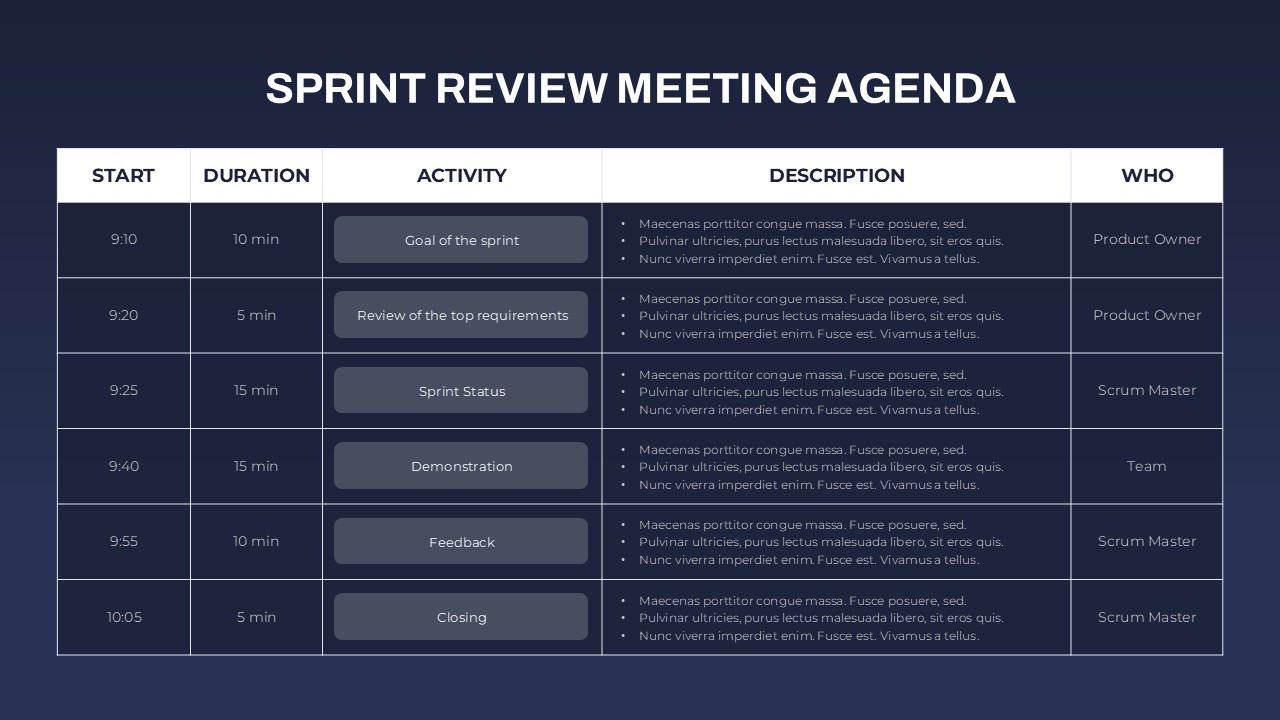
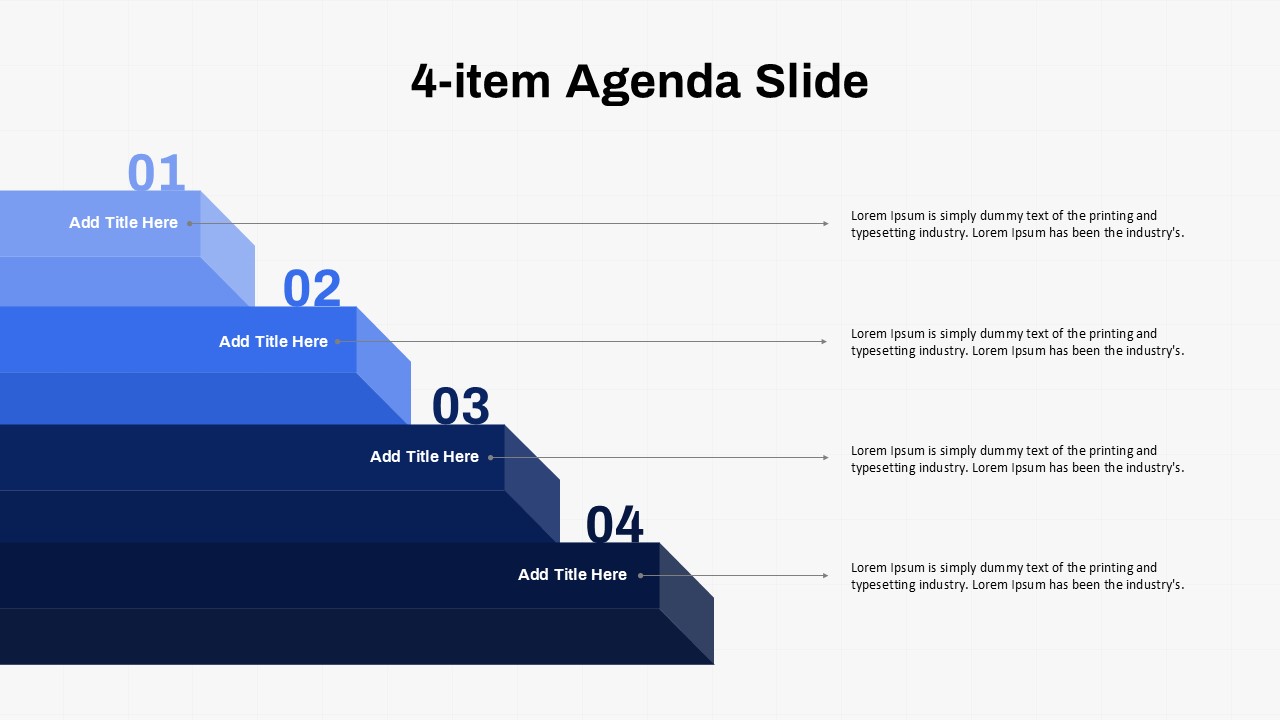
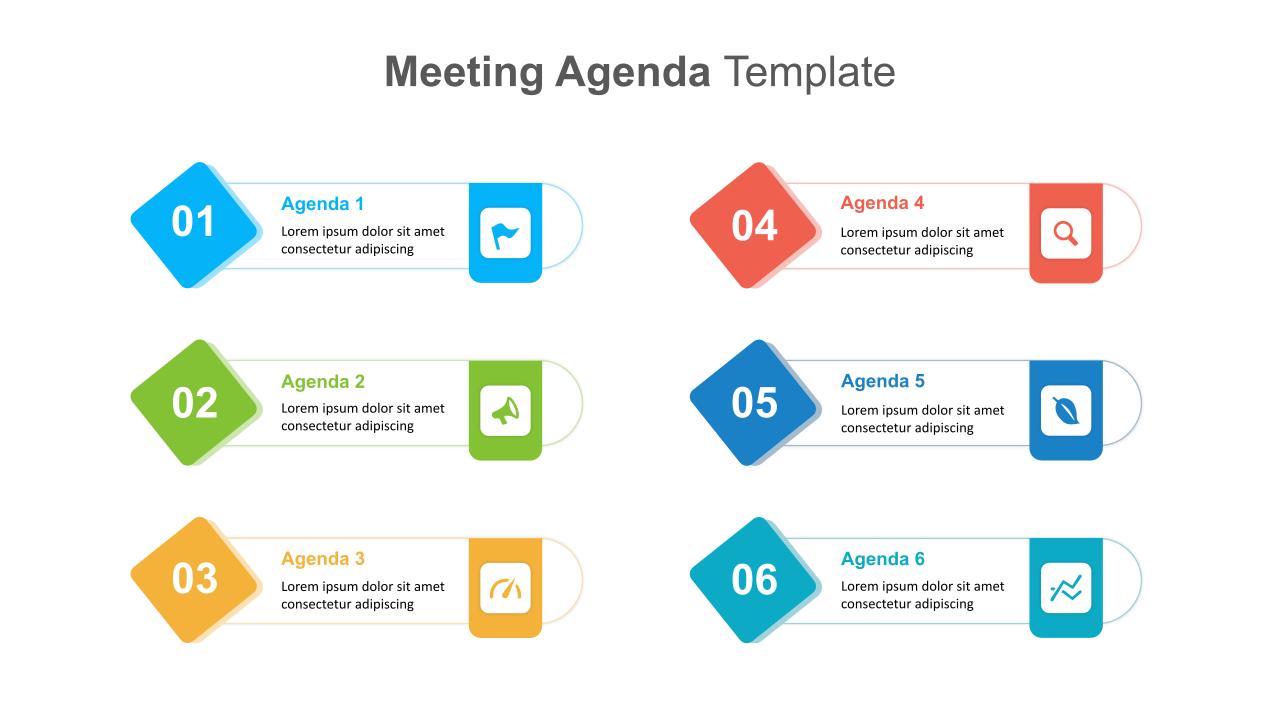
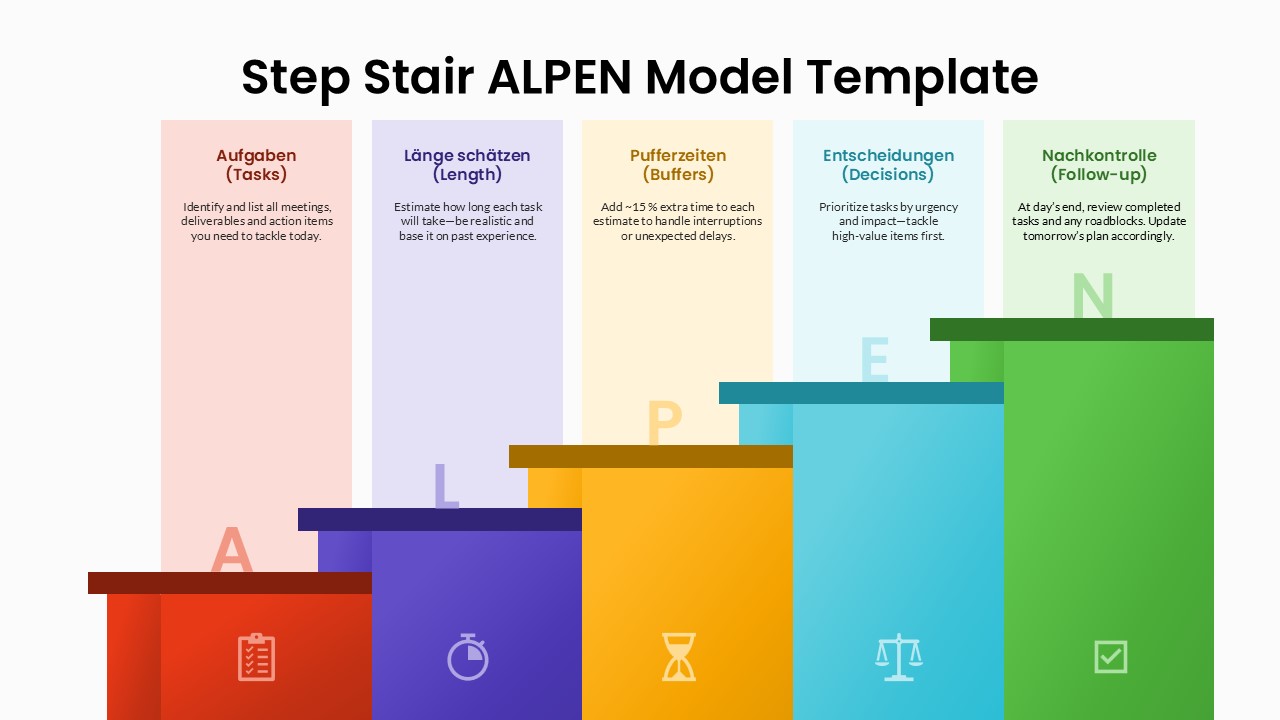
You can use this template whenever you need a clear system to plan and present your schedule. It is ideal for daily task planning, weekly work reviews, and monthly goal tracking. Teachers can use it for lesson schedules, while students can use it for study planning. Managers and team leaders can apply it for meeting agendas and task assignments. It is also useful for project planning and productivity tracking sessions. The structured format helps you explain timelines and responsibilities in a simple way. This template works well for office meetings, classroom use, and virtual presentations.
Customization and Editing Options
All text areas are fully editable. You can change titles, dates, and task names easily. Colors can be adjusted to match your brand or theme. You can duplicate slides to create extra weeks or months. Icons and shapes can also be resized or moved as needed.
PowerPoint and Google Slides Compatibility
The template is fully compatible with Microsoft PowerPoint and Google Slides. The layout remains stable across devices. It can be used for in-person meetings, online classes, or virtual planning sessions.
See more

Aspect Ratio
16:9Item ID
SKT04257


Features of this template
Other Use Cases of This Template
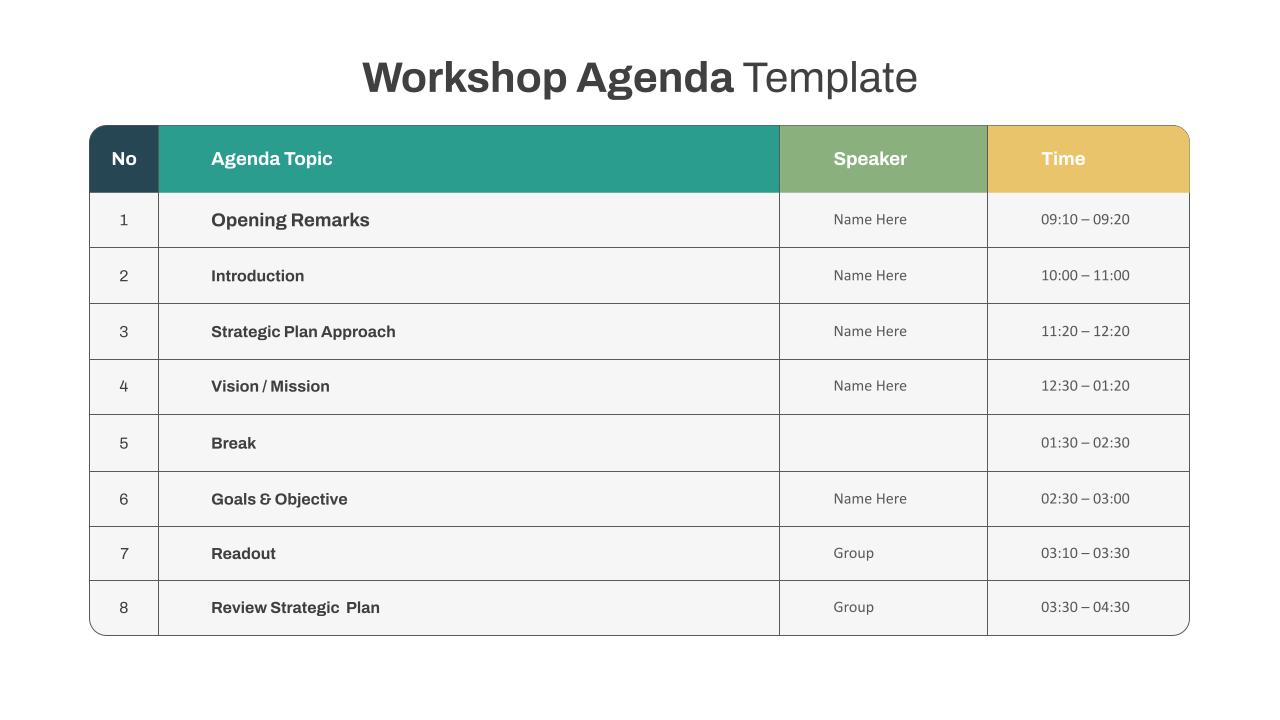
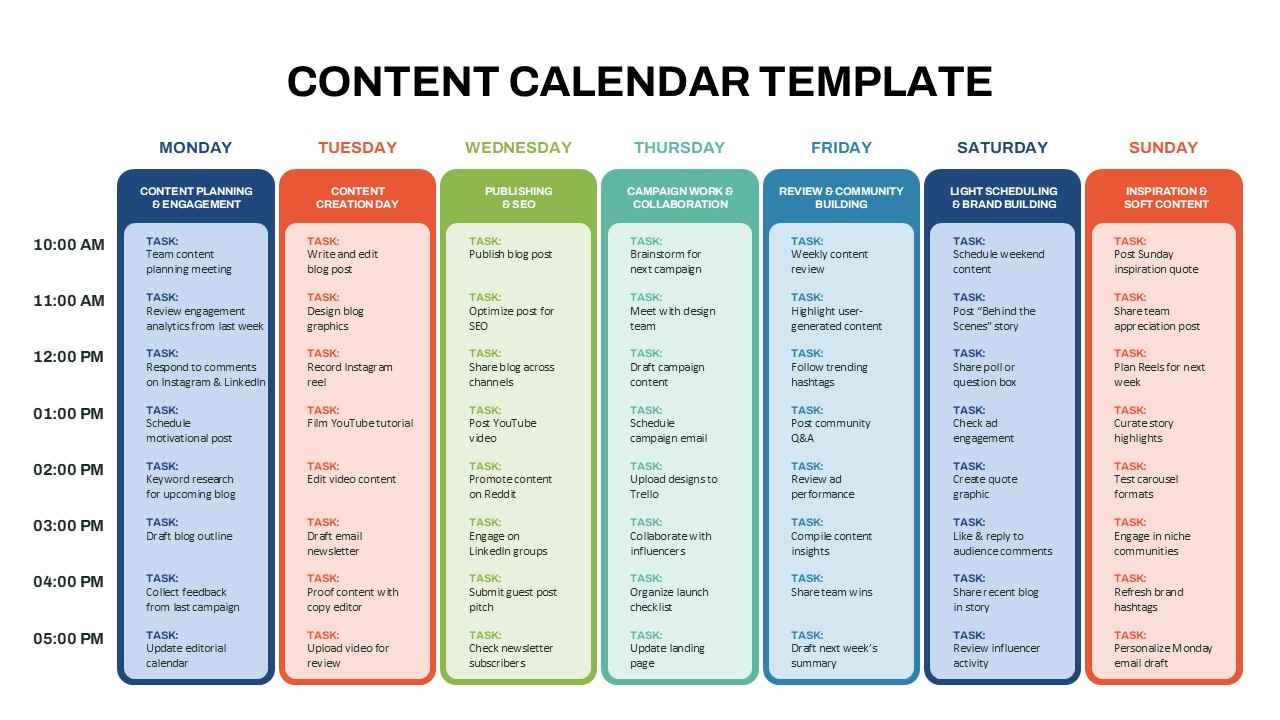
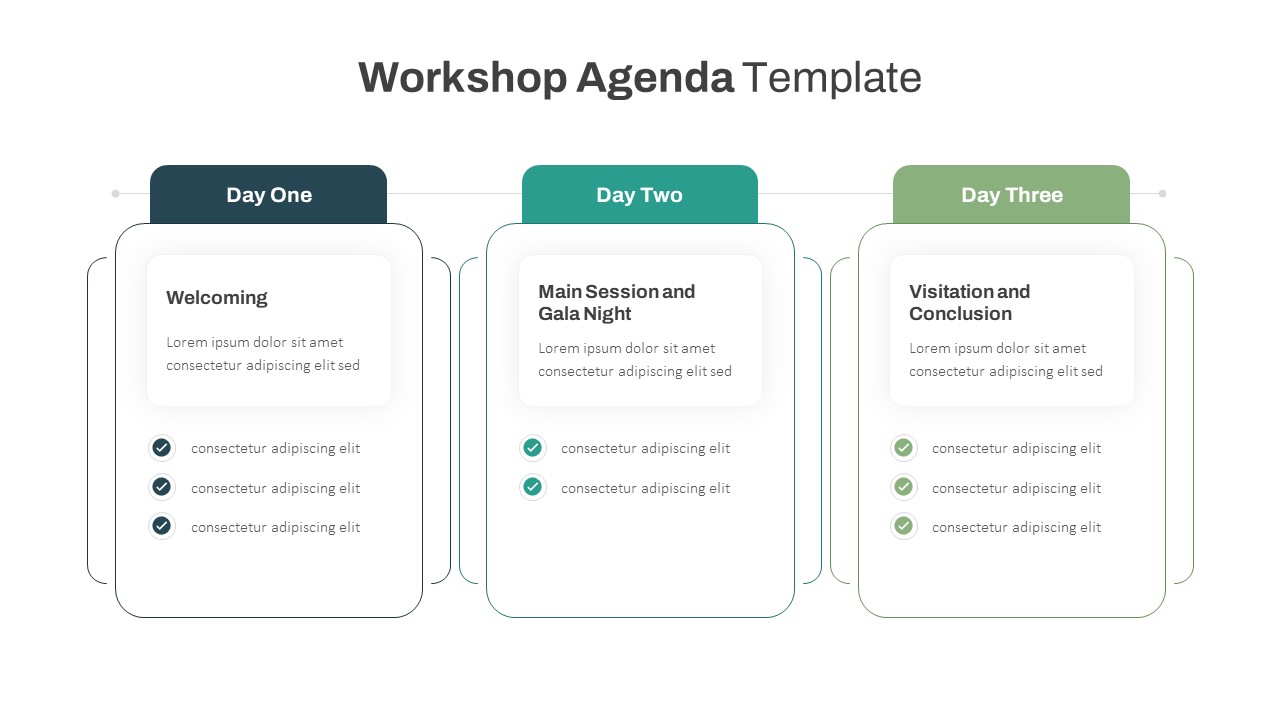
Classroom schedule planning, Office meeting tracking, Content planning calendar, Event preparation checklist, Workshop agenda slides, Productivity planning sessions, Team task review meetings, Habit tracking presentations, Simple business presentation template for planning, Google Slides presentation templates for plannersFAQs
You May Also Like These Presentation Templates
- Free


- Free
- Free
- Free
- Free

- Free
- Free


- Free