5-Level 3D Radial Pyramid Infographic Template
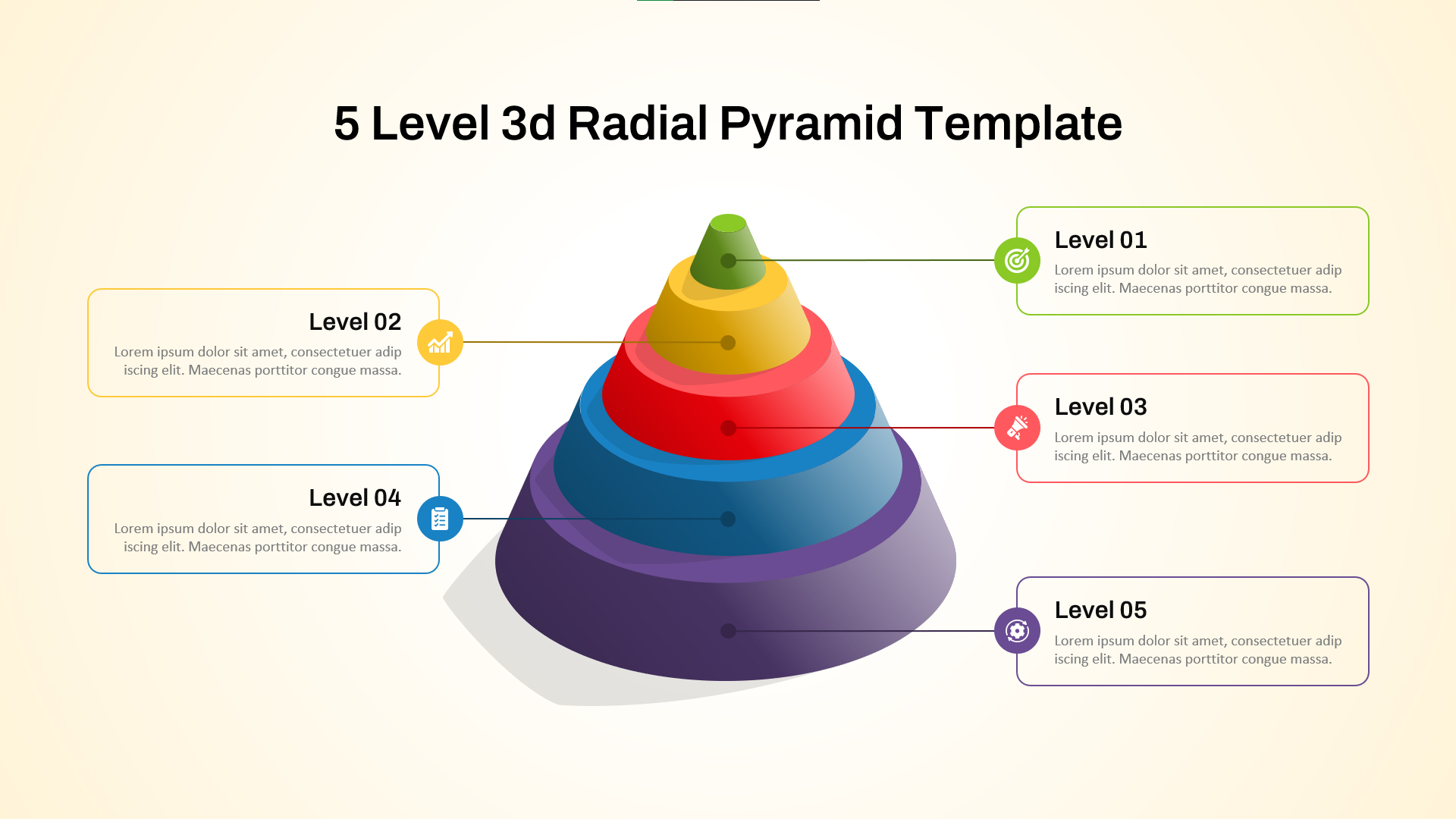
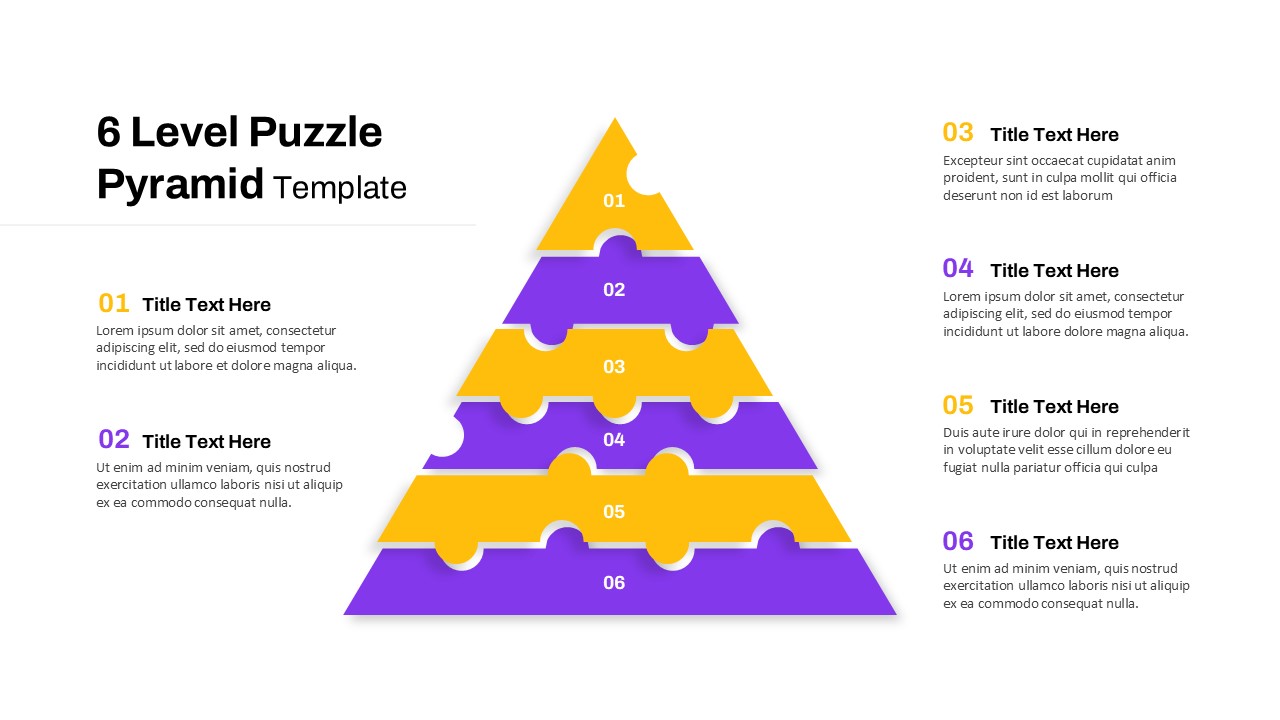
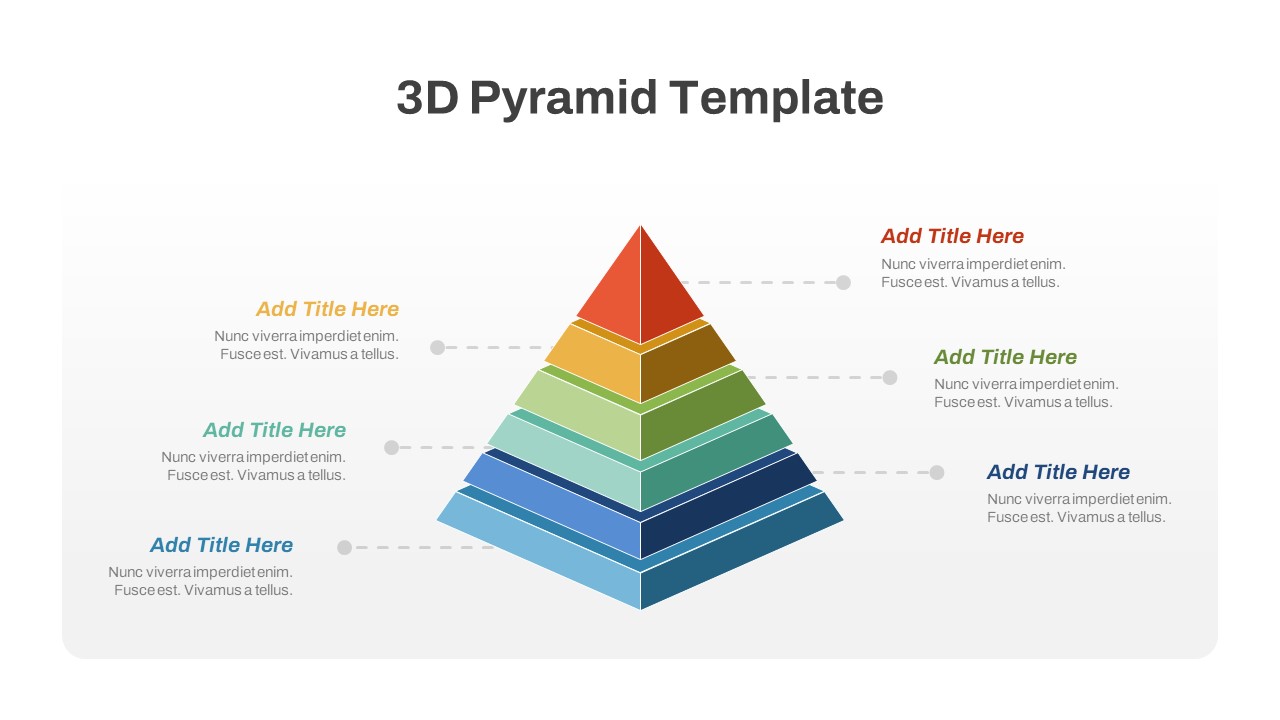
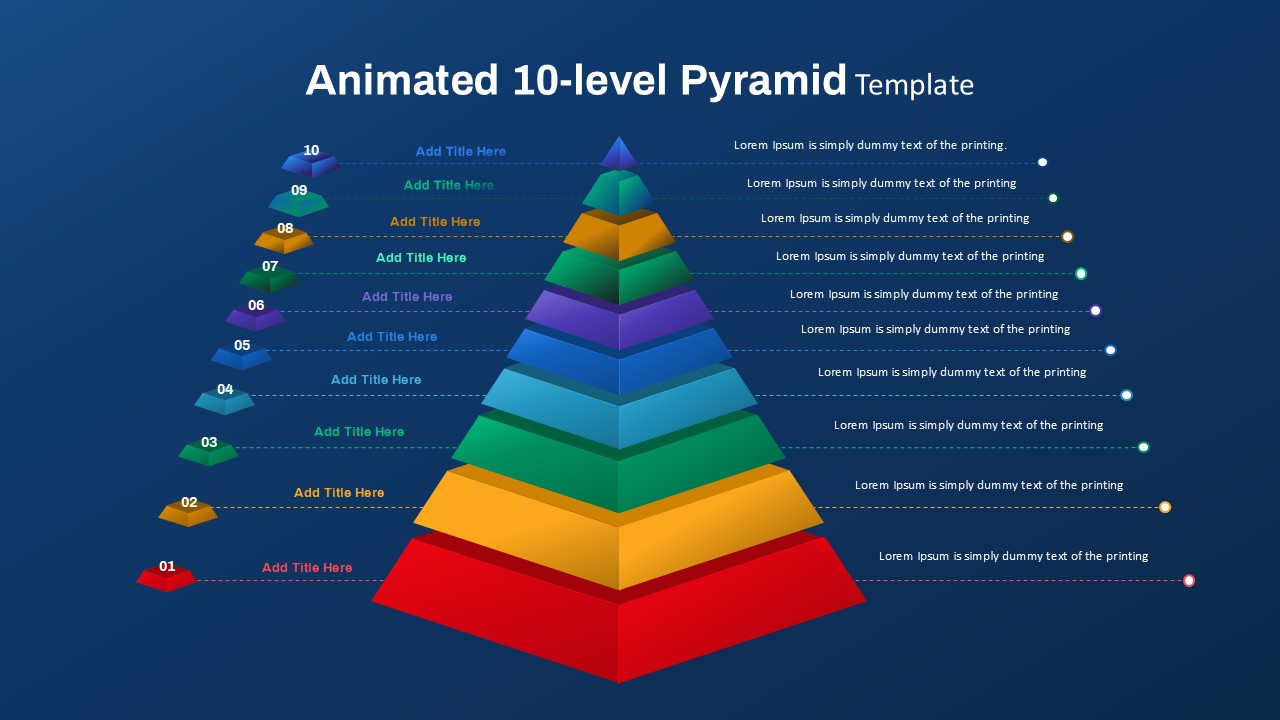
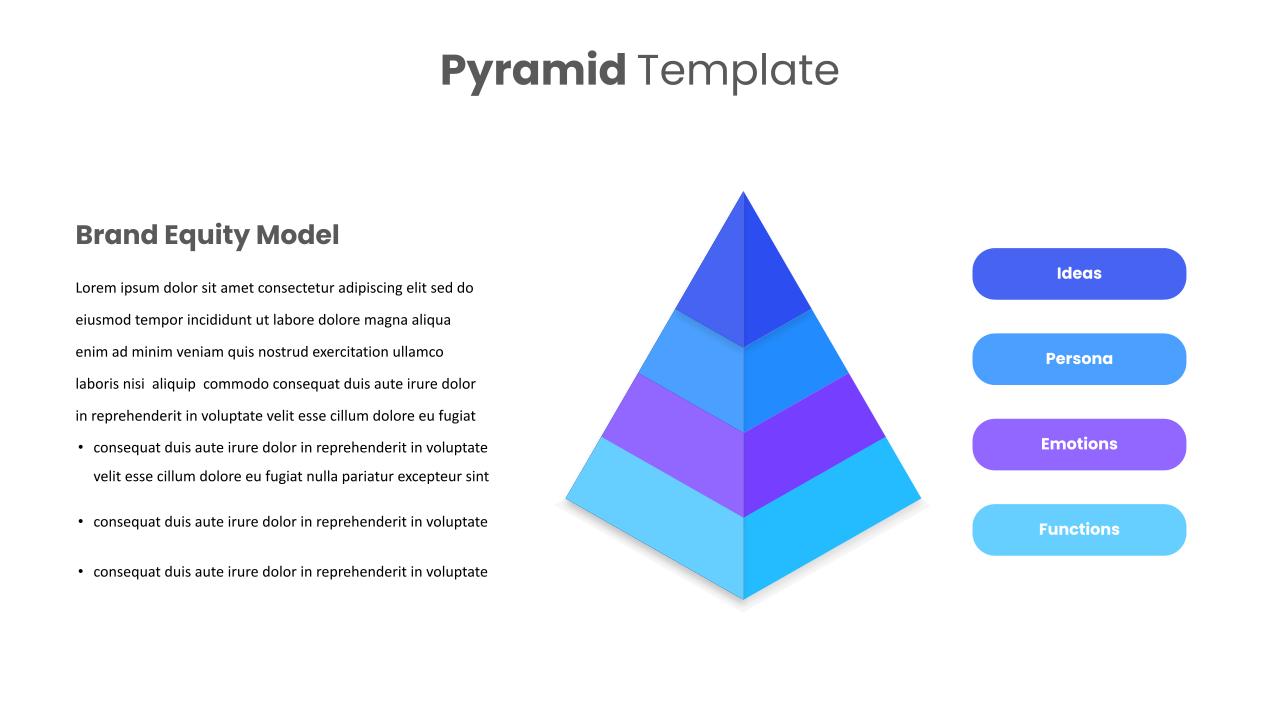
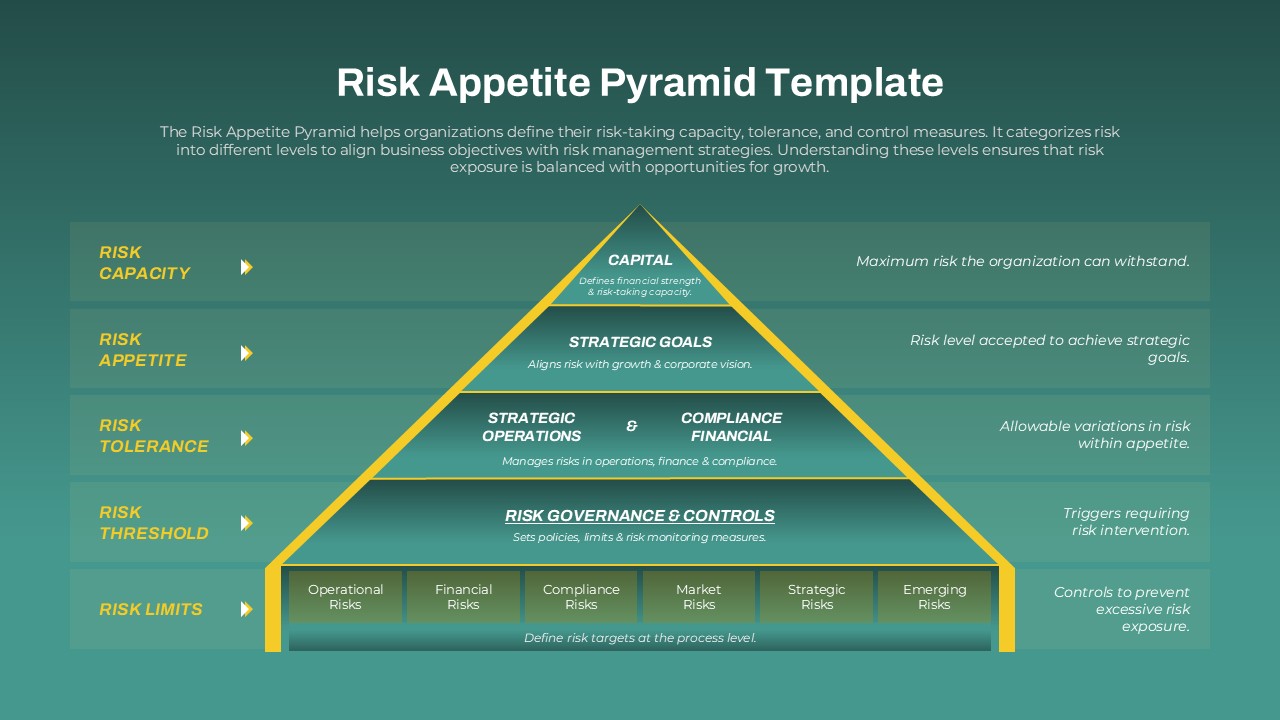
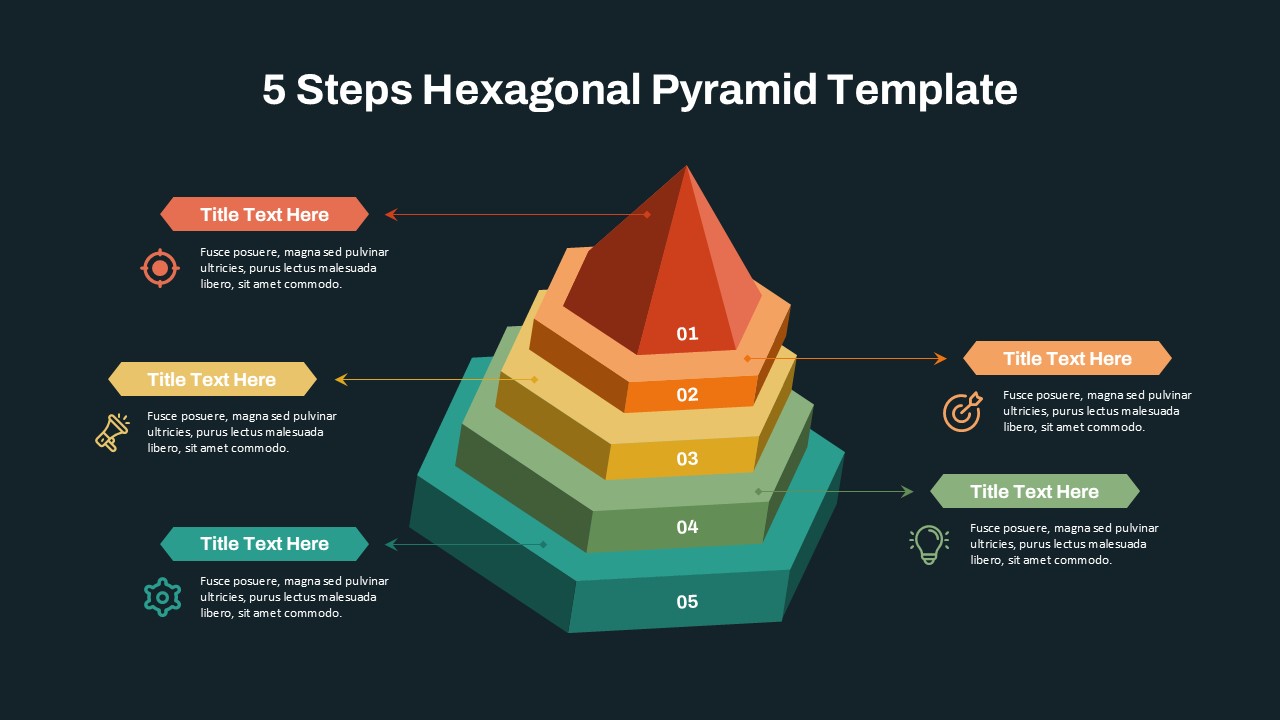
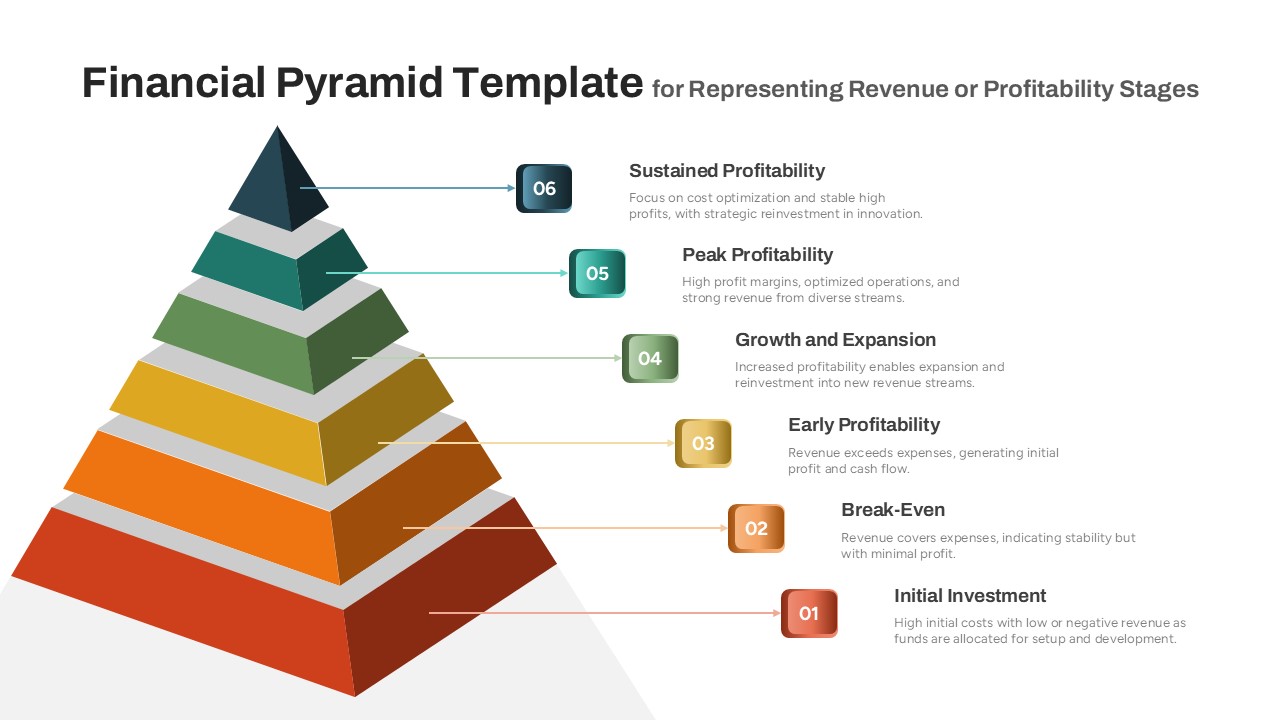
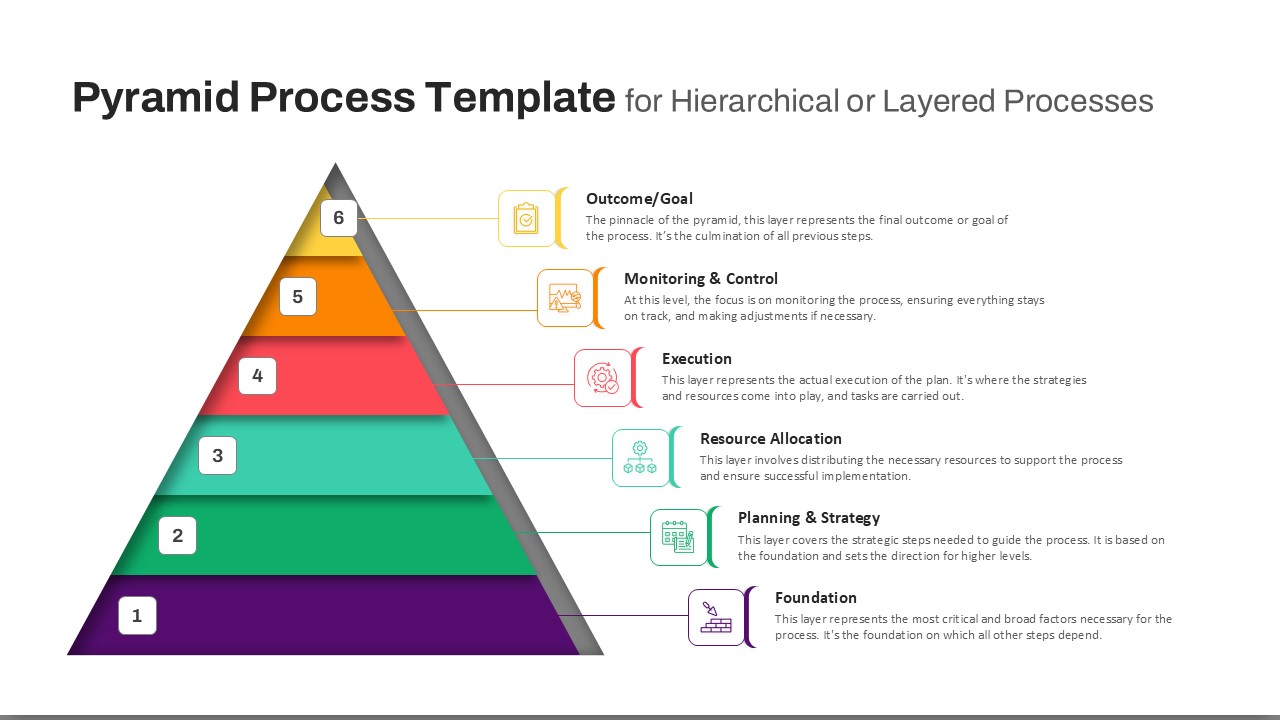
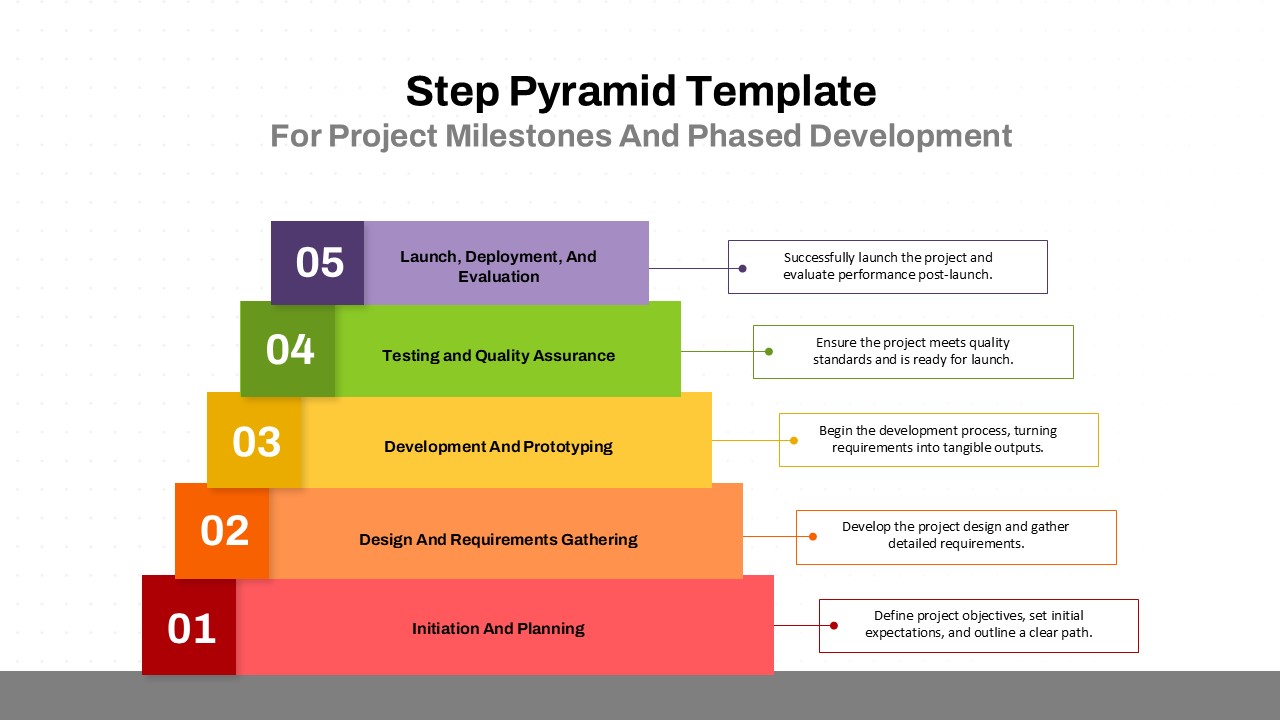
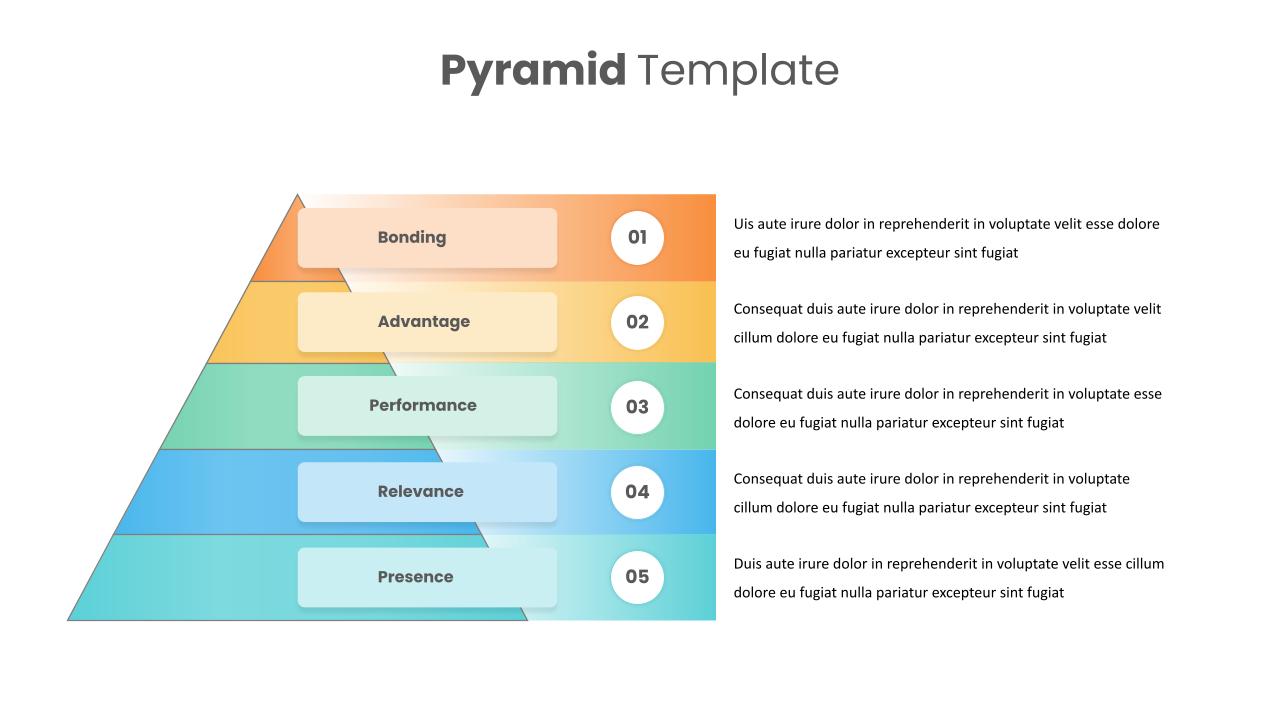
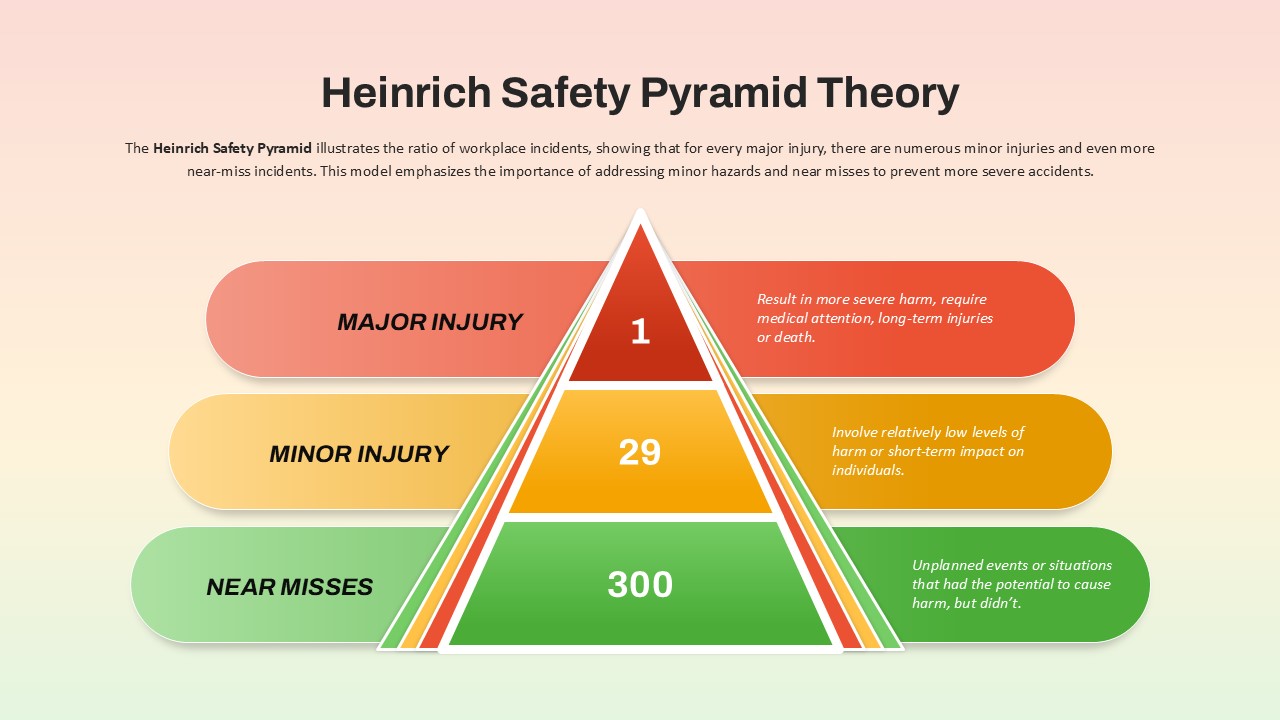
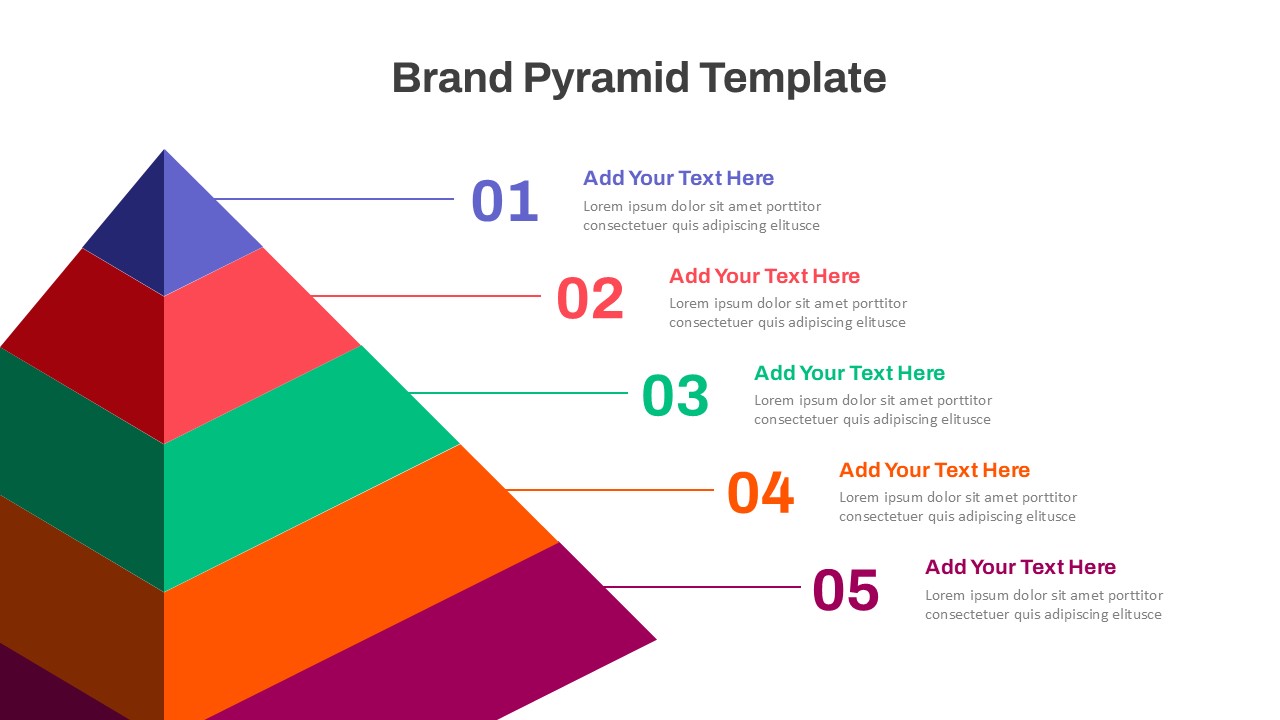
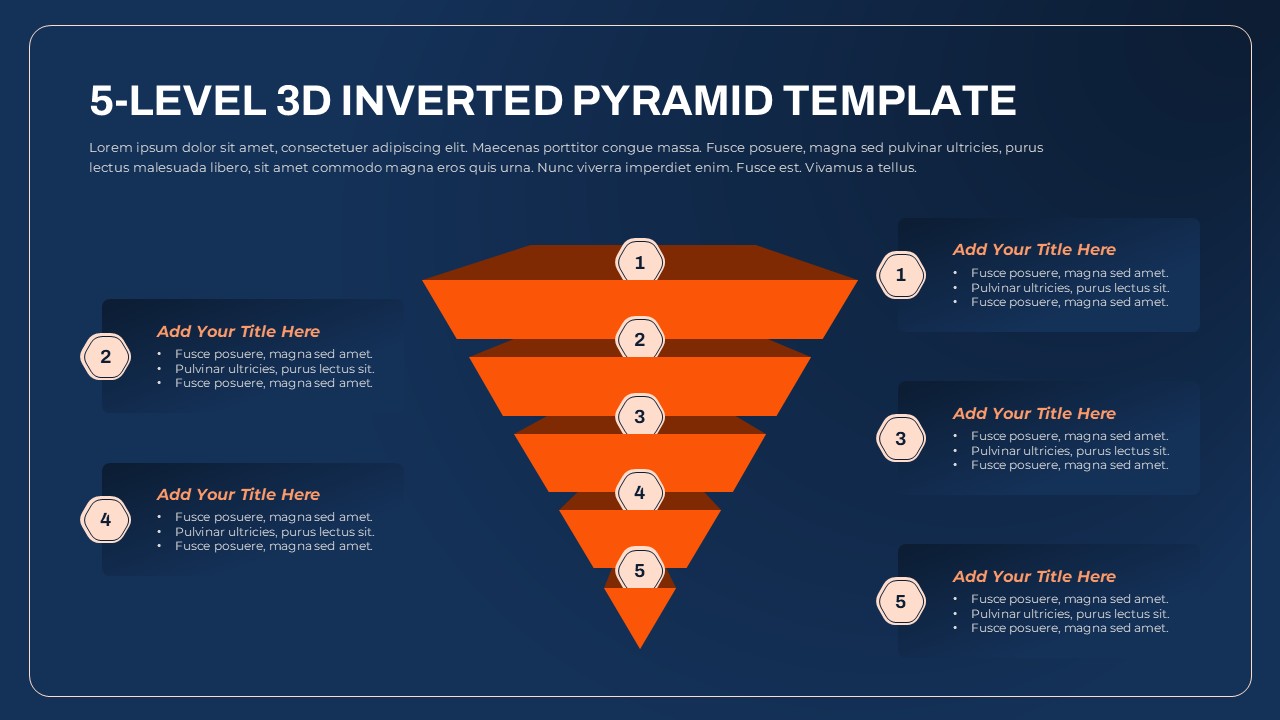
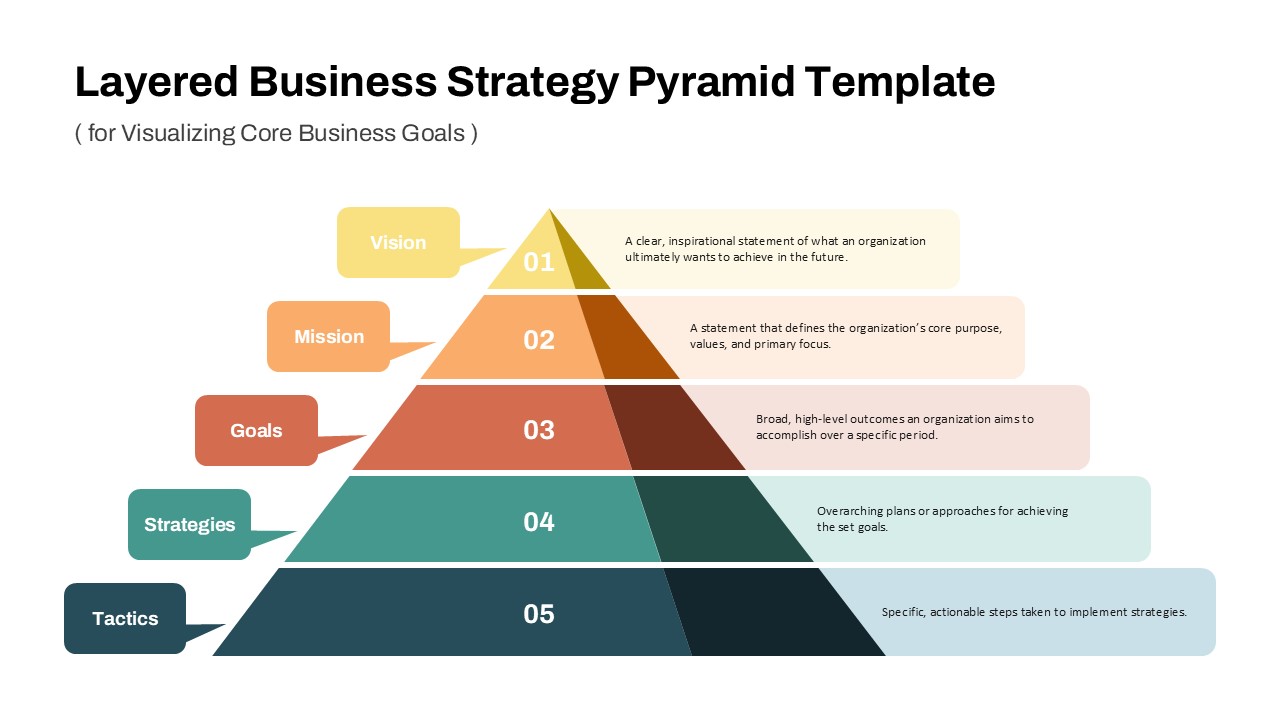
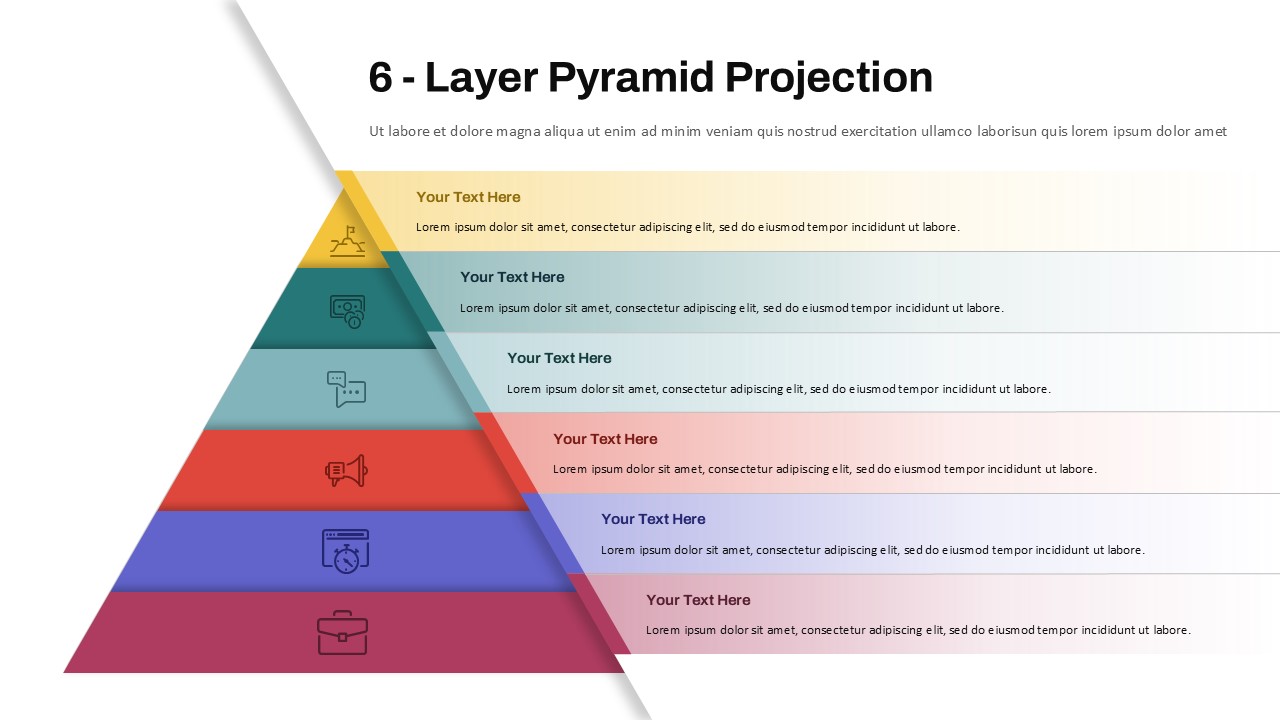
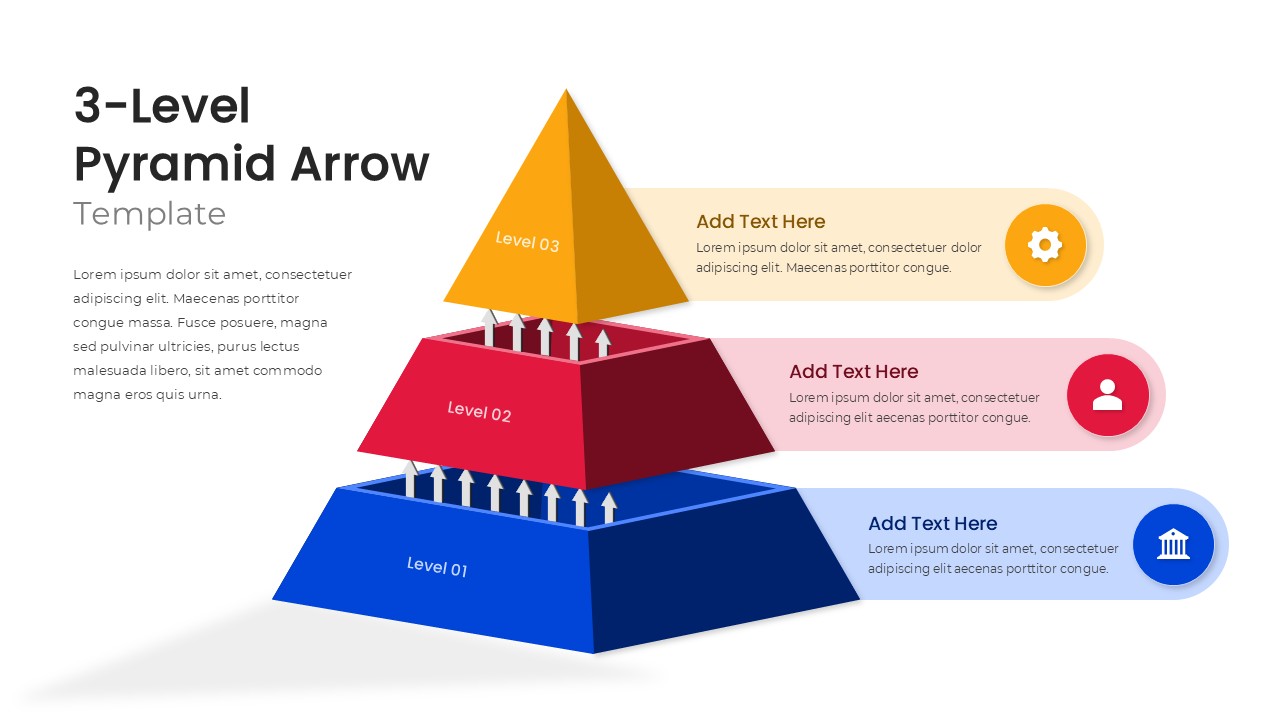
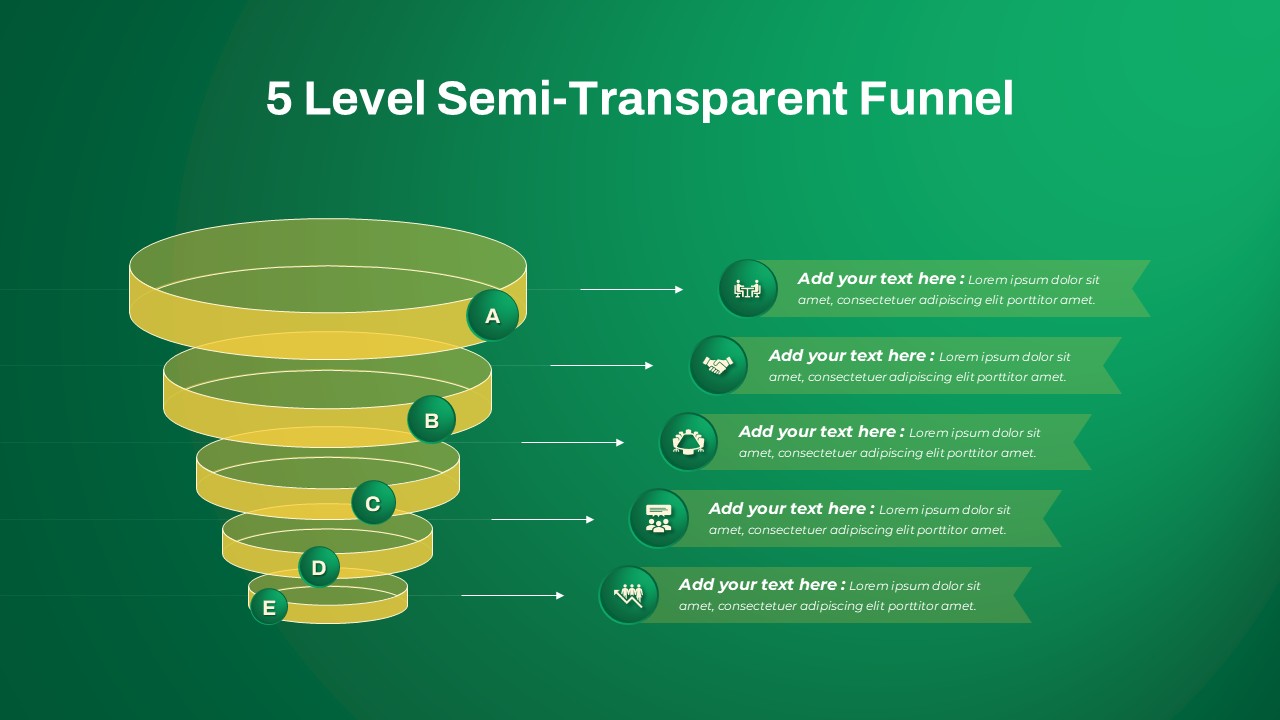
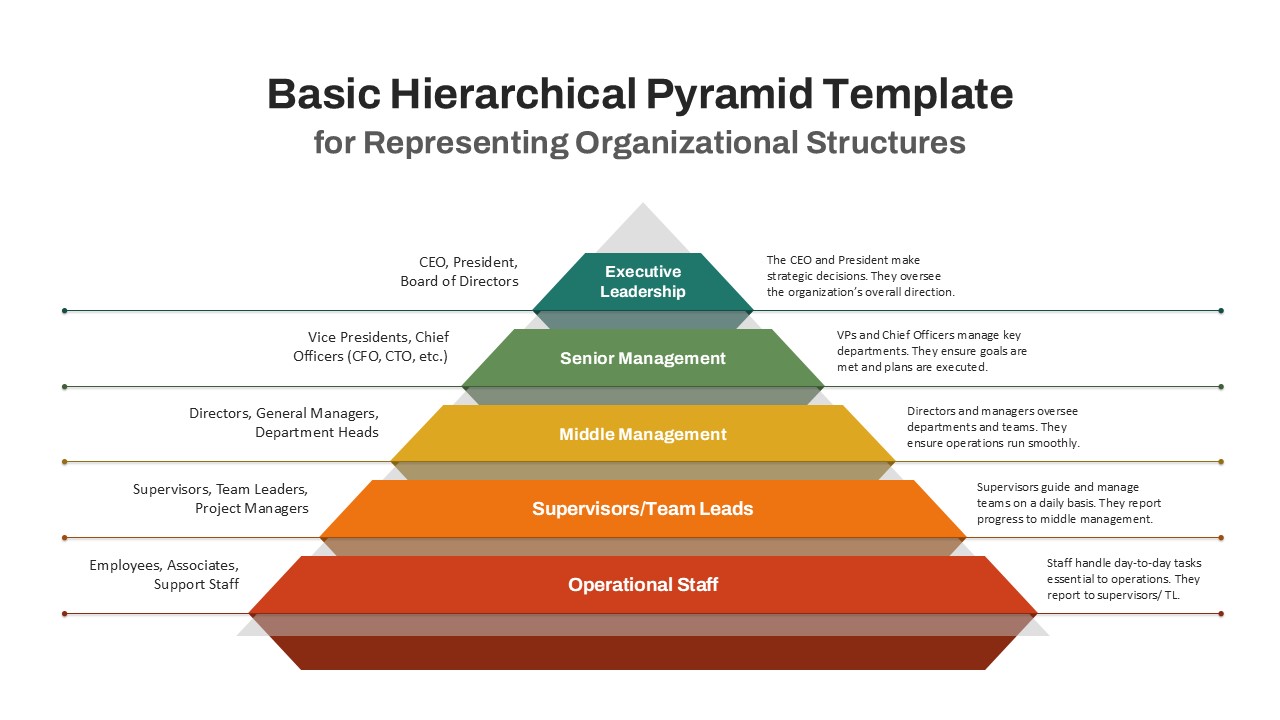
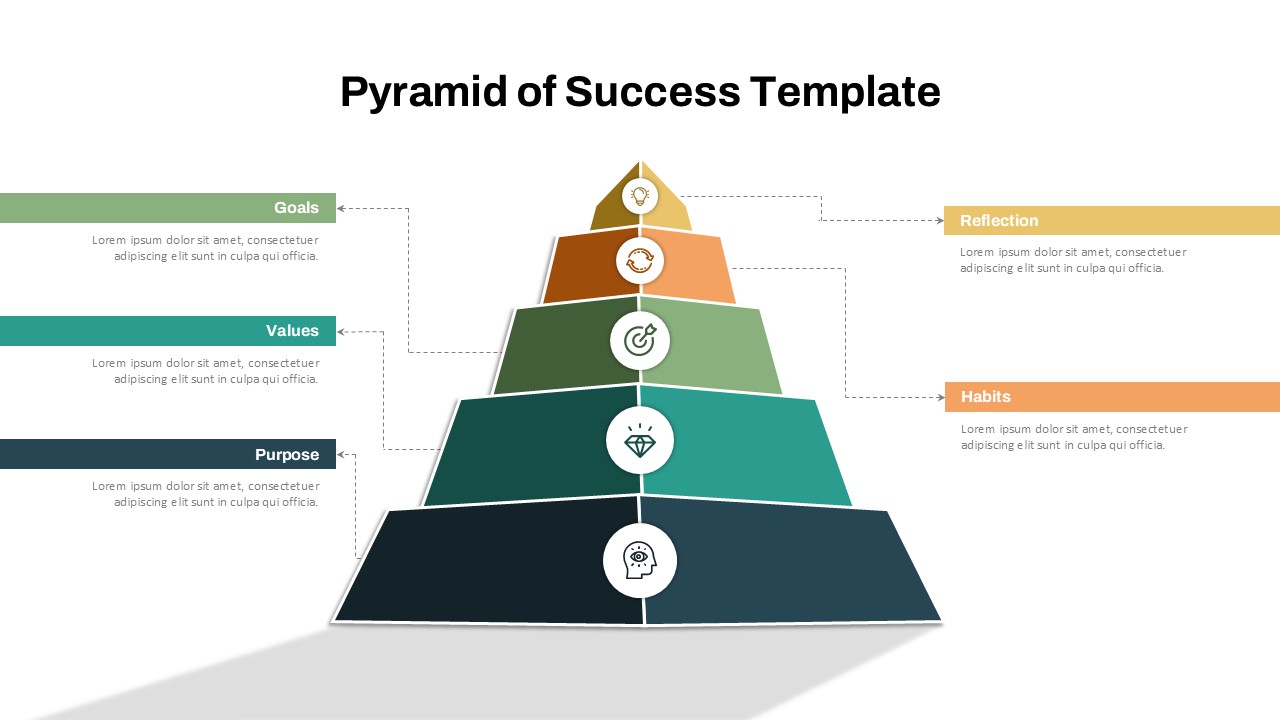
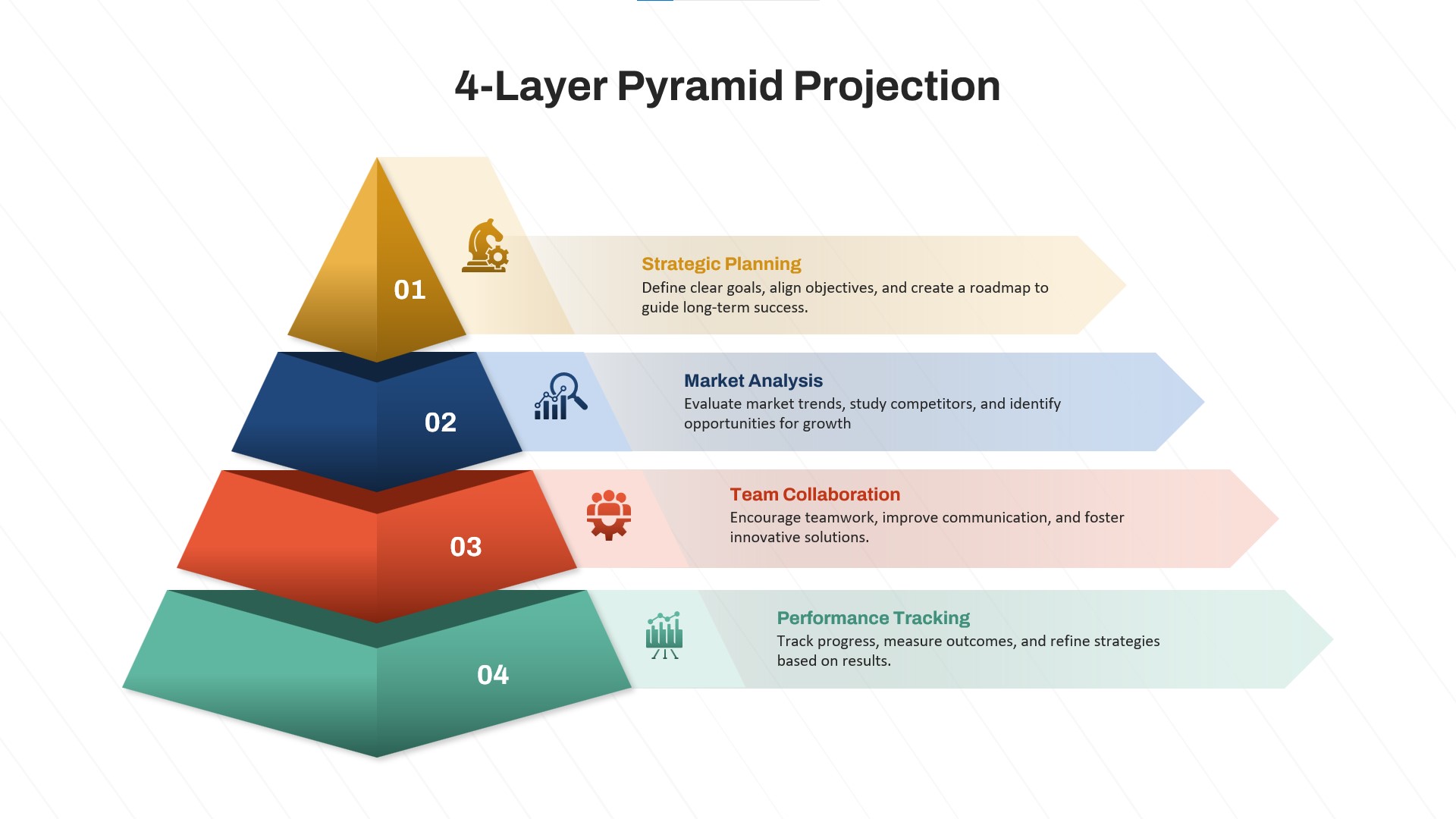
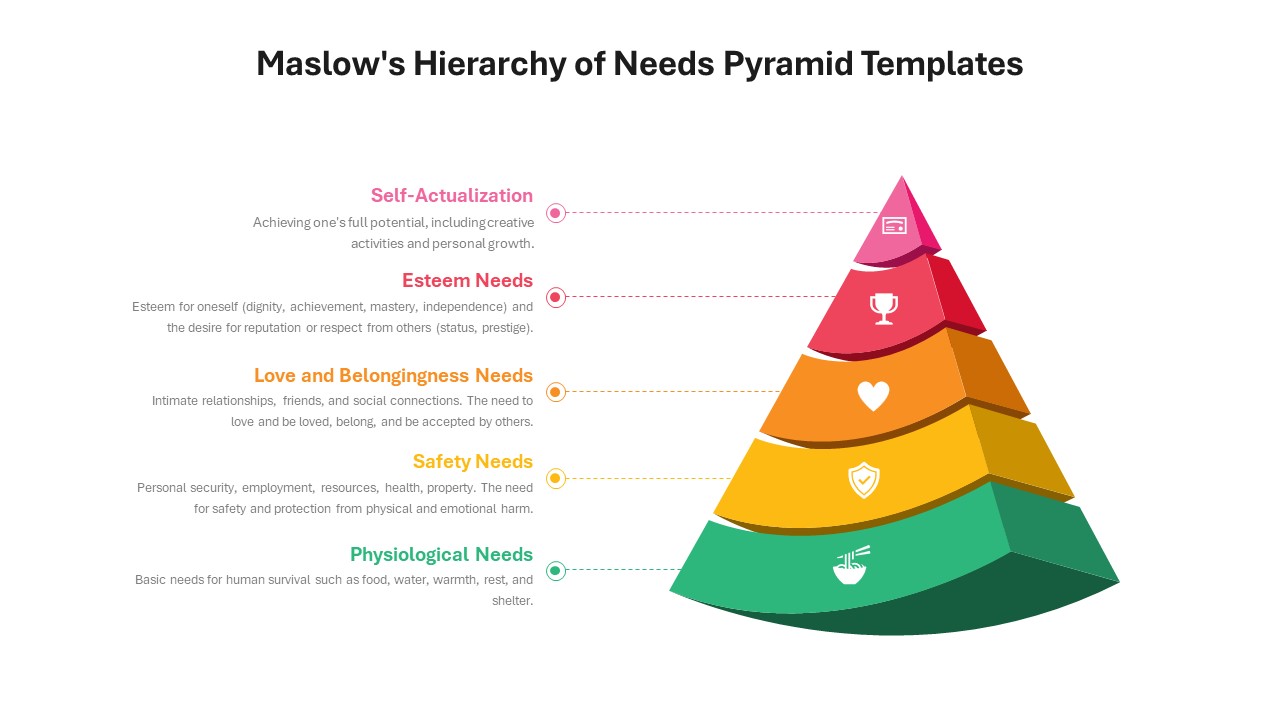
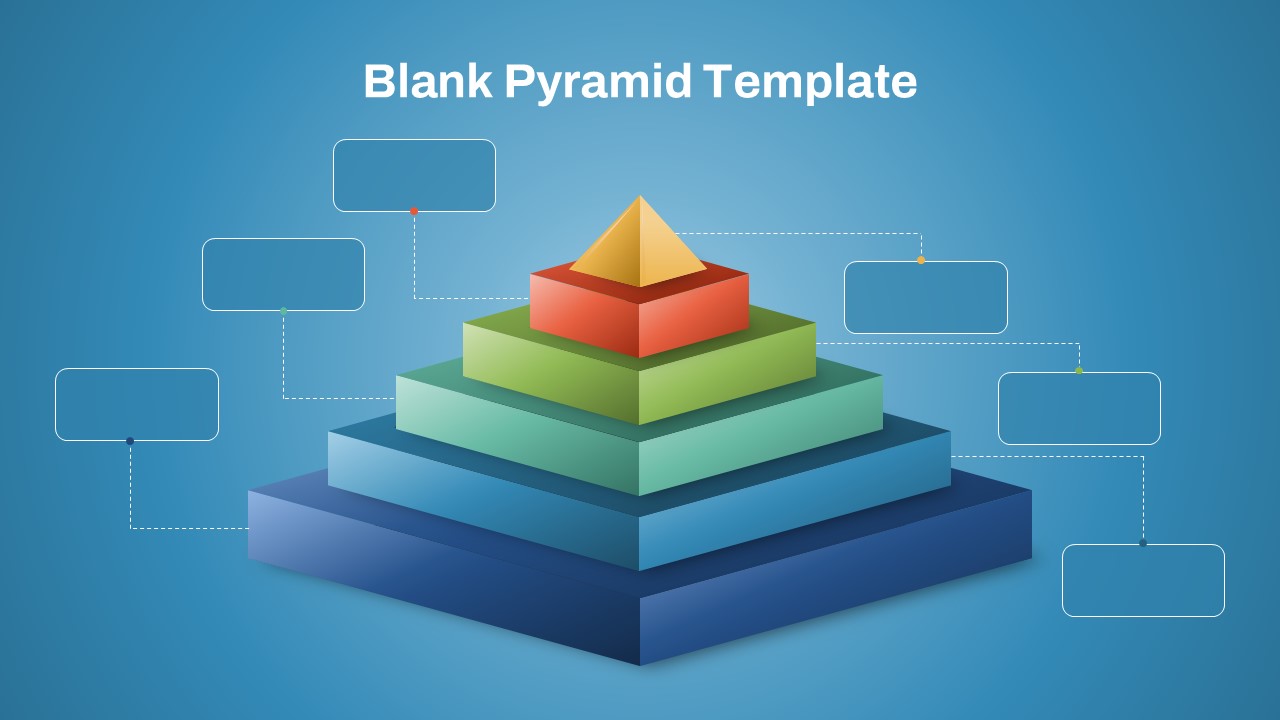
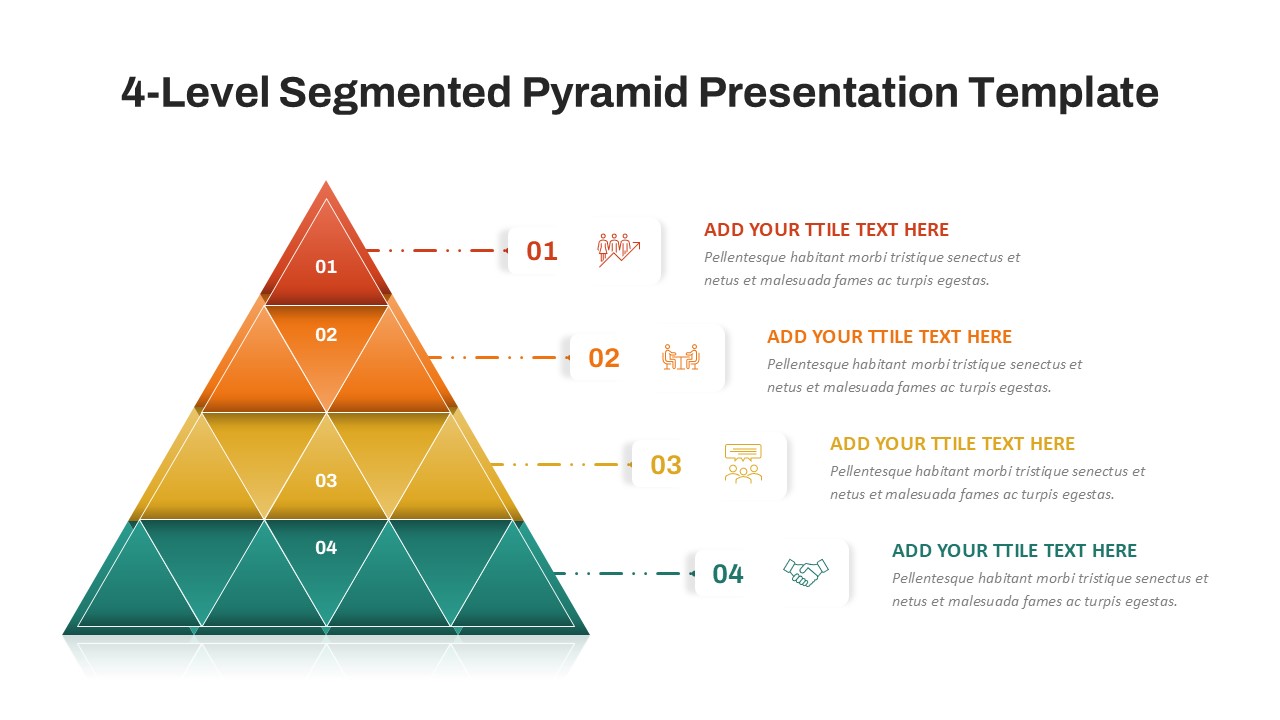
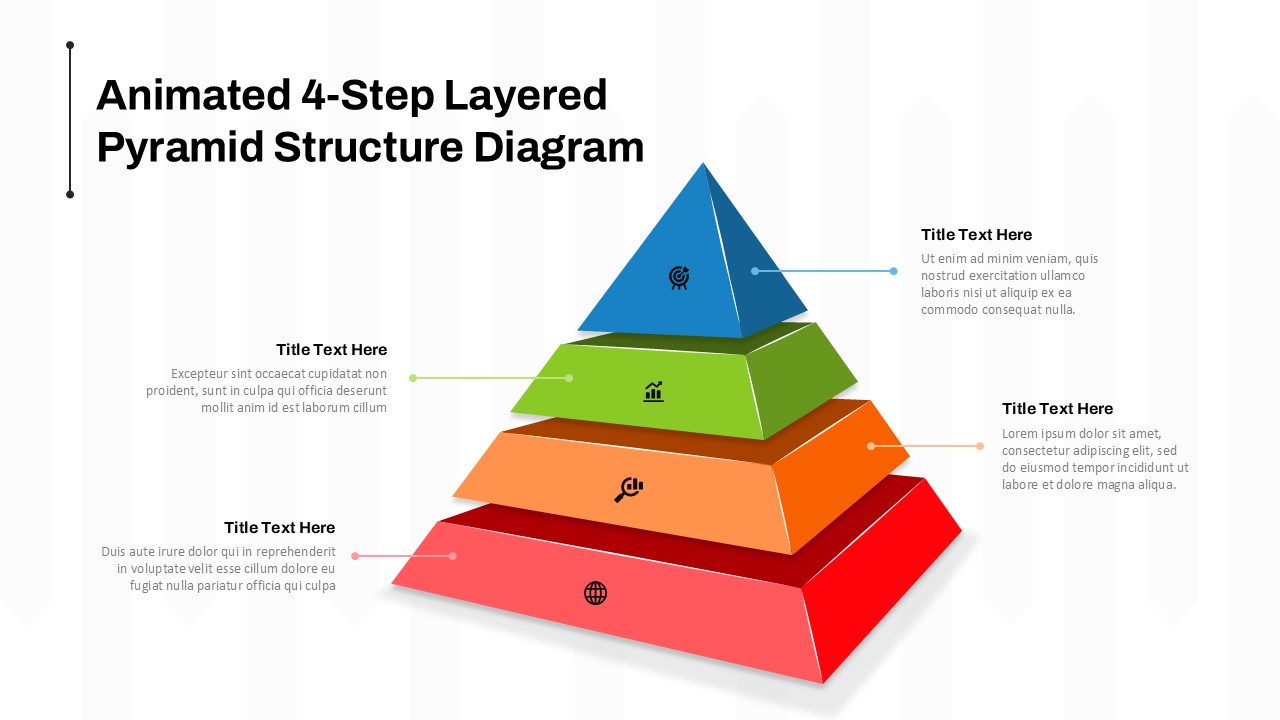
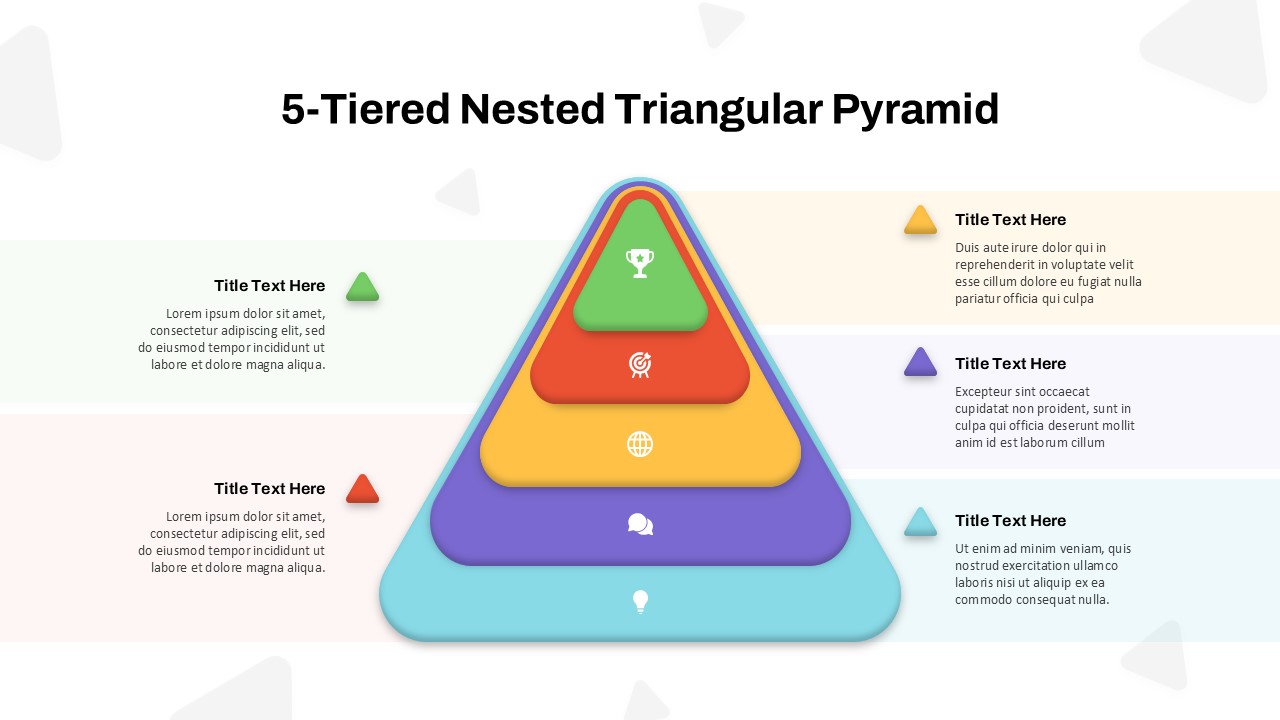
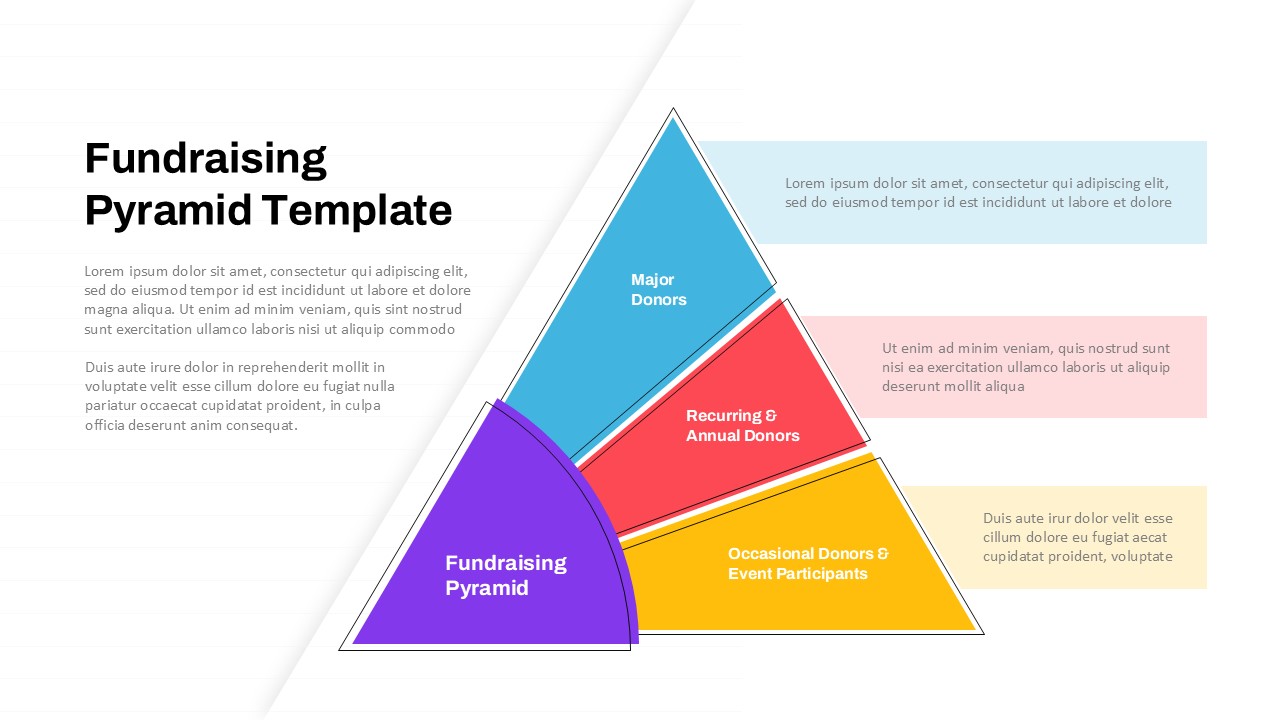
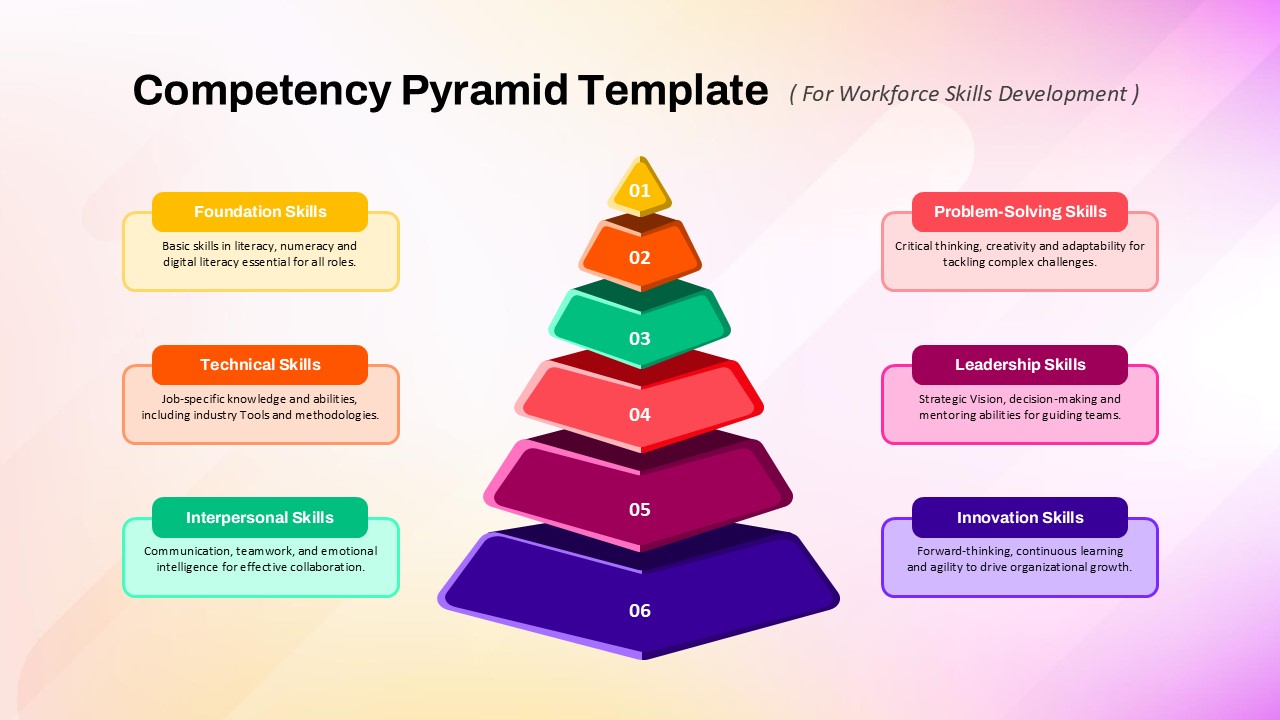
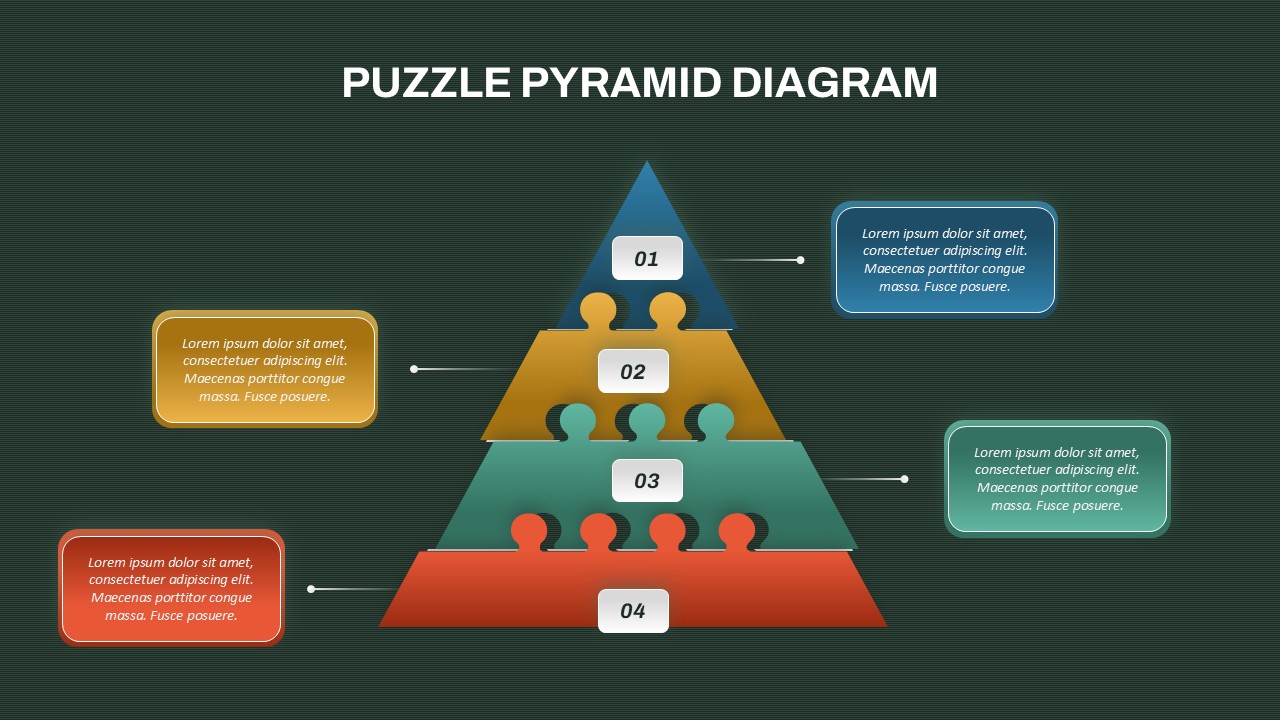
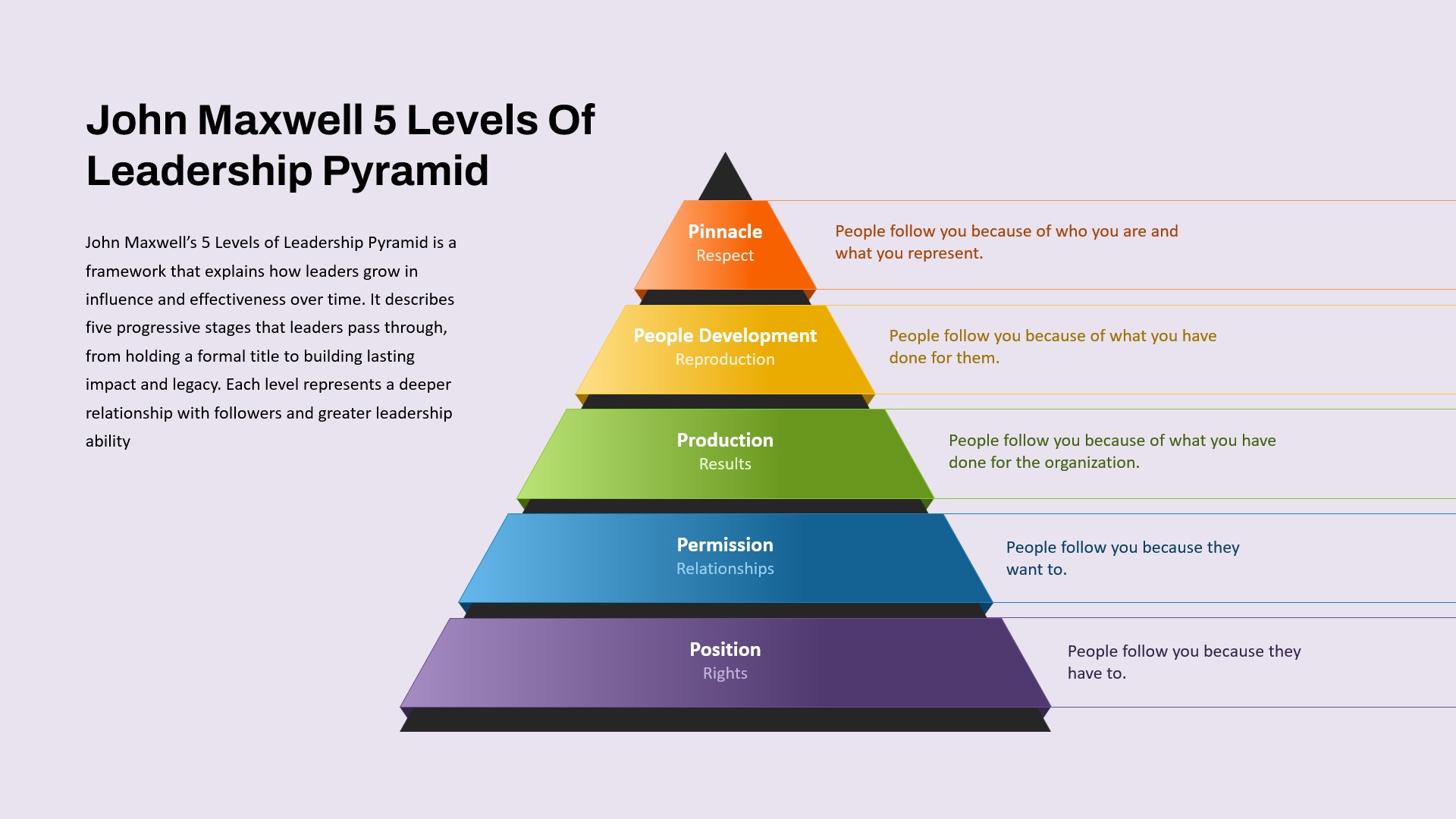
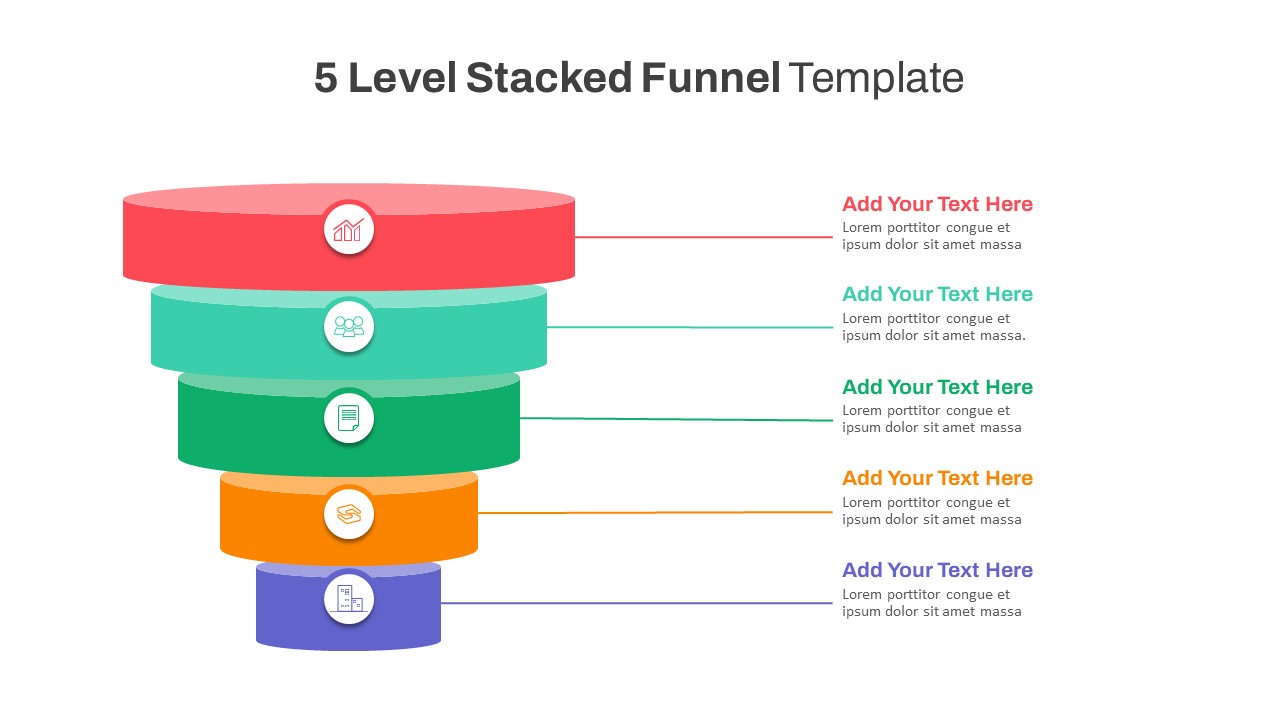
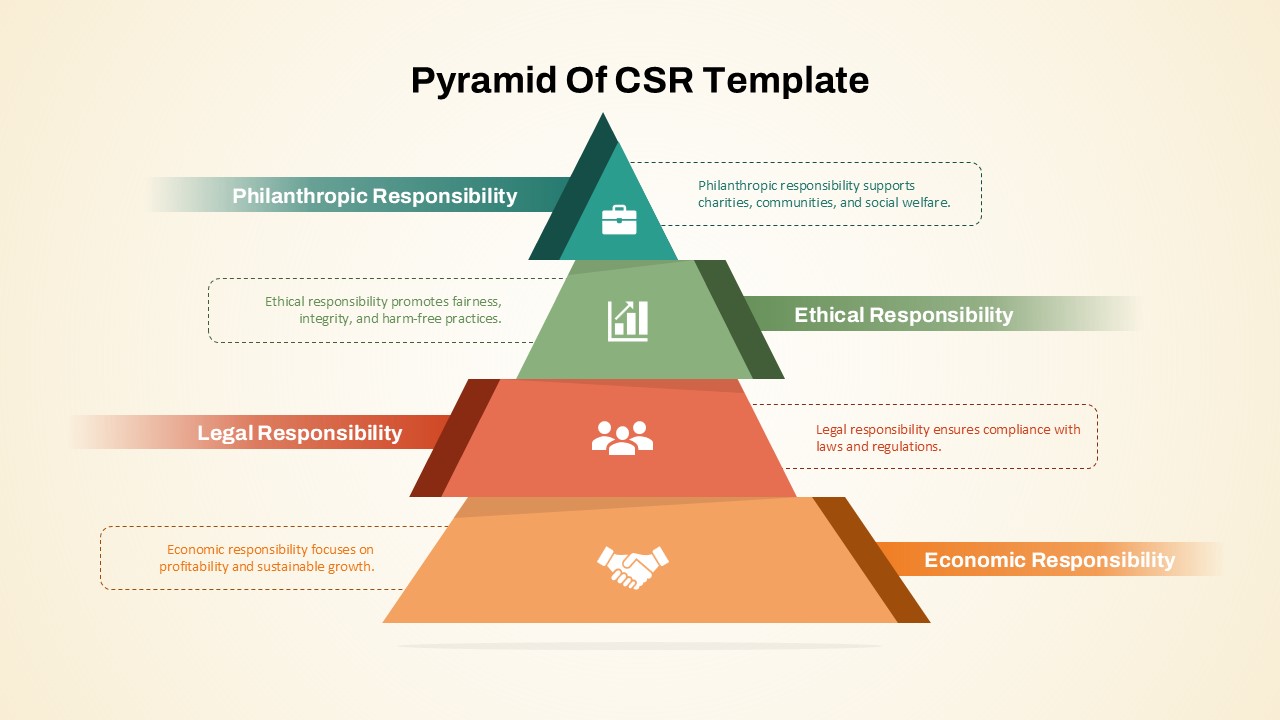
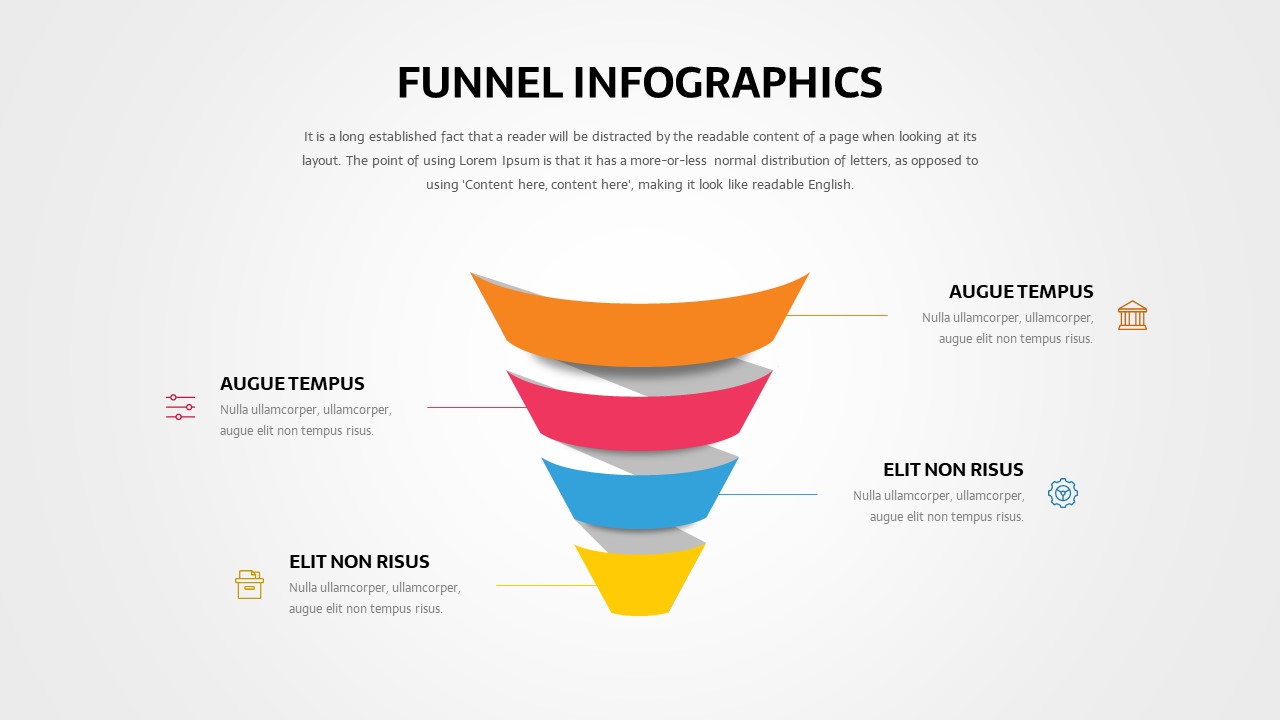
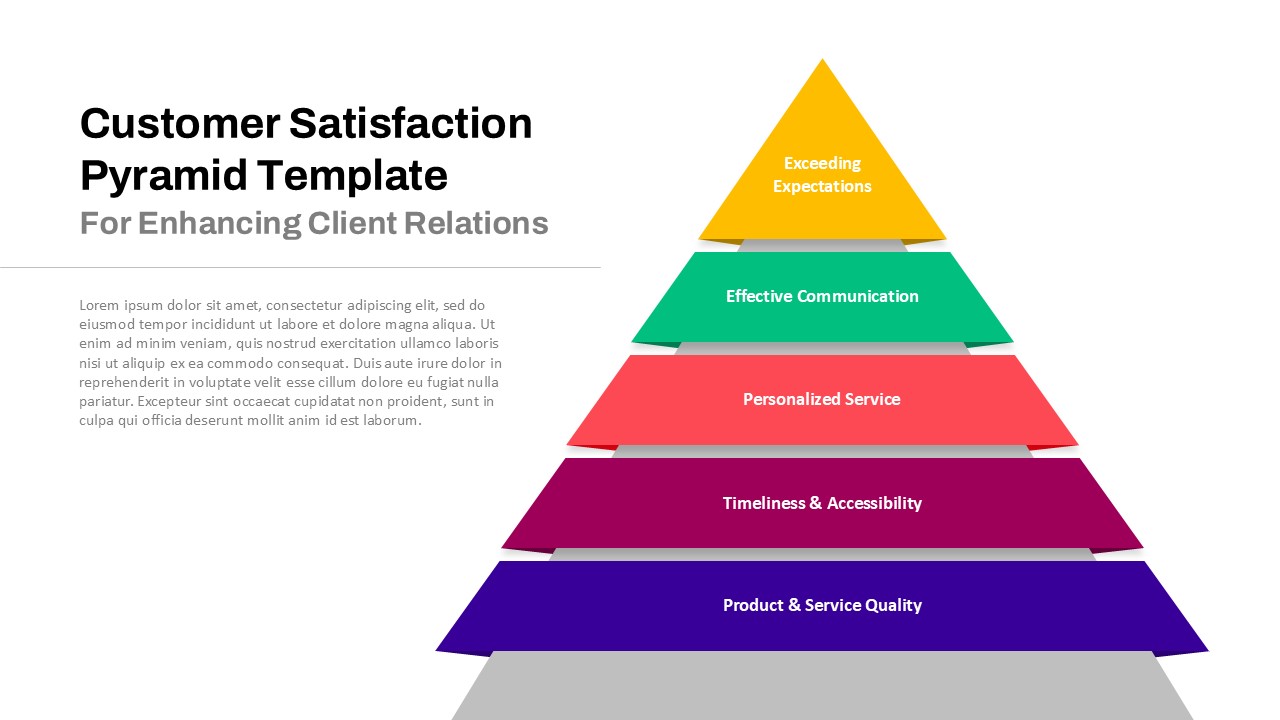
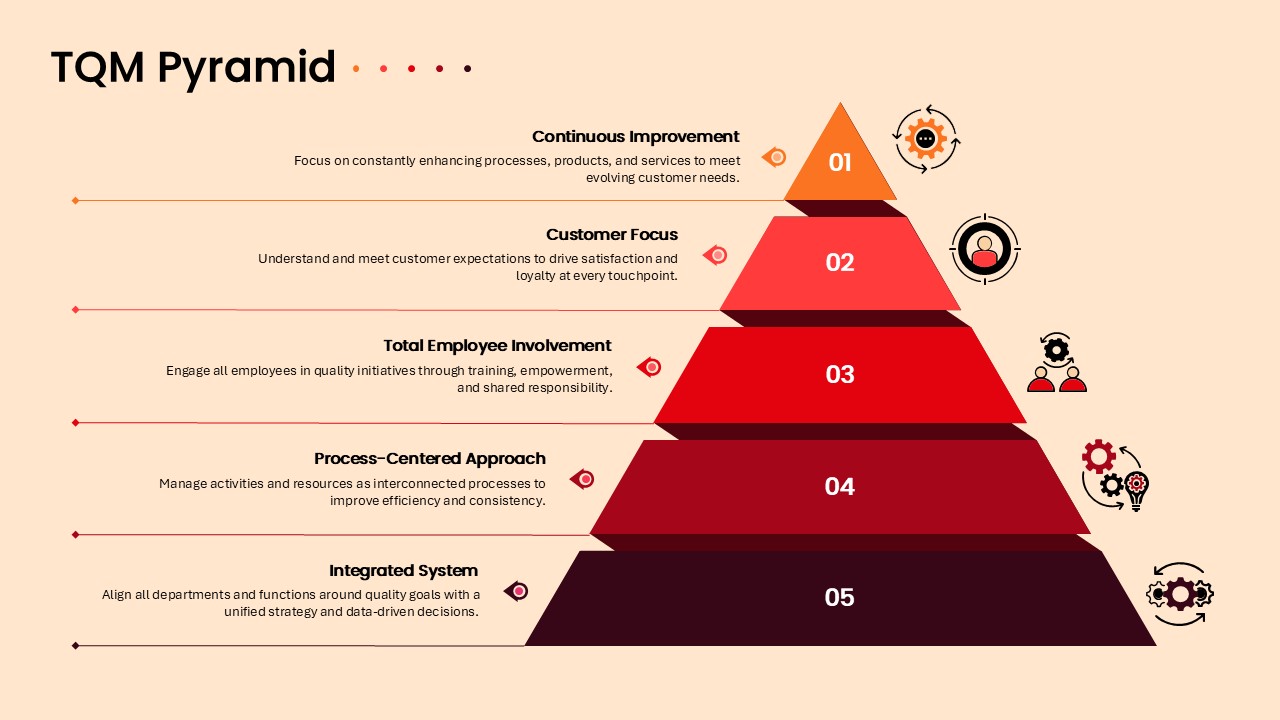
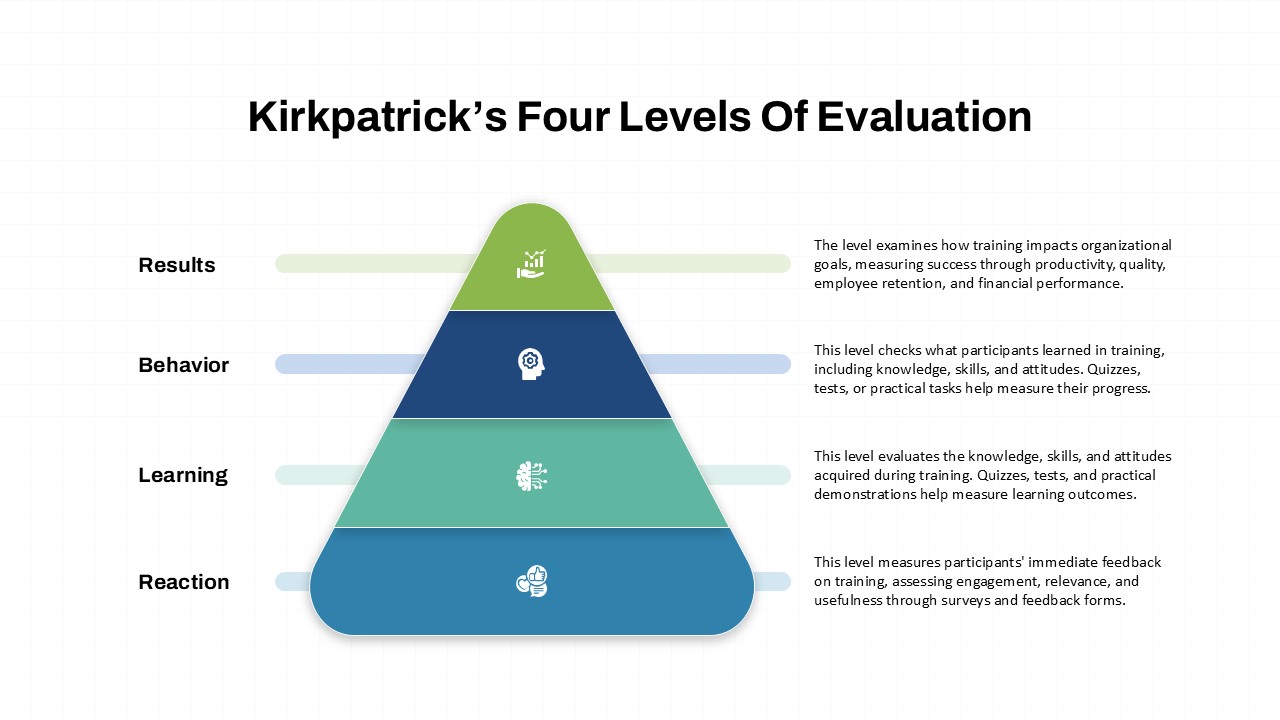
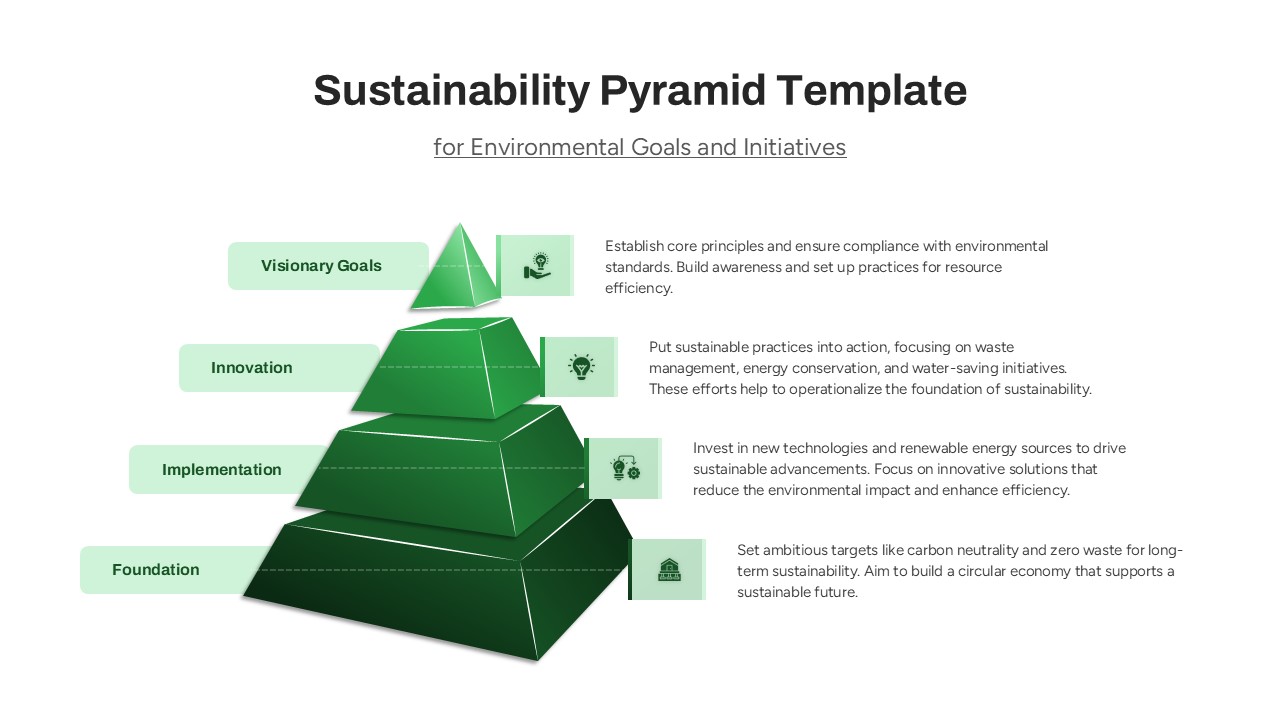
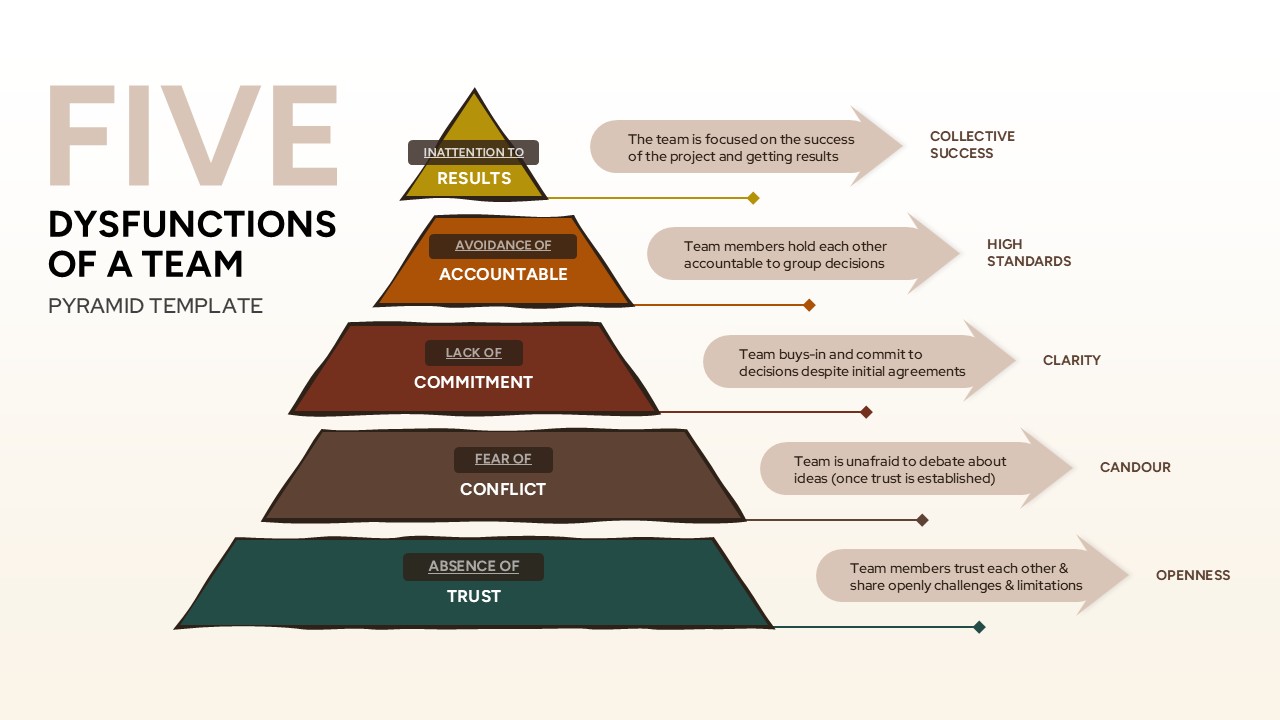
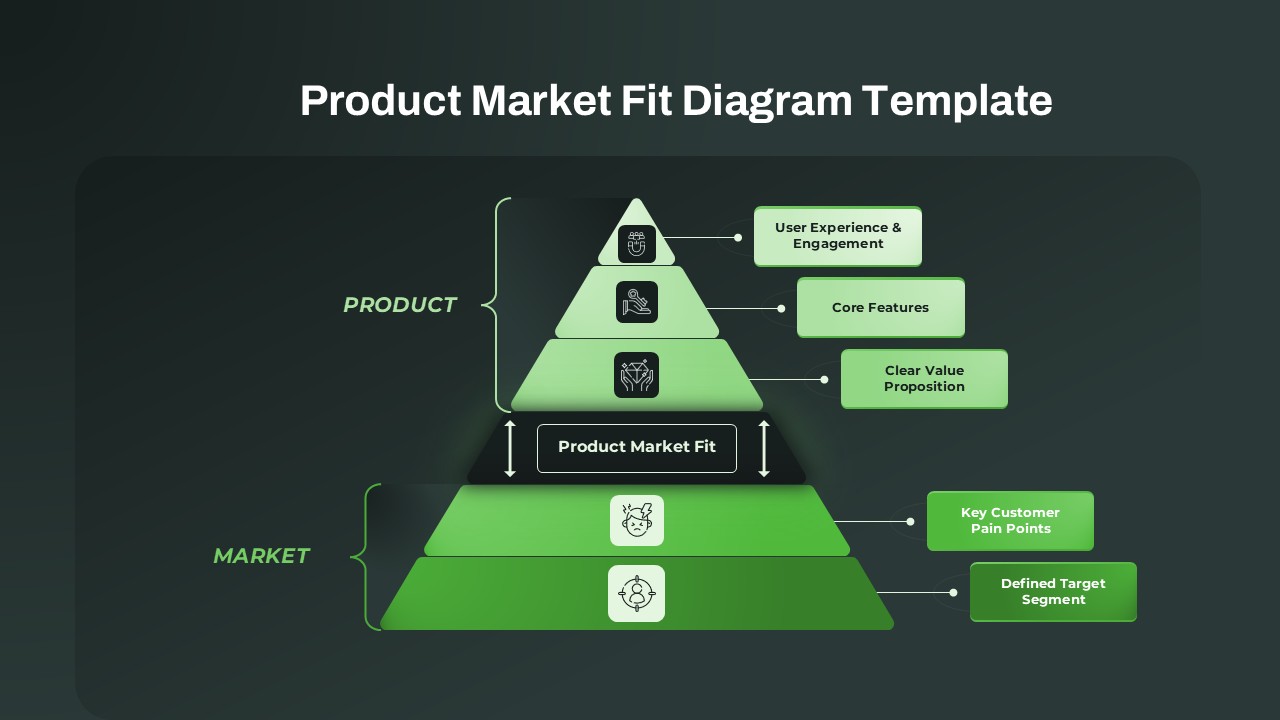
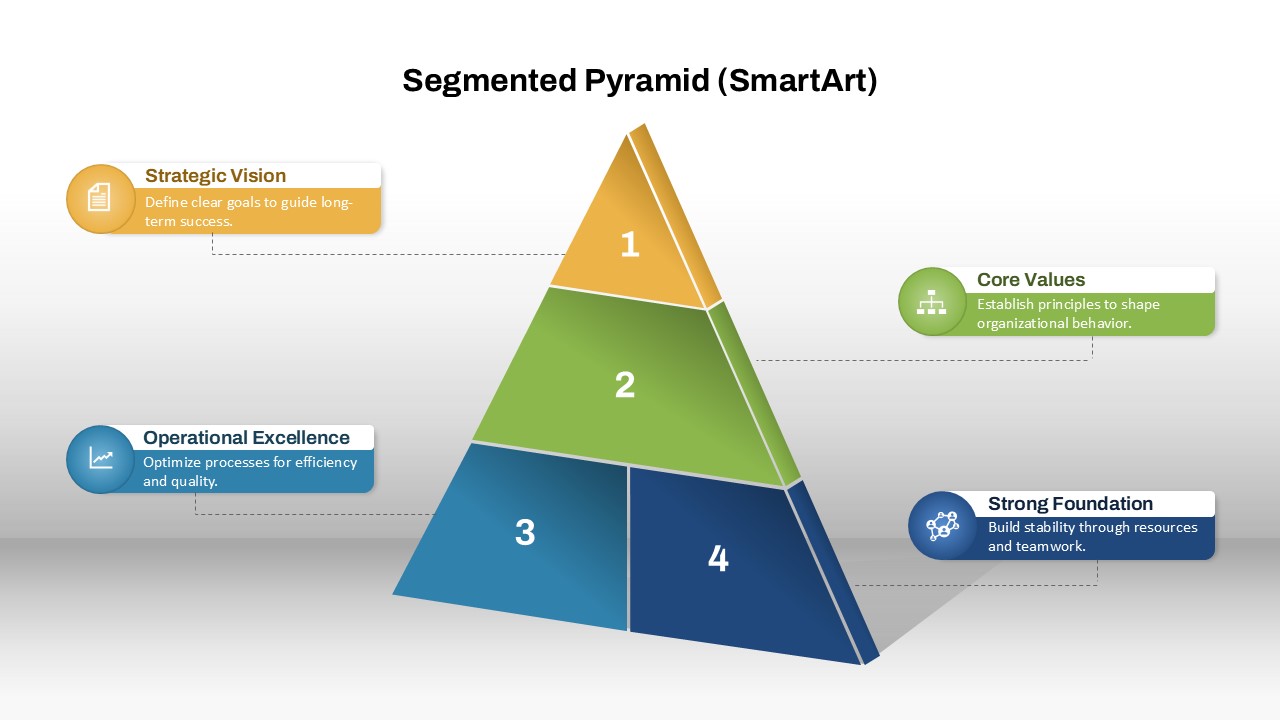
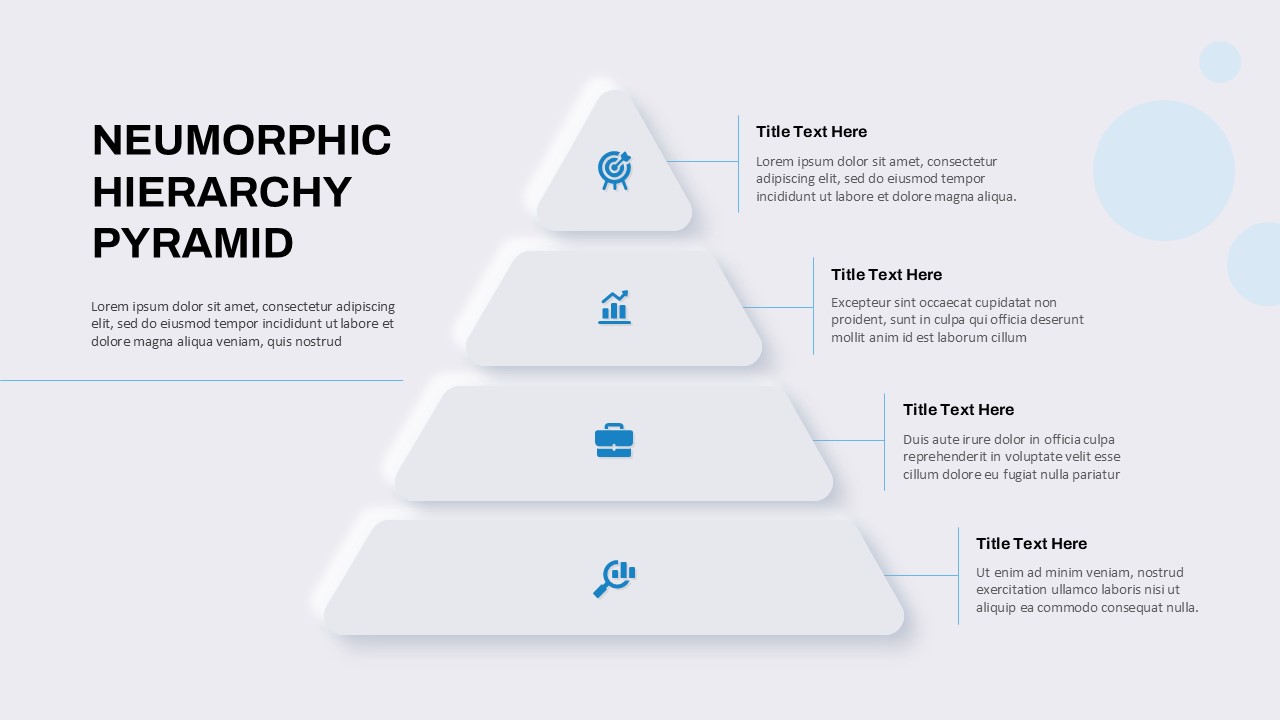
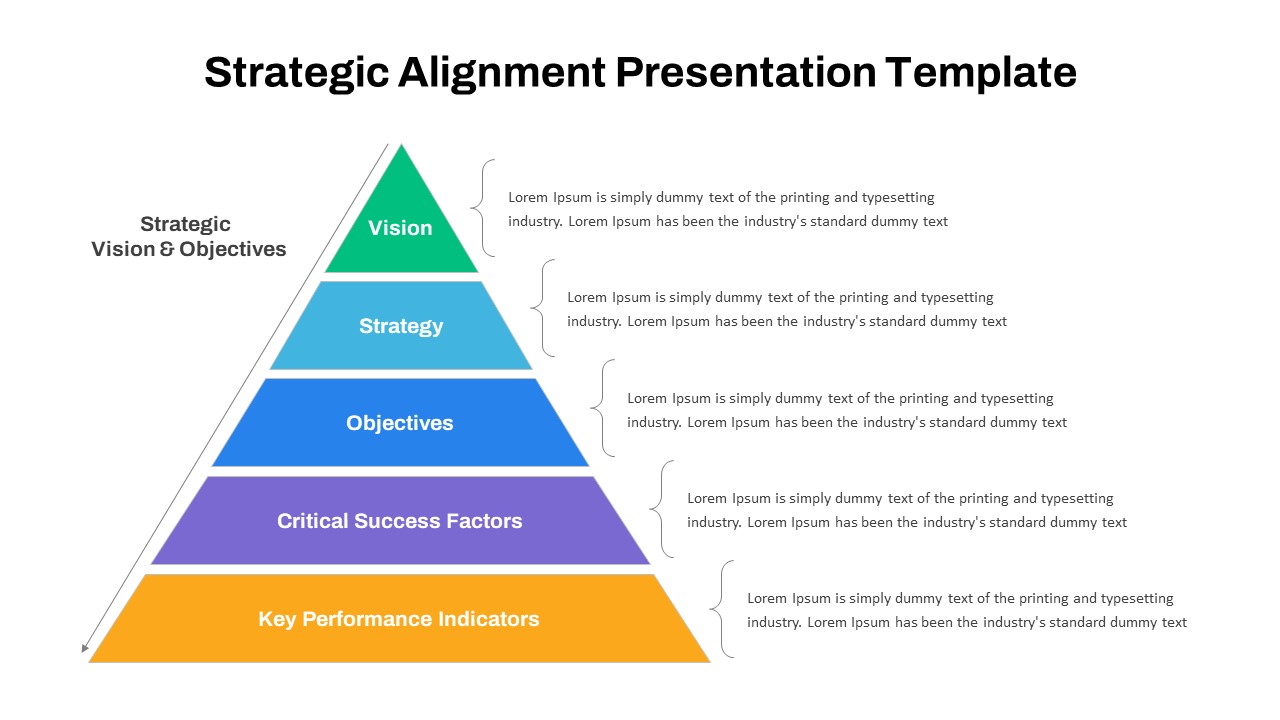
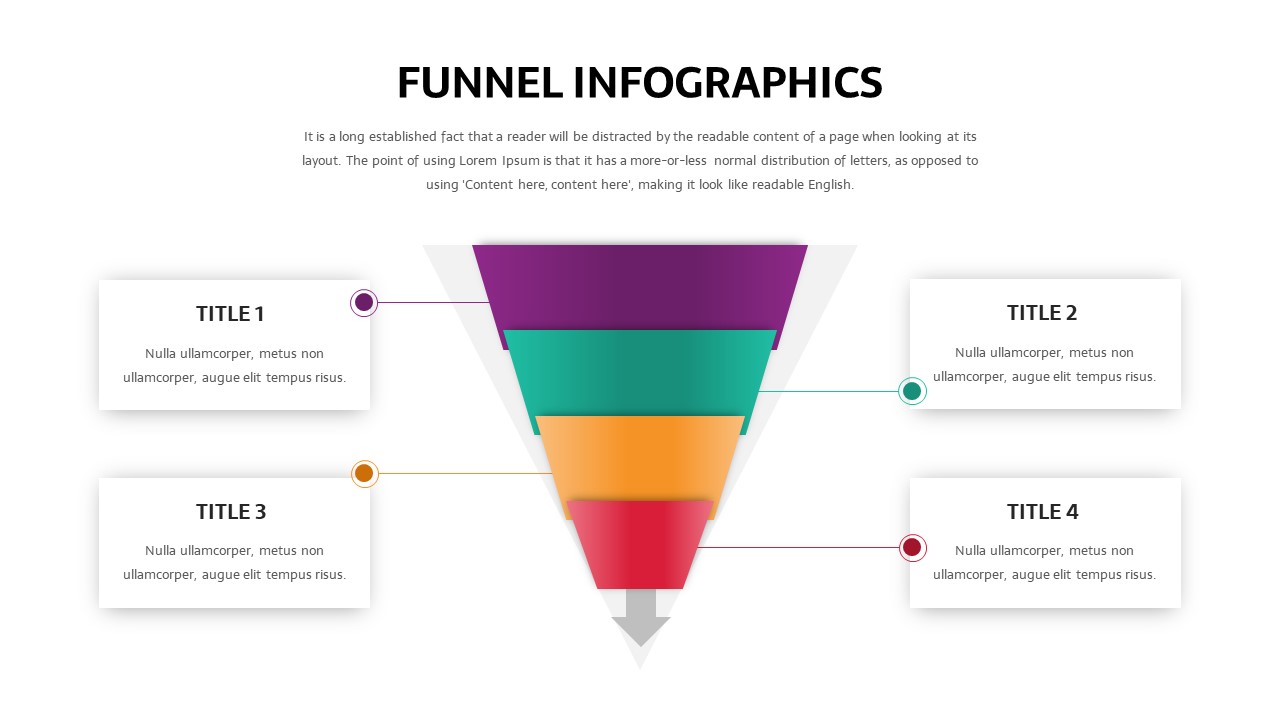
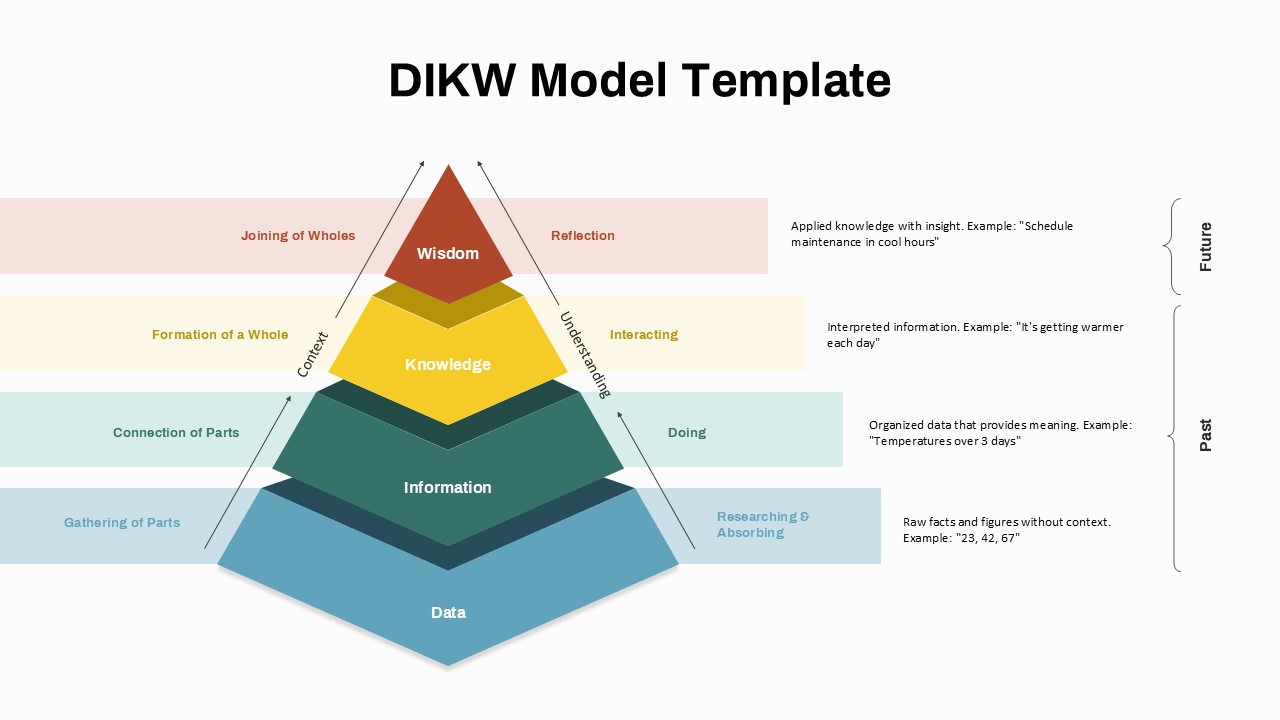
The 5-Level 3D Radial Pyramid Infographic Template is a visually engaging presentation design crafted to illustrate hierarchical structures, step-by-step processes, and progressive concepts with clarity and impact. Featuring a layered, cone-shaped pyramid with five distinct levels, this template allows presenters to effectively communicate information in a structured and easy-to-follow format. Each tier is color-coded and paired with corresponding text placeholders, enabling clear differentiation between stages, priorities, or categories.
The radial layout enhances comprehension by connecting each level to descriptive callouts positioned around the pyramid. This design ensures that your audience can quickly grasp complex ideas without feeling overwhelmed. The subtle 3D effect adds depth and professionalism, making your slides more dynamic while maintaining a clean and modern aesthetic suitable for corporate, educational, and creative presentations.
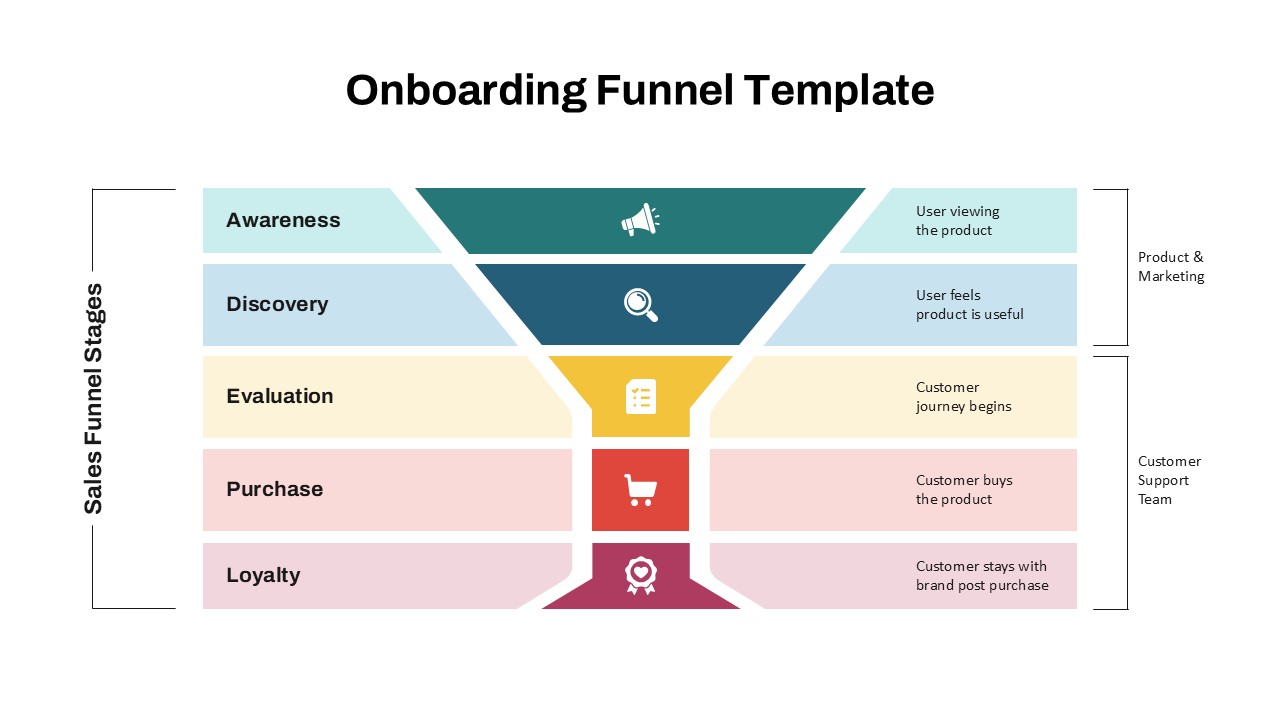
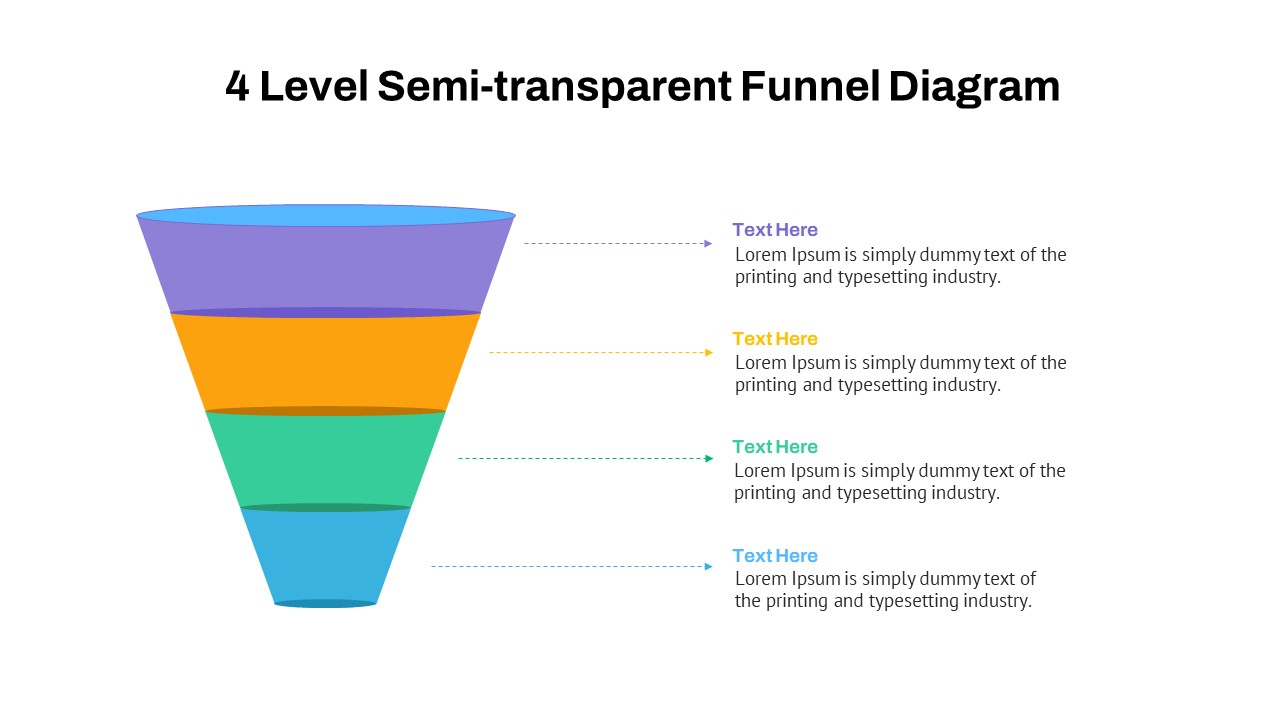
Fully customizable in both PowerPoint and Google Slides, this template allows users to edit text, colors, icons, and layout elements to suit specific branding or messaging needs. Whether you are presenting business strategies, product development stages, organizational hierarchies, or marketing funnels, this template adapts seamlessly to various use cases.
Ideal for professionals, educators, and consultants, the 5-Level 3D Radial Pyramid Infographic Template transforms data into a compelling visual story. Its intuitive design helps emphasize progression, importance, and relationships between different levels, making it easier to communicate key insights and drive audience engagement.
See more

Aspect Ratio
16:9Item ID
SKT04418


Features of this template
Other User Cases of the Template
FAQs
You May Also Like These Presentation Templates


- Free

- Free
- Free