7 Items Ribbon Agenda Presentation Template for PowerPoint & Google Slides
Seven-Step Ribbon Agenda Slide Presentation Template for PowerPoint & Google Slides
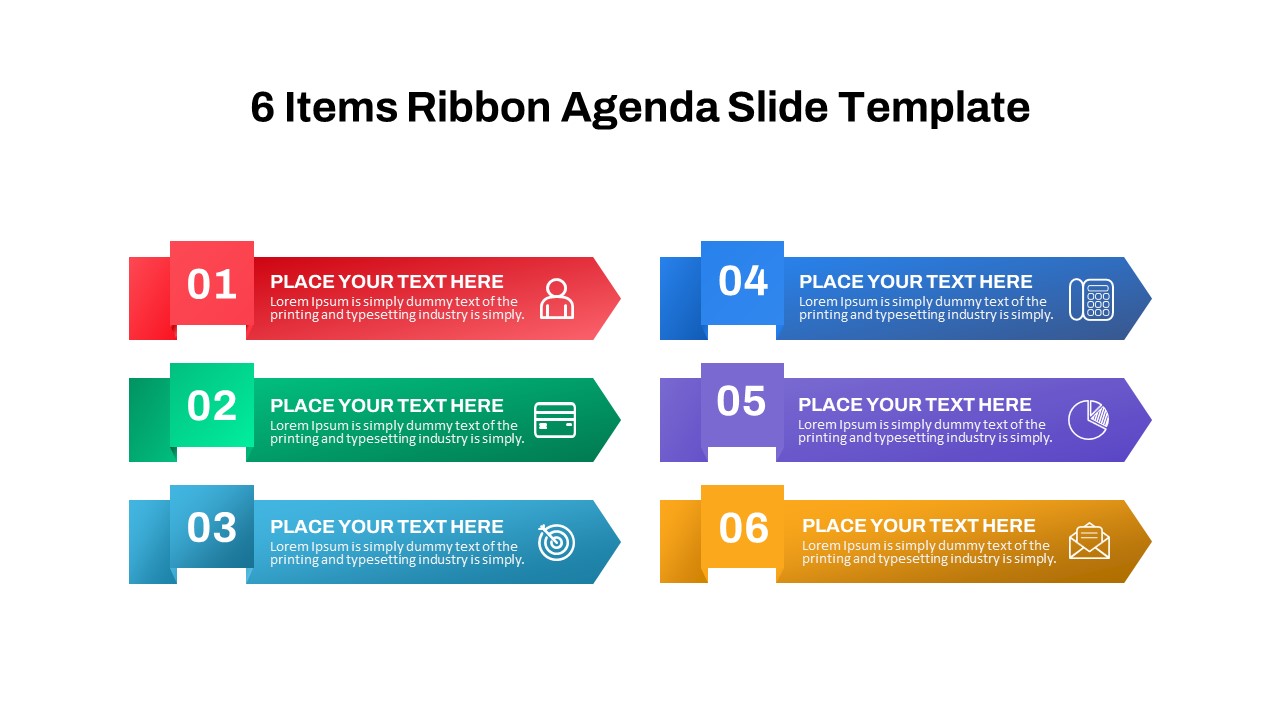
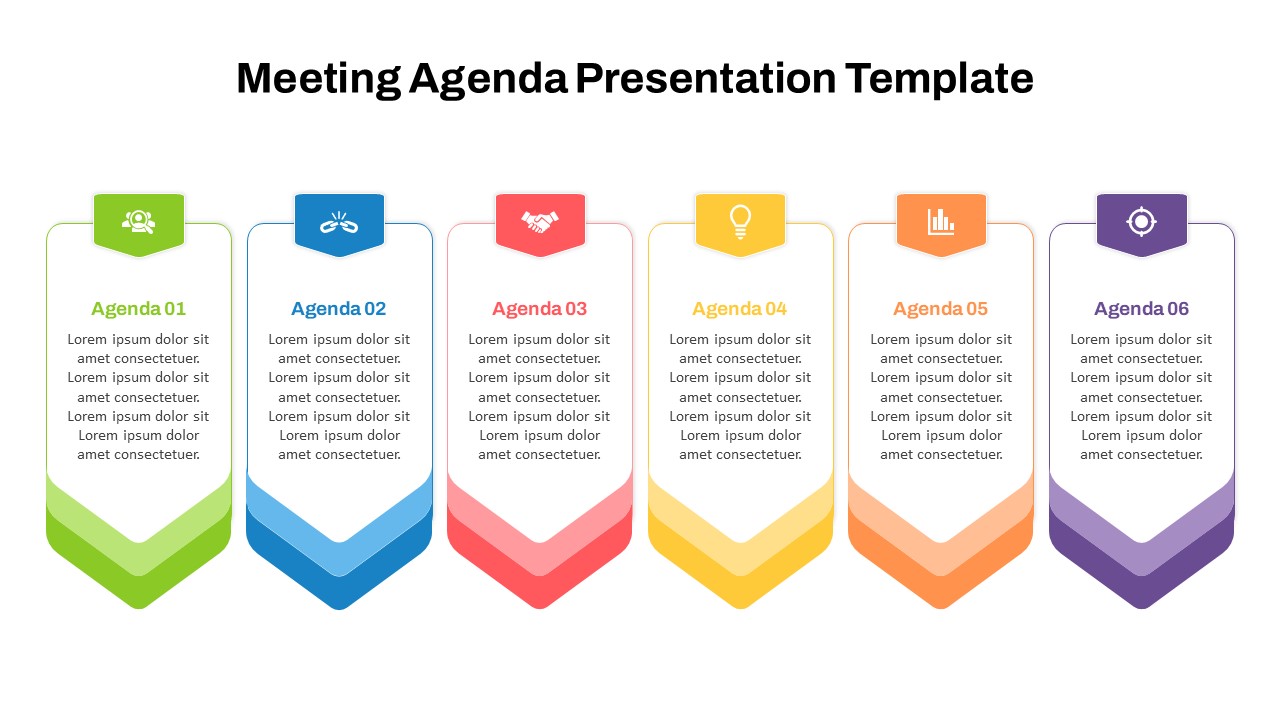
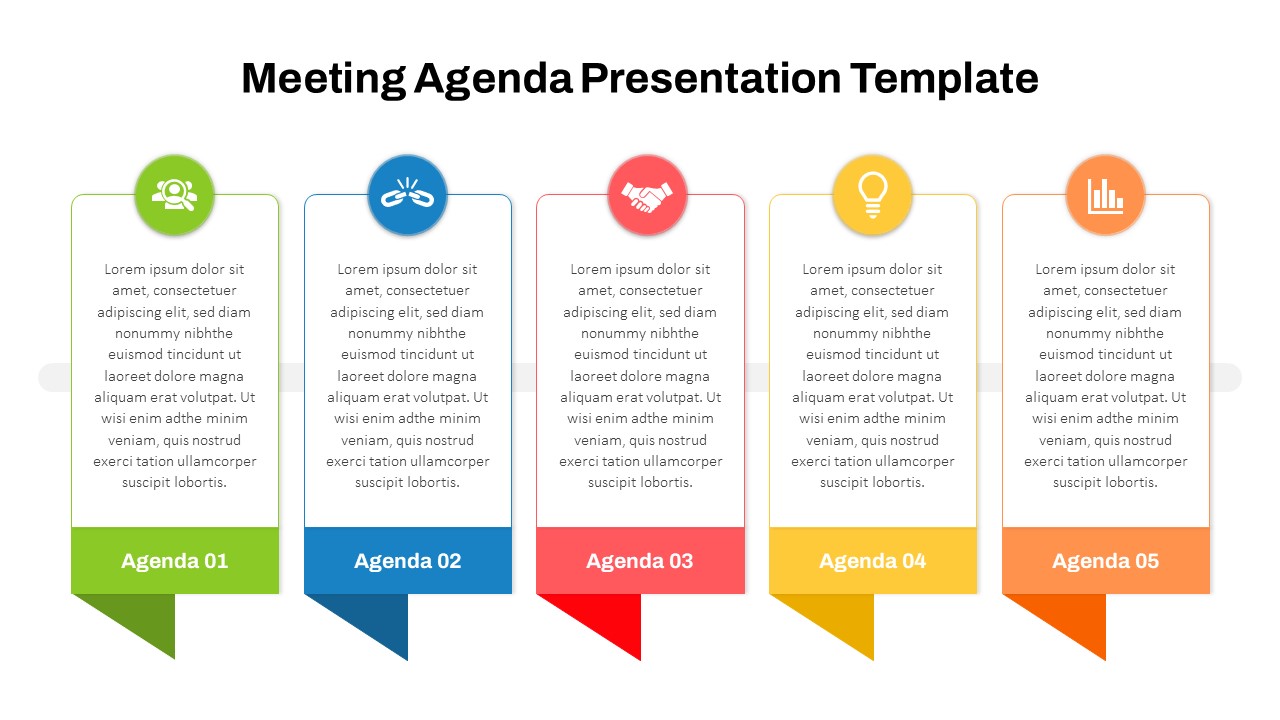
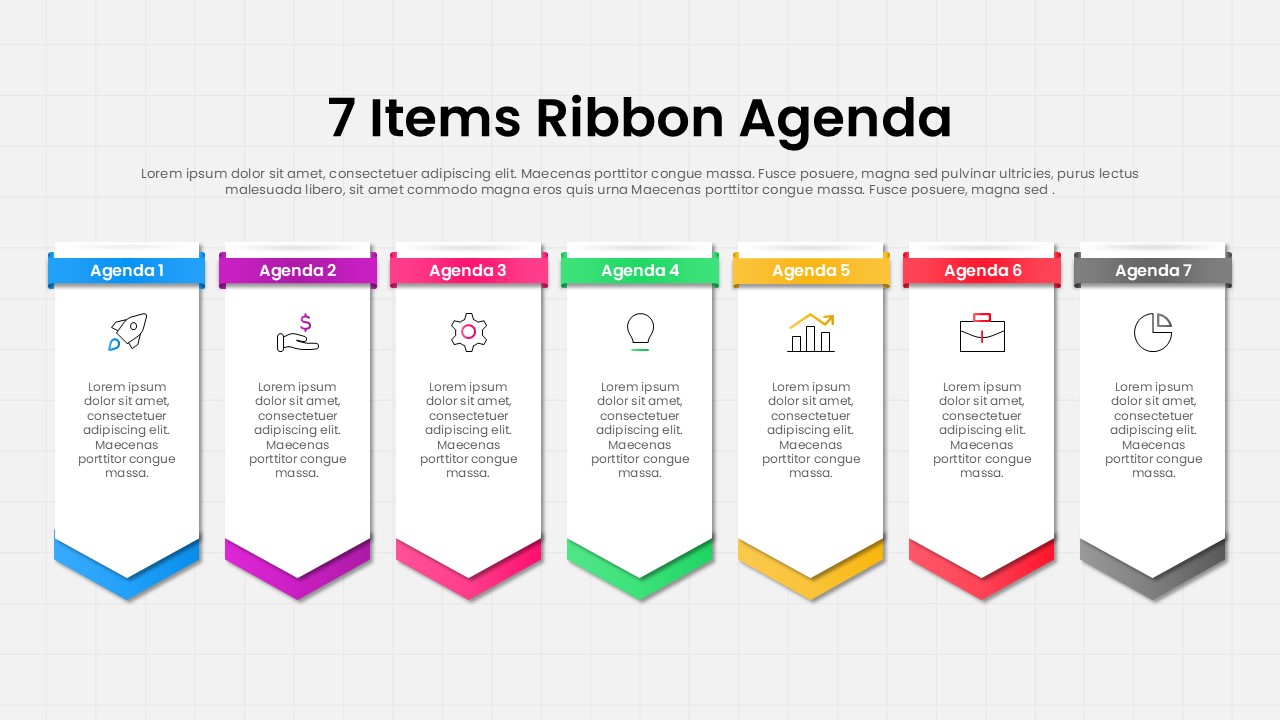
The 7 Items Ribbon Agenda Presentation Template for PowerPoint & Google Slides is a professionally designed agenda slide that helps presenters organize and communicate key discussion points in a structured visual format. Featuring seven vertical ribbon-style sections with distinct colors and icons, this layout makes it easy to present meeting agendas, project milestones, workshop schedules, business priorities, and strategic discussion topics in a clear and engaging manner.
Designed with a clean and modern appearance, the template uses color-coded ribbon banners to separate agenda items while maintaining a consistent visual flow across the slide. Each section provides space for a title, icon, and supporting text, enabling presenters to highlight important information without overwhelming the audience. The balanced layout improves readability and helps viewers quickly understand the sequence of topics.
This is fully editable and suitable for corporate presentations, educational sessions, training programs, project kickoffs, conference agendas, and team meetings. Users can easily customize colors, text, icons, and content to match branding requirements and presentation objectives. Whether introducing a multi-step process, outlining a workshop schedule, or presenting a business meeting agenda, the template delivers a professional and organized visual structure that enhances audience engagement and presentation clarity.
Features of this template
- Seven ribbon-style agenda sections for structured content presentation
- Color-coded layout for improved visual organization
- Space for icons, titles, and supporting descriptions
- Fully editable text, colors, and graphics
- Suitable for PowerPoint and Google Slides
- Clean design optimized for business and educational use
Why use this template
- Present multiple agenda points in a logical sequence
- Improve audience understanding and meeting flow
- Enhance presentation professionalism and readability
- Save time when creating agenda and planning slides
- Adapt easily for various industries and presentation purposes
Who is it for
Project managers, business professionals, consultants, trainers, educators, team leaders, conference organizers, and anyone who needs to present structured agendas, schedules, meeting topics, or step-by-step discussion points in a visually organized format.
See more

Aspect Ratio
16:9Item ID
SKT04555


FAQs
You May Also Like These Presentation Templates

- Free
- Free
- Free


- Free
- Free