7 Steps Circular Arrows Infographic Template for PowerPoint and Google Slides
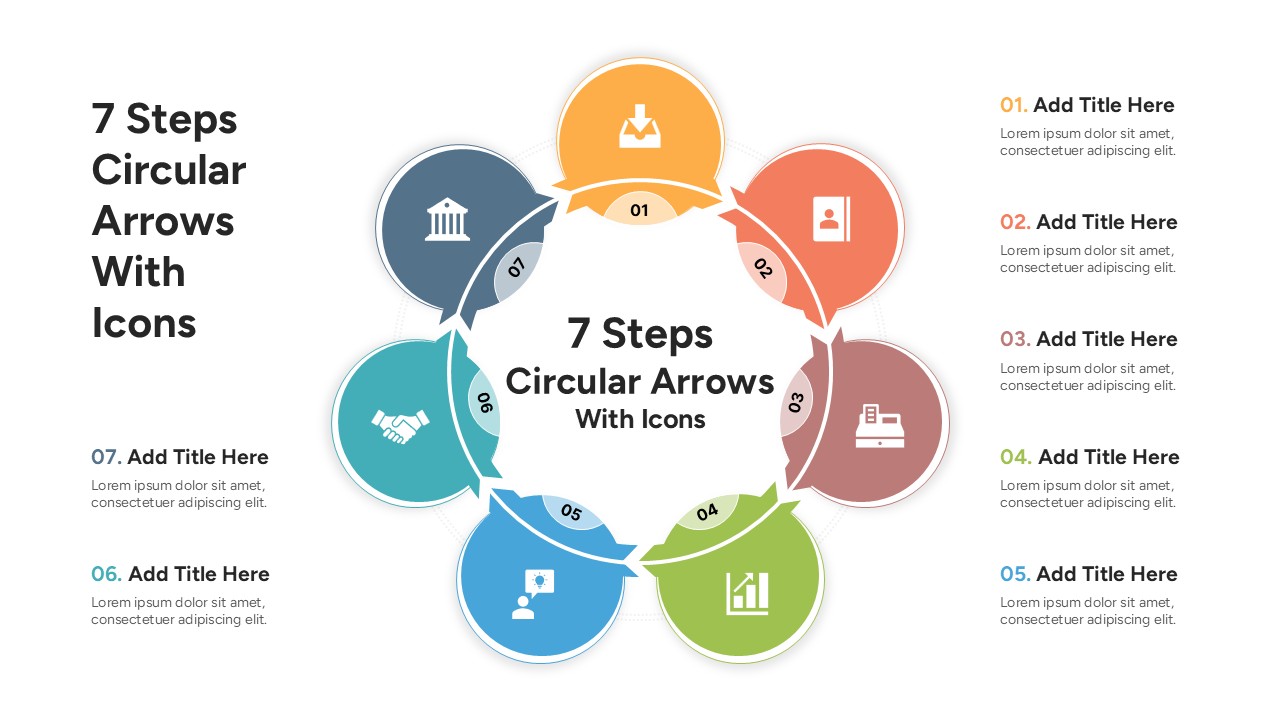
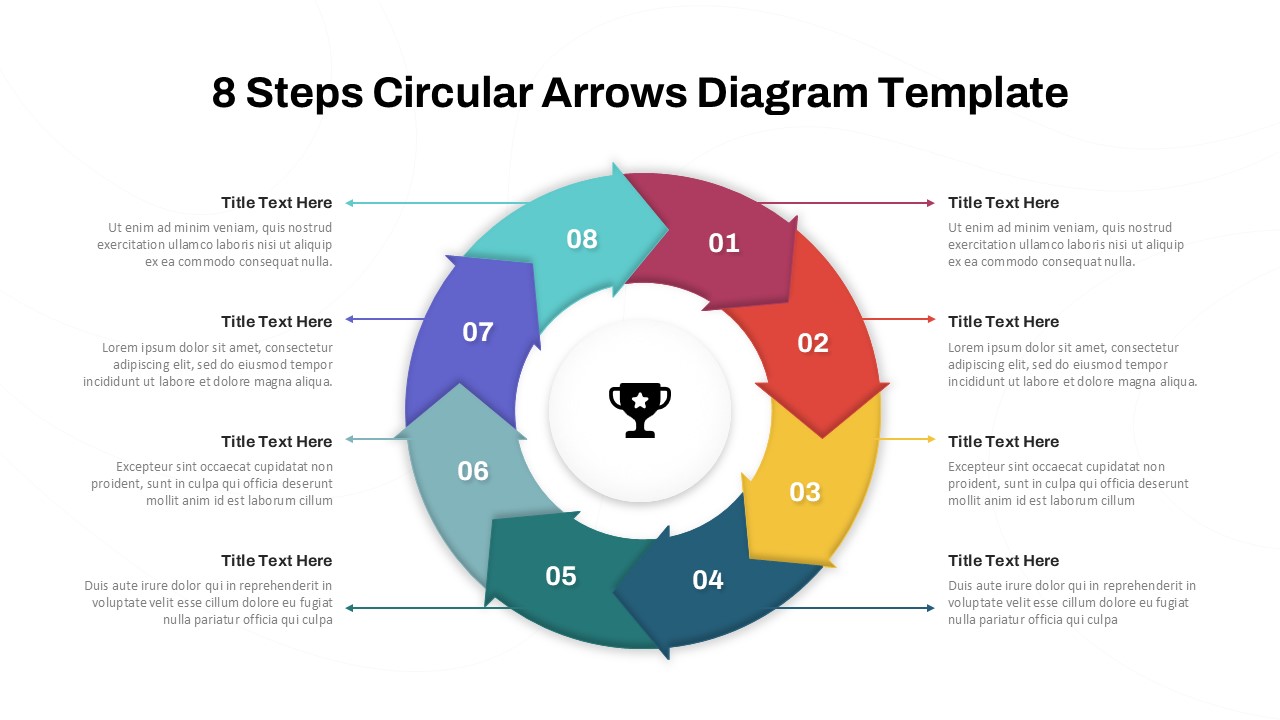
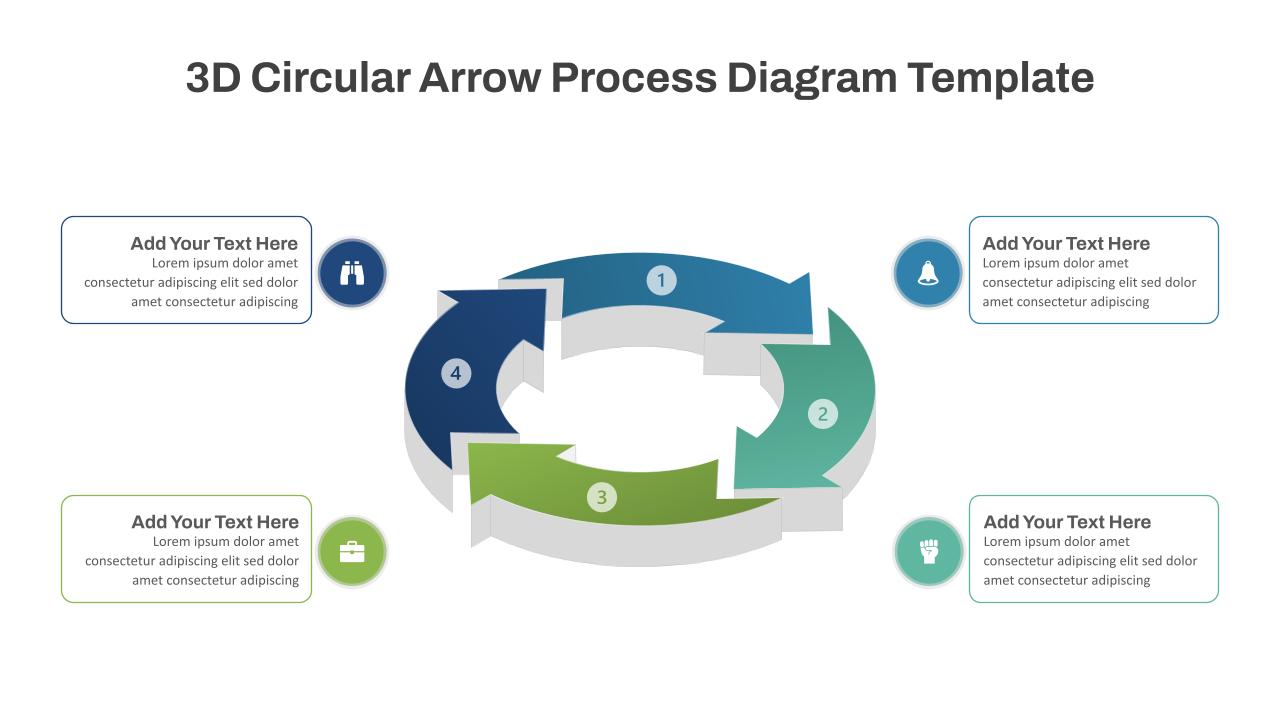
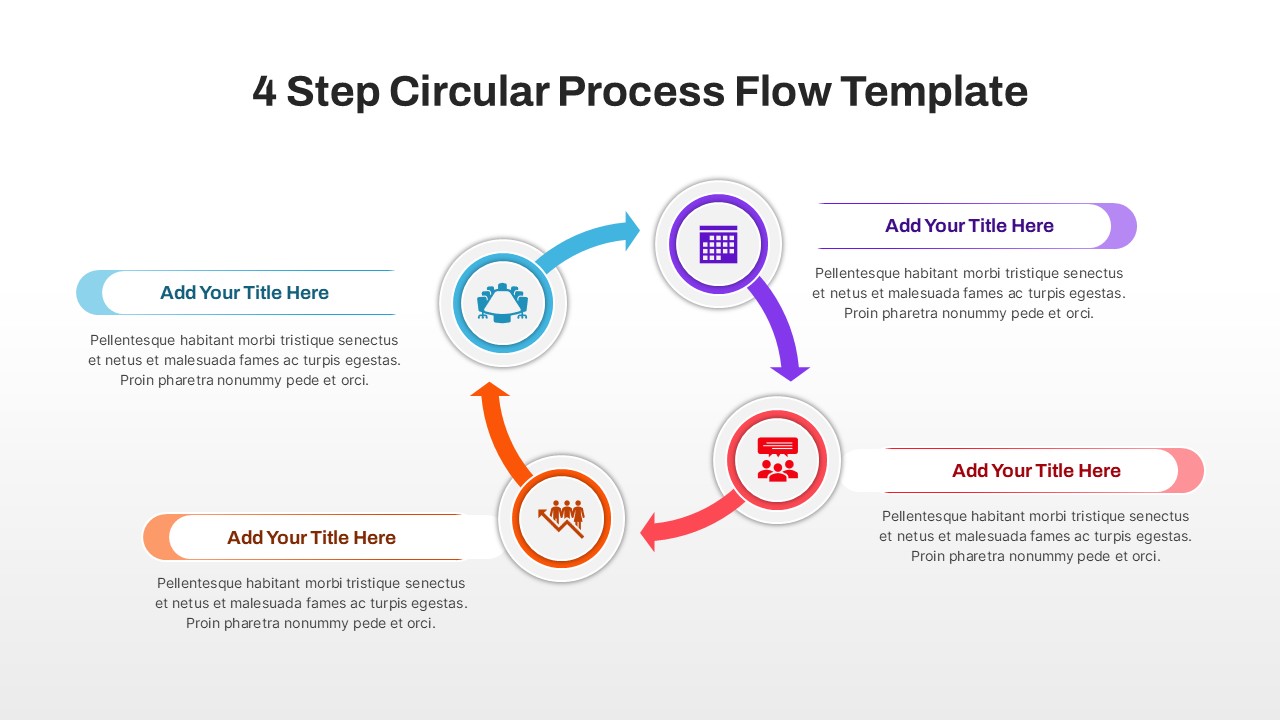
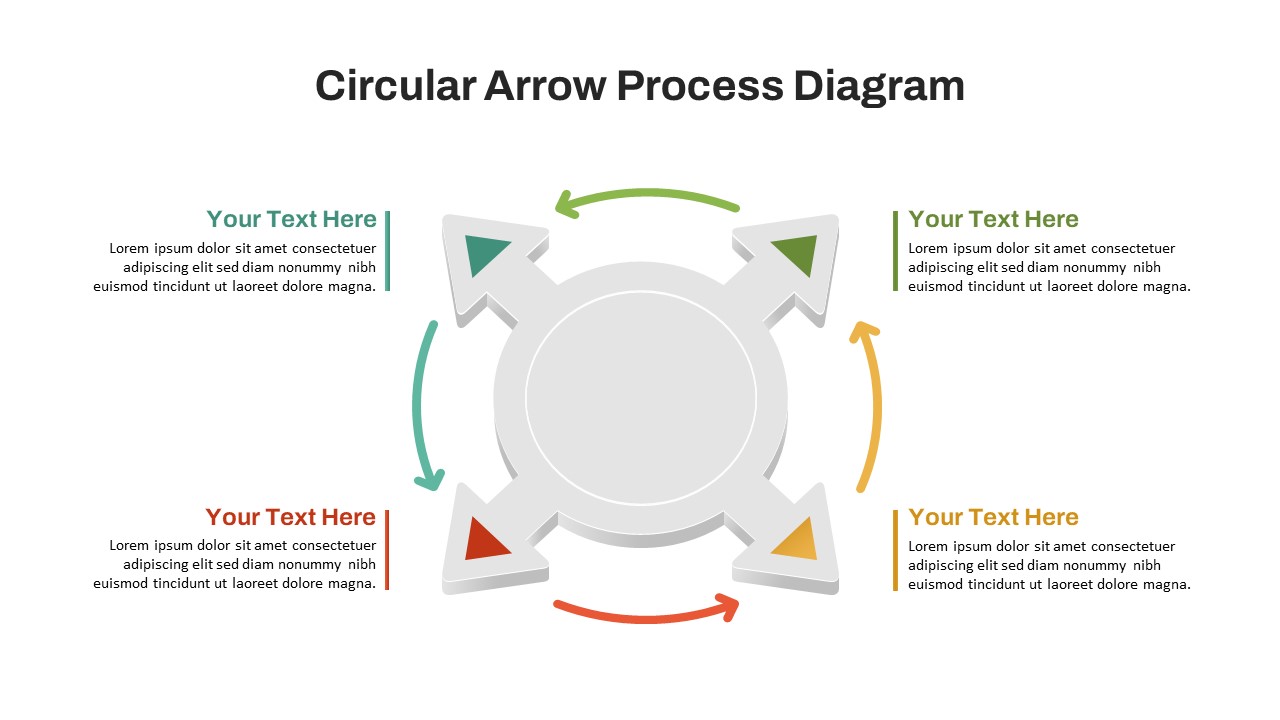
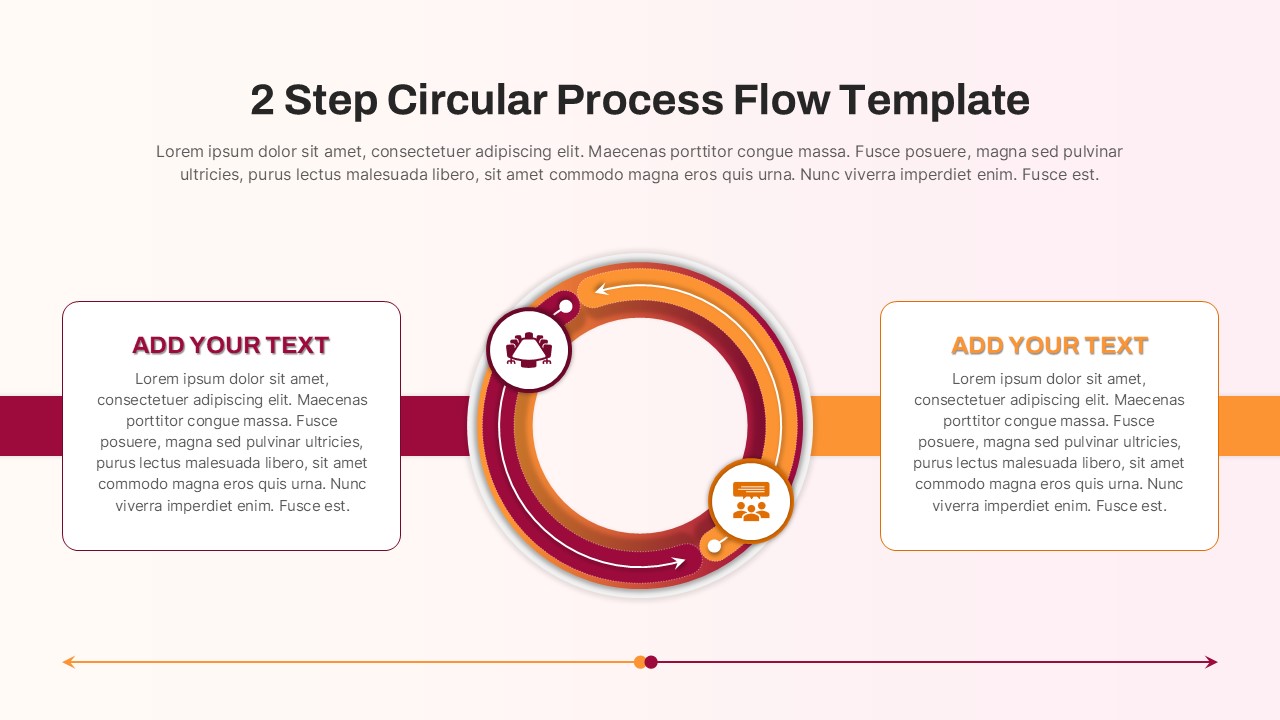
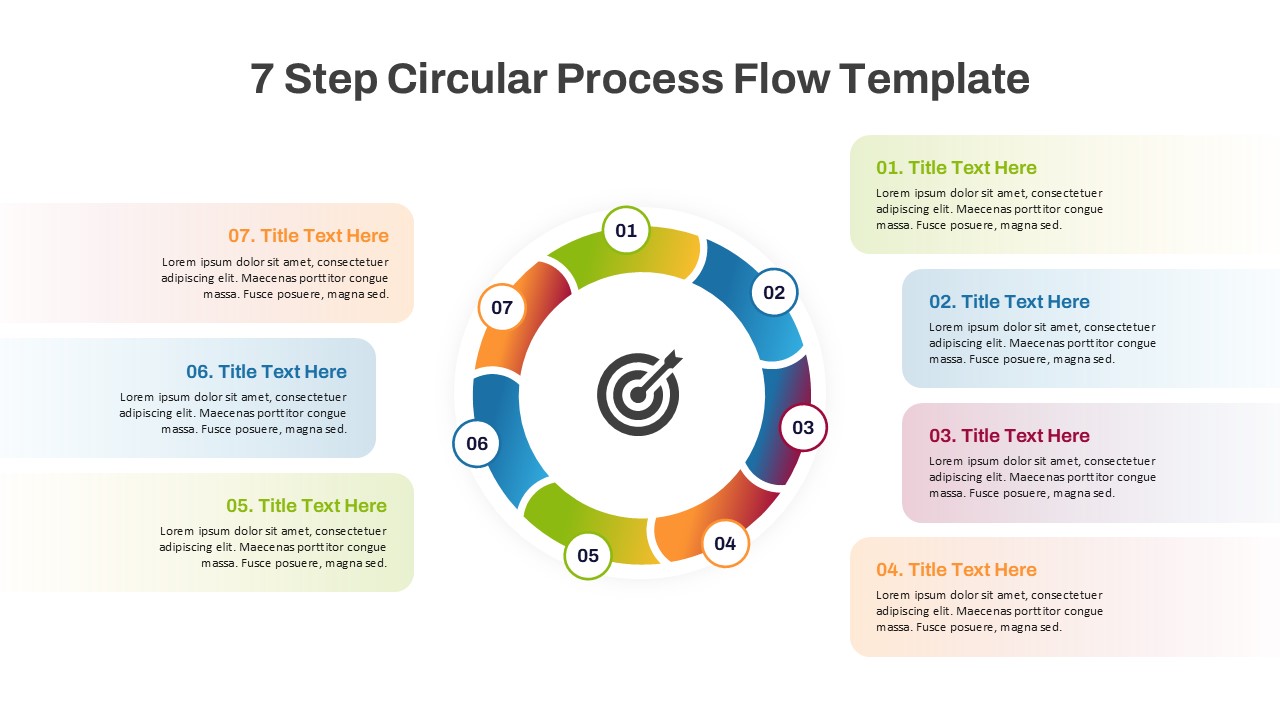
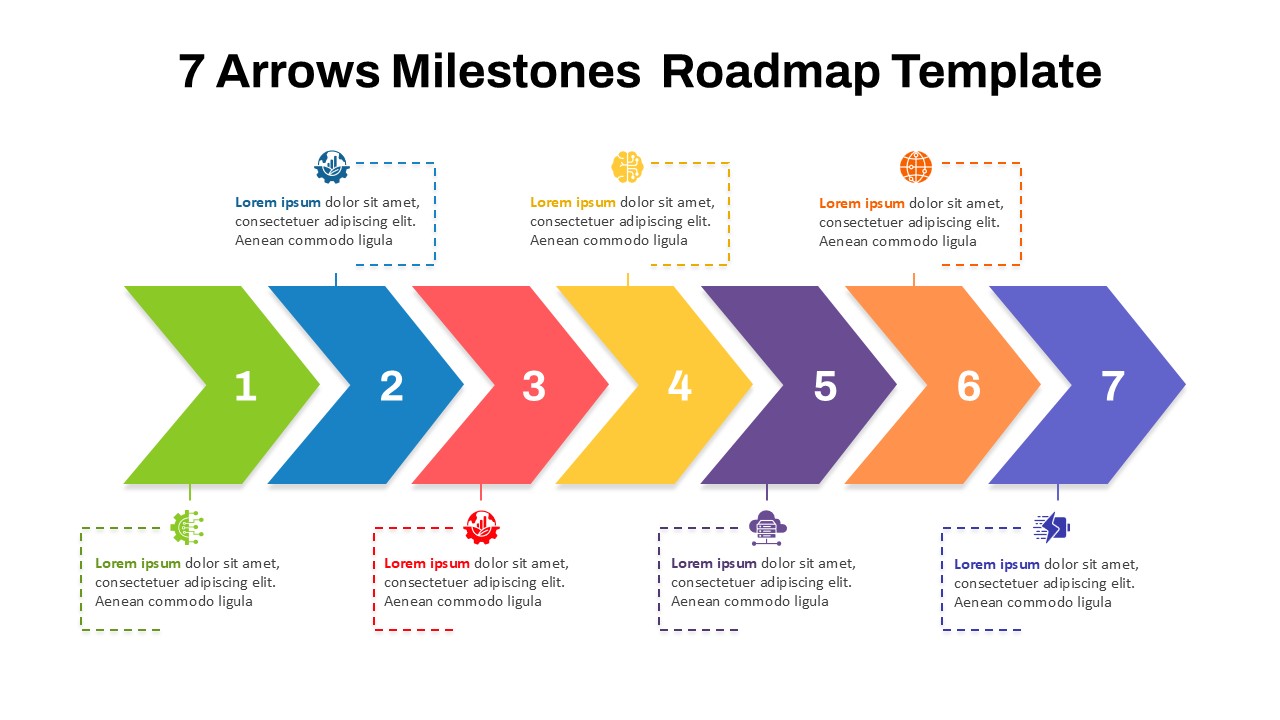
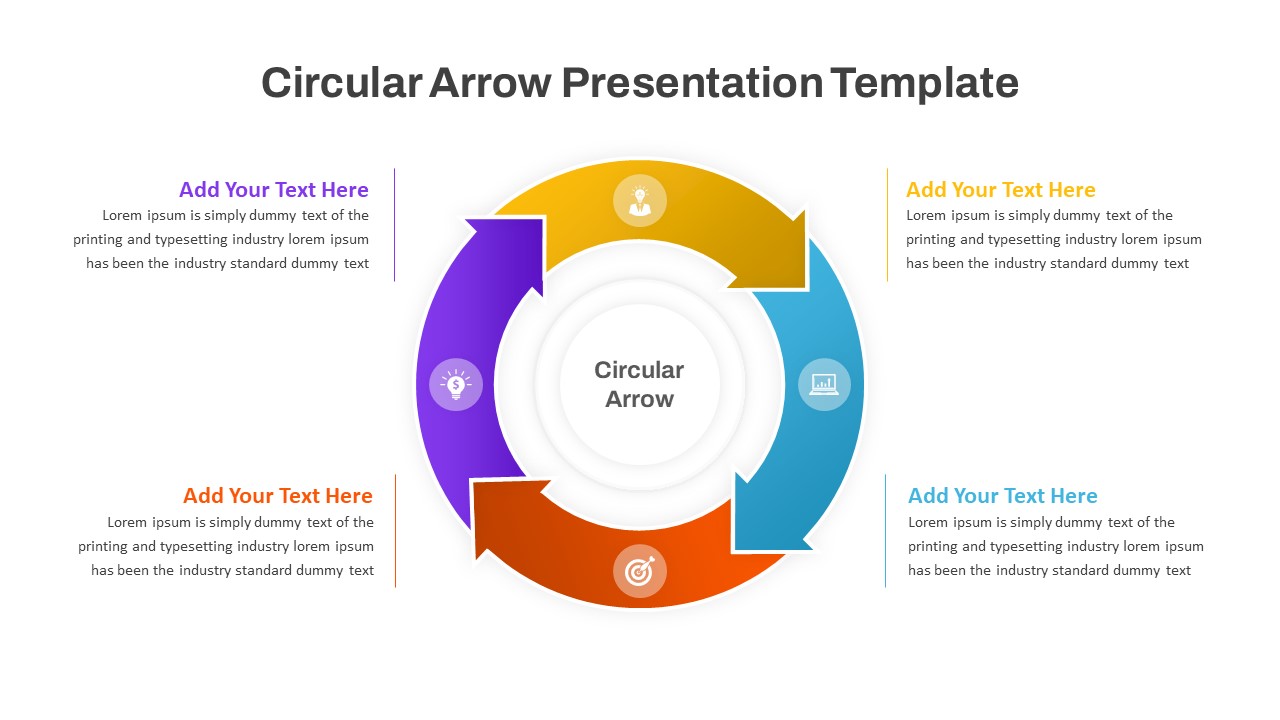
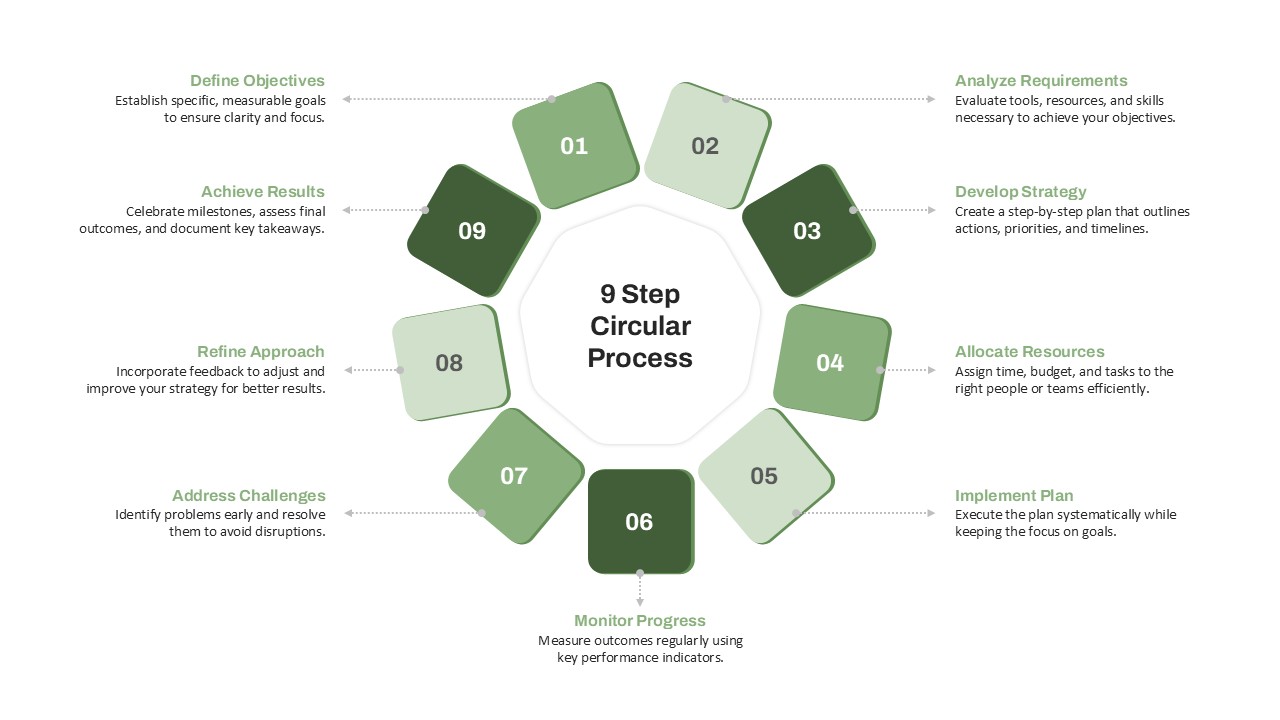
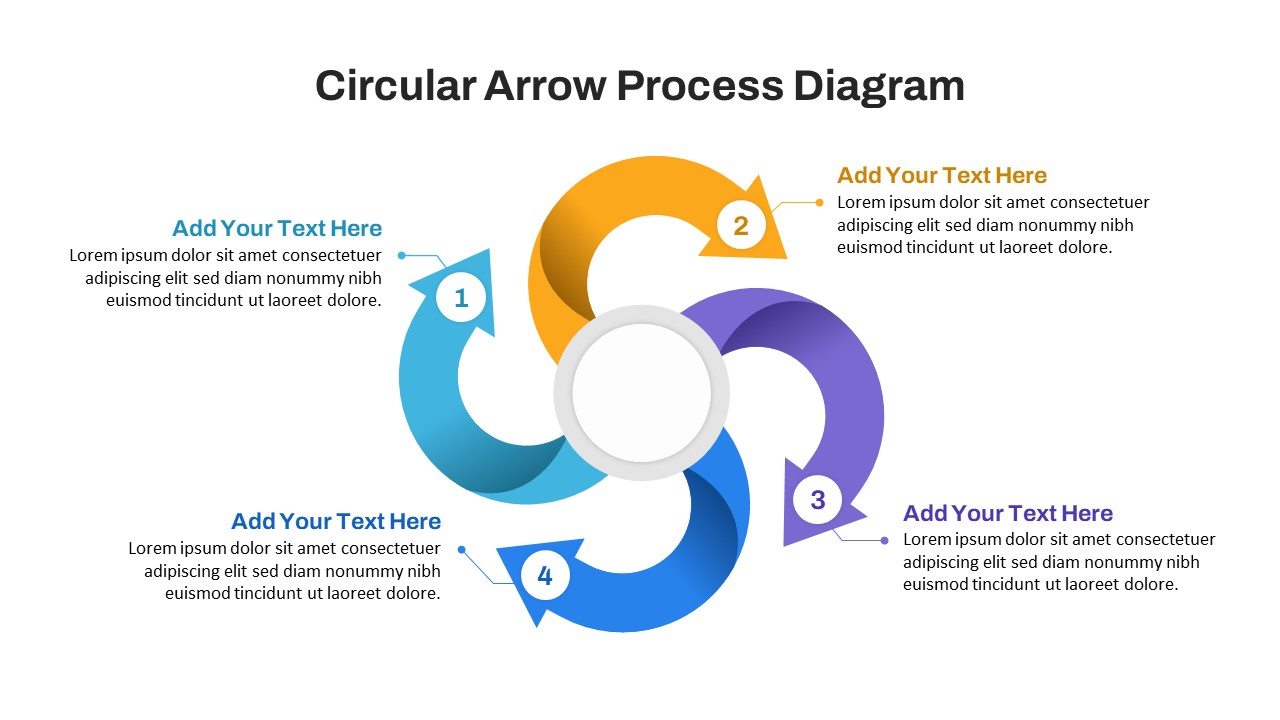
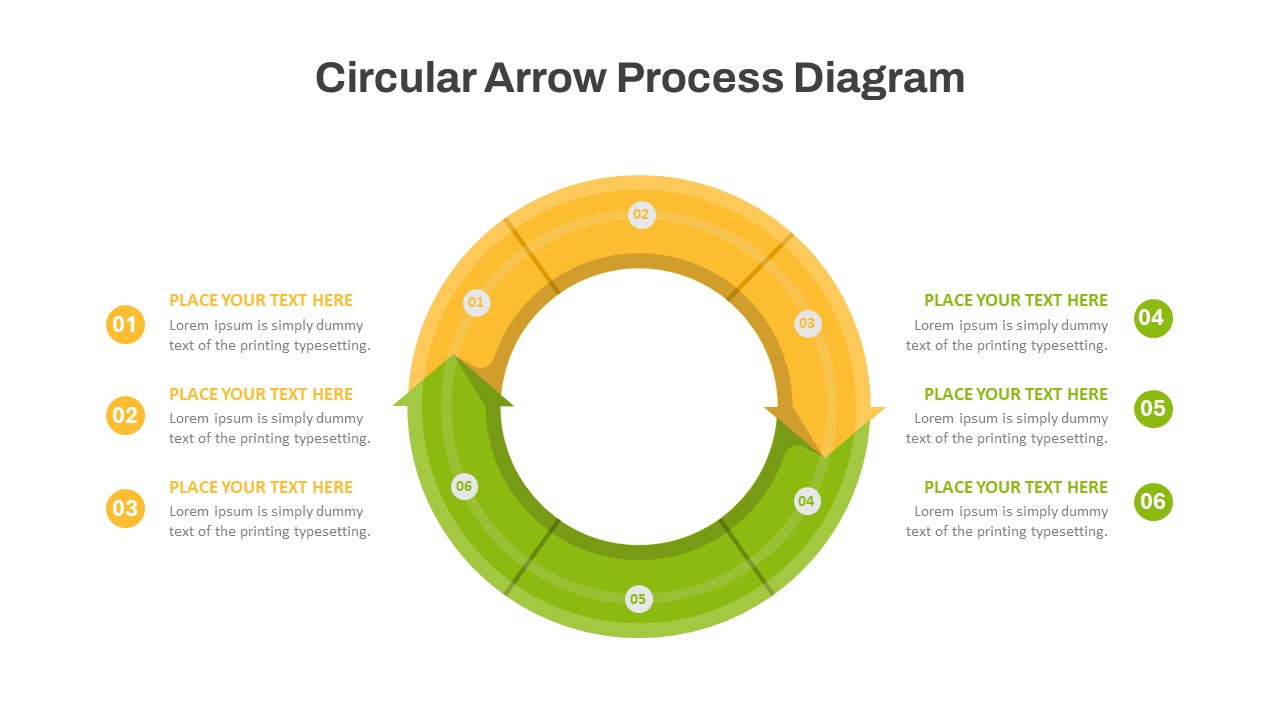
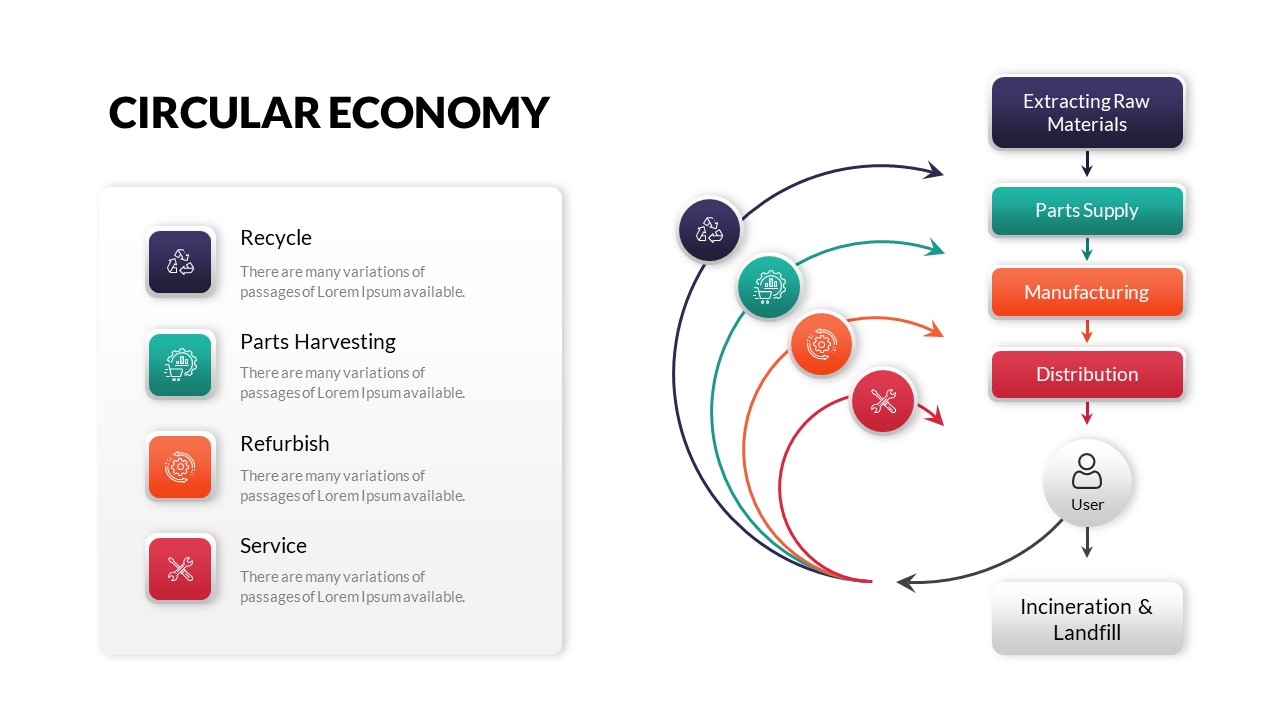
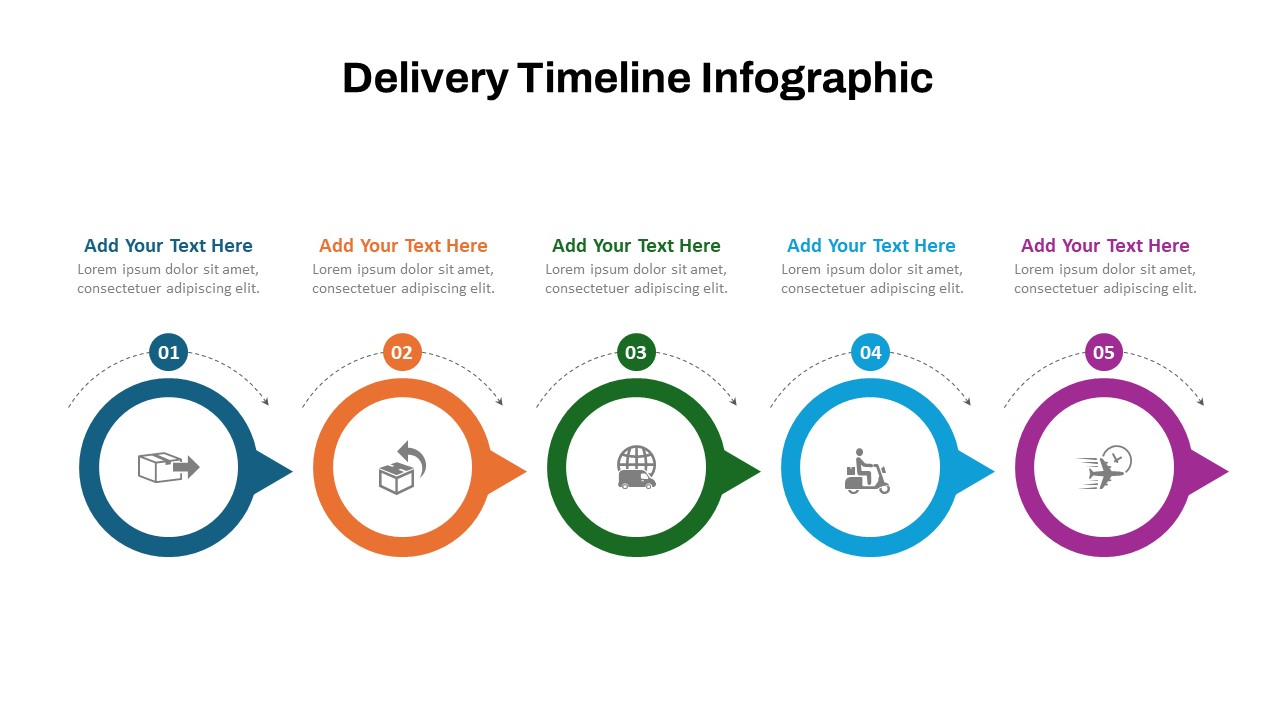
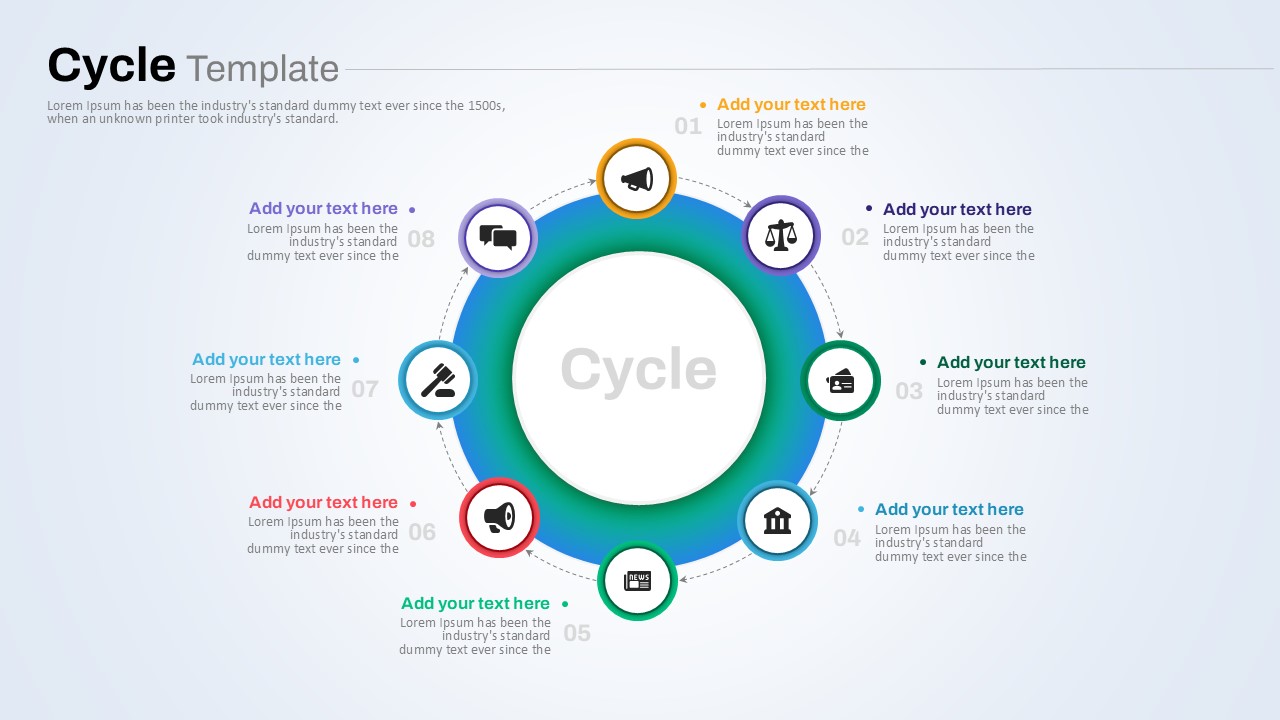
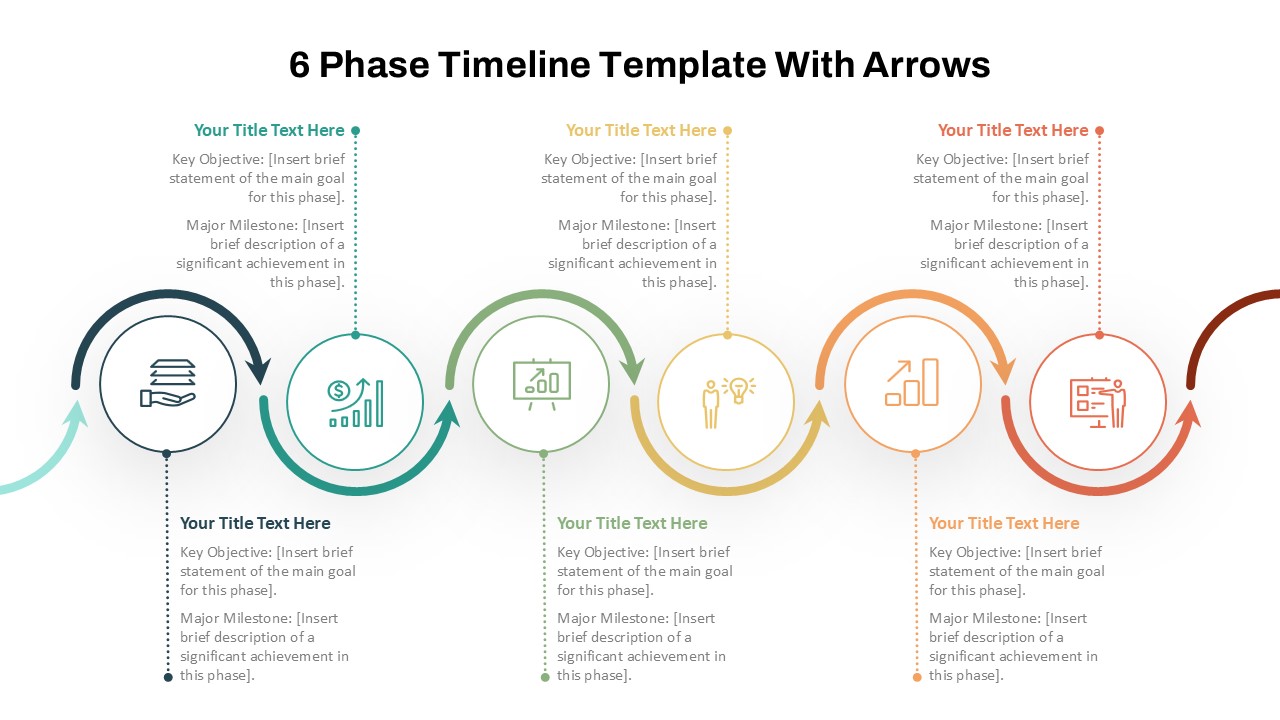
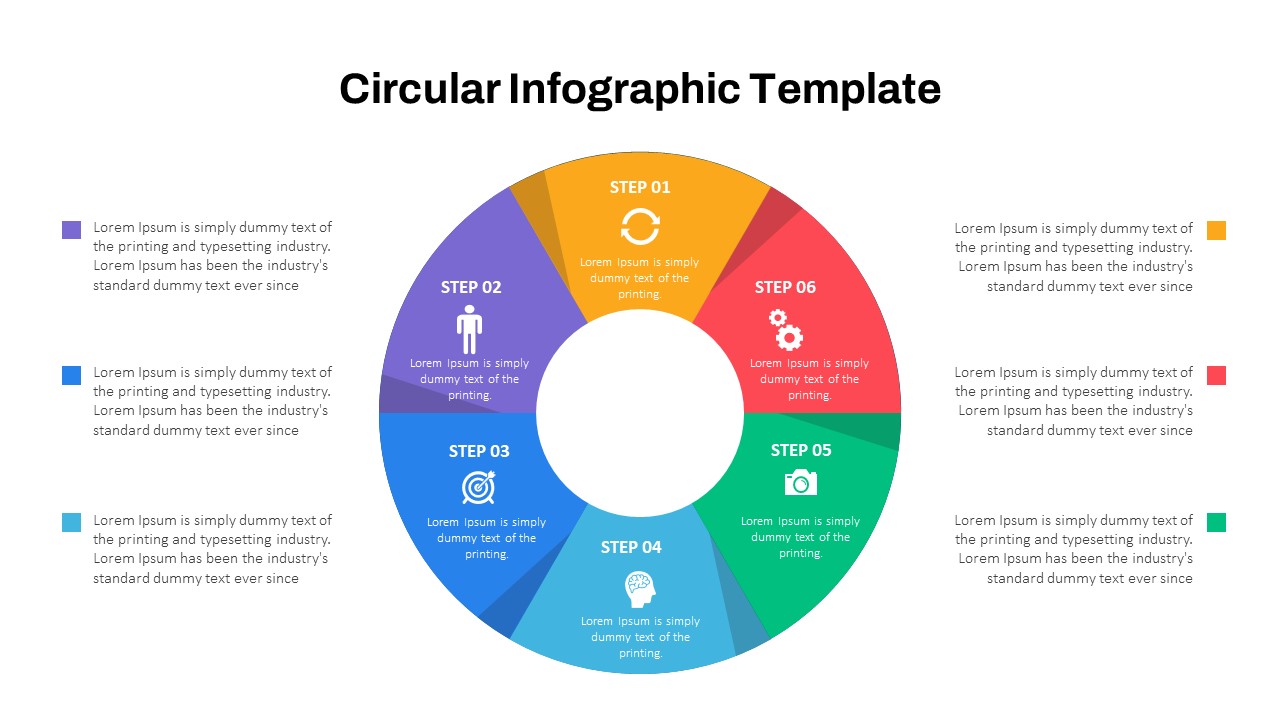
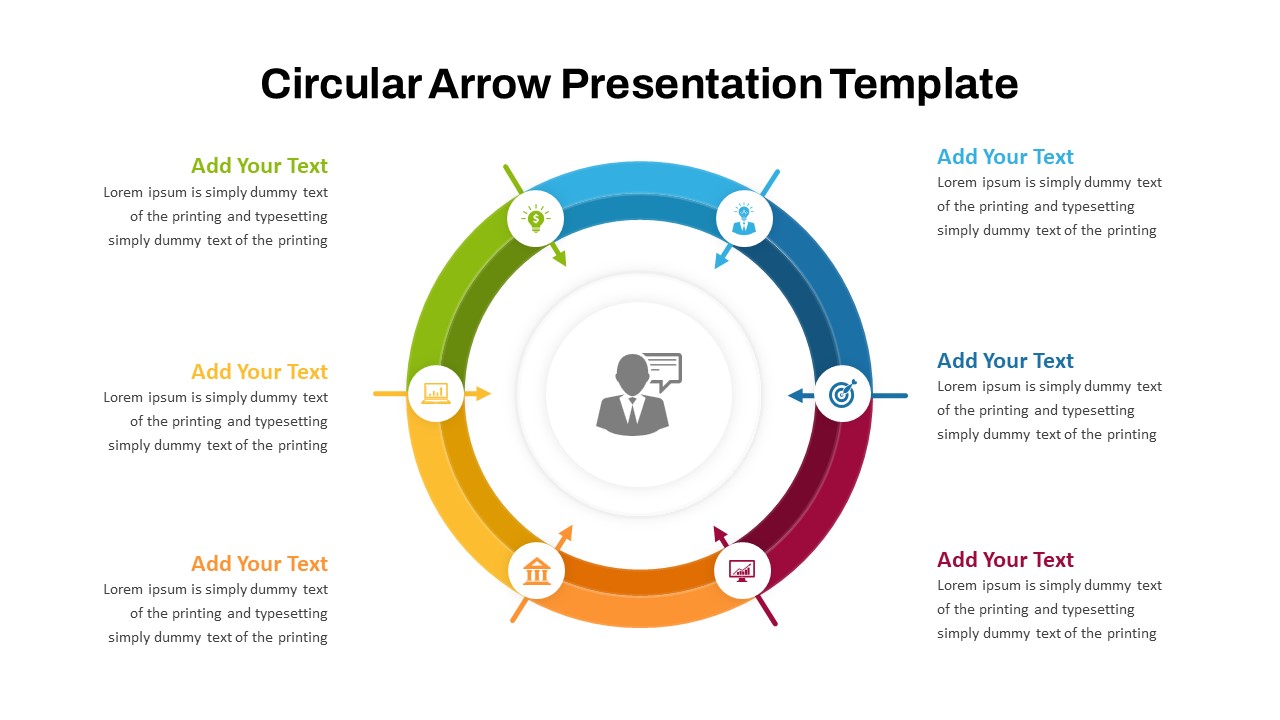
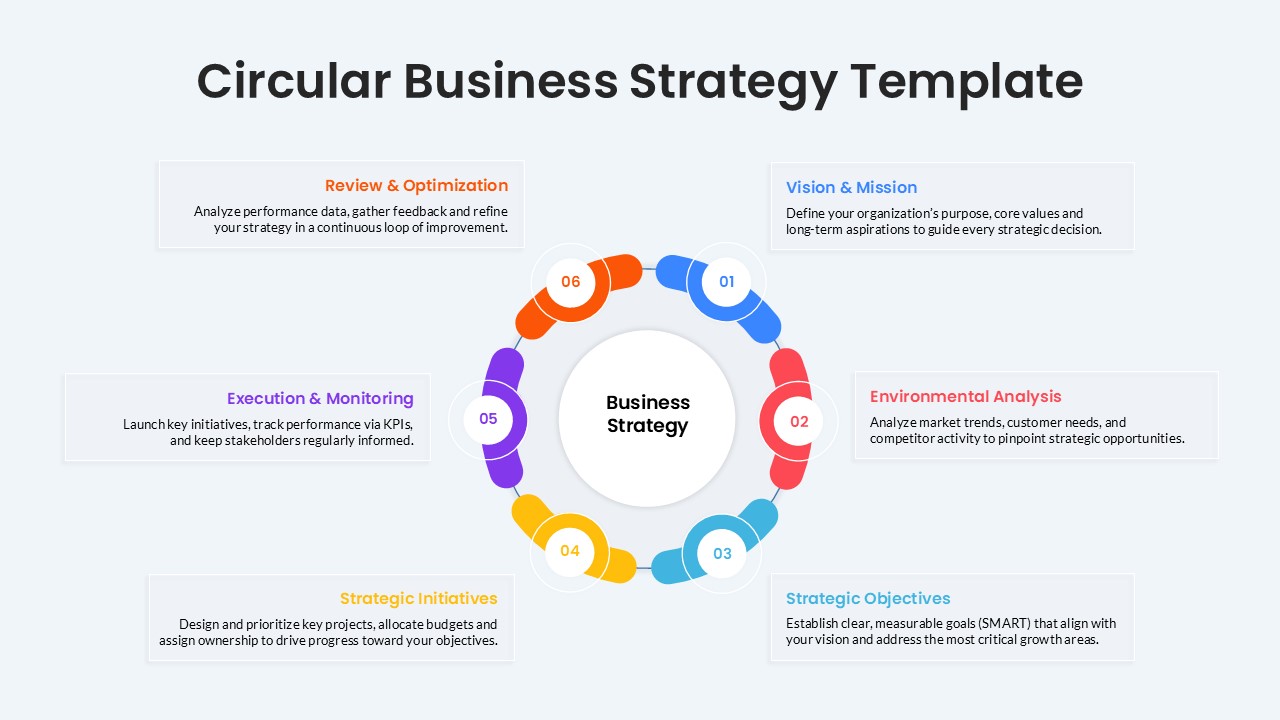
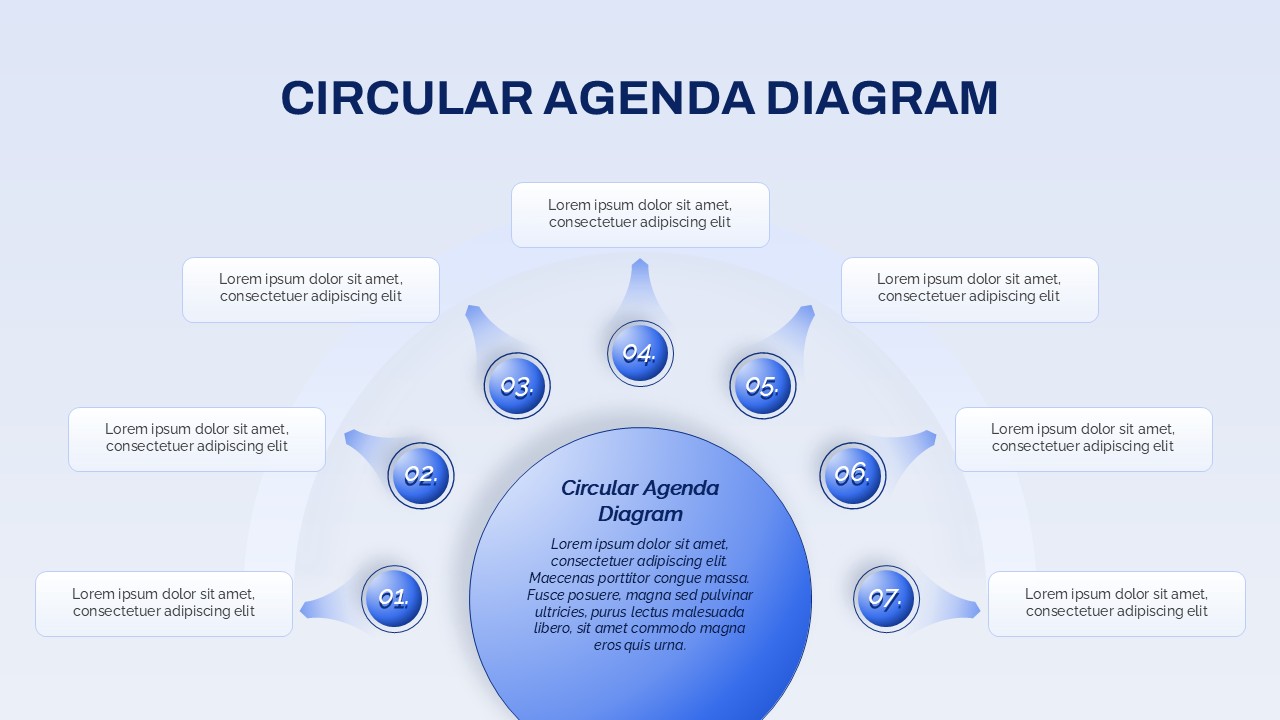
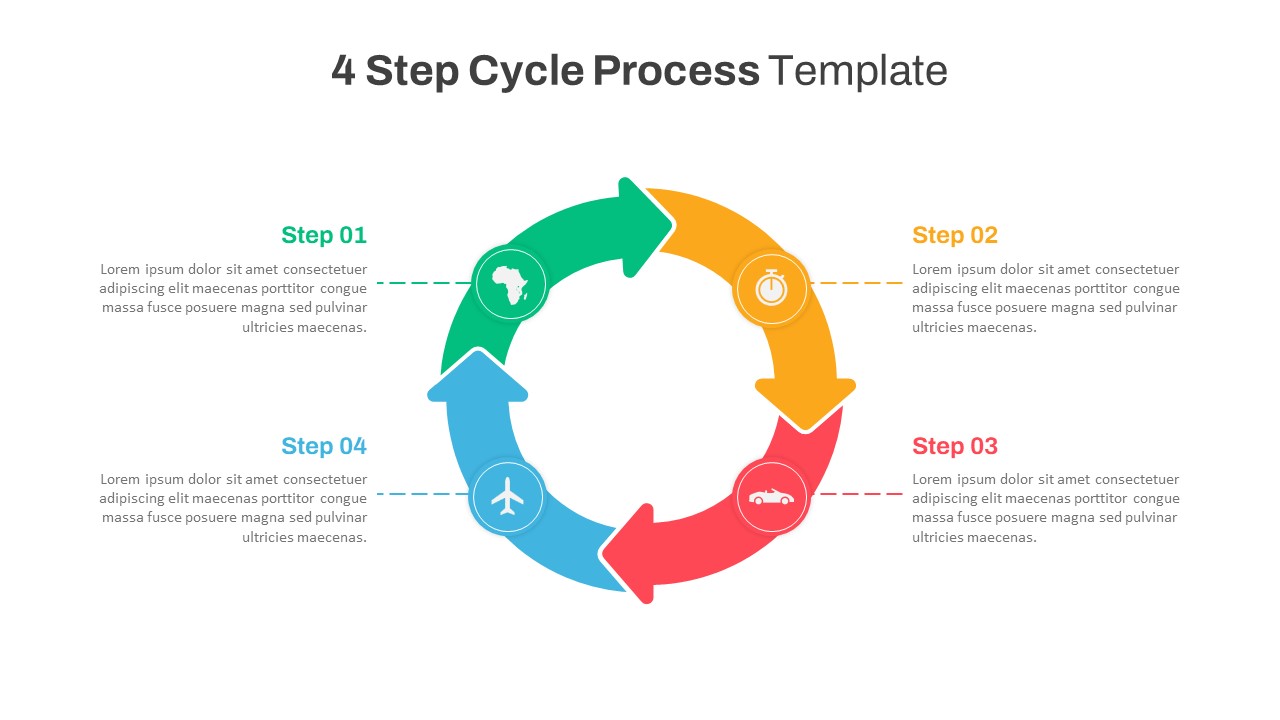
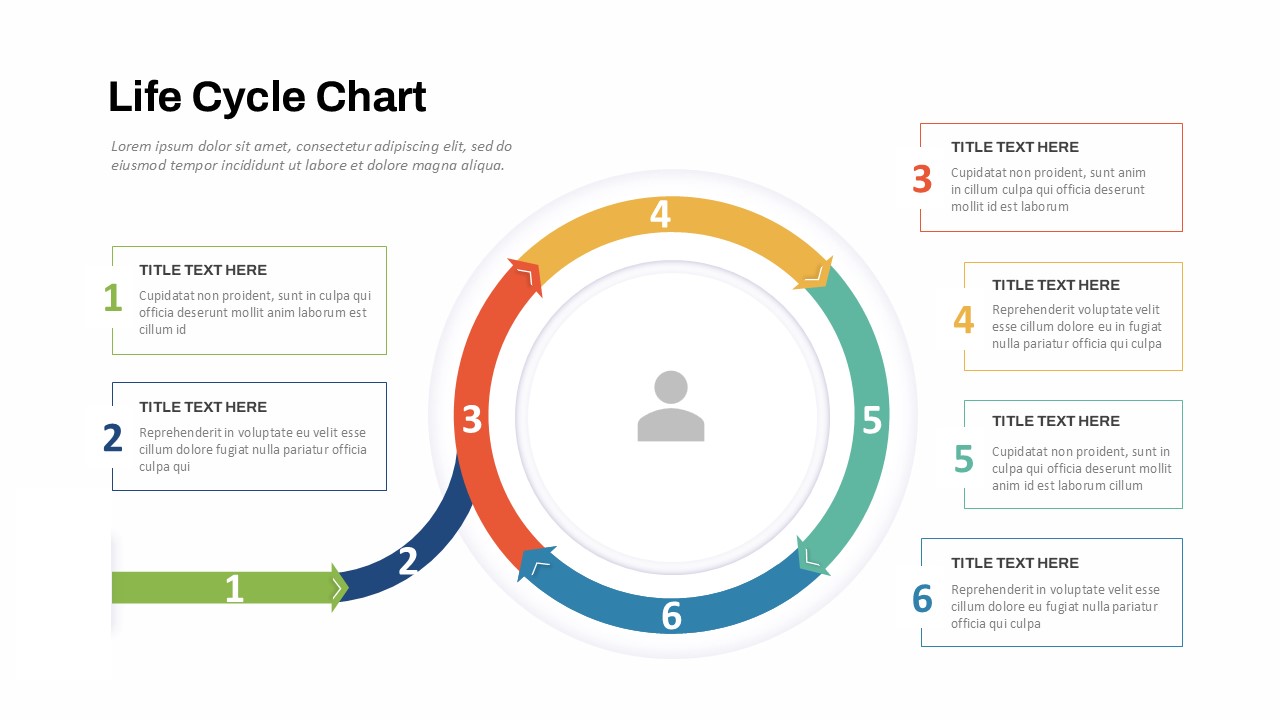
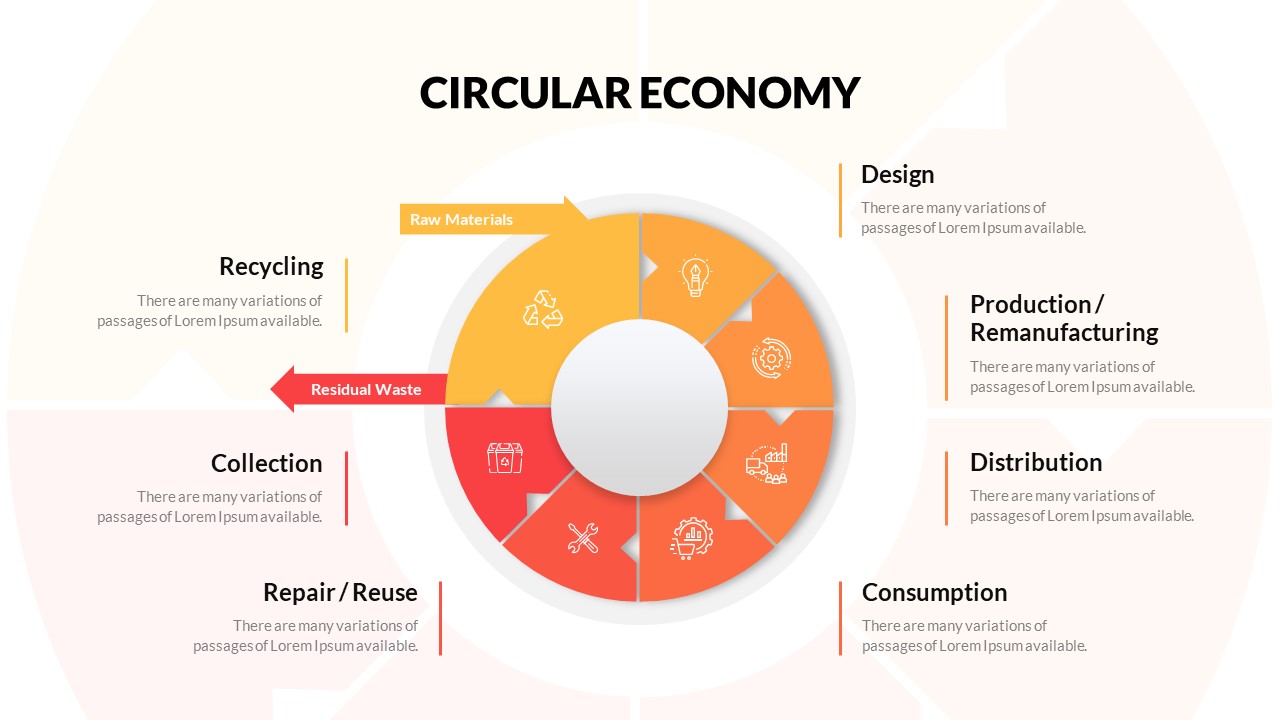
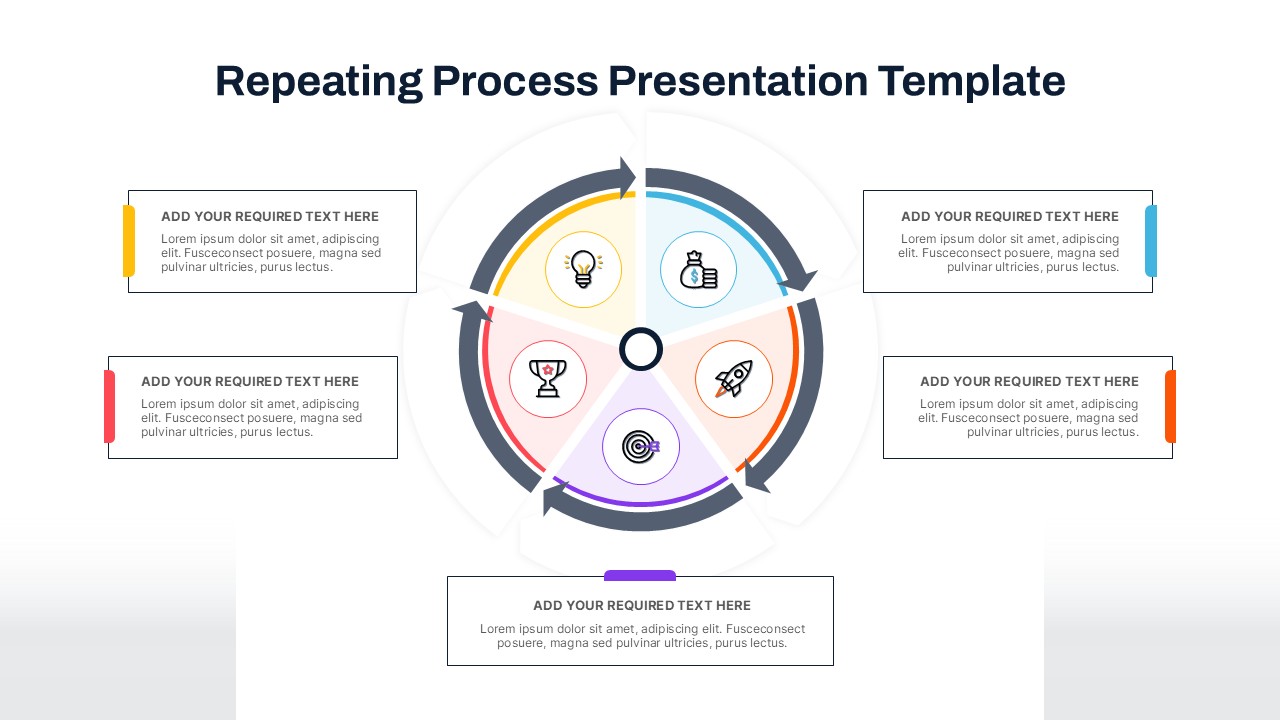
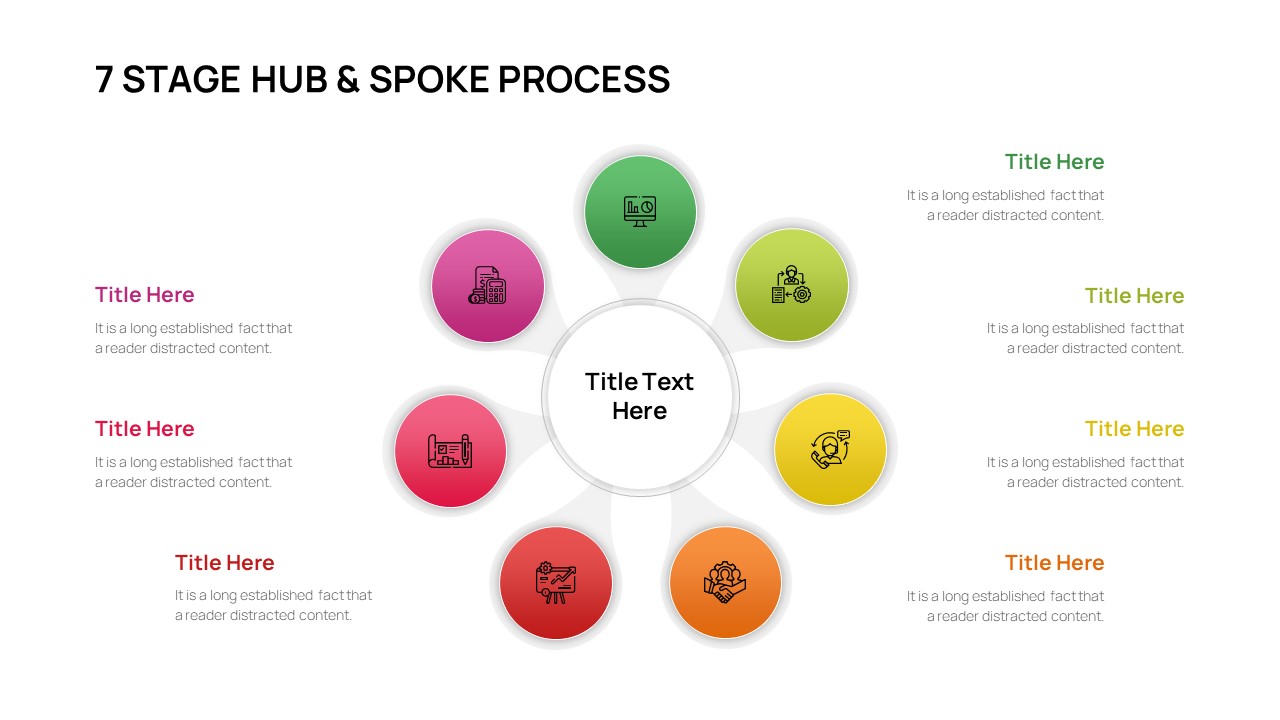
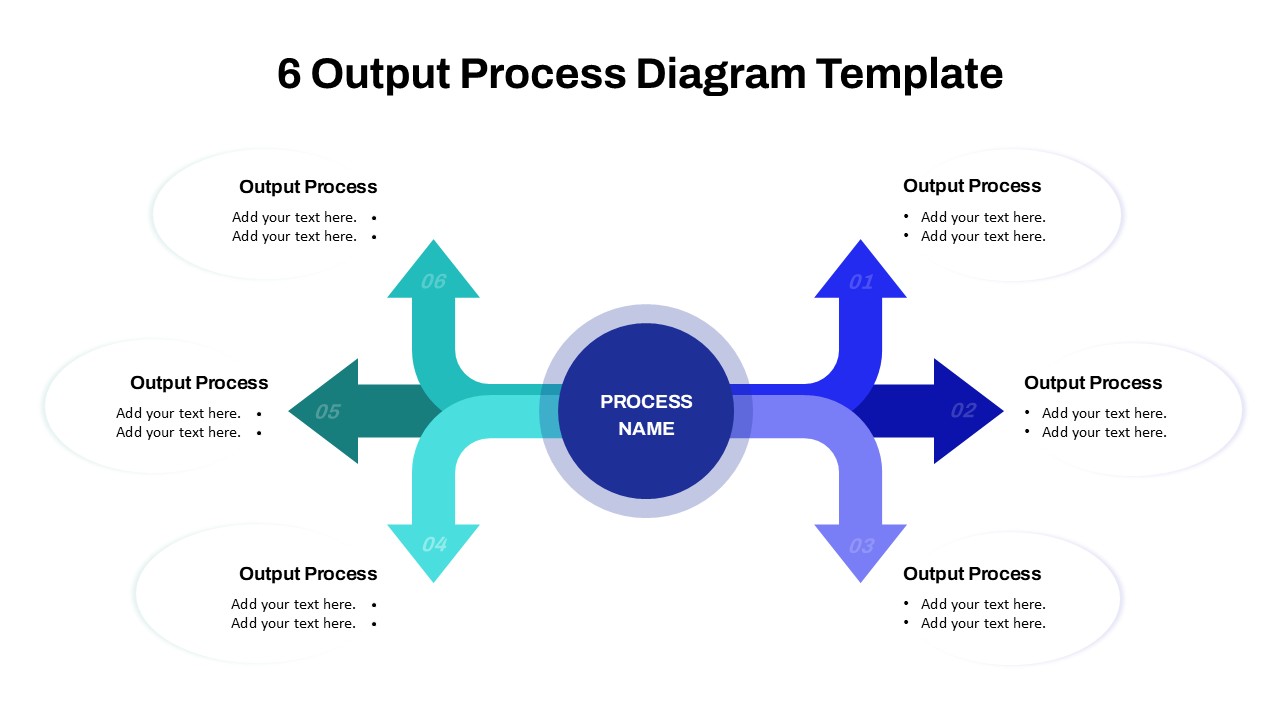
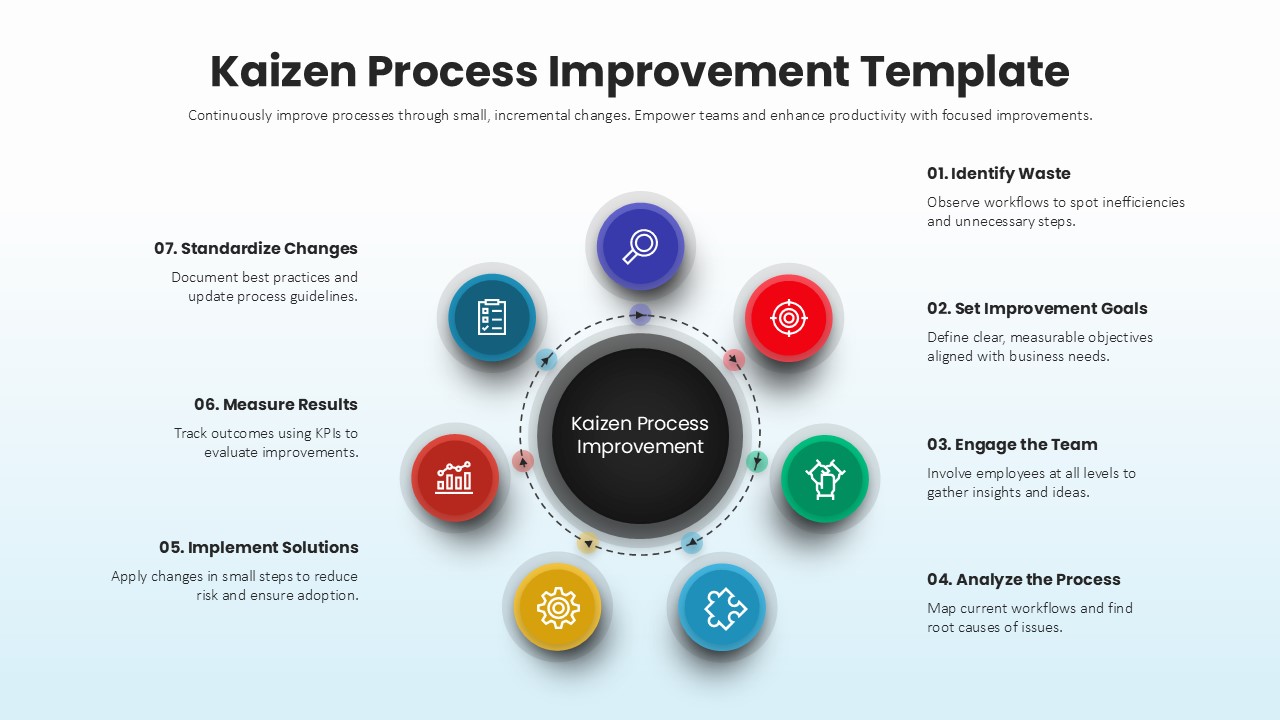
Visualize your workflow, process, or business strategy with precision using this 7 Steps Circular Arrows Infographic Template, compatible with PowerPoint and Google Slides. Designed for clarity and impact, this template features a clean circular layout divided into seven color-coded segments, each represented with an intuitive icon and space for text descriptions.
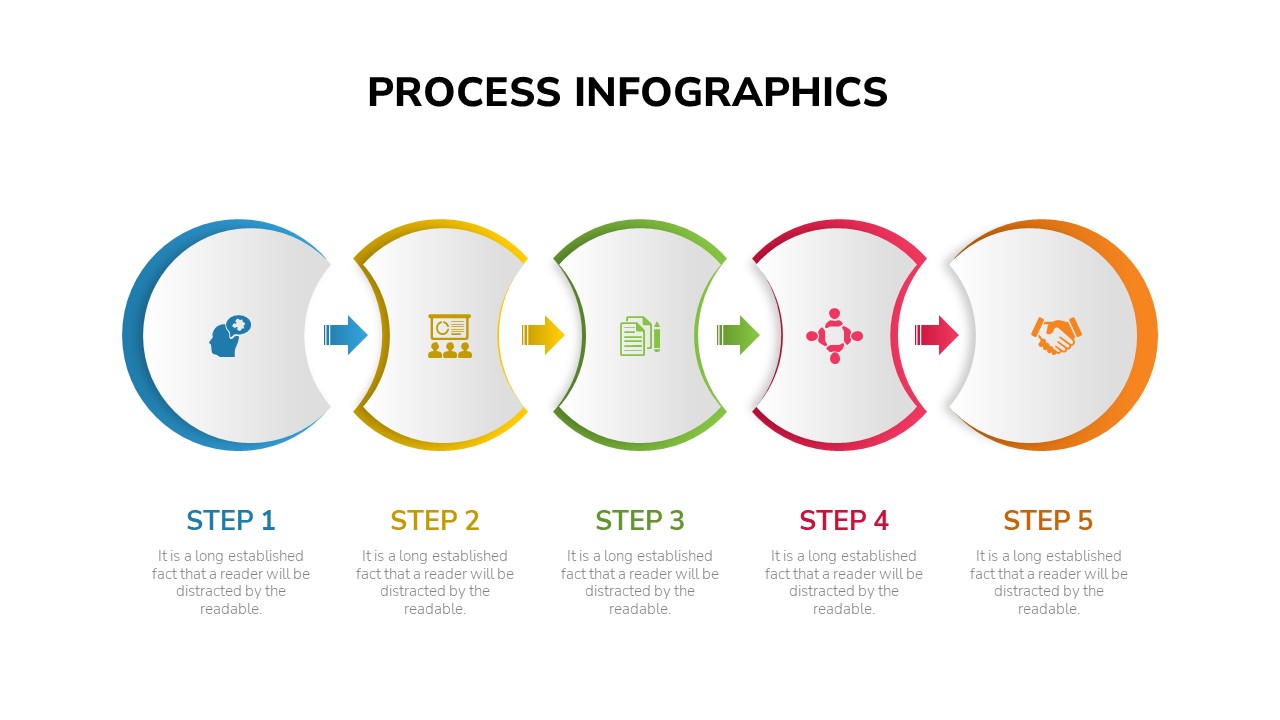
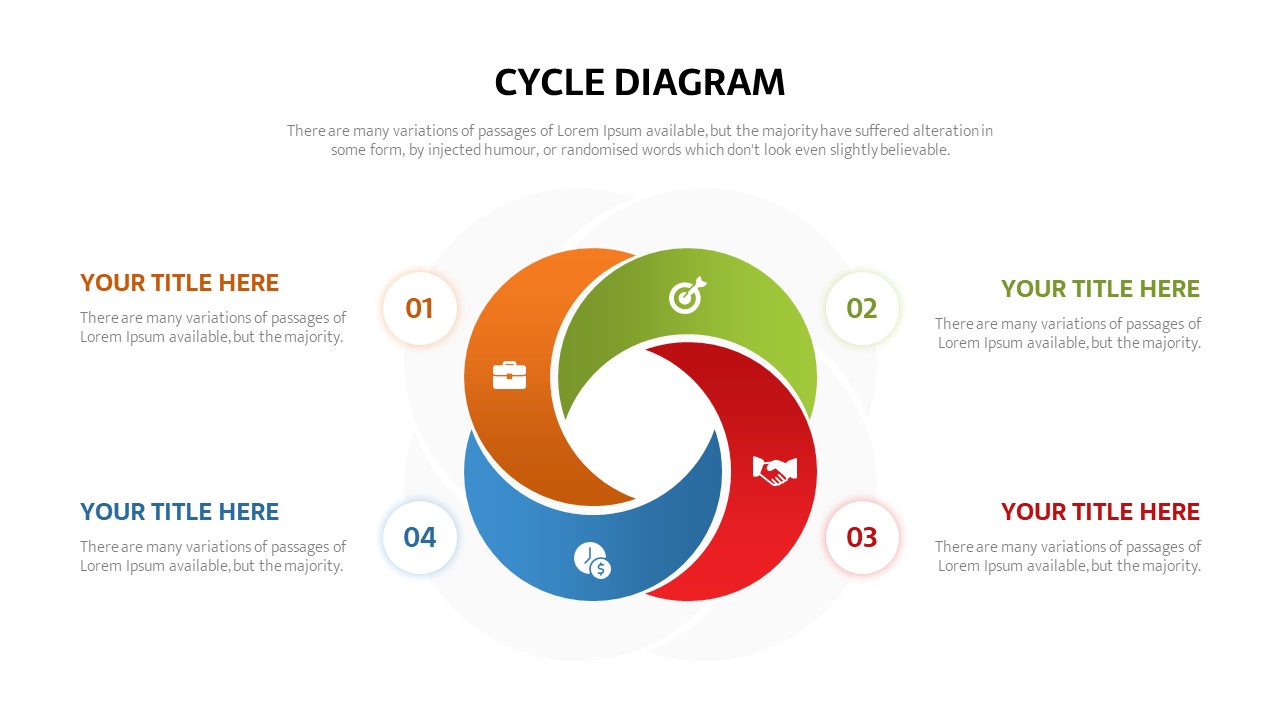
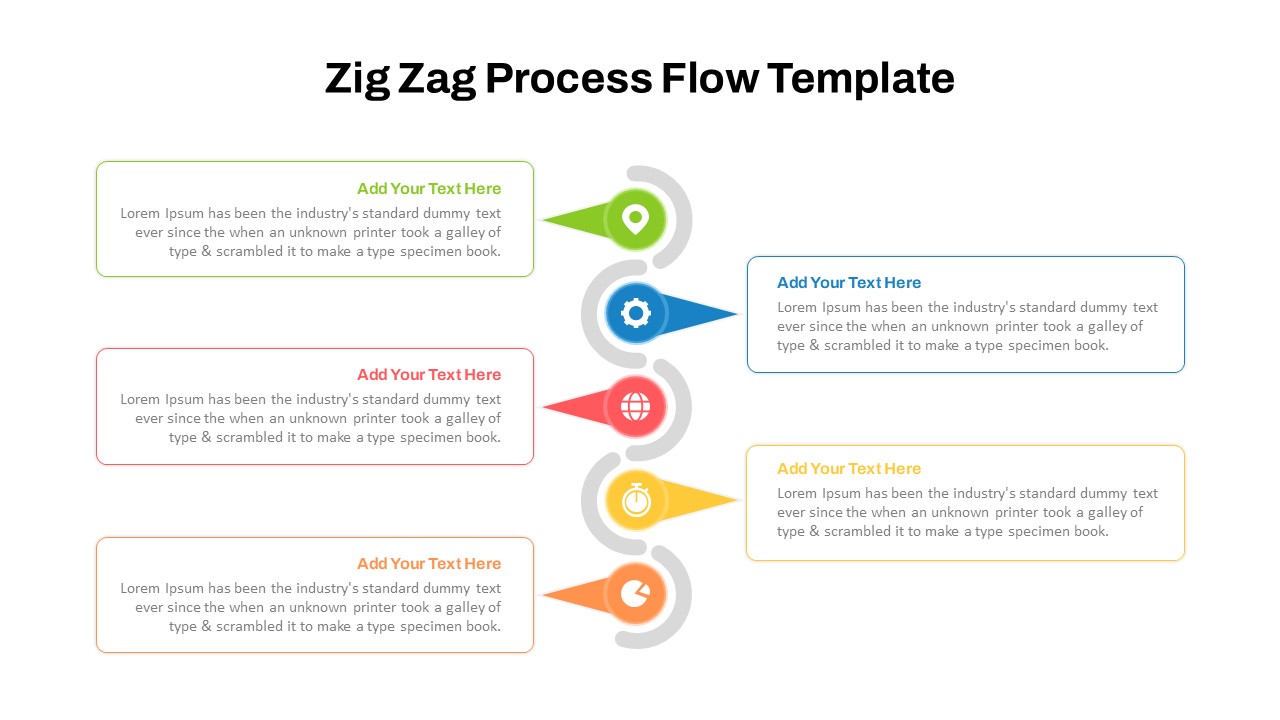
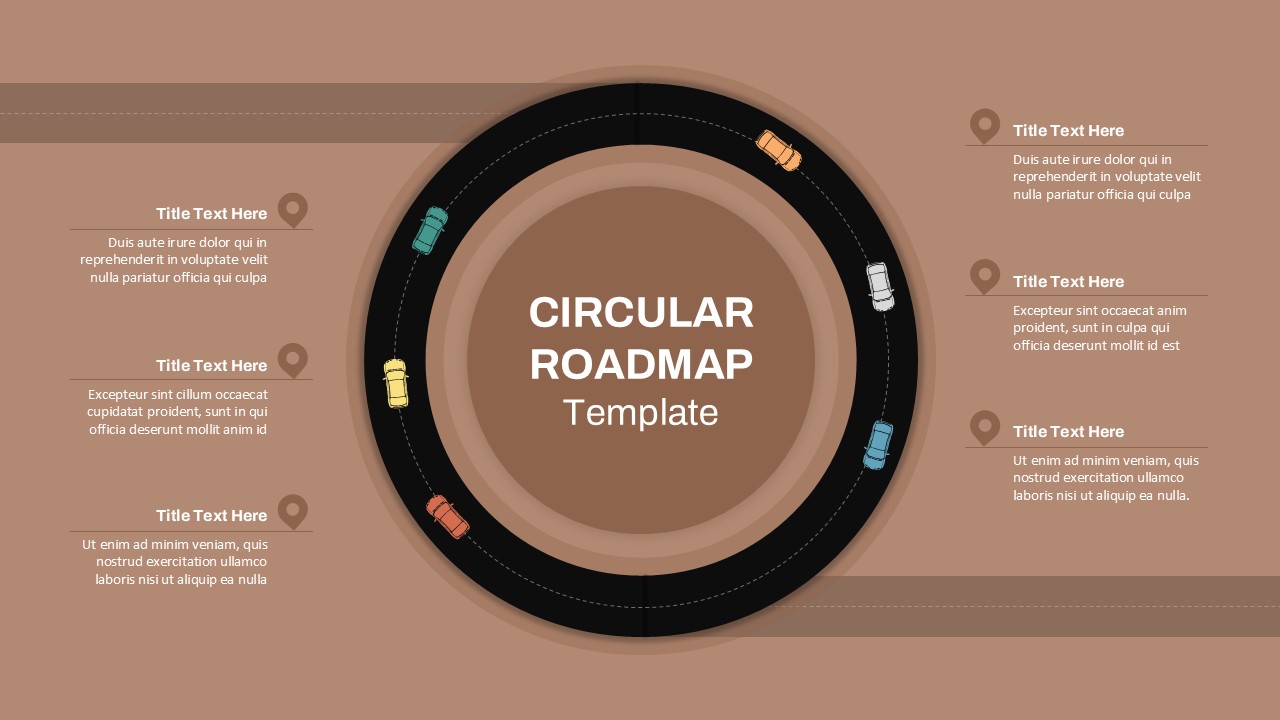
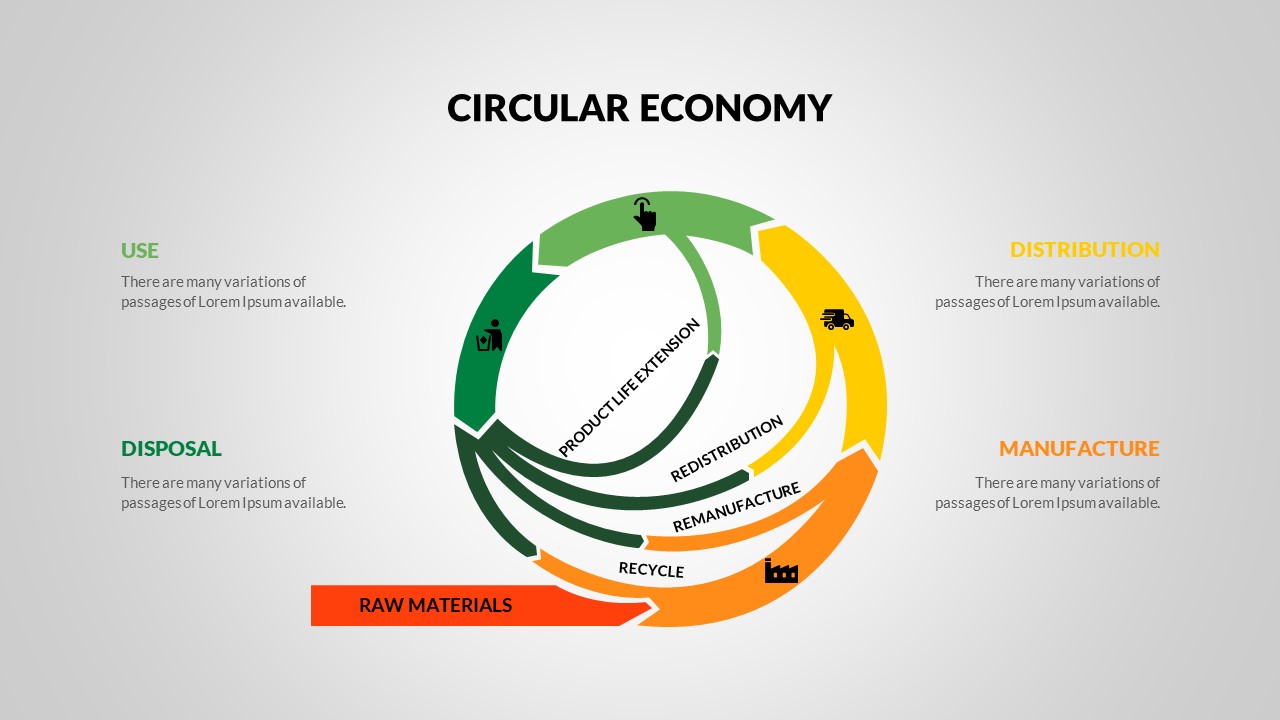
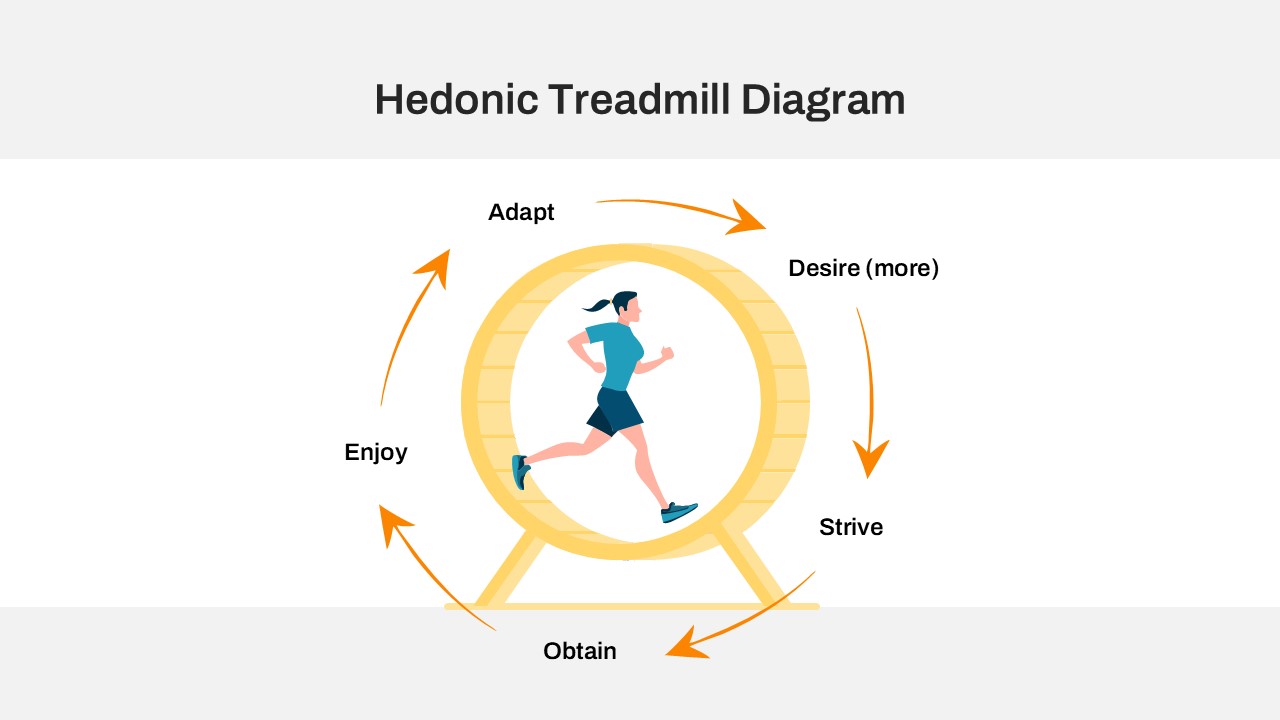
The circular arrow design effectively illustrates continuous processes, cyclic relationships, or step-by-step progressions — making it perfect for presentations on project management, marketing strategies, business planning, or organizational development. Each segment flows naturally into the next, creating a sense of connection and forward momentum, ideal for explaining iterative processes or growth cycles.
The template’s minimalist design ensures the focus stays on your content. Vibrant colors help differentiate each step, while icons visually reinforce meaning, enhancing audience comprehension and retention. Fully customizable, users can adjust colors, icons, and text to align with their brand identity or presentation theme.
Whether used for team briefings, strategic meetings, or academic lessons, this infographic template helps transform complex ideas into clear, visually engaging narratives. Its professional layout balances aesthetic appeal with functional clarity, ensuring your message is both memorable and actionable.
See more

Aspect Ratio
16:9Item ID
SKT04229


Features of this template
Other User Cases of the Template:
Business process mapping, project management cycle, marketing funnel presentation, product development roadmap, strategic planning session, team workflow analysis, academic process illustration, performance improvement plan, startup growth model, corporate training presentations.FAQs
You May Also Like These Presentation Templates

- Free

- Free
- Free
- Free
- Free
- Free
- Free
- Free