Editable Dichotomous Key Template for PowerPoint and Google Slides
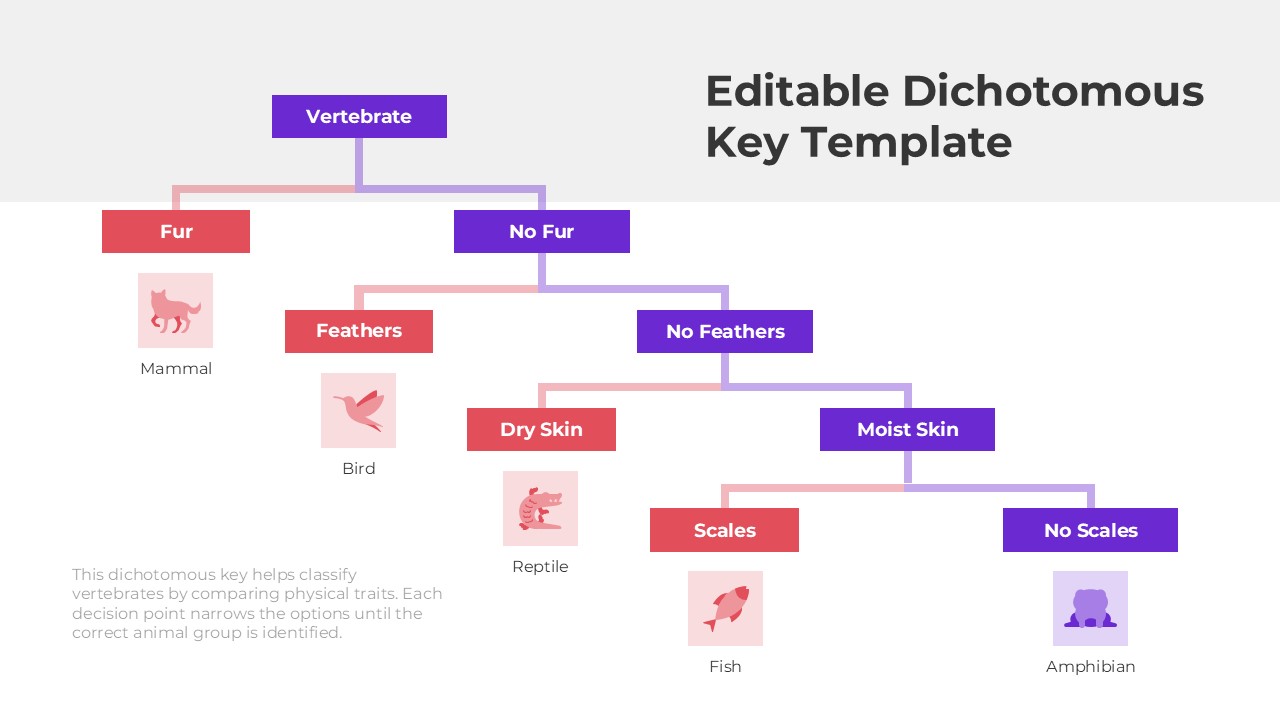
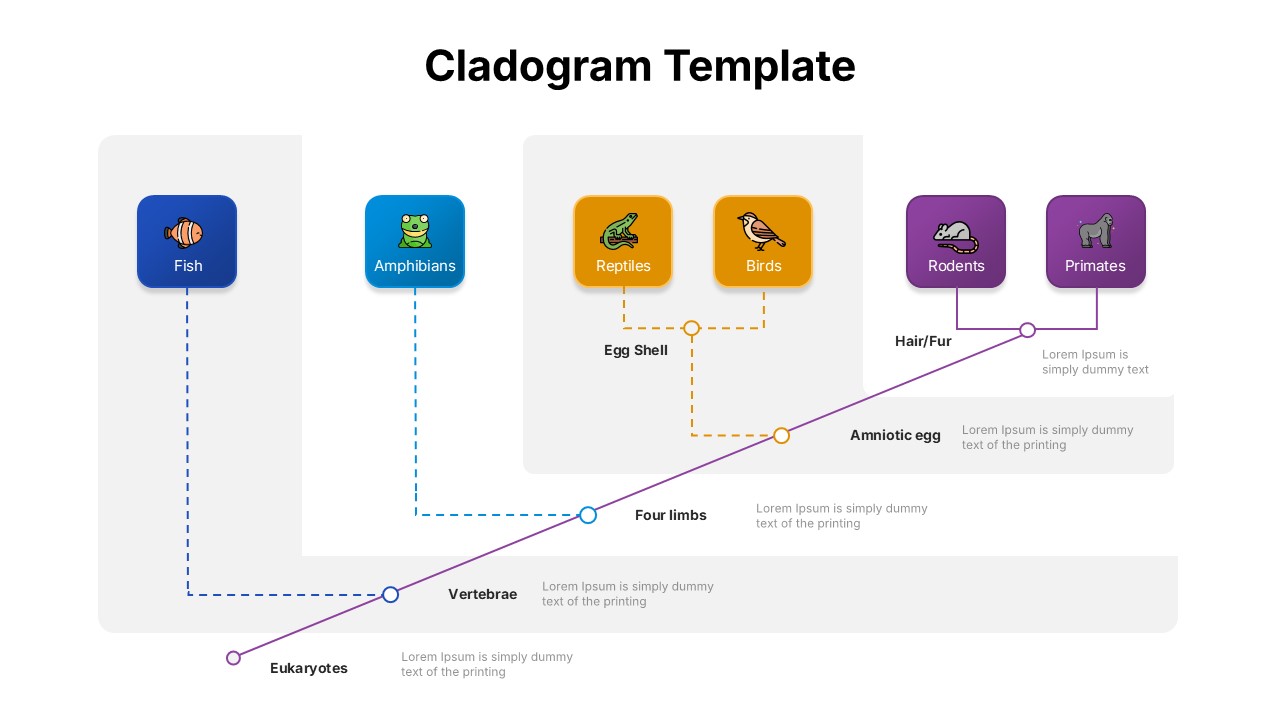
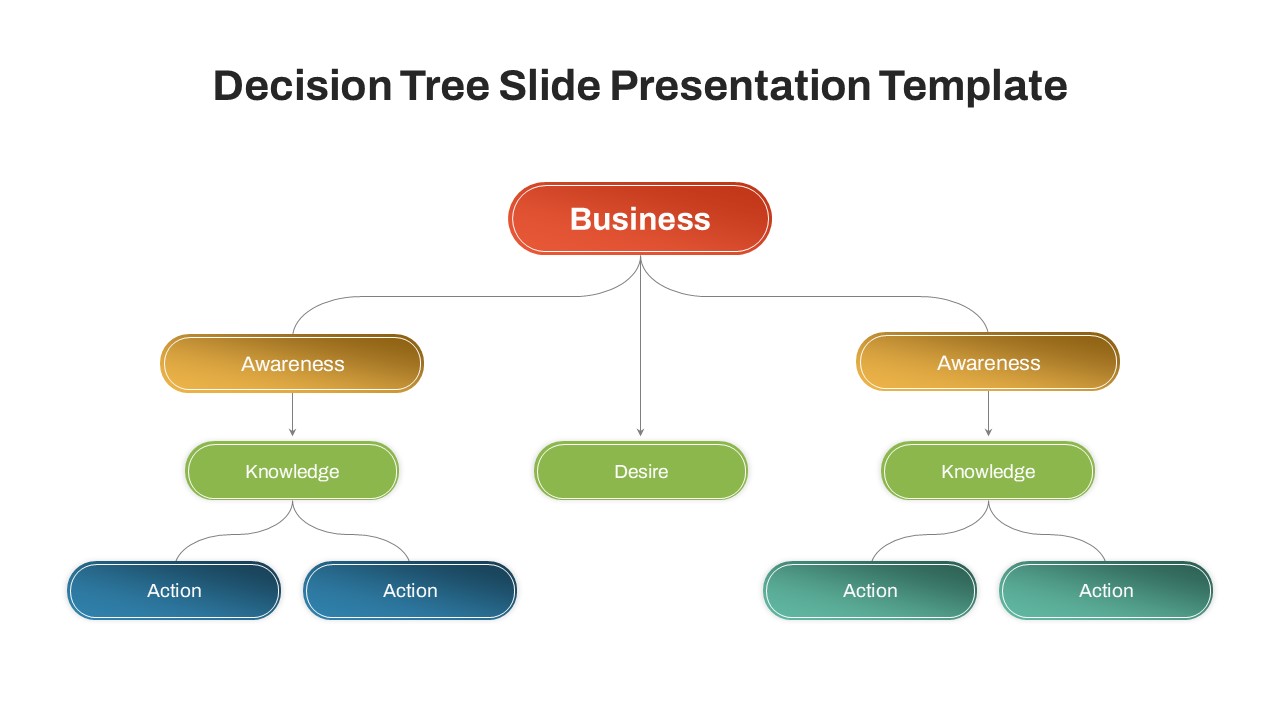
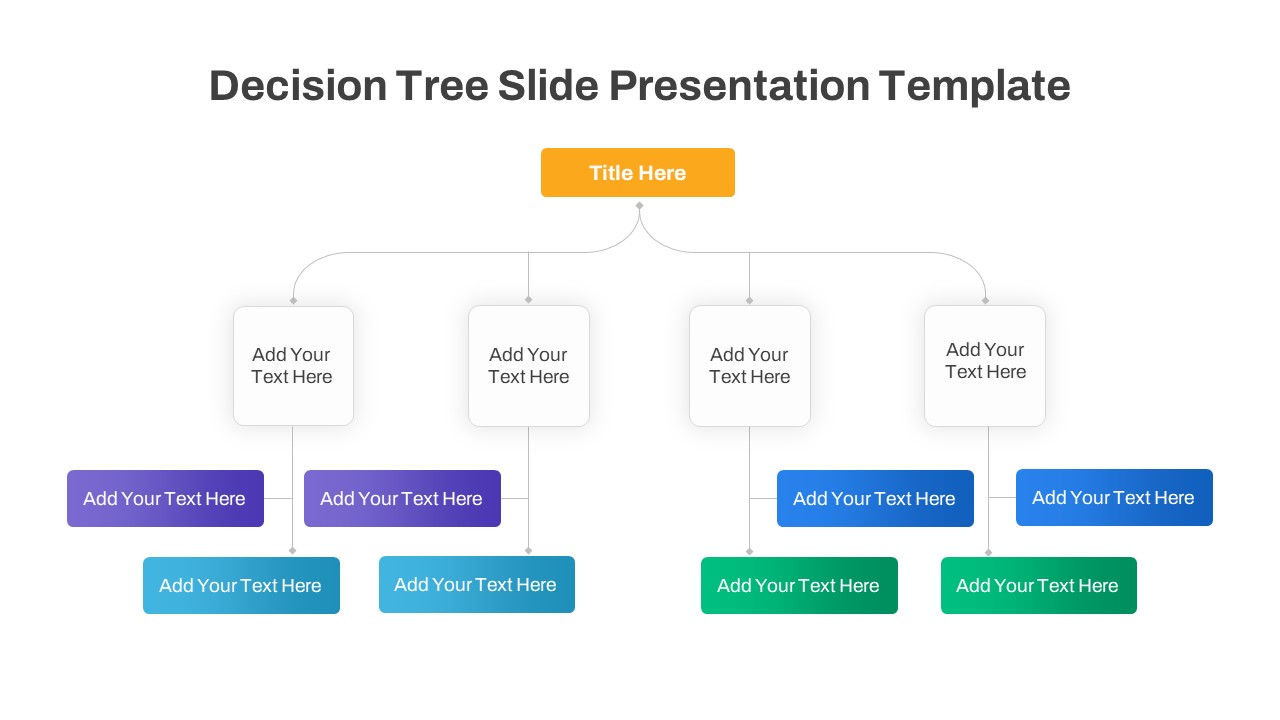
The Editable Dichotomous Key Template is a structured presentation slide designed to classify items through step-by-step comparison. It presents decision points that guide users from a broad category to a specific result. The layout follows a branching format, where each choice leads to the next distinguishing trait. The example structure shows vertebrates grouped based on traits such as fur, feathers, skin type, and scales. This template helps explain classification logic in a clear and visual way. It is suitable for biology lessons, academic presentations, and scientific explanations. The organized flow makes complex identification processes easier to understand. The clean layout keeps each step separated and readable. It also supports interactive learning by encouraging step-by-step analysis and discussion. It works smoothly in both PowerPoint and Google Slides for easy editing and classroom display.
What Is This Editable Dichotomous Key Template for PowerPoint and Google Slides?
This Editable Dichotomous Key Template is a ready-to-use slide that shows how to sort or classify items using paired choices. Each branch presents two contrasting traits that narrow down the category step by step. The structure allows presenters to explain how decisions lead to a final classification. It can be adapted for biology topics, environmental studies, or other classification-based subjects. The visual flow makes the decision process simple to follow. It supports structured teaching and logical explanation in academic settings.
When to Use This Template
You can use this template when explaining classification systems or identification methods. It is ideal for biology classes, science workshops, and academic demonstrations. Teachers can use it to guide students through identifying organisms based on traits. It also works for training sessions that require step-based decision models. The format helps present logical comparisons in a clear and organized manner.
Customization and Editing Options
All text boxes and labels are fully editable. You can change categories, traits, and final results to match your subject. Colors and shapes can be adjusted to fit your theme. Icons and images can be replaced with relevant visuals. Additional branches can be added to expand the classification process.
PowerPoint and Google Slides Compatibility
The template is compatible with Microsoft PowerPoint and Google Slides. The layout remains consistent across devices and screen sizes. It can be used in classrooms, online lectures, or conference presentations without formatting issues.
See more

Aspect Ratio
16:9Item ID
SKT04526


Features of this template
Other Use Cases of This Template
Biology classroom presentations, Science fair projects, Environmental studies lessons, Research methodology explanations, Educational workshop slides, Training on decision trees, Academic seminar presentations, Study material preparation, Student project demonstrations, Interactive classroom discussions
FAQs
You May Also Like These Presentation Templates
- Free


- Free
- Free
- Free

- Free
- Free
- Free

- Free
- Free
- Free
- Free

- Free
- Free
- Free
- Free
- Free
- Free
- Free
- Free
- Free
- Free