Circular Organizational Chart Template for PowerPoint and Google Slides
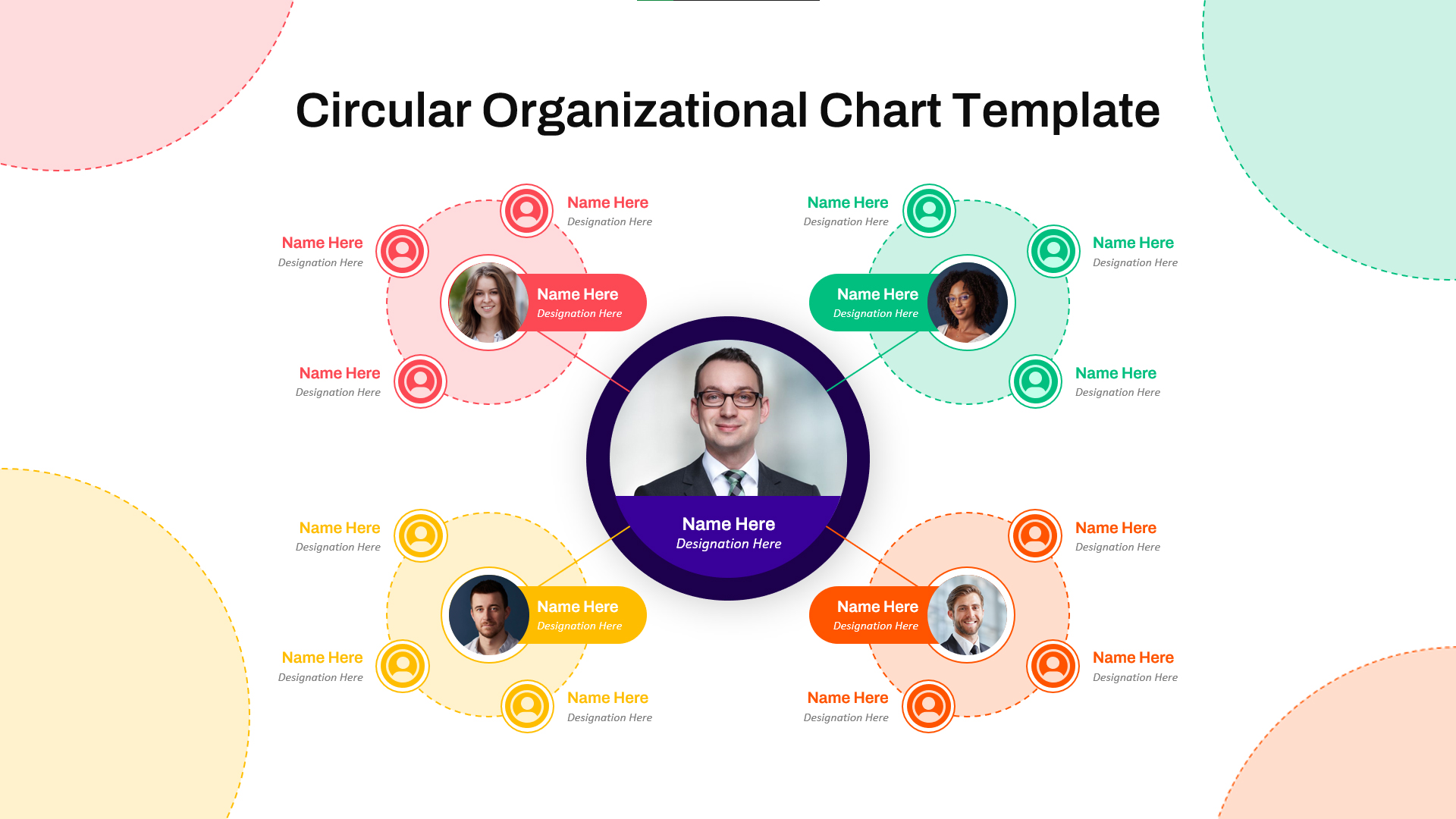
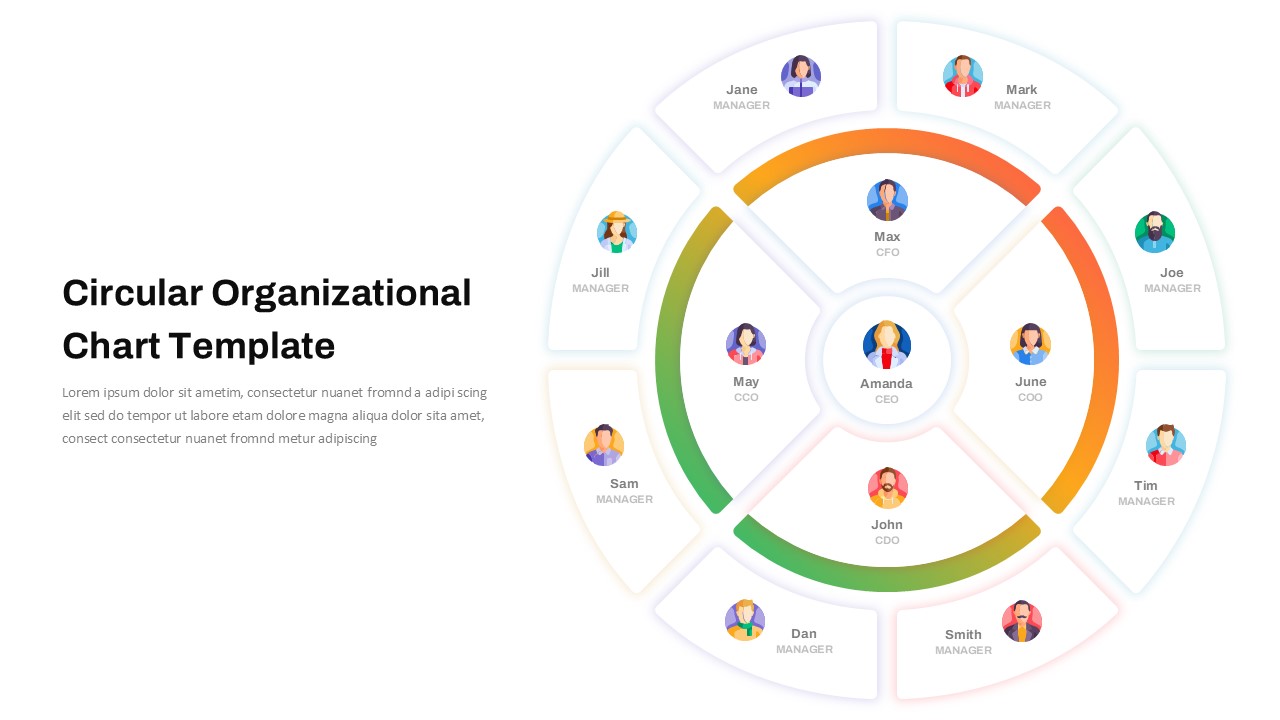
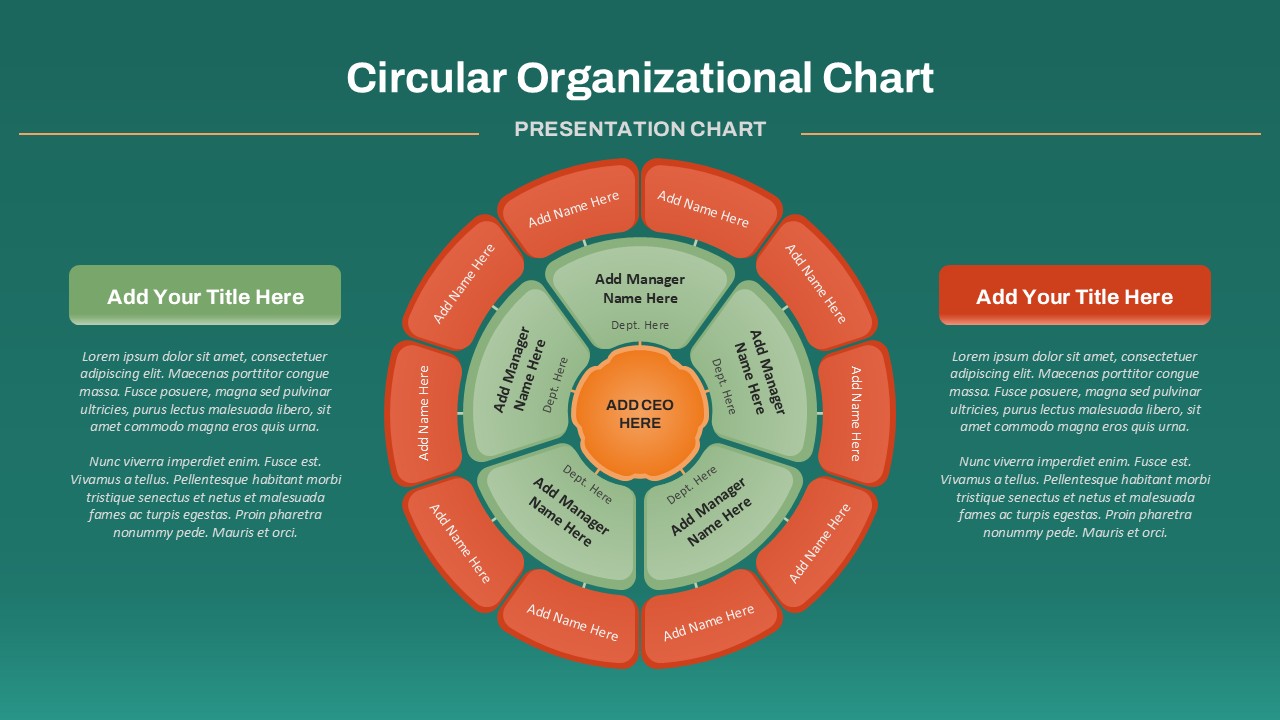
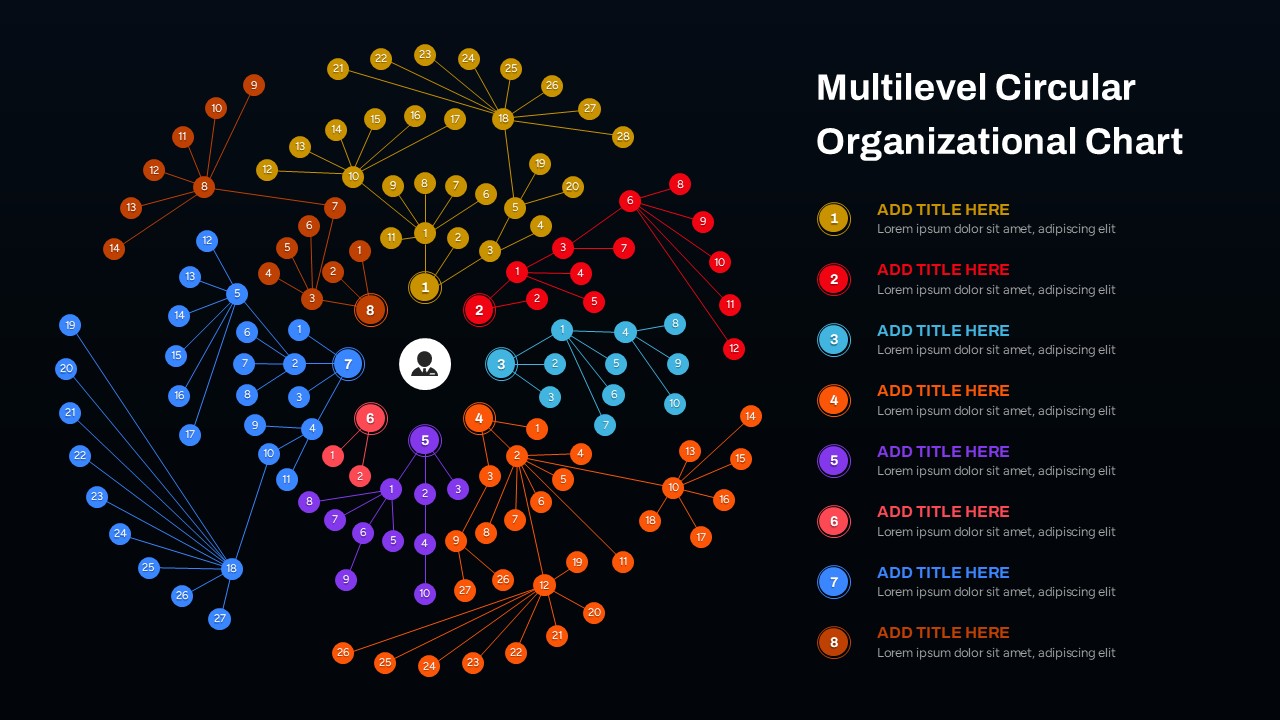
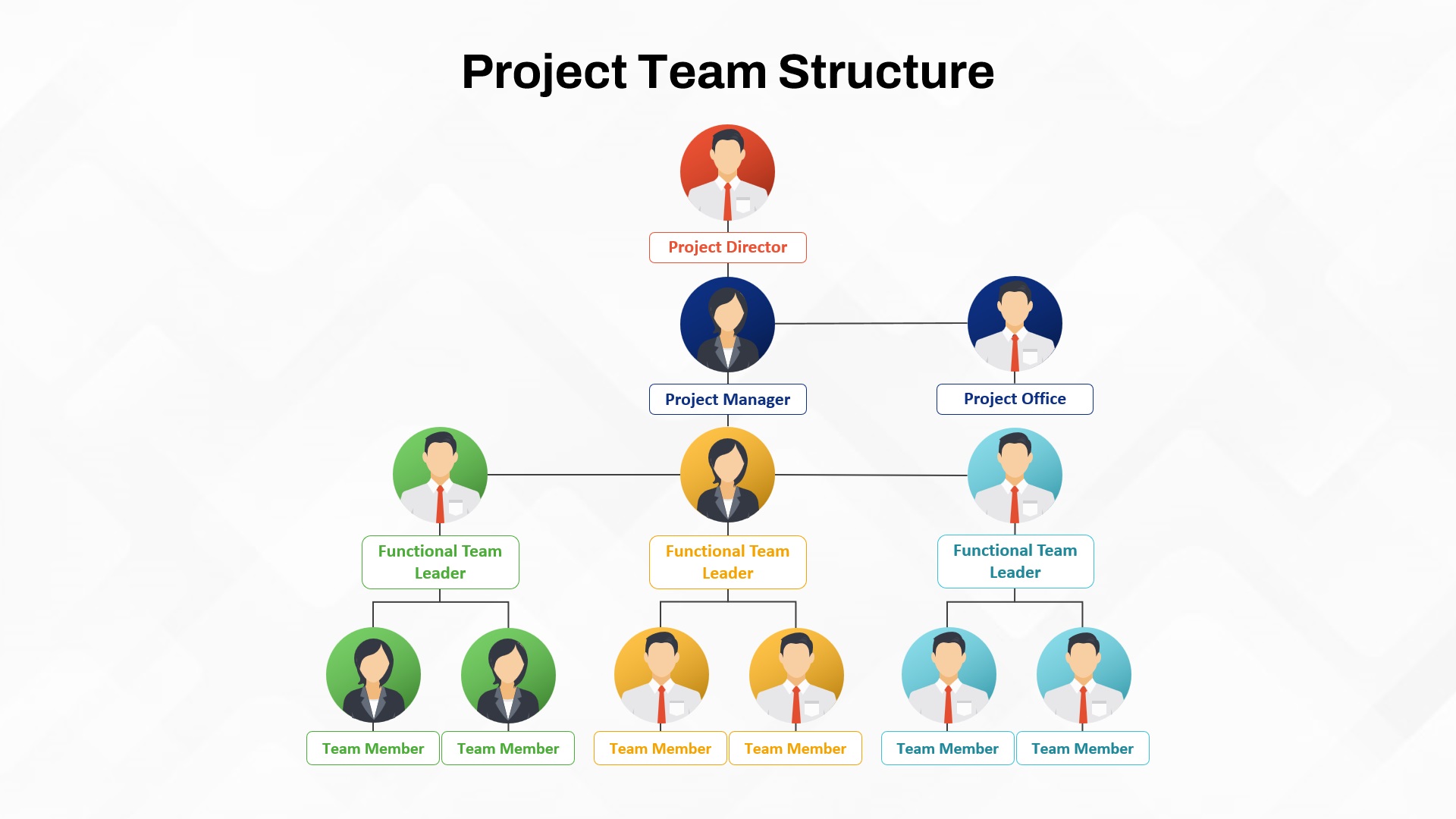
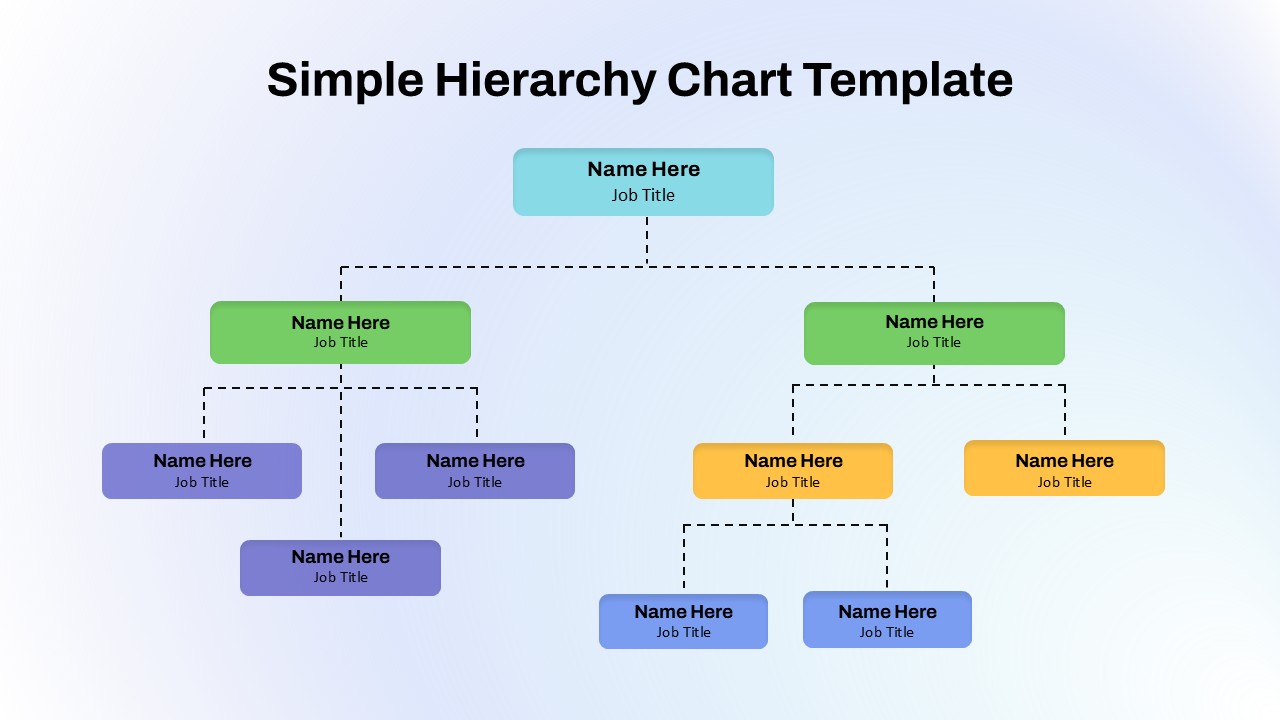
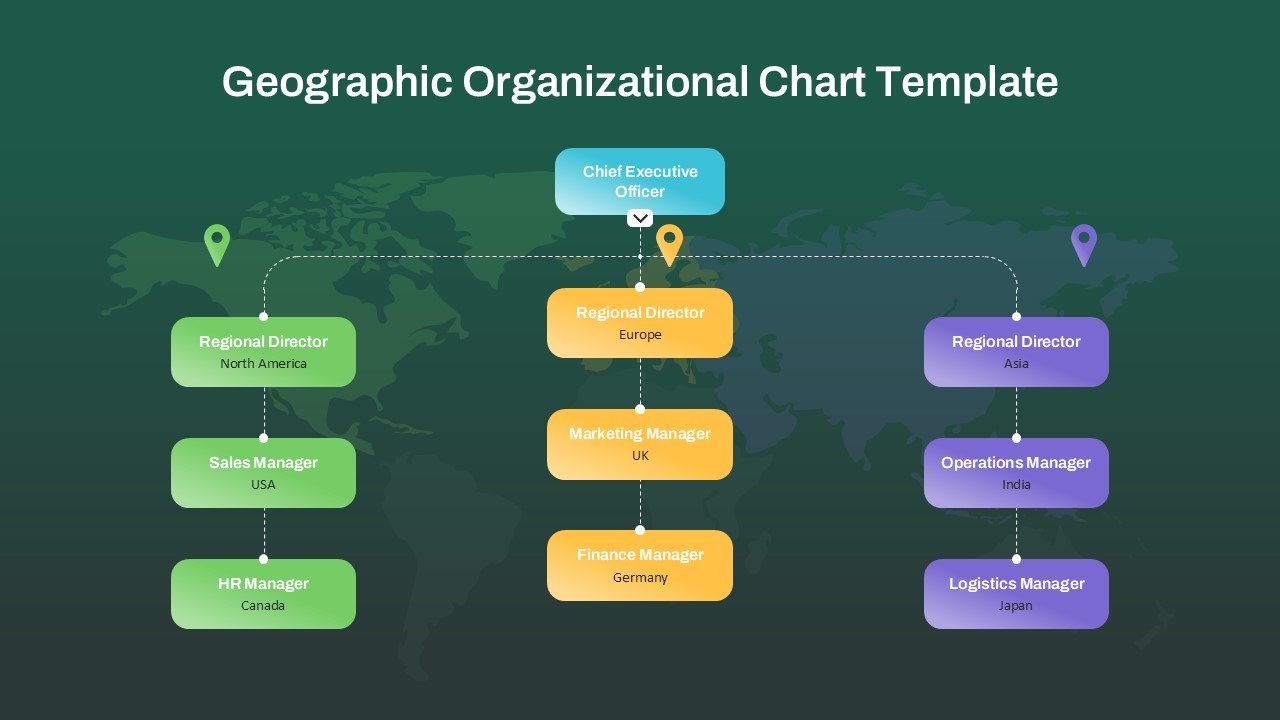
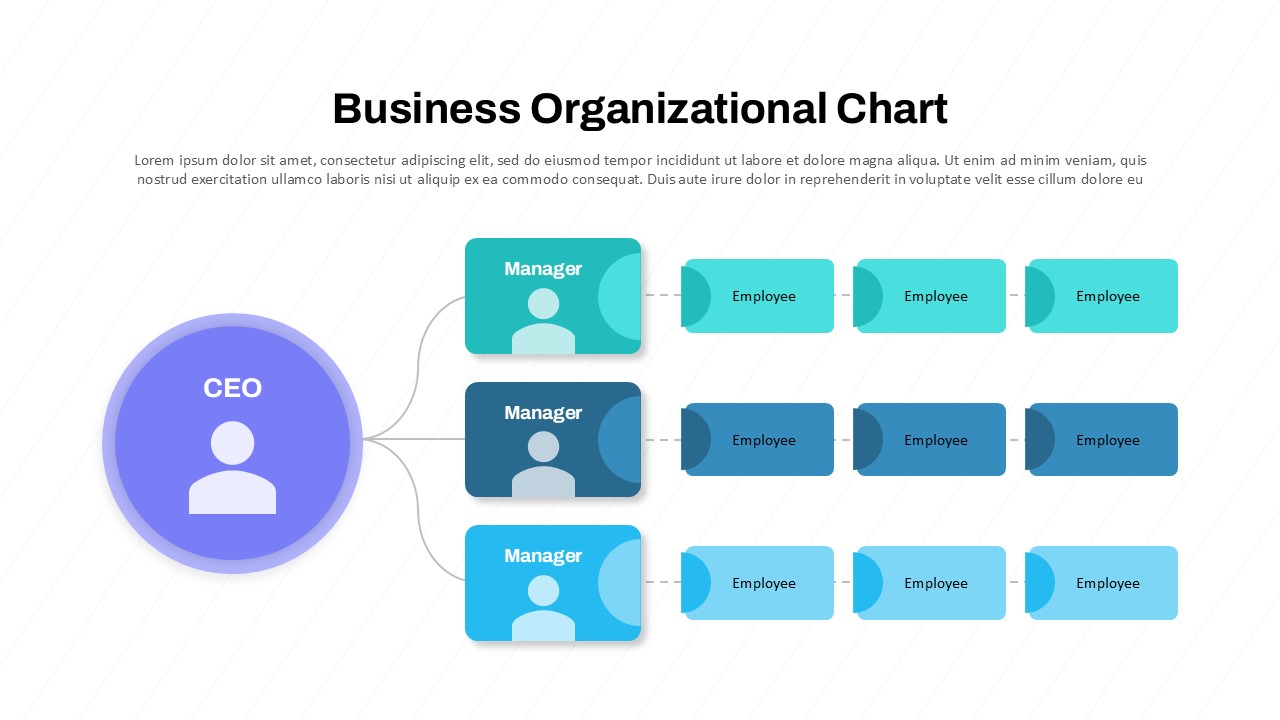
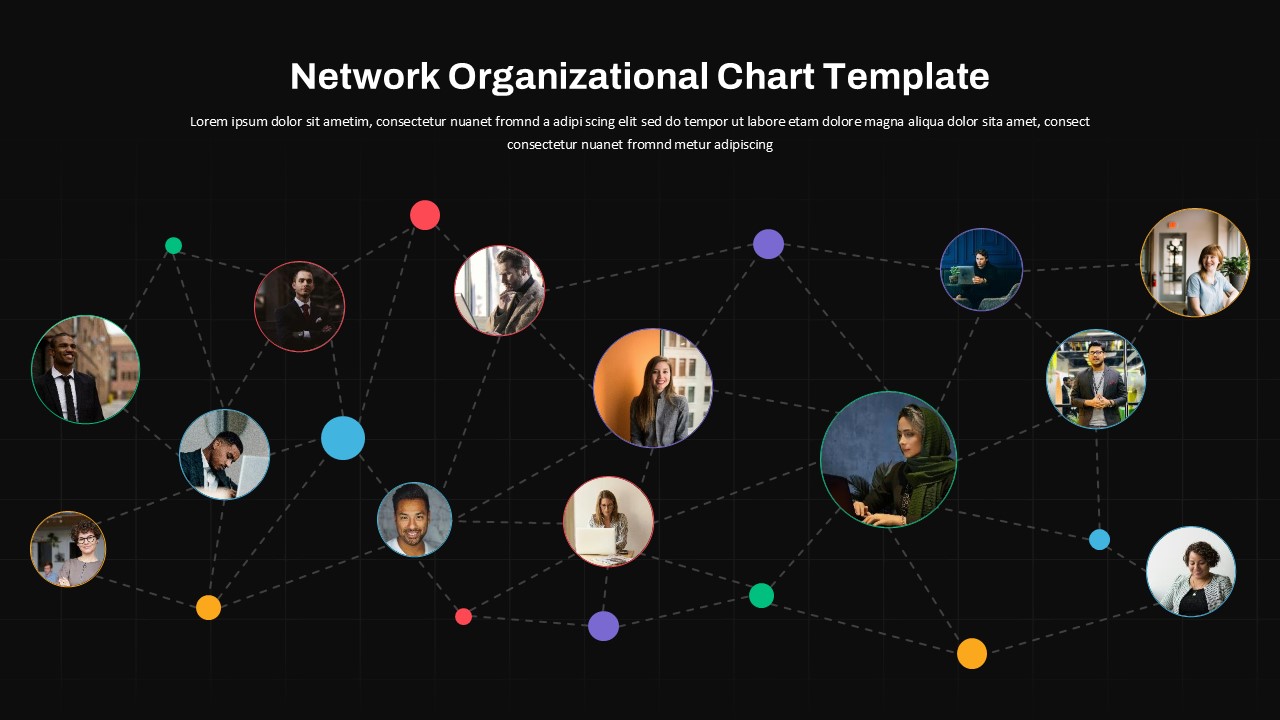
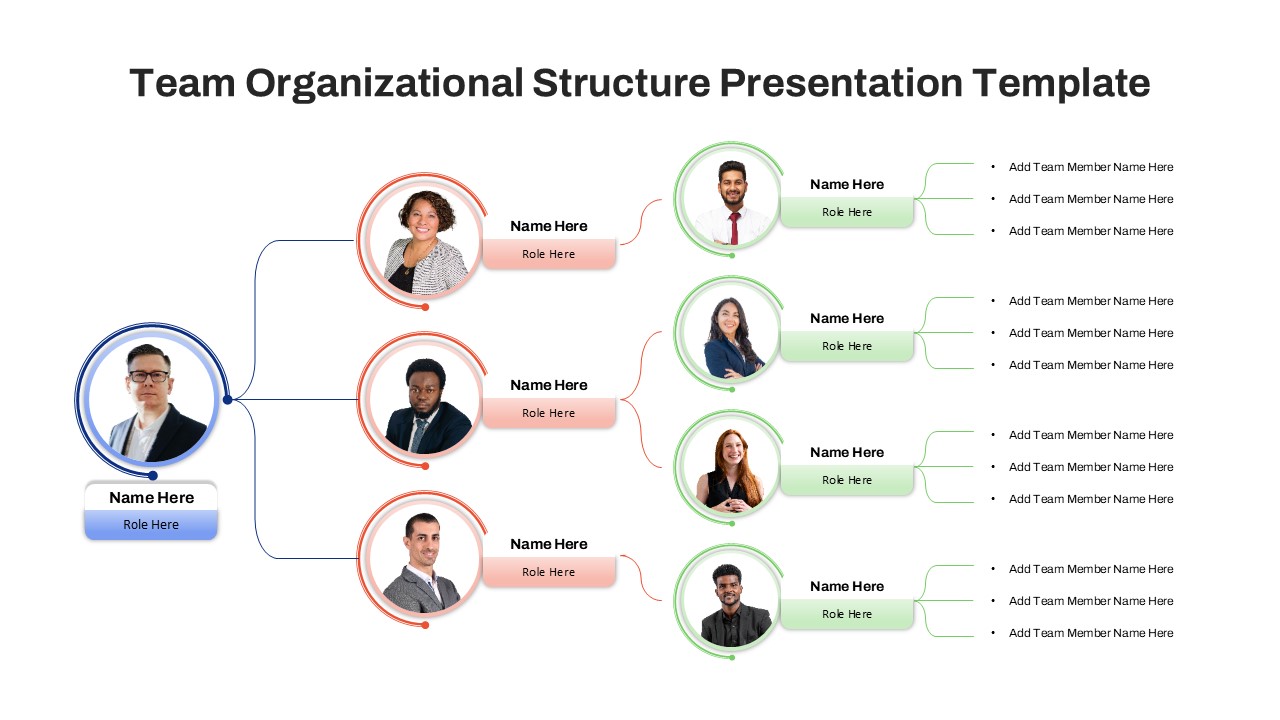
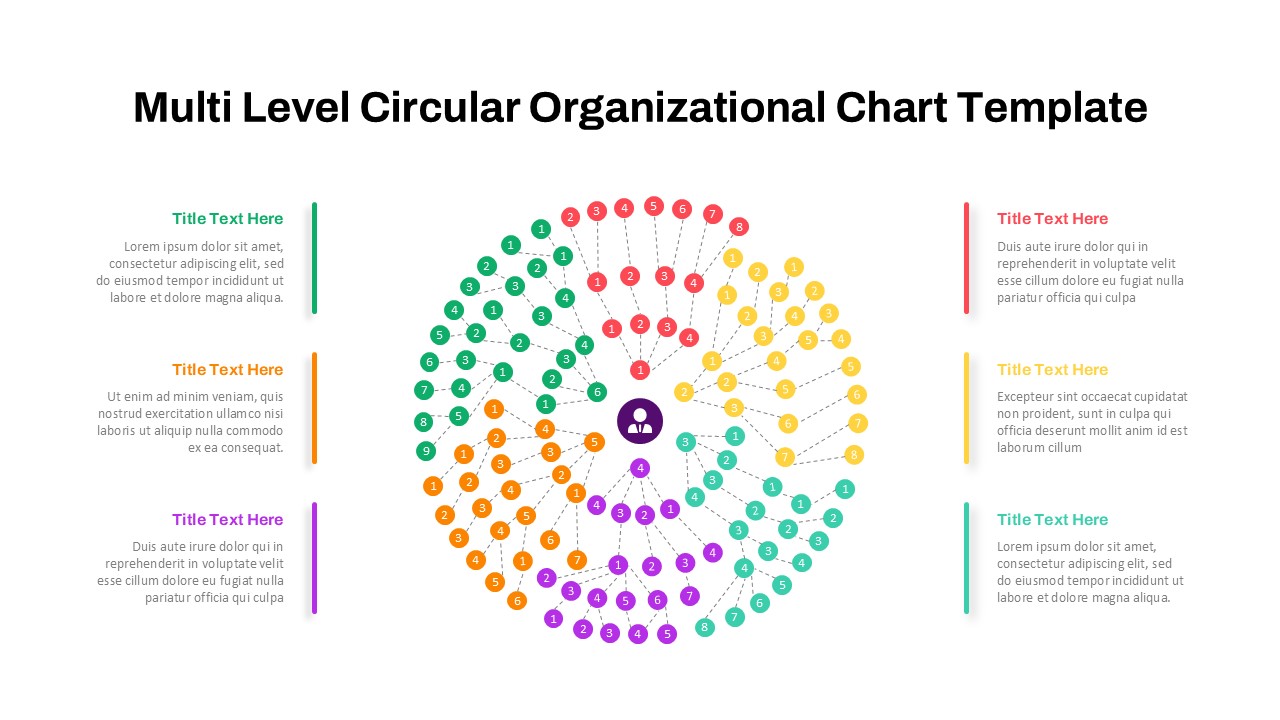
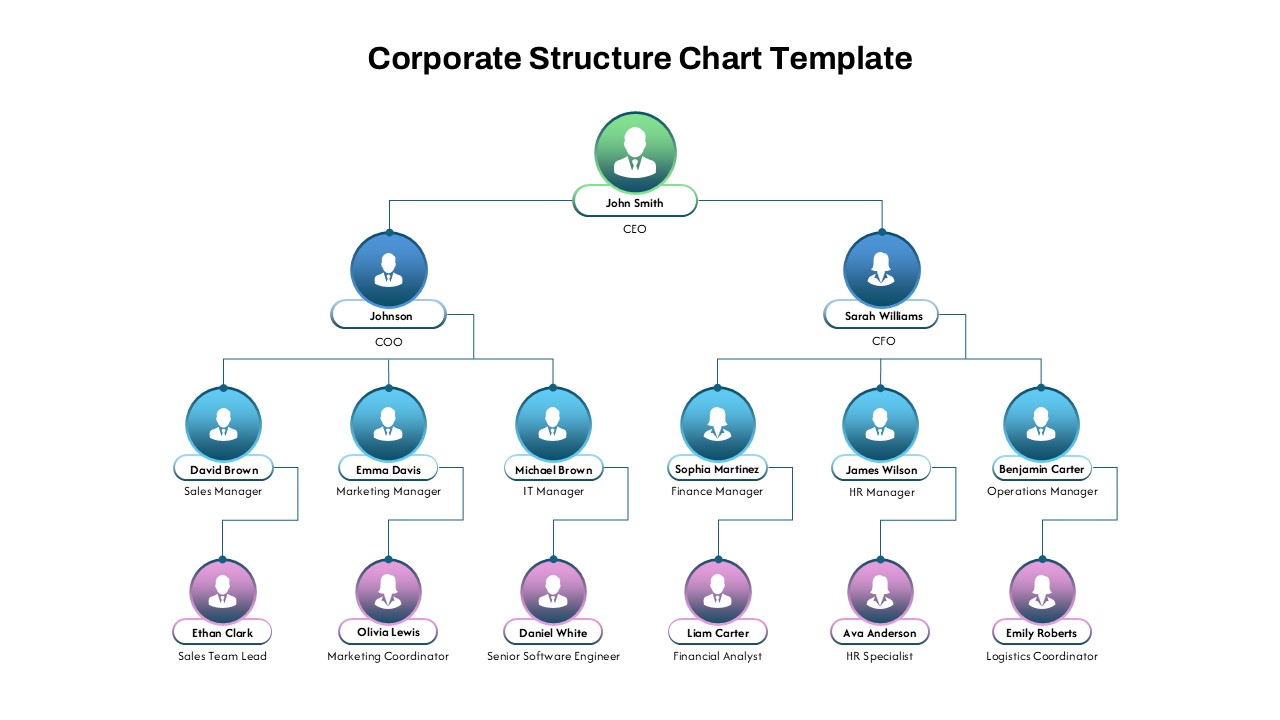
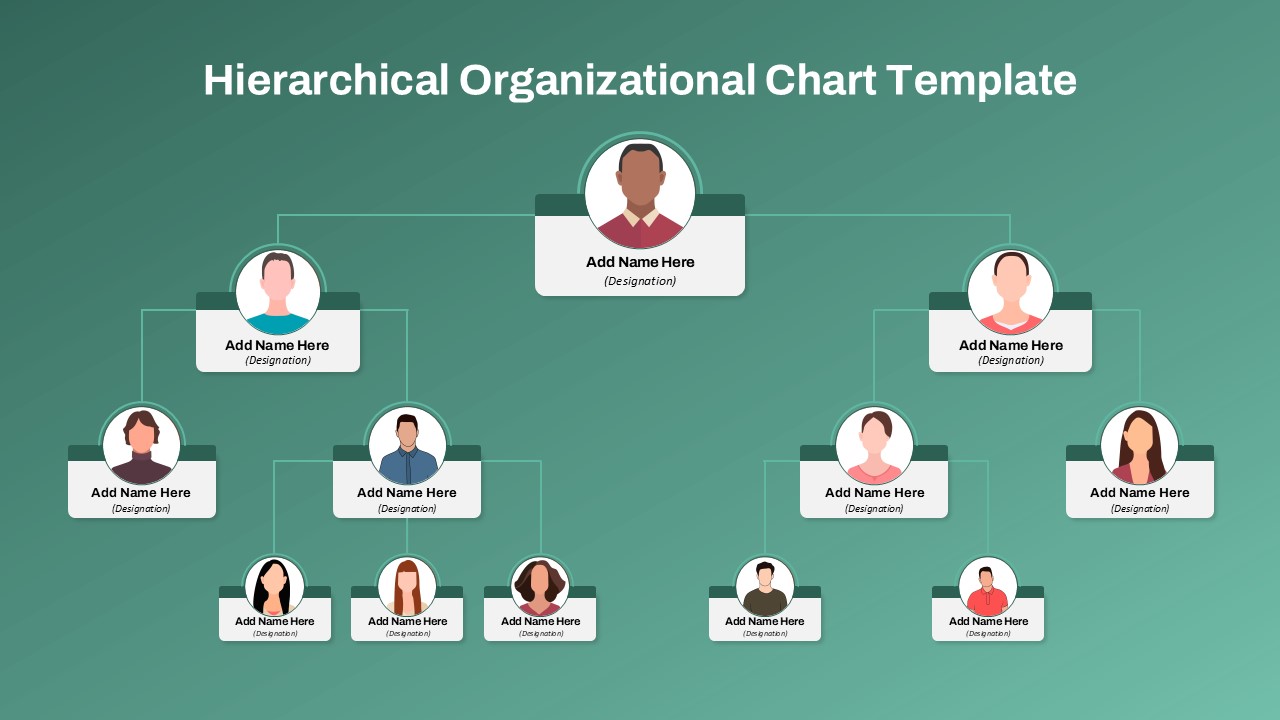
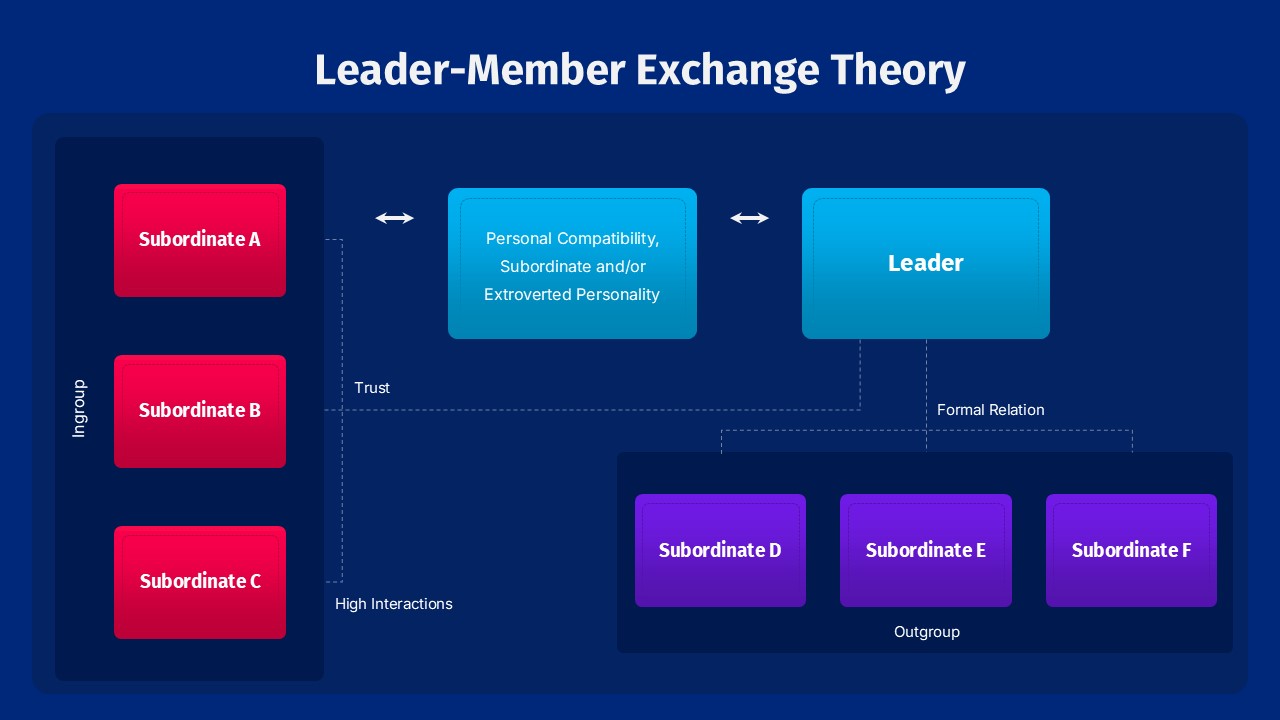
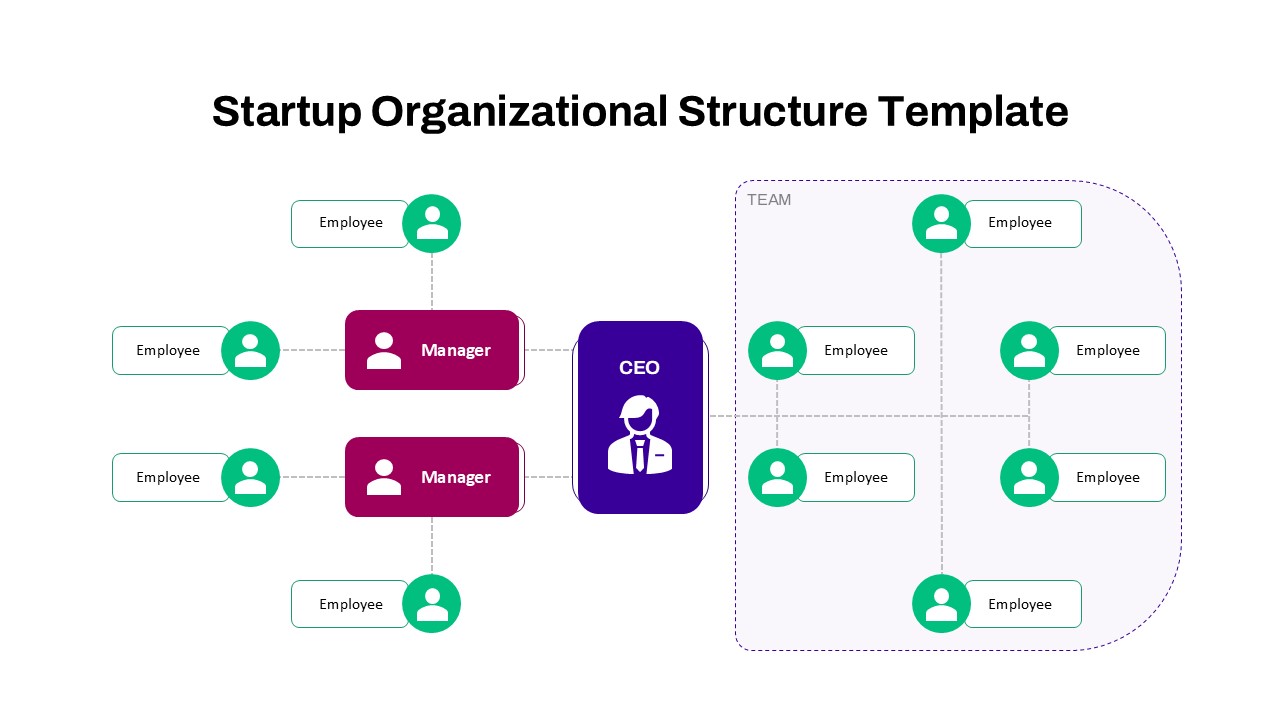
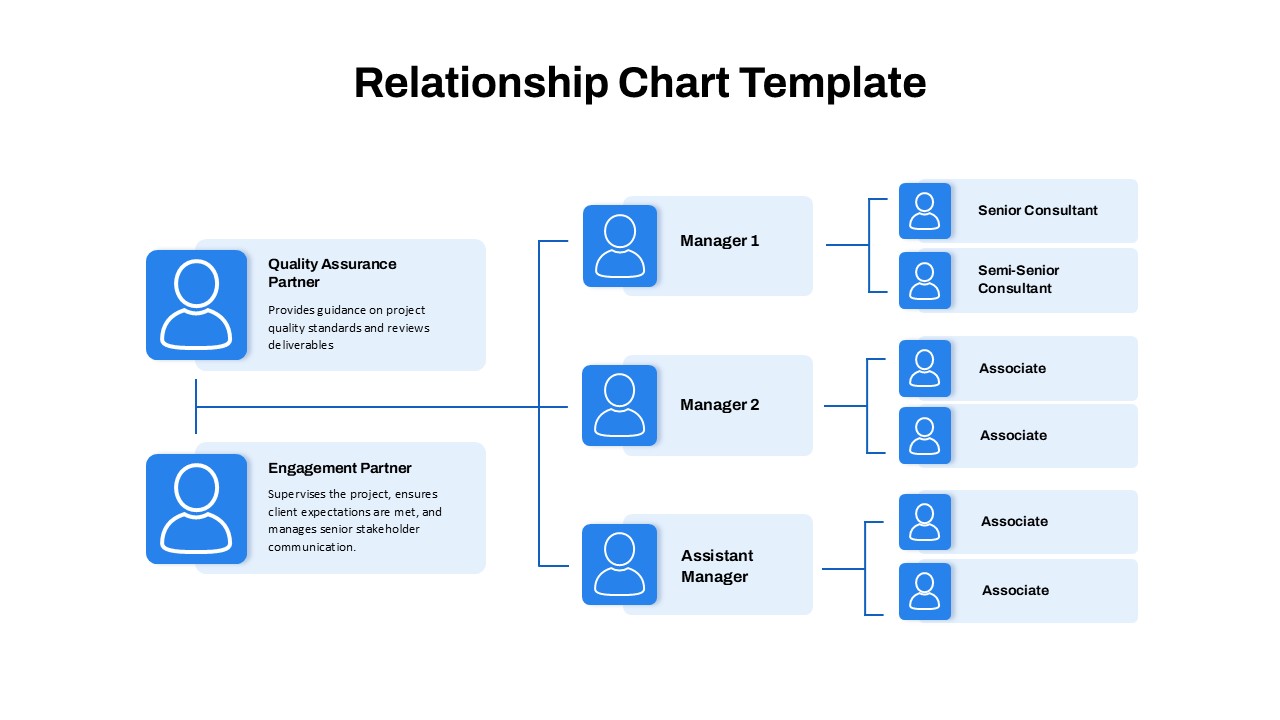
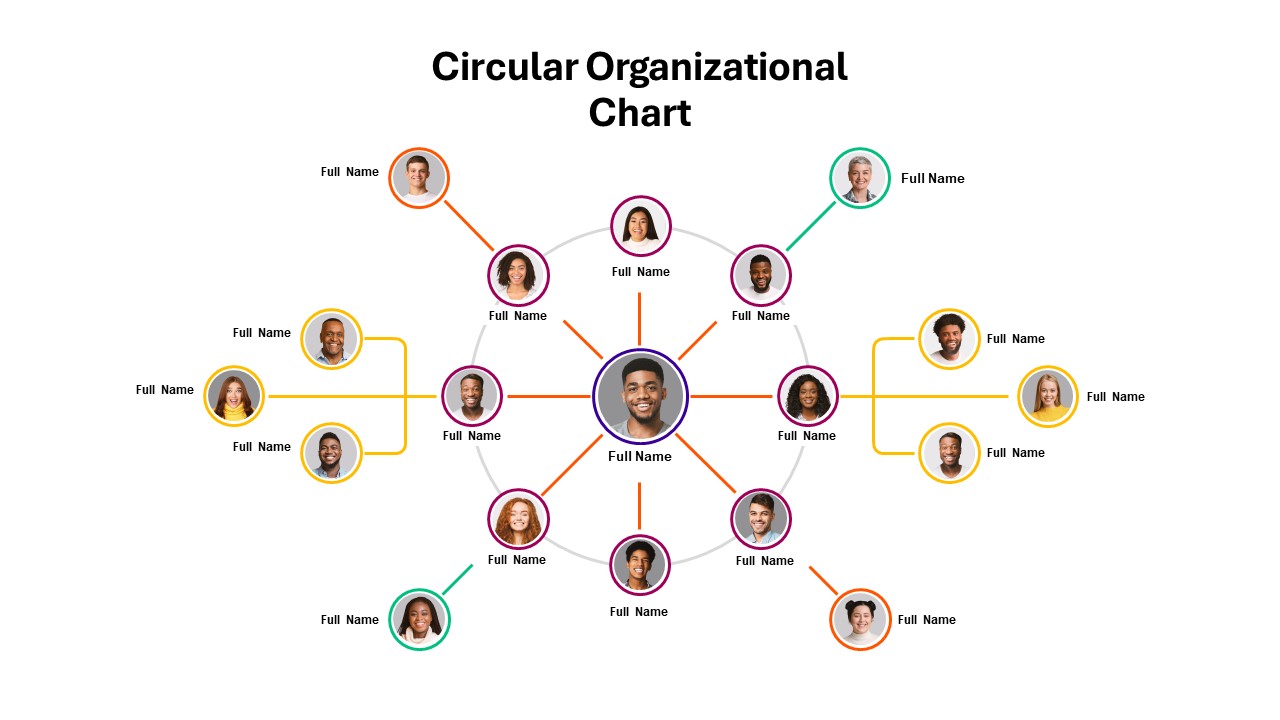
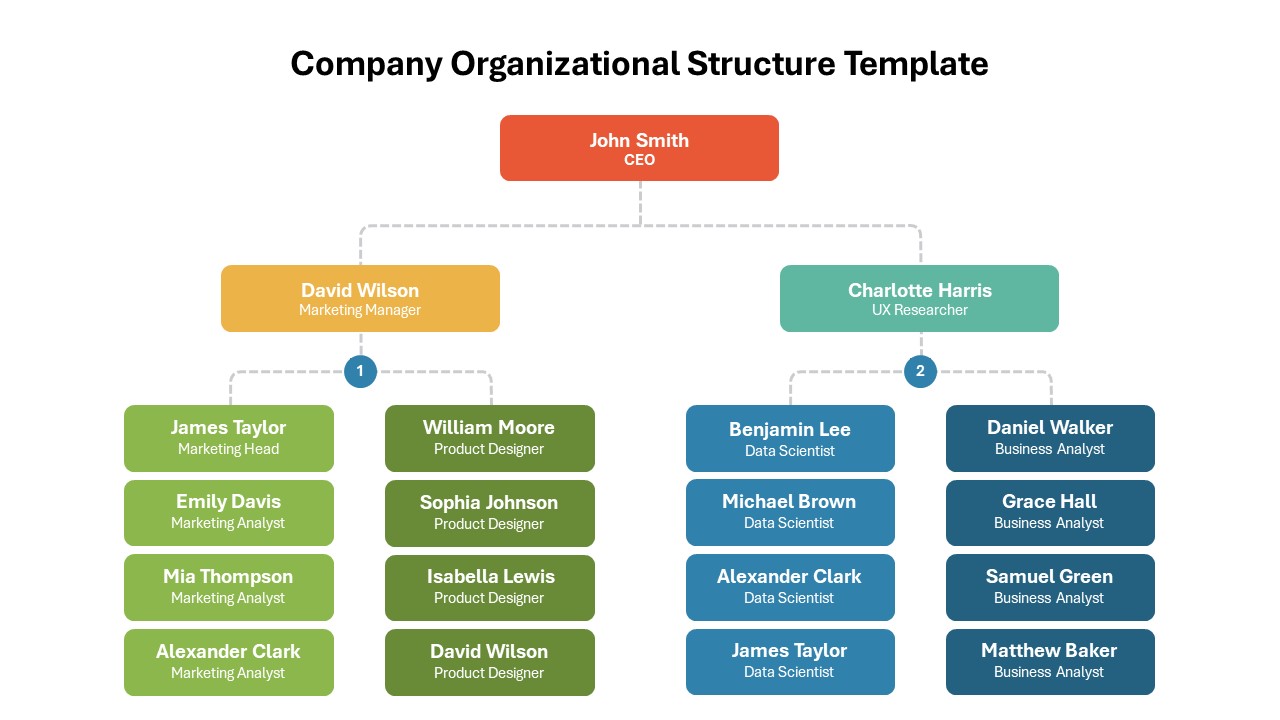
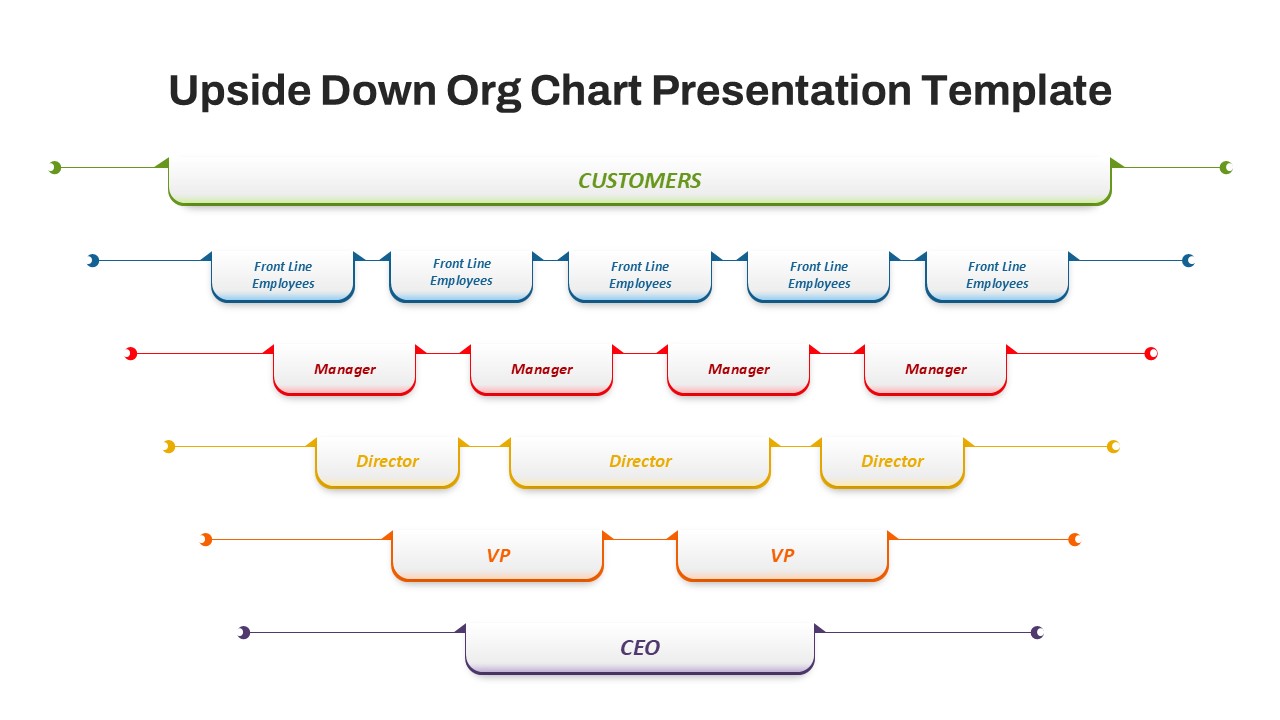
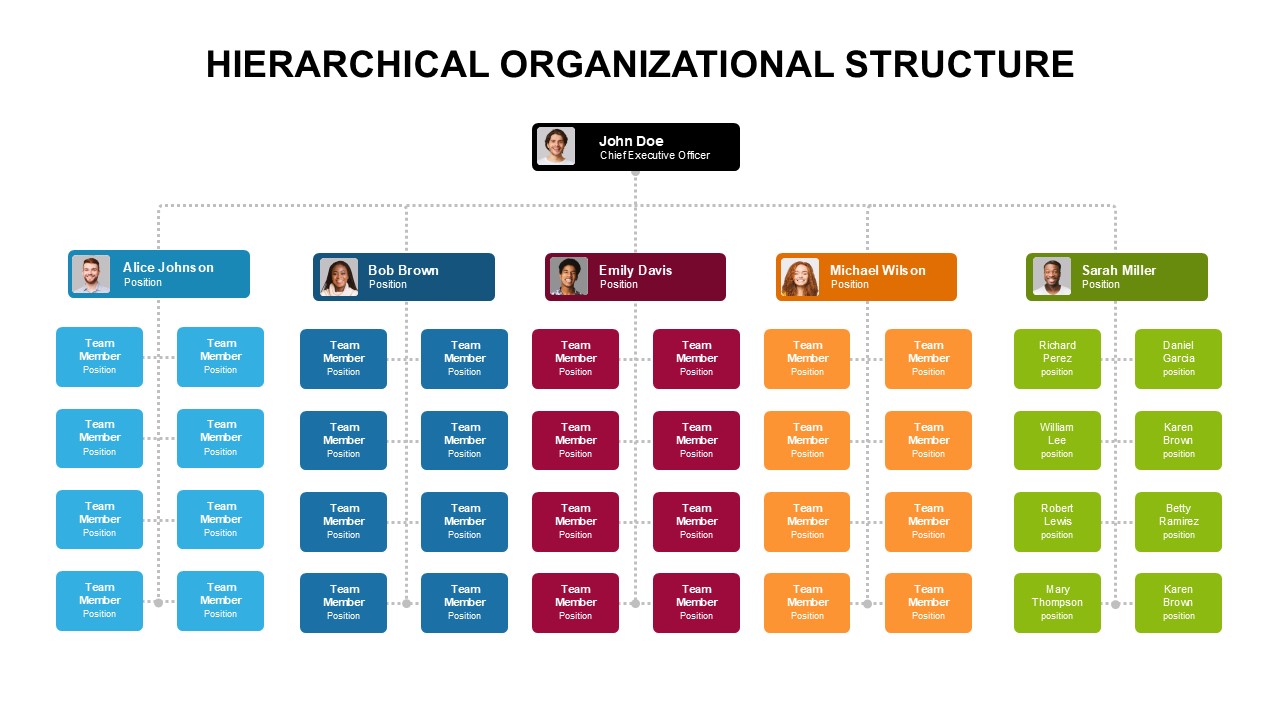
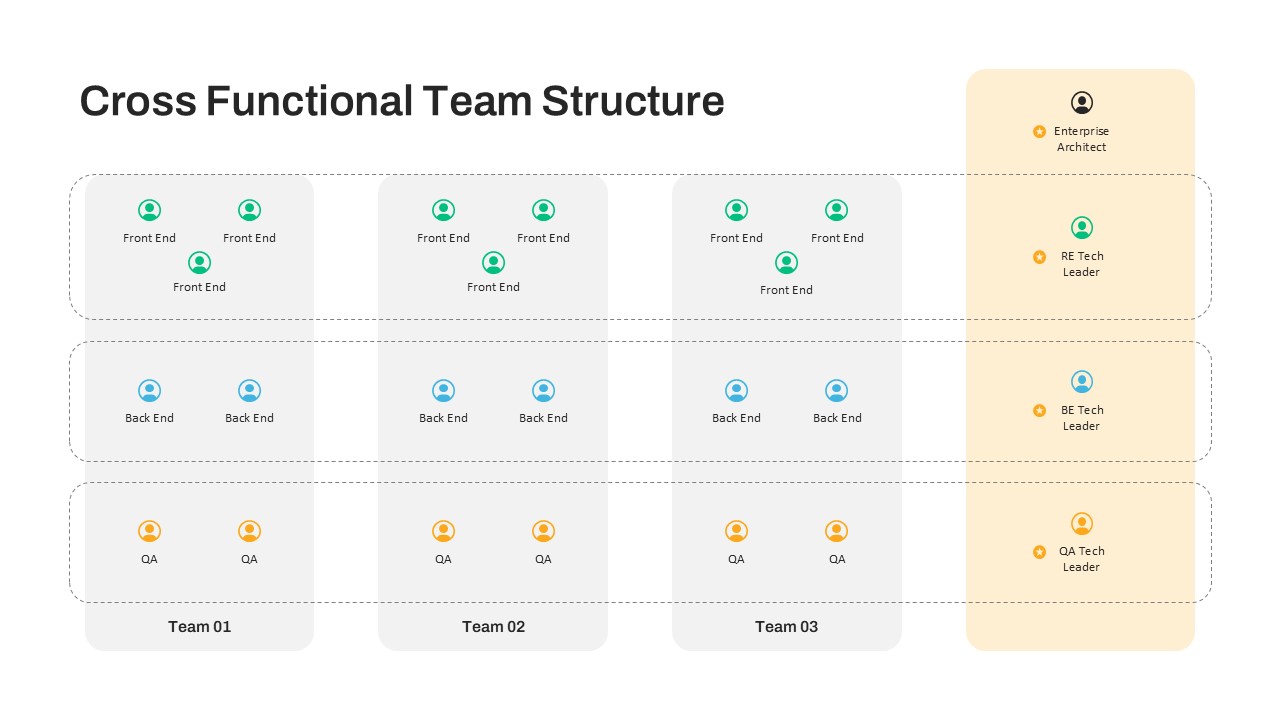
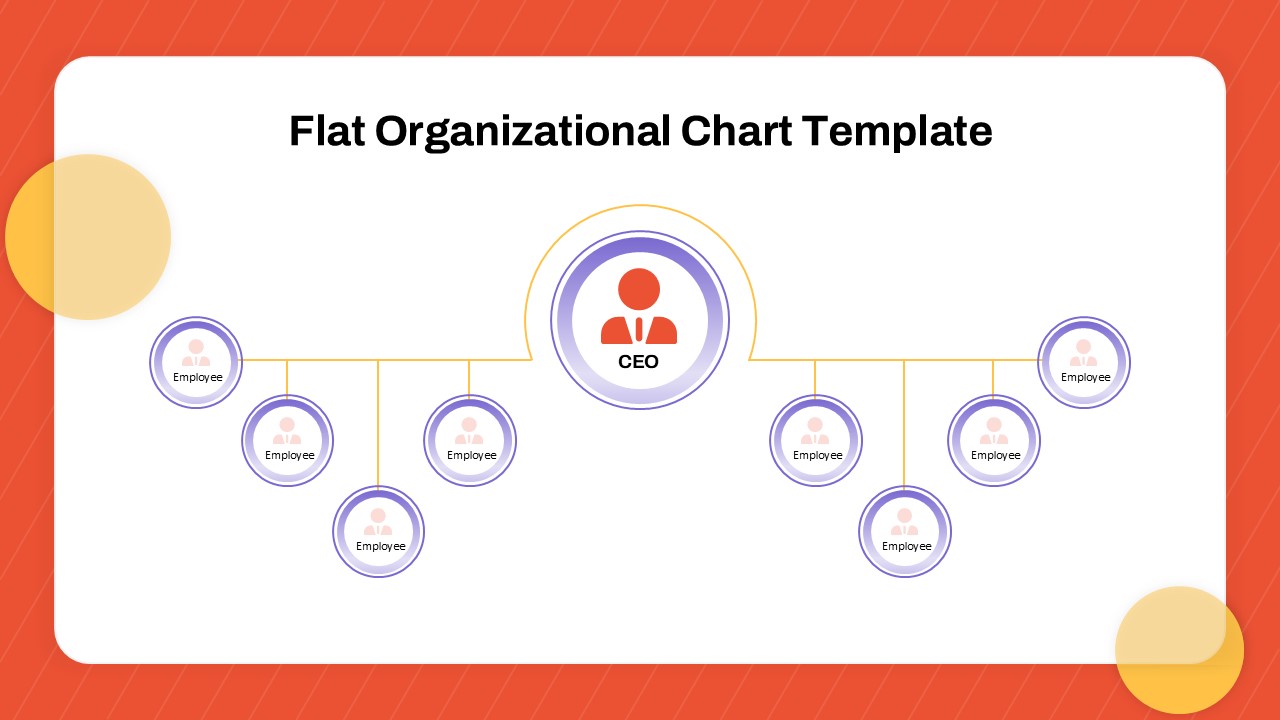
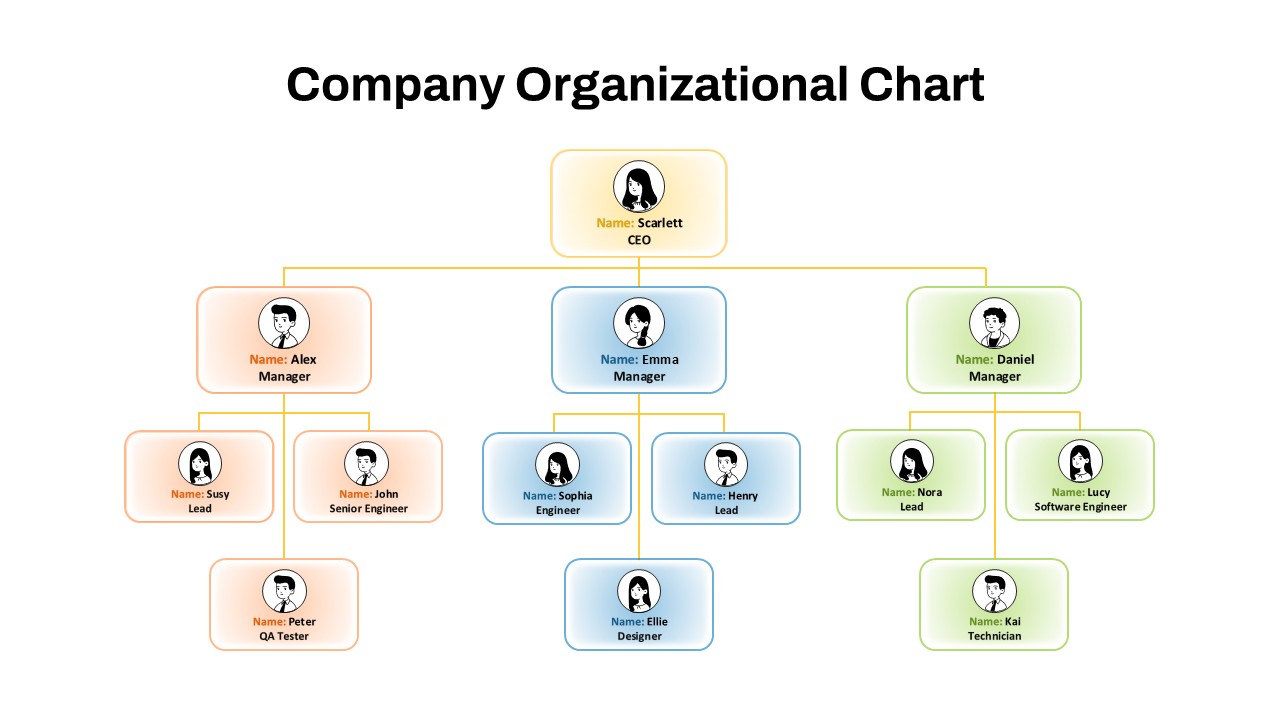
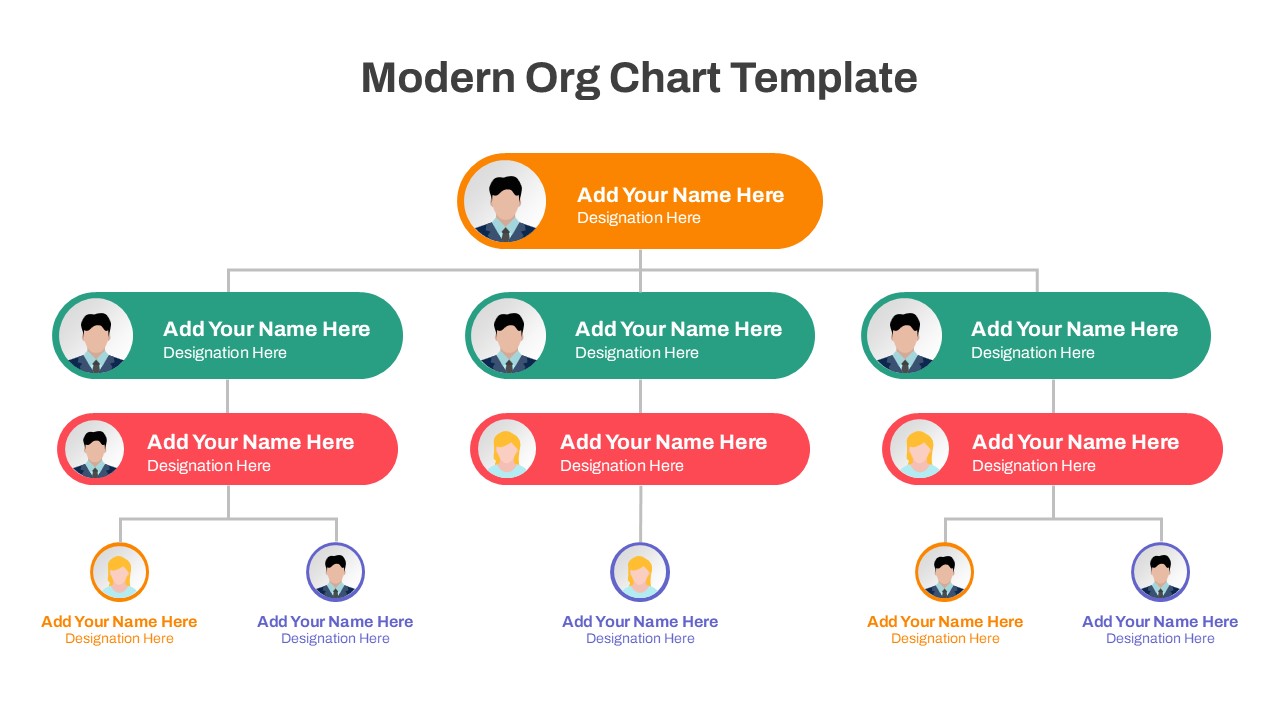
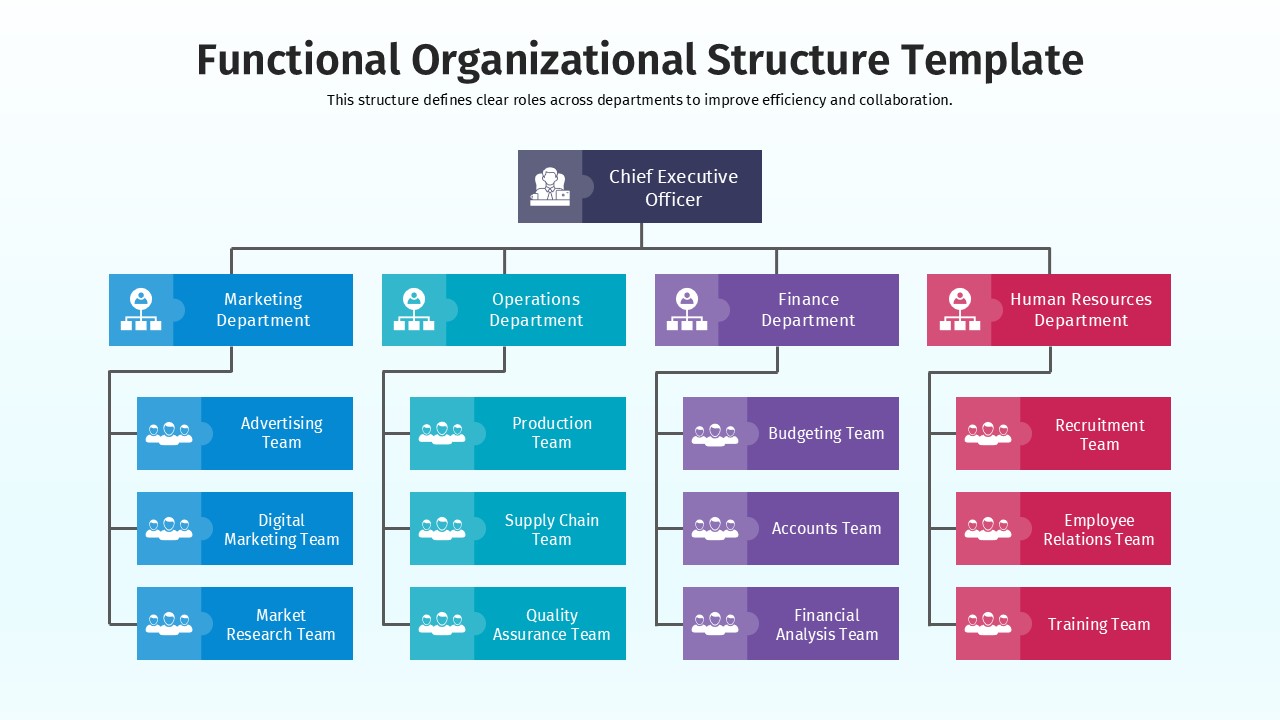
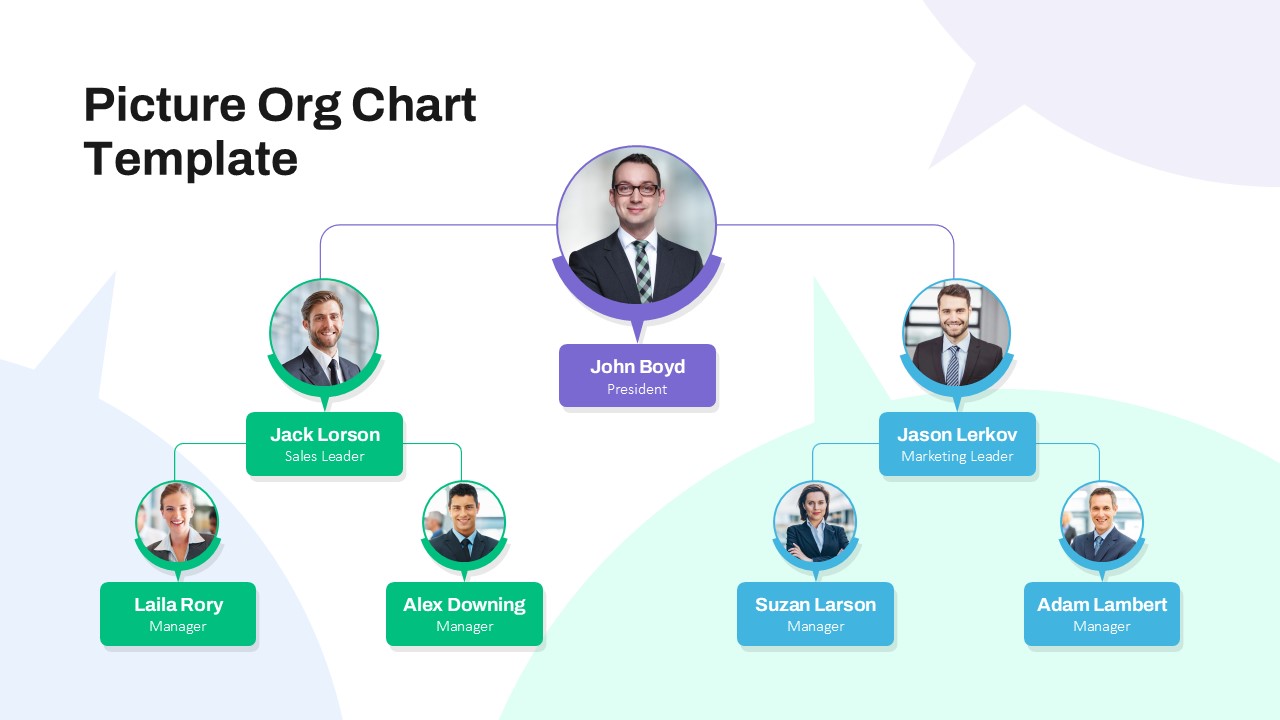
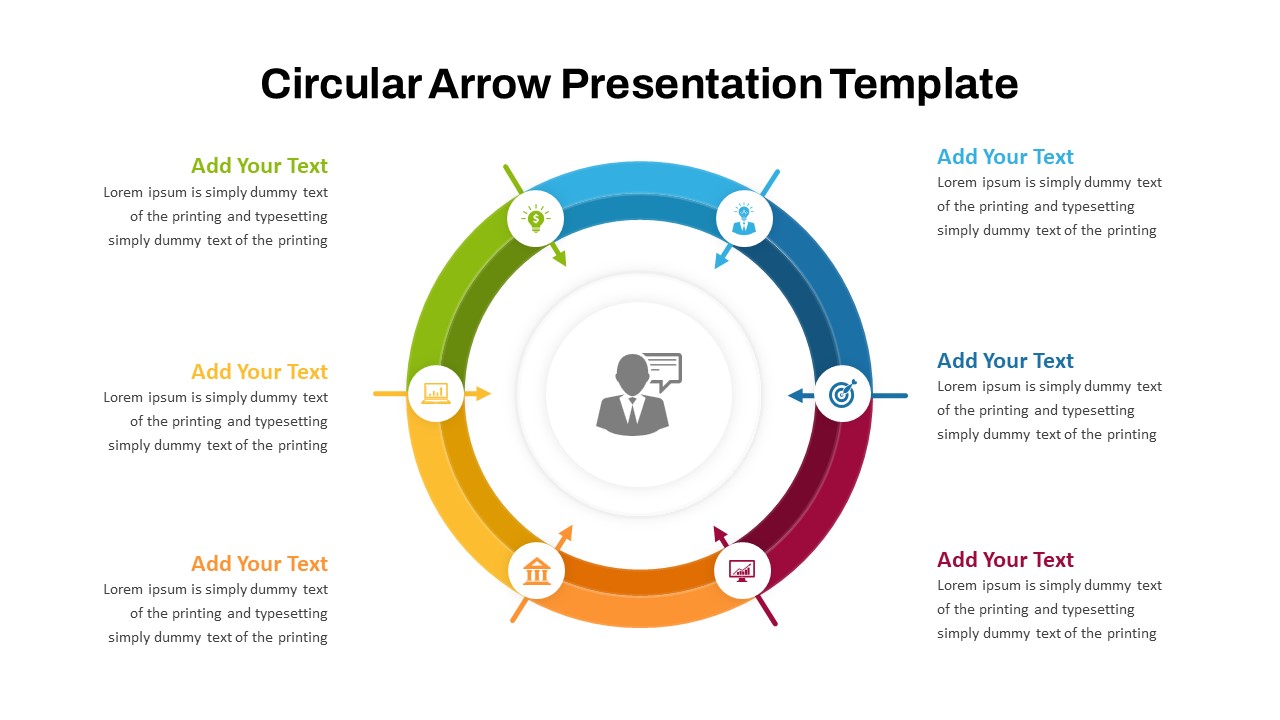
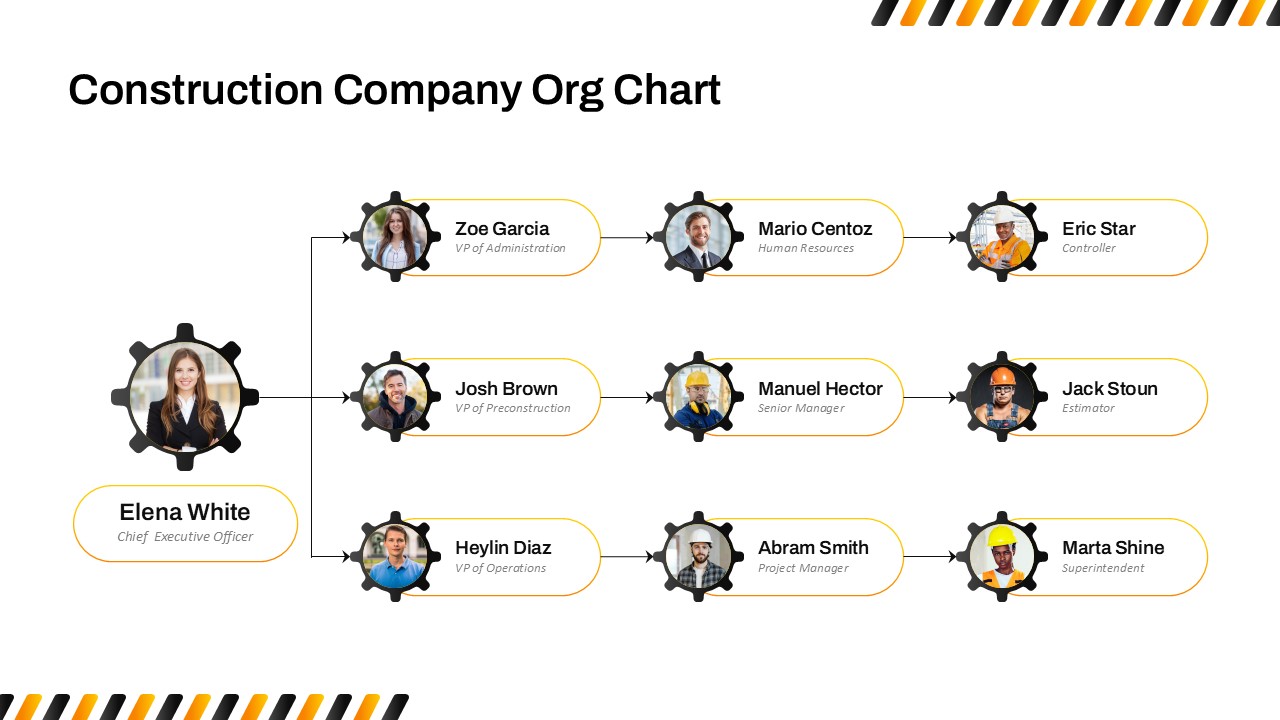
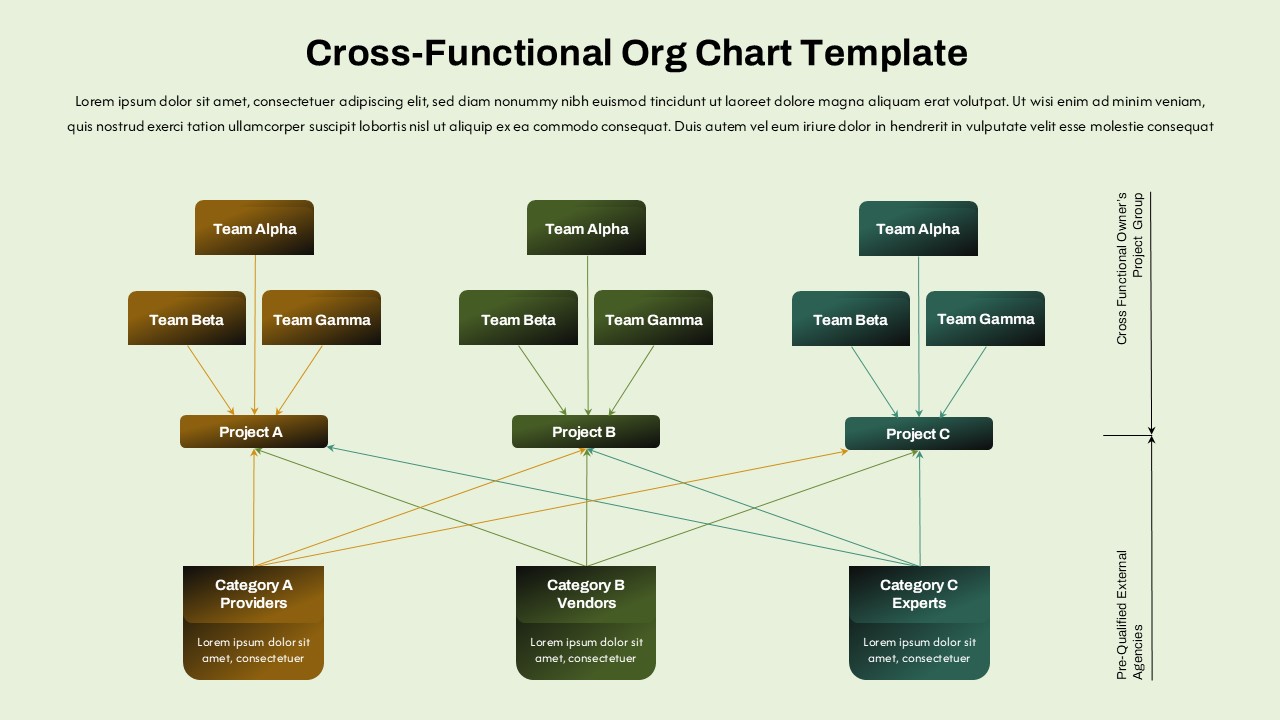
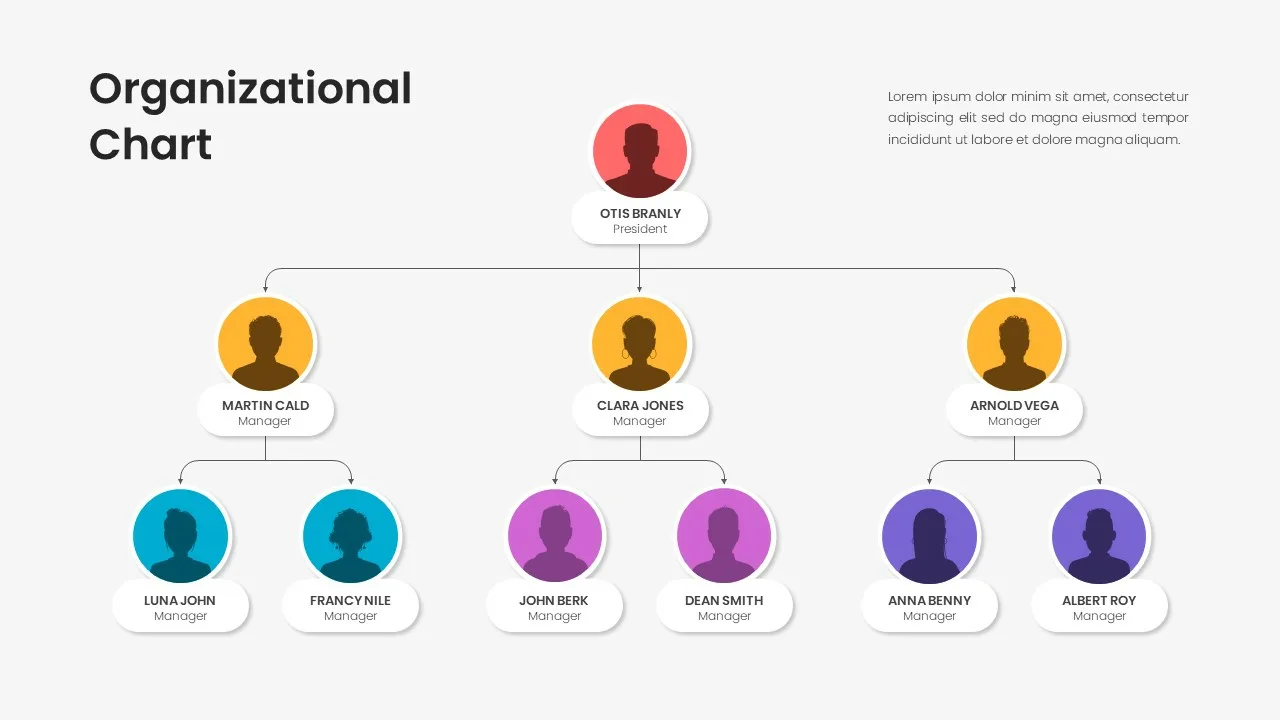
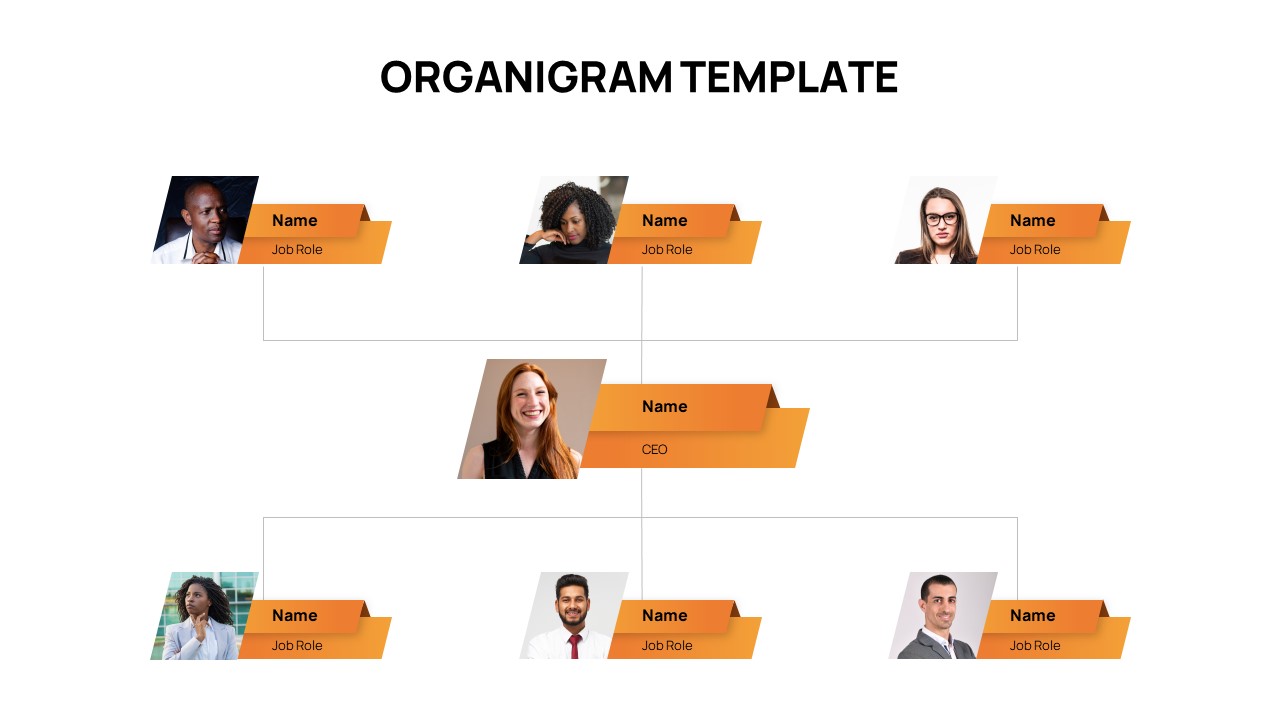
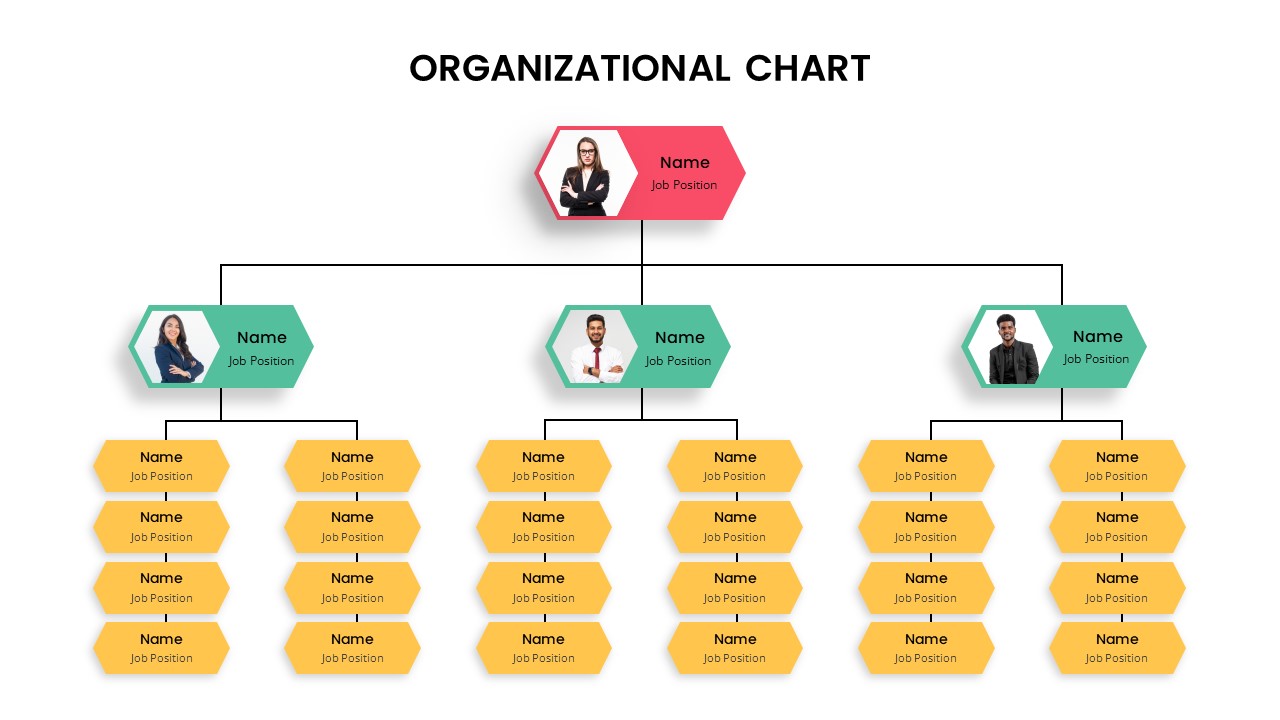
The Circular Organizational Chart Template is a modern presentation design that helps visualize team structures and reporting relationships in a clear and engaging format. It uses a circular layout to highlight leadership at the center while surrounding roles and departments are organized around it. This structure helps audiences quickly understand how teams connect and how responsibilities flow within an organization. The design focuses on clarity, hierarchy, and visual balance so viewers can easily follow the structure of a company or department. It works well for corporate presentations, management meetings, and team introductions. The circular arrangement also helps present organizational relationships in a more dynamic way compared to traditional charts. Each section allows you to display names, roles, and profile images for team members. The layout keeps information organized while maintaining a clean and professional appearance. This makes the presentation easier to understand for both internal teams and external stakeholders. Presenters can use the slides to explain leadership structure, departmental groups, or project teams. The design also supports discussions about responsibilities and reporting lines. The template is fully editable, allowing users to replace images, names, and titles quickly. It works smoothly with PowerPoint and Google Slides, making it suitable for different presentation environments.
What Is This Circular Organizational Chart Template for PowerPoint and Google Slides?
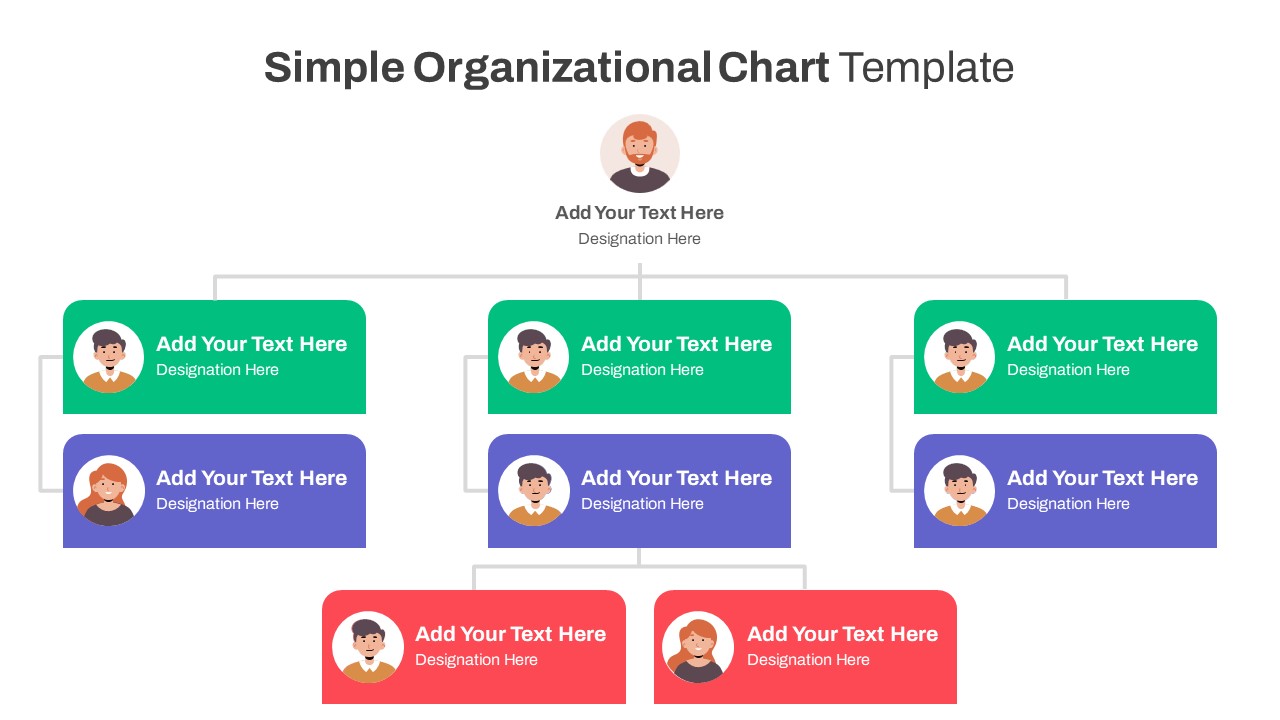
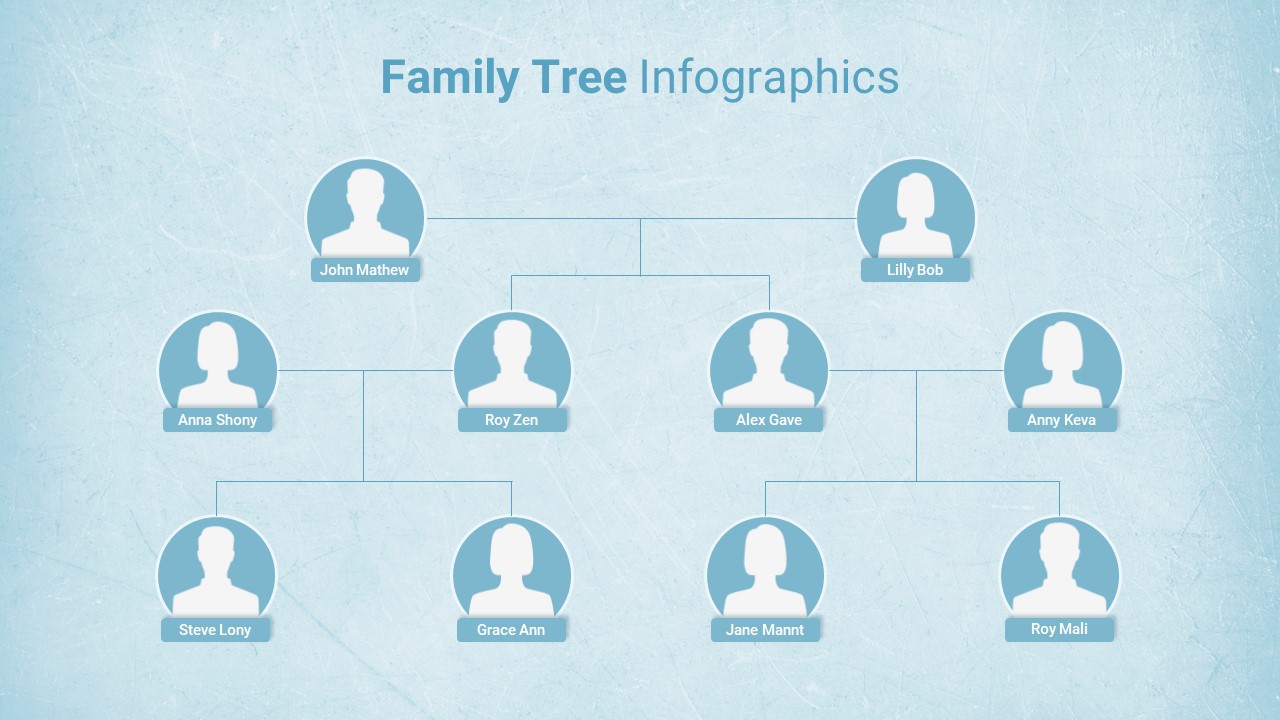
The Circular Organizational Chart Template is a visual presentation layout designed to display company hierarchies in a circular structure. The central section usually represents a leader or main department, while surrounding circles represent team members or supporting roles. This format helps presenters show relationships, team distribution, and organizational structure clearly. It is ideal for explaining leadership hierarchy and team organization in meetings or presentations.
When to Use This Template
This template is useful when you need to present organizational structures in a visually engaging way. Companies can use it to introduce team members during onboarding sessions or management meetings. It is also helpful for explaining departmental roles, project teams, or leadership structures. The circular design makes it especially effective for presentations that focus on collaboration and team connections.
Customization and Editing Options
The template is fully customizable and easy to edit. Users can replace photos, names, and designations to match their organizational structure. Colors, shapes, and icons can also be modified to align with company branding. The circular layout allows presenters to add or remove team members depending on the size of the organization. This flexibility makes it suitable for both small teams and larger departments.
PowerPoint and Google Slides Compatibility
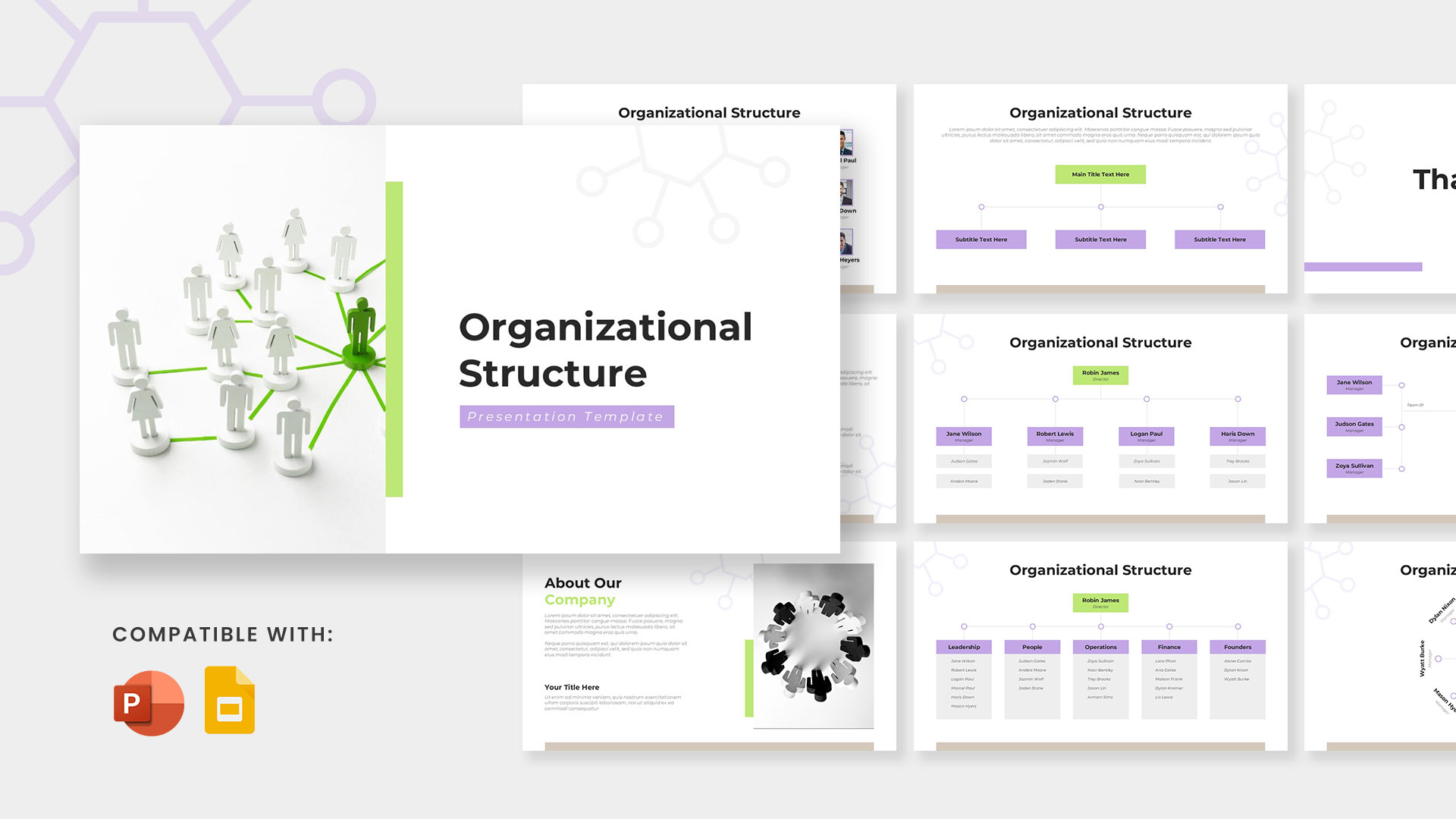
The Circular Organizational Chart Template works seamlessly with Microsoft PowerPoint and Google Slides. Users can open and edit the slides on both platforms without affecting the design layout. This compatibility allows teams to collaborate, update information, and present the chart across different devices. It is suitable for both in-person presentations and online meetings.
See more

Aspect Ratio
16:9Item ID
SKT04417


Features of this template
Other Use Cases of This Template
Company leadership structure presentations, Department team introduction slides, Project team structure presentations, Corporate onboarding sessions, Management and executive meeting presentations, Startup team overview presentations, Business organizational structure reports, HR team structure explanations, Internal communication presentations, Stakeholder or investor presentations
FAQs
You May Also Like These Presentation Templates


- Free
- Free
- Free
- Free
- Free
- Free
- Free
- Free
- Free