Brainstorming Session Agenda Template for PowerPoint & Google Slides
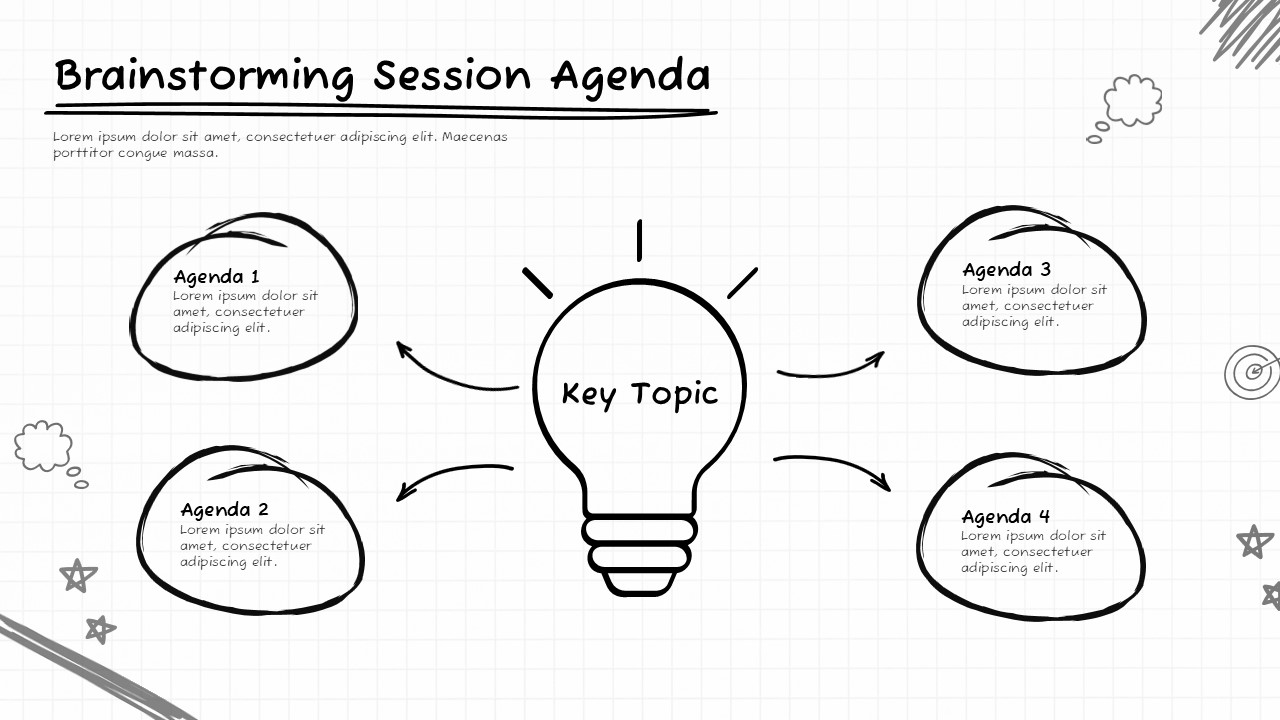
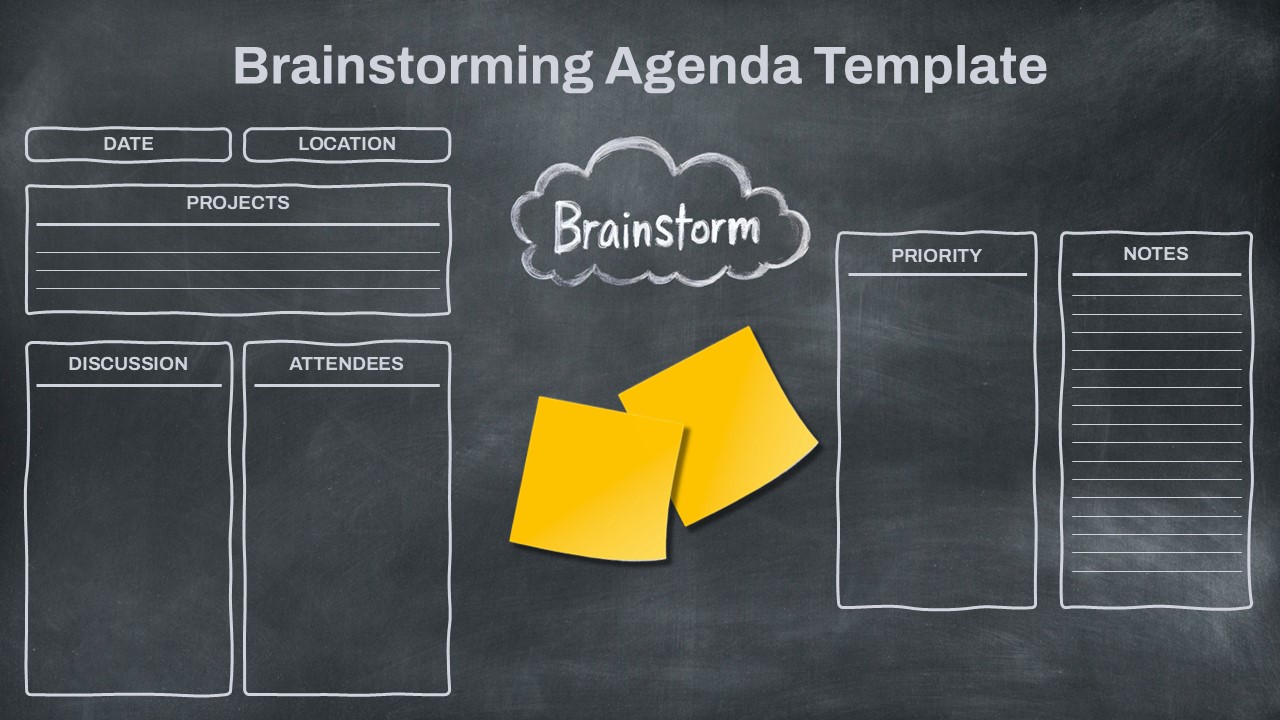
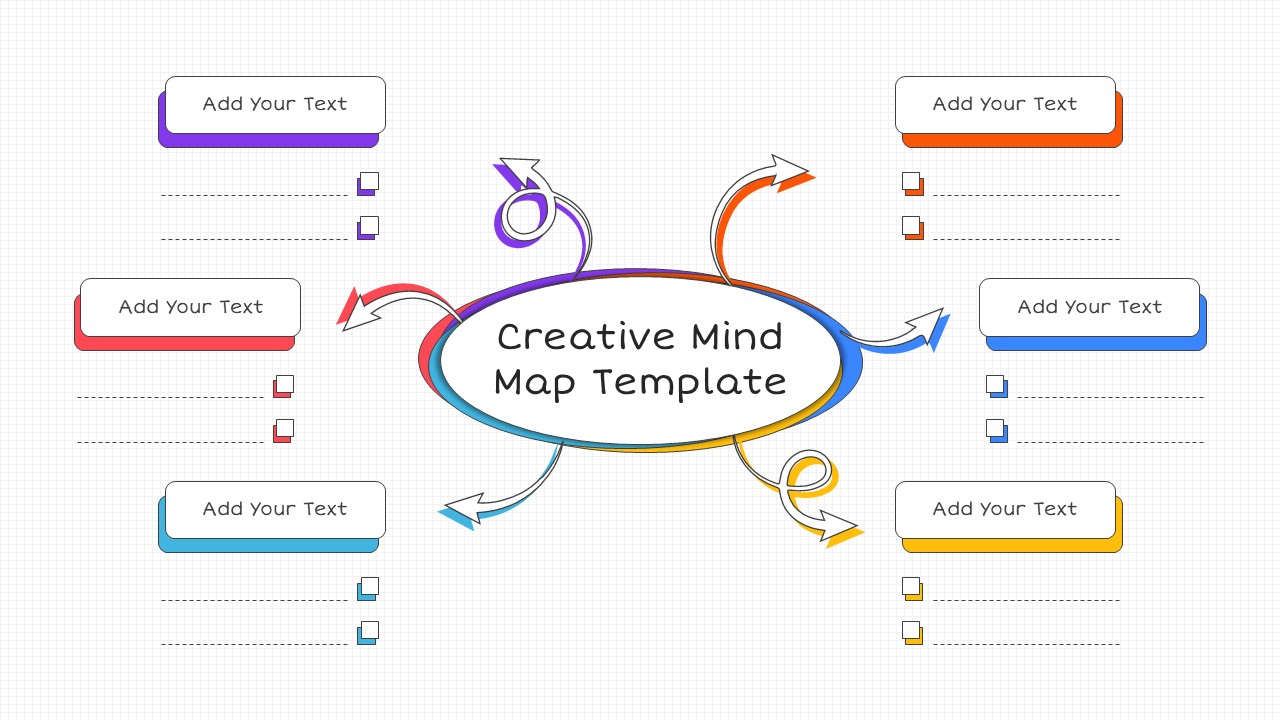
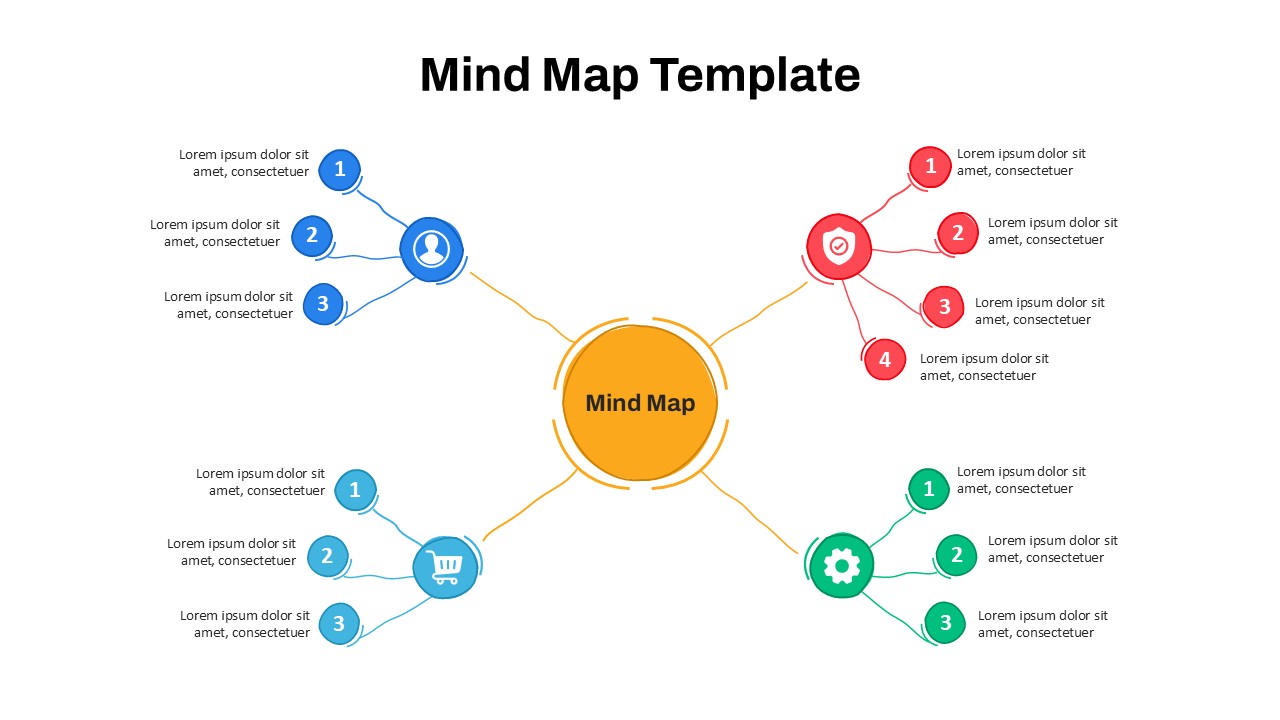
The Brainstorming Session Agenda Template is a visual meeting slide designed to organize ideas around a central topic. It features a clear layout with a main key topic in the center and multiple agenda points arranged around it. The design follows a hand-drawn sketch style, creating a creative and informal meeting atmosphere. This template helps teams structure discussions while keeping the session focused on defined agenda items. It is suitable for workshops, team meetings, planning sessions, and idea generation discussions. The slide allows presenters to outline discussion points before or during a meeting. Each section provides space to add short descriptions or talking points under each agenda item. The clean structure supports both business and educational environments. It works fully in PowerPoint and Google Slides for easy editing and presentation.
What Is This Brainstorming Session Agenda Template for PowerPoint and Google Slides?
This Brainstorming Session Agenda Template is a ready-to-use agenda slide created to guide structured idea sessions. It places one main topic in the center and connects it to four supporting agenda sections. The layout helps present discussion points in a simple and visual format. It supports clear communication by separating each topic into its own space. The slide keeps meetings organized without adding clutter. It can be used in both business and educational settings where group discussion is required.
When to Use This Template
You can use this template during brainstorming meetings, planning sessions, and strategy discussions. It is useful when a team needs to focus on one key topic with several related ideas. Managers can use it to guide structured conversations and keep meetings on track. It also works well for workshops, classroom group activities, and creative thinking sessions. The format helps participants understand the flow of discussion from the start.
Customization and Editing Options
All text areas are fully editable. You can change the main topic and update each agenda section easily. Fonts, colors, and shapes can be adjusted to match your brand style. Slides can be duplicated to create a full meeting deck. Visual elements can also be modified to suit formal or informal sessions.
PowerPoint and Google Slides Compatibility
The template is compatible with Microsoft PowerPoint and Google Slides. The layout remains stable across devices and screen sizes. It can be used for in-person meetings, virtual calls, or hybrid sessions without formatting problems.
See more

Aspect Ratio
16:9Item ID
SKT04518


Features of this template
Other Use Cases of This Template
Project kickoff meetings, Innovation workshops, Marketing planning sessions, Product development discussions, Team alignment meetings, Training session planning, Classroom group exercises, Startup idea presentations, Strategy review sessions, Internal team briefings
FAQs
You May Also Like These Presentation Templates

- Free
- Free
- Free

- Free

- Free
- Free
- Free
- Free