Project Objectives Presentation Template
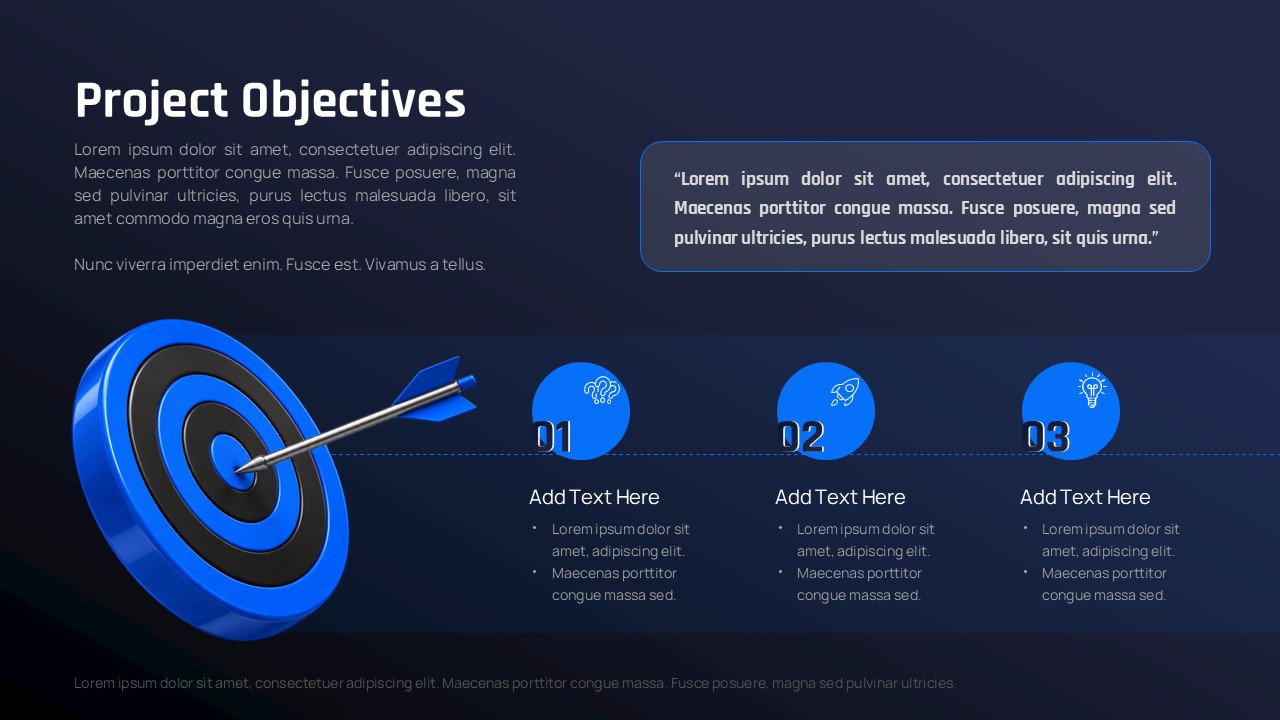
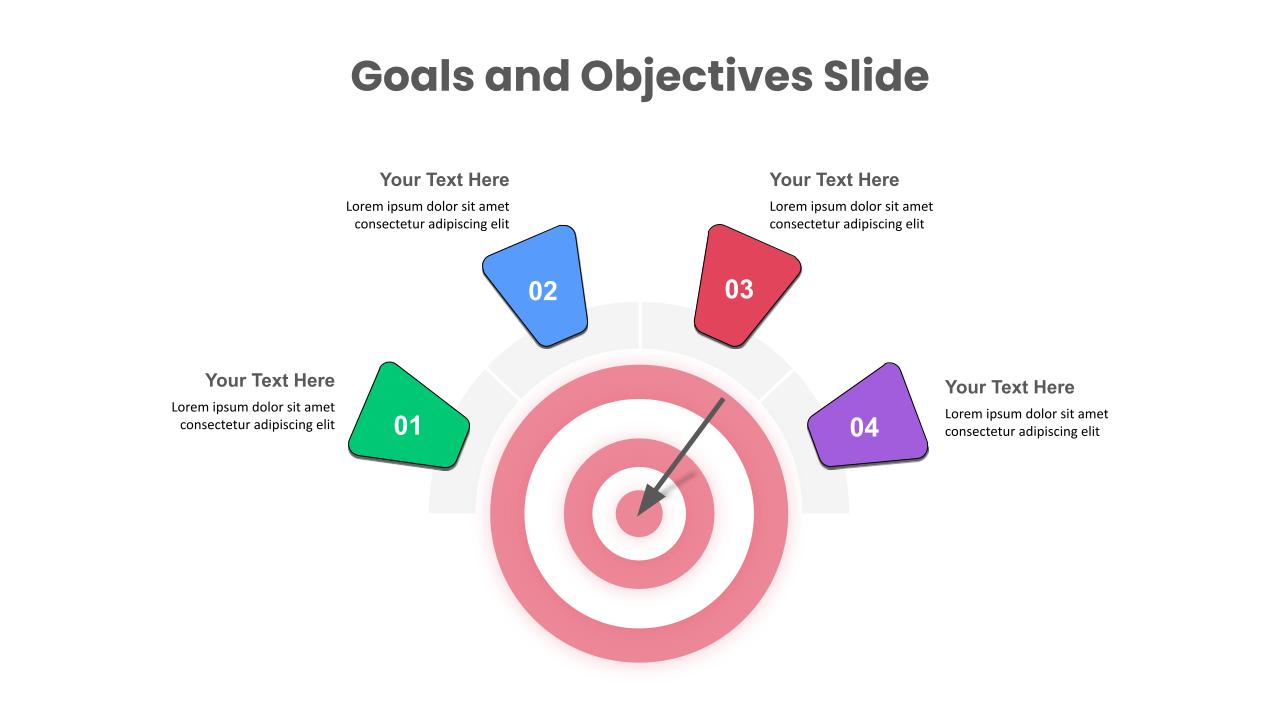
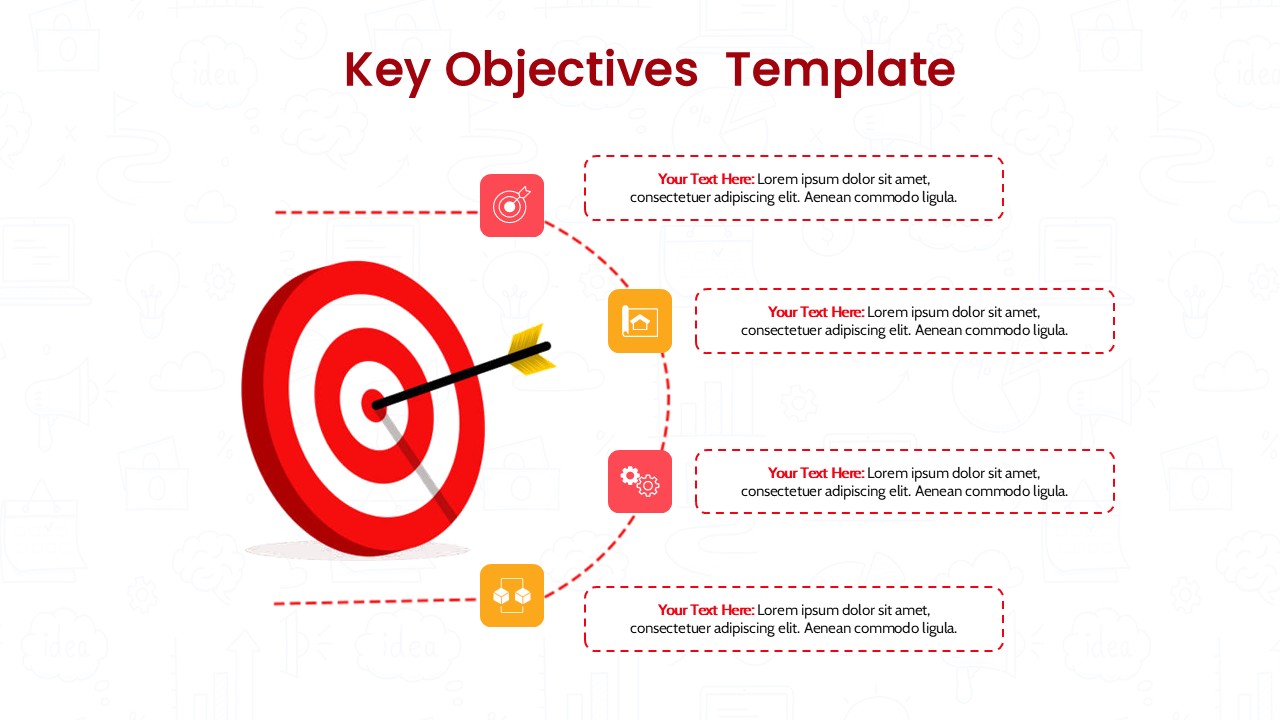
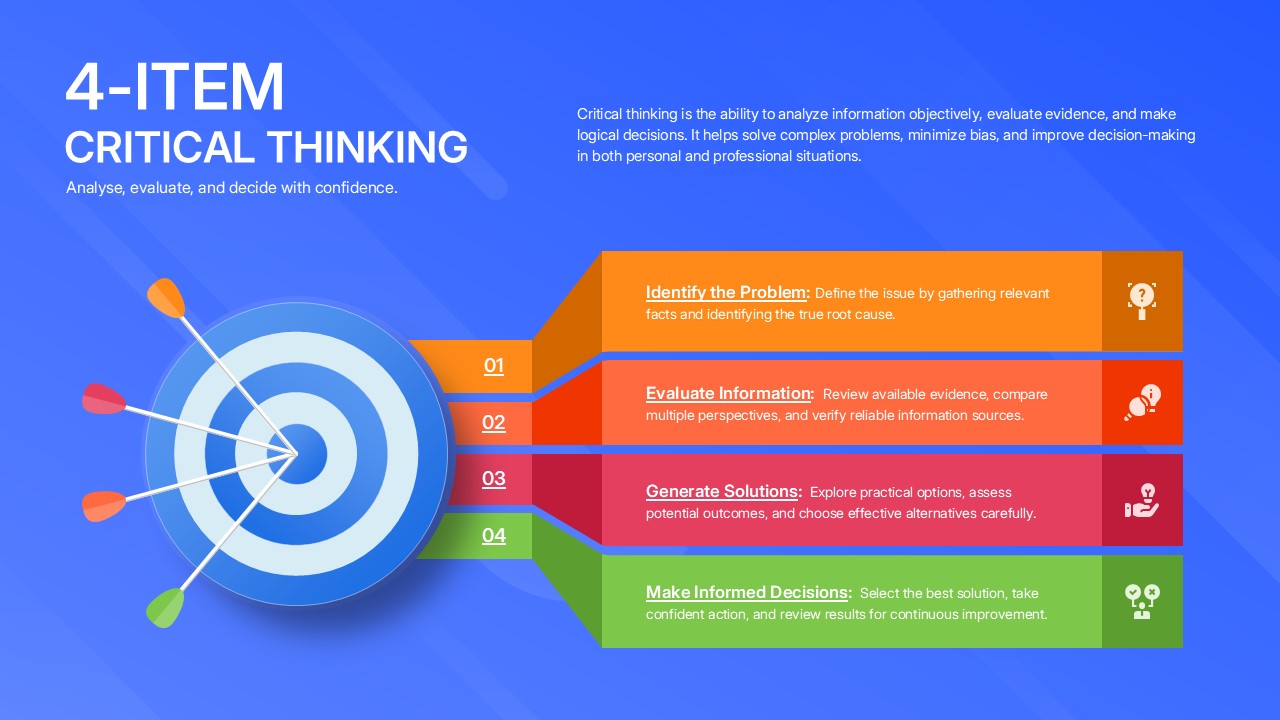
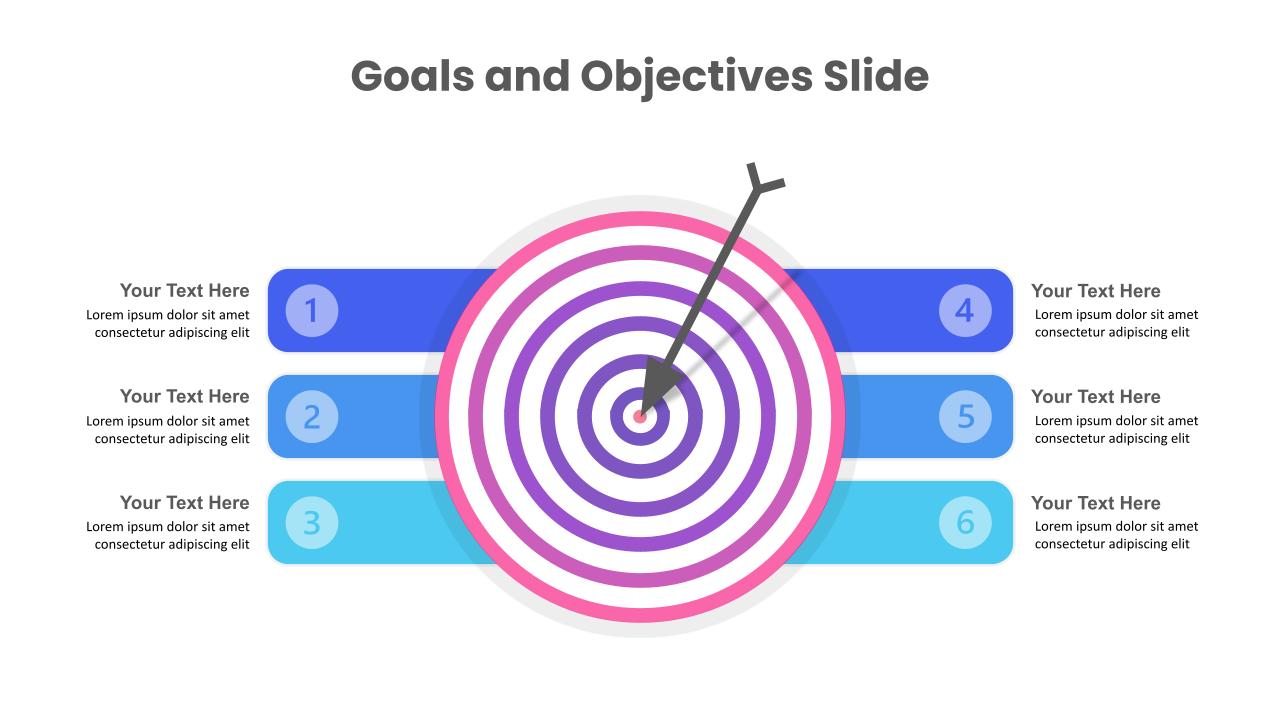
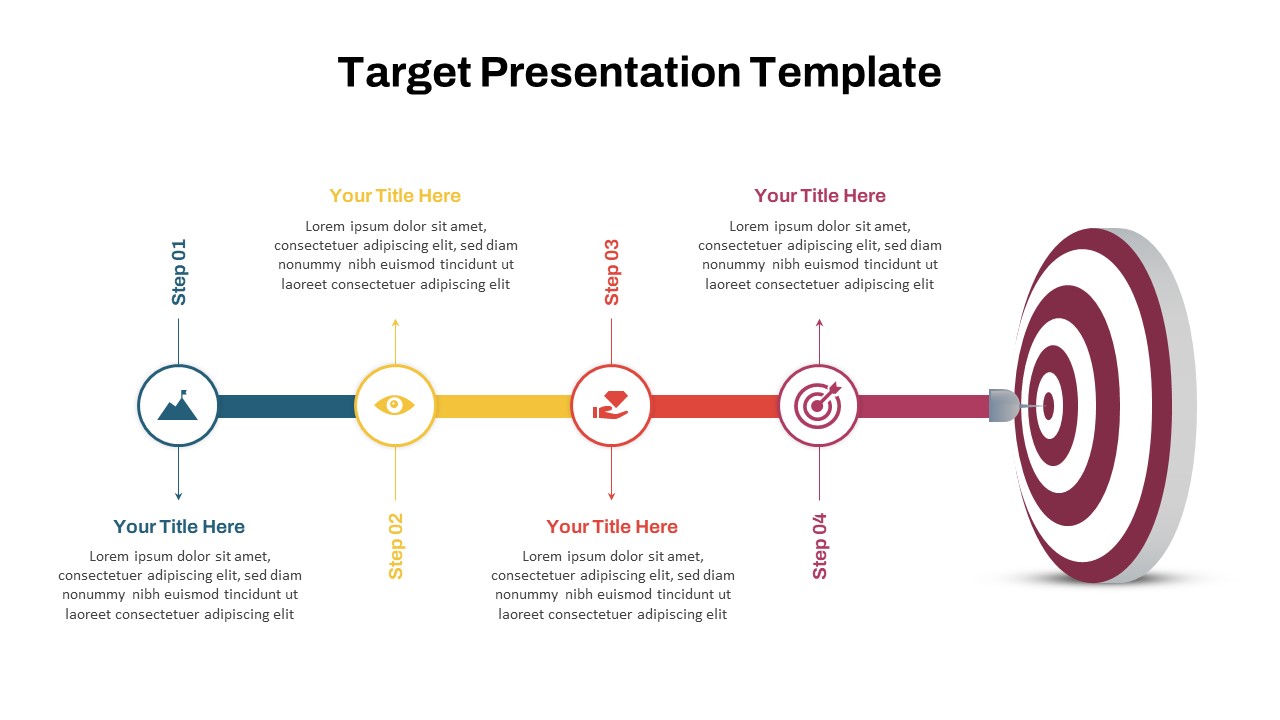
The Project Objectives Presentation Template is a modern and professional slide designed to present project goals, priorities, and key objectives in a clear visual format. Available for PowerPoint and Google Slides, this template helps teams present project goals and objectives clearly. Its professional design and target visuals make it ideal for project planning, performance, and strategy presentations.. The layout places the main project objectives across a horizontal visual path, making it easy for the audience to follow the information from one objective to the next. A large target and arrow graphic reinforce the idea of direction, focus, and measurable results.
Three numbered objective sections provide room for short titles and supporting details. This structure keeps the content organized without making the slide feel crowded. The editable design allows you to change the text, numbers, colors, and branding to match your project or organization. With its combination of concise text areas and strong visual elements, the template can support project planning, strategy presentations, business proposals, team meetings, and performance reviews.
This Project Objectives Presentation Template works well for project kickoff meetings, strategic planning, business proposals, team objectives, project management reviews, and goal-setting presentations. The editable PowerPoint and Google Slides formats make it easy to customize the content for different projects, industries, and audiences.
- Project Objectives: Introduces the main goals and purpose of the project.
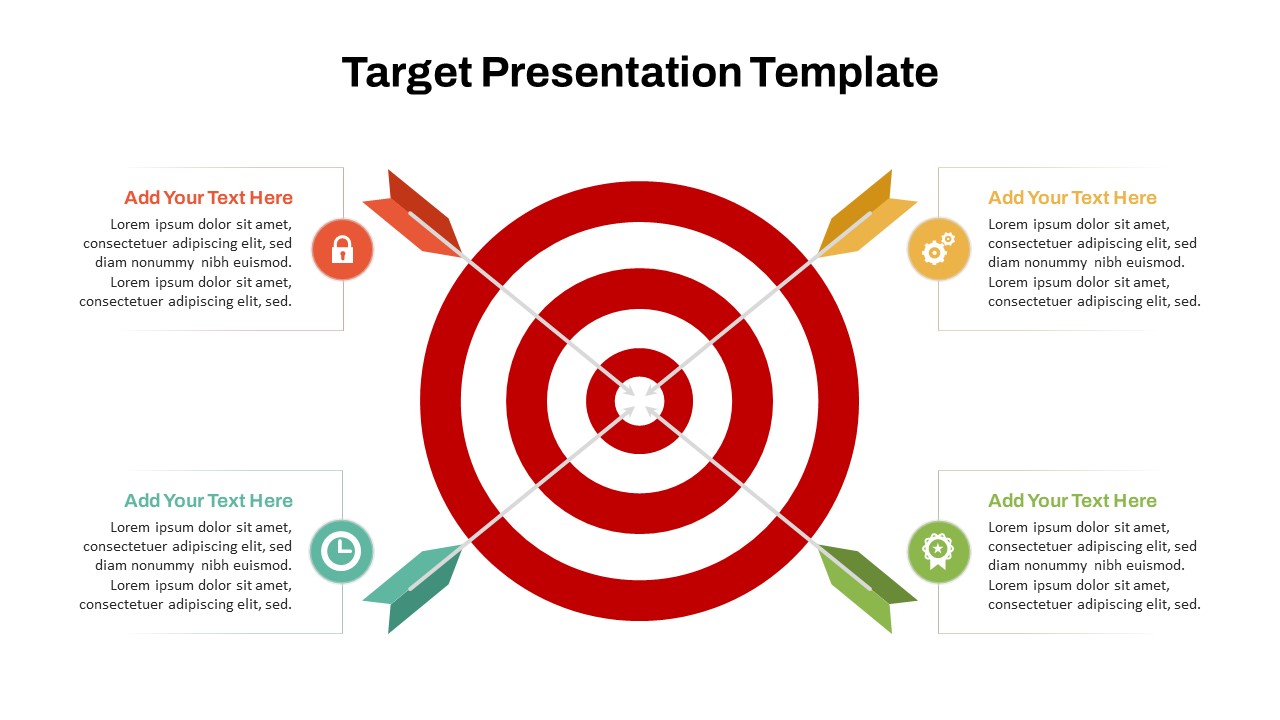
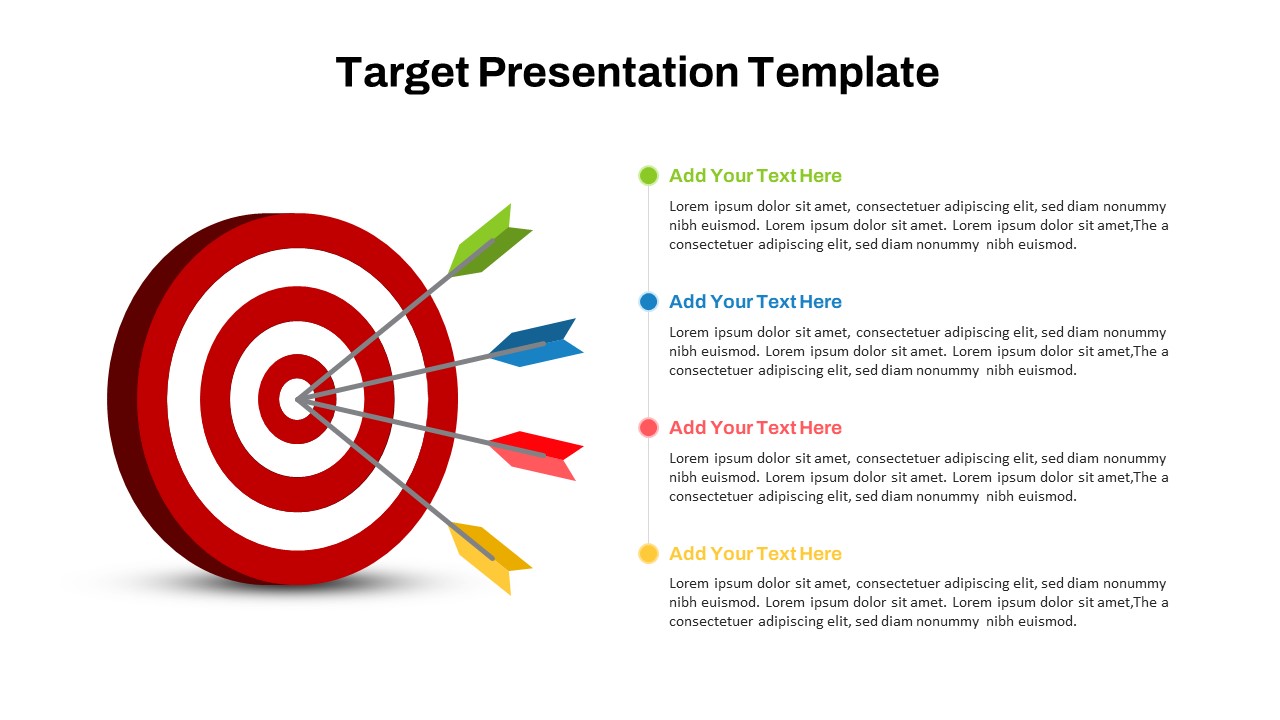
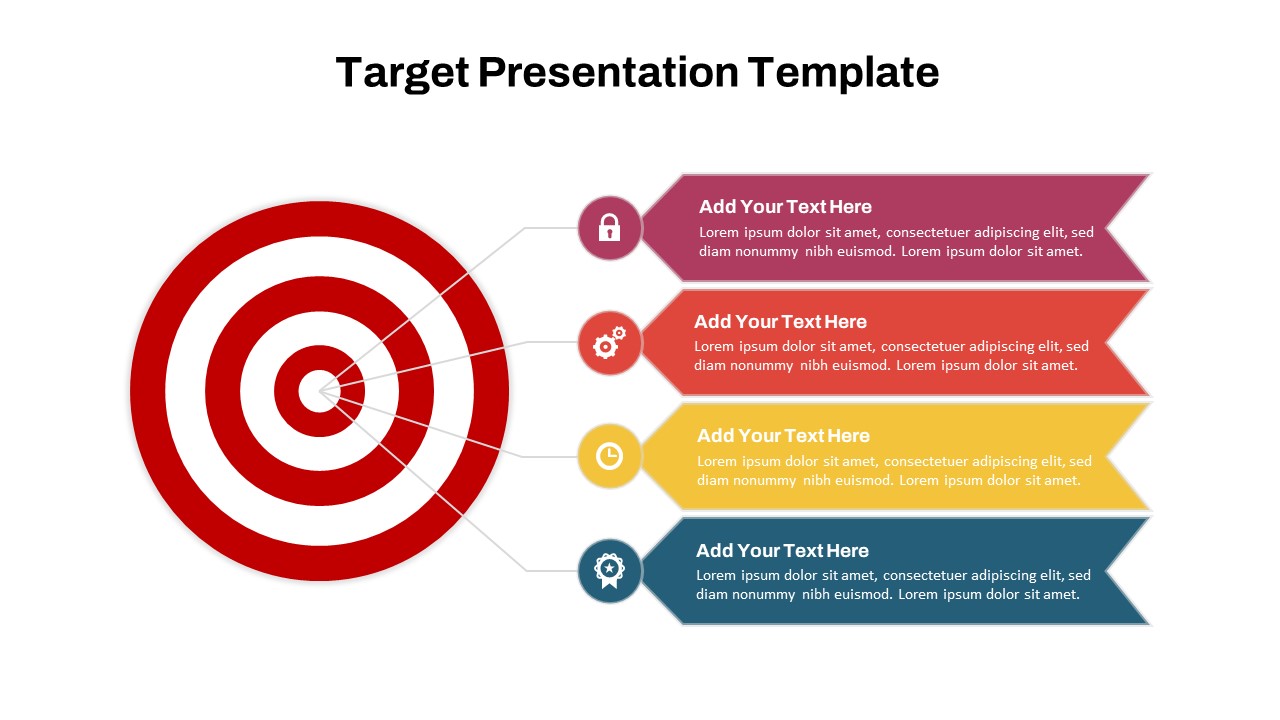
- Target Visual: Represents project direction, focus, and measurable goals.
- Objective 01: Provides space for the first project goal and supporting details.
- Objective 02: Highlights the second priority, target, or expected outcome.
- Objective 03: Presents the third objective with concise supporting information.
- Key Message Box: Adds space for a project vision, important statement, or strategic message.
- Visual Timeline: Connects the objectives and creates a clear flow across the slide.
See more

Aspect Ratio
16:9Item ID
SKT05019


FAQs
You May Also Like These Presentation Templates


- Free
- Free
- Free
- Free
- Free
- Free

- Free
- Free