Business Process Reengineering Presentation Template
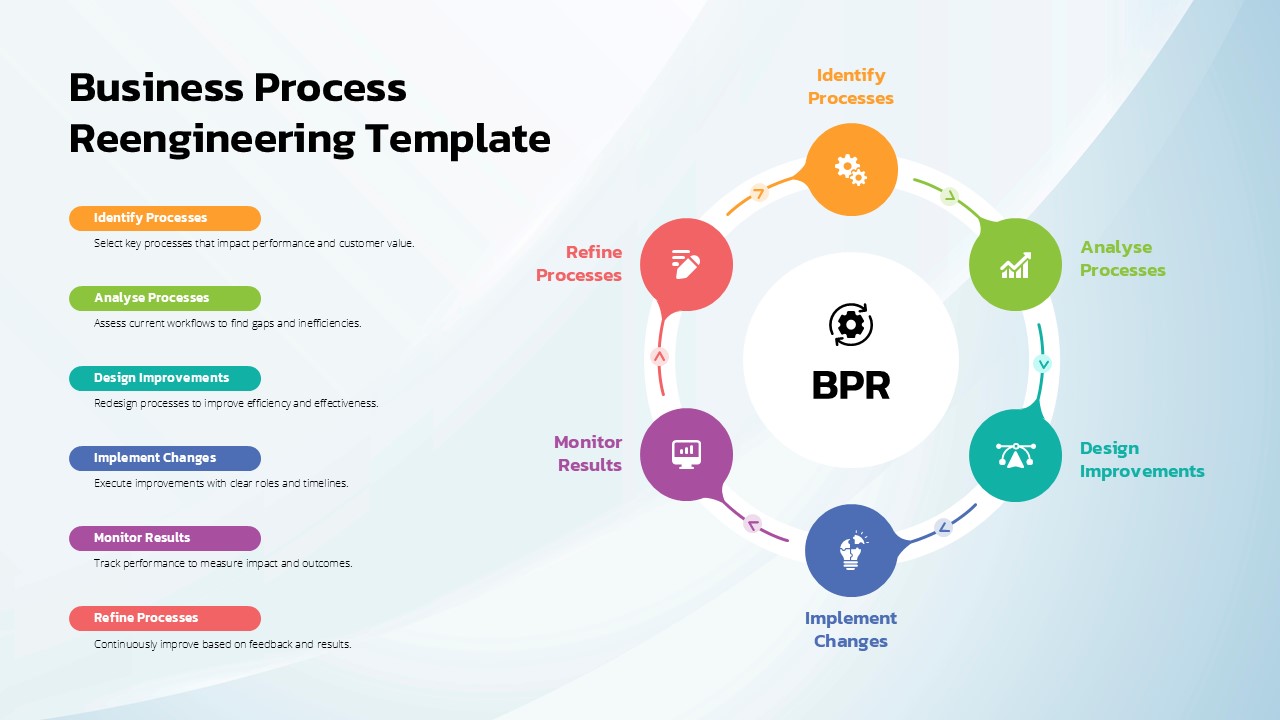
Business Process Reengineering Cycle Template for PowerPoint & Google Slides
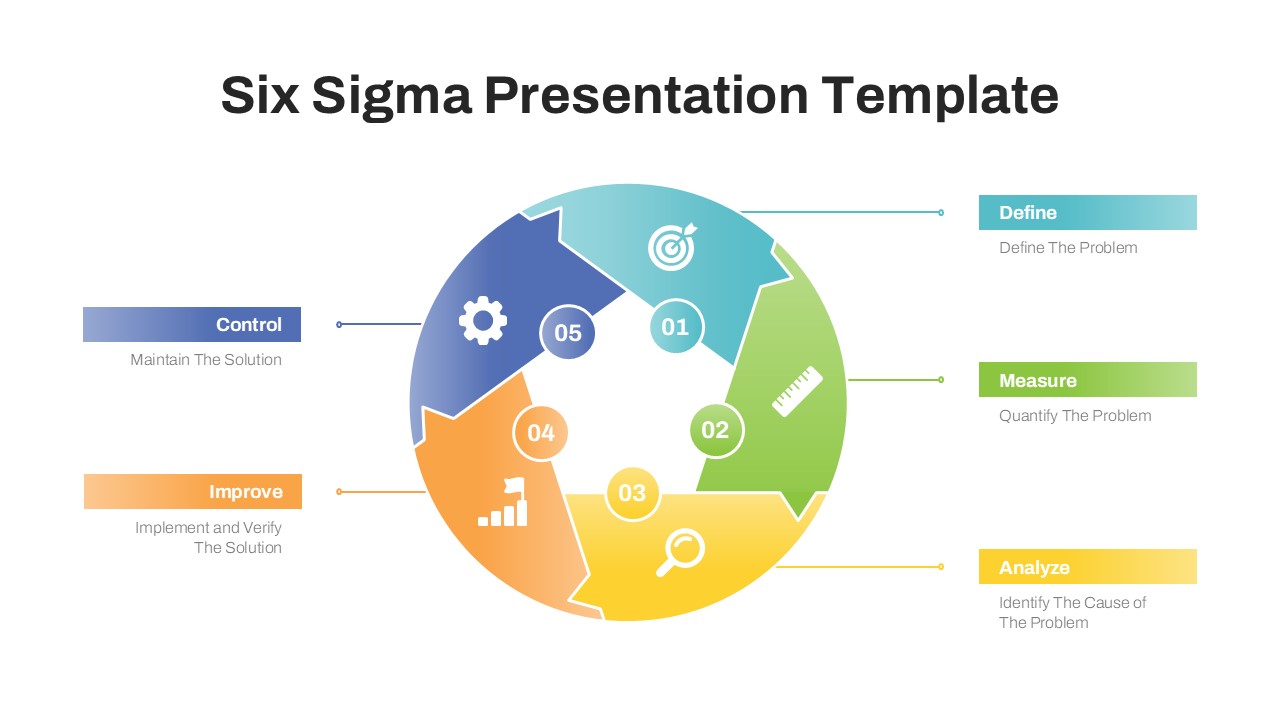
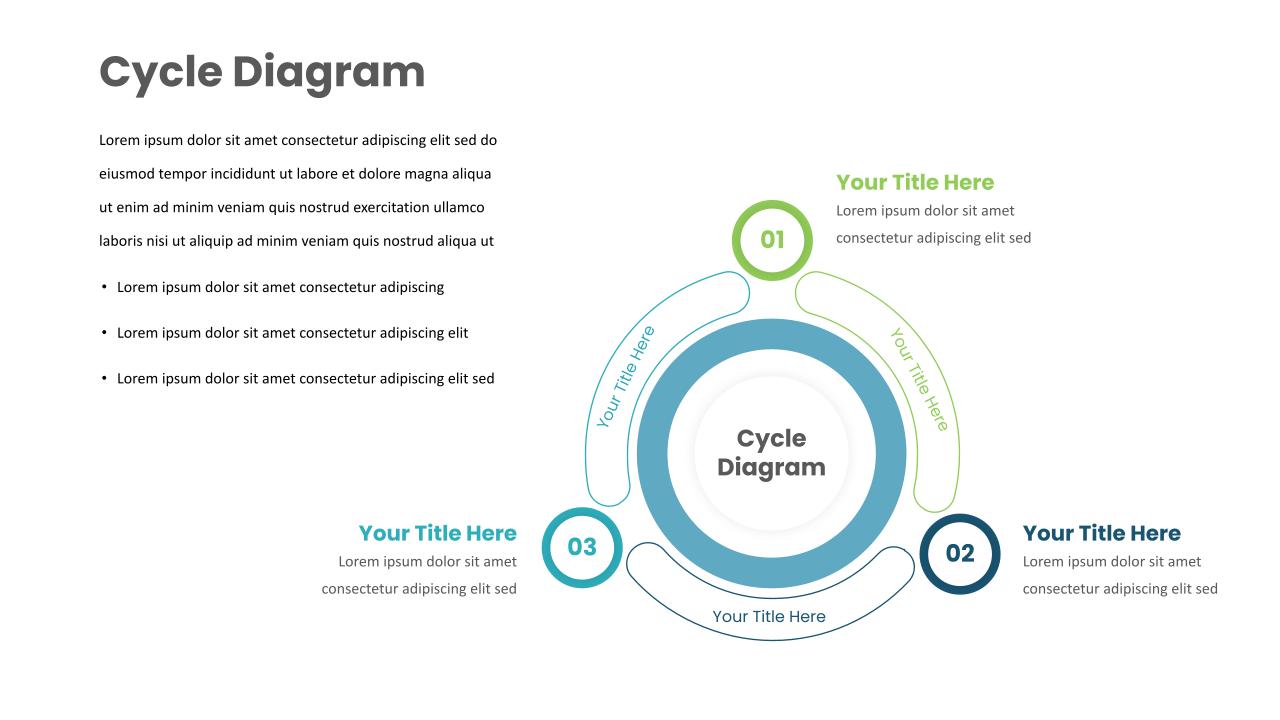
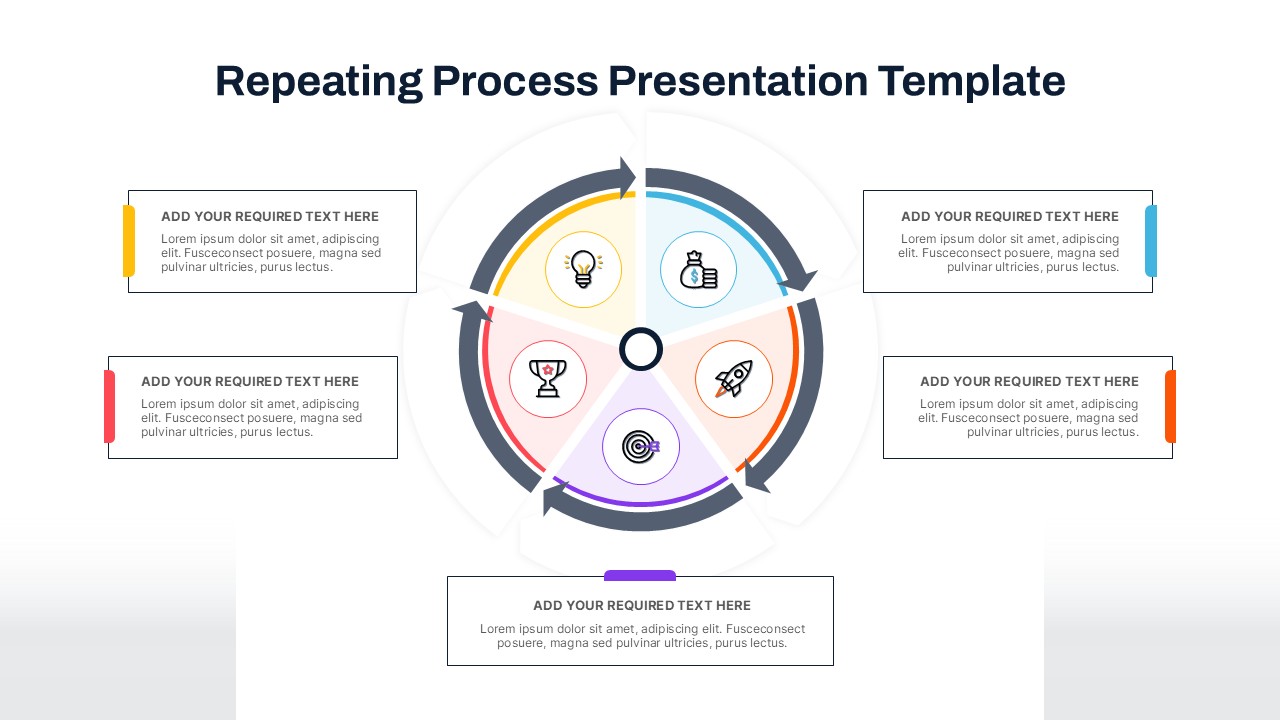
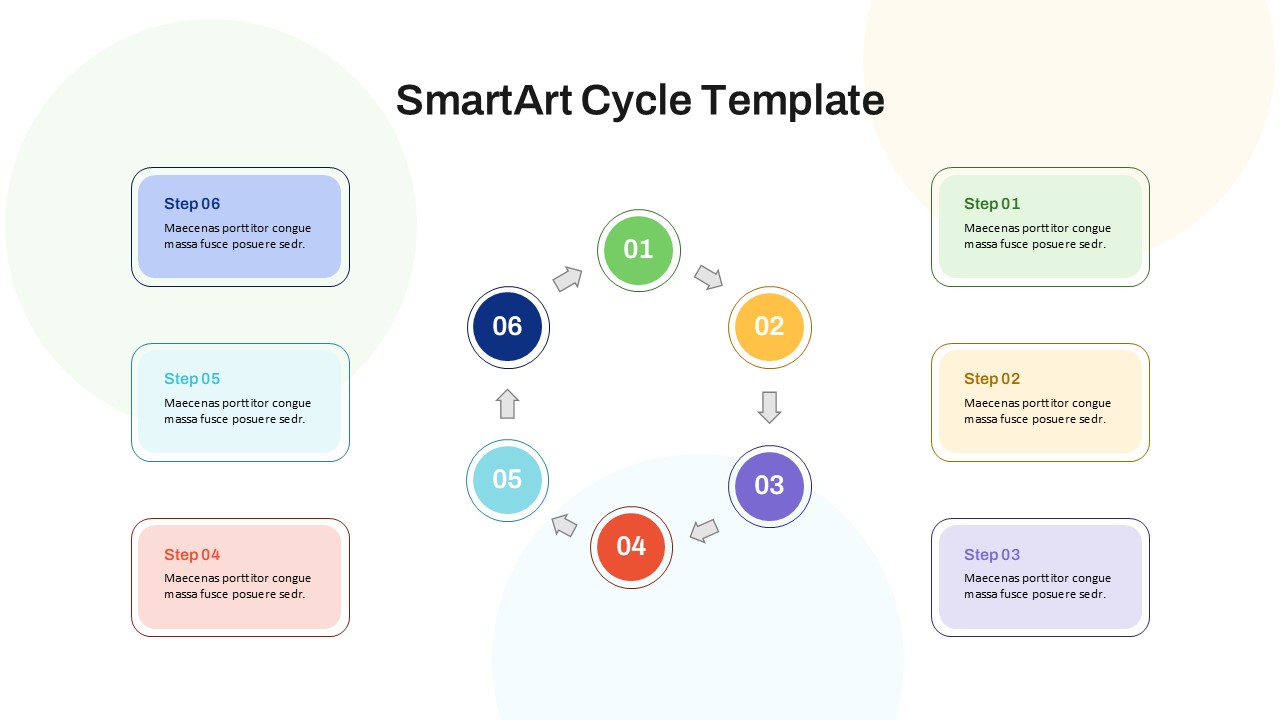
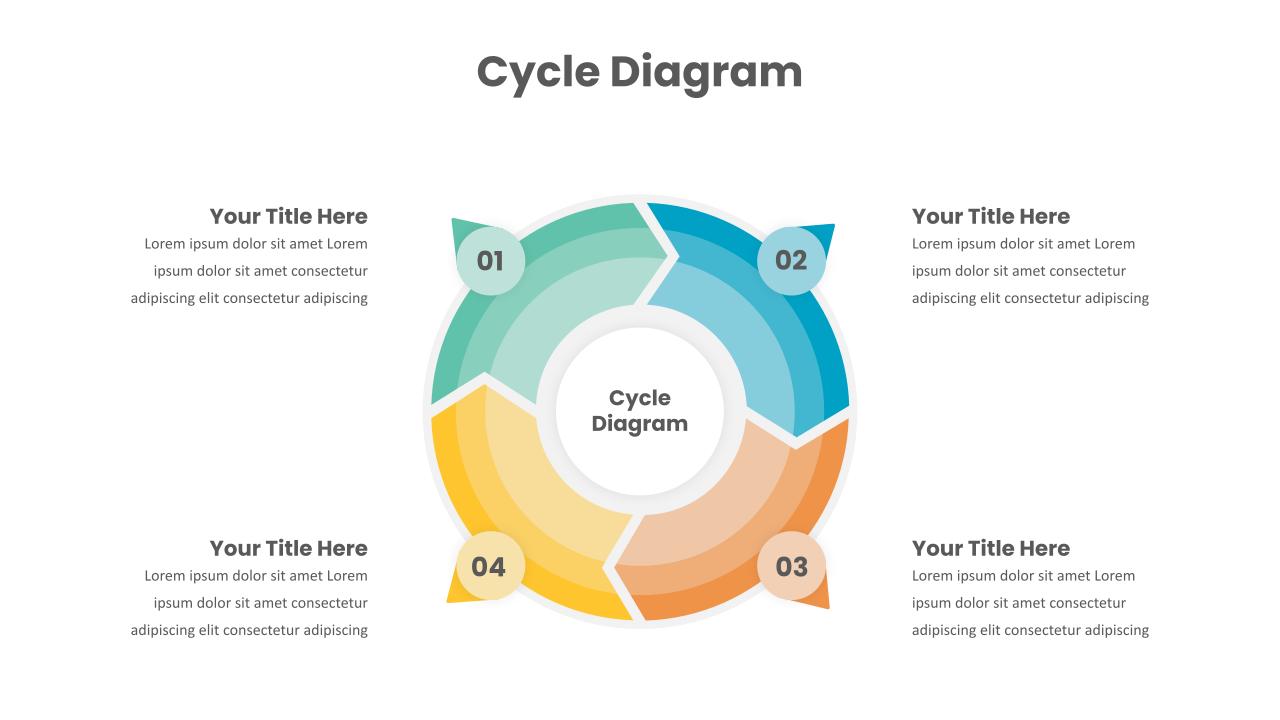
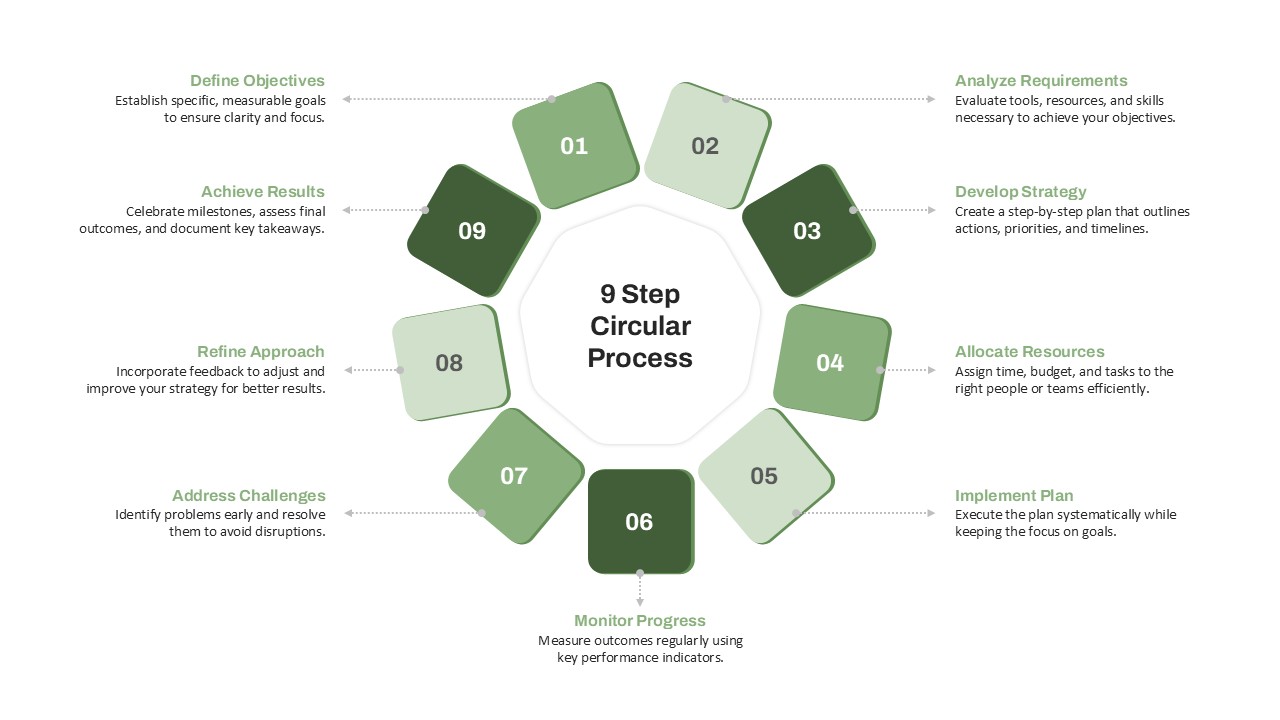
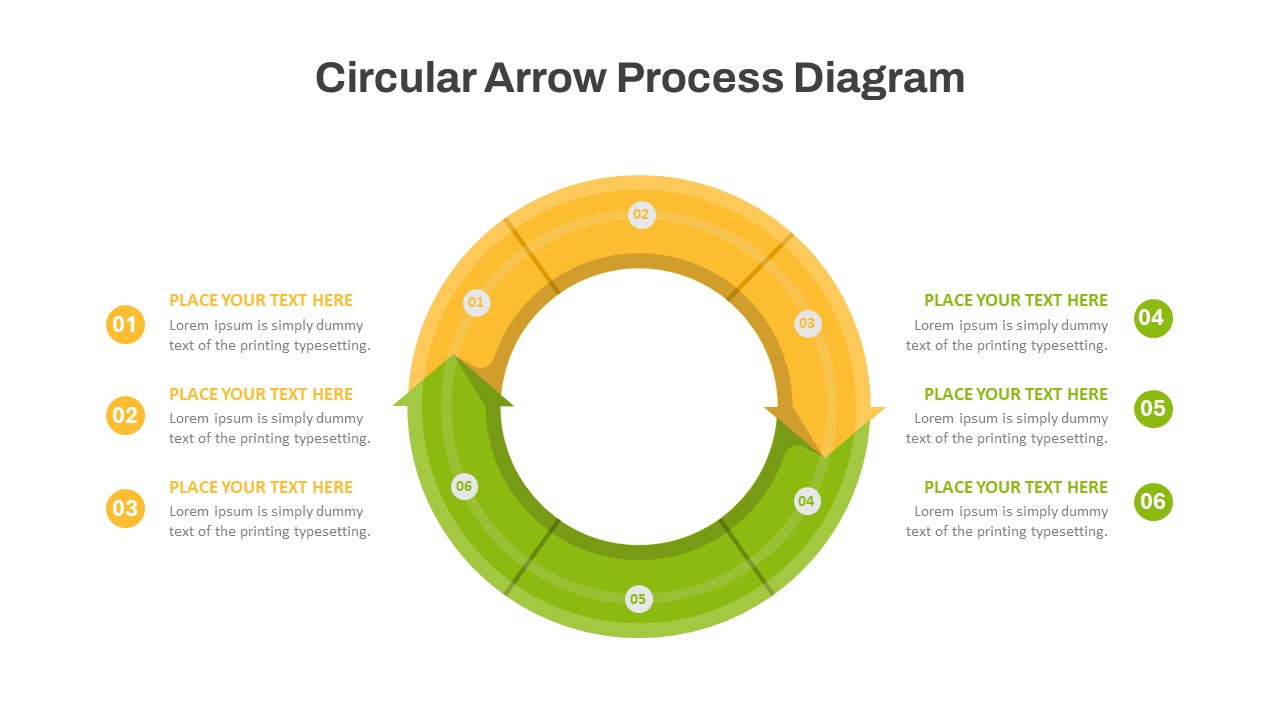
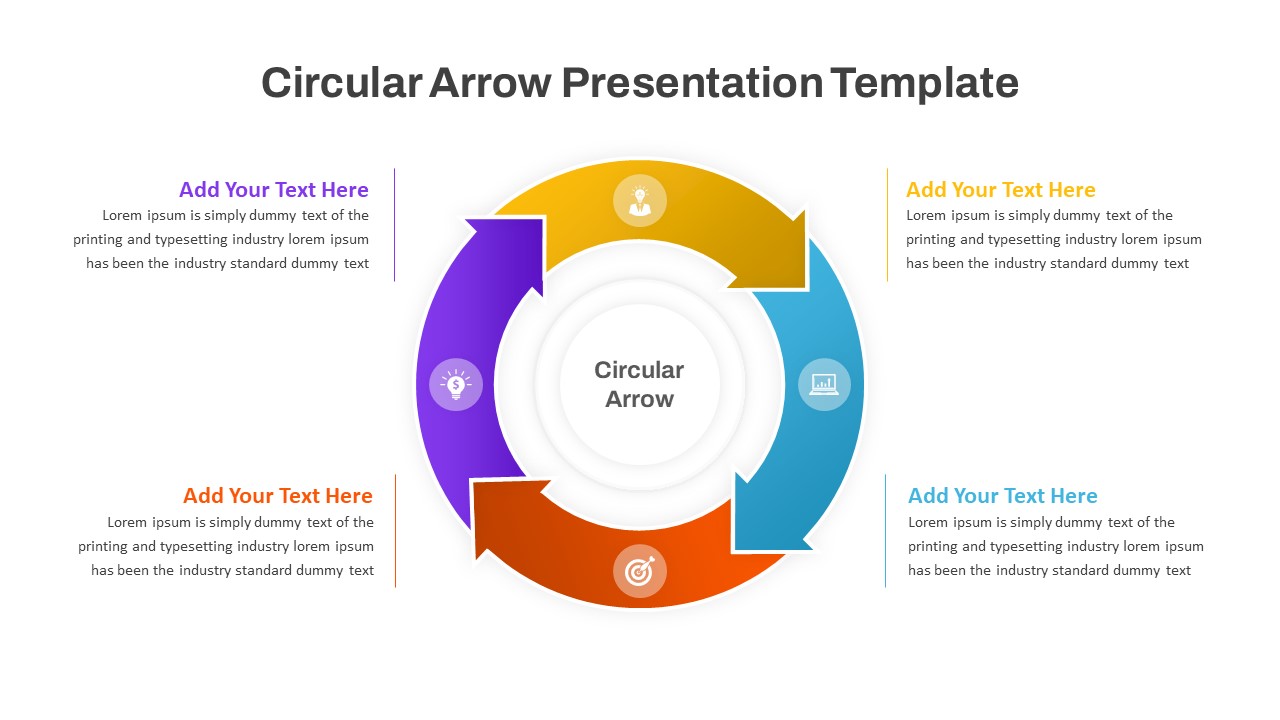
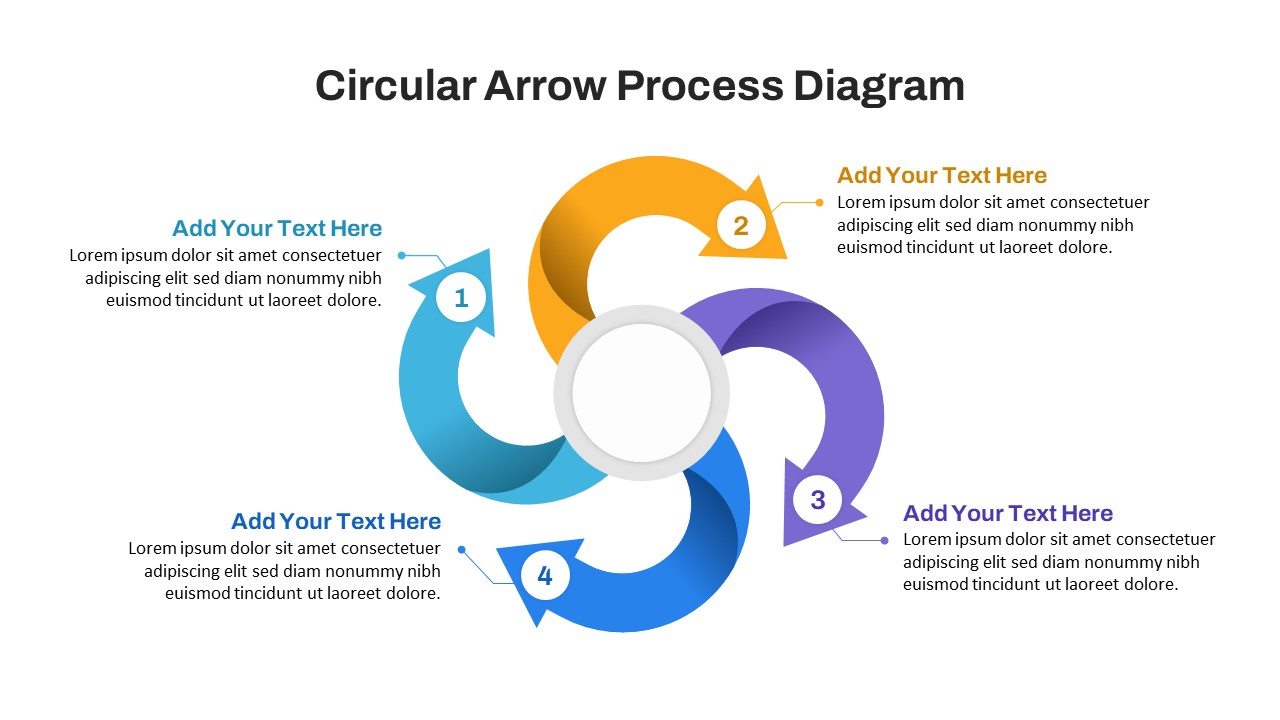
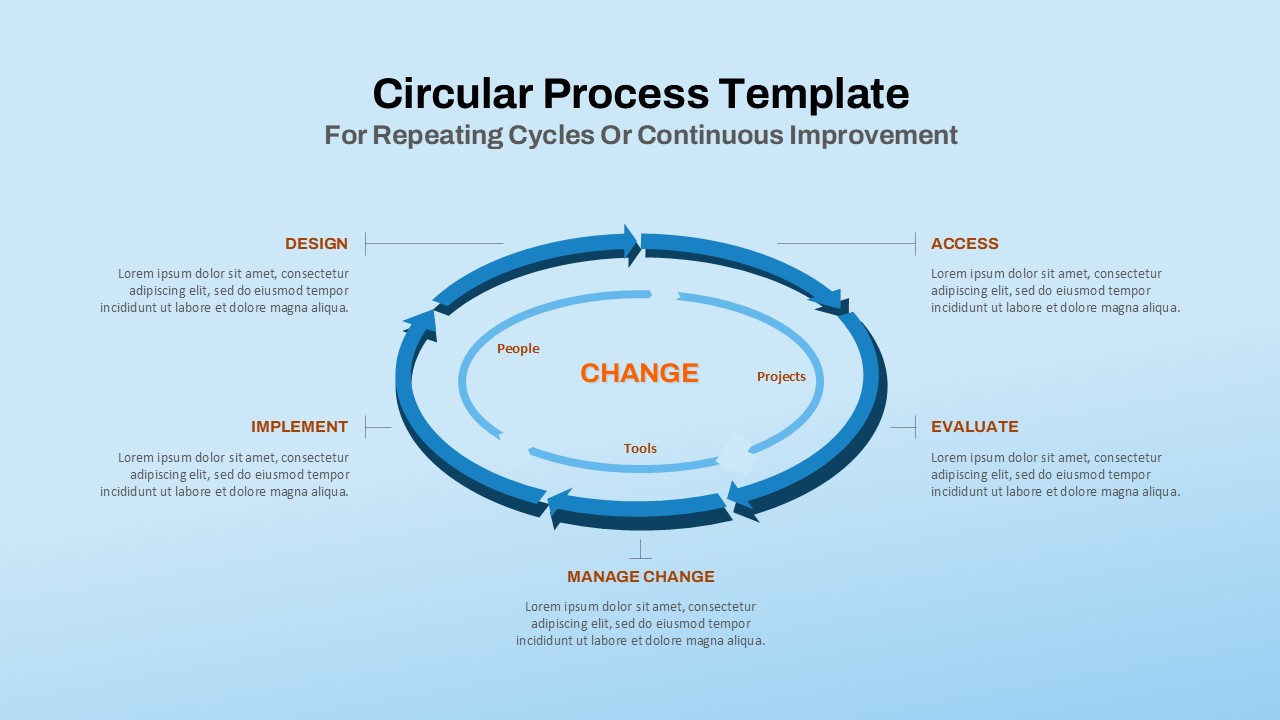
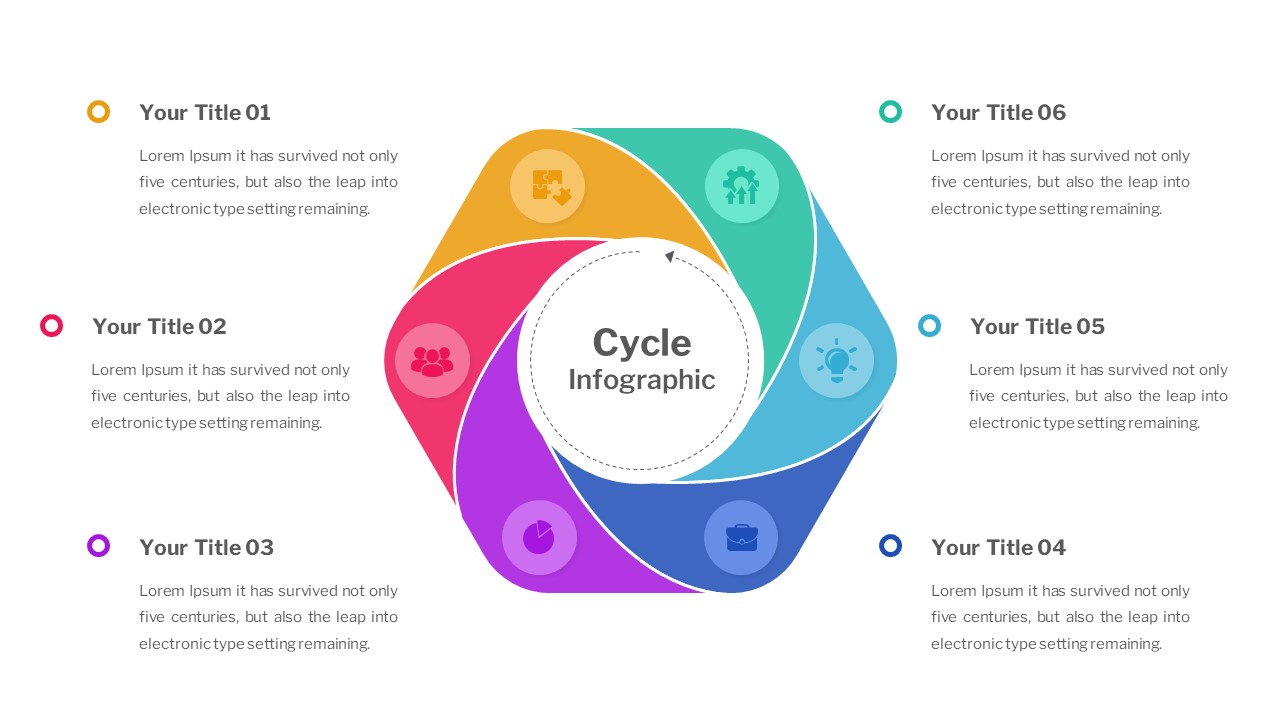
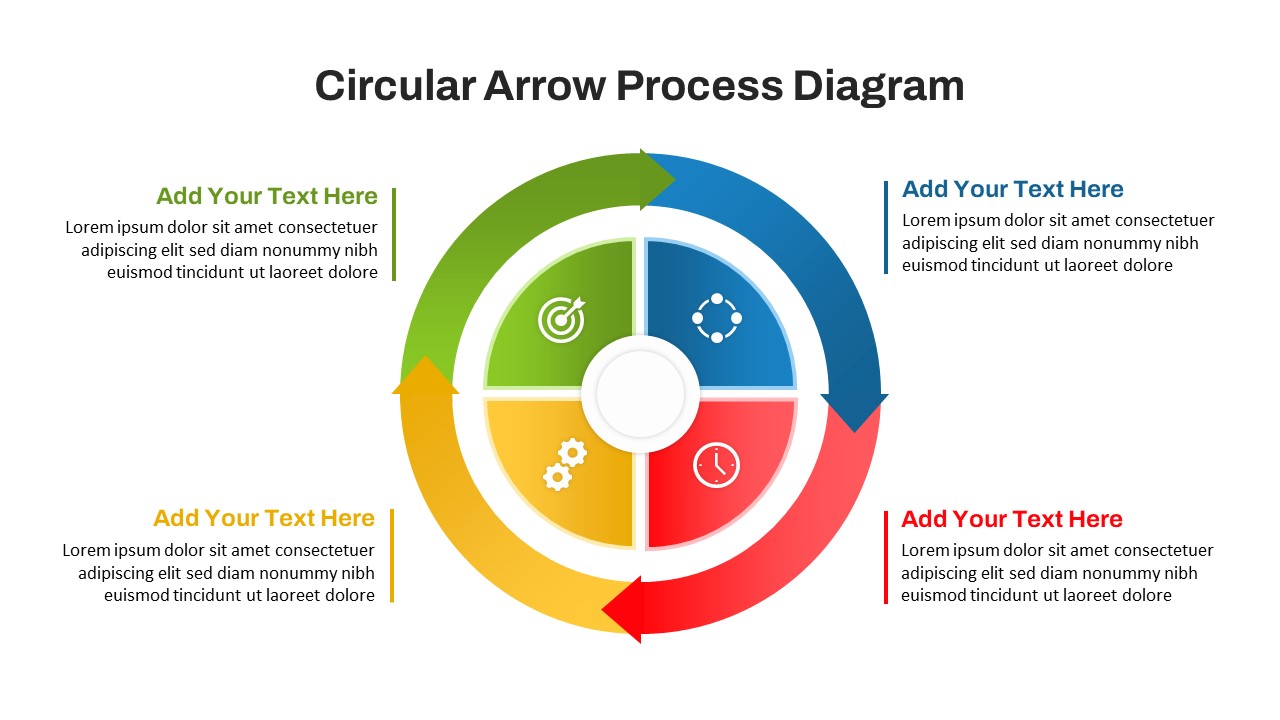
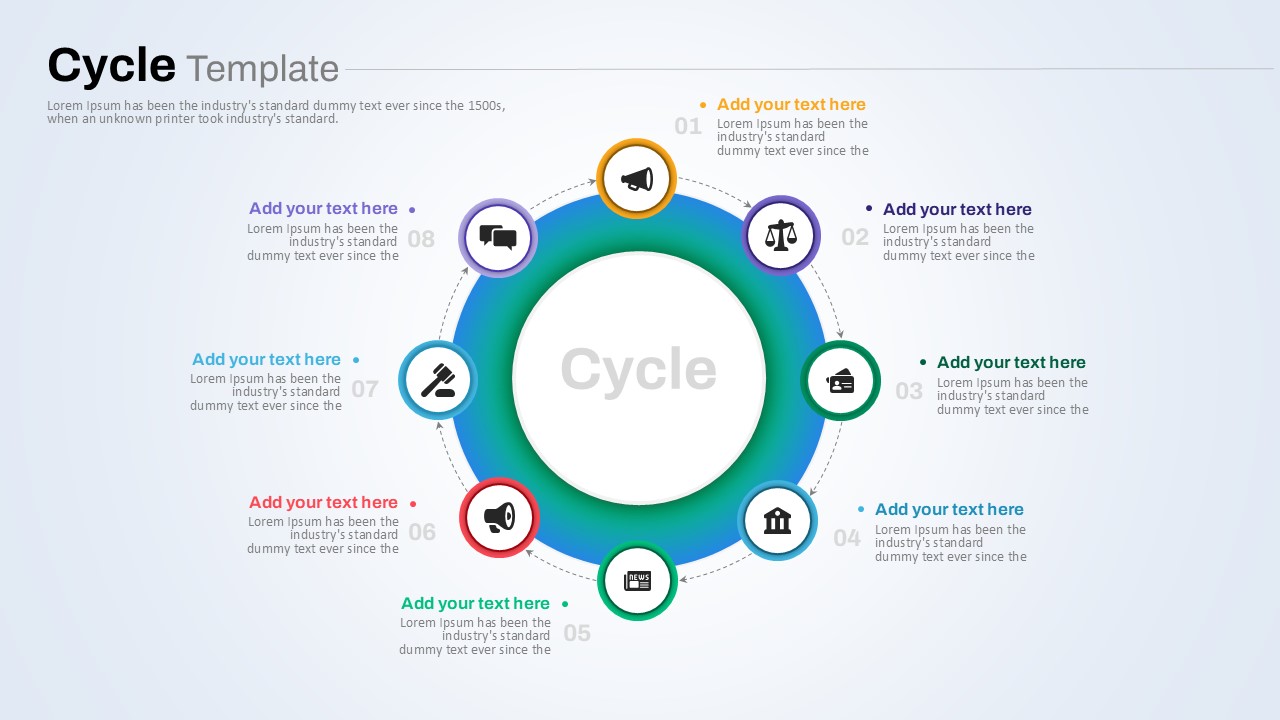
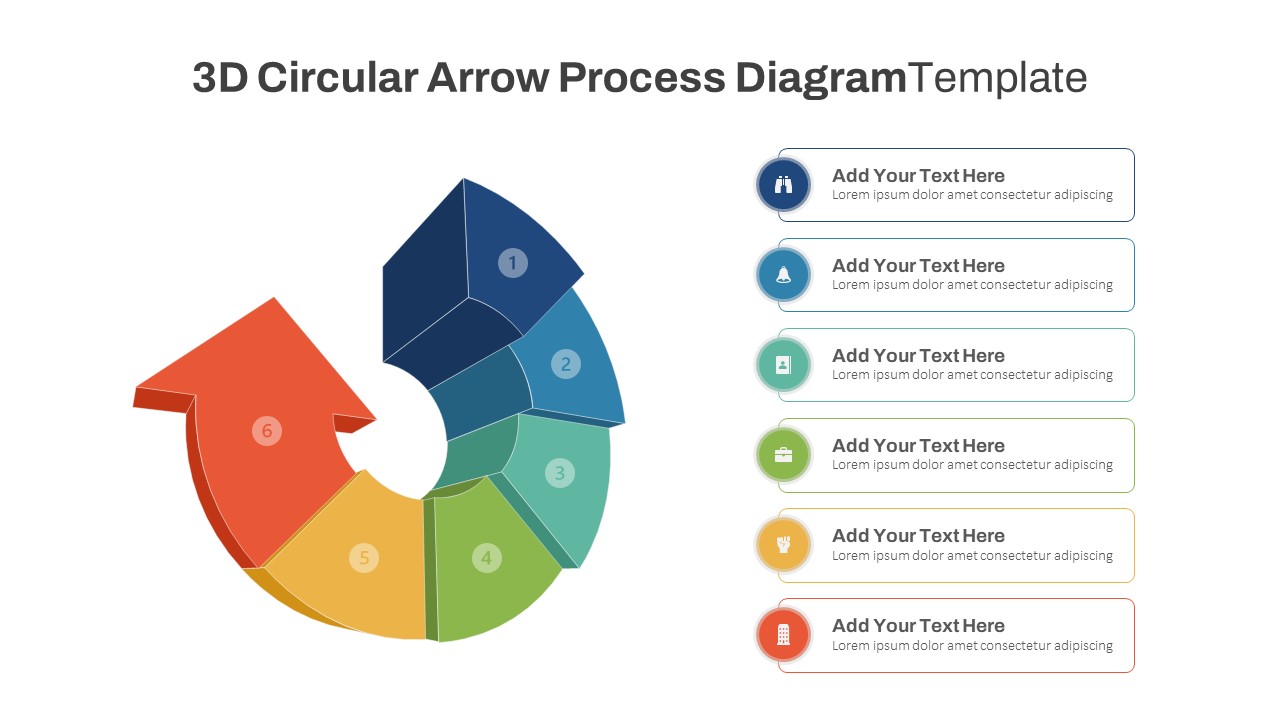
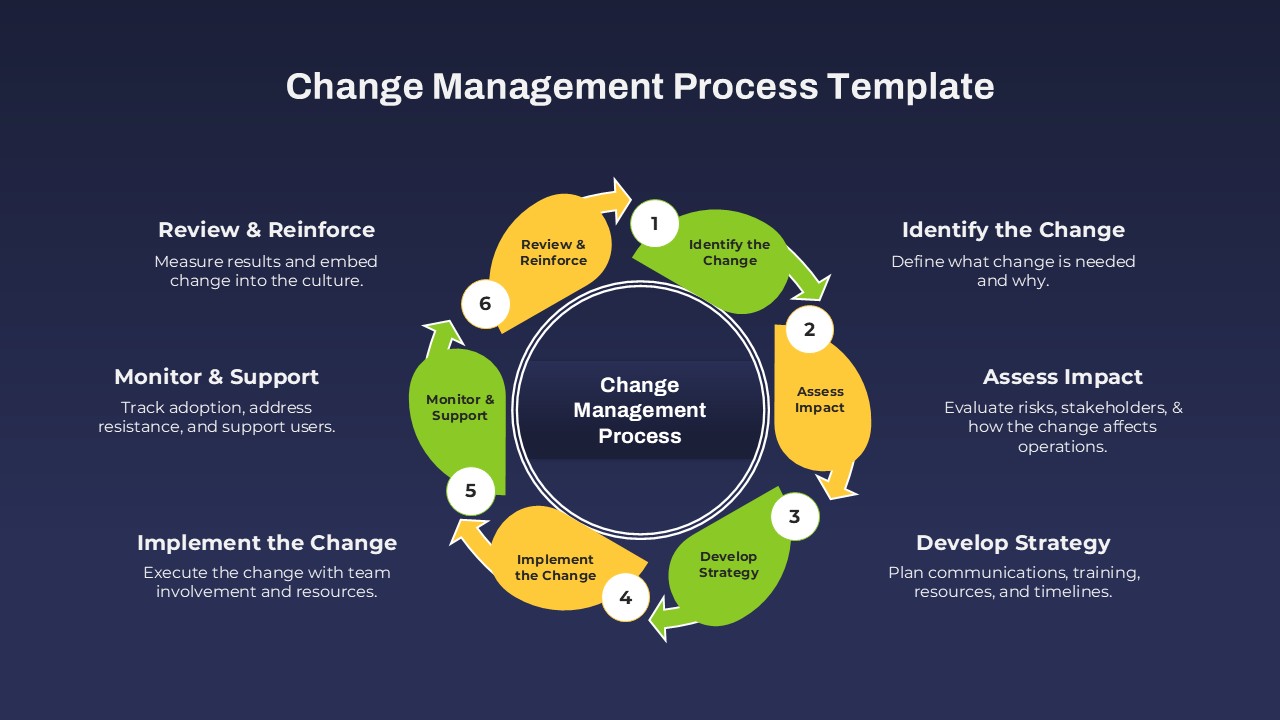
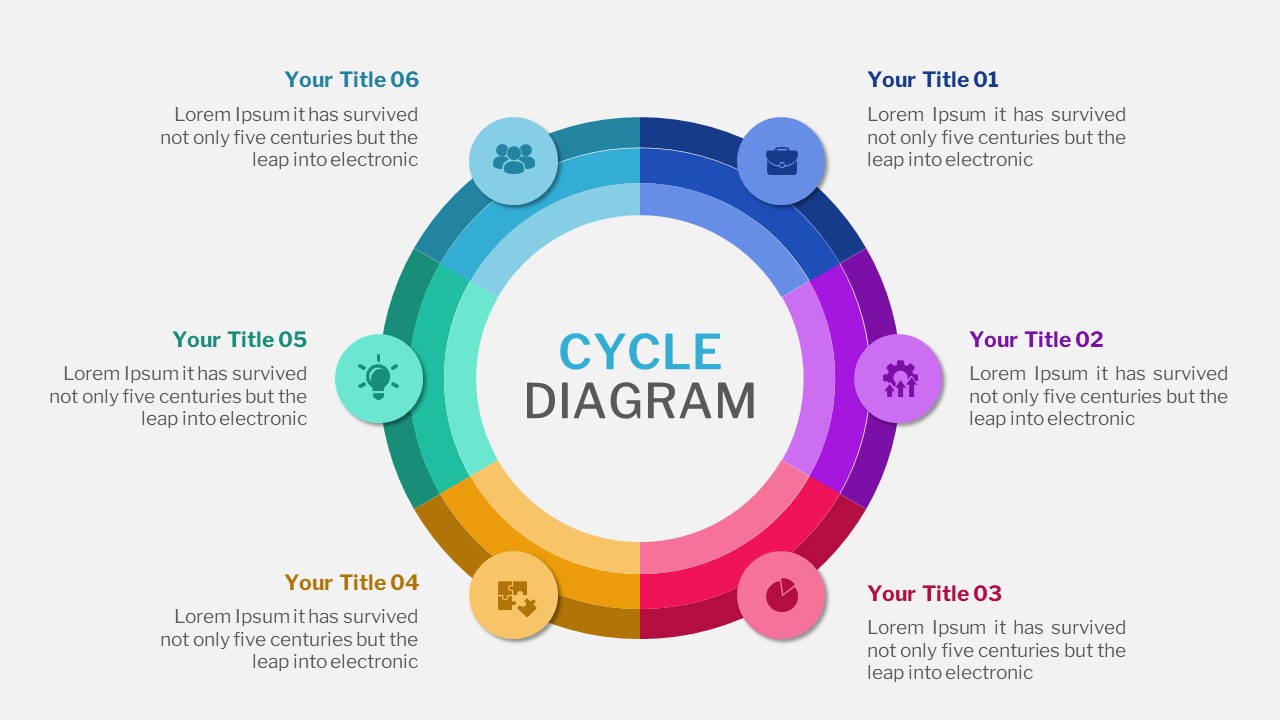
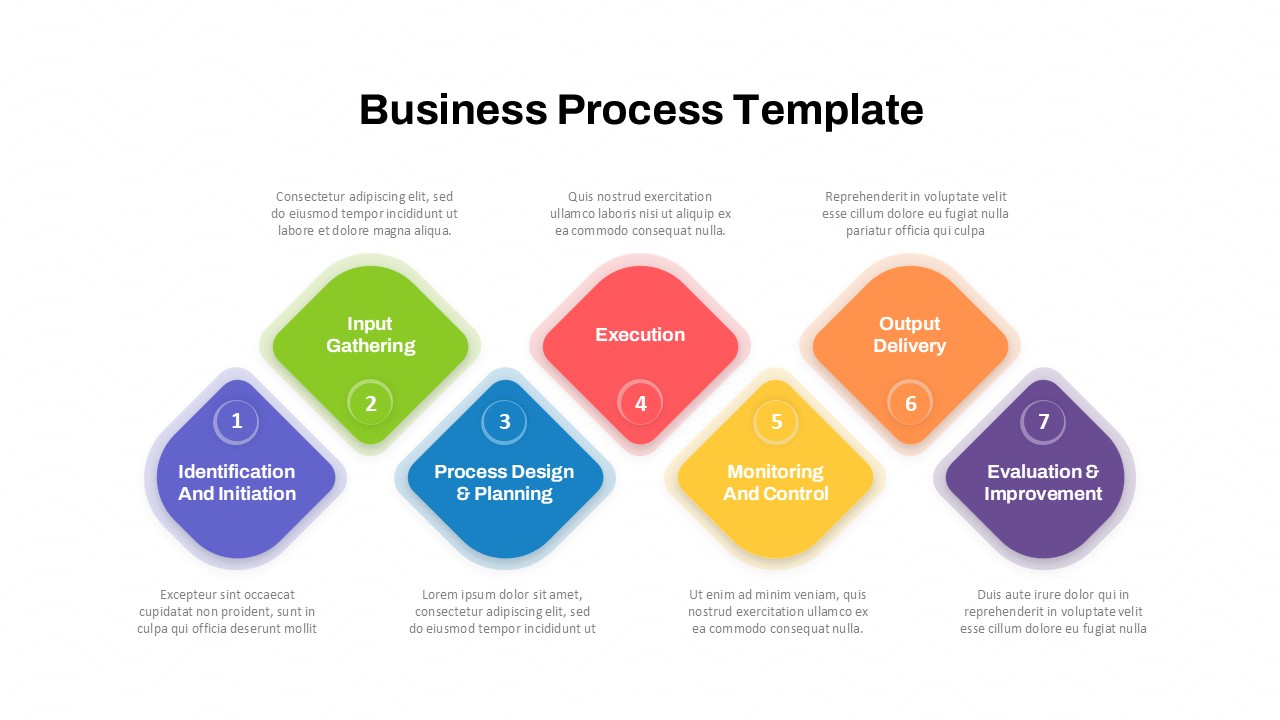
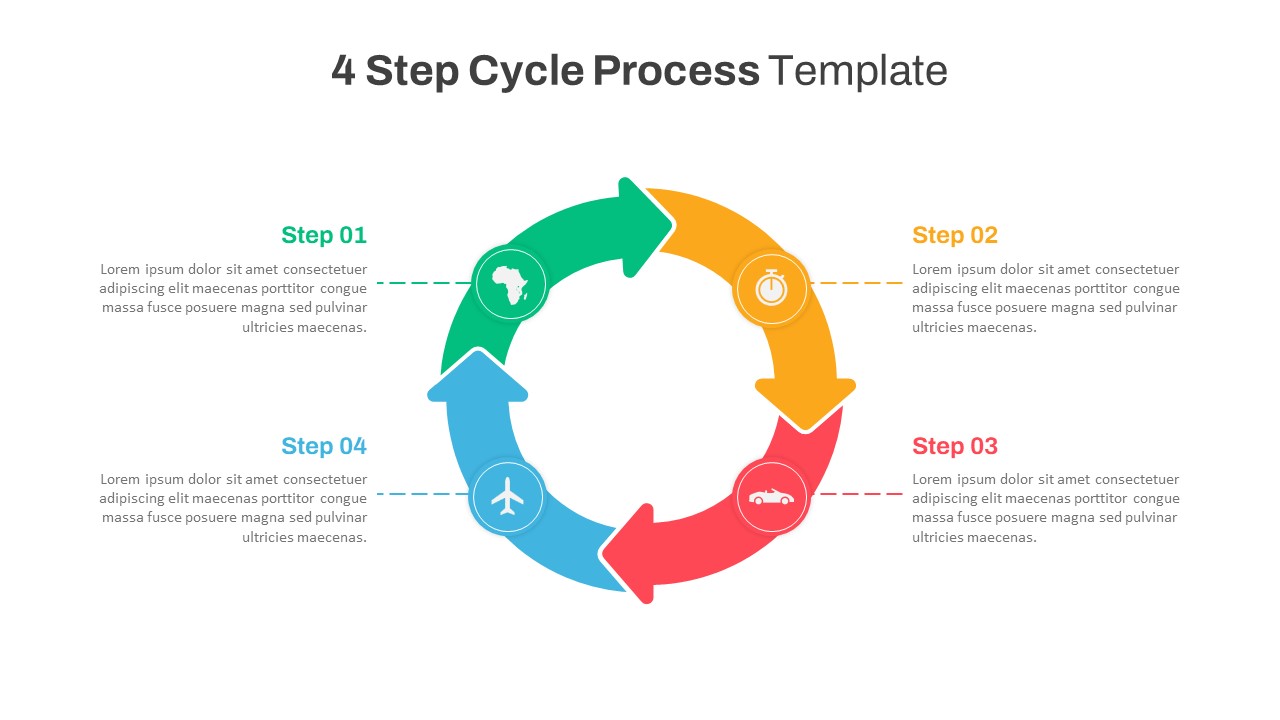
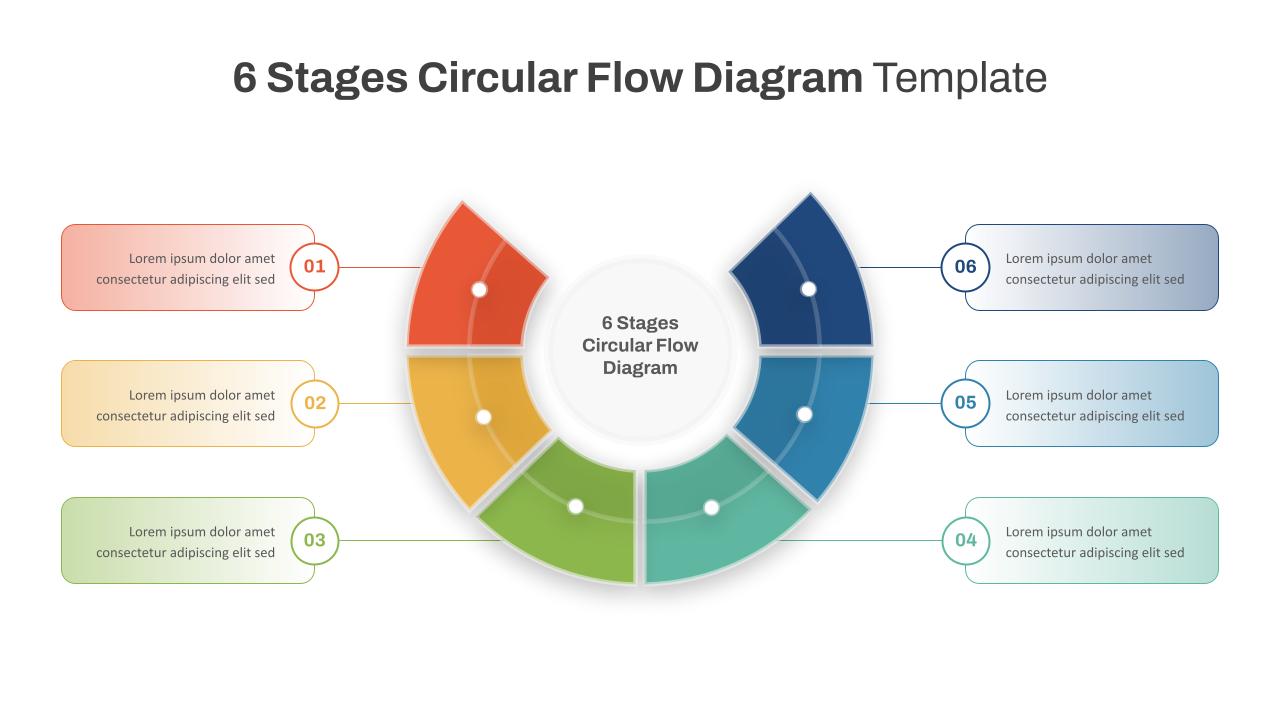
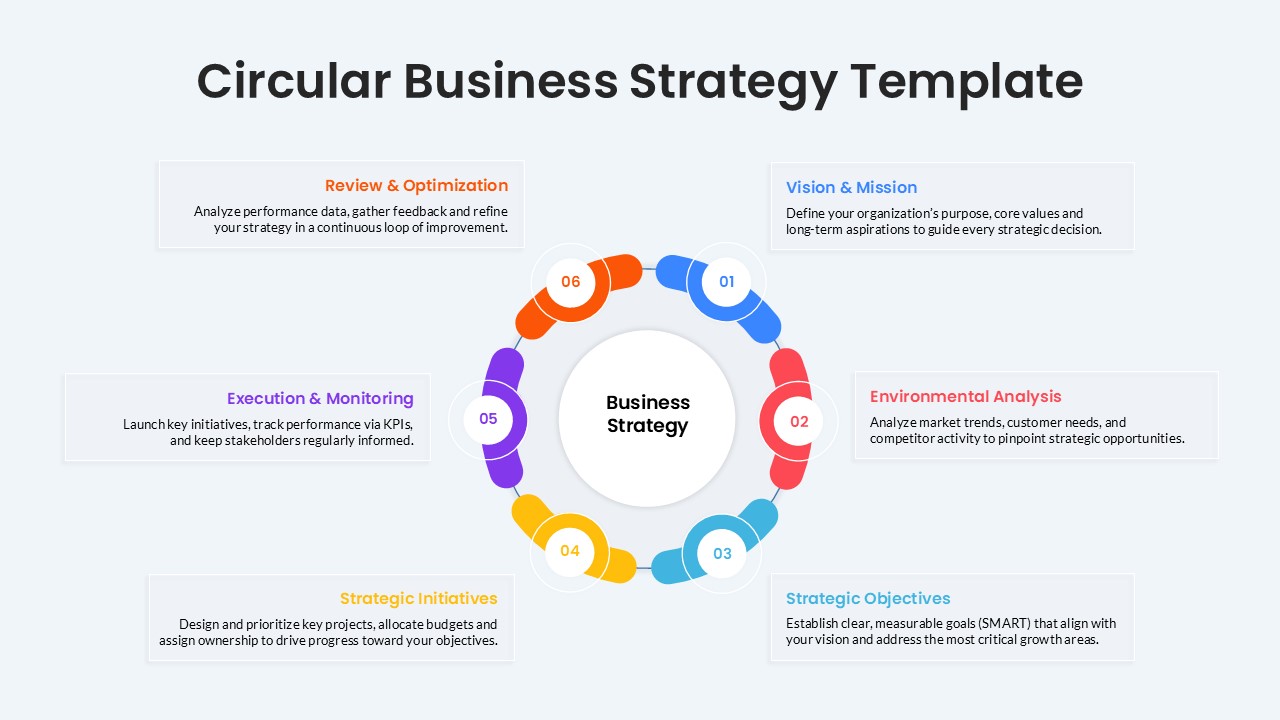
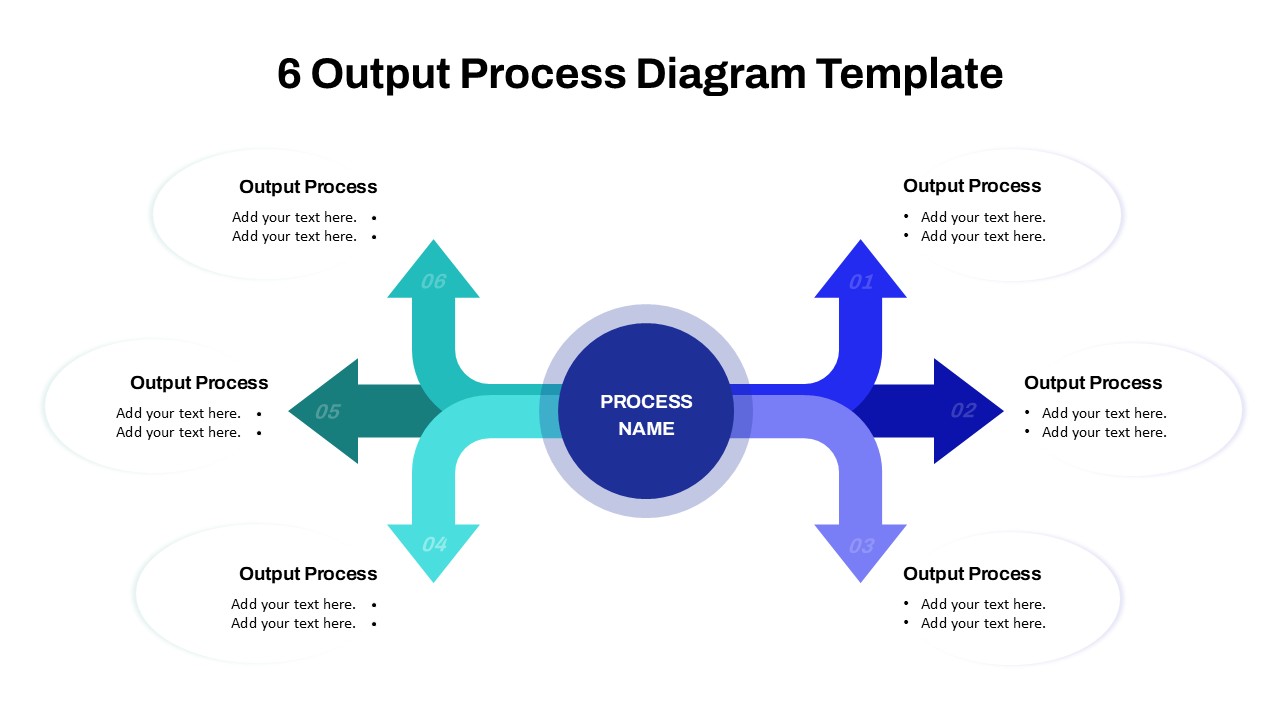
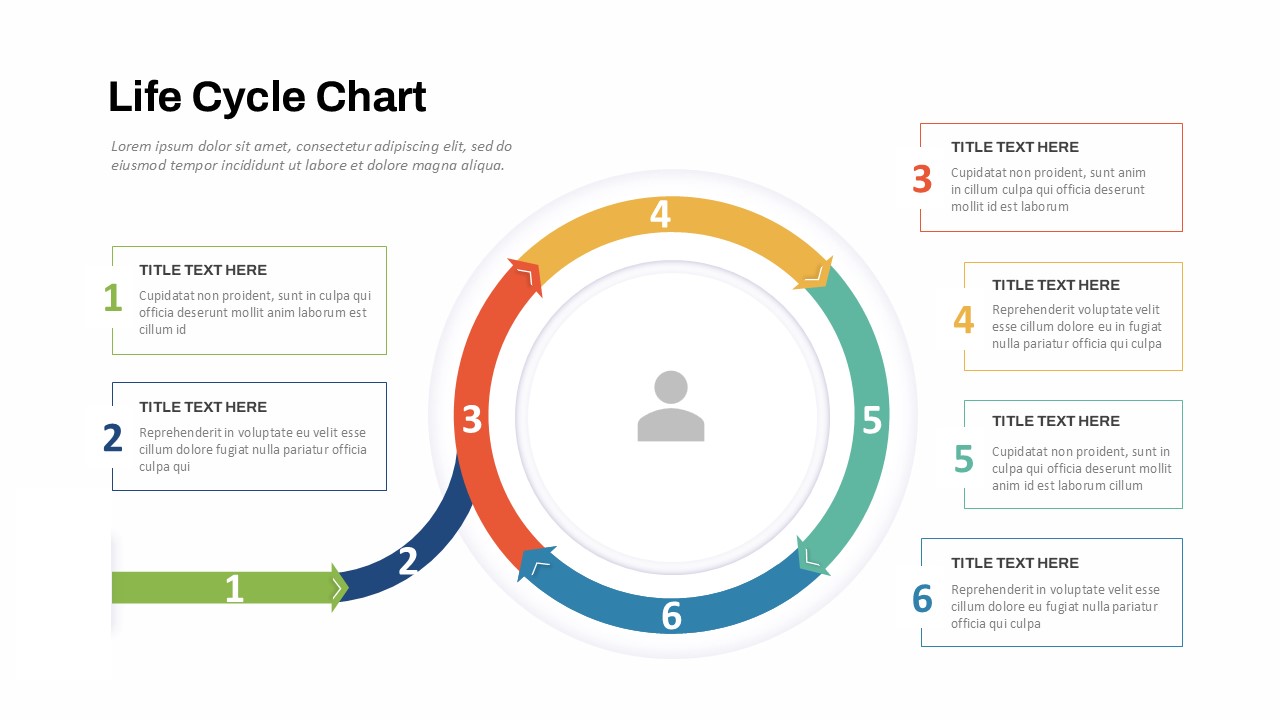
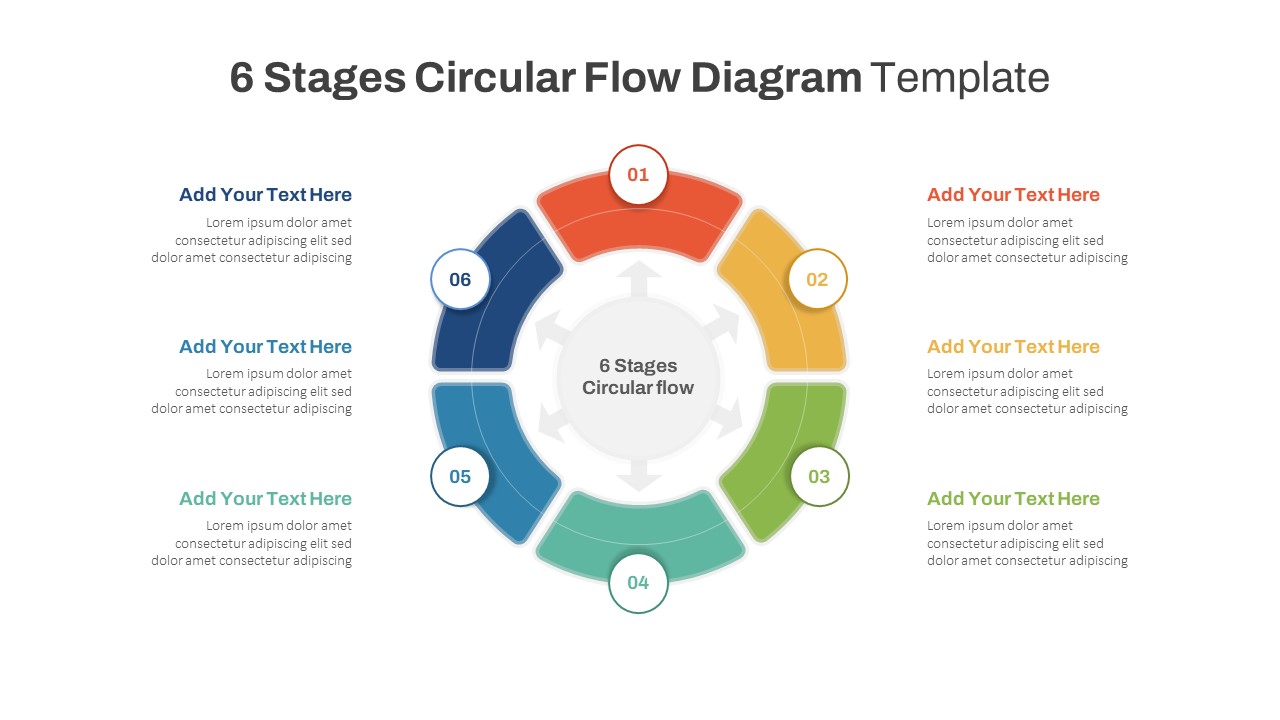
Streamline organizational transformation with this Business Process Reengineering Cycle Presentation Template for PowerPoint & Google Slides. Designed around a circular workflow model, this slide visually presents the key stages of Business Process Reengineering, including identifying processes, analyzing workflows, designing improvements, implementing changes, monitoring results, and refining operations. The clean layout combines a process diagram with supporting explanations, making complex business improvement initiatives easier to communicate.
This Business Process Reengineering presentation template helps teams explain process optimization strategies, operational efficiency programs, and continuous improvement initiatives in a structured and engaging format. The color-coded cycle design improves clarity while guiding audiences through each phase of the Business Process Reengineering journey. Whether presenting transformation roadmaps, workflow redesign plans, or performance improvement strategies, this slide provides a professional framework for business communication.
Features of this template
- Circular six-stage Business Process Reengineering diagram
- Color-coded process flow for easy understanding
- Dedicated content area for stage explanations
- Modern and professional business design
- Editable icons, shapes, and text elements
- Suitable for PowerPoint and Google Slides
- Clean visual hierarchy for executive presentations
Why use this template
- Simplifies complex business transformation concepts
- Enhances stakeholder understanding and engagement
- Supports process improvement and optimization discussions
- Saves time when creating business strategy presentations
- Provides a structured framework for workflow analysis
- Improves presentation clarity with visual storytelling
Who is it for
Business analysts, process improvement specialists, operations managers, project managers, consultants, transformation teams, executives, strategy professionals, and organizations presenting workflow optimization, operational excellence, and business process redesign initiatives.
See more

Aspect Ratio
16:9Item ID
SKT04591


FAQs
You May Also Like These Presentation Templates

- Free
- Free
- Free

- Free