Food Chain Templates for PowerPoint & Google Slides
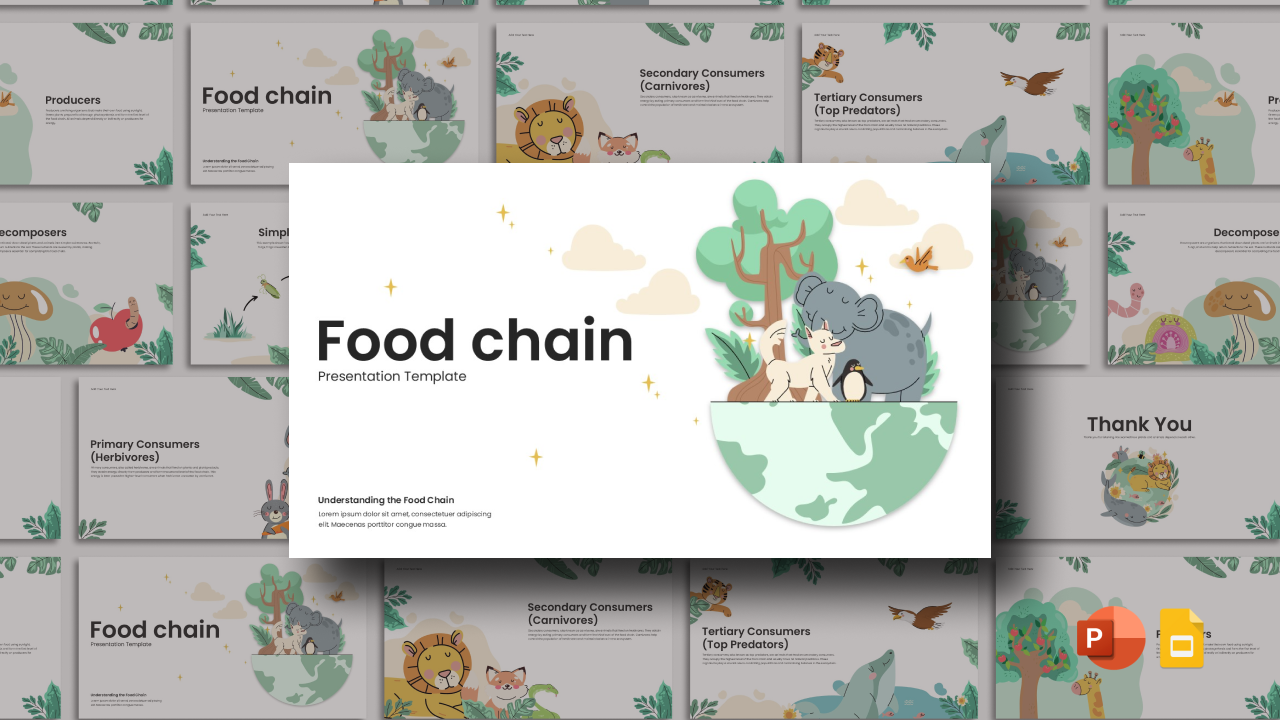
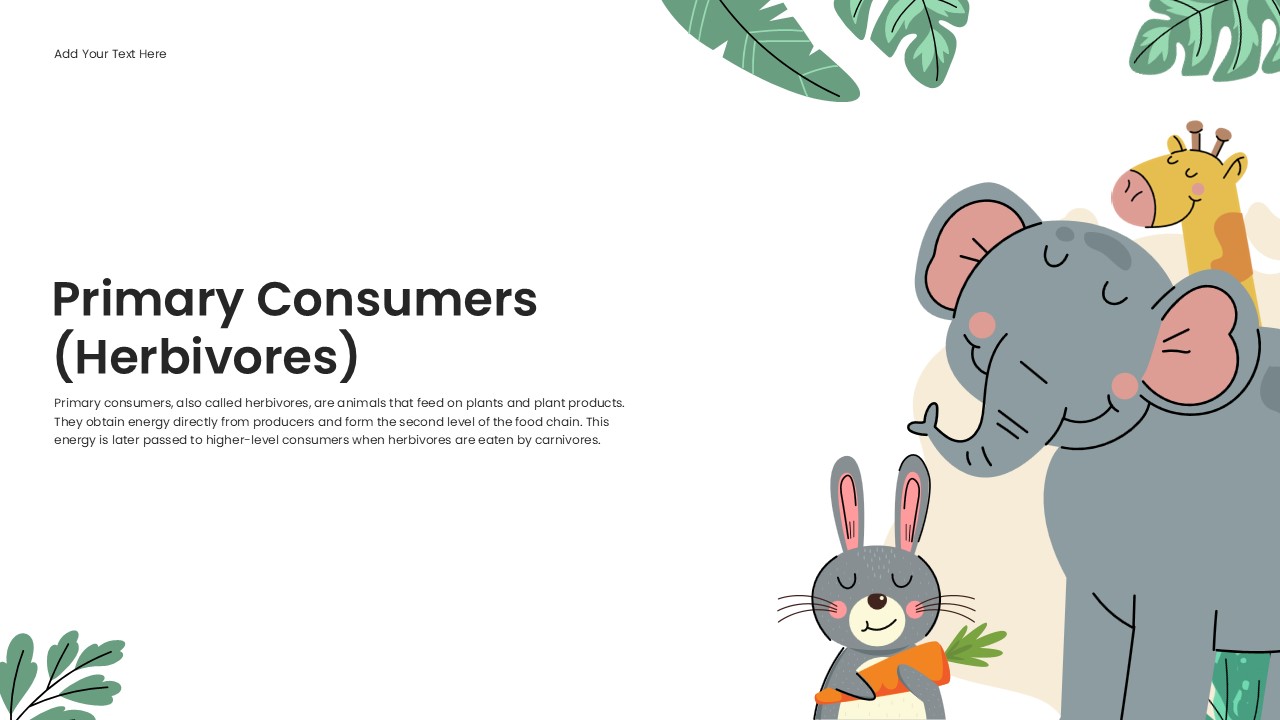
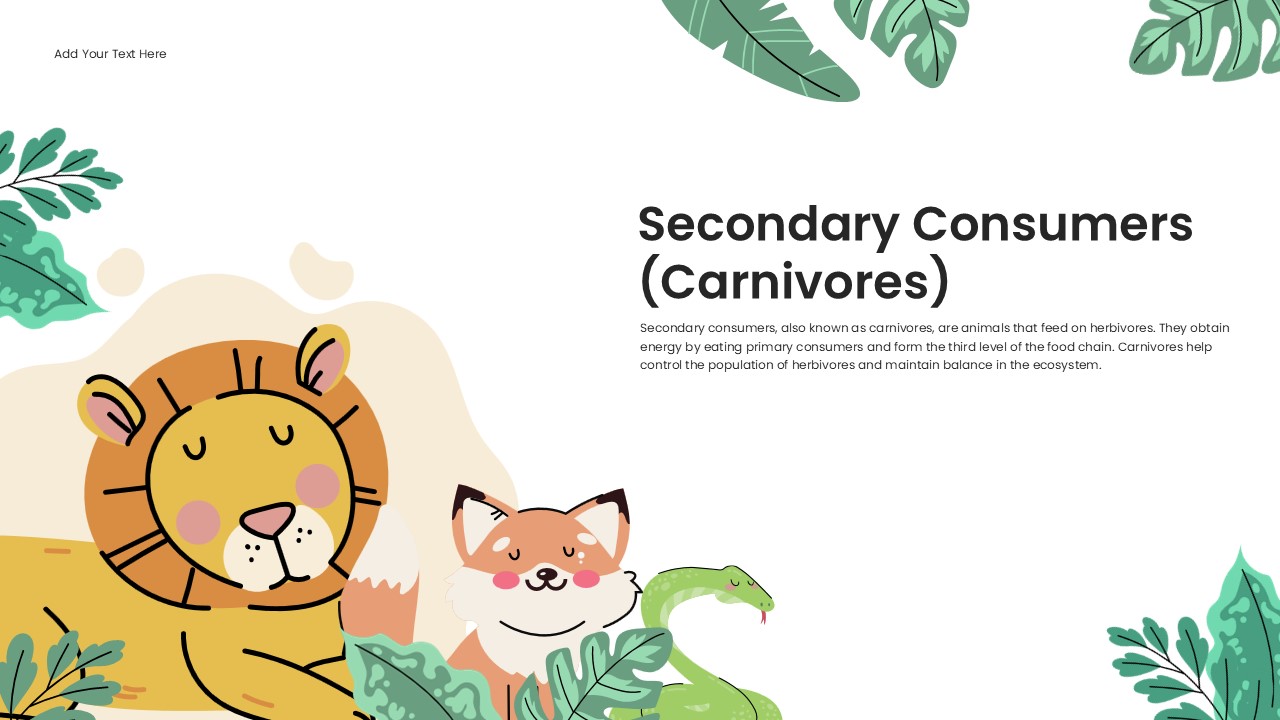
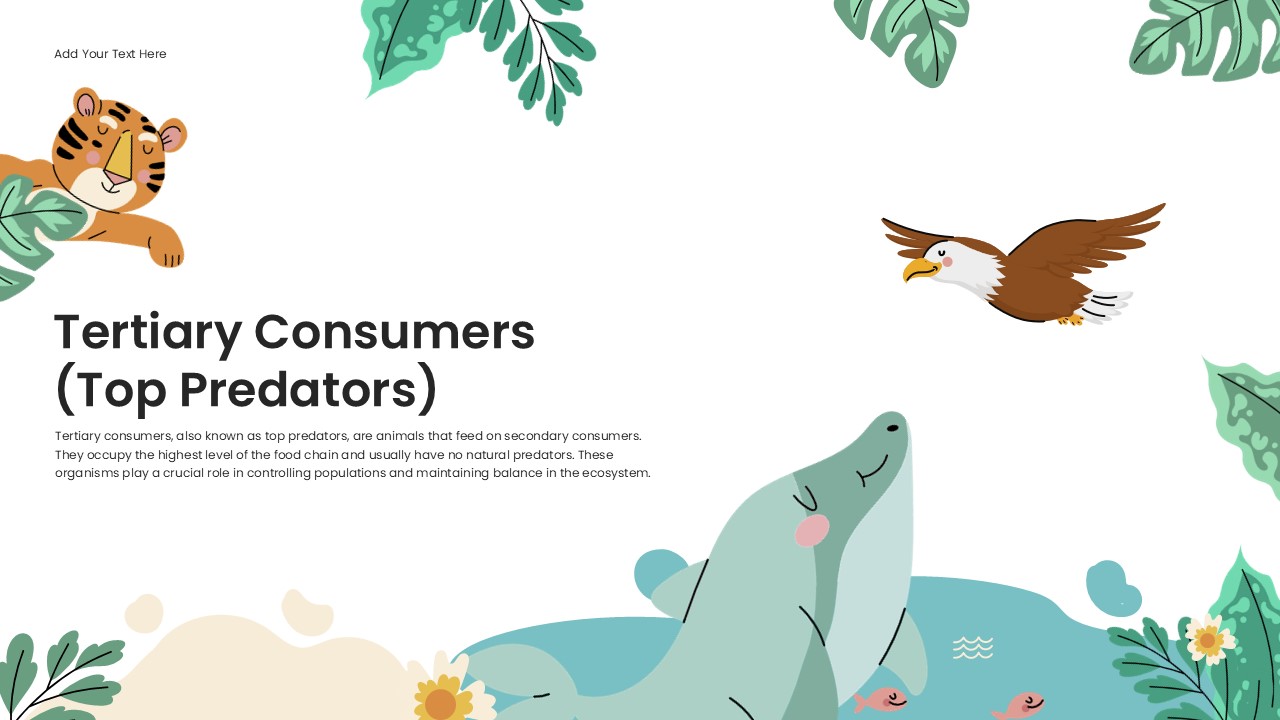
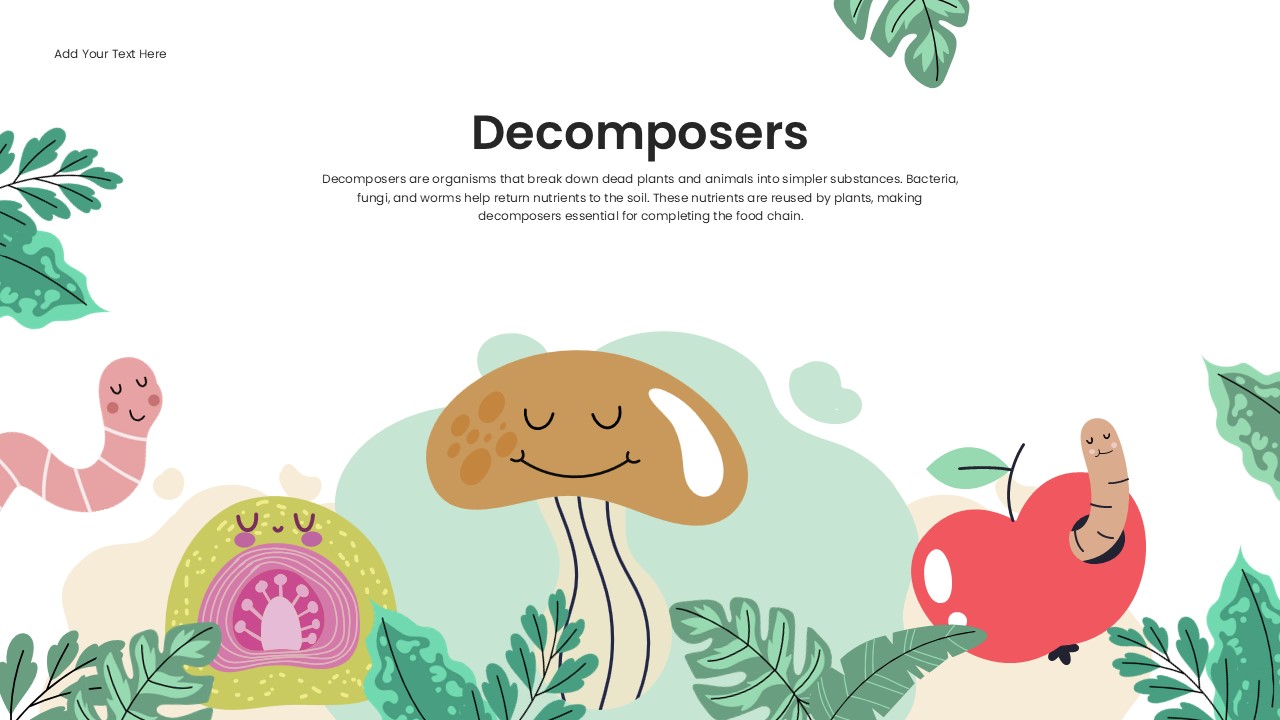
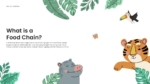
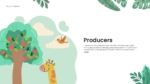
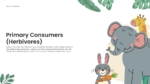
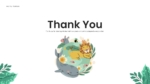
Teaching or presenting how energy moves through living organisms requires a clear and visually engaging format. A well-structured deck helps students, educators, and science communicators present this topic in a way that is easy to follow for any audience. The Food Chain Templates provide a ready-to-use multi-slide presentation deck built around nature-themed illustrations and structured content layouts.
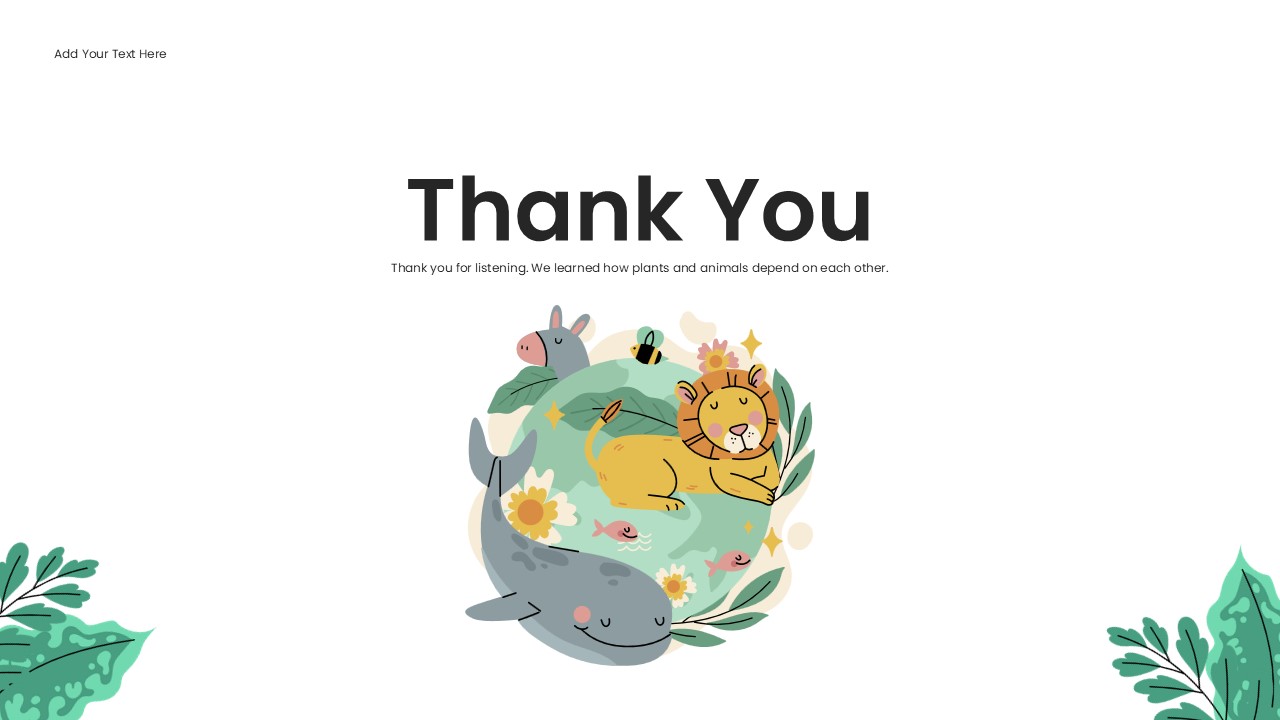
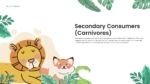
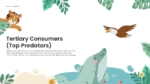
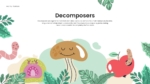
This deck uses a white background with soft green, teal, beige, and yellow tones throughout. Hand-drawn style animal and plant illustrations appear across every slide. The deck covers key topics including the source of energy, producers, primary consumers, secondary consumers, tertiary consumers, decomposers, and a simple food chain example. Each slide pairs a topic heading with a short descriptive paragraph and supporting illustrations. A title slide and a closing thank you slide are also included.
Both PowerPoint and Google Slides formats are available for this template. Science teachers, curriculum designers, environmental educators, and students can use it to present food chain concepts to classroom and professional audiences clearly and visually.
What Is This Food Chain Templates?
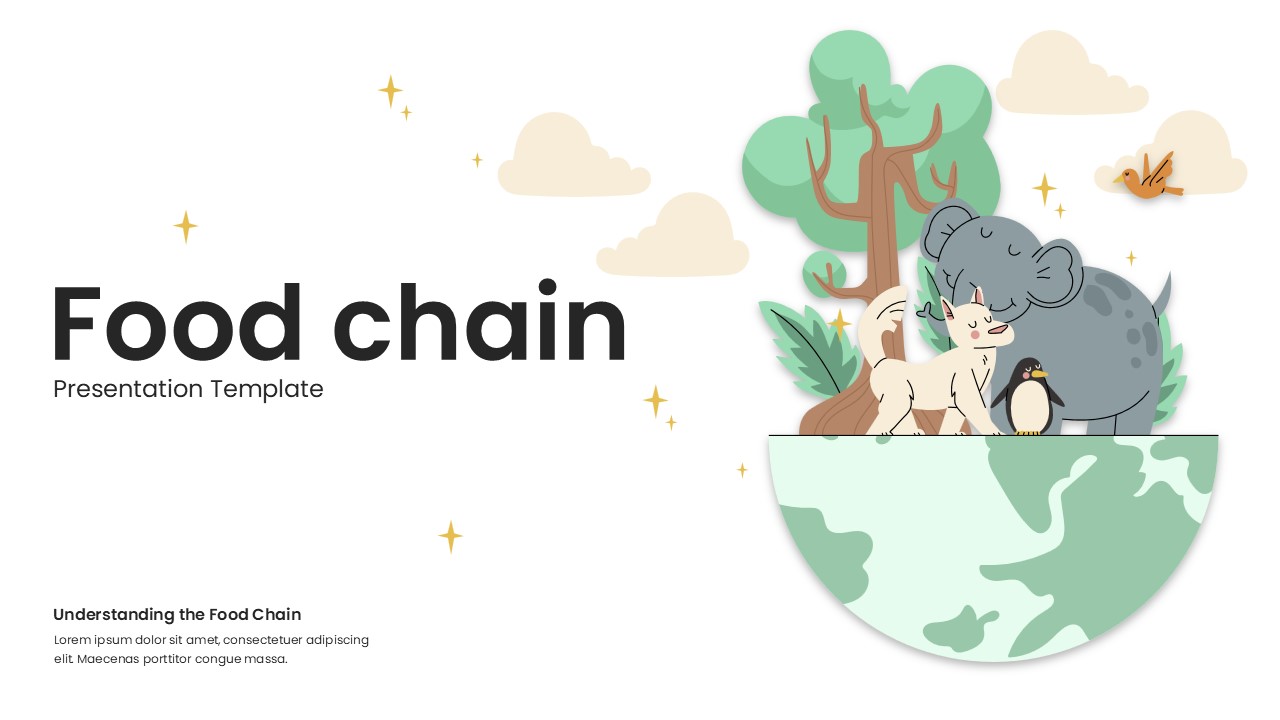
The Food Chain Templates is a multi-slide presentation deck designed to present the structure and levels of a food chain using illustrated layouts. Each slide covers one topic within the food chain sequence. The deck opens with a title slide featuring the deck name, a subtitle area, and a globe illustration with multiple animals and a tree. A dedicated slide asks and answers “What is a Food Chain?” with supporting body text.
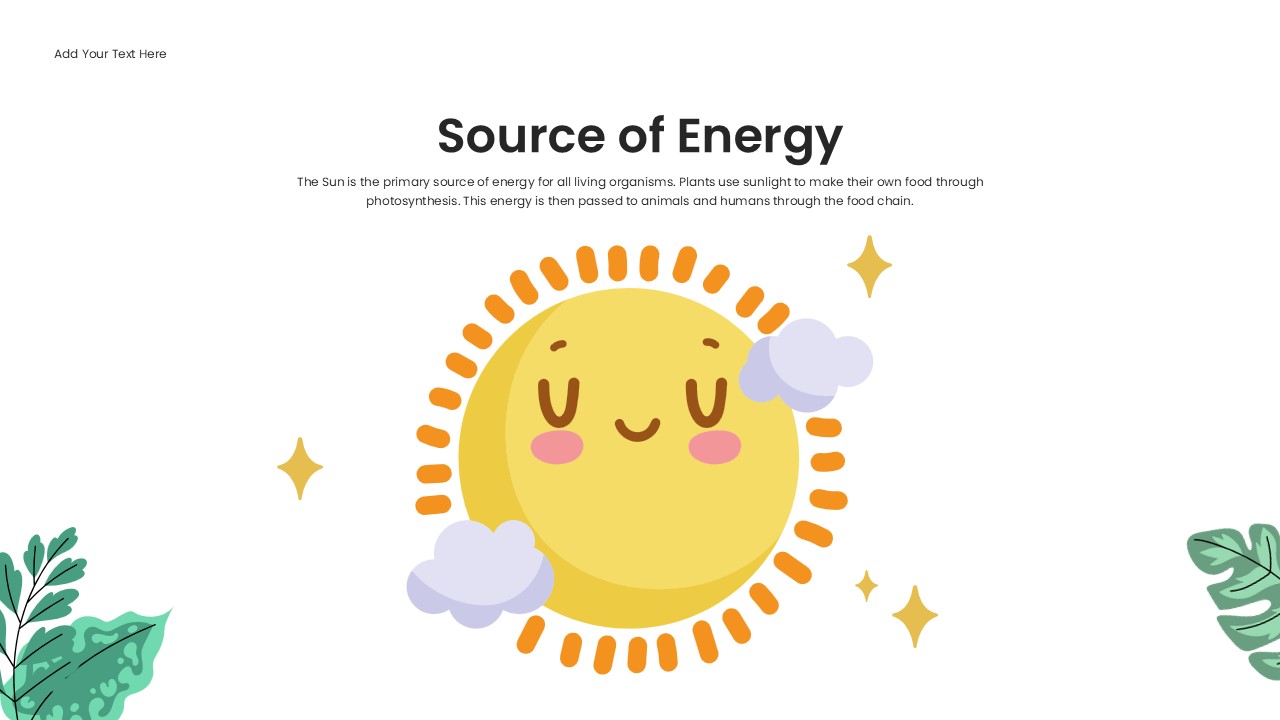
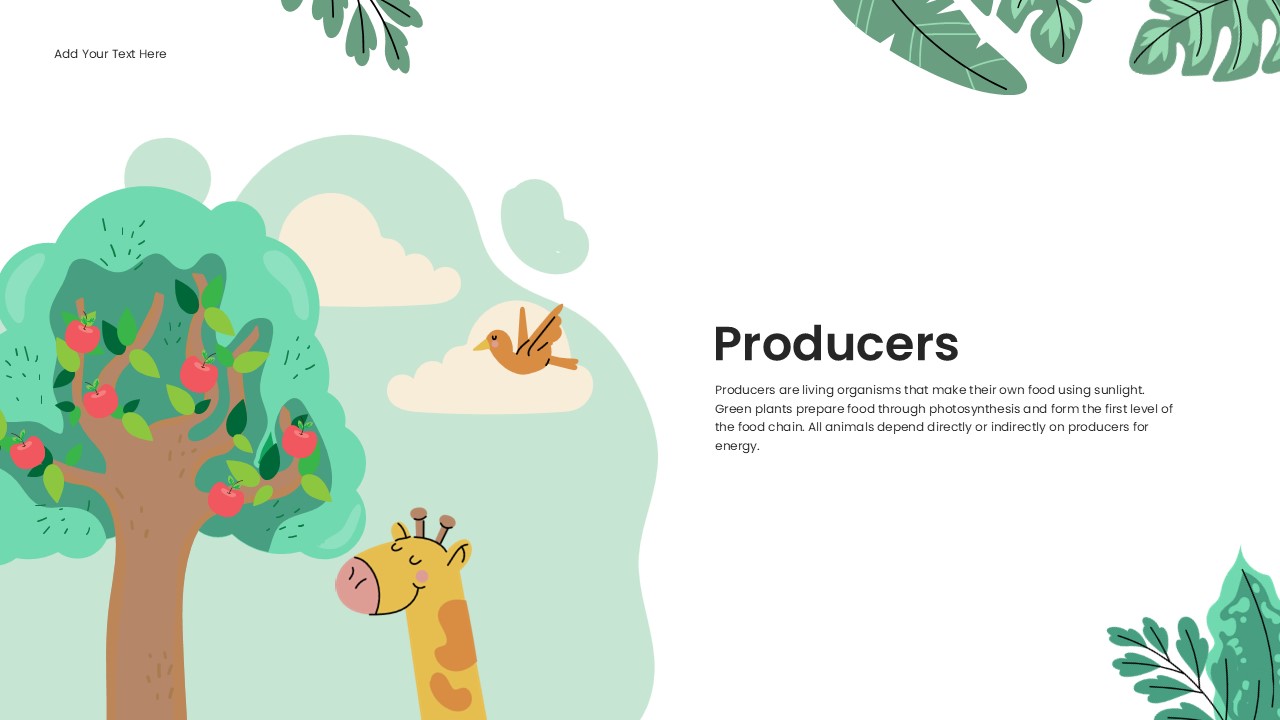
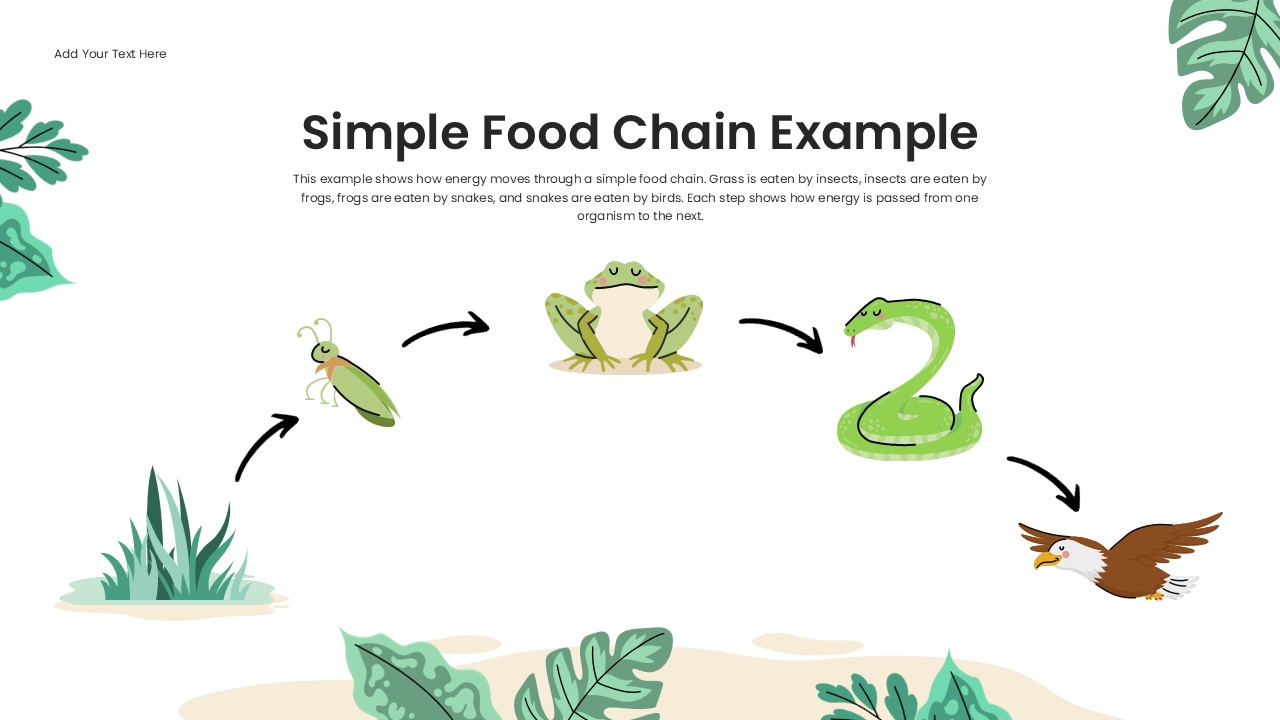
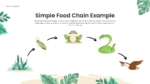
Subsequent slides each focus on one level or role within the food chain. These include the Source of Energy, Producers, Primary Consumers, Secondary Consumers, Tertiary Consumers, and Decomposers. Each slide uses a distinct animal or plant illustration relevant to the topic. A Simple Food Chain Example slide shows the sequence from grass to insect to frog to snake to eagle using arrow-linked illustrations. Together, these slides form a complete visual narrative of how energy moves through an ecosystem.
When to Use This Template
This template works well when an educator, student, or science communicator needs to present the food chain to a classroom or general audience. It suits school science lessons, environmental education sessions, and biology course presentations at primary and secondary levels. The illustrated slide layouts make the content accessible to younger audiences while remaining structured enough for academic use. It is also a practical choice for science fair presentations, nature-themed workshop decks, and educational content created for digital or in-person delivery.
Customization and Editing Options
All text fields in this template are fully editable. The title slide text, subtitle line, topic headings, body paragraphs, and the “Understanding the Food Chain” caption block can all be updated directly in PowerPoint or Google Slides. Each slide’s heading and descriptive paragraph can be replaced with custom content relevant to a specific curriculum or audience level.
The illustrated animal and plant elements on each slide are positioned as image objects. These can be repositioned, resized, or replaced with other images using the standard insert or replace image function in either platform. Additionally, the background color of any slide can be changed using the slide background fill options. The soft green and beige tones can be swapped for different color schemes to match a school, organization, or brand identity.
Furthermore, slides can be duplicated to add more food chain levels or topic areas. Existing slides can also be removed if a shorter presentation is needed. Font size, weight, and alignment remain adjustable throughout the deck.
PowerPoint and Google Slides Compatibility
The Food Chain Templates deck works fully with Microsoft PowerPoint and Google Slides. Both formats are available for immediate download and use. No additional plugins, fonts, or software installations are required for either platform.
The white background, illustrated animal and plant elements, and text layout render consistently across both platforms. Google Slides users can open and edit the file directly in a browser and share it with students or colleagues for real-time collaboration. In contrast, the PowerPoint version supports offline editing and allows further customization of animations, transitions, and slide layouts. The widescreen 16:9 format shown across all template images carries over to both versions, making it suitable for classroom projectors, screen sharing, and digital distribution.
See more

Aspect Ratio
16:9Item ID
SKT04584


Features of this template
Other Use Cases of This Template
Primary and secondary school science lesson presentations, Biology and ecology course lecture slides, Environmental education workshop decks, Nature and wildlife awareness presentation slides, Science fair and academic competition presentation decks, Homeschool curriculum and lesson plan visuals, Online learning and e-learning course slide content, Children's science museum educational presentations, Nature documentary and wildlife program visual aidsFAQs
You May Also Like These Presentation Templates

- Free


- Free
- Free
- Free
- Free

- Free
- Free
- Free
- Free
- Free
- Free
- Free
- Free
- Free
- Free
- Free
- Free
- Free
- Free
- Free
- Free
- Free
- Free
- Free
- Free
- Free
- Free

- Free
- Free
- Free
- Free
- Free
- Free
- Free