Brain Tree Mind Map Template for PowerPoint & Google Slides
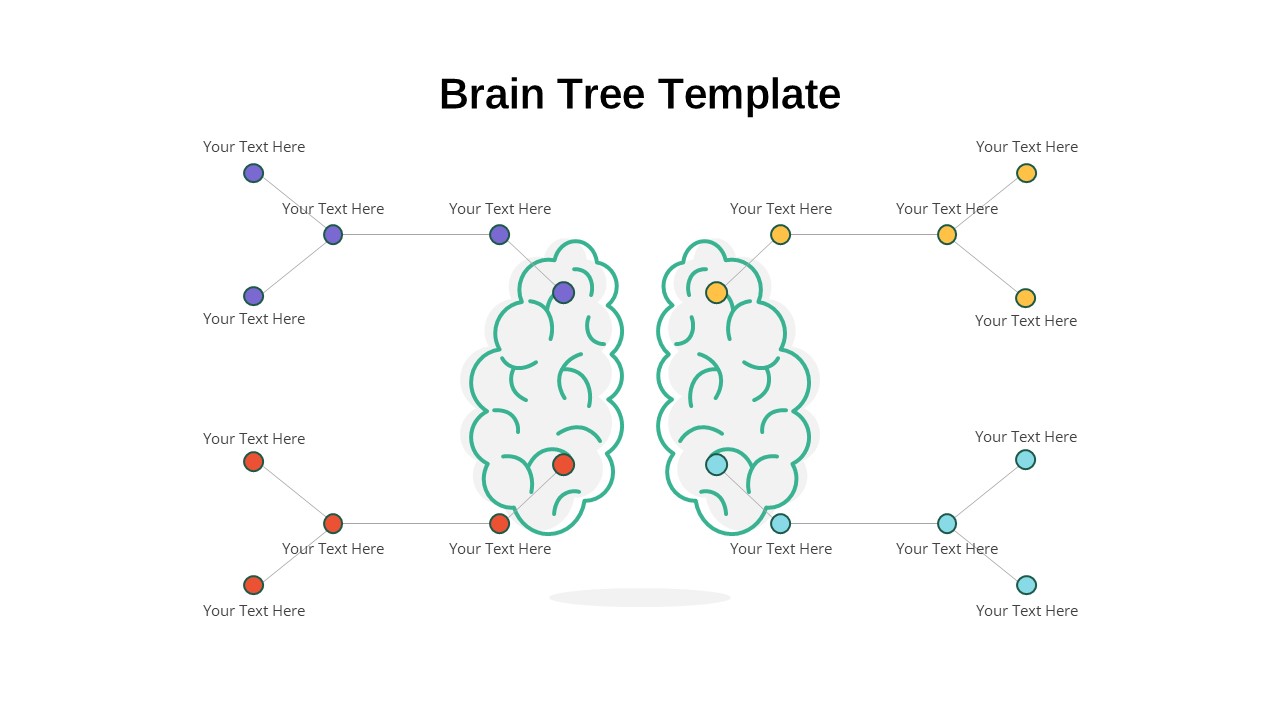
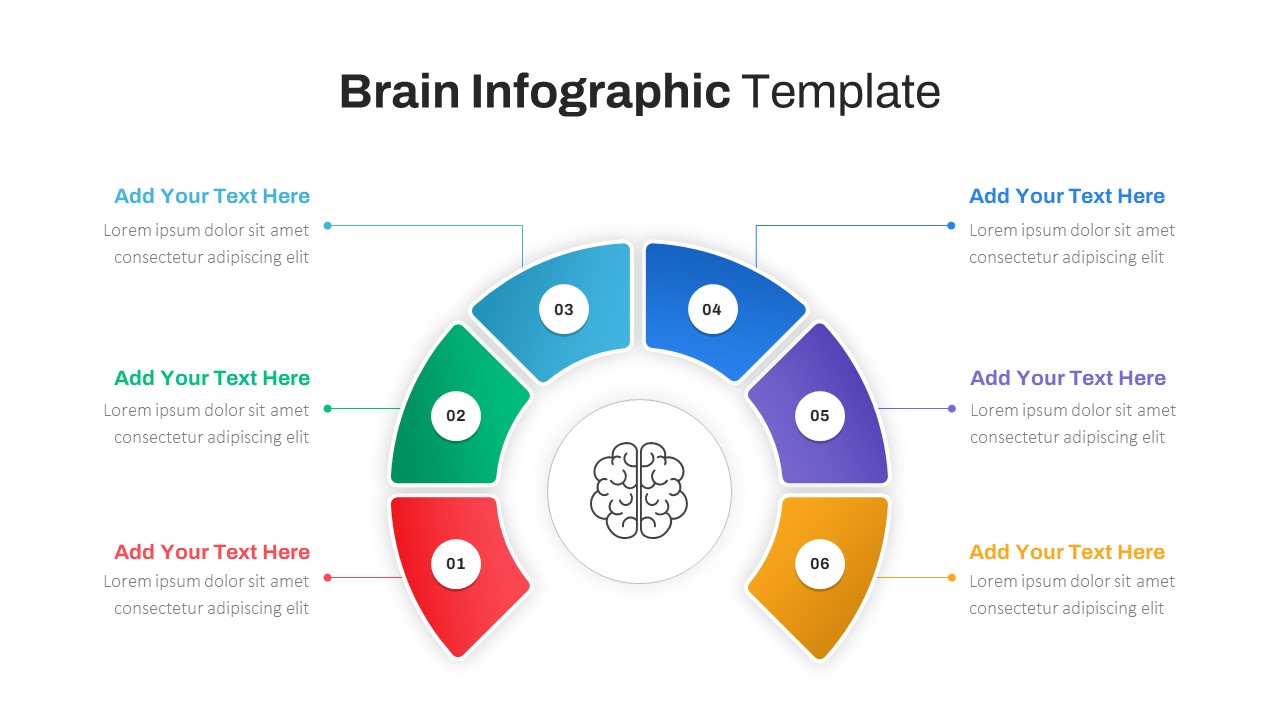
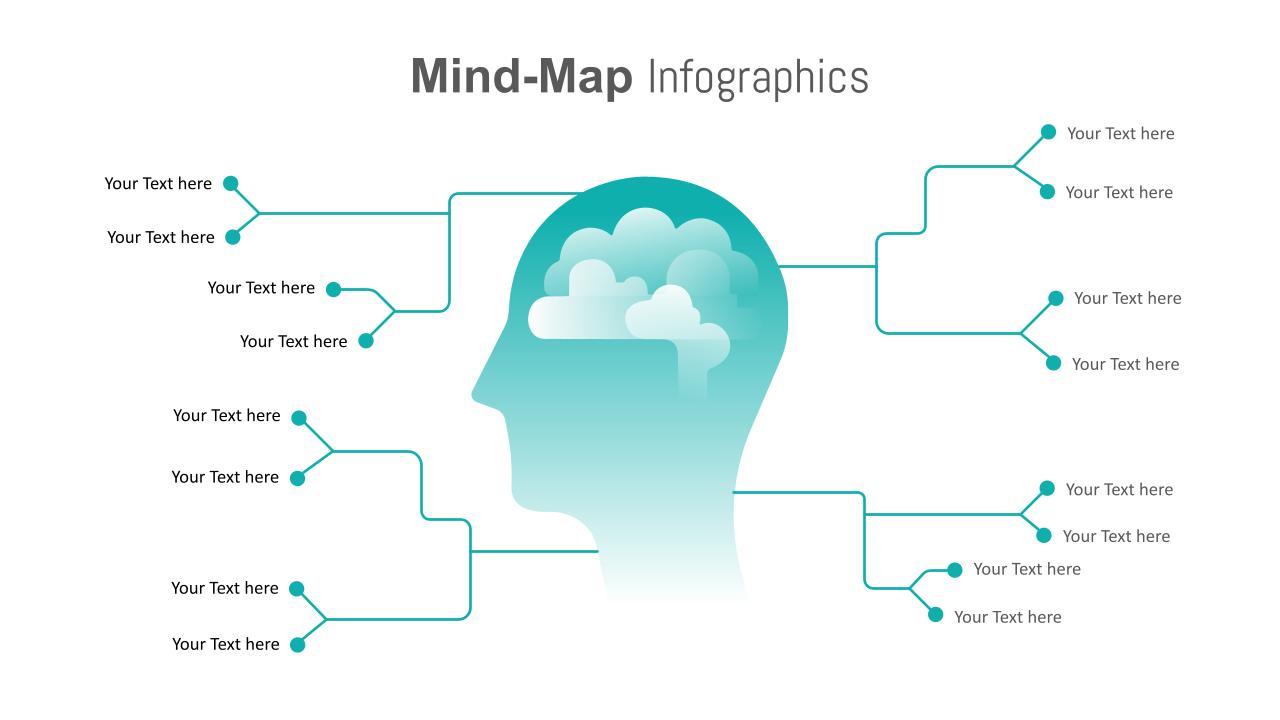
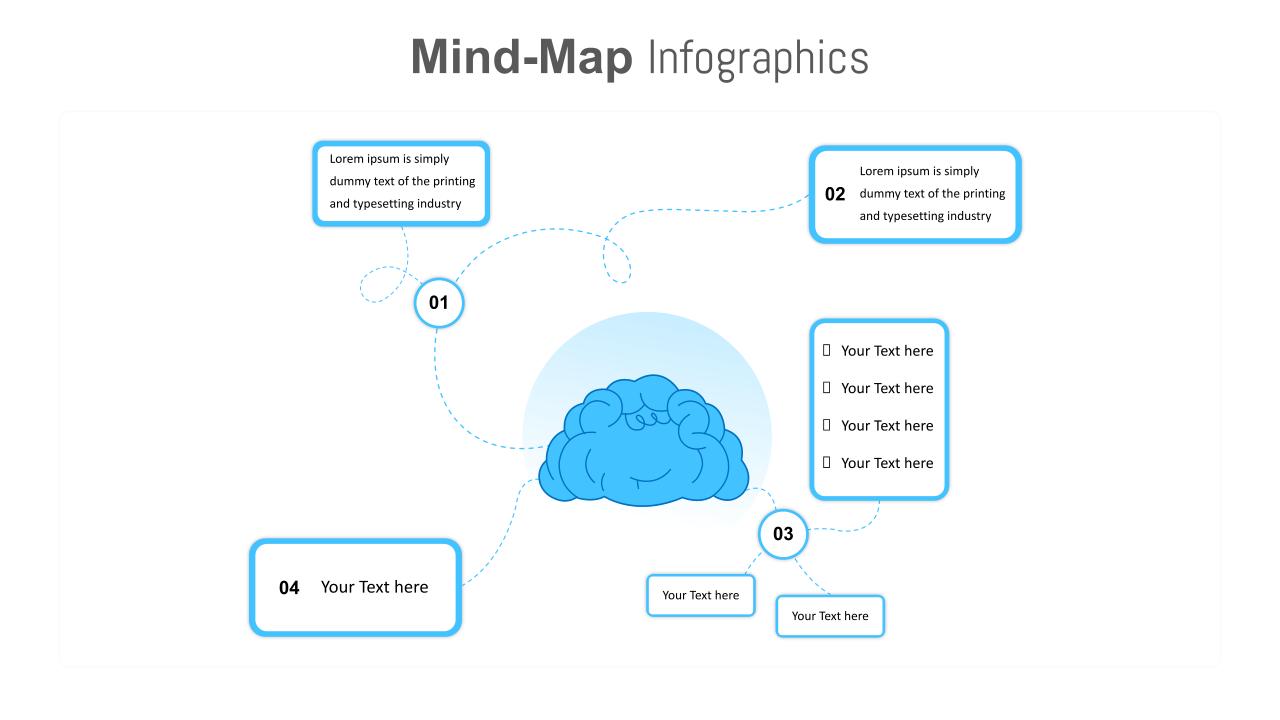
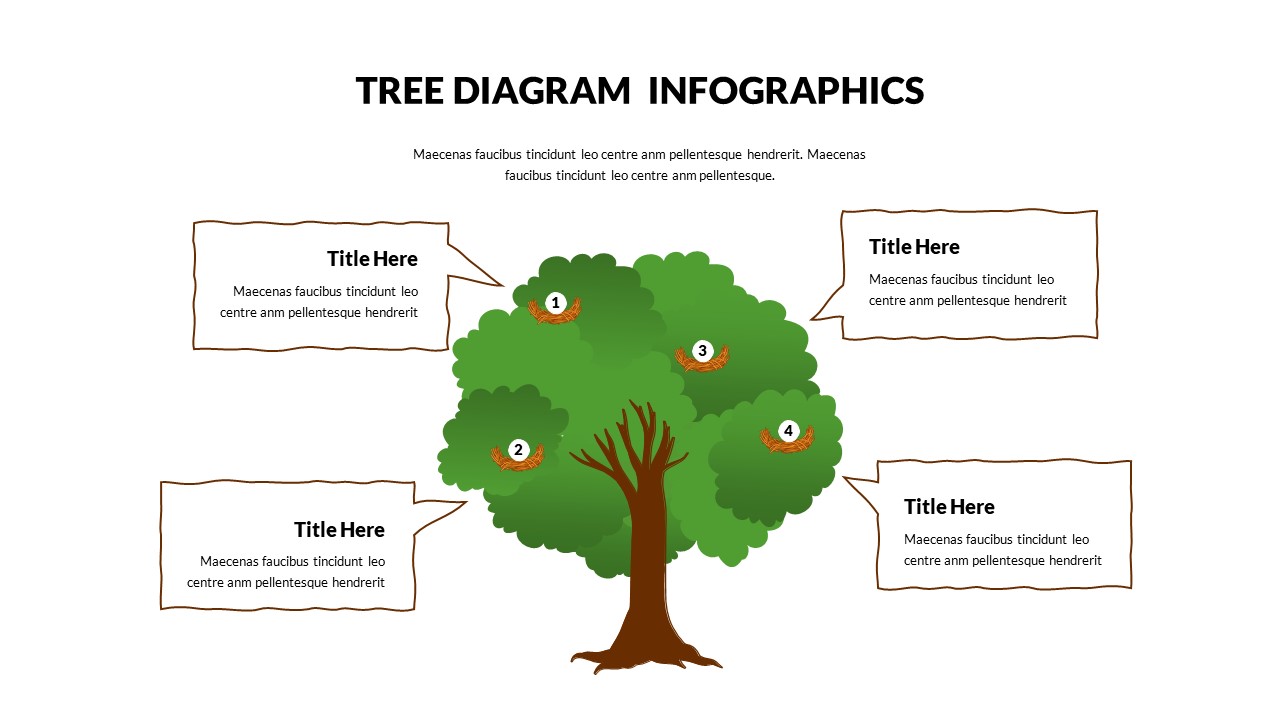
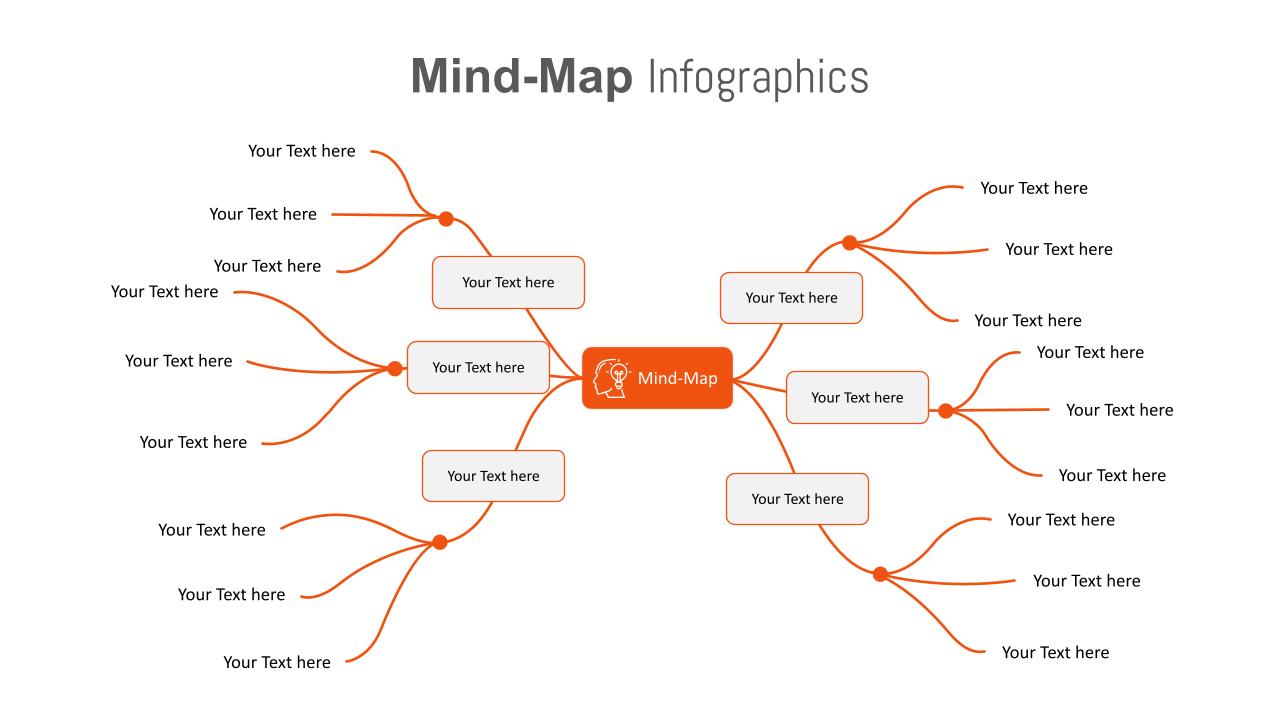
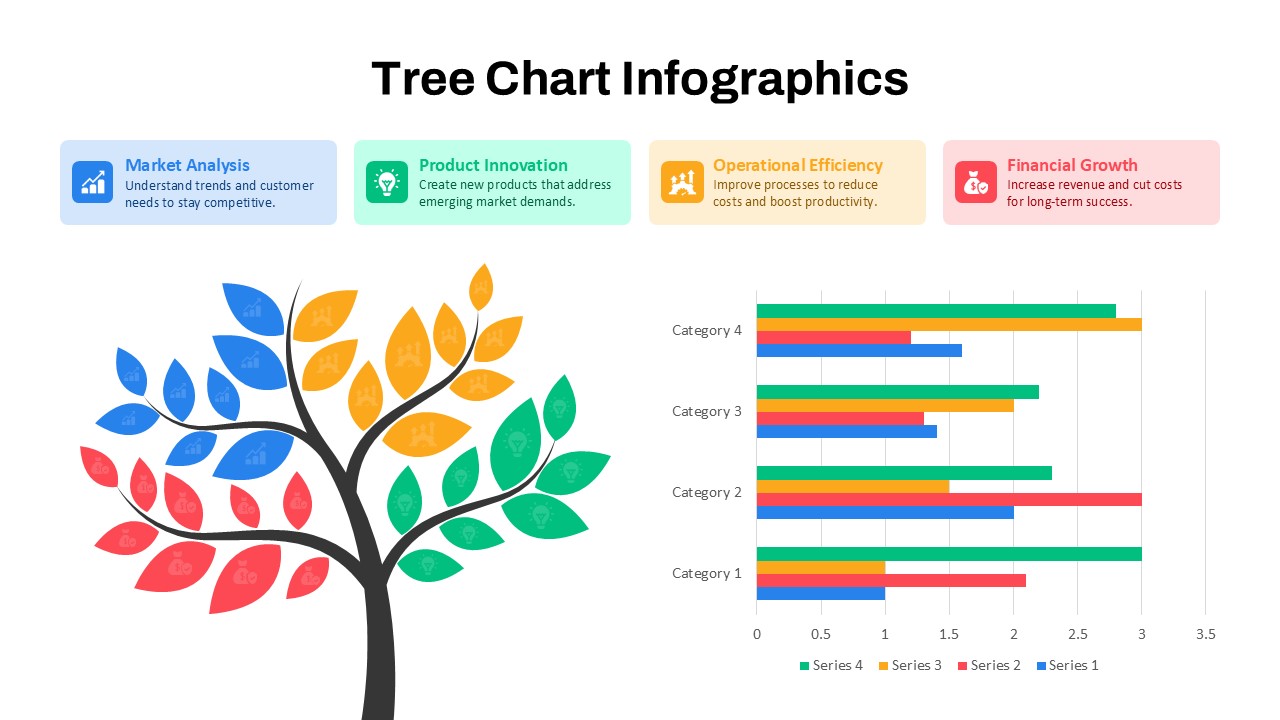
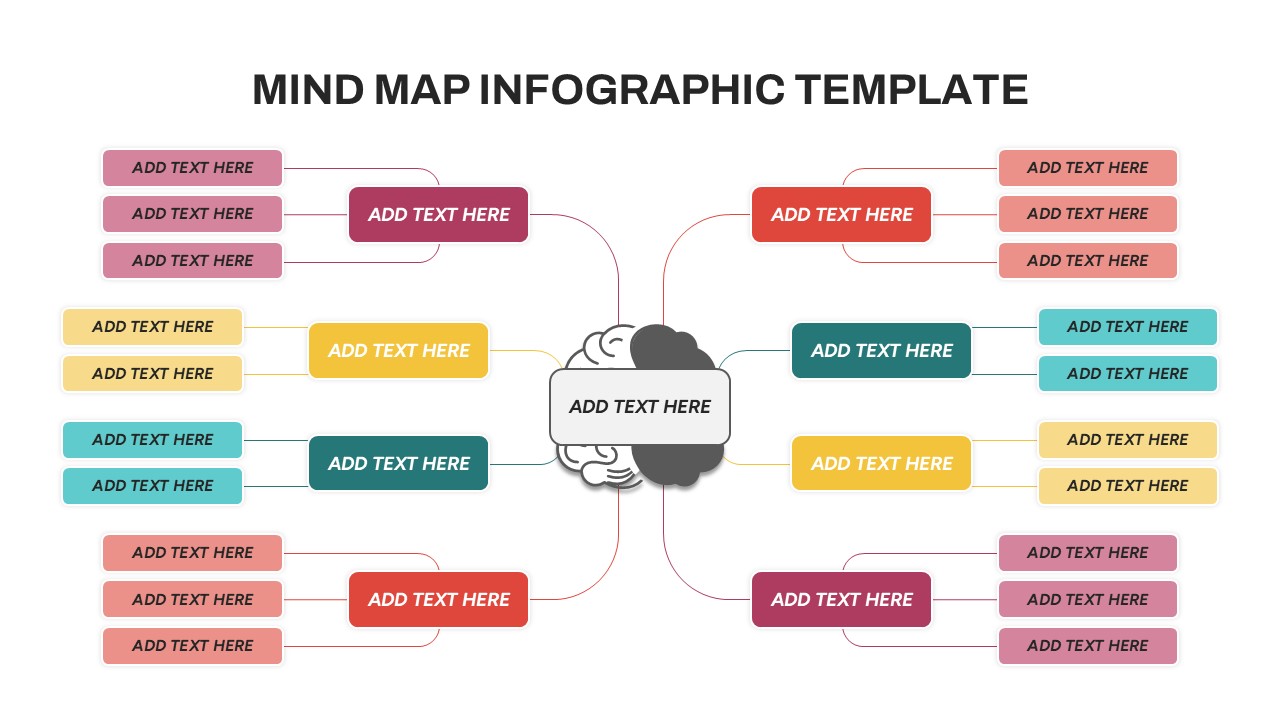
Visualize cognitive processes, decision pathways, or conceptual connections using this Color-Coded Brain Tree Mind Map slide. Designed around a stylized brain illustration split into two symmetrical hemispheres, this template allows you to present twelve branched ideas using vibrant, easy-to-follow nodes. Each node is connected with a minimal line and clearly separated by color—yellow, red, purple, blue, and cyan—making information grouping intuitive and instantly readable.
This mind map layout is perfect for showcasing divergent thinking, innovation frameworks, or team ideation outcomes. The central brain graphic acts as the thematic anchor, while the surrounding nodes create a balanced and organized tree-like structure. It’s fully editable for adding custom text and resizing nodes, with seamless compatibility across PowerPoint and Google Slides. The slide’s white background ensures maximum legibility and leaves ample space for creative annotations or visual enhancements.
See more

Aspect Ratio
16:9Item ID
SKT04116


Features of this template
Other Uses
Beyond brainstorming and ideation, this template works well for presenting business models, user journey breakdowns, or project component mapping. It’s adaptable for marketing campaign planning, academic frameworks, team role diagrams, and even personal goal visualization or curriculum structures.
FAQs
You May Also Like These Presentation Templates


- Free
- Free
- Free
- Free
- Free
- Free
- Free
- Free