Modern Bridge Diagram Presentation Template
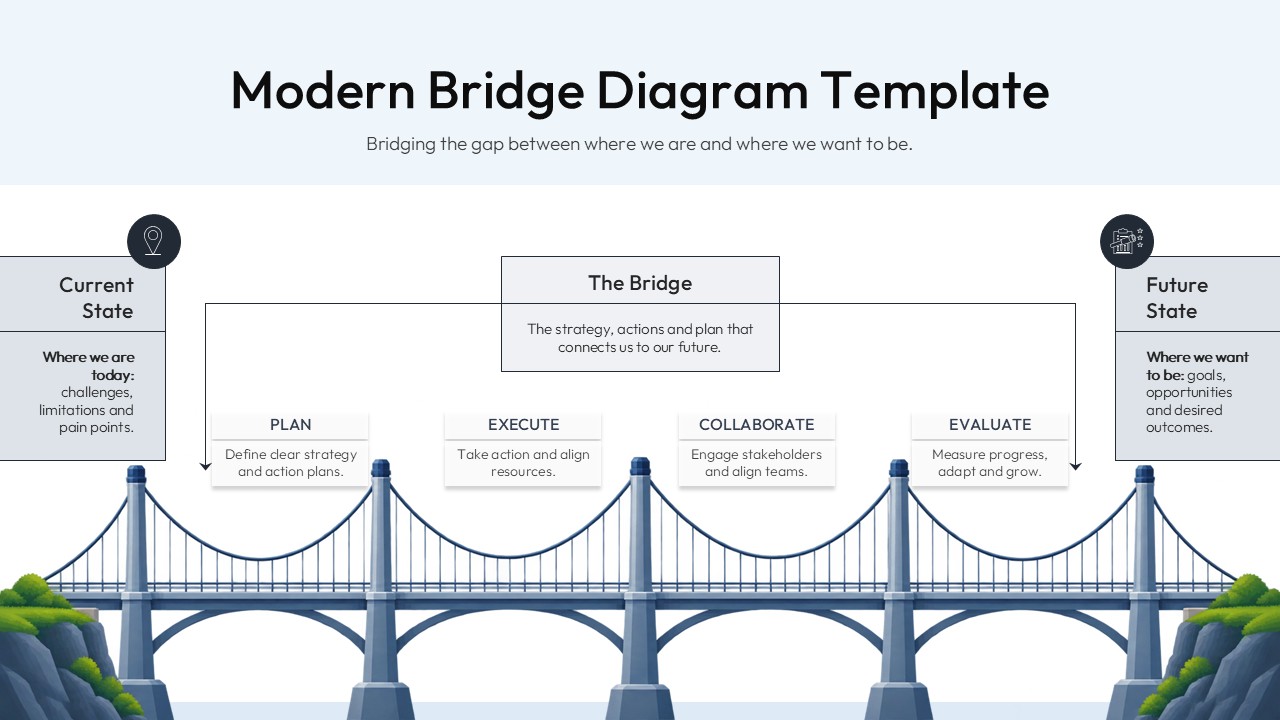
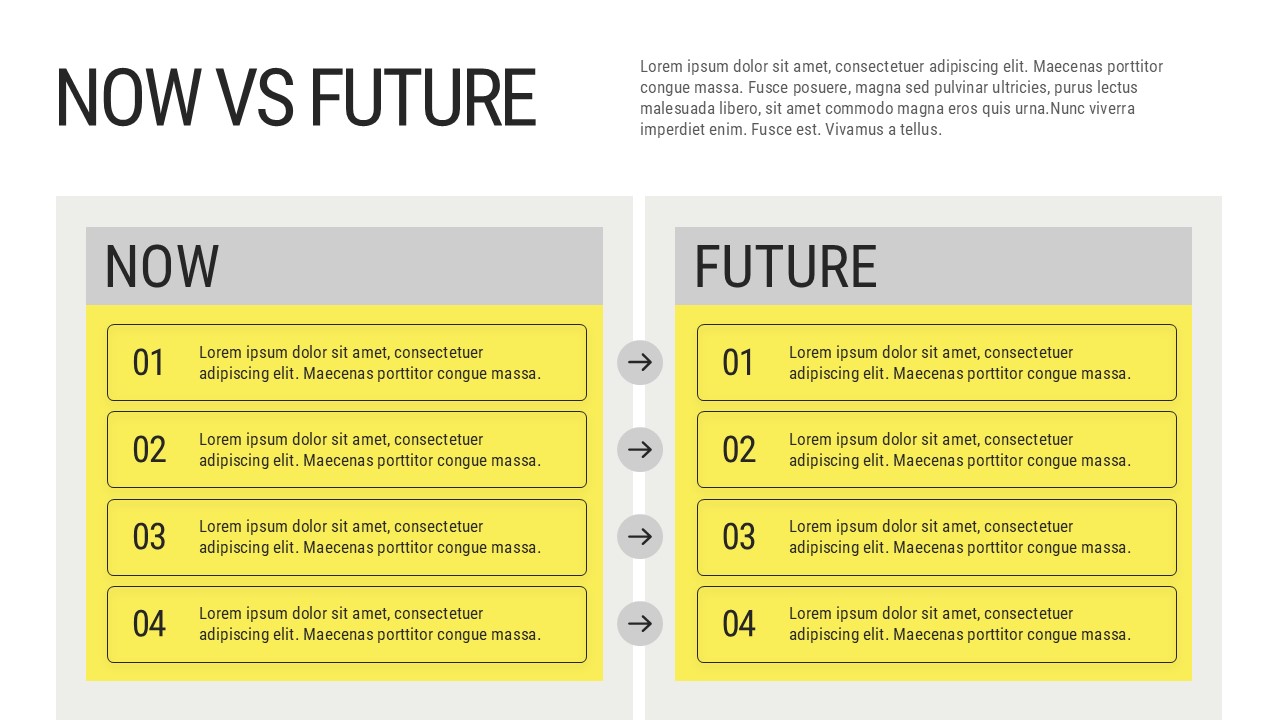
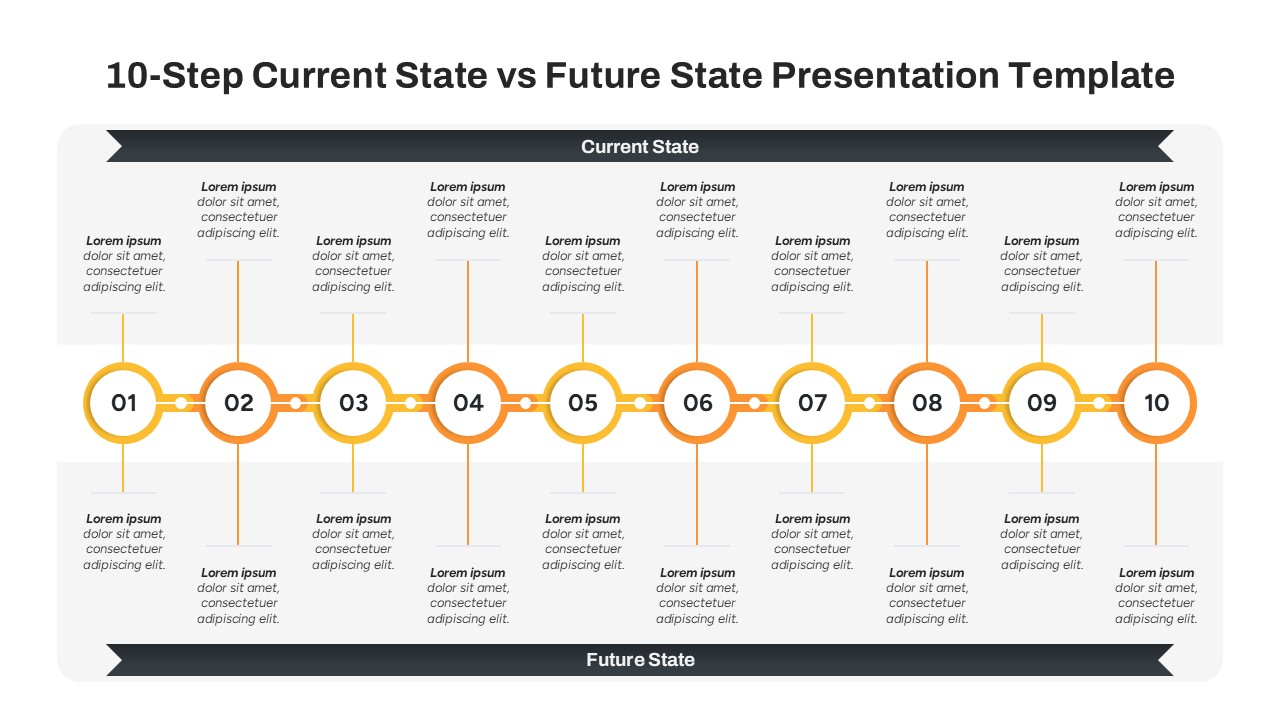
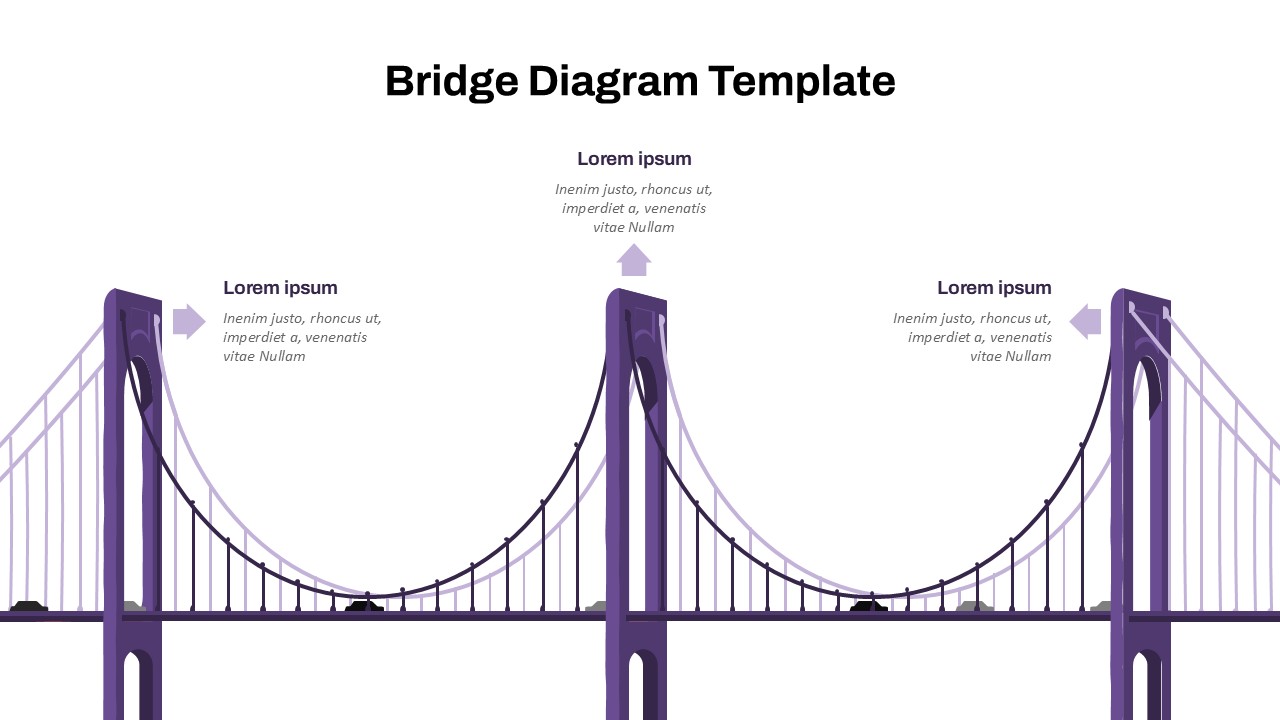
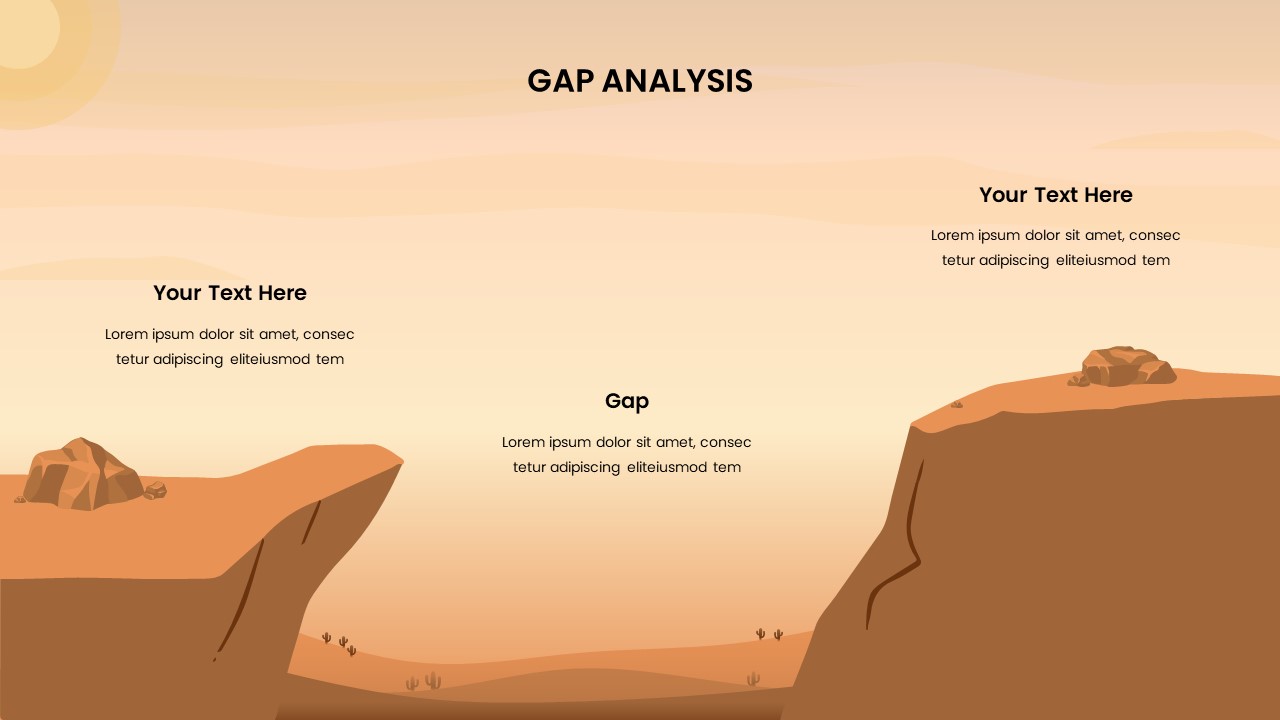
The Modern Bridge Diagram Presentation Template is a clean and professional visual tool for presenting transformation plans, strategic roadmaps, business processes, and the journey from a current state to a desired future state. Designed for PowerPoint and Google Slides, this template uses a bridge concept to show how strategy and action can connect existing challenges with future goals. The left side represents the Current State, where users can highlight challenges, limitations, and pain points. The right side represents the Future State, where teams can present goals, opportunities, and desired outcomes.
Four connected stages Plan, Execute, Collaborate, and Evaluate create a simple process for showing how an organization can turn strategy into measurable progress. The balanced design gives each section enough space for concise content, making it suitable for executive presentations, strategy workshops, consulting reports, and project planning sessions. You can easily edit the labels, descriptions, and process stages to match your specific business or project requirements.
This Modern Bridge Diagram Template is ideal for communicating change in a clear visual format. Use it for business transformation plans, strategic roadmaps, project management, organizational change, consulting presentations, process improvement, and goal-setting discussions.
See more

Aspect Ratio
16:9Item ID
SKT04987


FAQs
You May Also Like These Presentation Templates

- Free

- Free
- Free