Rebranding Strategy Template for PowerPoint & Google Slides
A Rebranding Strategy Template helps organizations present their plan for updating or repositioning a brand. Companies may choose to rebrand when they want to change their public image, reach a new audience, reflect business growth, or respond to changes in the market. Rebranding can involve updates to the company name, logo, visual identity, messaging, or overall brand positioning. Because these changes affect how customers recognize and connect with a brand, businesses usually approach rebranding through a structured strategy.
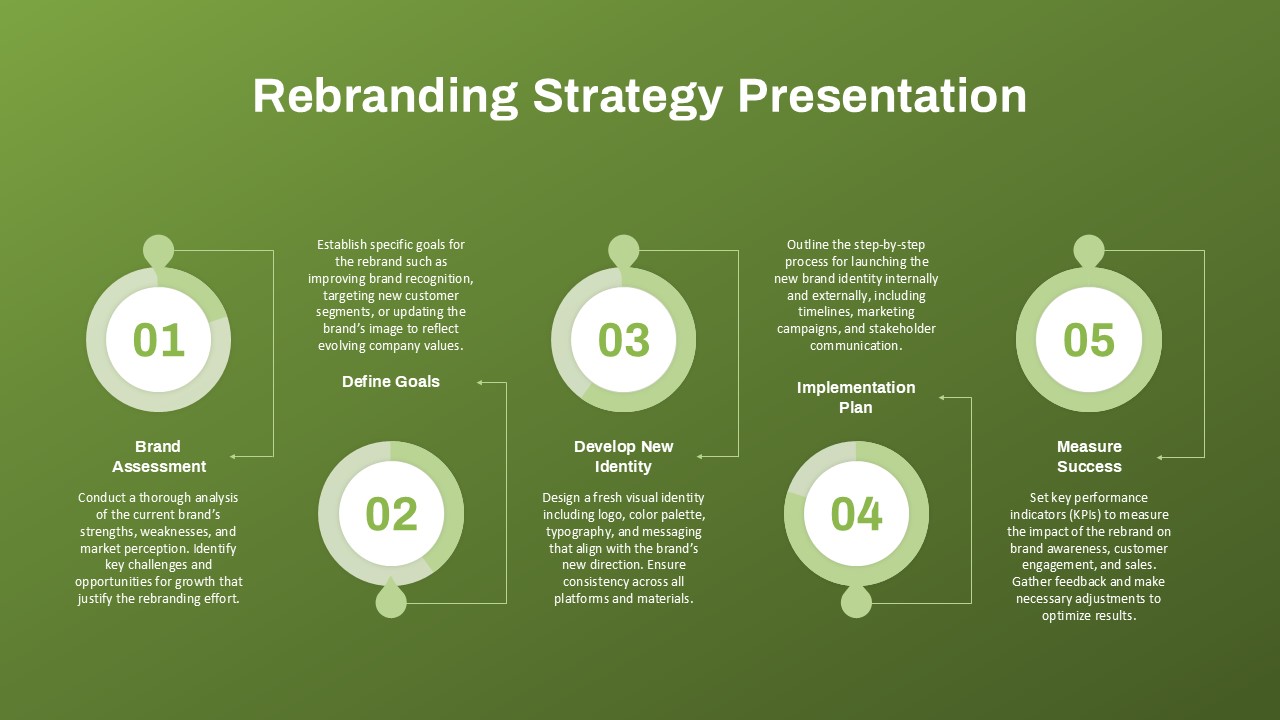
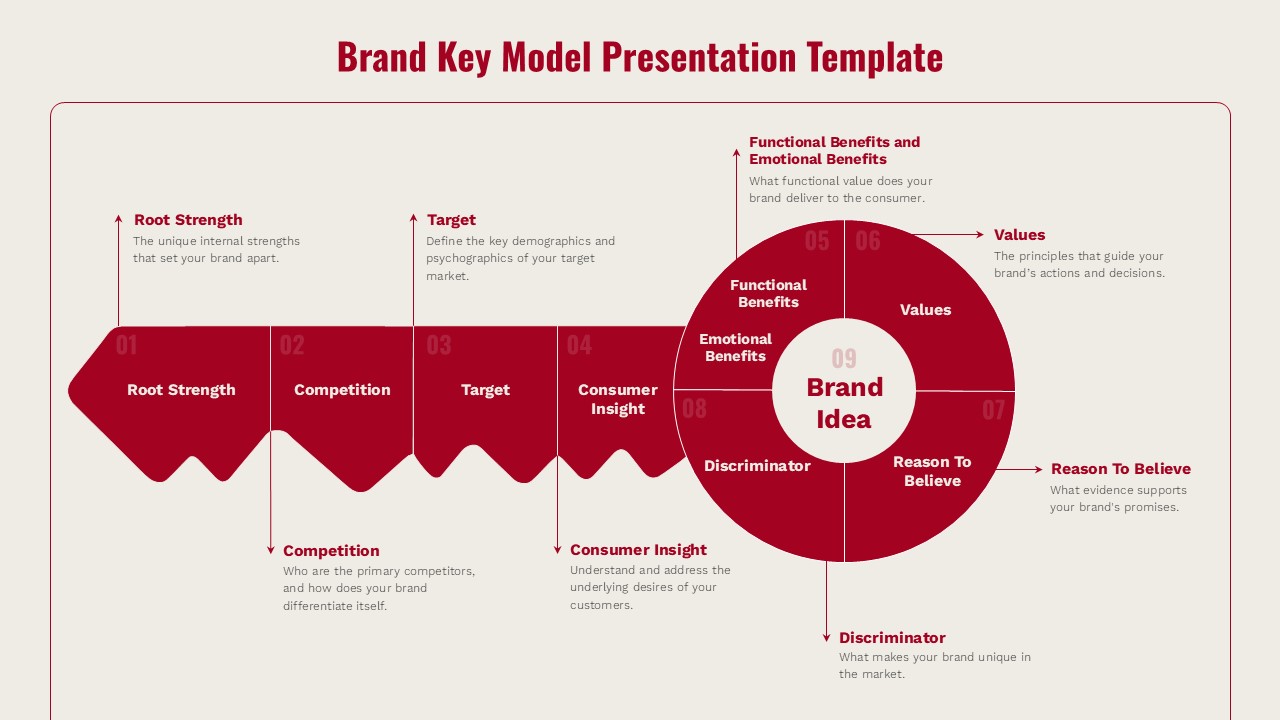
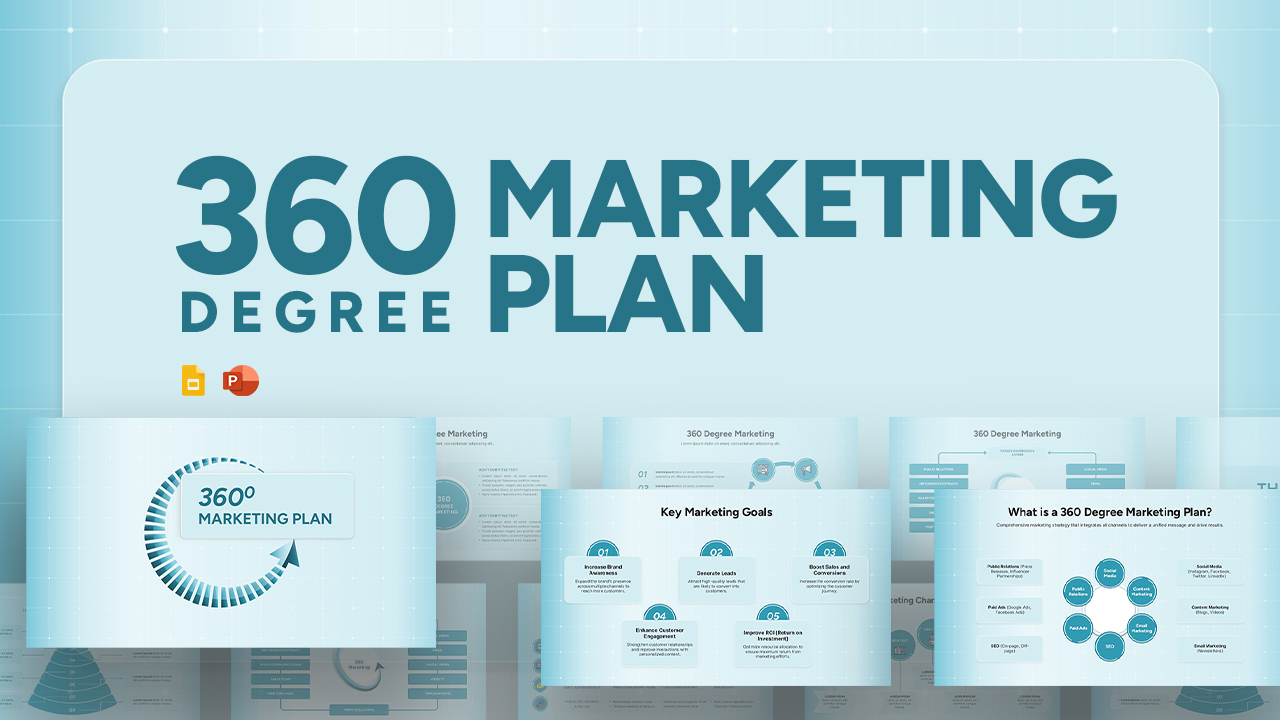
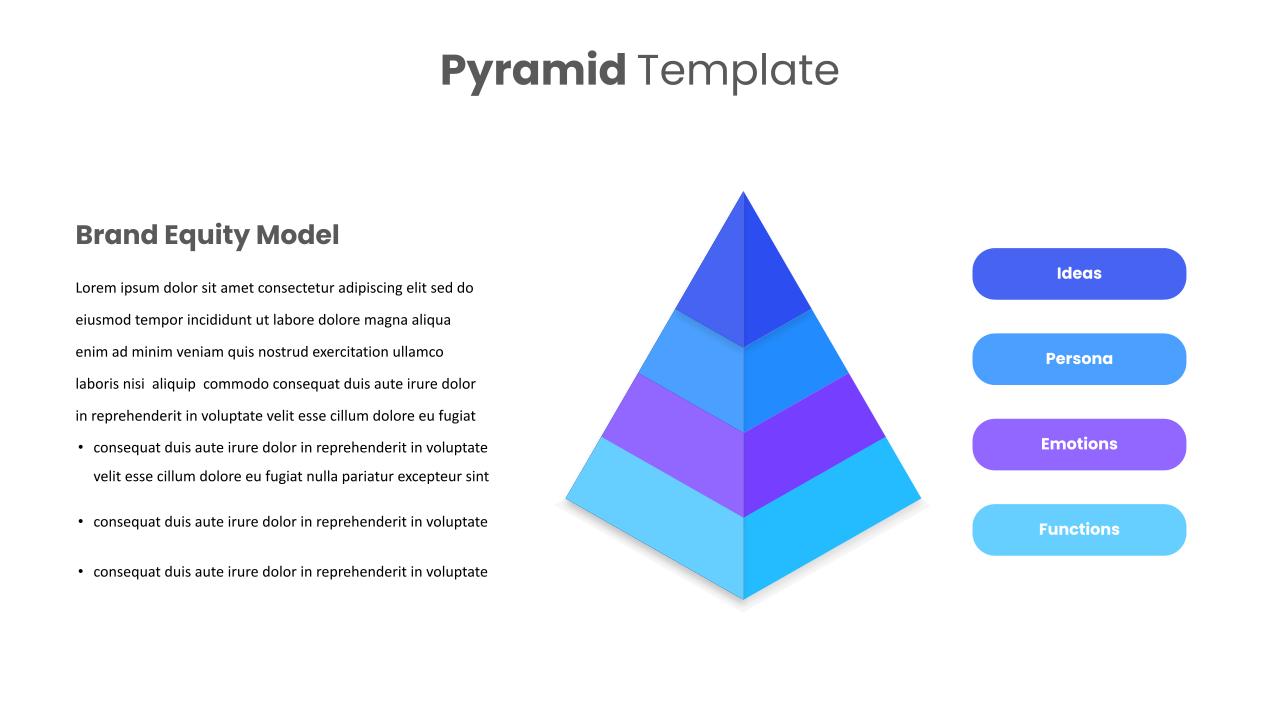
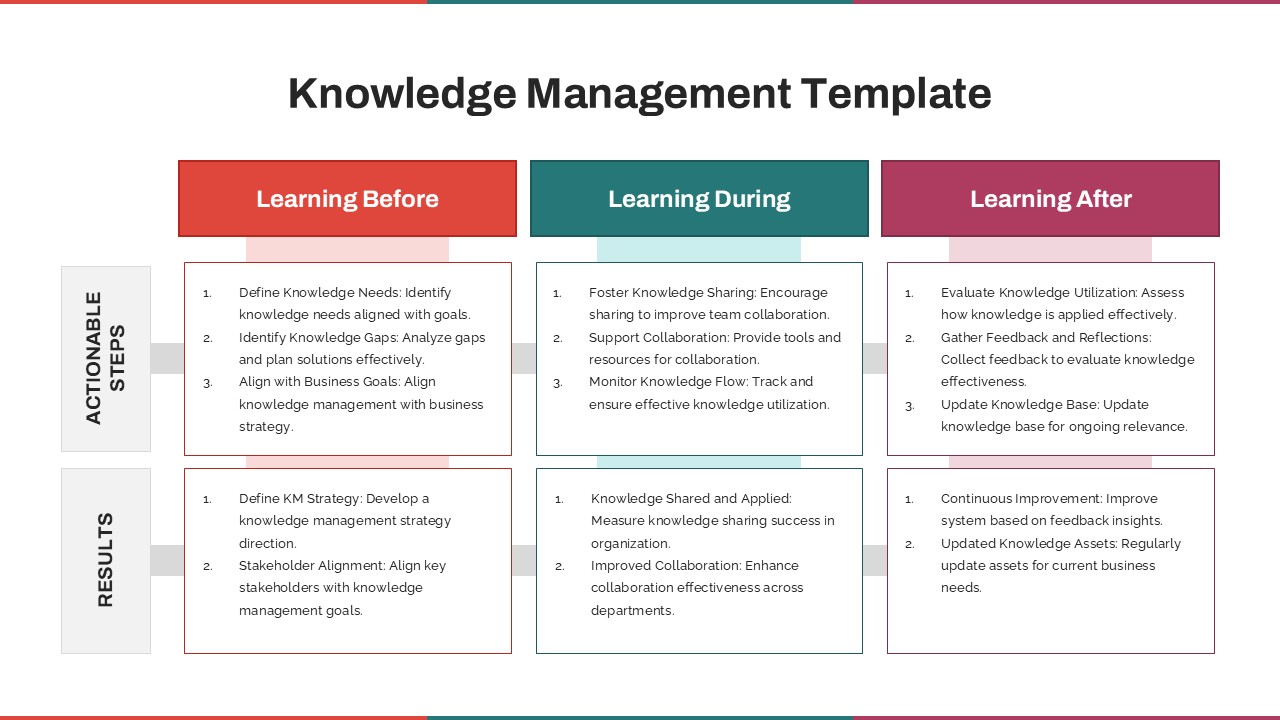
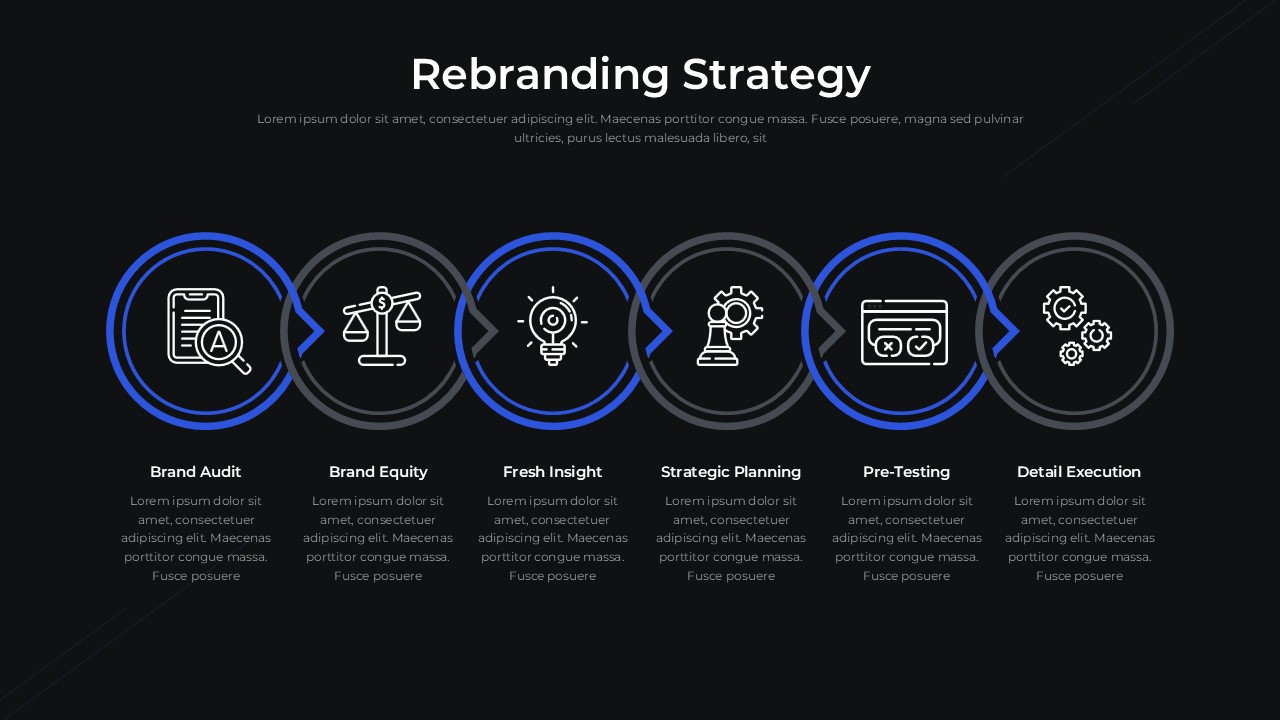
This Rebranding Strategy Template helps teams explain each stage of the rebranding process in a clear and organized way. The layout highlights important steps such as brand audit, brand equity review, insight gathering, strategic planning, pre-testing, and final execution. These stages help organizations examine their current brand position and plan future brand direction. Marketing teams, brand managers, consultants, and business leaders can use this template to present brand transformation plans or marketing strategies. The design helps audiences understand how a brand moves from evaluation to implementation during a rebranding initiative.
What Is This Rebranding Strategy Template for PowerPoint & Google Slides?
The Rebranding Strategy Template is a presentation layout designed to show the key steps involved in updating or repositioning a brand. It helps presenters explain how companies evaluate their existing brand identity, gather insights, plan new strategies, test ideas, and implement brand changes. The template organizes the rebranding journey into clear stages so that audiences can easily follow the process.
When to Use This Template
This template can be used during marketing strategy presentations, brand development meetings, or corporate planning sessions. Businesses may use it when discussing a new brand identity, launching a brand refresh, or presenting brand transformation plans to stakeholders. It is also useful for marketing workshops, brand consulting presentations, and internal strategy discussions.
Customization and Editing Options
The template allows users to modify text, icons, colors, and layout elements according to their branding strategy. Teams can include company-specific research, marketing insights, or brand development steps. Slides can also be adjusted or expanded depending on the amount of information included in the presentation.
PowerPoint and Google Slides Compatibility
The Rebranding Strategy Template works with both Microsoft PowerPoint and Google Slides. Users can edit the presentation on either platform while maintaining the same design structure. This allows teams to prepare brand strategy presentations using the software they are comfortable with.
See more

Aspect Ratio
16:9Item ID
SKT04570


Features of this template
Other Use Cases of This Template
Brand development presentations, Marketing strategy discussions, Brand identity workshops, Corporate brand planning sessions, Marketing agency presentations, Brand refresh proposals, Business transformation presentations, Marketing training sessions, Product brand launch planning, Brand positioning discussionsFAQs
You May Also Like These Presentation Templates


- Free

- Free
- Free
- Free
- Free
- Free

- Free
- Free
- Free
- Free
- Free
- Free
- Free


- Free
- Free
- Free