Upskilling vs Reskilling Template
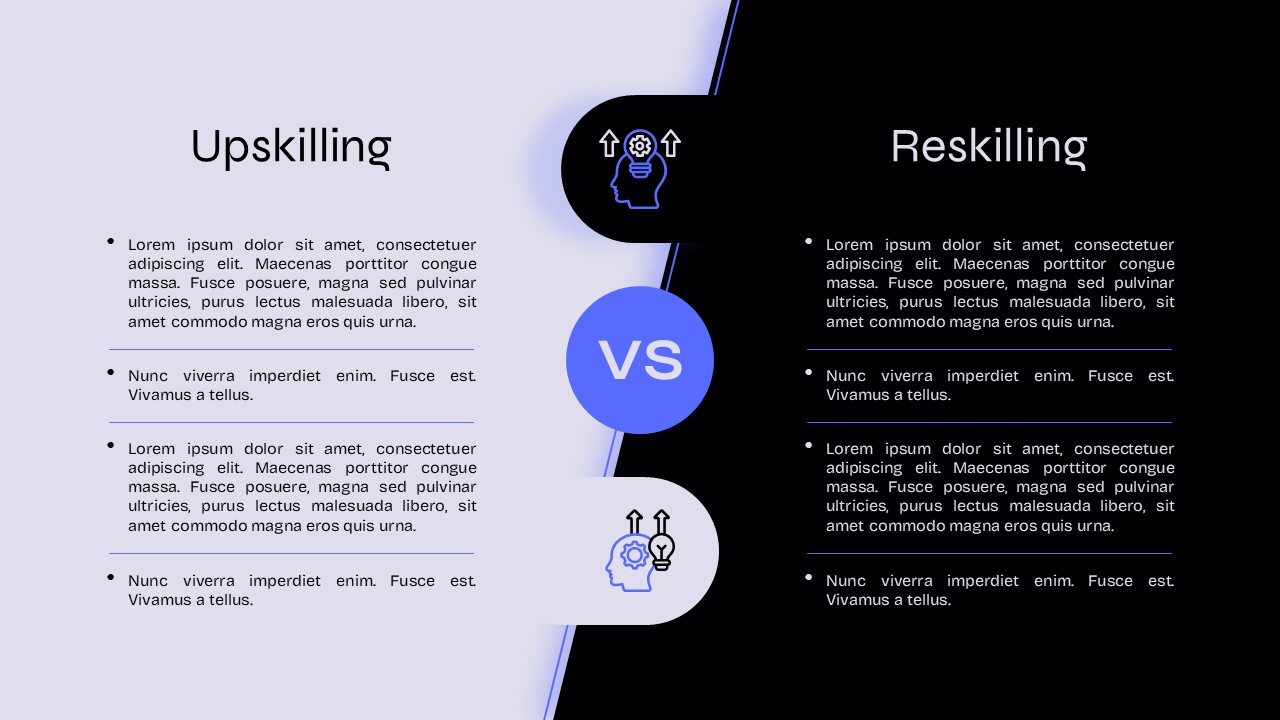
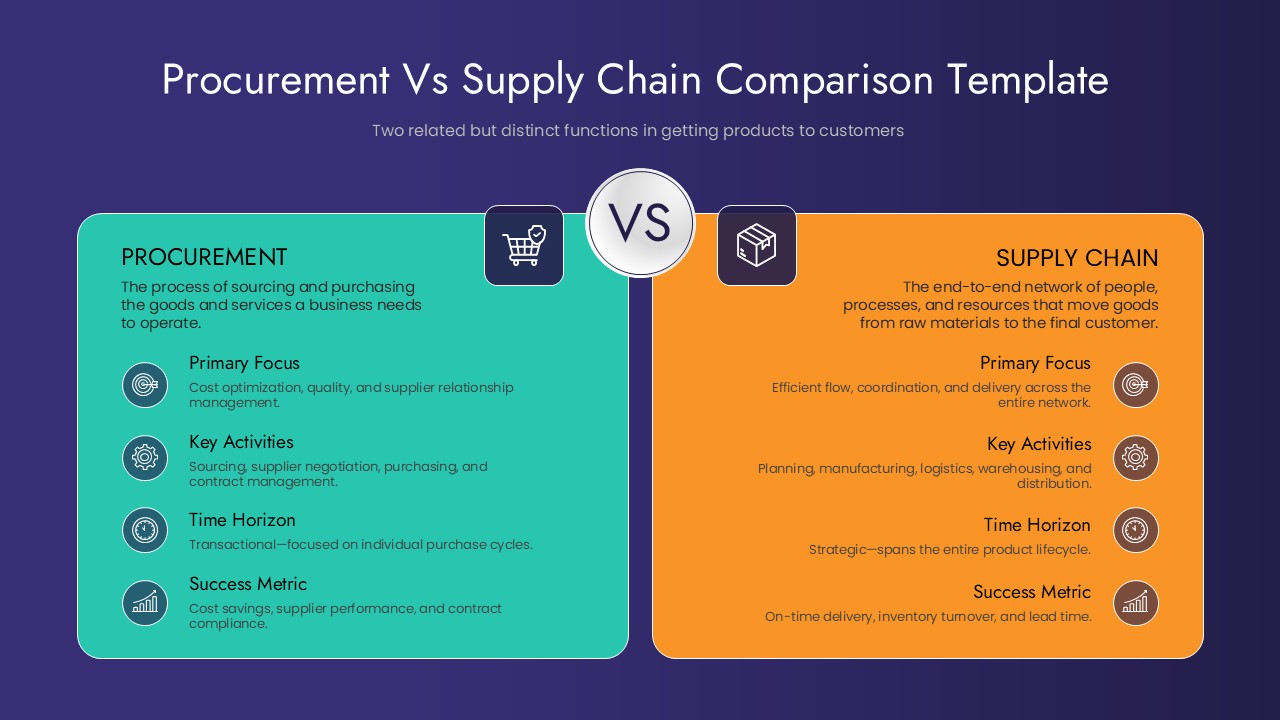
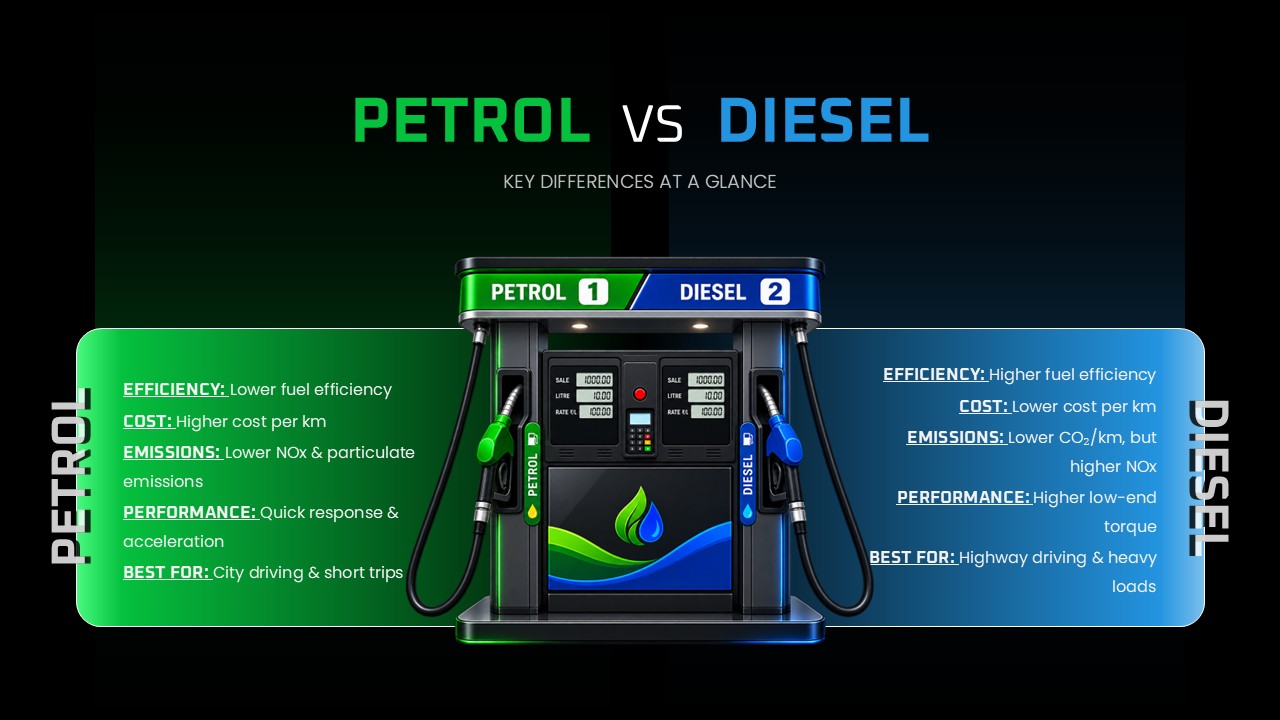
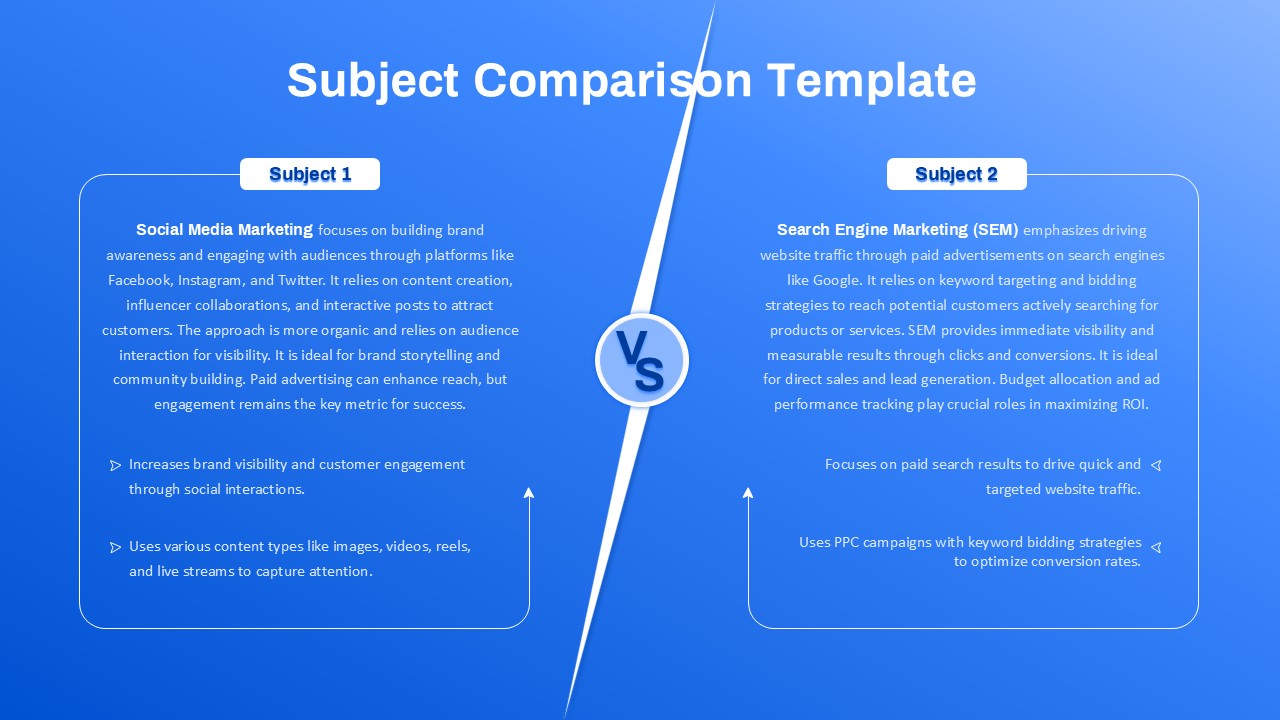
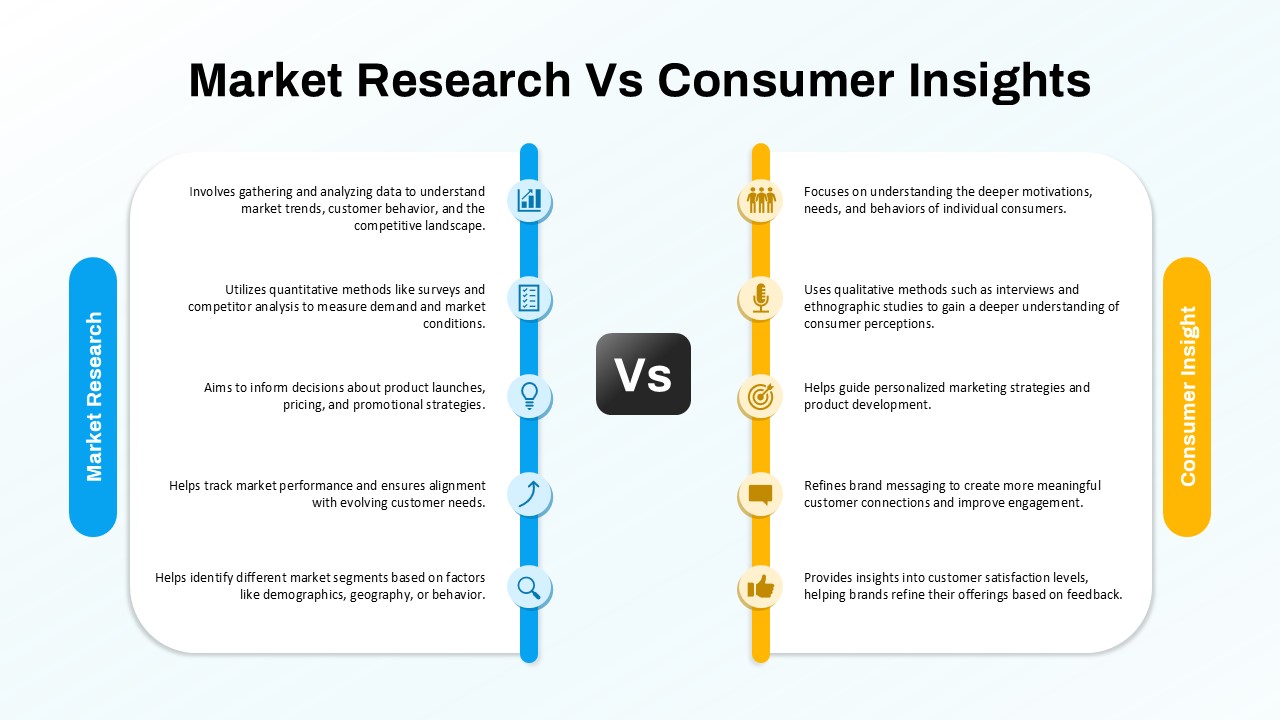
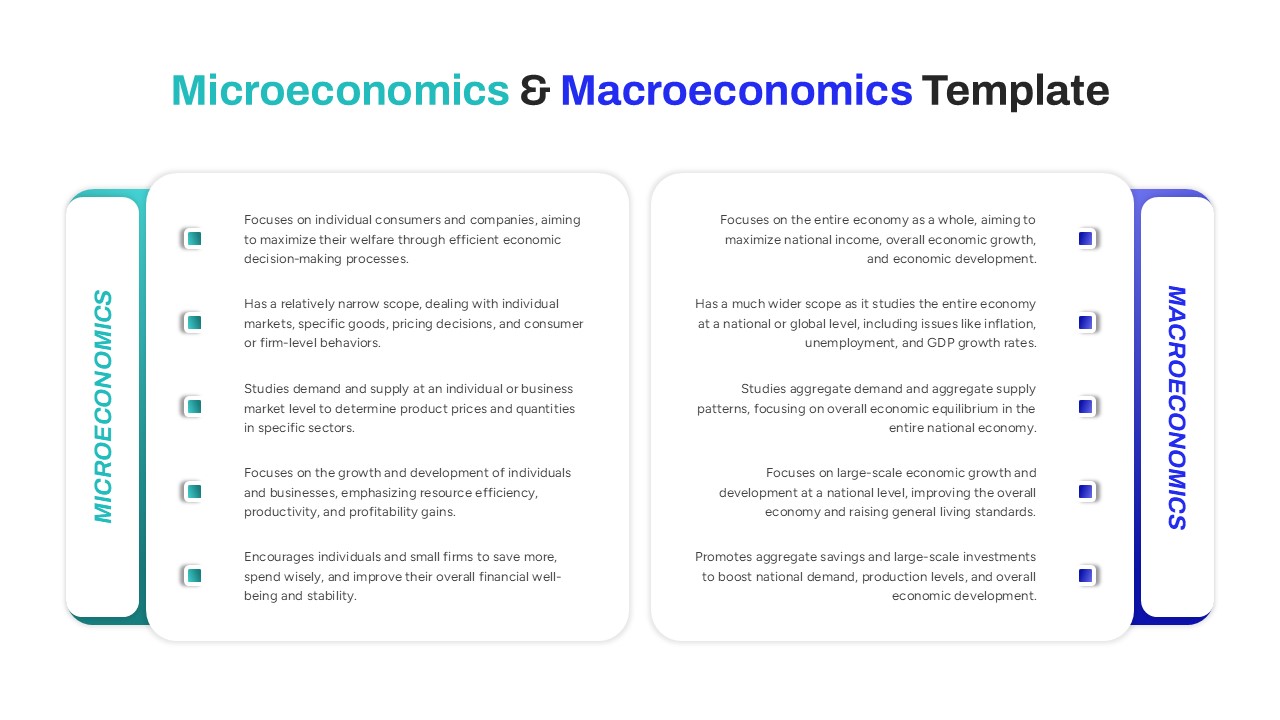
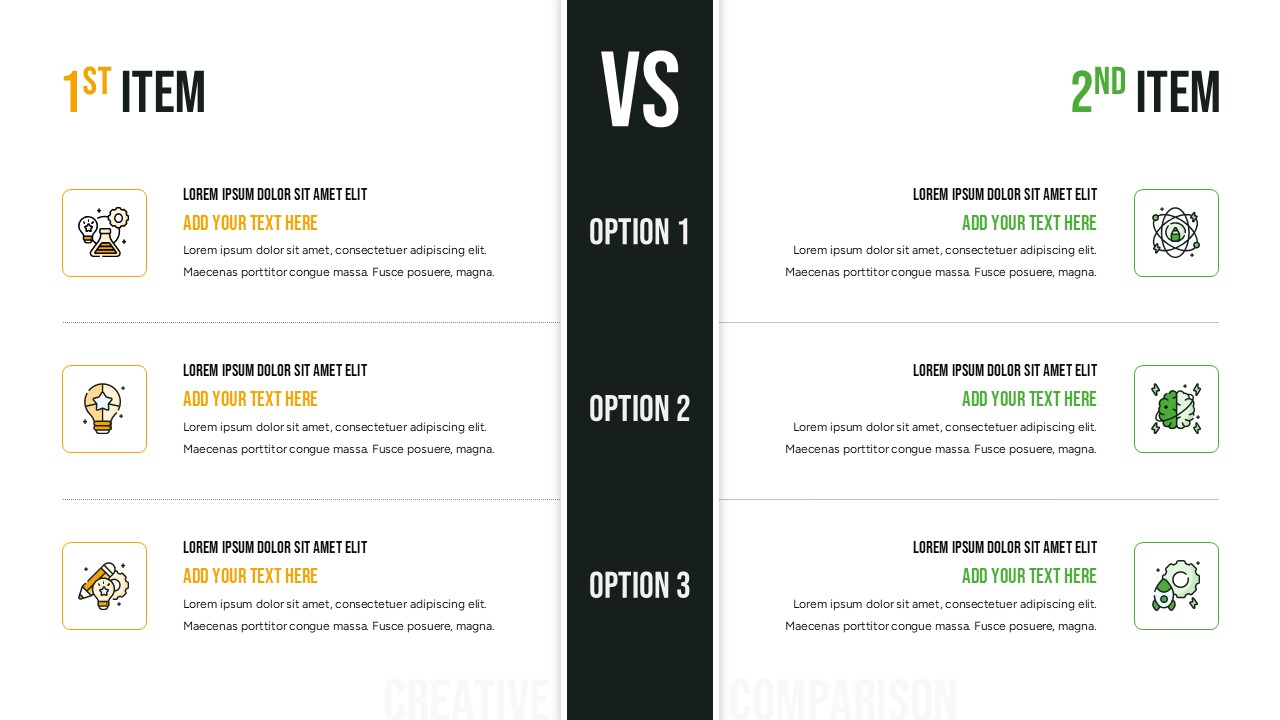
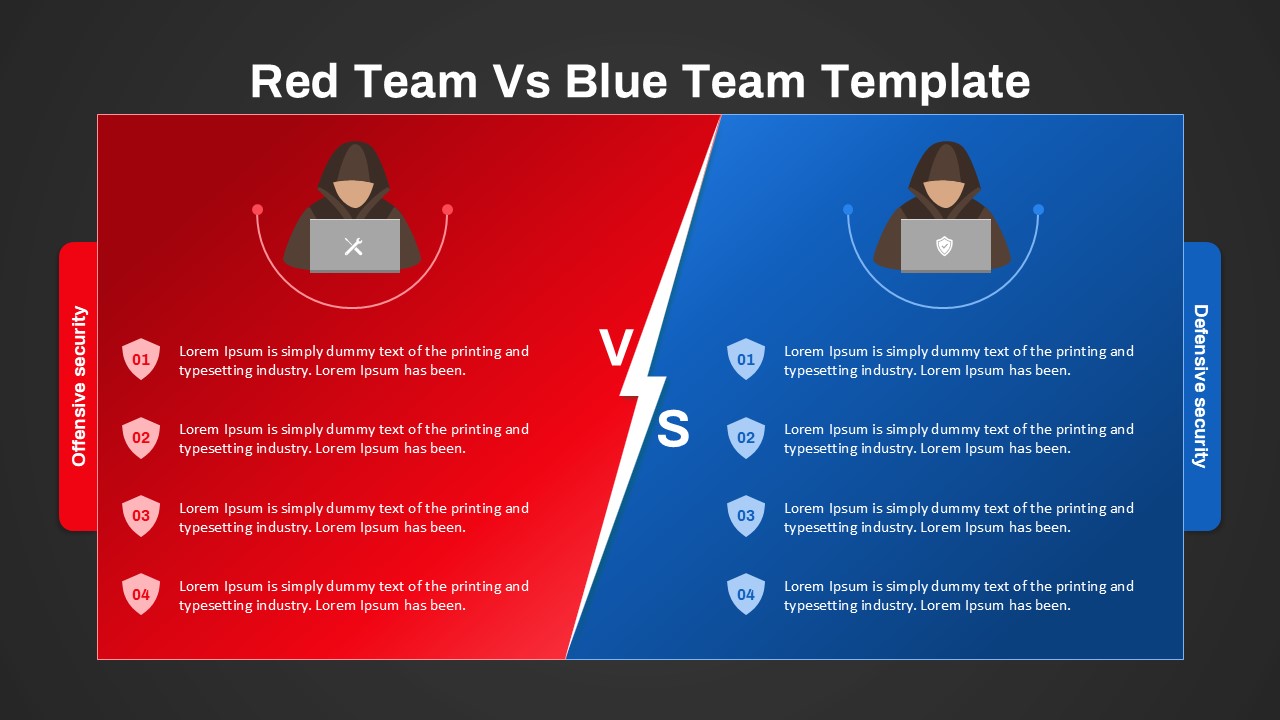
This Upskilling vs Reskilling presentation is a modern comparison slide designed to explain two important approaches to workforce development, employee growth, and future-ready skills. Available for both PowerPoint and Google Slides, this presentation provides a clear side-by-side structure that makes the differences between upskilling and reskilling easy to understand. The design uses a split-screen layout, with upskilling presented on one side and reskilling on the other, while a central “VS” element creates a strong visual comparison. The contrasting light and dark sections help separate the two concepts while maintaining a professional presentation style.
The central visual elements reinforce the theme of learning, skills, development, and knowledge improvement. This Upskilling vs Reskilling presentation is useful for HR teams, learning and development professionals, business leaders, educators, consultants, and training managers who need to communicate workforce transformation strategies. It can be customized for employee training plans, talent management programs, career development discussions, digital transformation initiatives, and organizational change presentations. PowerPoint users can easily edit the text, layouts, and visual elements to match their brand.
Google Slides users can collaborate with teams and update the content online. The clean typography and structured information blocks also make the slide suitable for workshops, training sessions, executive meetings, and internal communications. Whether you want to explain how employees can strengthen existing skills or prepare for new roles, this presentation offers a simple and engaging way to organize the message.
Key details:
- Side-by-side upskilling and reskilling comparison
- Central VS layout for clear visual distinction
- Editable text sections for definitions and examples
- Learning and workforce development theme
- Modern split-screen presentation design
- Suitable for HR and L&D presentations
- Compatible with PowerPoint and Google Slides
- Useful for training, workshops, and business meetings
See more

Aspect Ratio
16:9Item ID
SKT04981


FAQs
You May Also Like These Presentation Templates

- Free

- Free

- Free
- Free
- Free
- Free
- Free