Digital Wallet App Template for PowerPoint & Google Slides
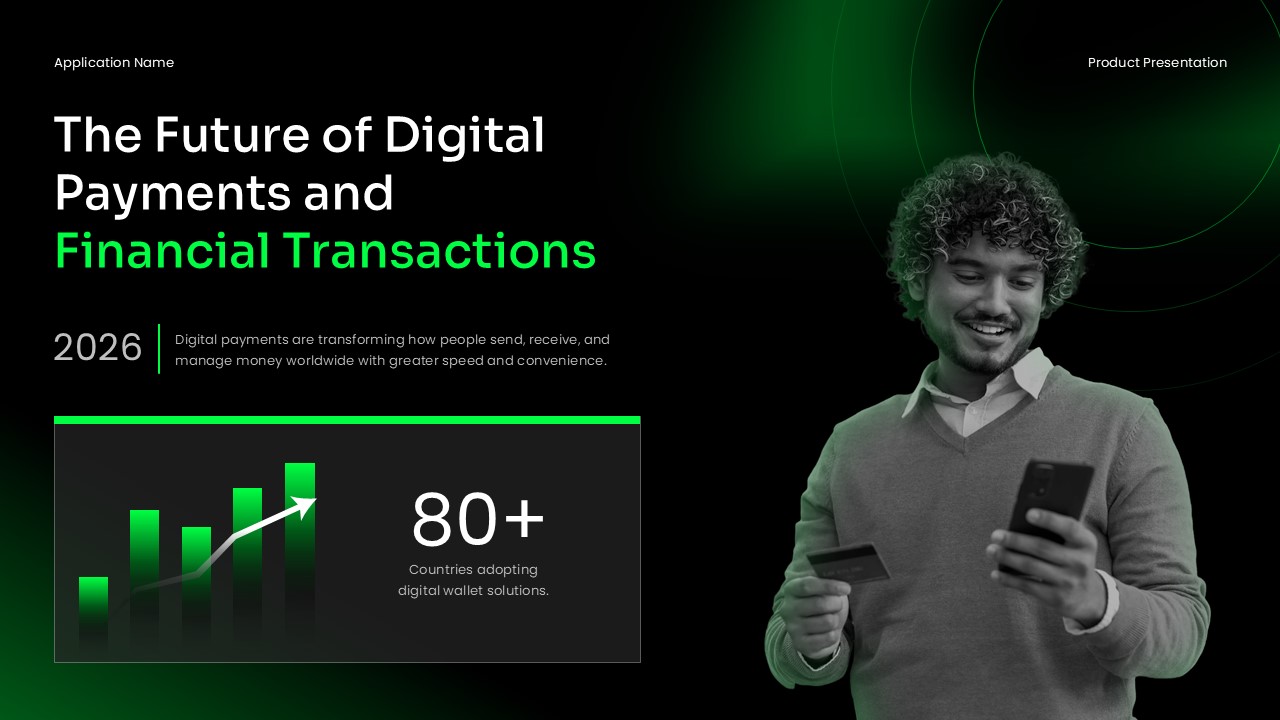
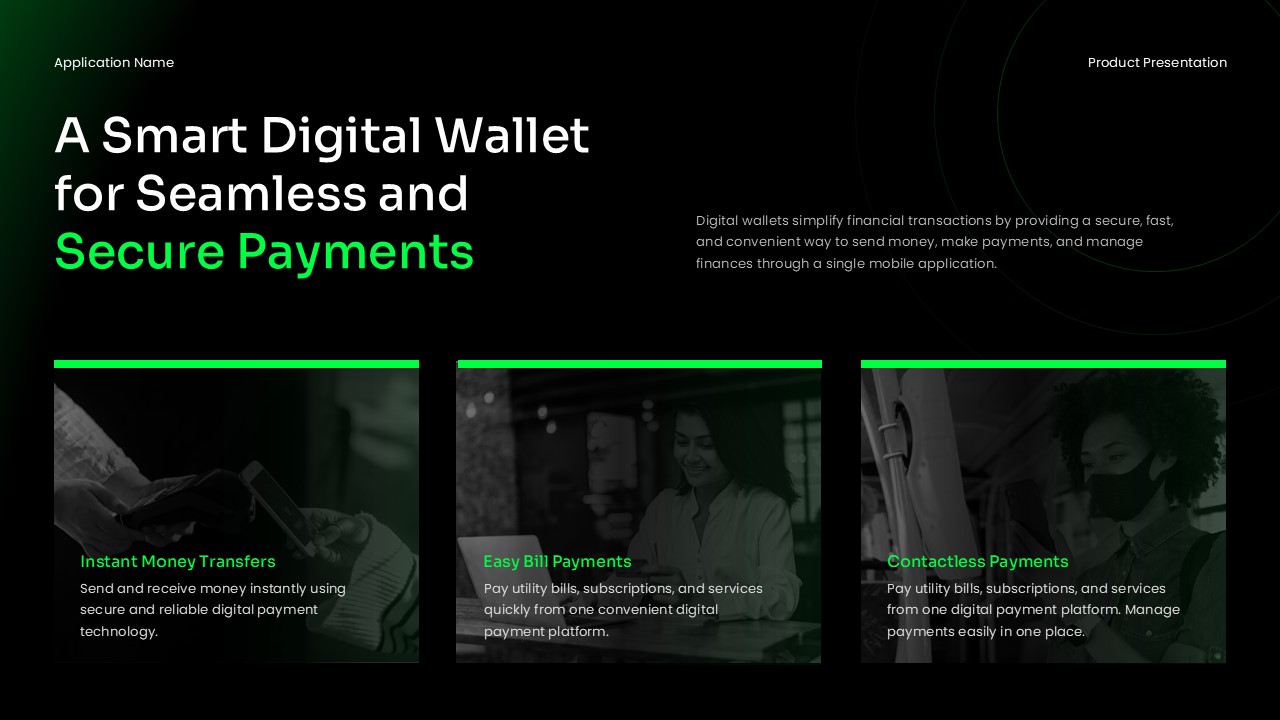
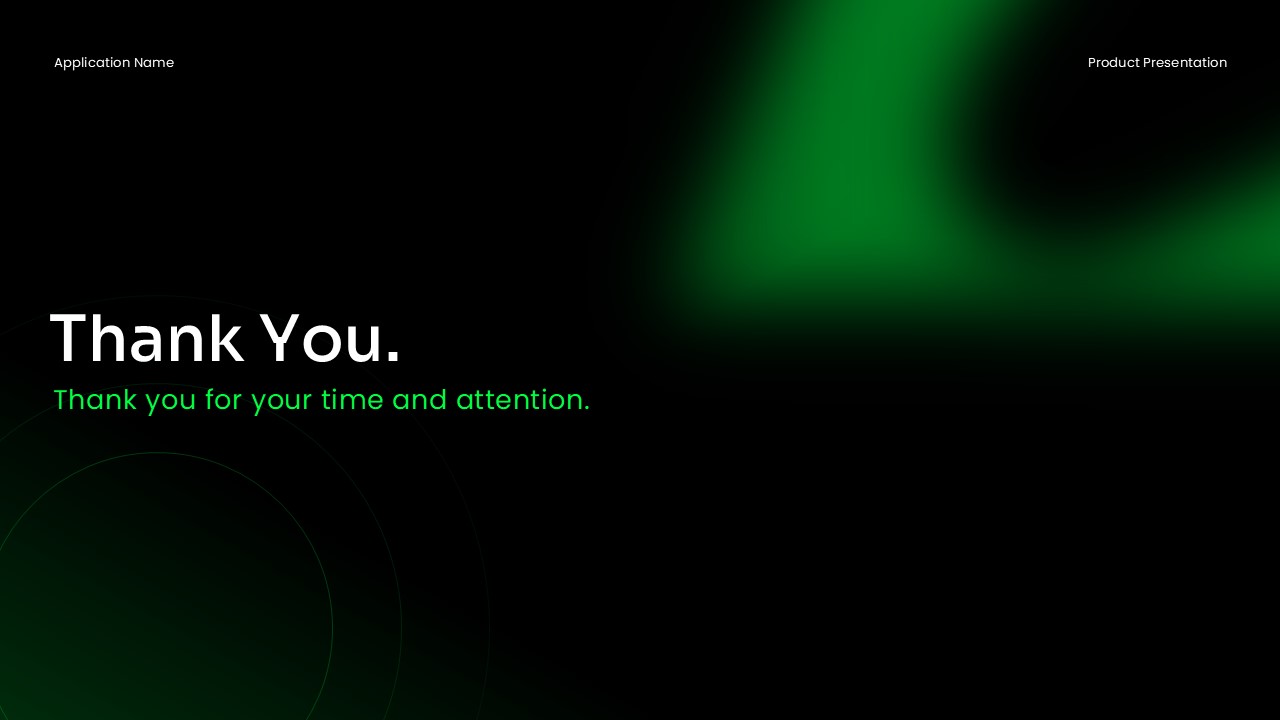

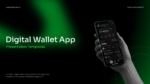
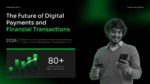
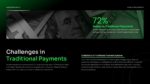
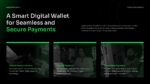
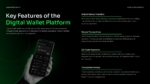
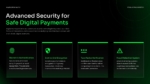
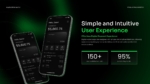
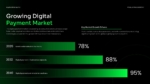
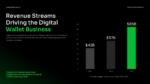

A Digital Wallet App has become a common part of everyday financial life. It has changed how people handle payments and money transfers. Instead of carrying physical cash or cards, users now store payment details on their phones. They can then complete transactions within seconds. From paying at retail stores to sending money to contacts, digital wallets serve different age groups and industries. As mobile usage continues to rise, these apps are becoming a standard part of daily financial activity.
If you are looking for a clear digital wallet definition, here it is. It is a mobile-based application that stores payment information securely. It also allows users to make transactions without physical cash or cards. Common digital wallet examples include apps for contactless purchases, online bill payments, and peer-to-peer transfers. Understanding what is a digital wallet helps businesses communicate its value to the right audience.
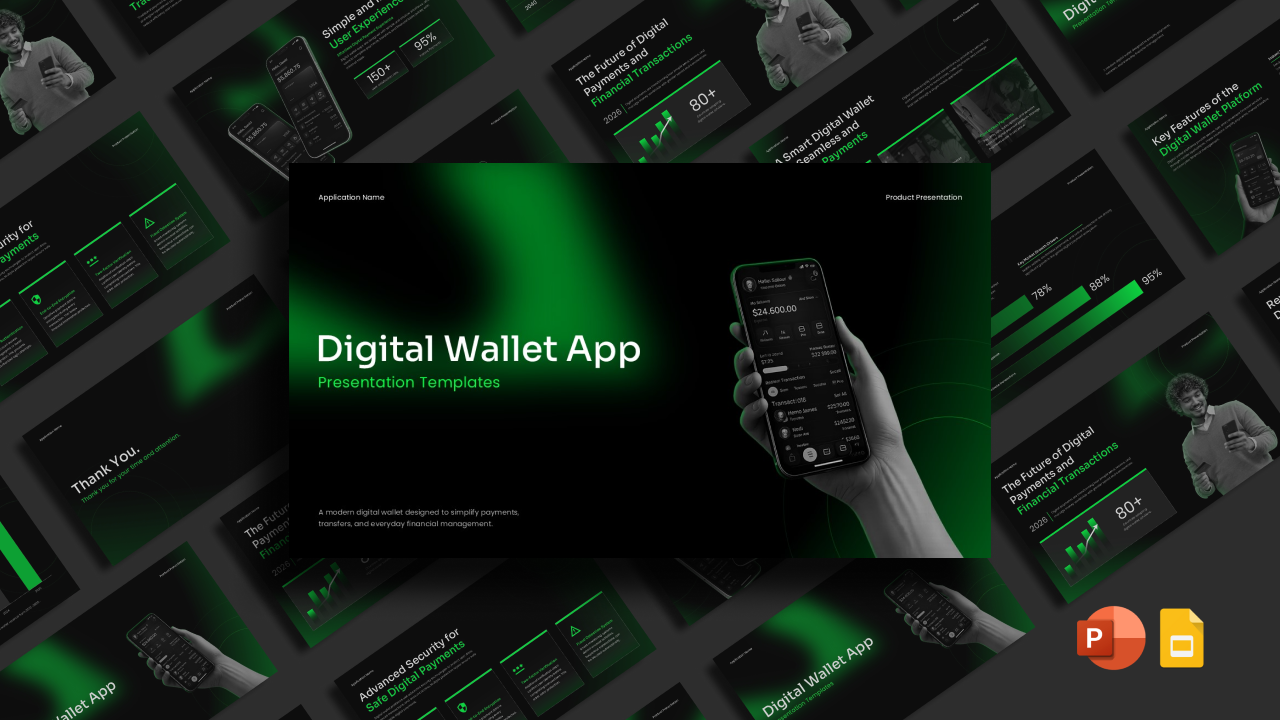
This Digital Wallet App Template is a ready-to-use presentation deck for fintech pitches, app launches, and mobile payment presentations. It is available in PowerPoint and Google Slides. It covers app features, digital wallet security, market growth data, user experience metrics, and revenue streams. Product managers, startup founders, and fintech teams can use this deck to present to investors, stakeholders, and business partners.
What Is This Digital Wallet App Template?
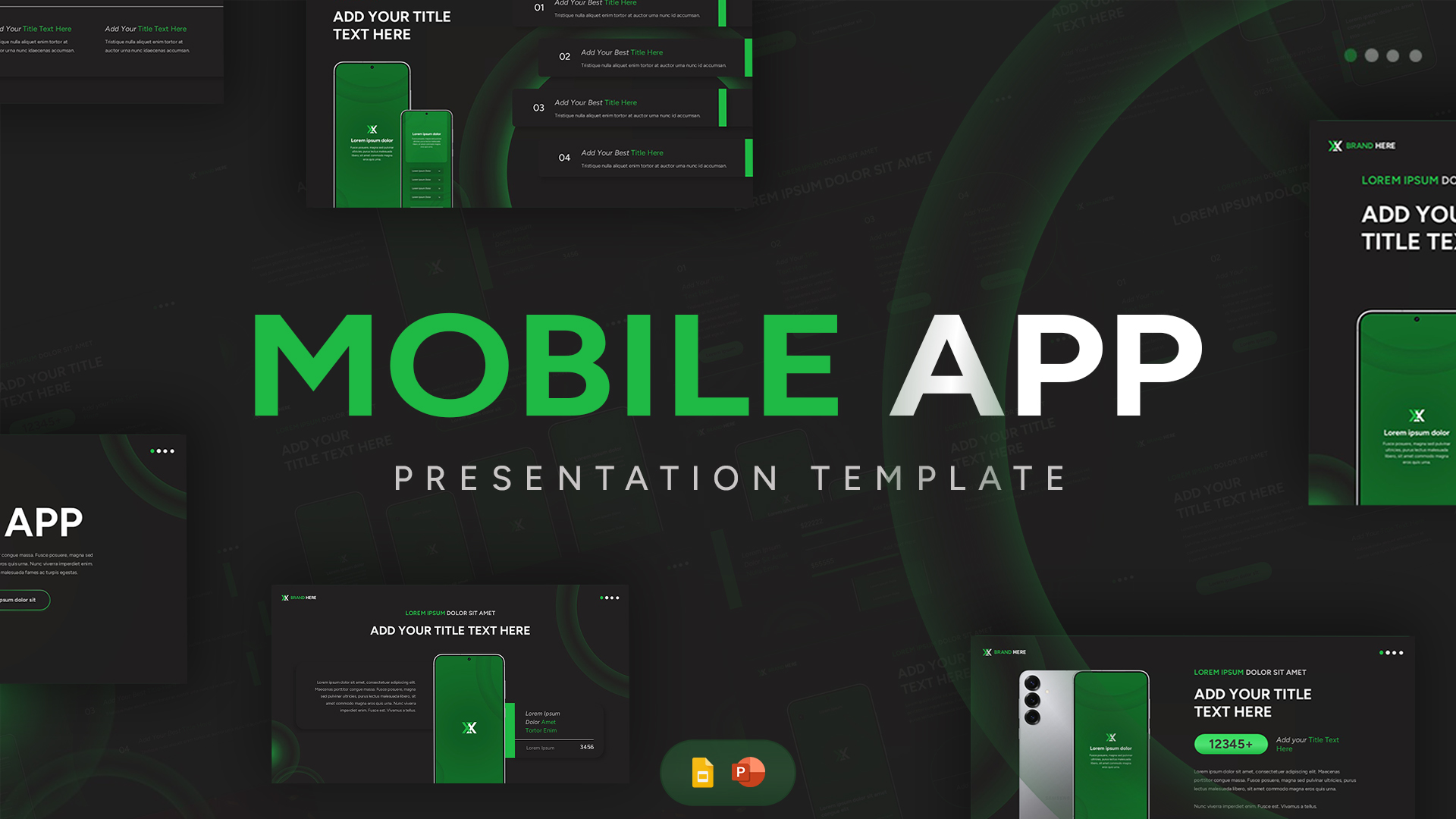
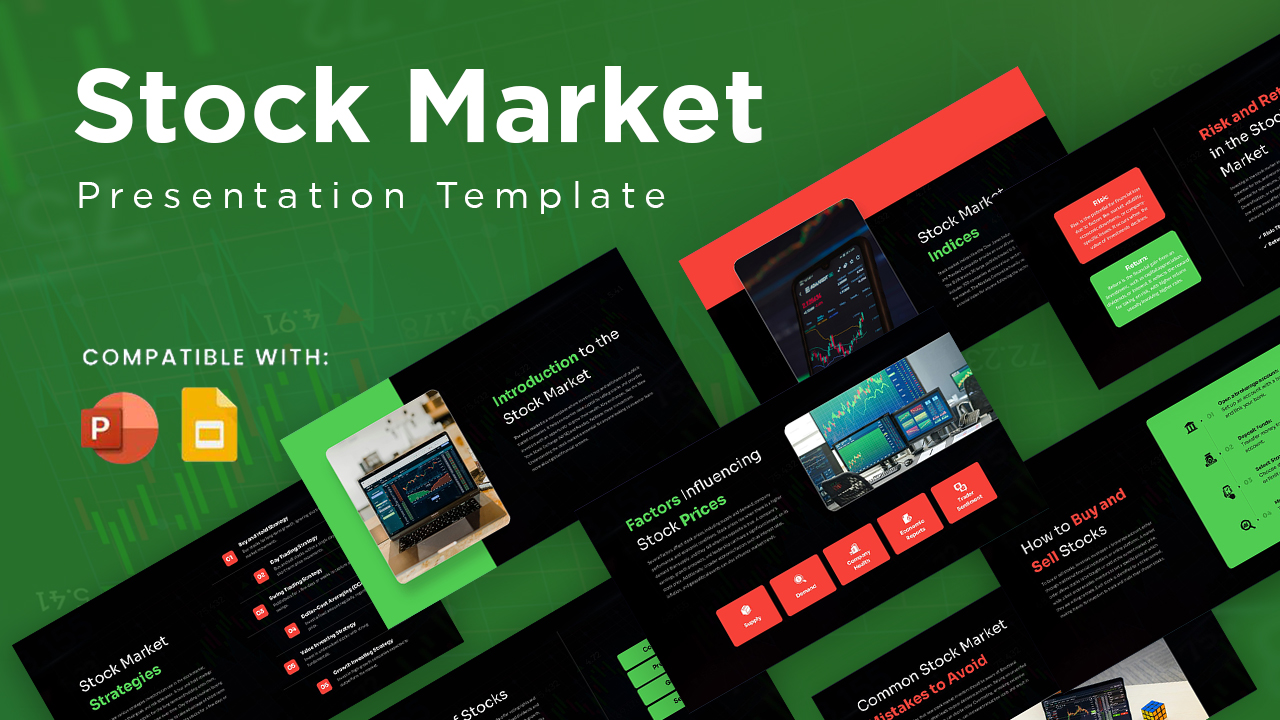
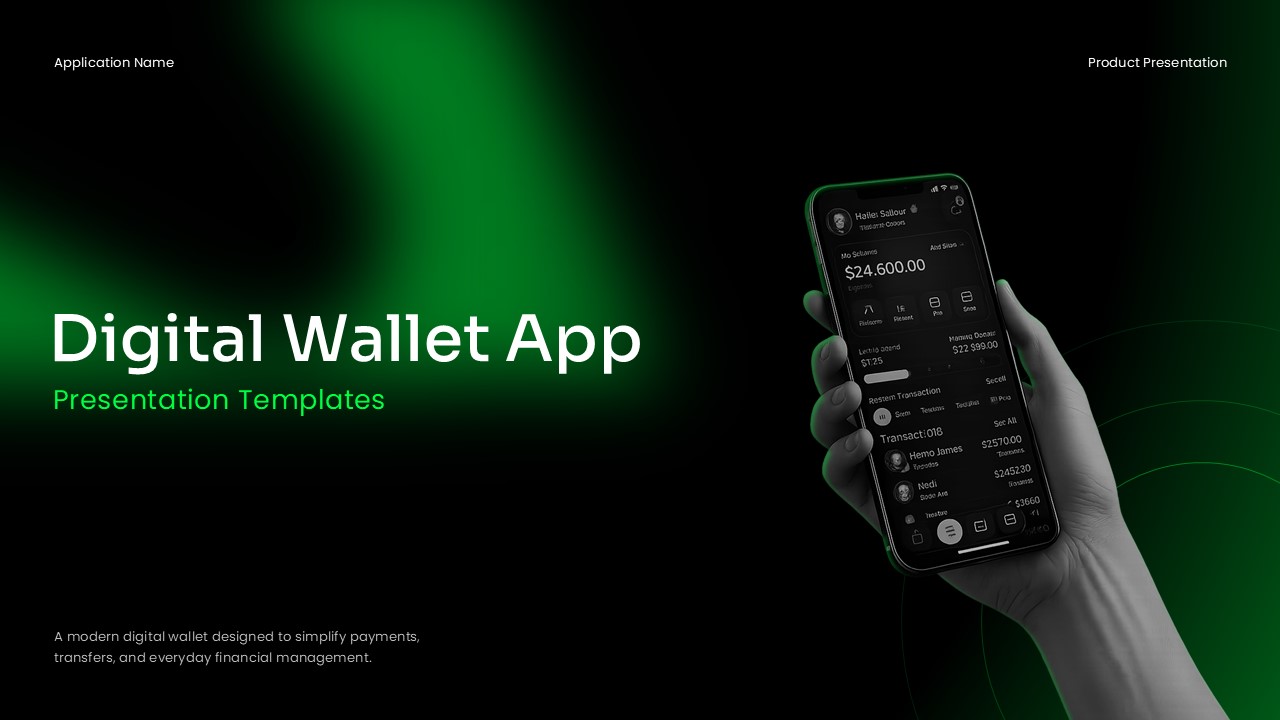
The Digital Wallet App Template is a pre-built presentation deck for fintech and mobile payment topics. It helps teams present digital wallet products clearly to professional audiences. The deck uses a dark background with green accent colors and clean sans-serif typography.
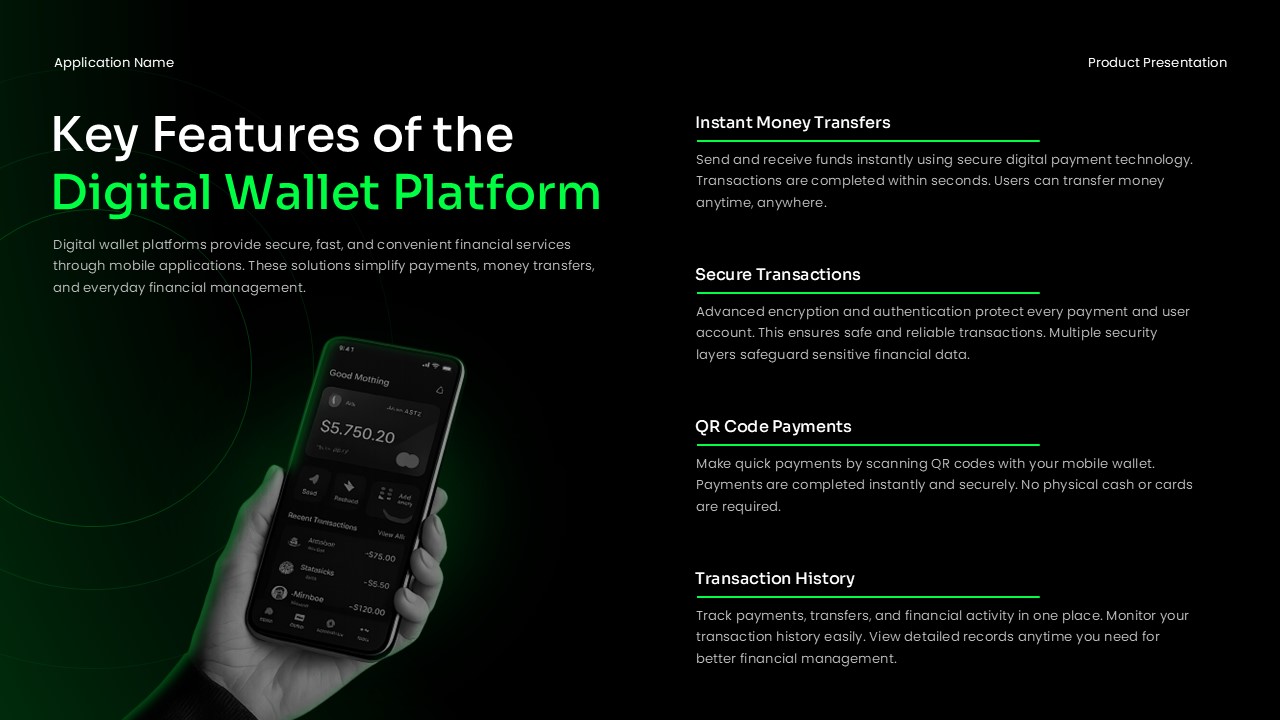
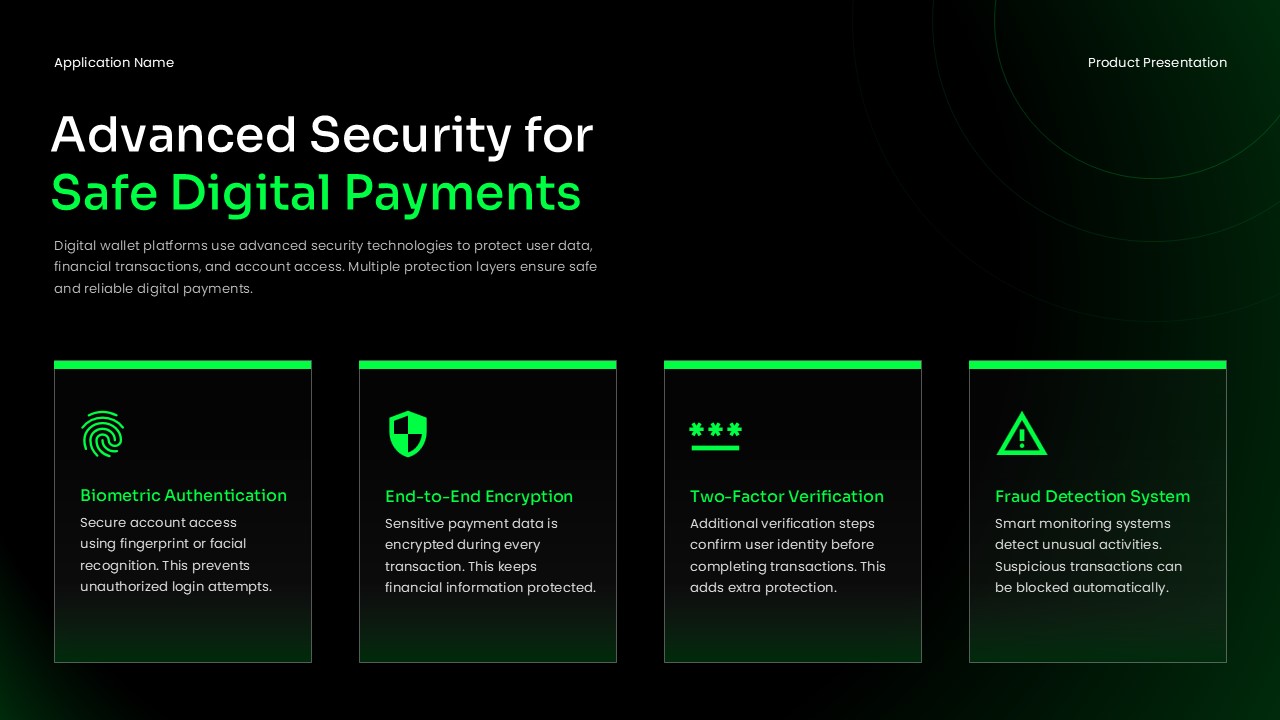
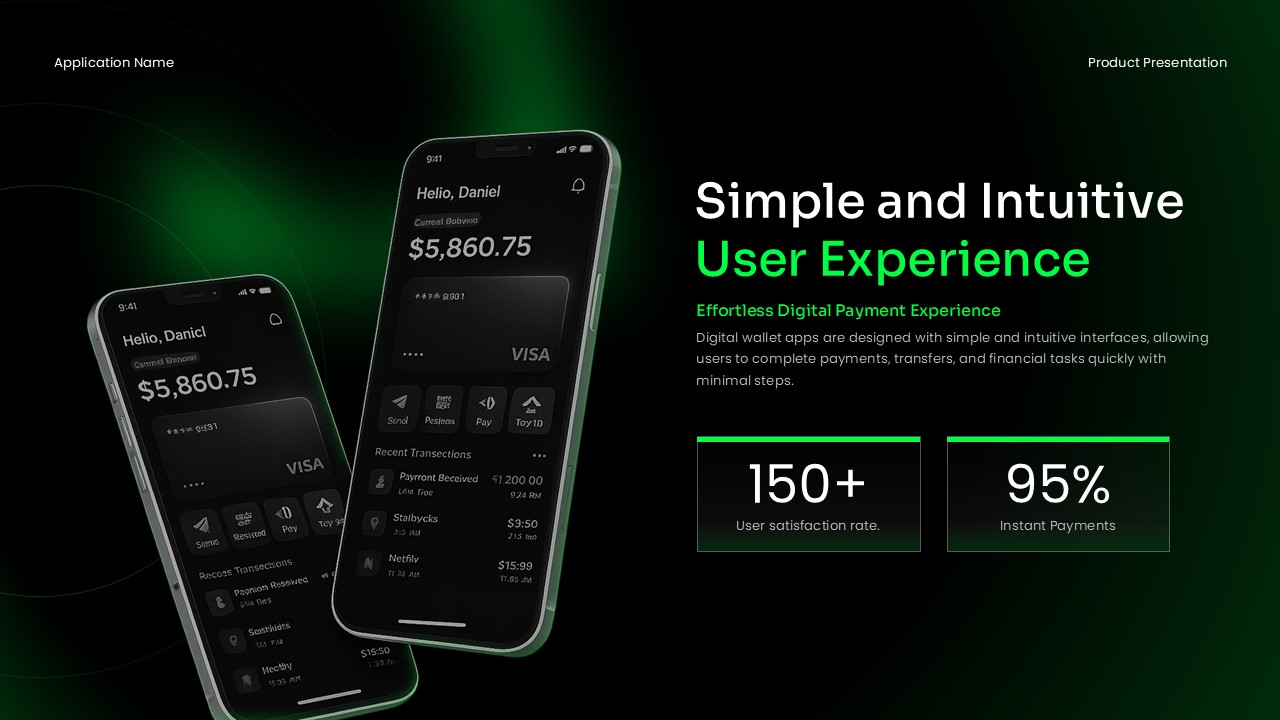
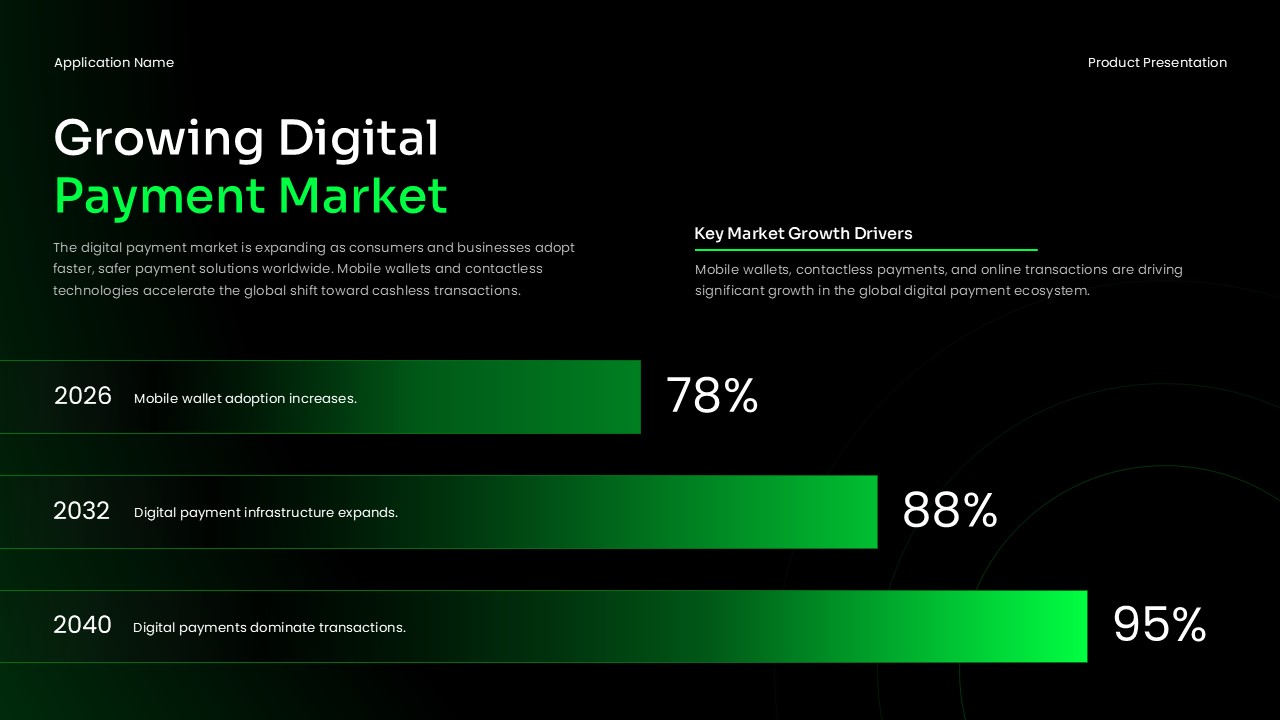
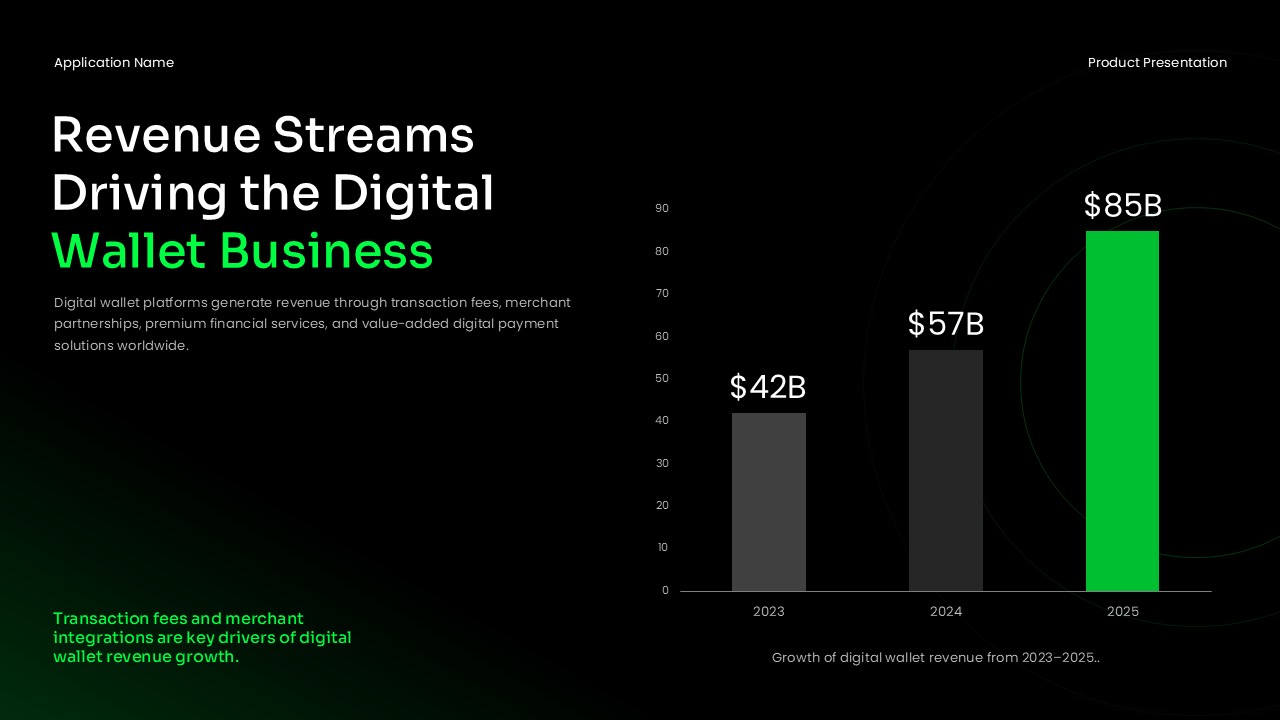
It includes slides for app overviews and digital wallet security features. Specifically, it covers biometric authentication, end-to-end encryption, two-factor verification, and fraud detection. In addition, it includes slides for user experience metrics, market growth projections, and revenue stream data.
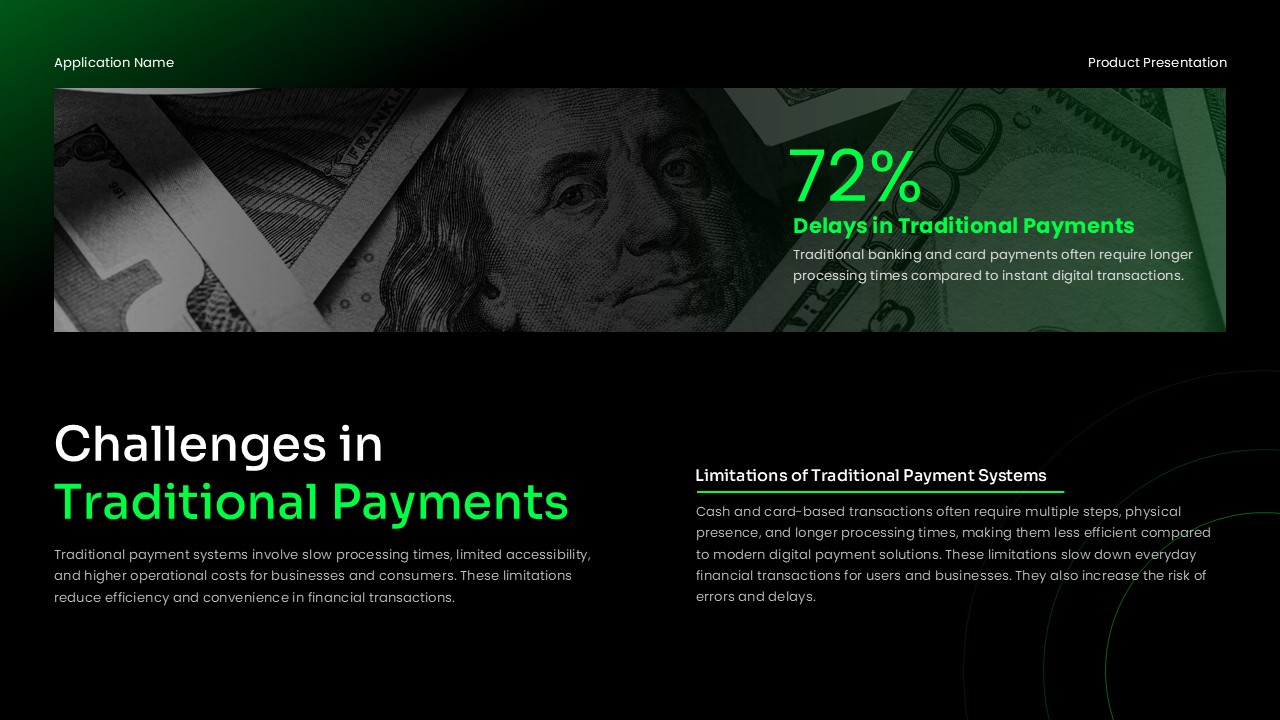
One slide addresses the limitations of traditional payment systems. This gives context for positioning a digital wallet app against existing financial tools. Furthermore, future-focused slides present adoption statistics and long-term payment infrastructure forecasts. The deck works as a structured starting point for any fintech presentation in PowerPoint or Google Slides.
When to Use This Template
This template works well for presenting a digital wallet product, mobile payment application, or fintech platform. It is suited for investor meetings, product launch sessions, and app demo presentations. The layout supports content covering app functionality, digital wallet security, market opportunity, and revenue potential within one deck.
Moreover, presenters in banking, fintech, venture capital, or mobile technology will find the structure and visual style appropriate. It is also a practical choice for teams that need to deliver a clear, data-supported presentation quickly.
Customization and Editing Options
All text fields are fully editable in PowerPoint and Google Slides. This includes slide titles, body copy, feature descriptions, and statistical callouts. Users can update the green accent color to match their brand. Standard color fill tools in both platforms make this straightforward.
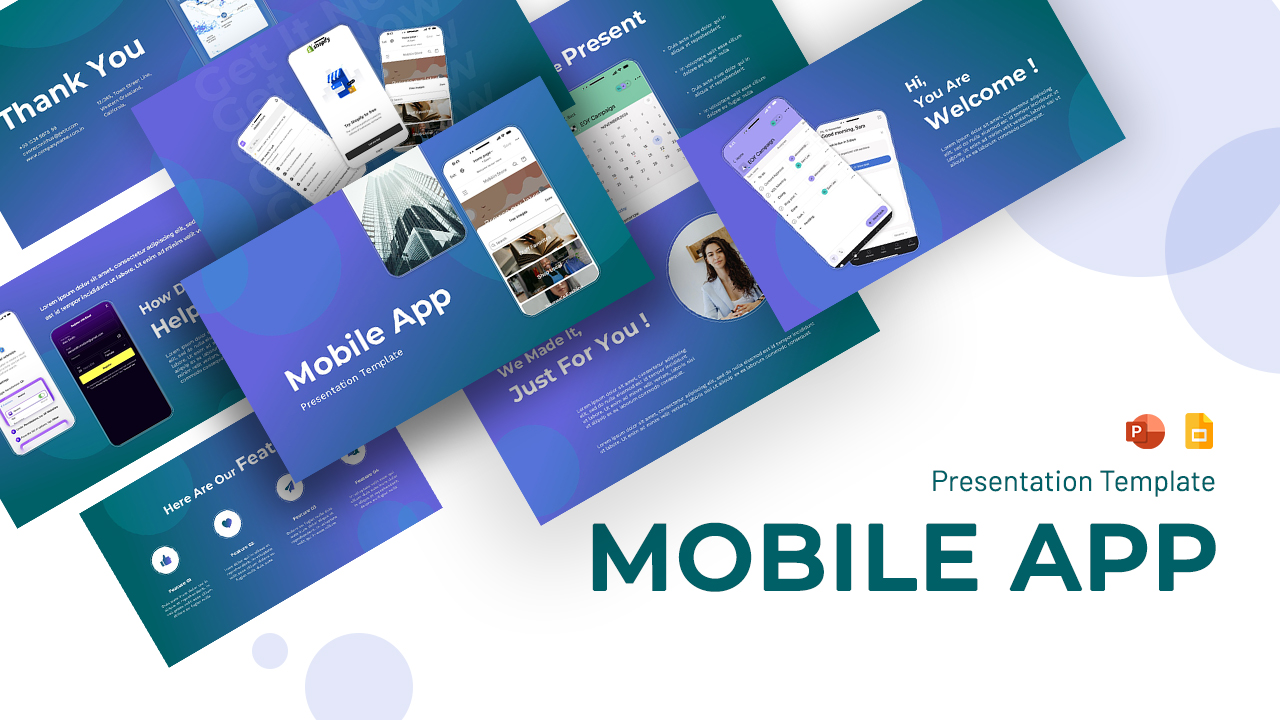
Mobile app mockup images can be replaced with actual product screenshots. The native image swap function in both platforms handles this quickly. Additionally, bar charts and progress bar visuals use native slide elements. Users can update figures directly without any external tools or plugins.
Icon cards in the security and features slides are also editable. Labels and descriptions can be replaced to reflect different product functions. Finally, slides can be duplicated, reordered, or removed to fit any presentation length without affecting the overall layout.
PowerPoint and Google Slides Compatibility
The Digital Wallet App Template works fully with Microsoft PowerPoint and Google Slides. Both formats are available for immediate download and use. No additional software, plugins, or custom font installations are required.
The dark background theme, green accent colors, and typography render consistently across both platforms. Teams using Google Slides can share and co-edit the deck in real time directly from a browser. Meanwhile, the PowerPoint version supports offline use and additional animation customization.
The widescreen 16:9 slide format is maintained in both versions. This makes the template suitable for screen presentations, projector displays, and digital sharing.
See more

Aspect Ratio
16:9Item ID
SKT04583


Features of this template
Other Use Cases of This Template
Fintech startup investor pitch presentations, Mobile payment app product demos for clients and partners, Digital banking solution overviews for enterprise stakeholders, Digital wallet app development project briefings and sprint reviews, Venture capital and angel funding proposal decks, Product roadmap presentations for mobile payment platforms, Competitive landscape analysis in the digital payments sector, Financial technology conference and industry summit presentations, Internal stakeholder reviews for wallet app features and updates, Mobile commerce strategy and go-to-market presentations, UX and product design review sessions for payment appsFAQs
You May Also Like These Presentation Templates
- Free


- Free
- Free
- Free

- Free
- Free
- Free
- Free

- Free
- Free

- Free
- Free
- Free
- Free
- Free
- Free
- Free
- Free

- Free
- Free