5A’s Customer Path Framework Template for PowerPoint & Google Slides
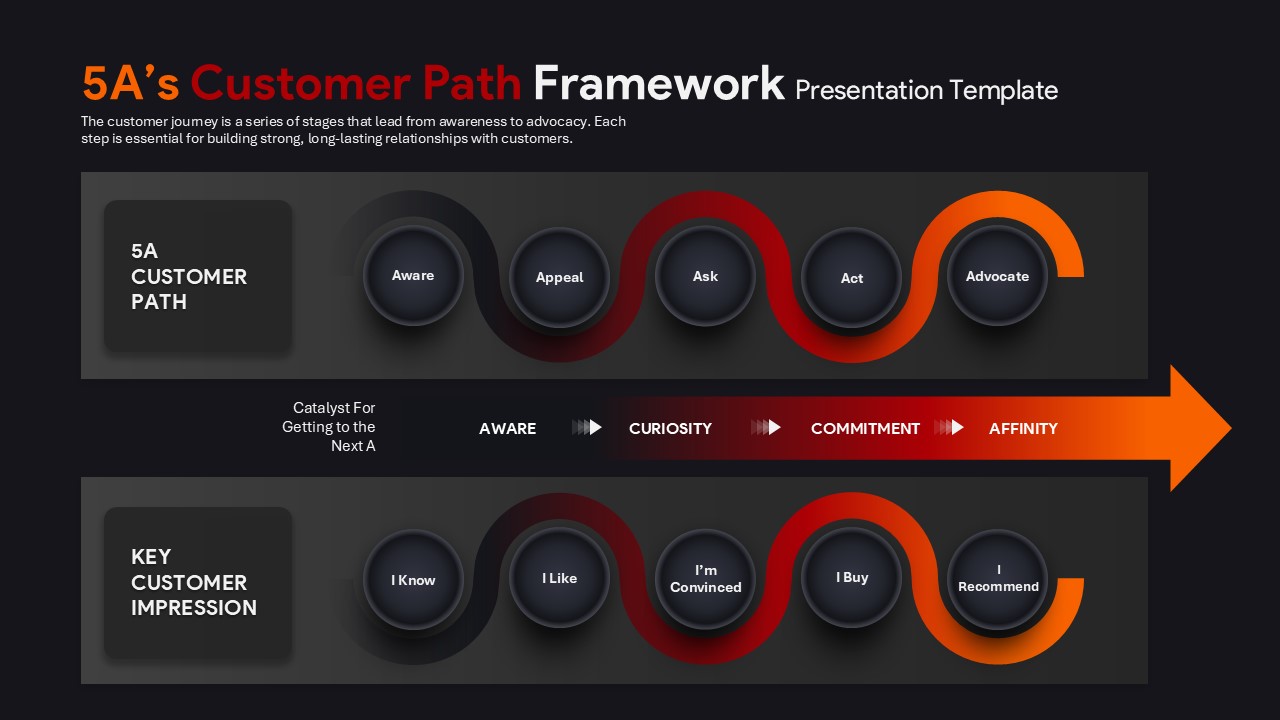
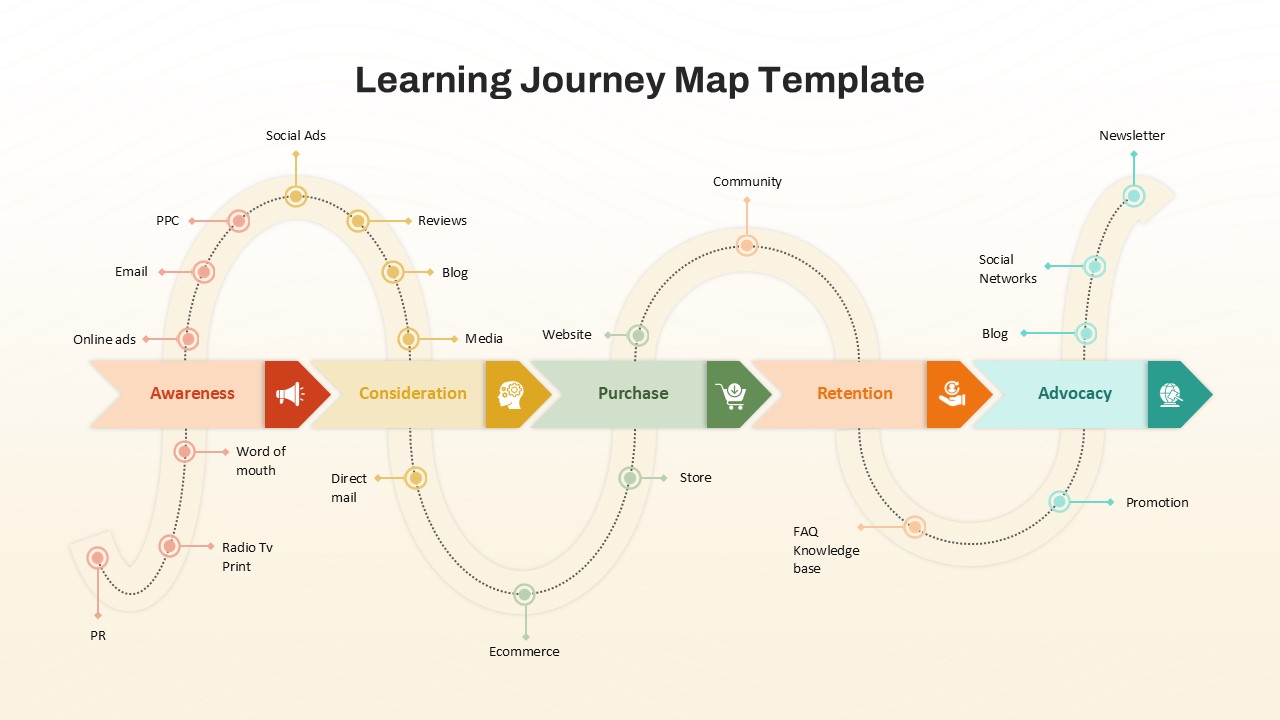
The 5A’s Customer Path Framework presentation template is a visual slide layout designed to present the customer journey from initial awareness to long-term advocacy. This template uses a horizontal, flow-based structure to show how customer perception and behavior progress across connected stages. It helps presenters clearly communicate how audiences move through awareness, interest, evaluation, action, and recommendation over time. The slide design supports strategic discussions by aligning customer actions with corresponding mindset shifts. This template is suitable for mapping customer touchpoints, internal alignment discussions, and high-level journey presentations. It is commonly used in marketing, growth, and customer experience presentations. The layout is structured for clarity, making it suitable for executive and stakeholder audiences. The template is fully editable in PowerPoint and Google Slides. It is intended for professional presentations that require a clear and structured customer journey view.
What Is This 5A’s Customer Path Framework Template for PowerPoint and Google Slides?
This 5A’s Customer Path Framework template is a presentation slide layout that visually represents customer progression across five connected stages. It is used to communicate how customer awareness develops into engagement, decision-making, action, and advocacy. The template focuses on showing movement and transition rather than isolated steps. It helps teams present customer journey flows in a single, structured view. The layout supports narrative explanations during presentations without requiring dense text. It is designed for strategic overviews rather than detailed process documentation.
When to Use This Template
This template is used when presenting customer journey flows, engagement stages, or behavioral progression to internal teams or stakeholders. It is suitable for planning discussions, performance reviews, and strategy alignment meetings. The layout works well when the goal is to explain how customers move from first contact to long-term recommendation. It is especially relevant for audiences involved in decision-making around marketing, product, or customer experience strategy.
Customization and Editing Options
Users can edit all text labels, stage names, and supporting descriptions directly within the slides. Colors, shapes, and icons can be adjusted to match brand guidelines. Sections can be renamed or reordered to align with specific business contexts. The template allows duplication of slides to create variations for different audiences or scenarios.
PowerPoint and Google Slides Compatibility
This presentation template is compatible with both Microsoft PowerPoint and Google Slides. It can be opened, edited, and presented across both platforms without layout issues. The slides support standard presentation workflows for sharing, presenting, and exporting.
See more

Aspect Ratio
16:9Item ID
SKT04398


Features of this template
Other Use Cases of This Template
Marketing strategy presentations, Customer experience reviews, Brand journey mapping sessions, Growth planning discussions, Stakeholder alignment meetings, Campaign performance summaries, Go-to-market presentations, Customer lifecycle overviews, Product positioning discussions, Business review meetings, Internal training presentations, Sales enablement decksFAQs
You May Also Like These Presentation Templates

- Free
- Free

- Free
- Free
- Free
- Free
- Free
- Free
- Free
- Free