User Persona Profile Slide for PowerPoint & Google Slides
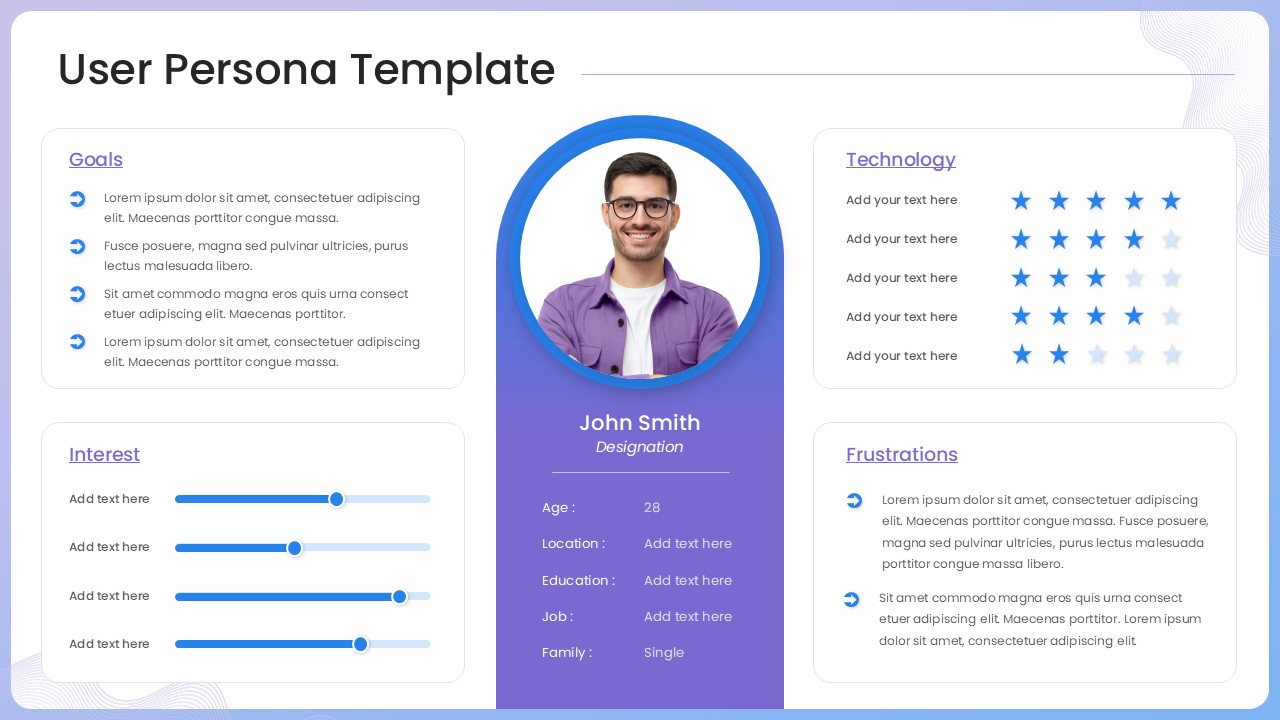
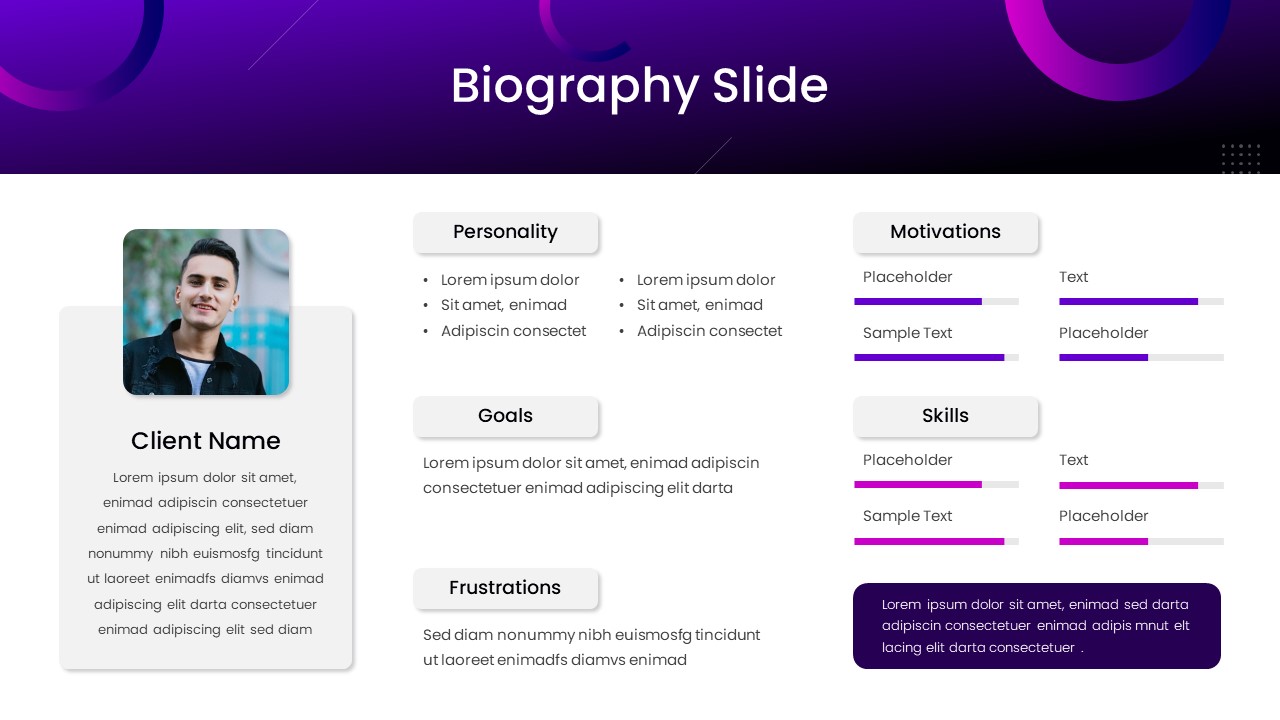
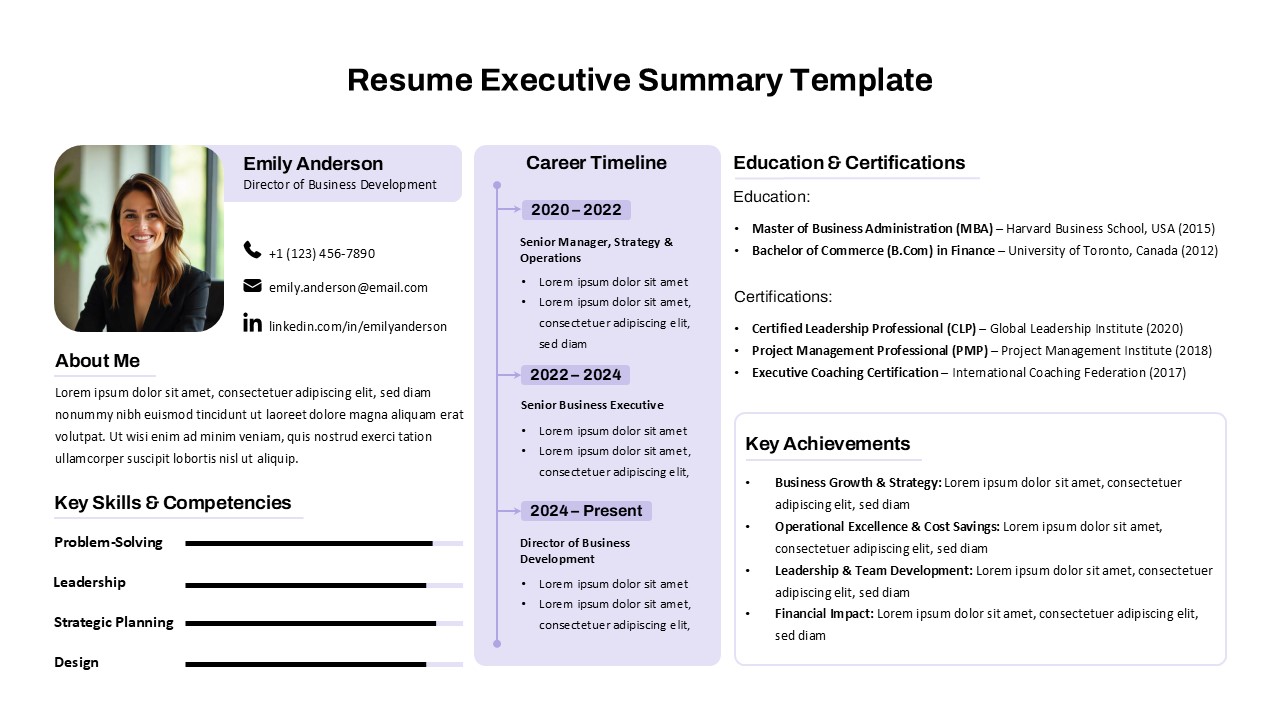
This User Persona slide offers a comprehensive layout to present key user attributes in a clear, visually engaging profile. The slide is structured around a central avatar photo with essential personal details—such as name, age, location, education, job, and family status—neatly organized below. Flanking this central column are four supporting sections: Goals, Technology Proficiency, Interests, and Frustrations. Each panel is designed for editable input, featuring icons, star ratings, and slider bars that allow for quick customization based on research insights or user data.
A soothing gradient background and clean card-style layout enhance visual hierarchy without overwhelming the content. The left and right columns break down qualitative and quantitative user traits, enabling audience members to quickly understand needs, behaviors, and challenges. The circular profile photo and modern typography deliver a friendly yet professional tone—making this slide ideal for UX research, product strategy sessions, and marketing persona development.
Optimized for both PowerPoint and Google Slides, this template ensures seamless edits and consistent performance across platforms. Whether you’re briefing design teams or aligning stakeholders, this persona slide ensures your audience stays user-focused.
See more

Aspect Ratio
16:9Item ID
SKT04175


Features of this template
Other Uses
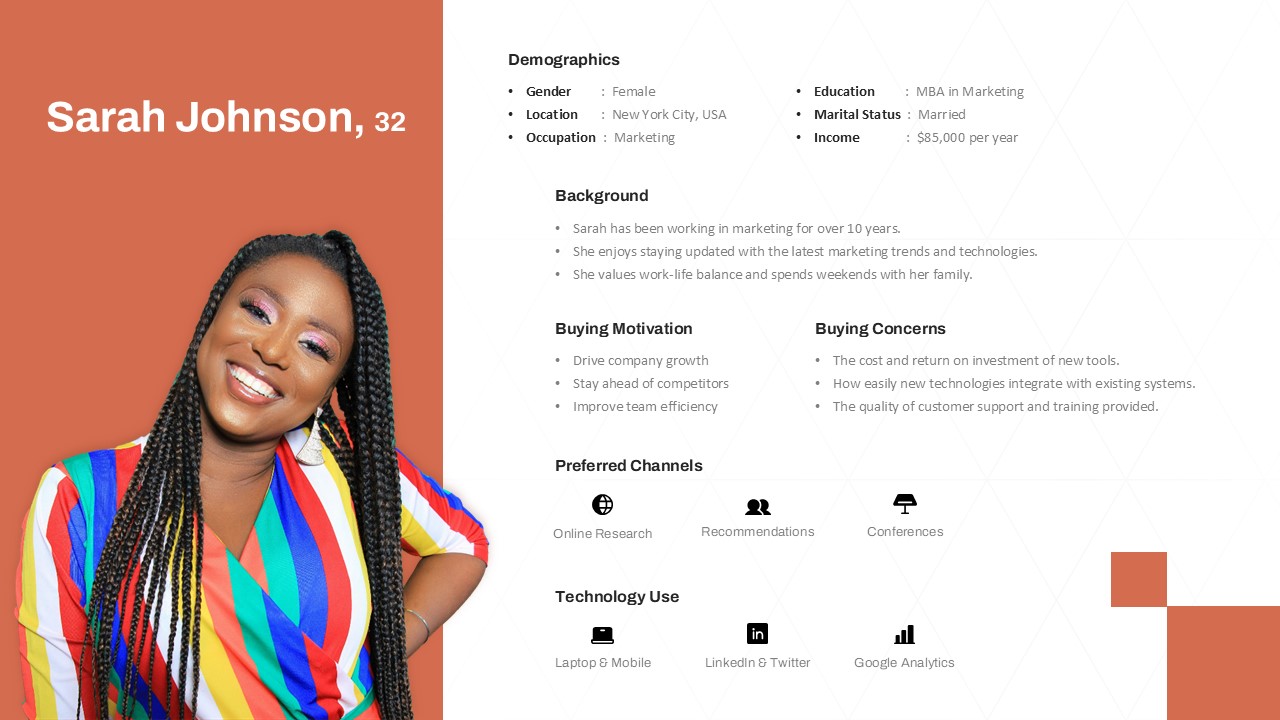
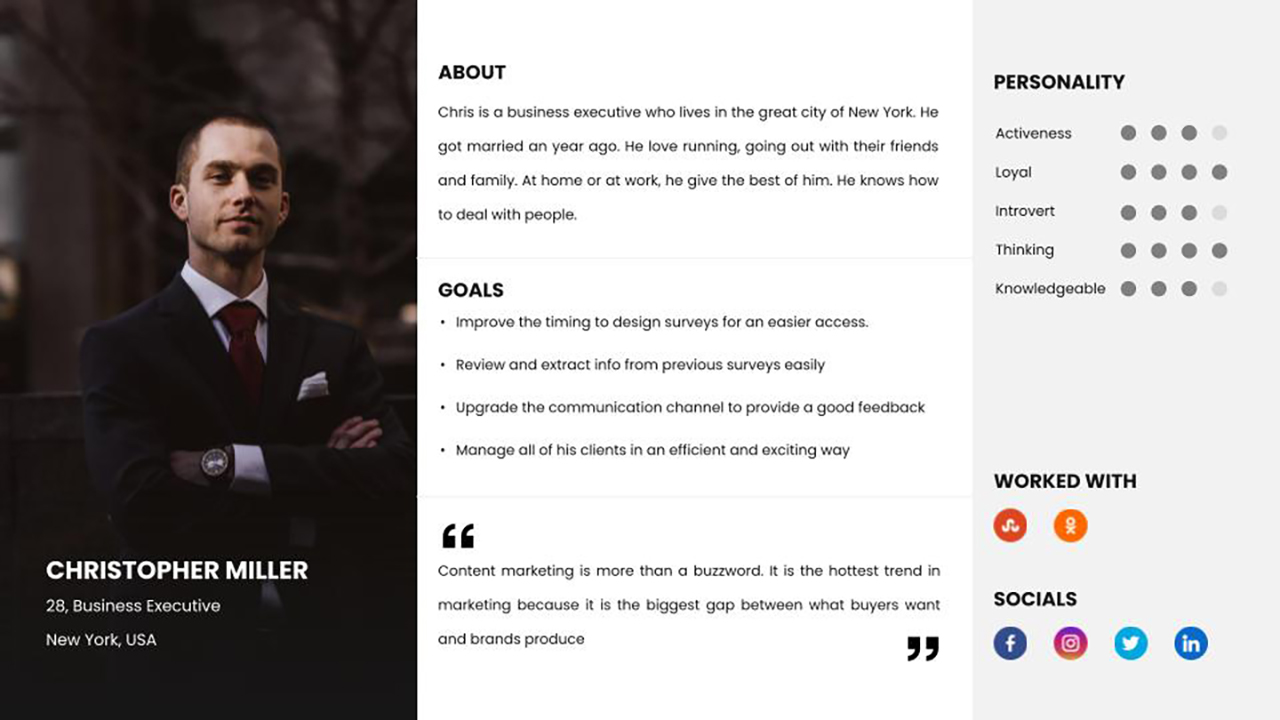
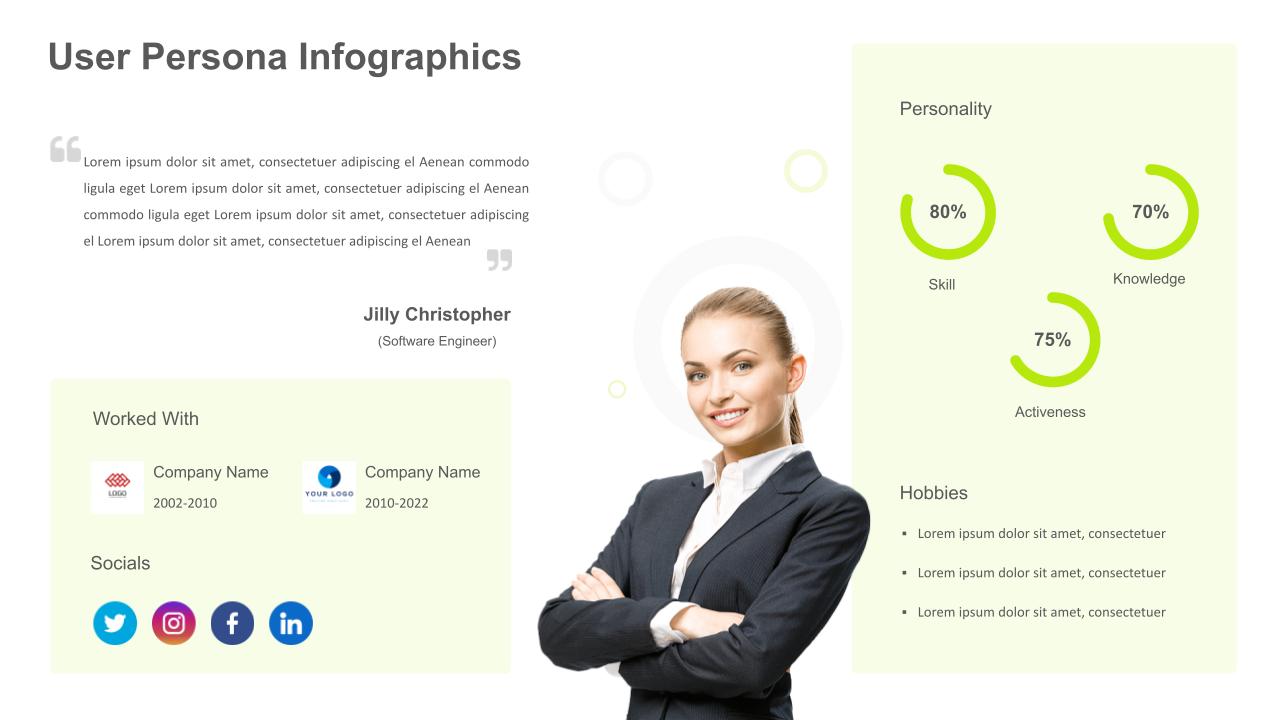
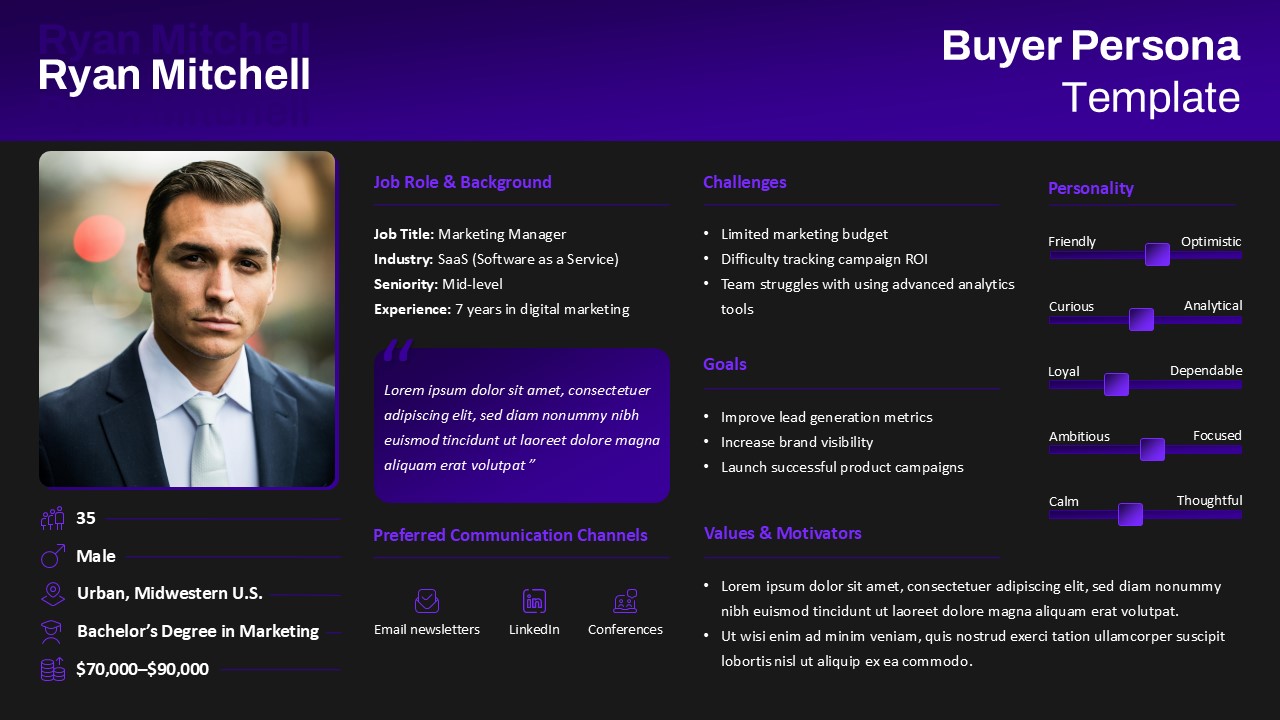
Adapt this slide to profile customer segments, represent buyer personas in marketing strategies, visualize interview findings, or create audience avatars for training modules or B2B outreach campaigns.
FAQs
You May Also Like These Presentation Templates

- Free
- Free

- Free
- Free

- Free

- Free
- Free
- Free
- Free
- Free

- Free
- Free
- Free
- Free
- Free
- Free
- Free
- Free
- Free
- Free
- Free
- Free
- Free
- Free
- Free