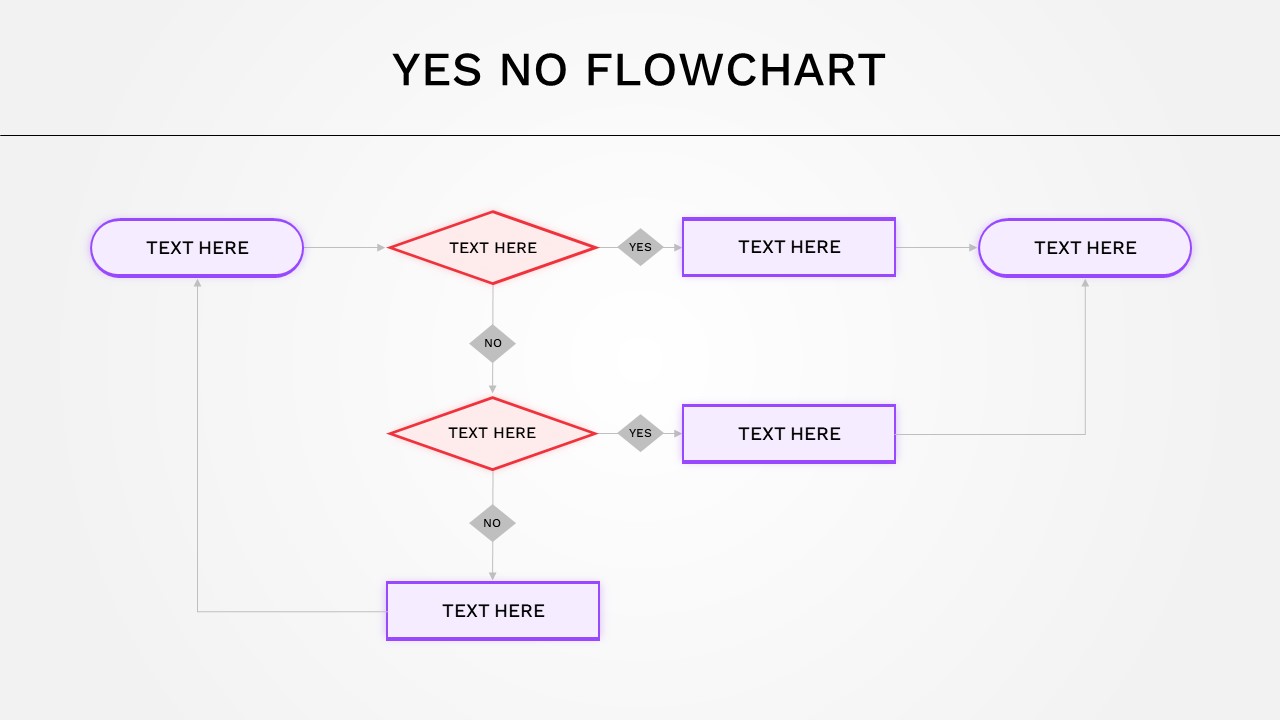
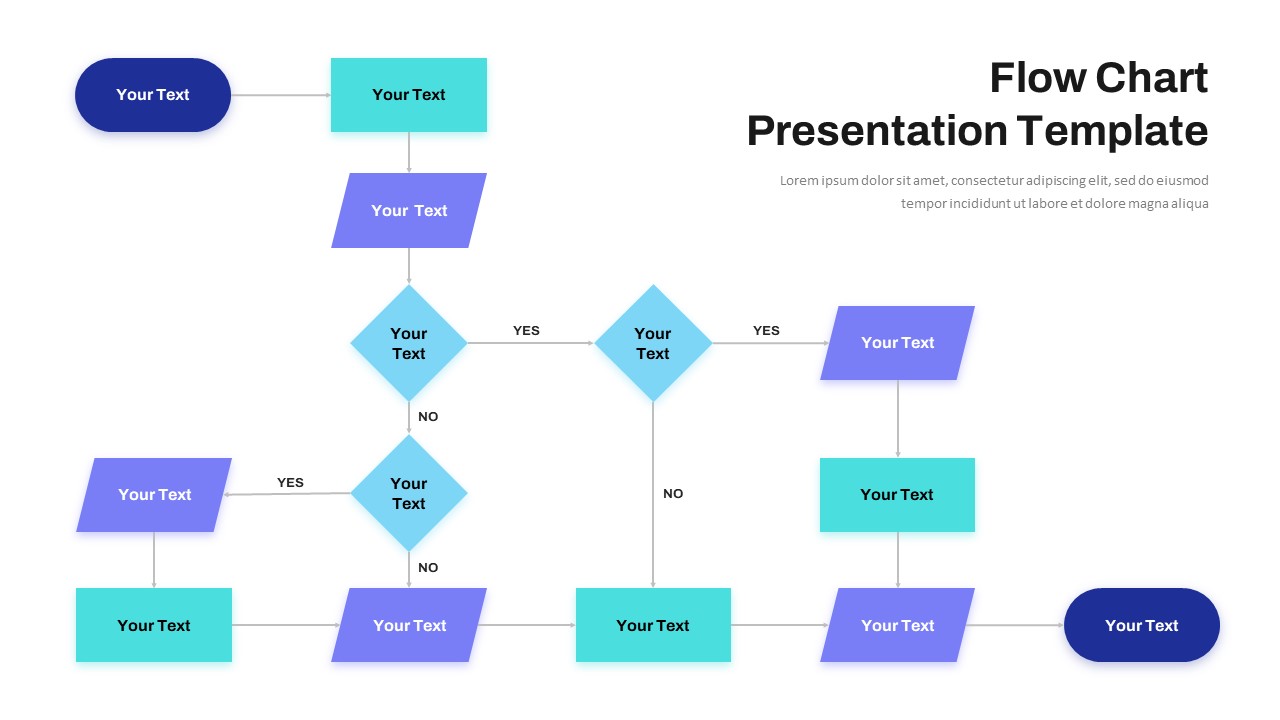
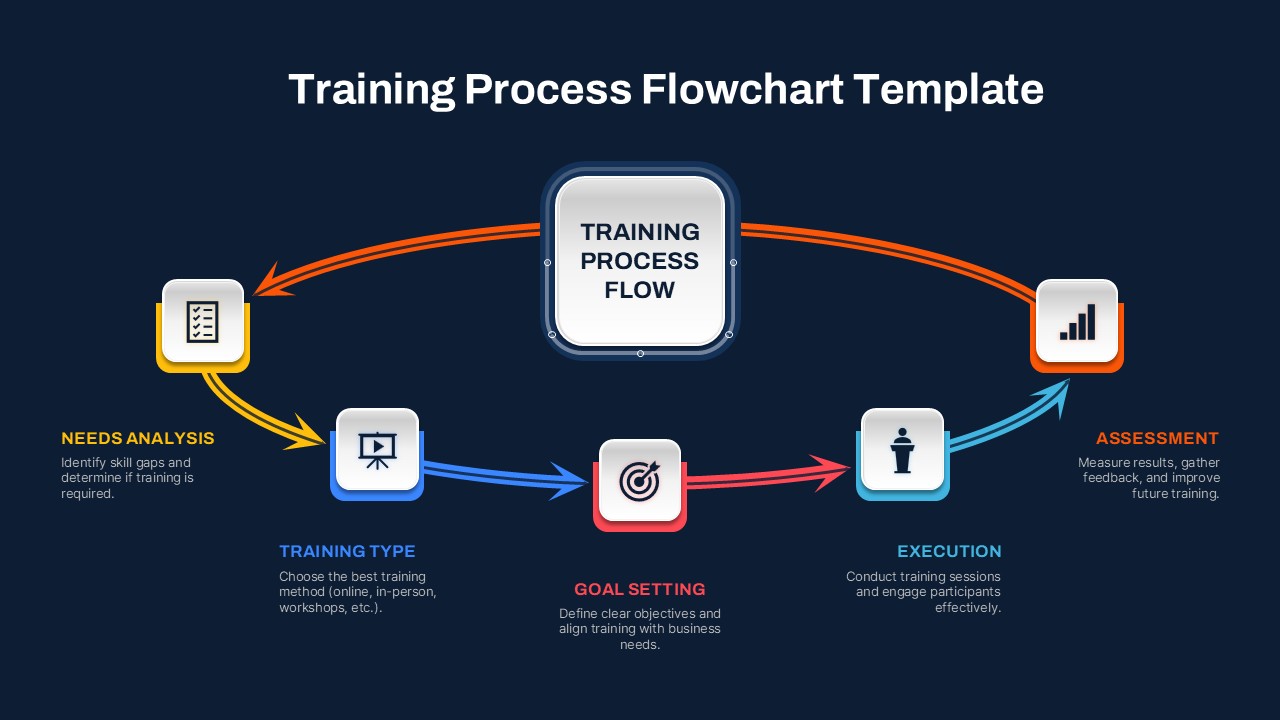
Procurement Process Flow Chart Template for PowerPoint and Google Slides
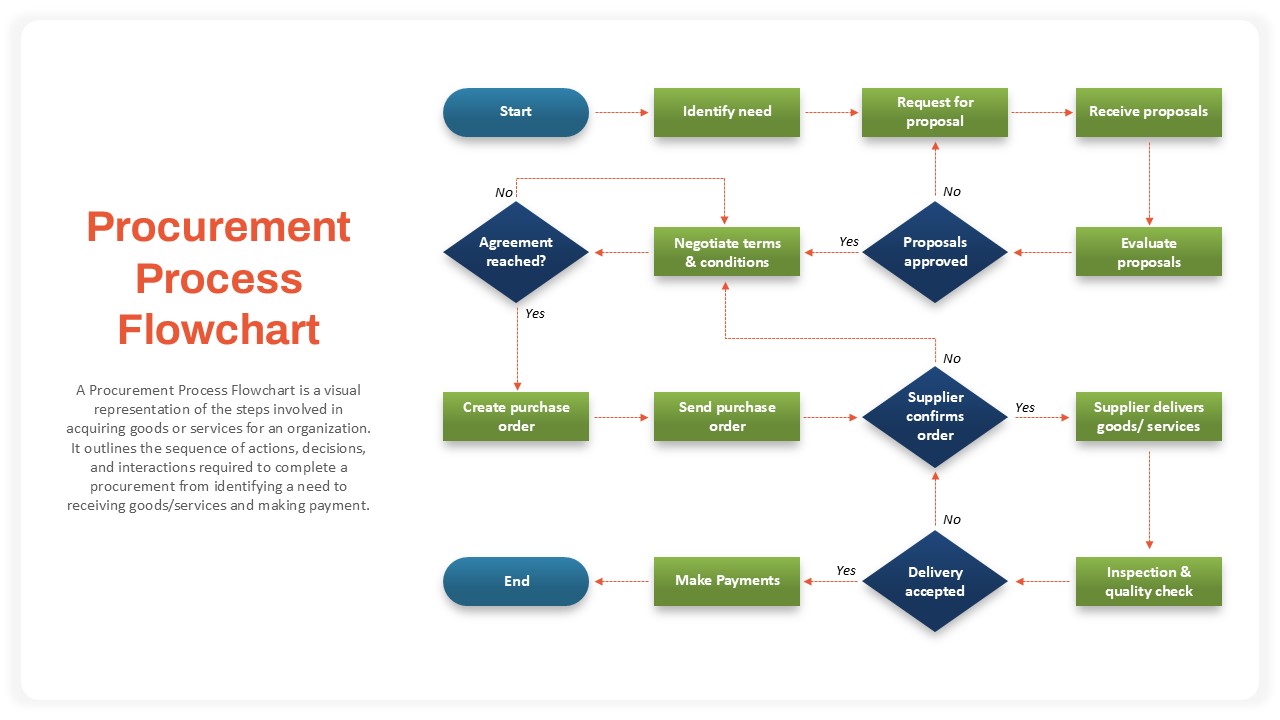
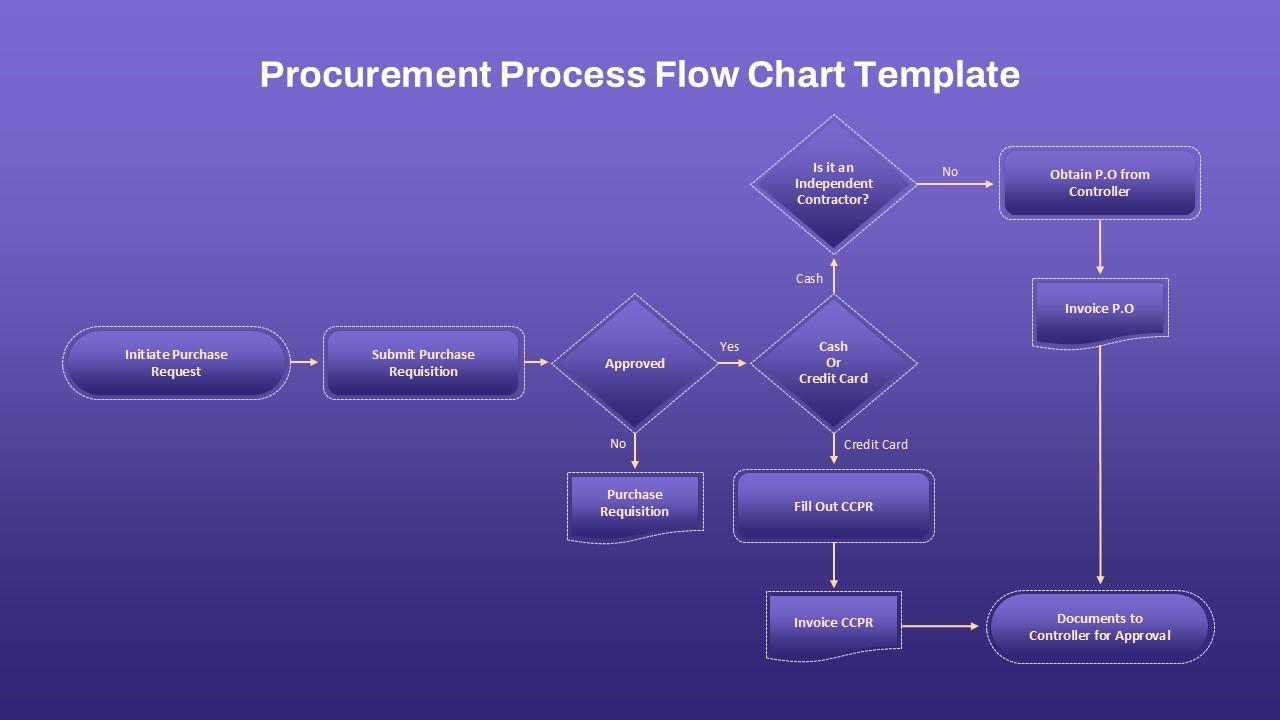
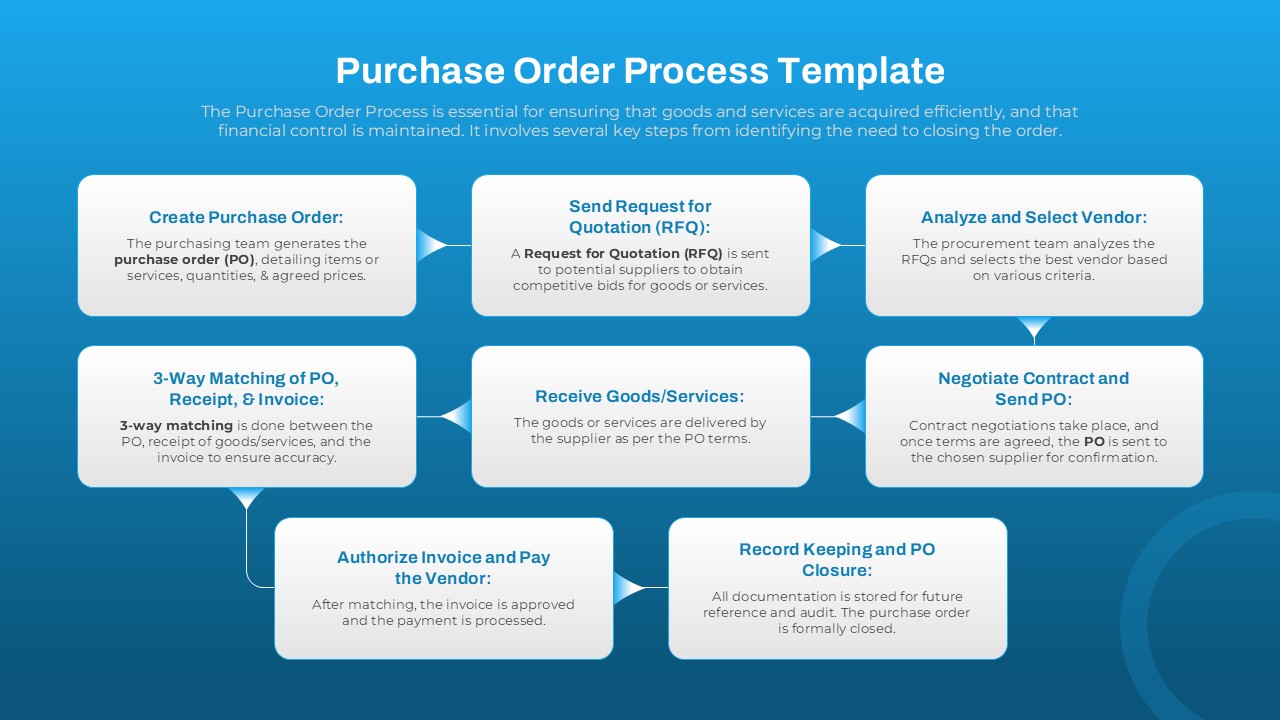
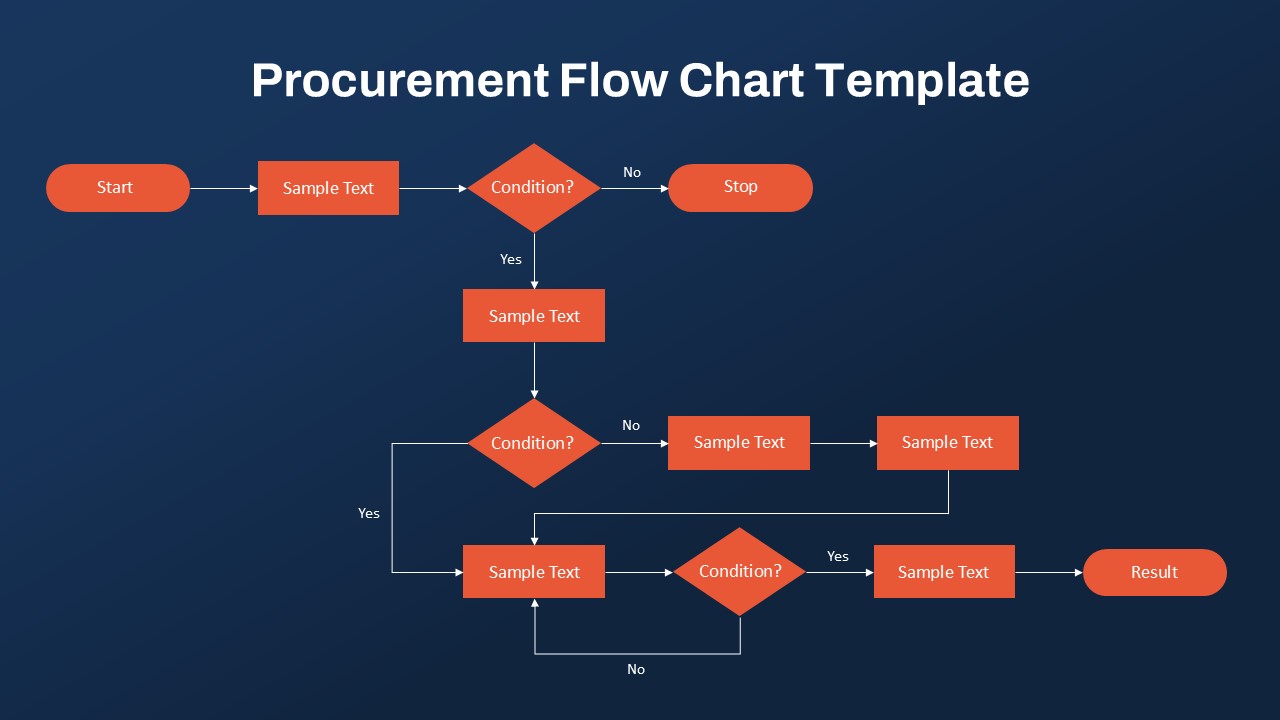
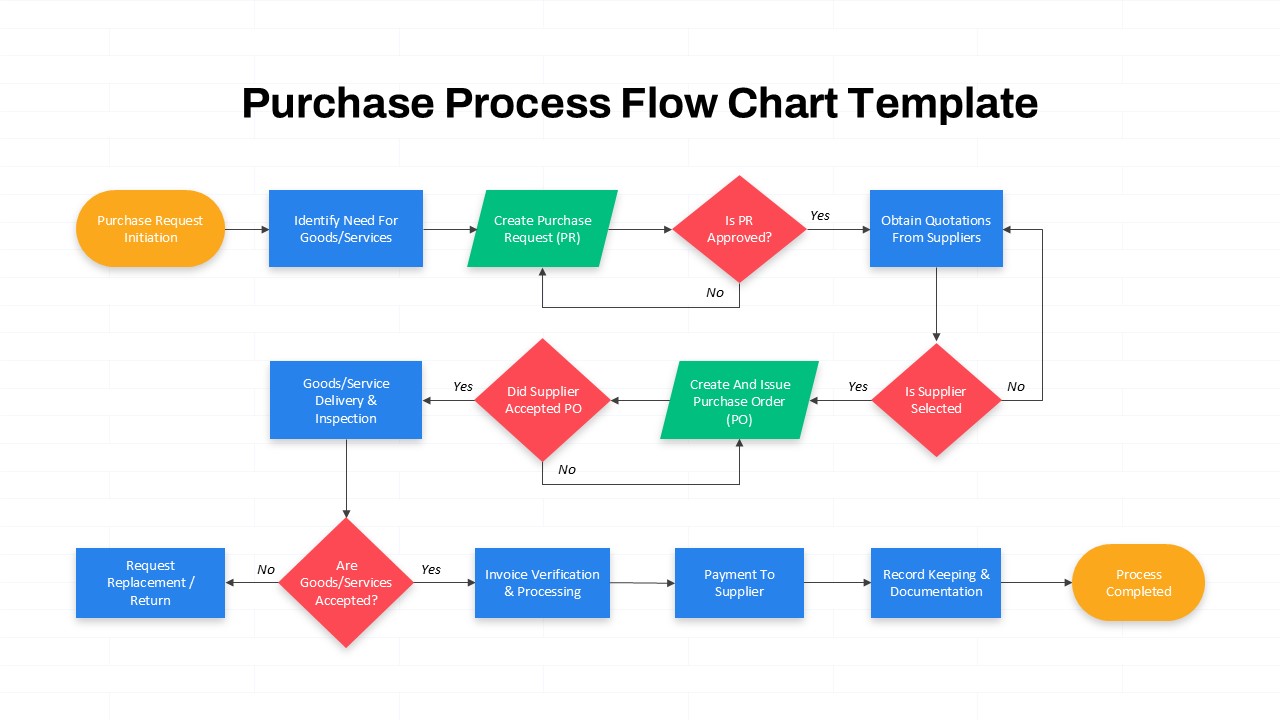
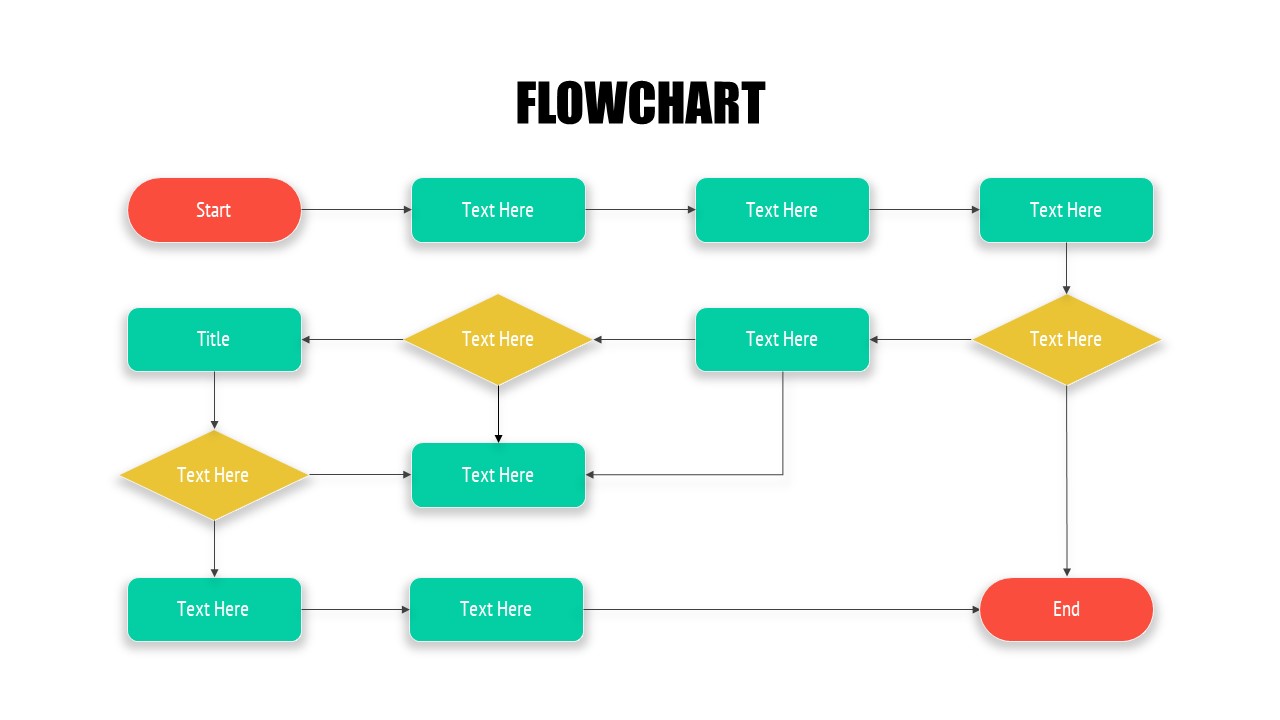
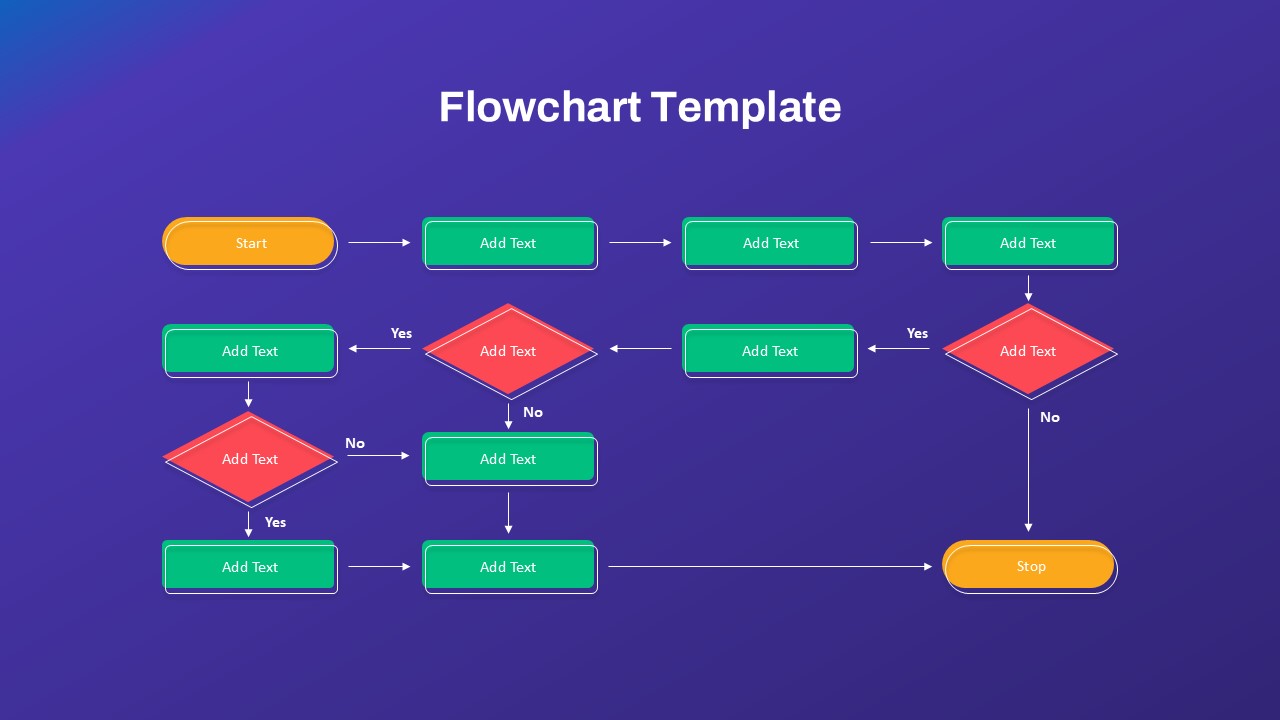
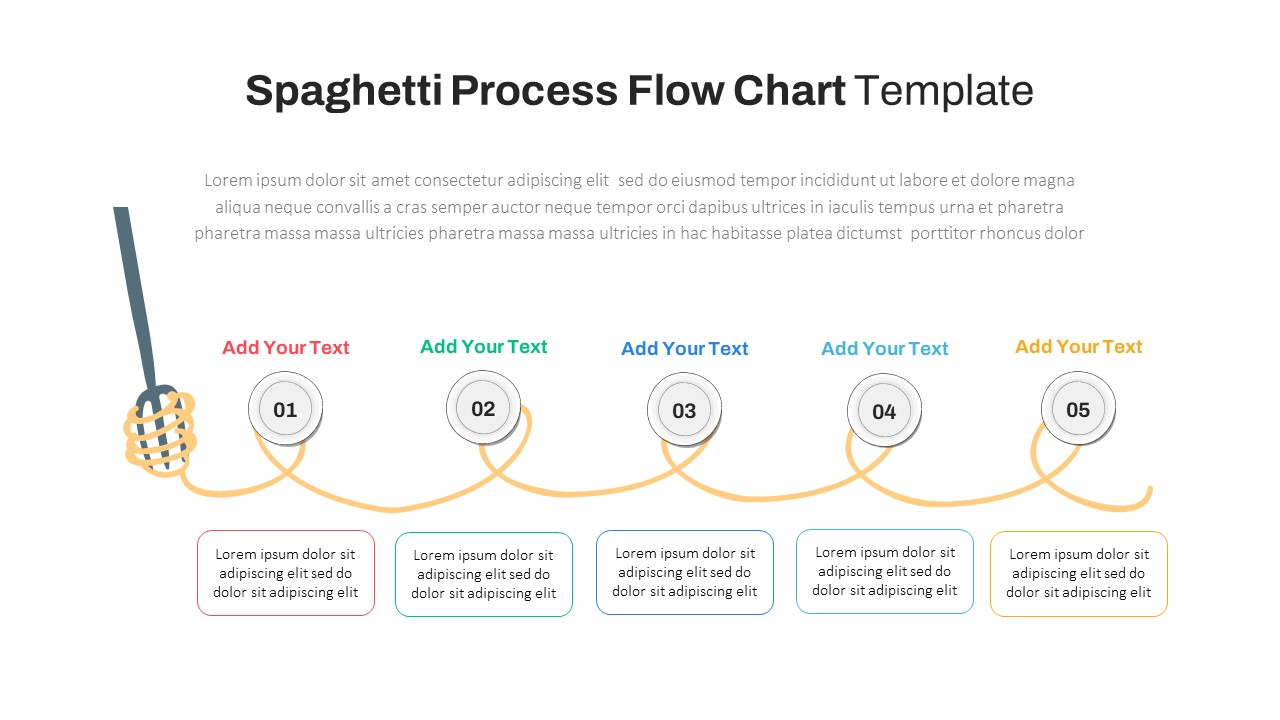
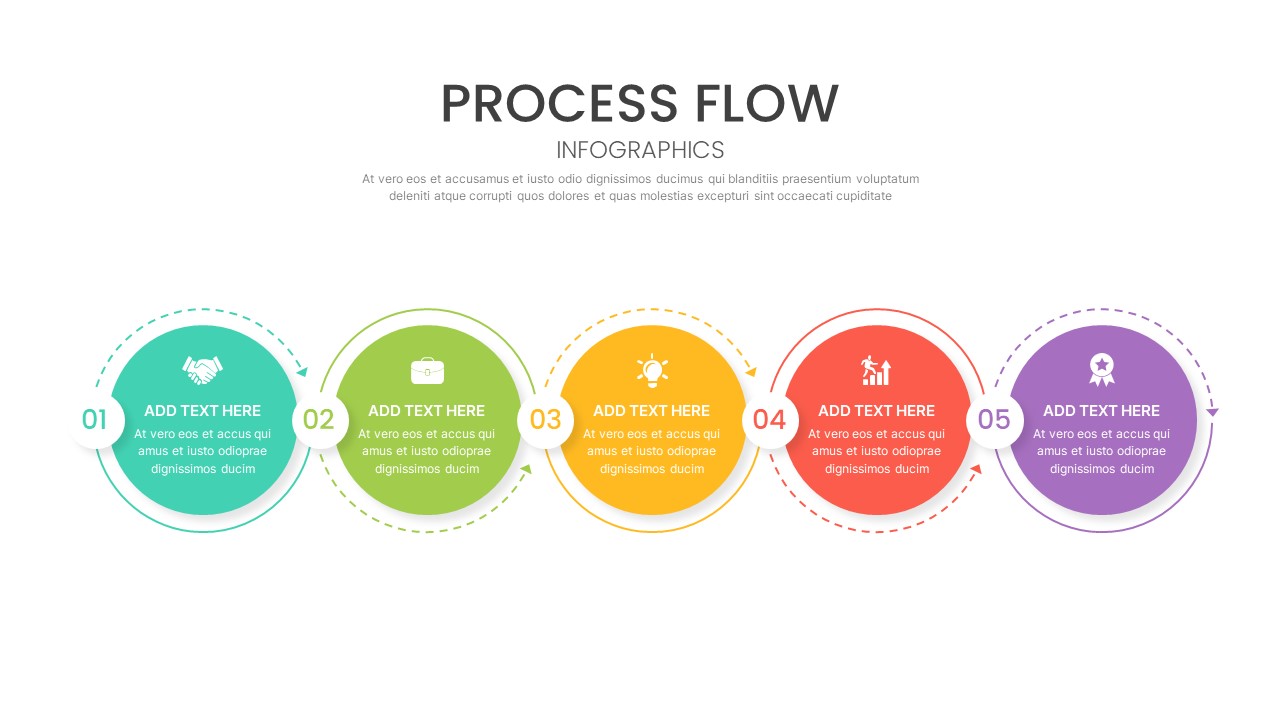
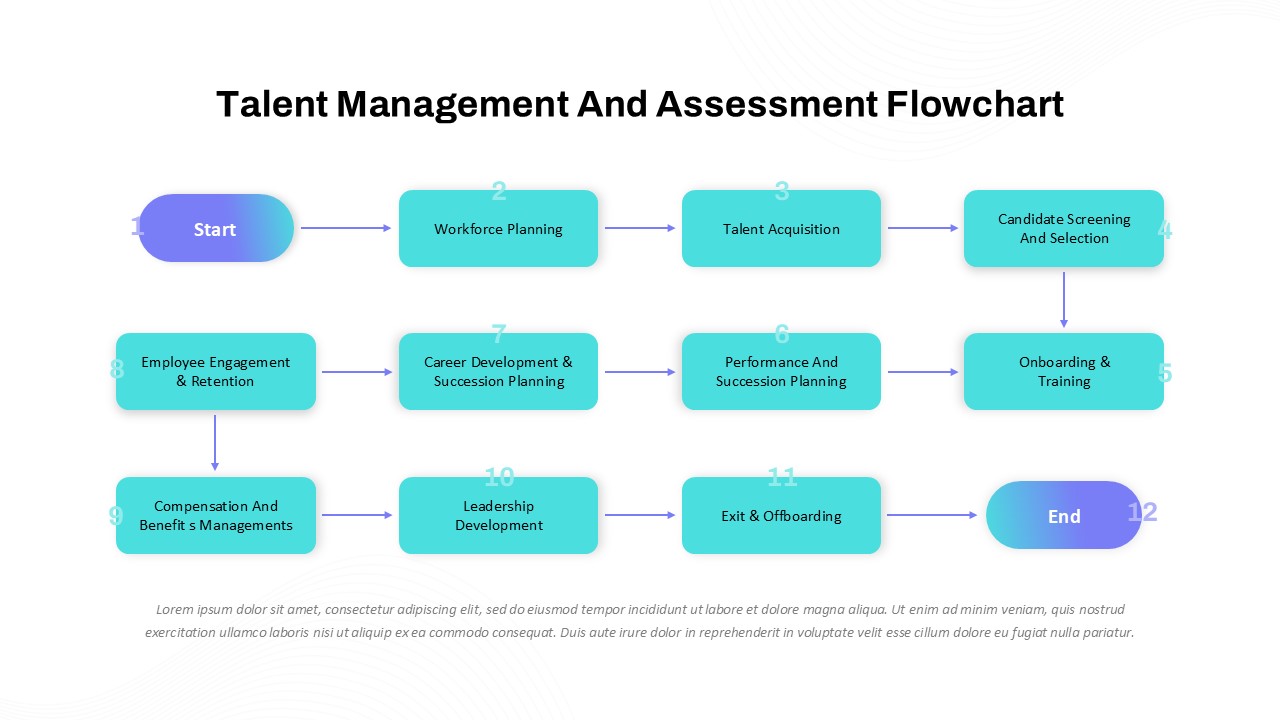
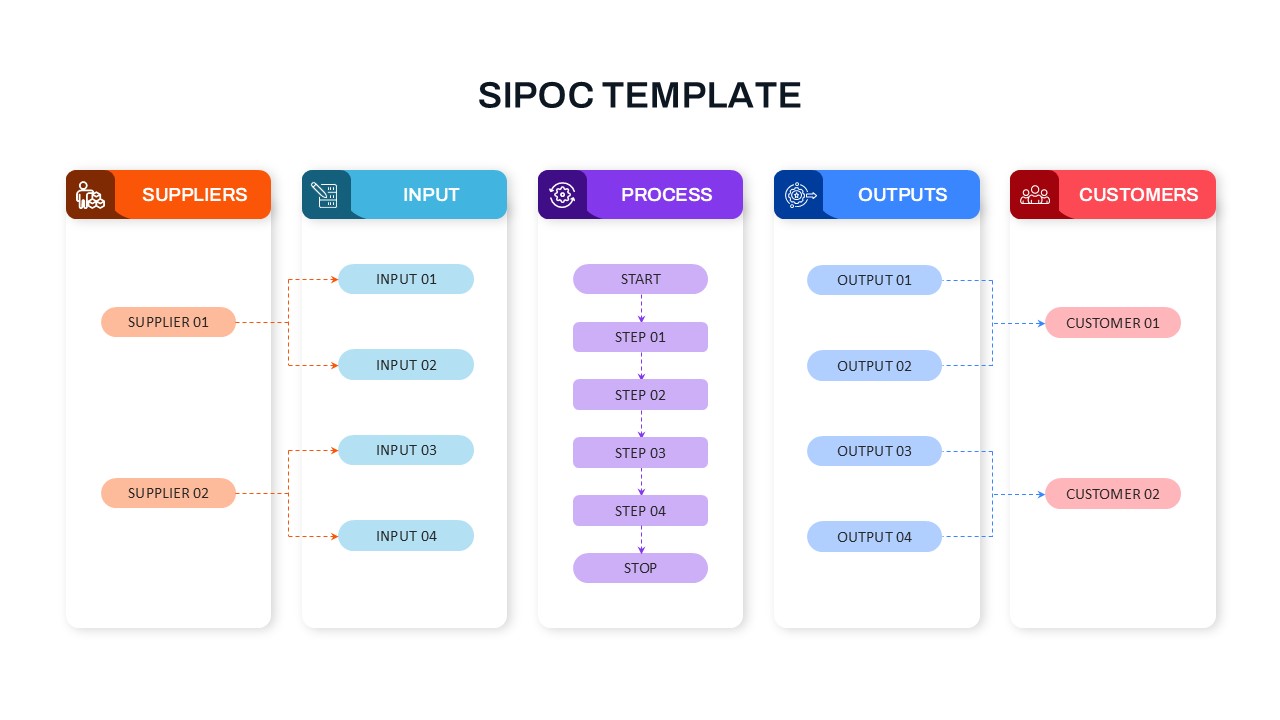
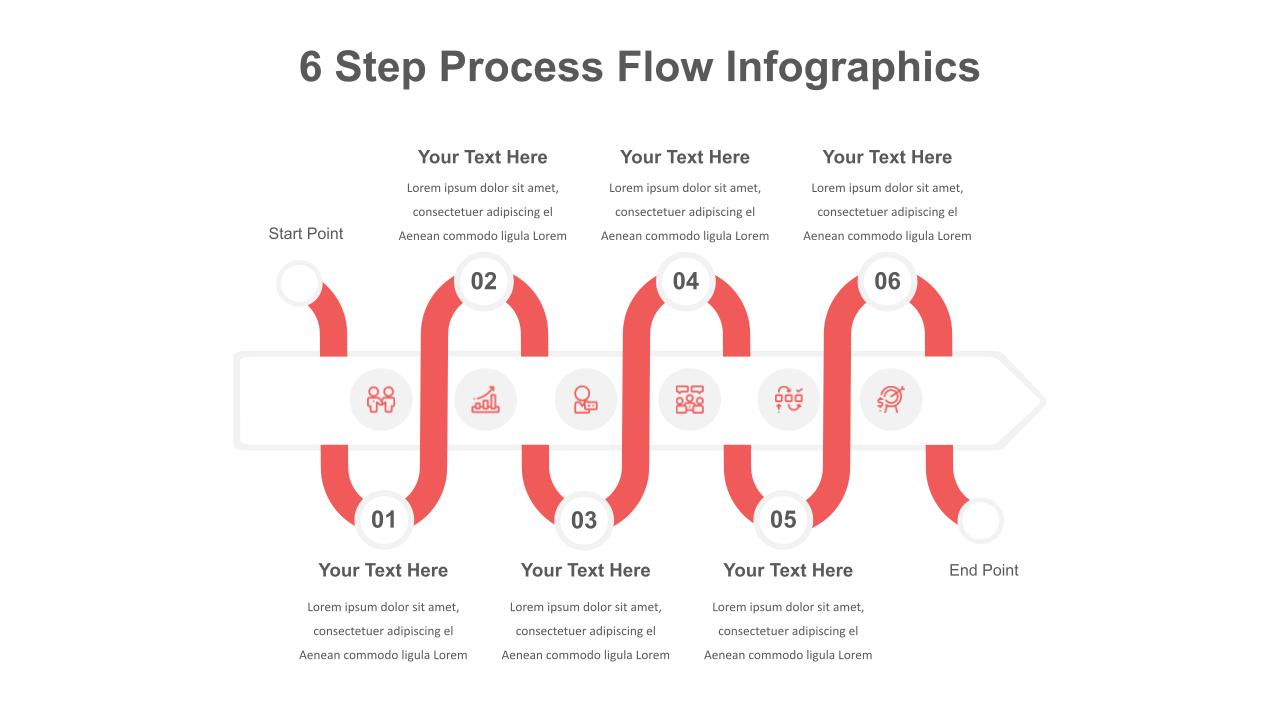
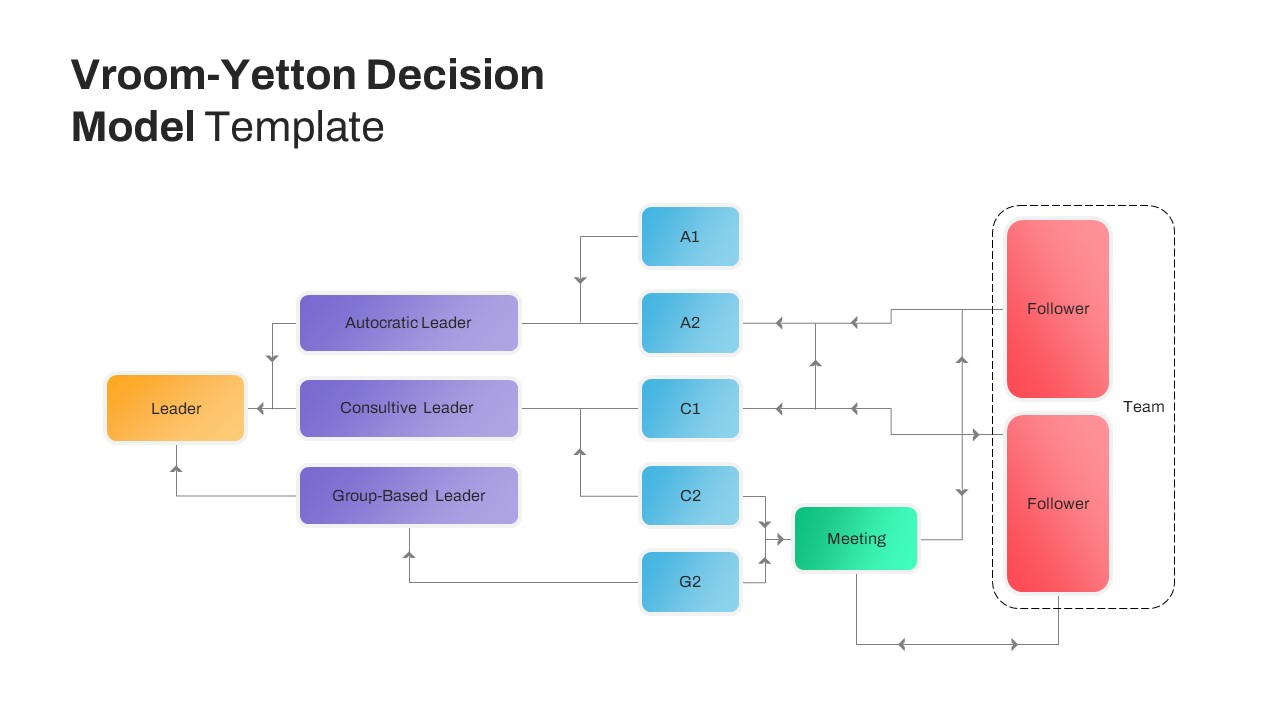
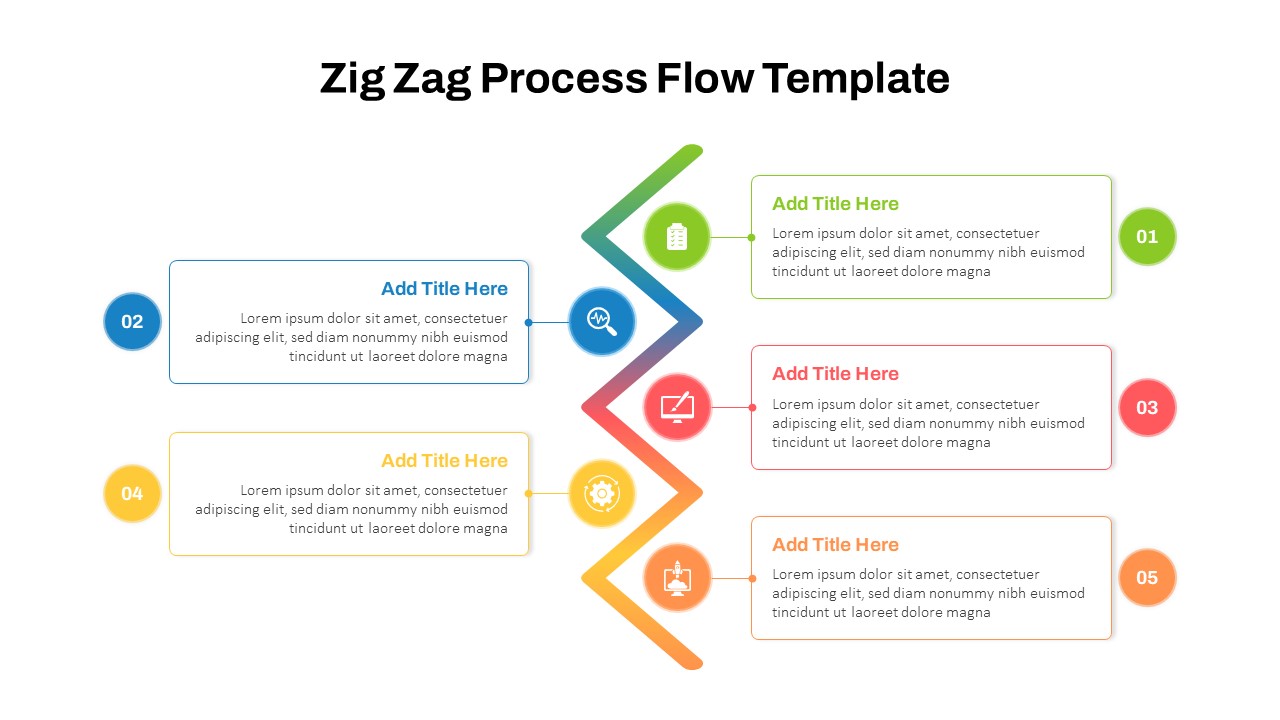
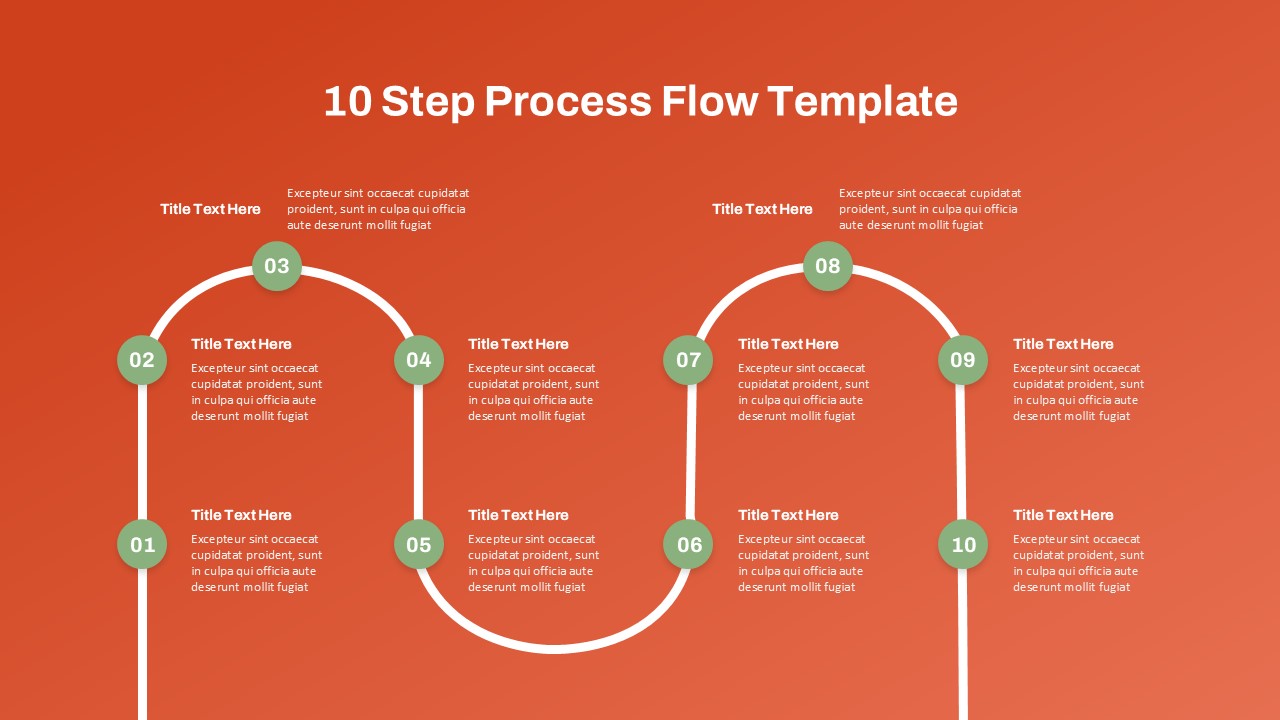
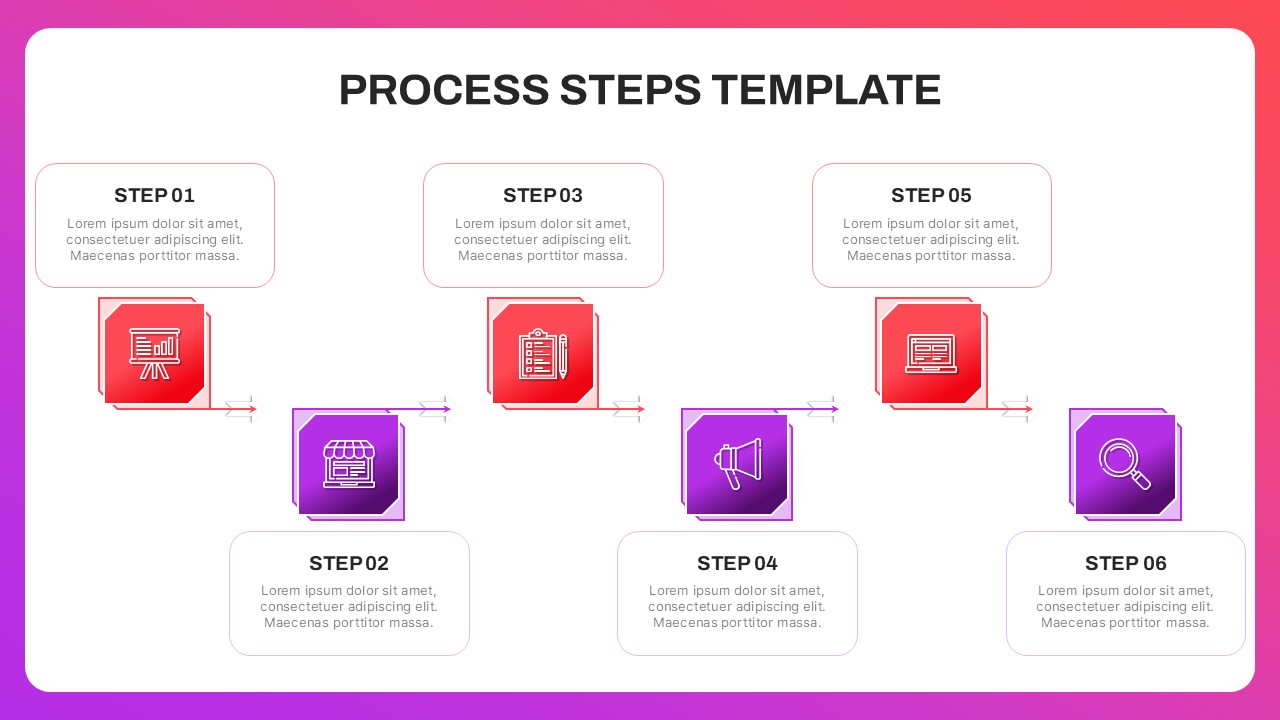
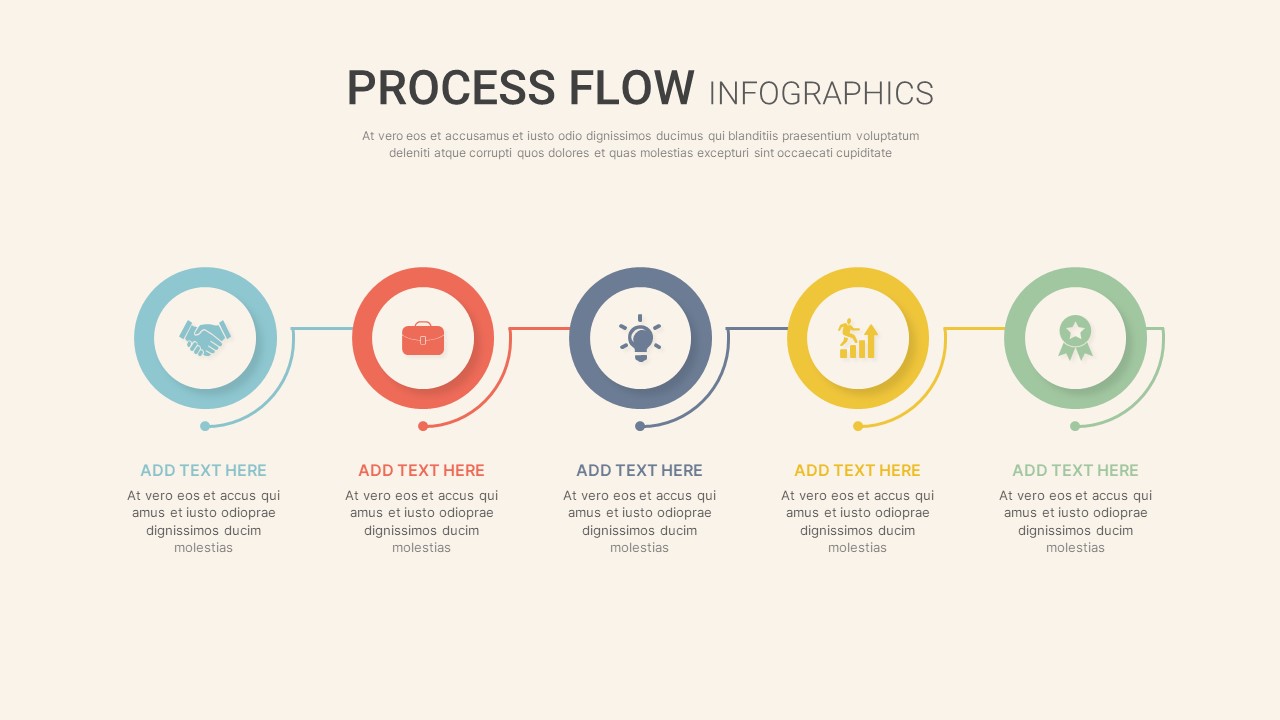
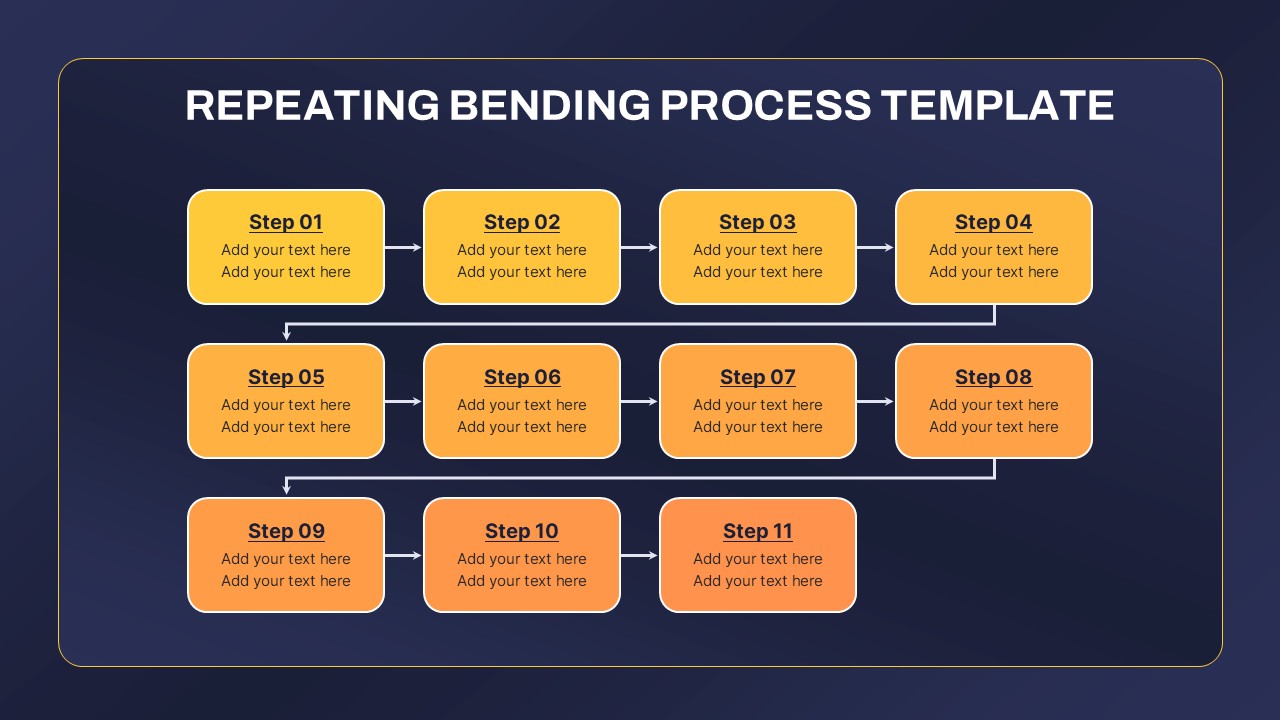
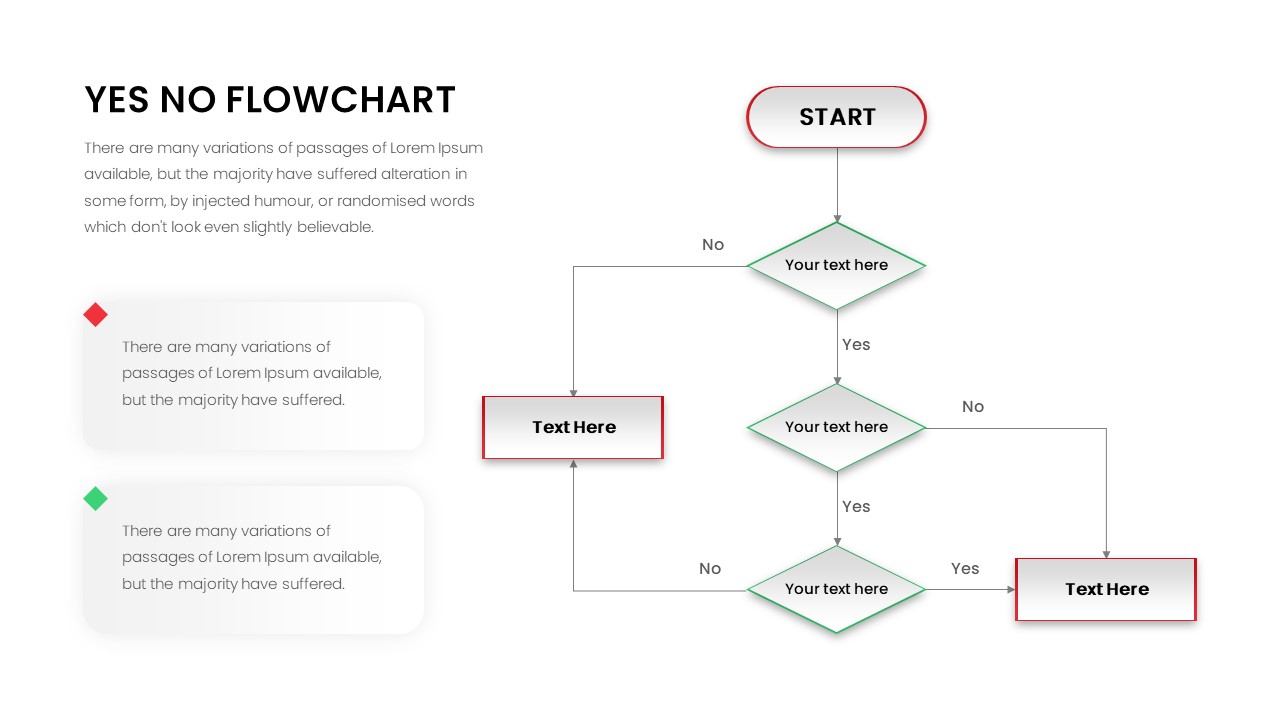
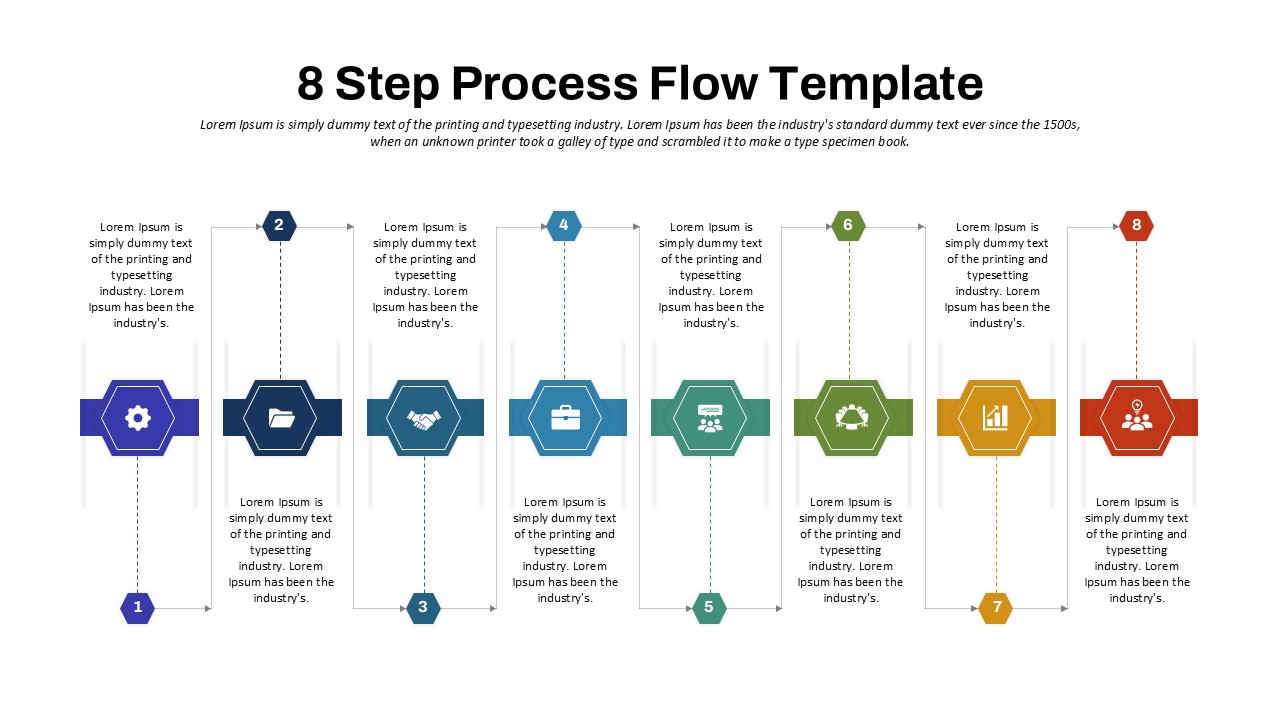
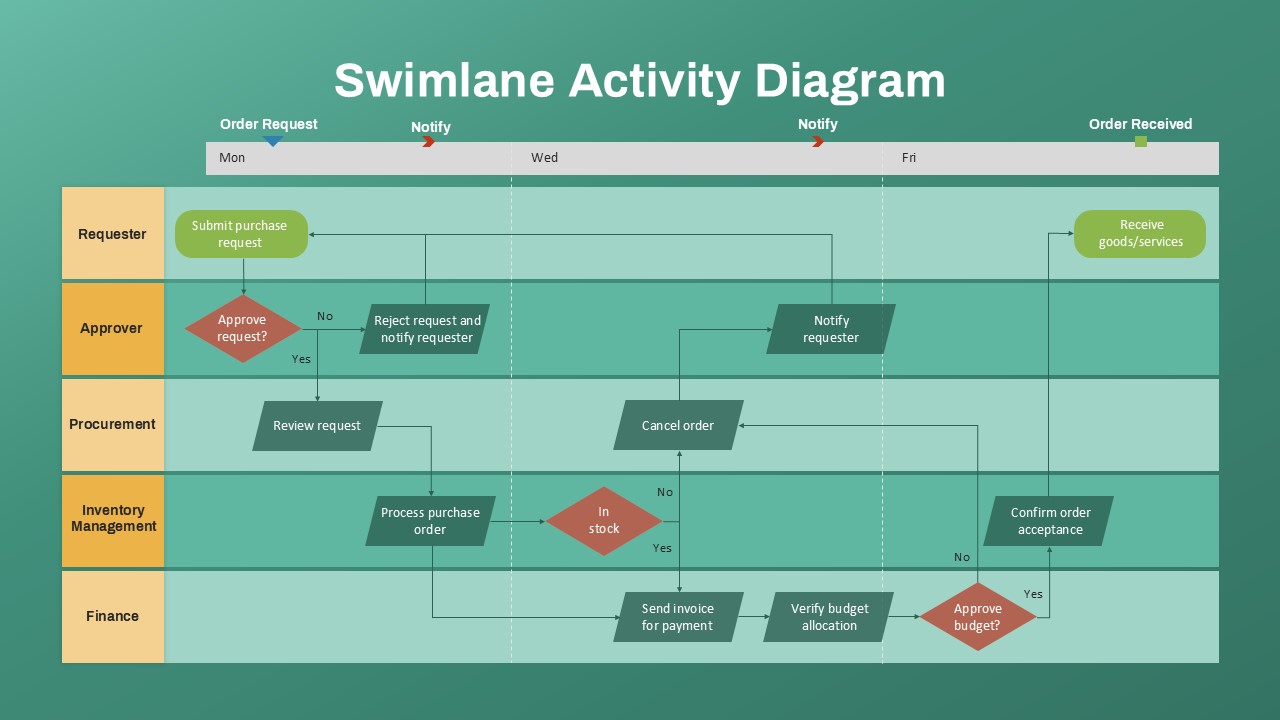
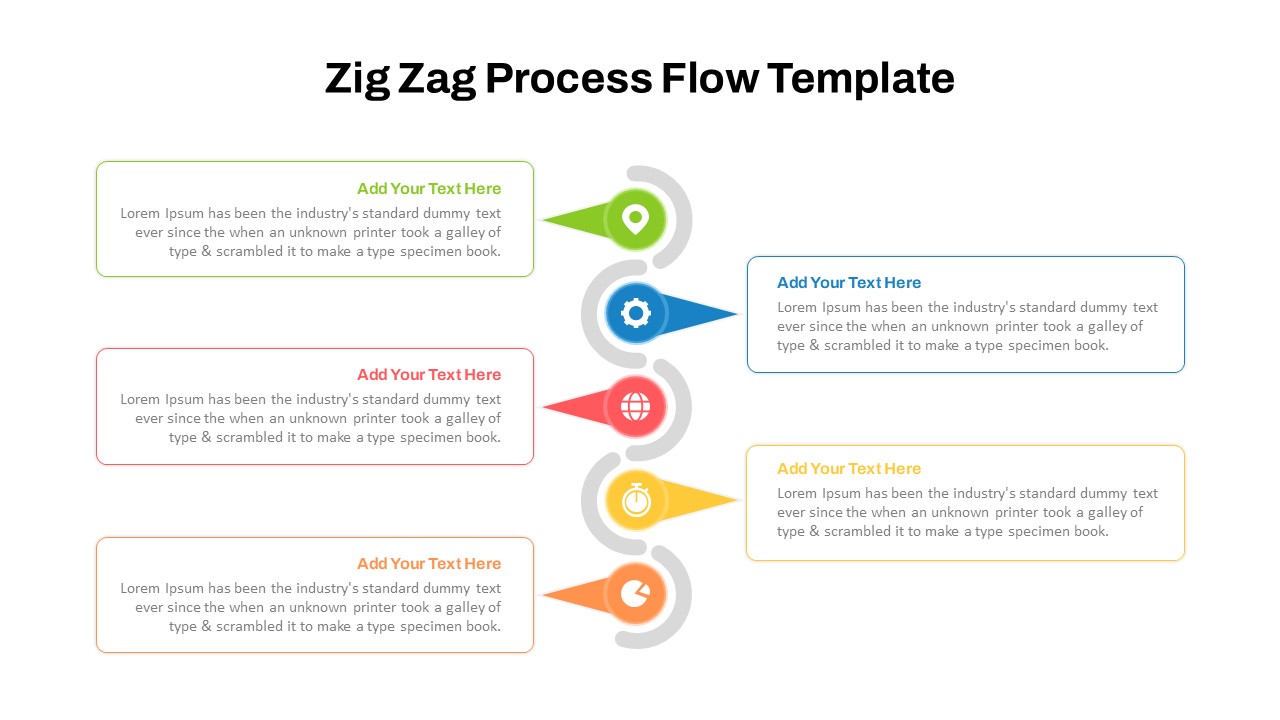
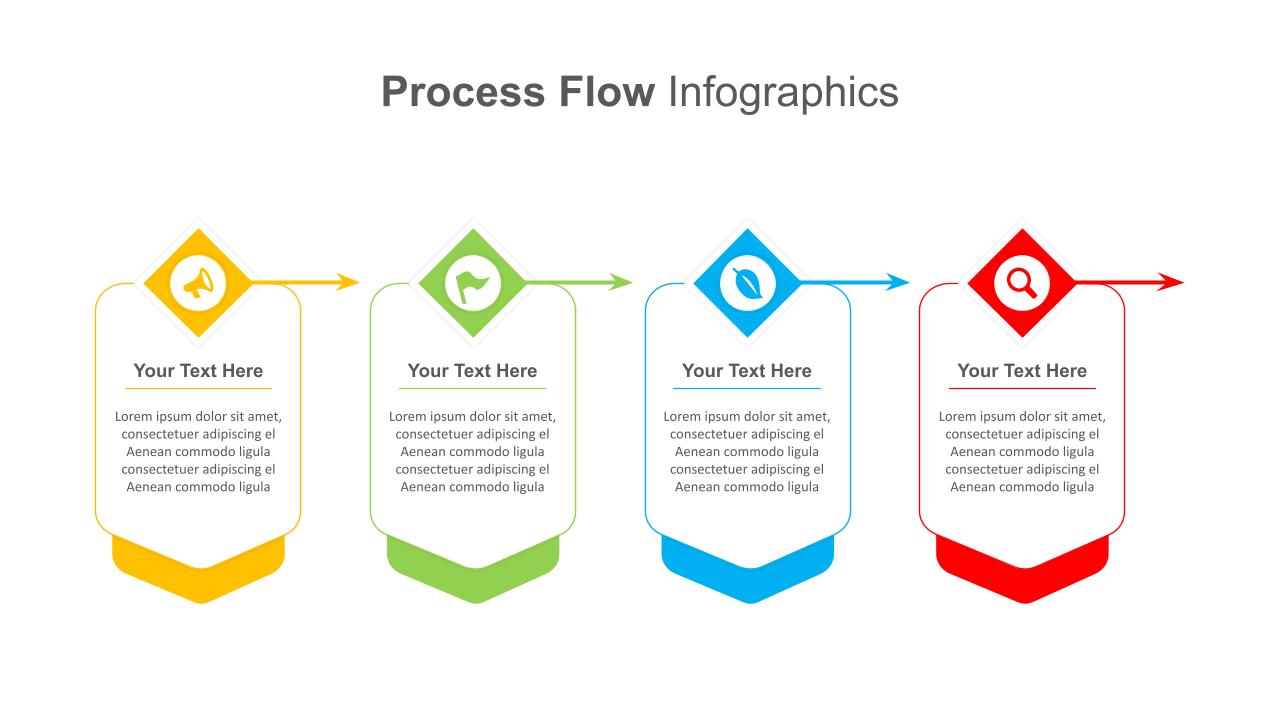
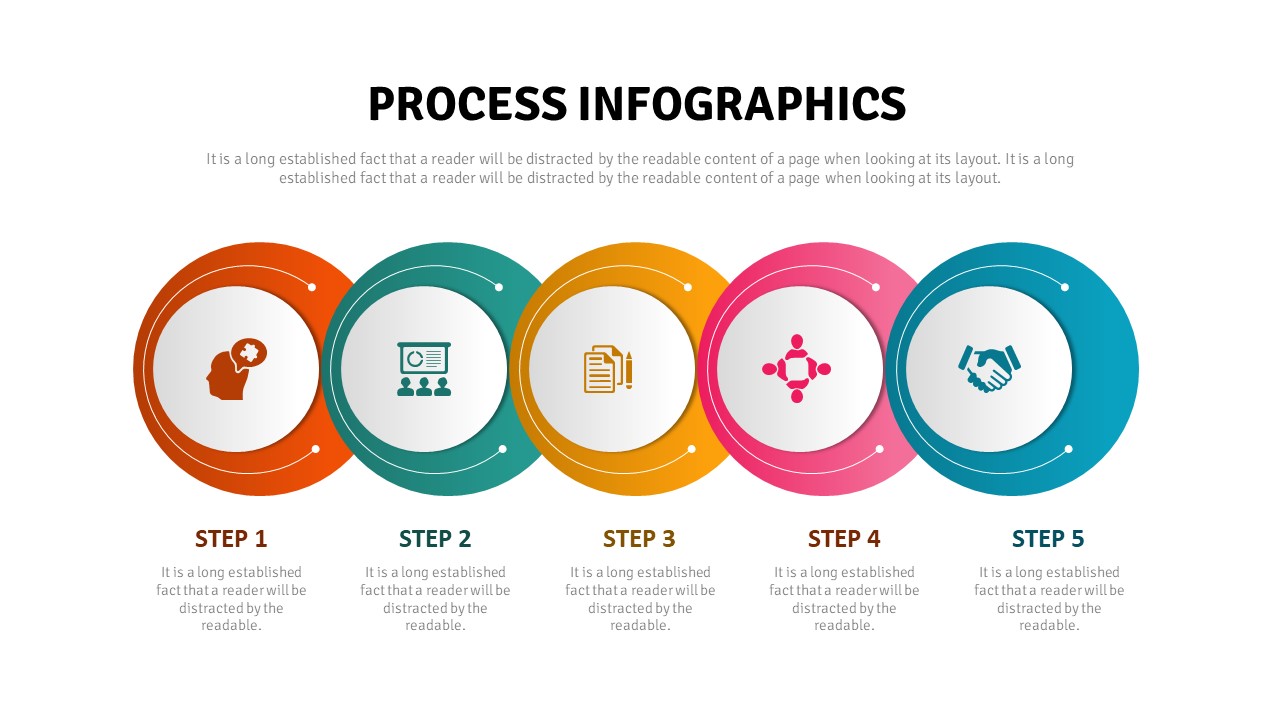
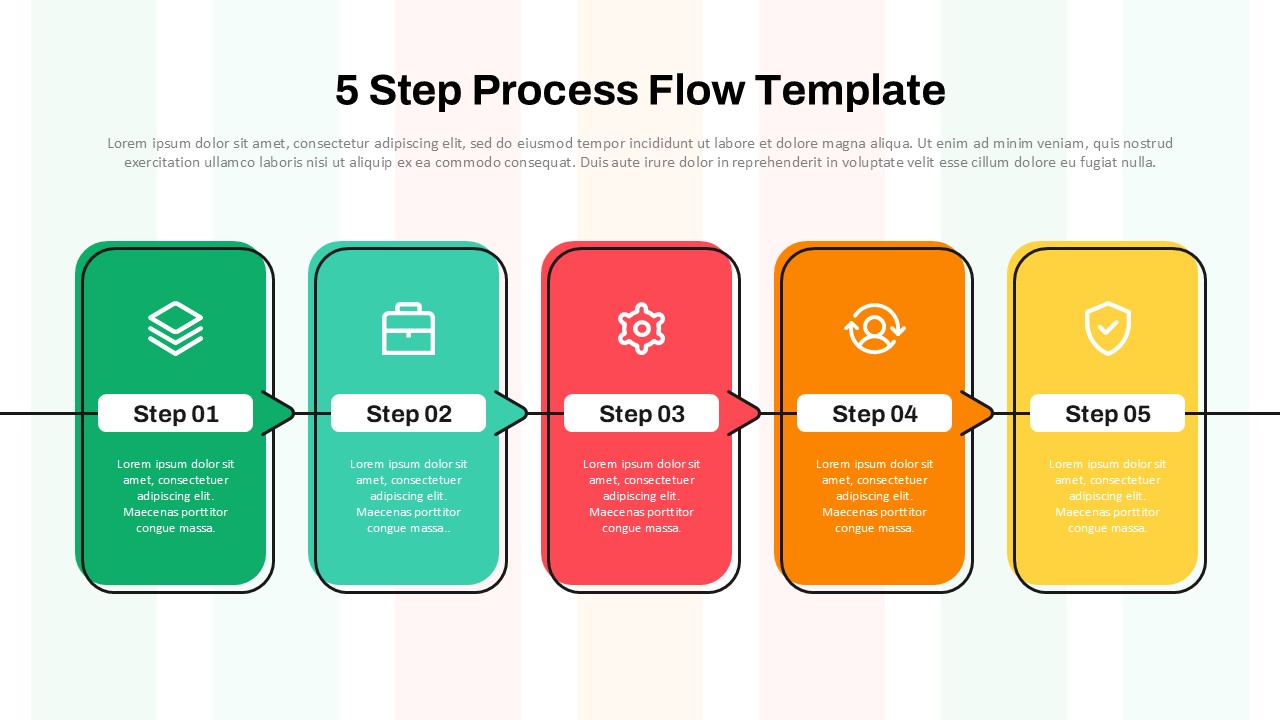
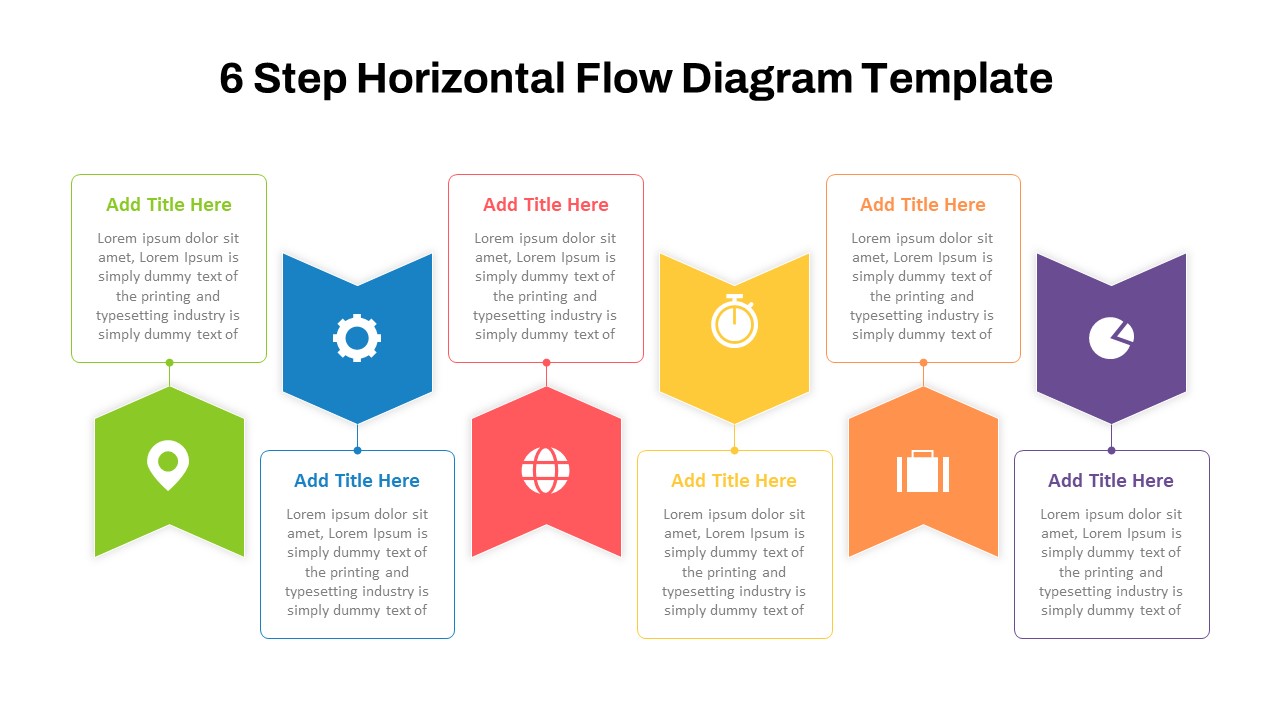
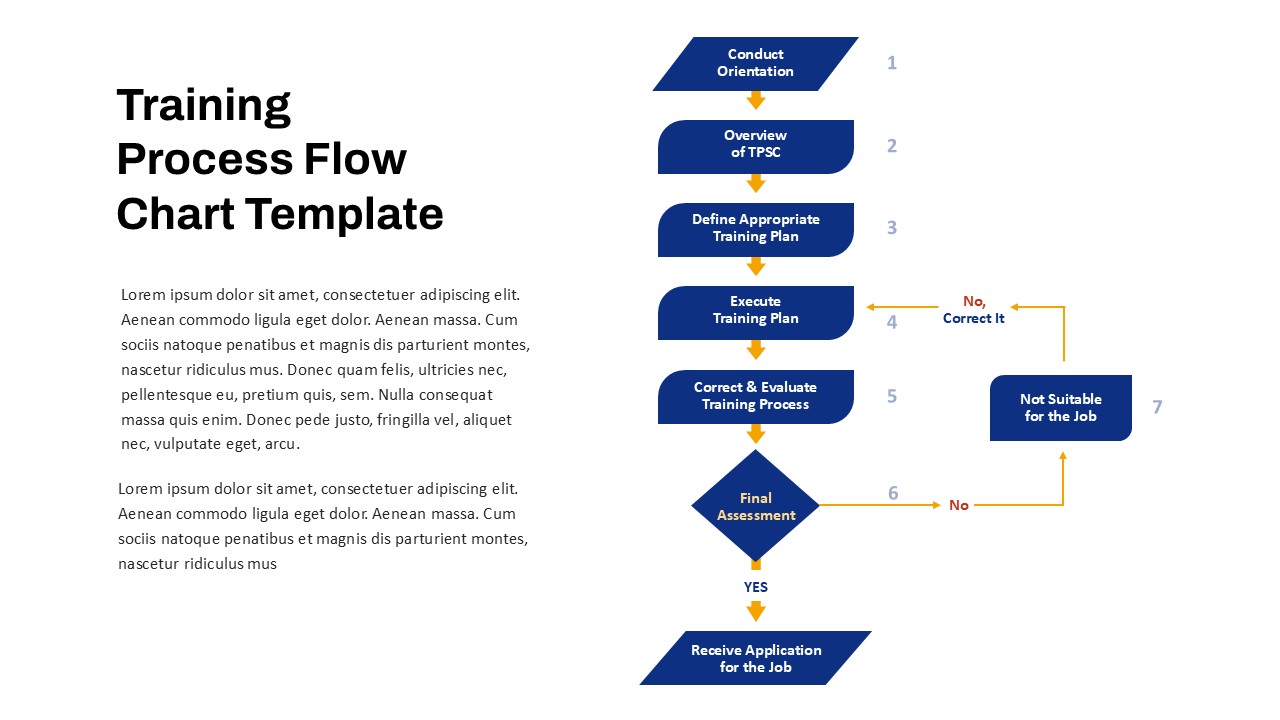
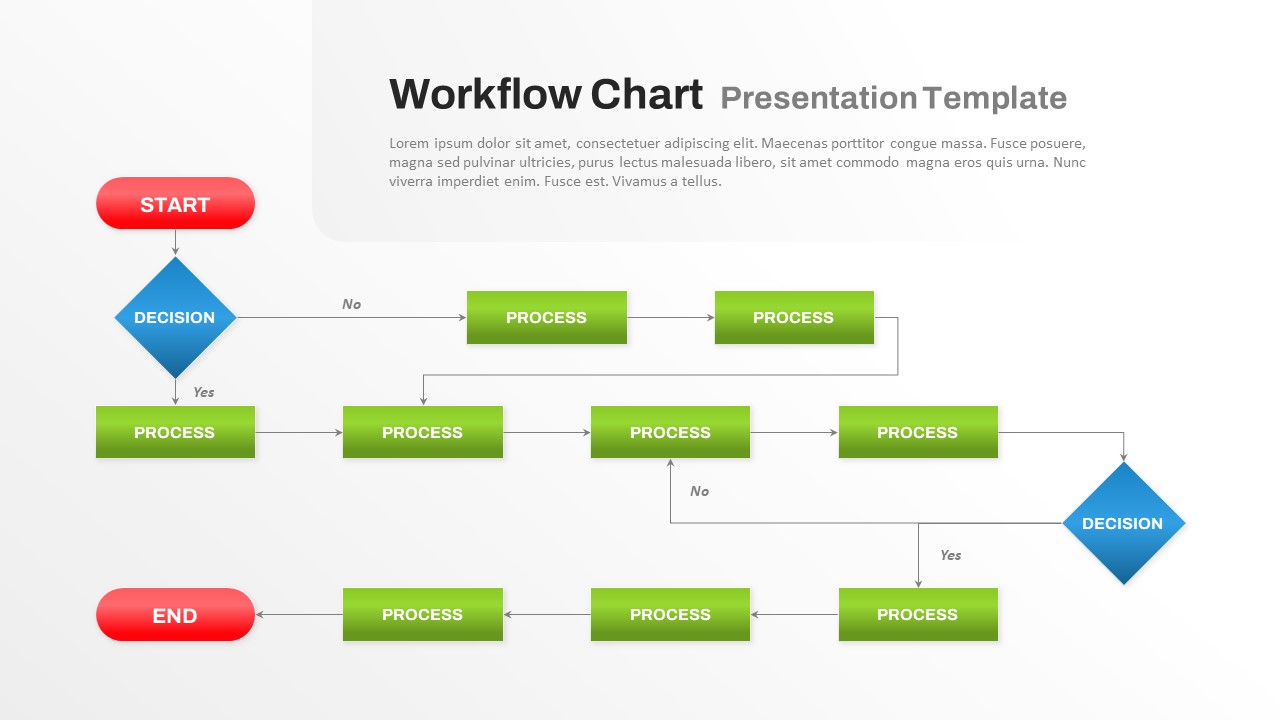
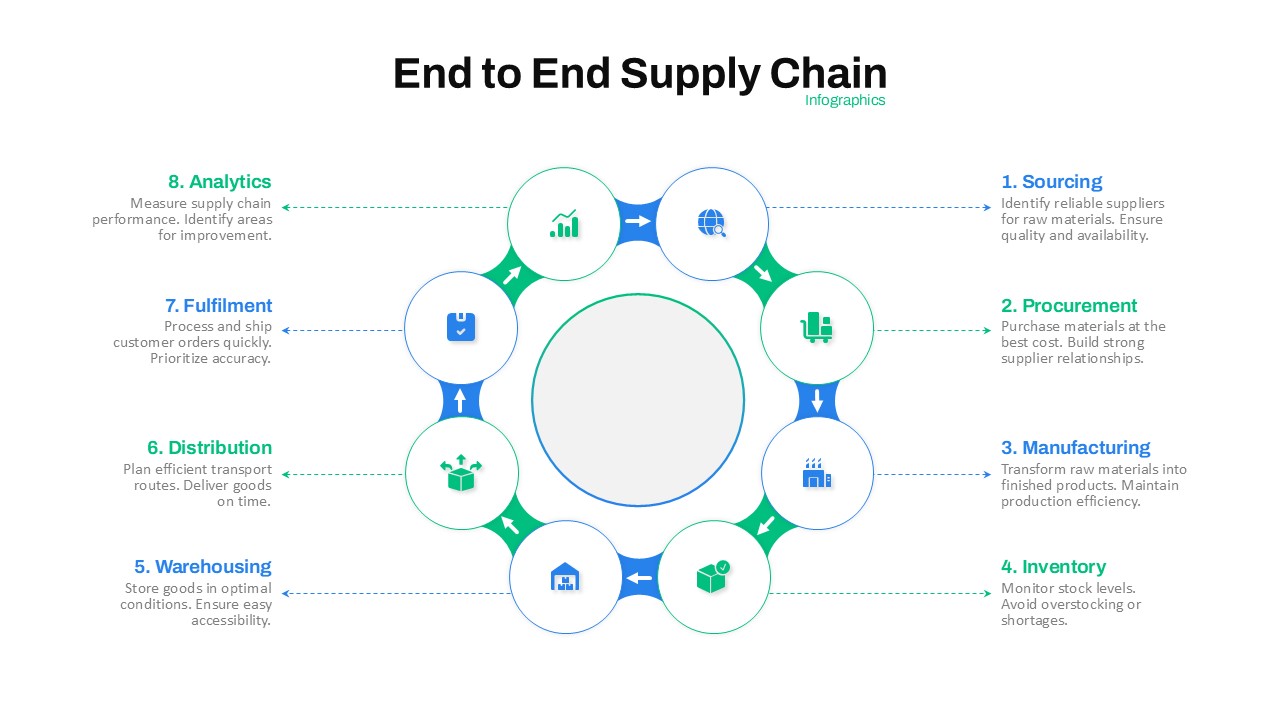
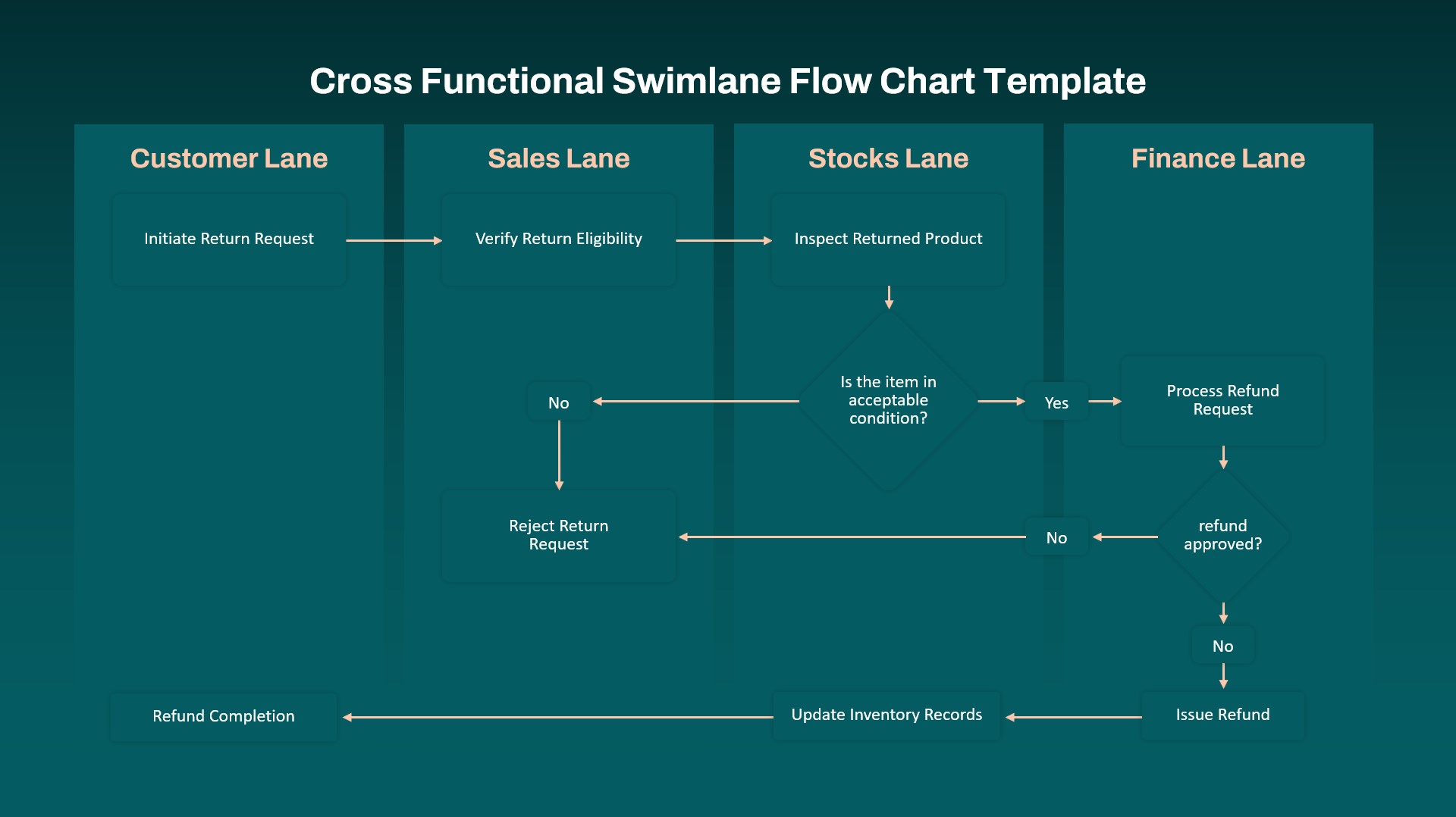
This Procurement Process Flow chart Template for PowerPoint and Google Slides is a comprehensive and visually engaging resource designed to simplify and illustrate the steps involved in acquiring goods and services for your organization. It effectively breaks down the procurement process into clear, actionable stages, from identifying the need to making payments after receiving the goods or services.
The flow chart in powerpoint highlights key decision points such as evaluating proposals, negotiating terms, and confirming supplier orders, ensuring that all parties involved understand their roles and responsibilities. This template supports organizations in enhancing efficiency, reducing risks, and maintaining control throughout the procurement lifecycle.
With its clean, professional design and fully editable format, you can customize it to fit your brand and business processes. Whether used for training, onboarding, or process improvement workshops, this flowchart powerpoint template empowers your team to follow a systematic approach, fostering transparency and accountability.
This flowchart is an invaluable tool for procurement professionals, project managers, and operations teams looking to streamline purchasing activities and ensure alignment with organizational goals.
See more

Aspect Ratio
16:9Item ID
SKT03815


Features of this template
Other User Cases of the Template
Training & Onboarding Sessions, Operational Process Improvements, Supplier Management, Internal Audits, Compliance Reporting, Stakeholder Presentations, Procurement Strategy Meetings, Risk Management Planning, Quality Assurance Programs, Cost Reduction Initiatives.
FAQs
You May Also Like These Presentation Templates

- Free


- Free
- Free
- Free

- Free
- Free
- Free