To Do List Presentation Template
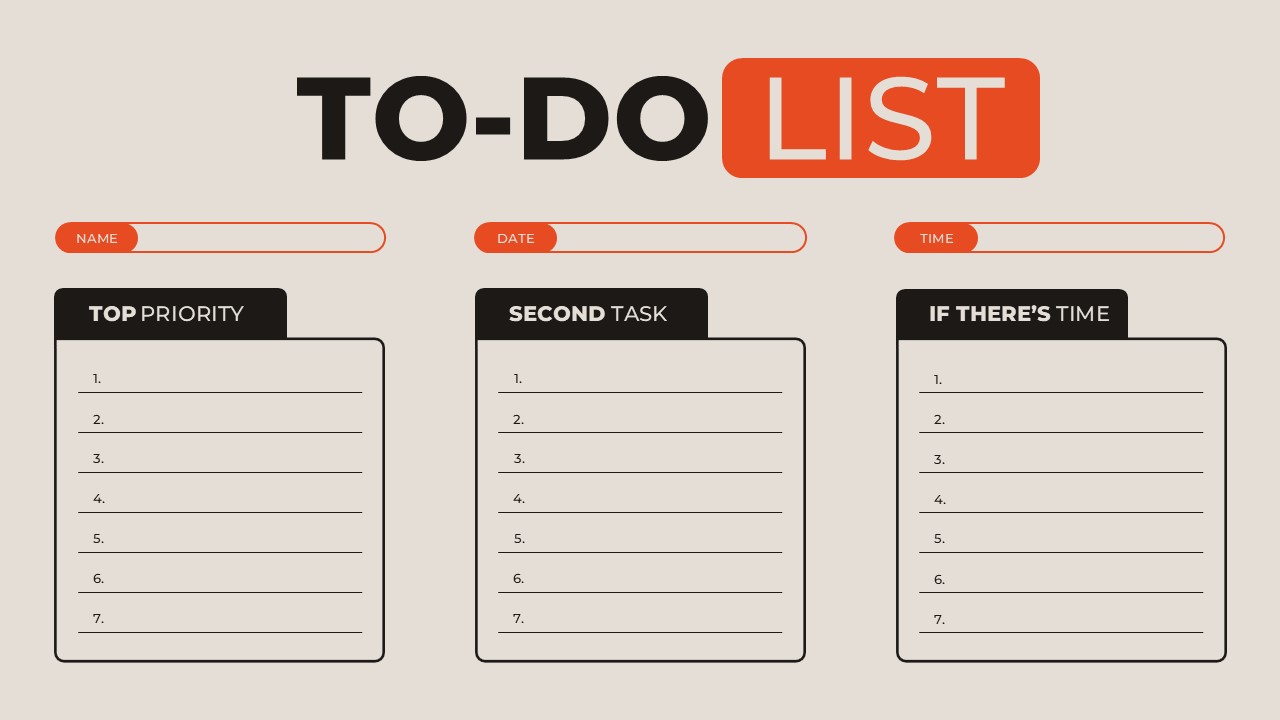
Simple Task Organizer To Do List Presentation Template for Slides
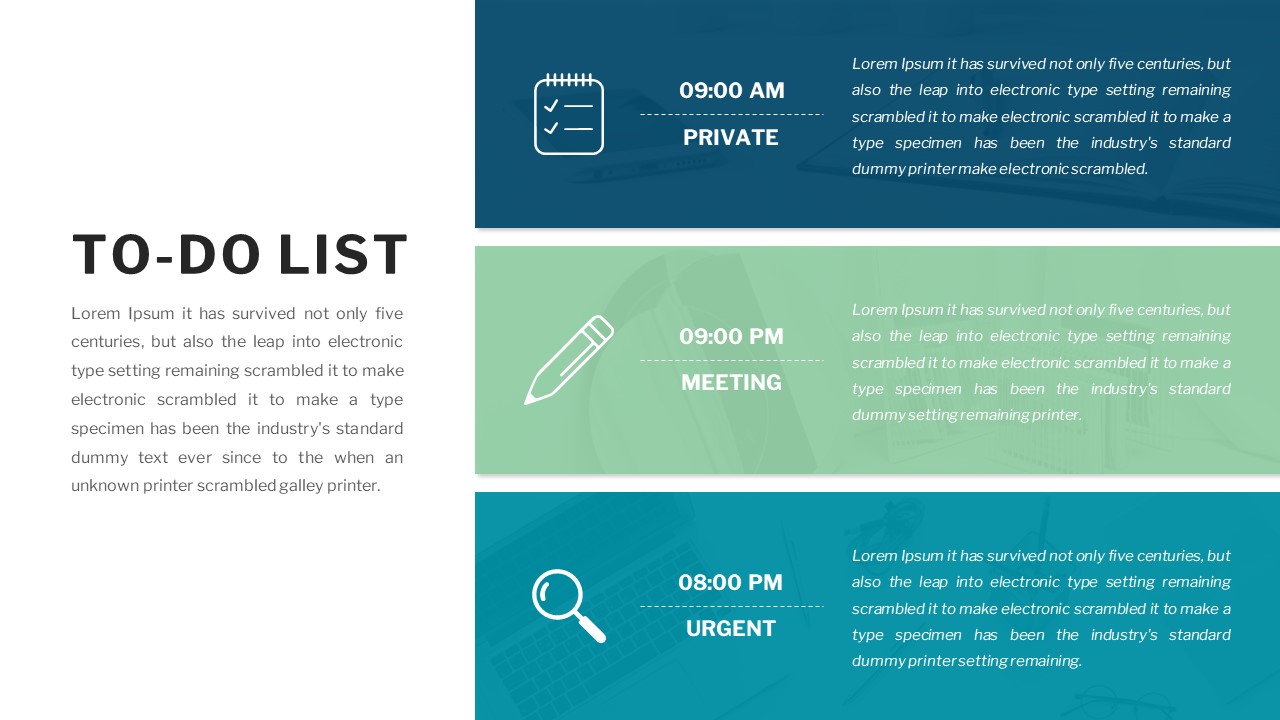
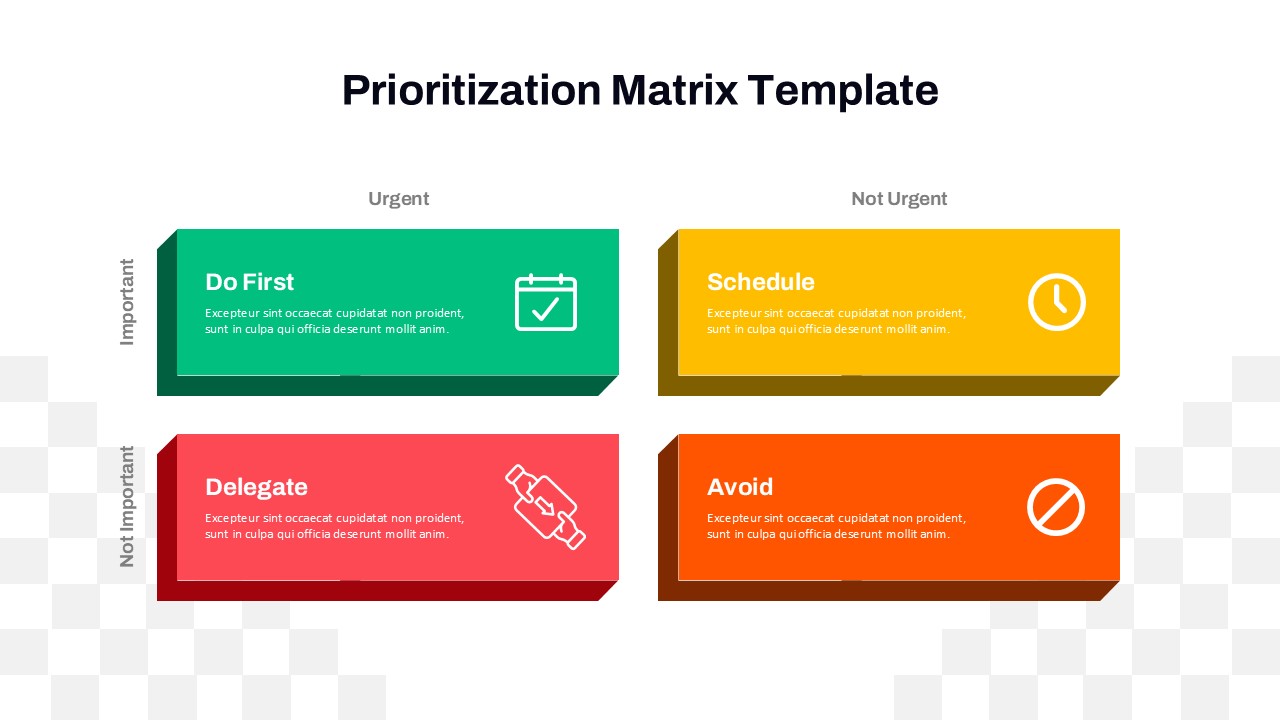
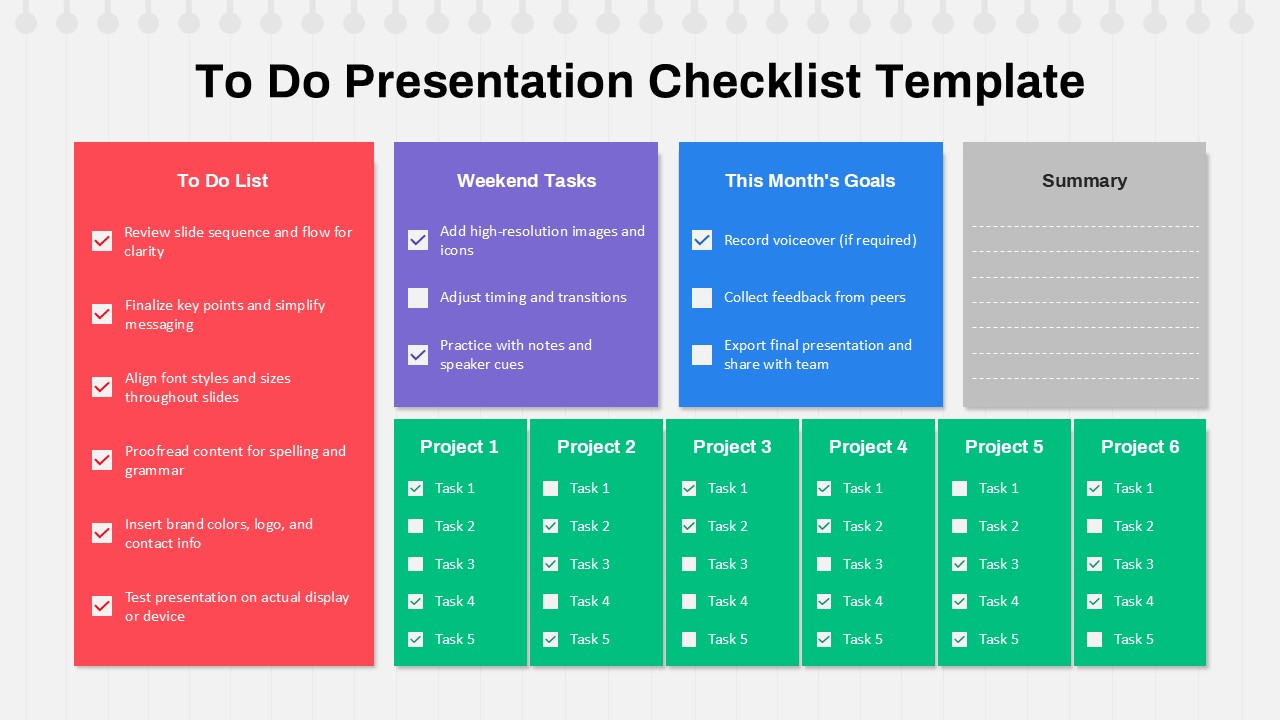
This Template offers a clean and structured layout designed to simplify task organization and improve productivity. Featuring clearly defined sections such as Top Priority, Second Task, and If there’s Time, this template helps users categorize responsibilities based on urgency and importance. It provides a practical framework for breaking down daily workloads into manageable actions, making it an effective visual aid for both personal and professional planning.
The To Do List Template includes dedicated fields for name, date, and time, ensuring better tracking and accountability. Its minimal design emphasizes clarity, using bold headers and organized columns to guide the viewer’s attention effortlessly. This approach makes it easy to present tasks in meetings, workshops, or productivity sessions without overwhelming the audience. The layout supports goal execution by turning larger objectives into actionable steps, making it a valuable companion to structured planning systems.
Fully customizable in PowerPoint and Google Slides, this template allows users to adapt text, colors, and sections according to their workflow or branding. Whether used for daily planning, team coordination, or project tracking, this To Do List Template delivers a professional and easy-to-use solution that enhances organization and efficiency.
Features of this template
- Three clear task categories for prioritization
- Dedicated input fields for name, date, and time
- Minimal and structured layout for easy readability
- Fully editable in PowerPoint and Google Slides
- Clean typography and organized task sections
Why use this template
- Helps prioritize tasks effectively and stay organized
- Improves time management and daily productivity
- Simplifies task tracking with a clear visual format
- Suitable for both individual and team use
- Saves time with a ready-to-use professional layout
Who is it for
This template is ideal for professionals, students, managers, and teams who need a simple yet effective way to organize tasks, manage priorities, and improve daily productivity.
See more

Aspect Ratio
16:9Item ID
SKT04528


FAQs
You May Also Like These Presentation Templates
- Free


- Free
- Free

- Free
- Free
- Free
- Free
- Free
- Free
- Free
- Free
- Free
- Free

- Free
- Free
- Free
- Free
- Free
- Free
- Free

- Free