DevOps Dashboard Template for PowerPoint & Google Slides
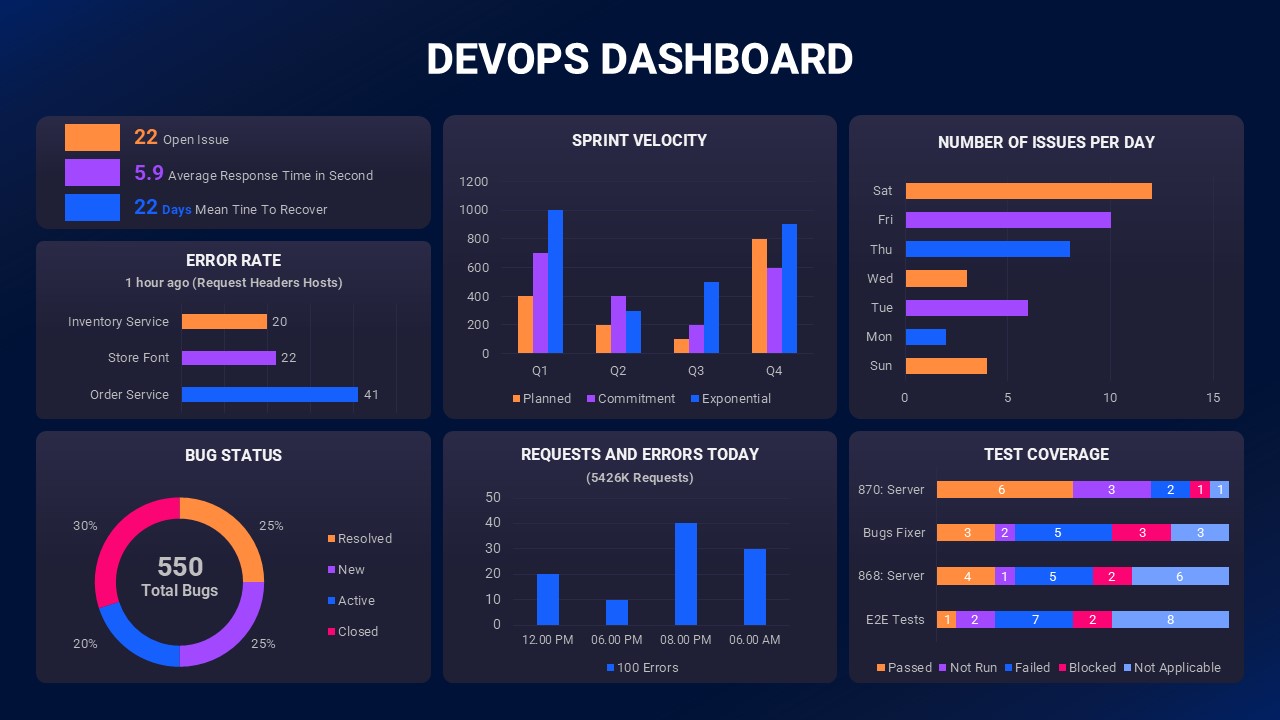
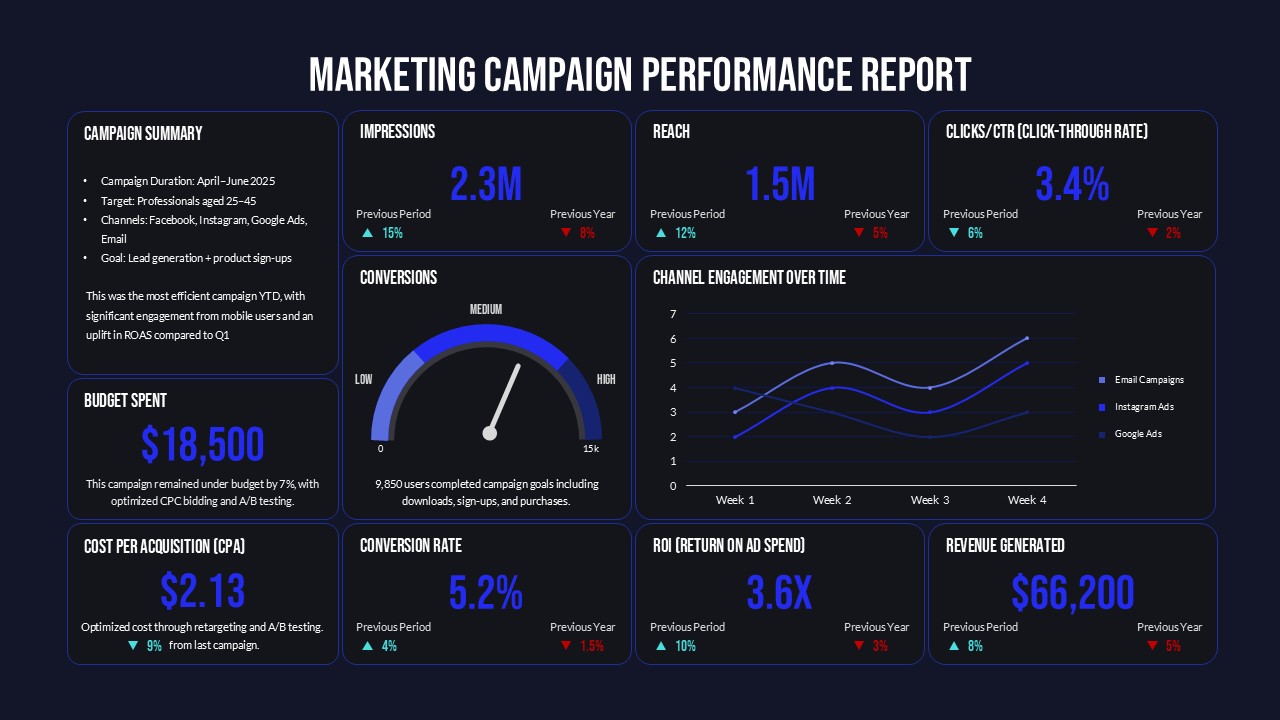
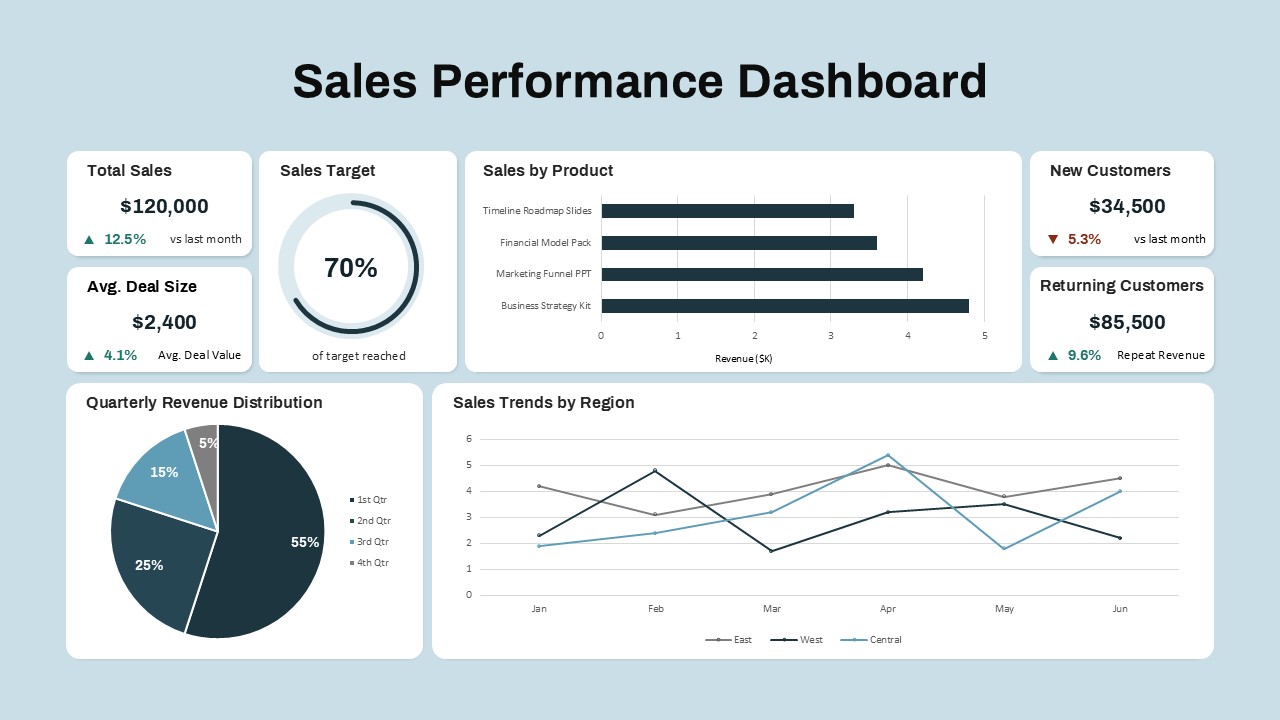
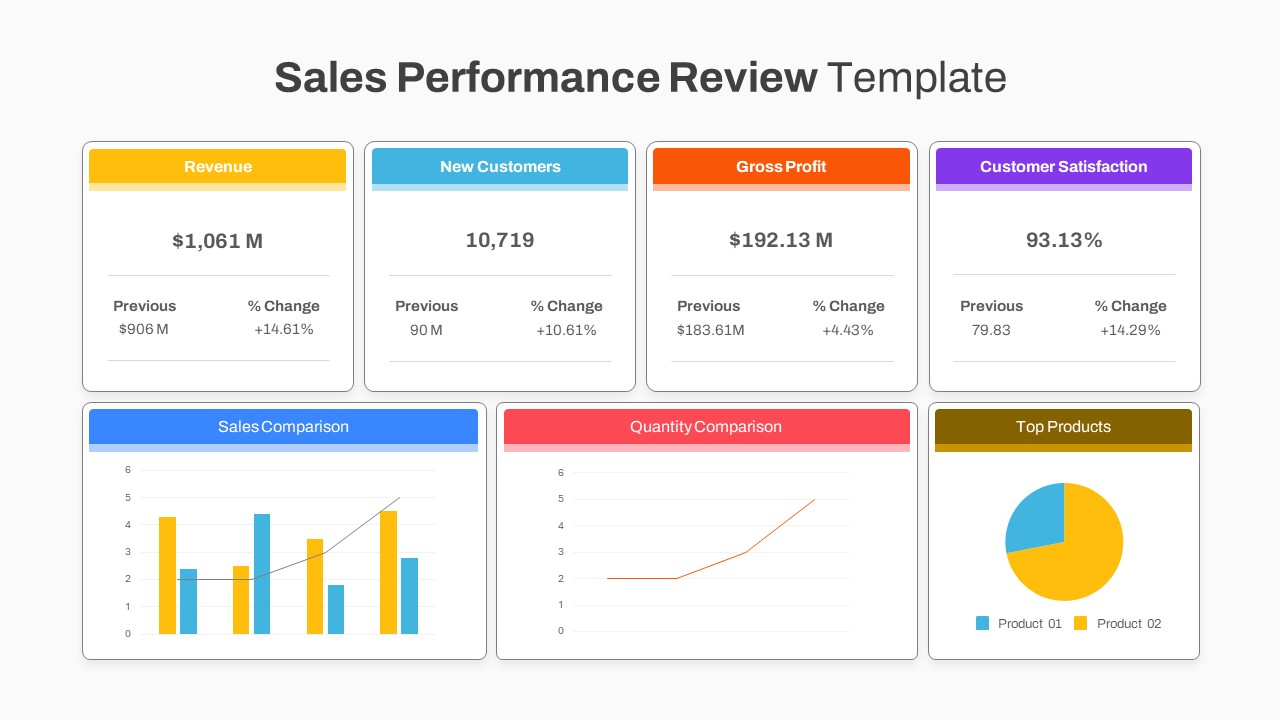
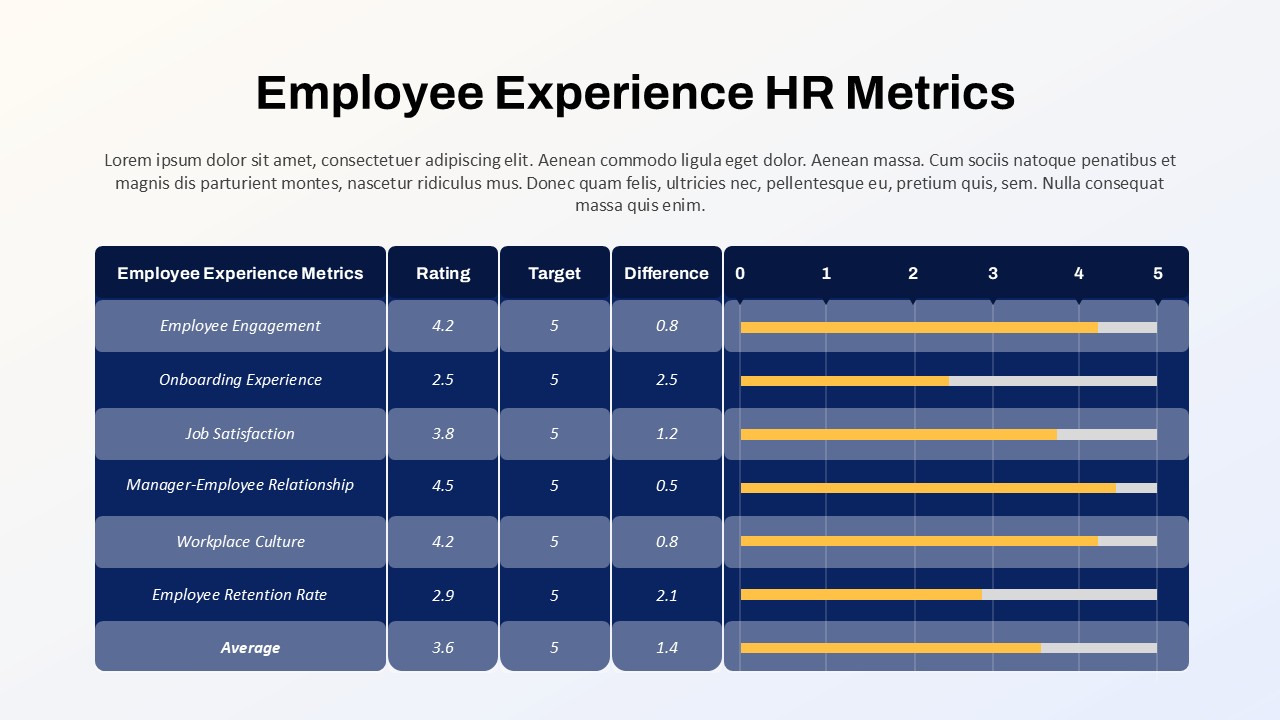
The DevOps Dashboard Presentation Template is a powerful tool designed to help teams monitor, track, and communicate key DevOps performance metrics. With a modern, data-driven layout, this template transforms complex technical insights into clear, visually engaging reports that stakeholders can easily understand.
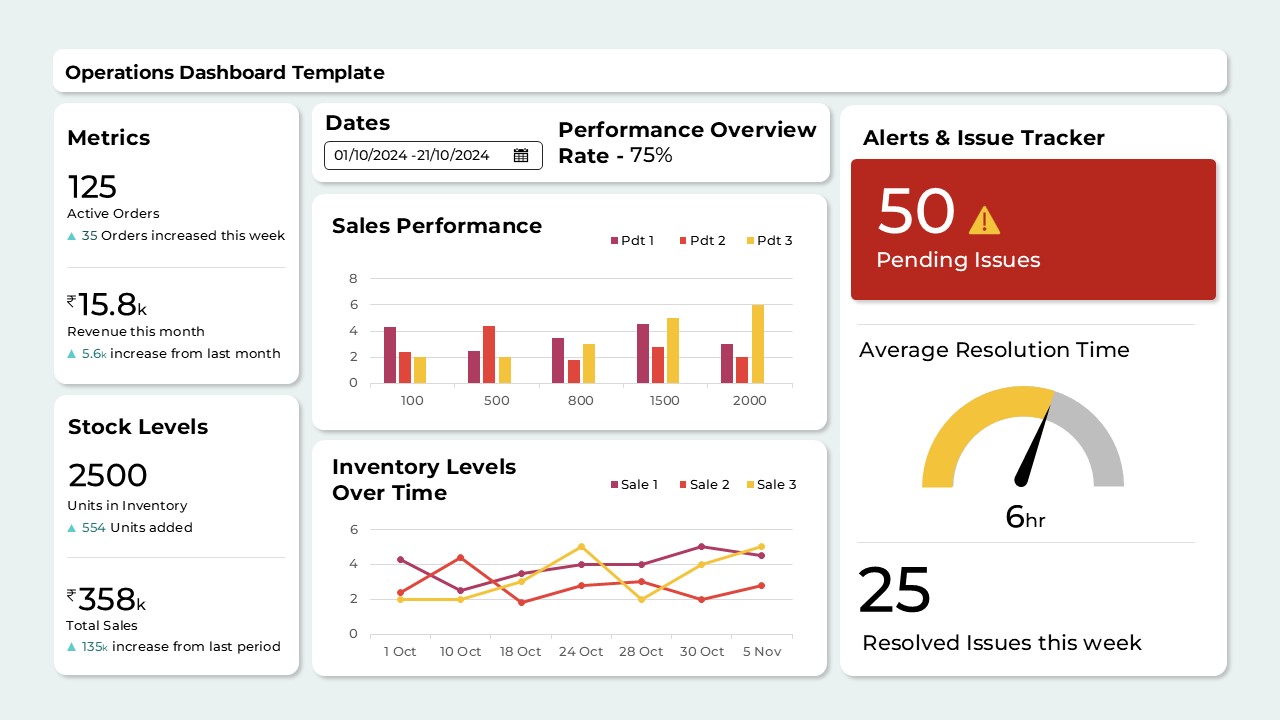
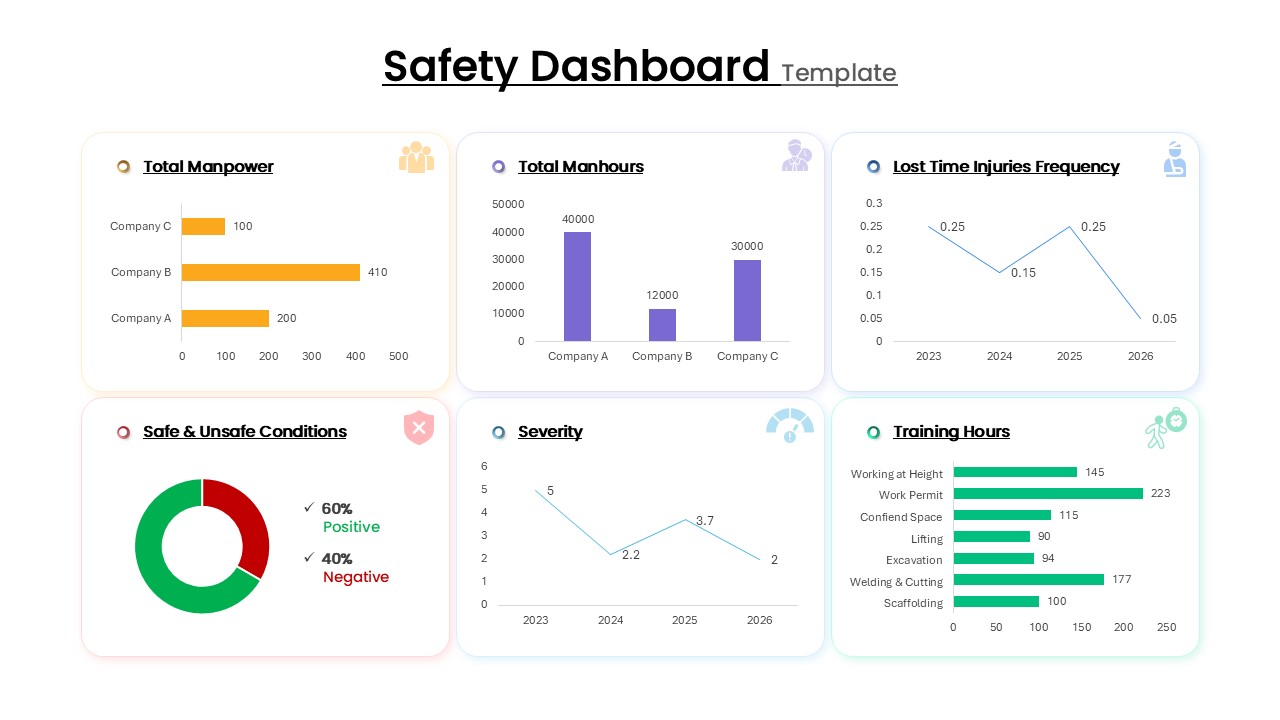
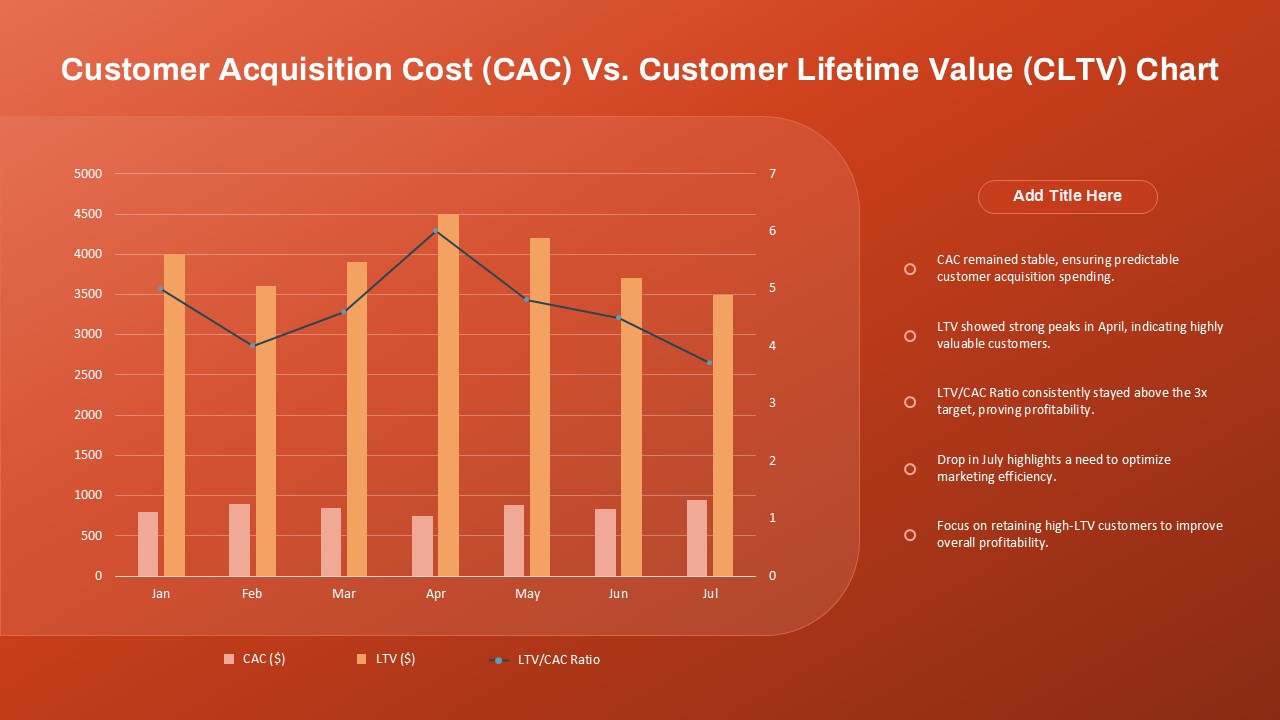
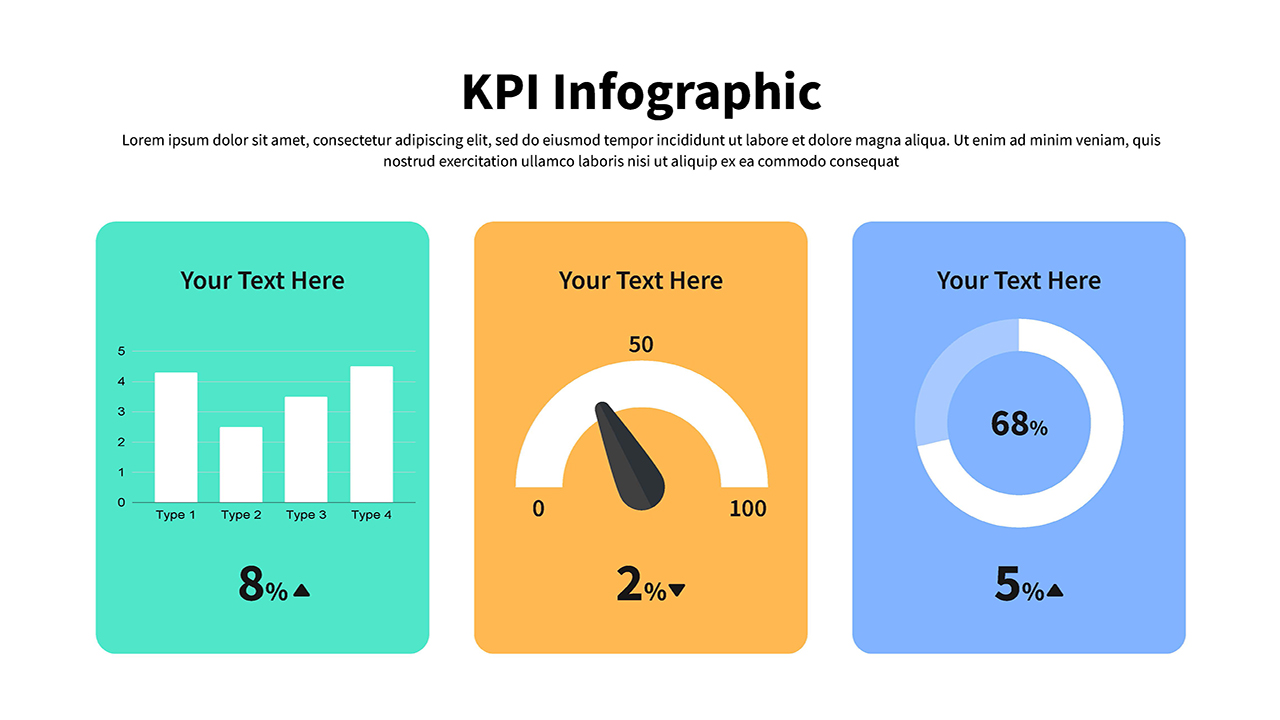
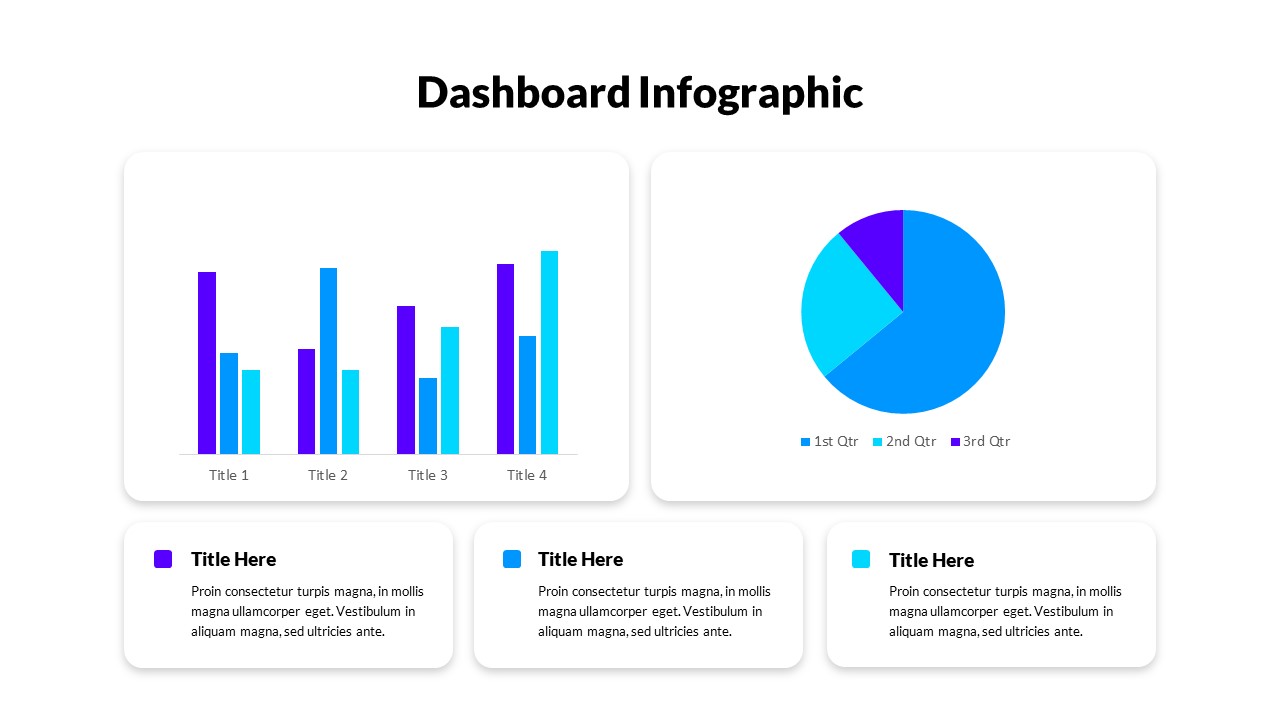
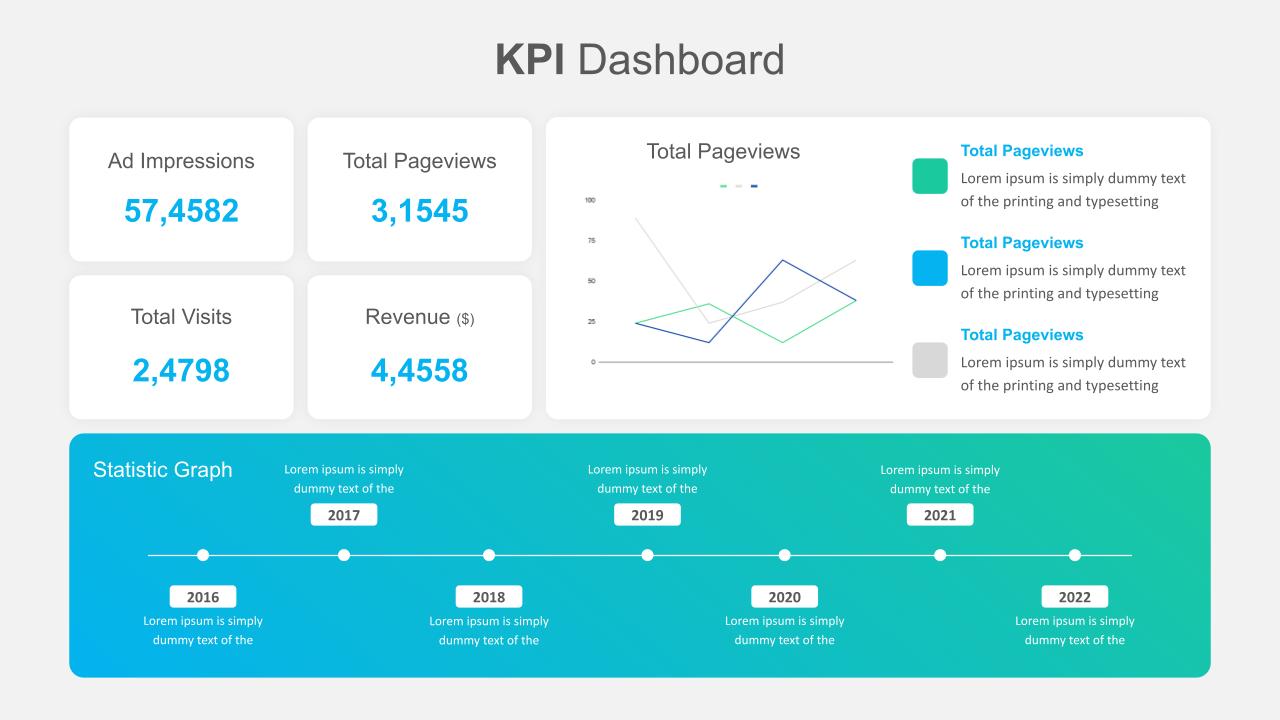
The template includes dedicated sections for critical metrics such as open issues, error rates, bug status, sprint velocity, daily issues, and test coverage. By leveraging charts, graphs, and infographics, it provides a comprehensive view of system health, performance bottlenecks, and workflow efficiency. It also highlights real-time insights, such as response times, mean time to recover (MTTR), and requests versus errors, which are essential for continuous improvement in agile and DevOps environments.
Ideal for DevOps engineers, software development teams, project managers, and IT leaders, this dashboard presentation helps align cross-functional teams by making performance results transparent and actionable. The professional color scheme enhances readability, while its fully editable design allows customization to fit any organization’s unique KPIs and reporting structure.
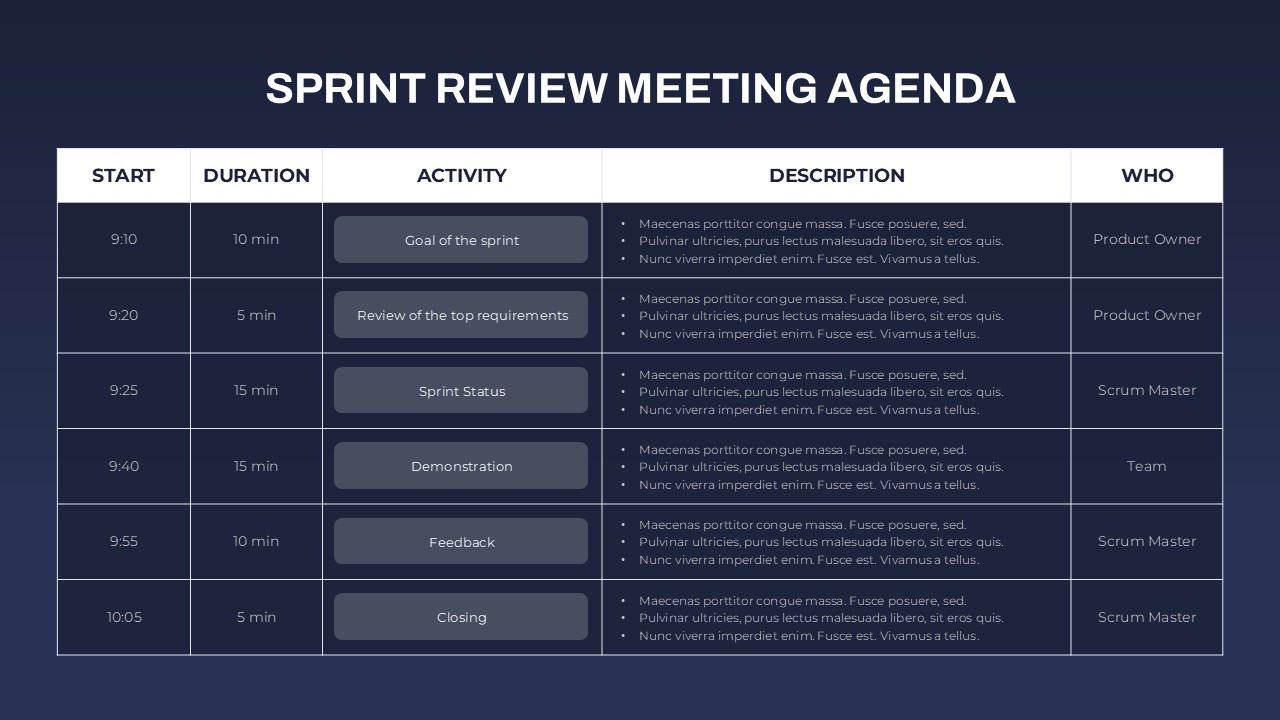
Whether used for sprint reviews, stakeholder updates, or internal performance tracking, this template ensures clear communication of technical progress and challenges. Fully compatible with PowerPoint and Google Slides, it offers flexibility, efficiency, and impact for any DevOps reporting need.
See more

Aspect Ratio
16:9Item ID
SKT04337


Features of this template
Other User Cases of the Template:
Agile sprint reviews, IT performance reporting, software development updates, QA and testing presentations, incident management reports, project status meetings, product release tracking, stakeholder performance briefings, team retrospectives, continuous improvement sessions.
FAQs
You May Also Like These Presentation Templates


- Free
- Free
- Free

- Free