Creative Org Chart Template
Creative Org Chart Template for PowerPoint & Google Slides
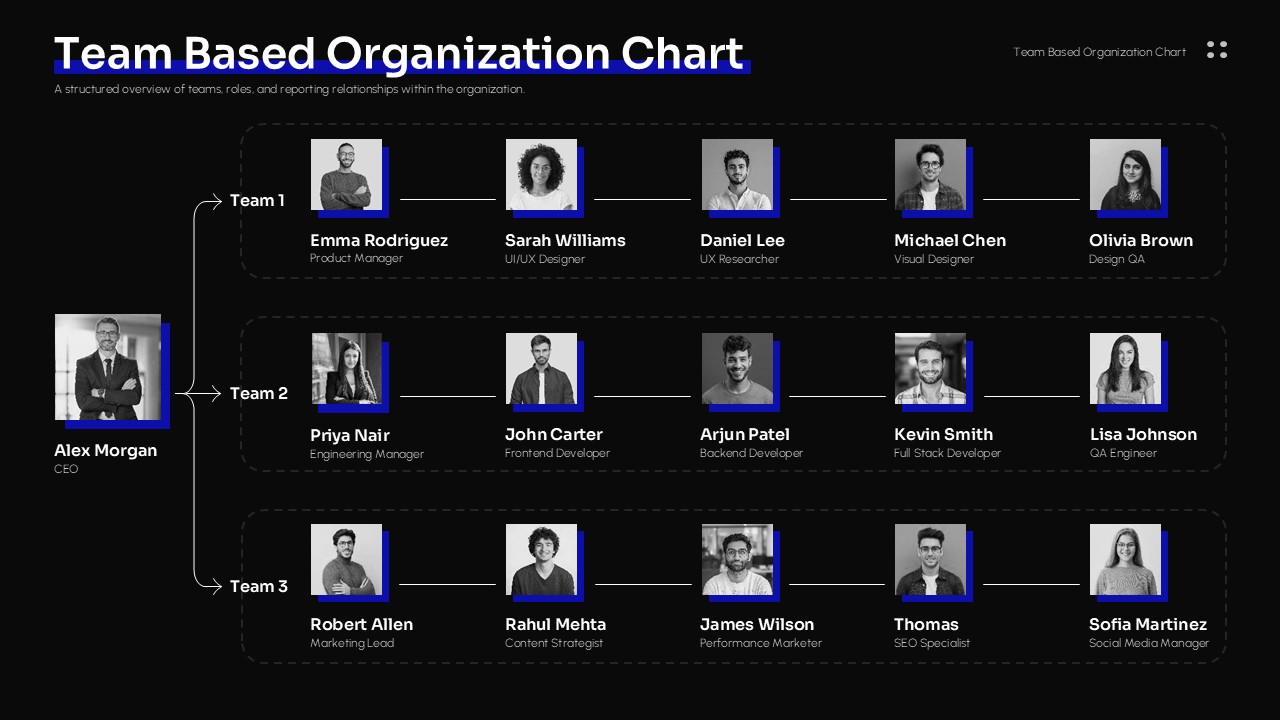
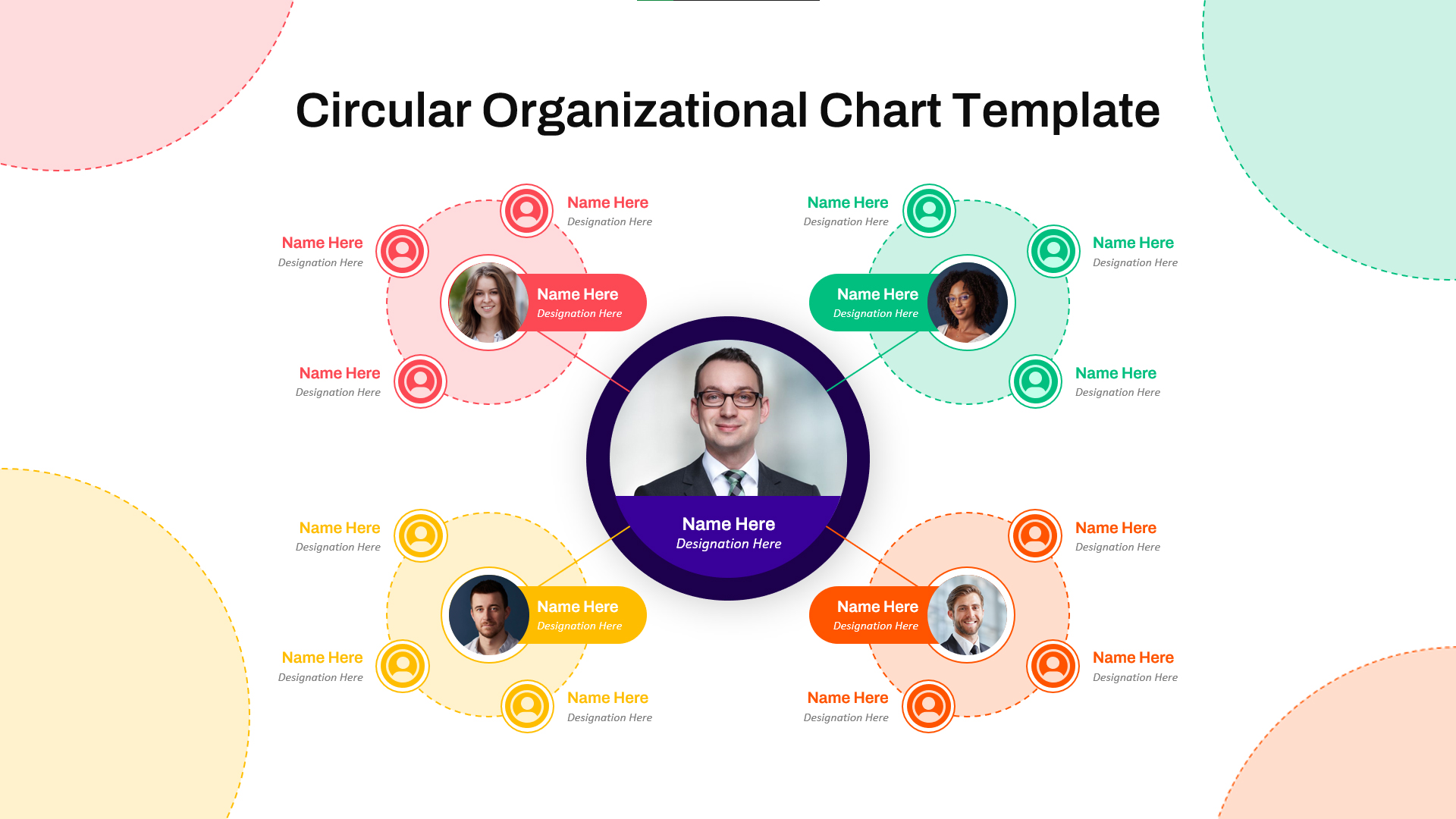
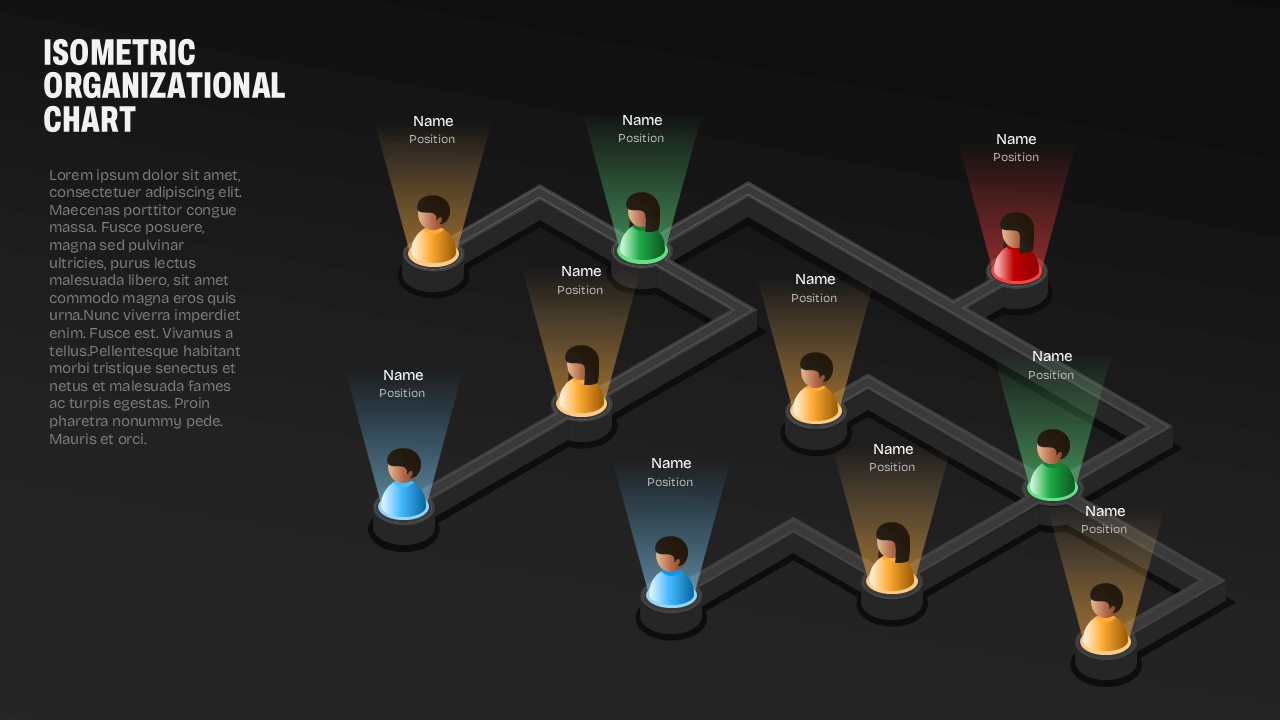
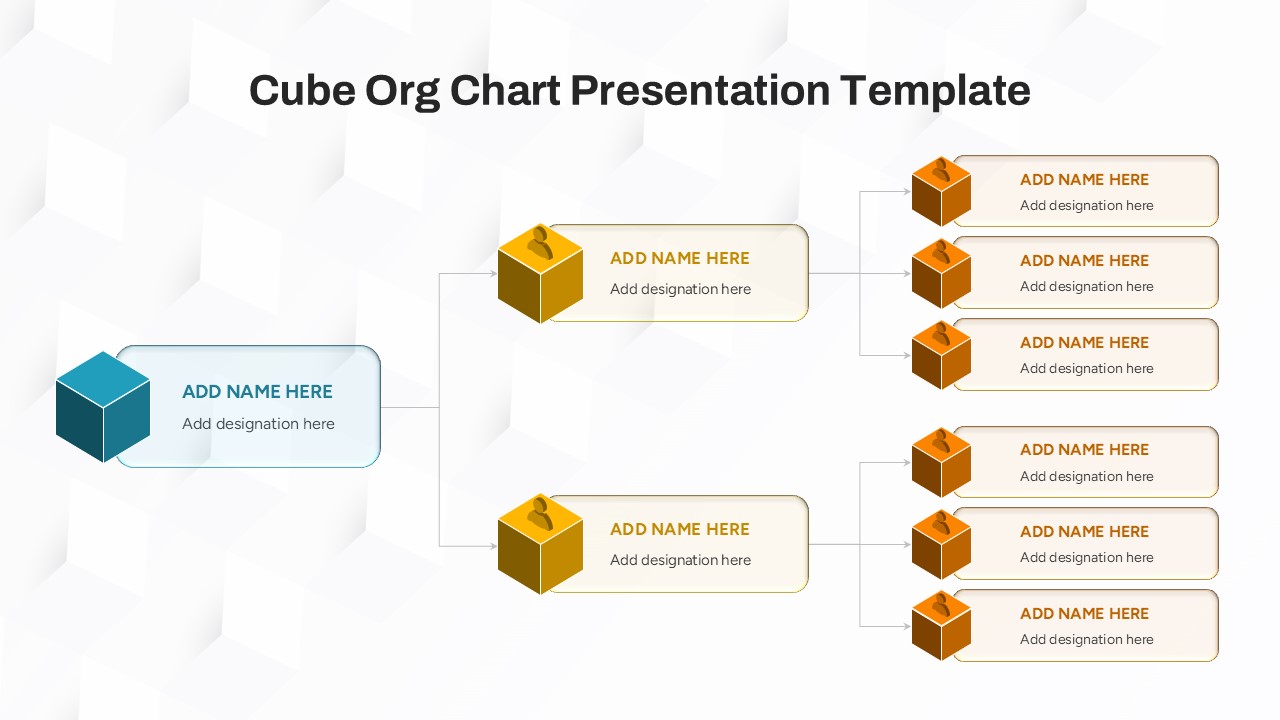
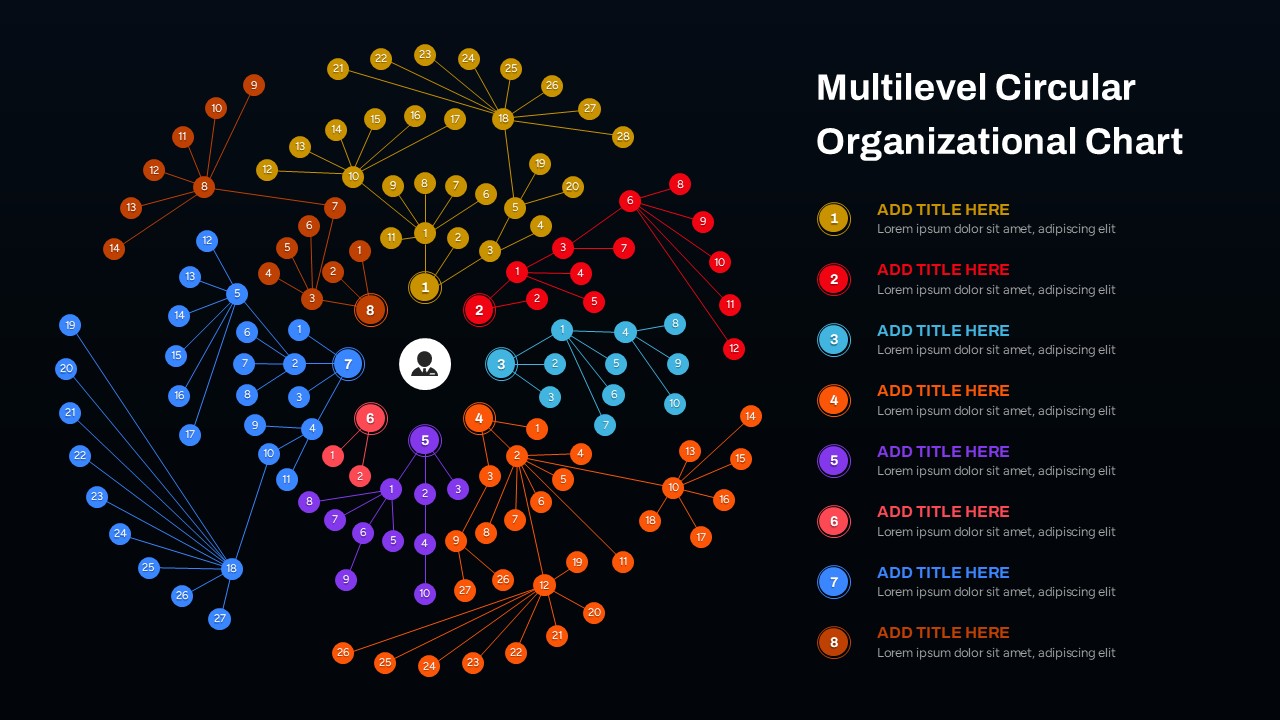
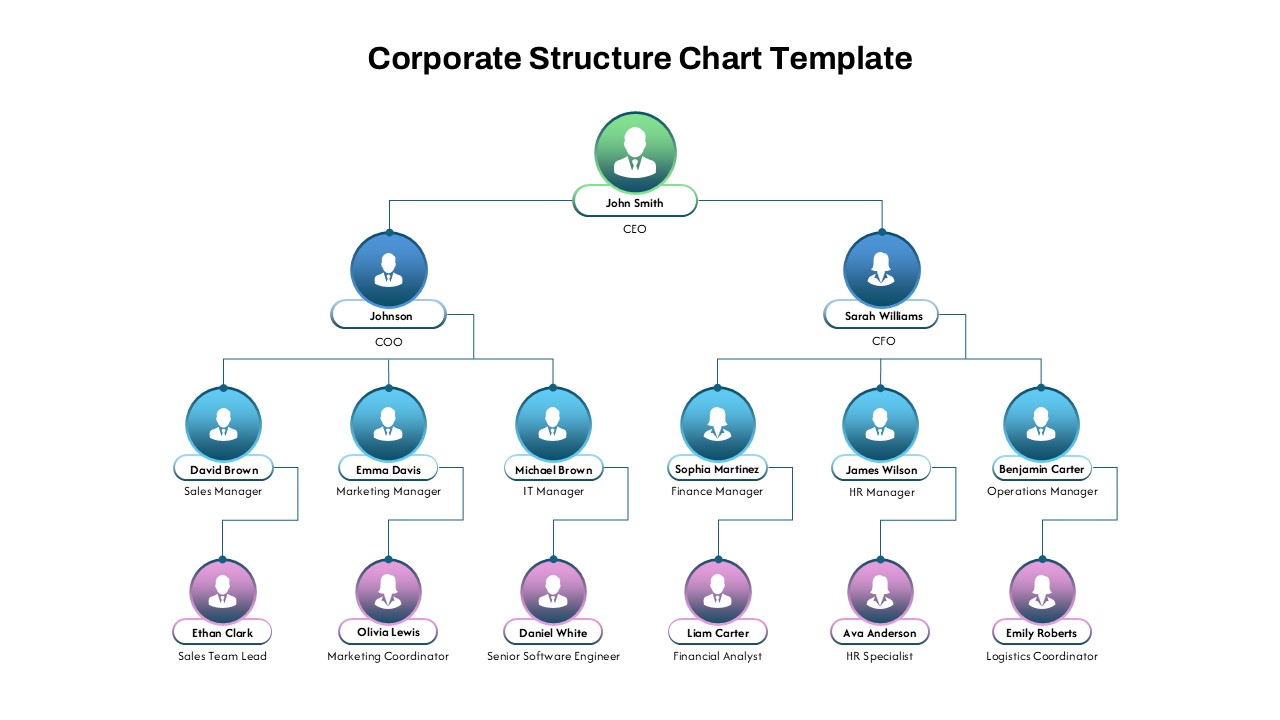
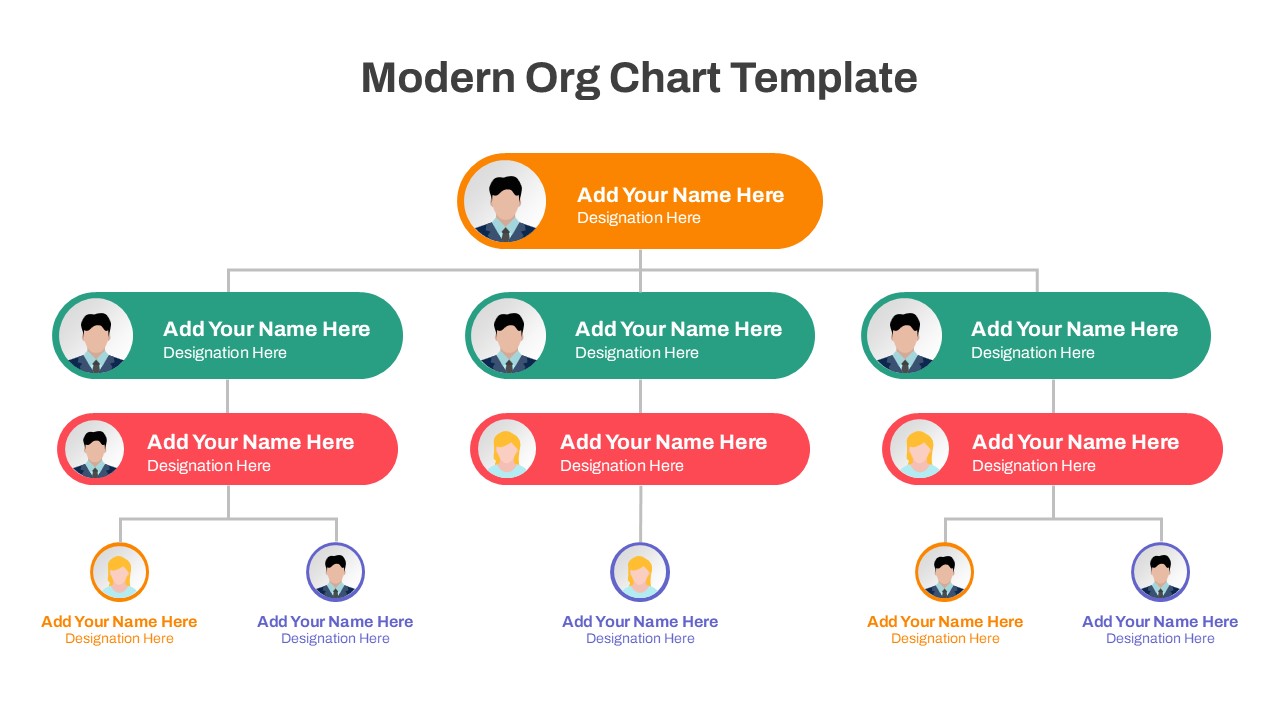
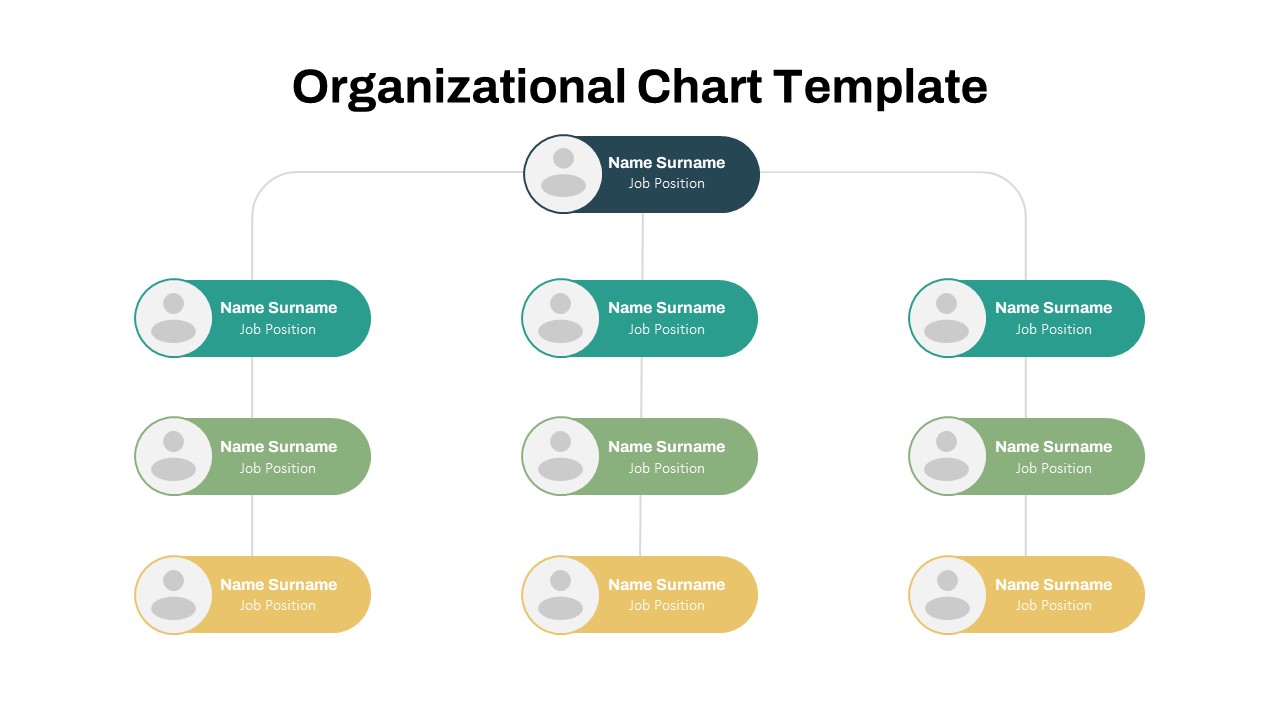
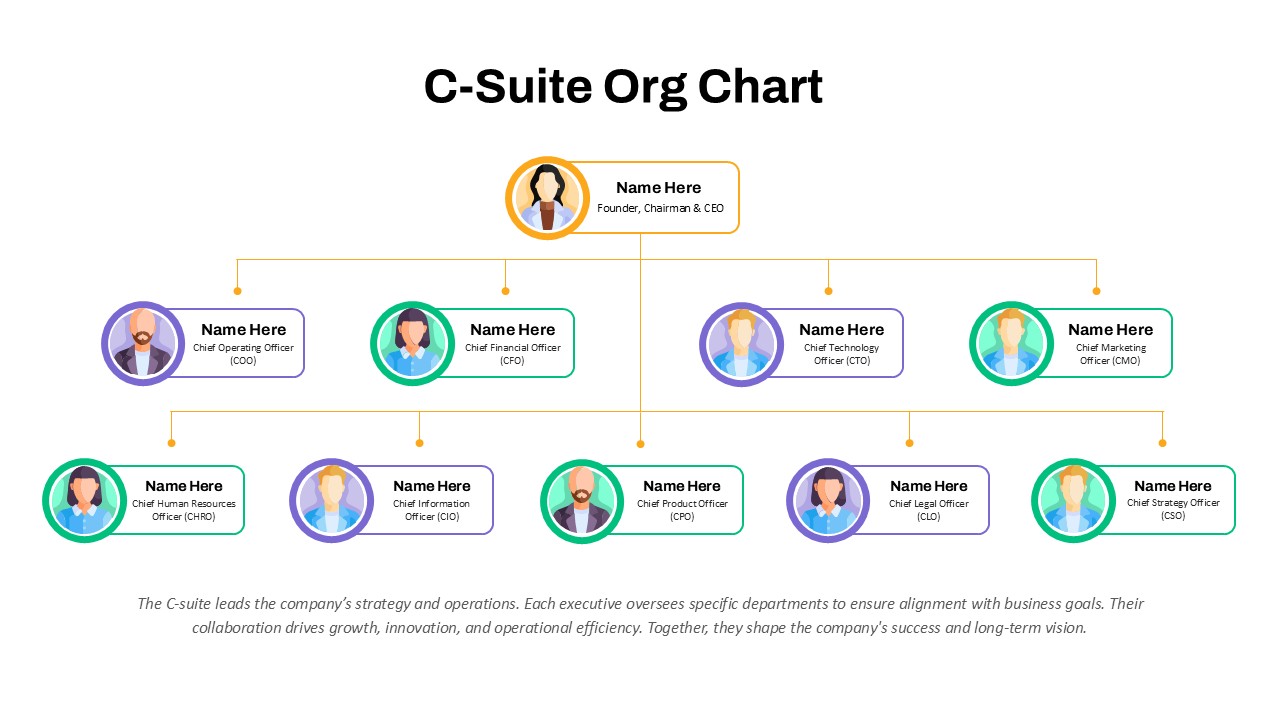
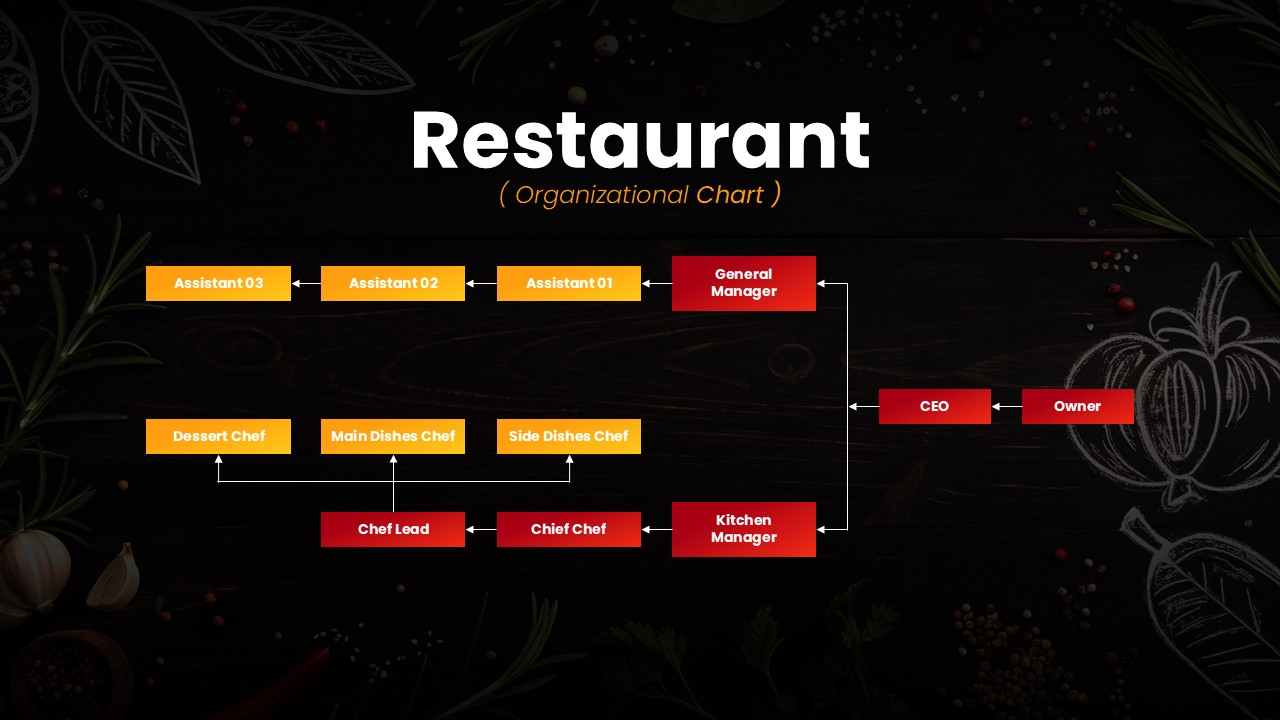
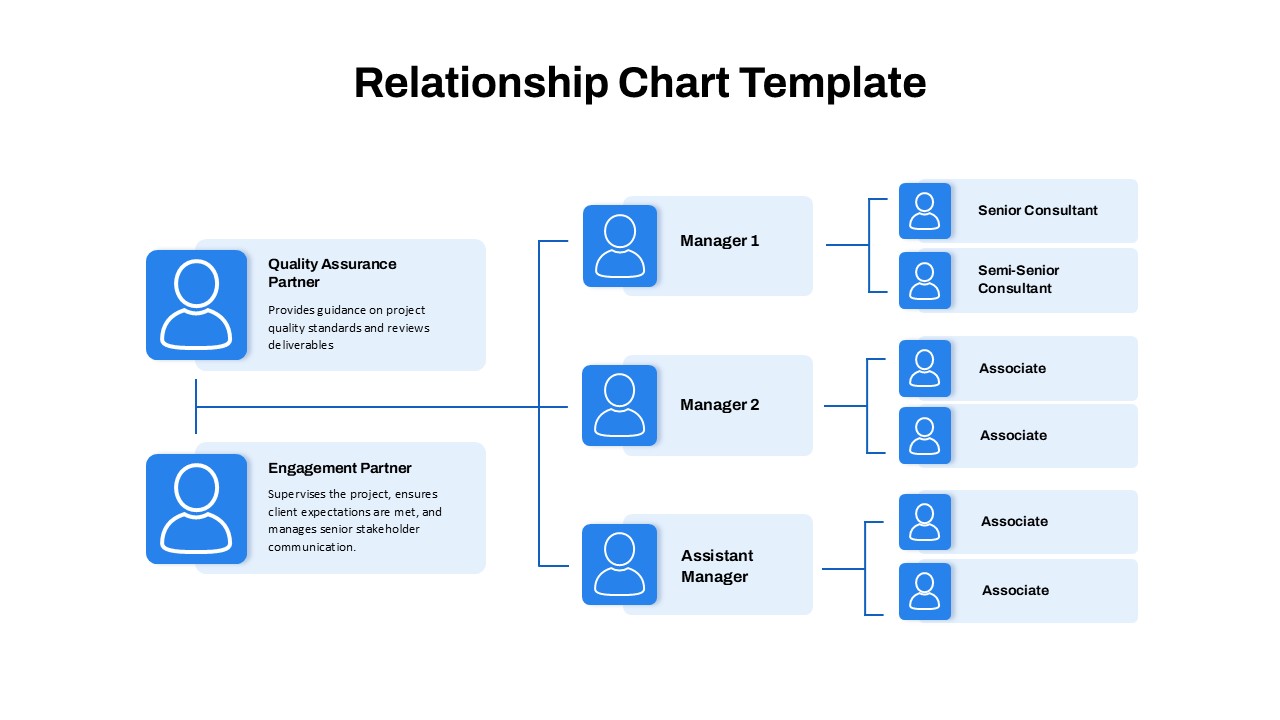
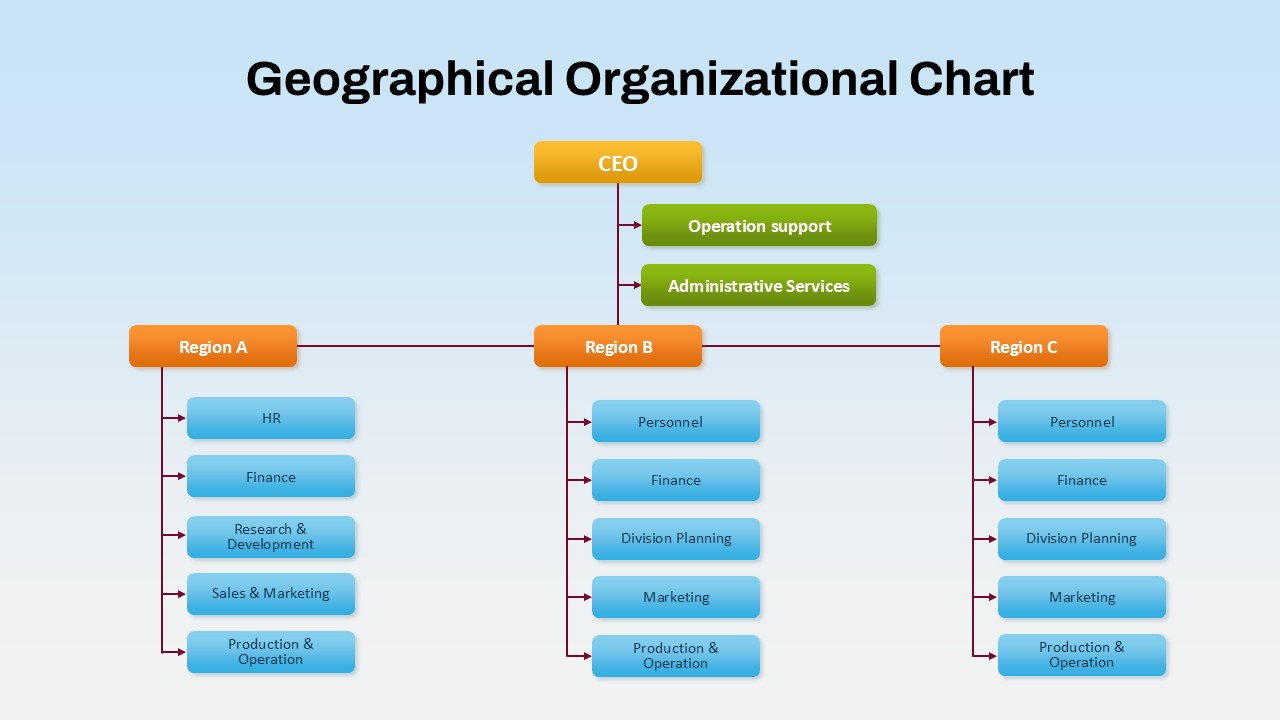
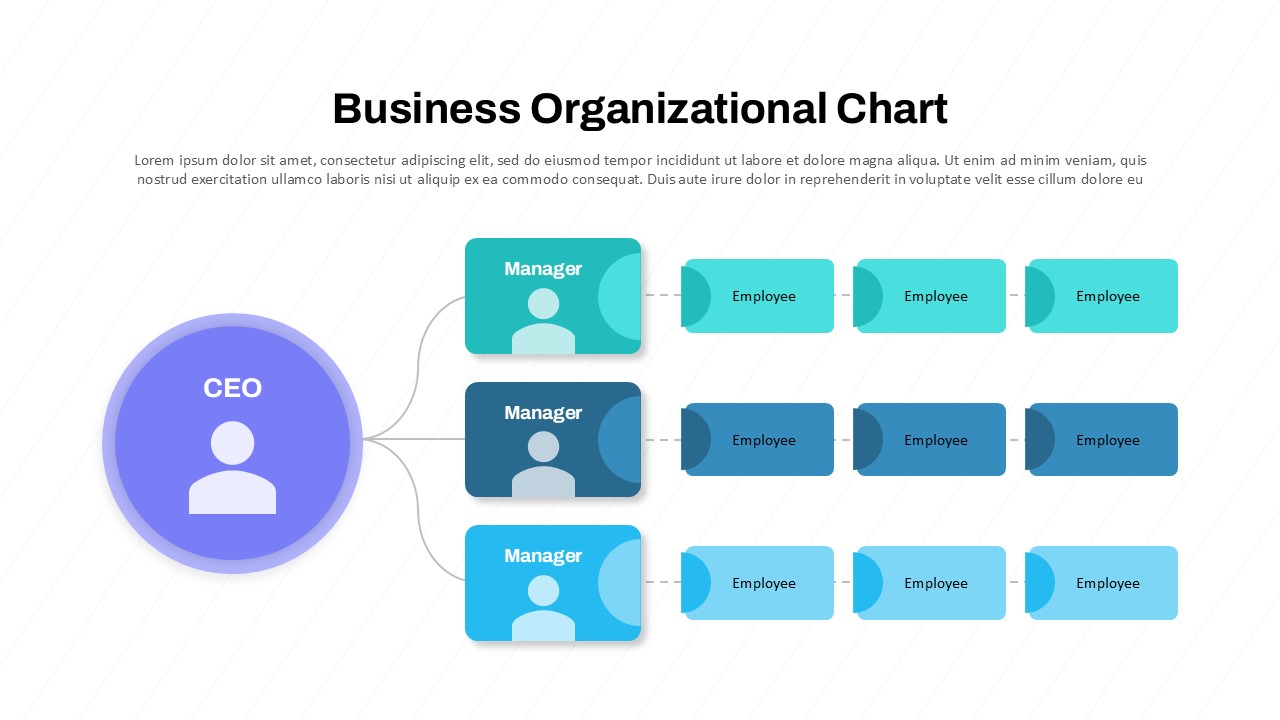
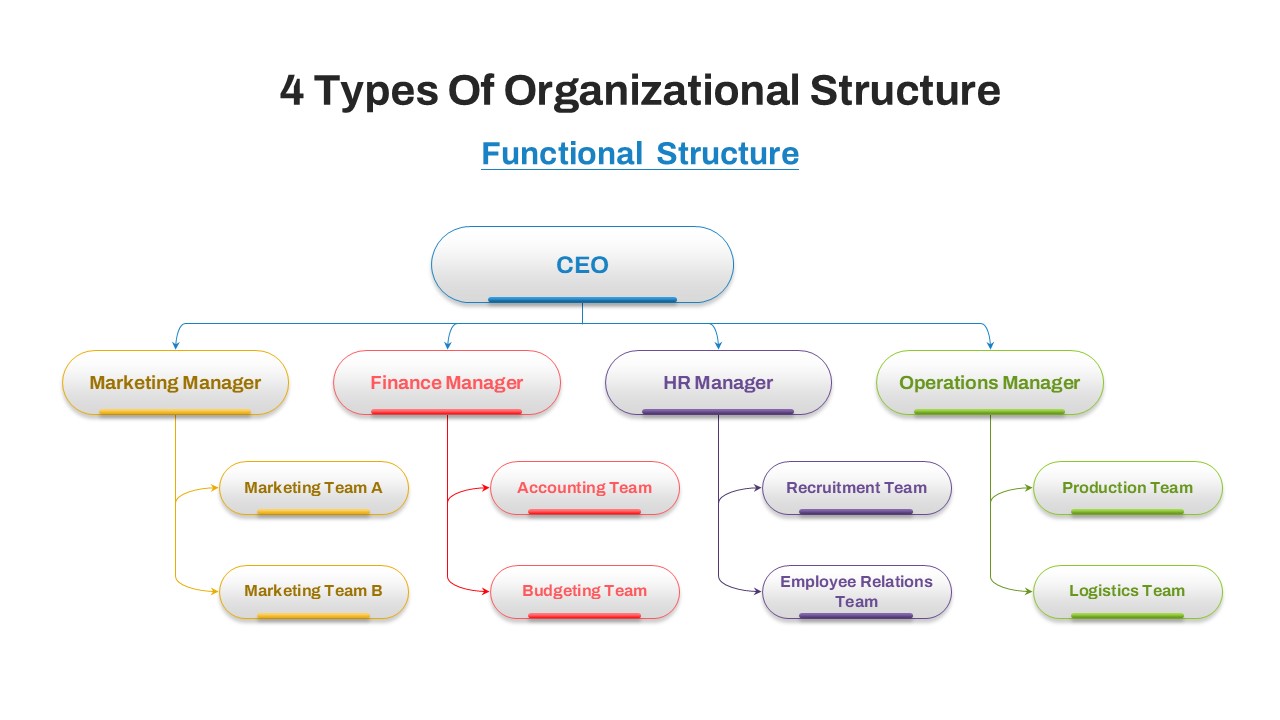
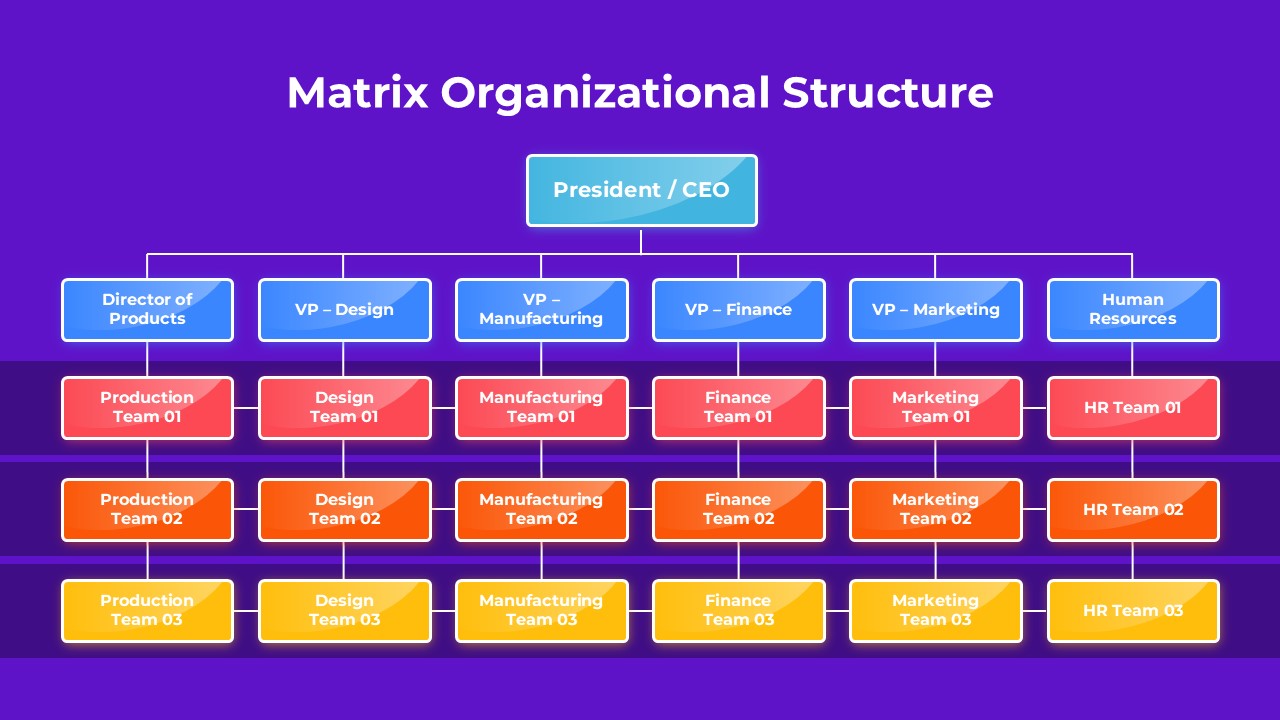
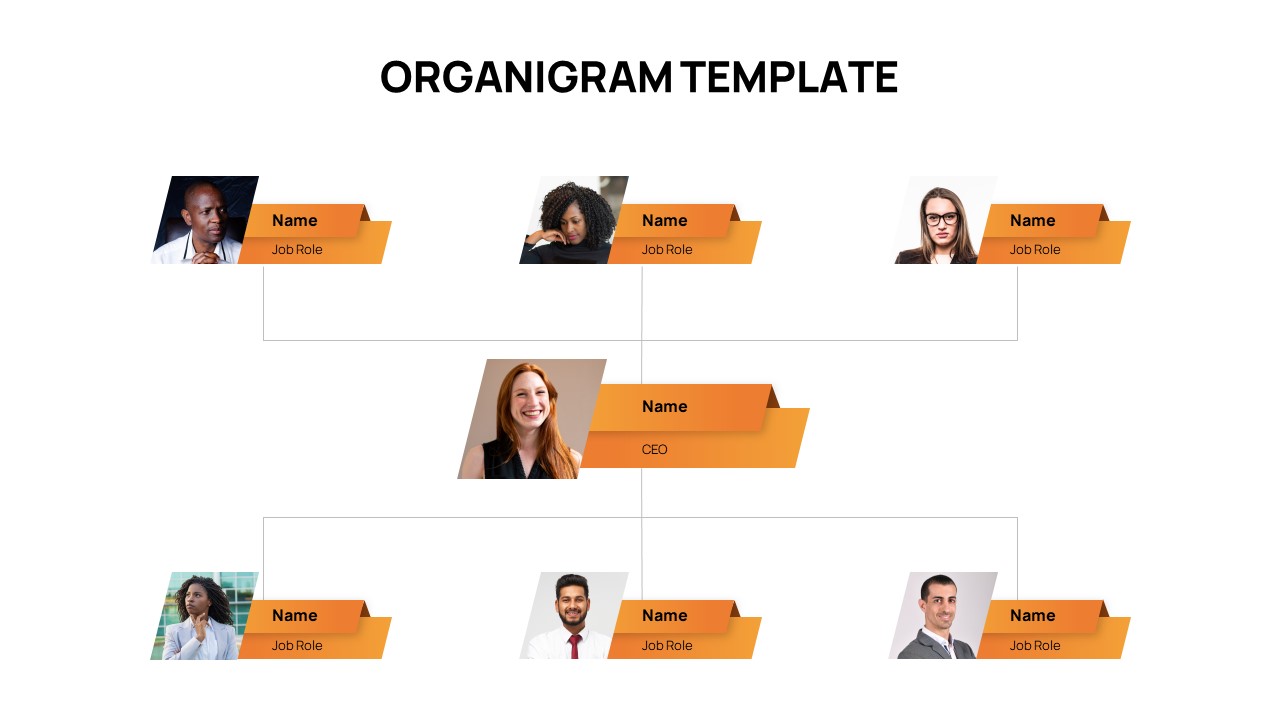
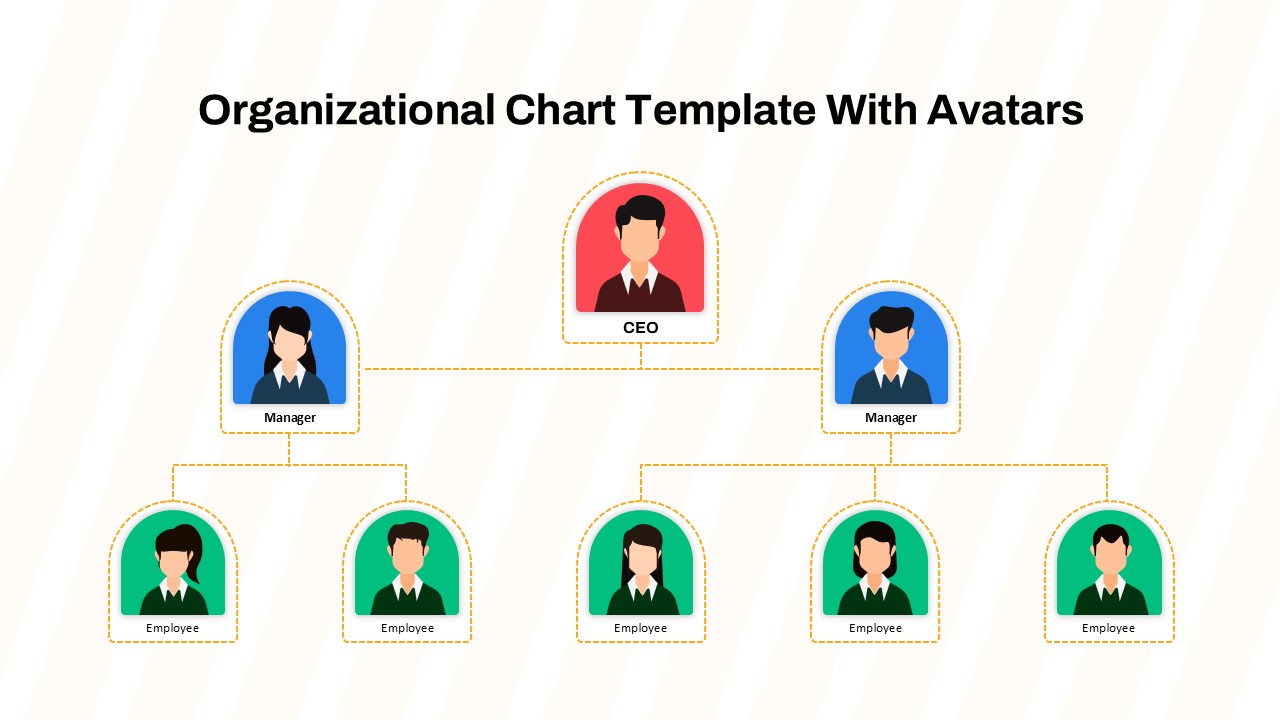
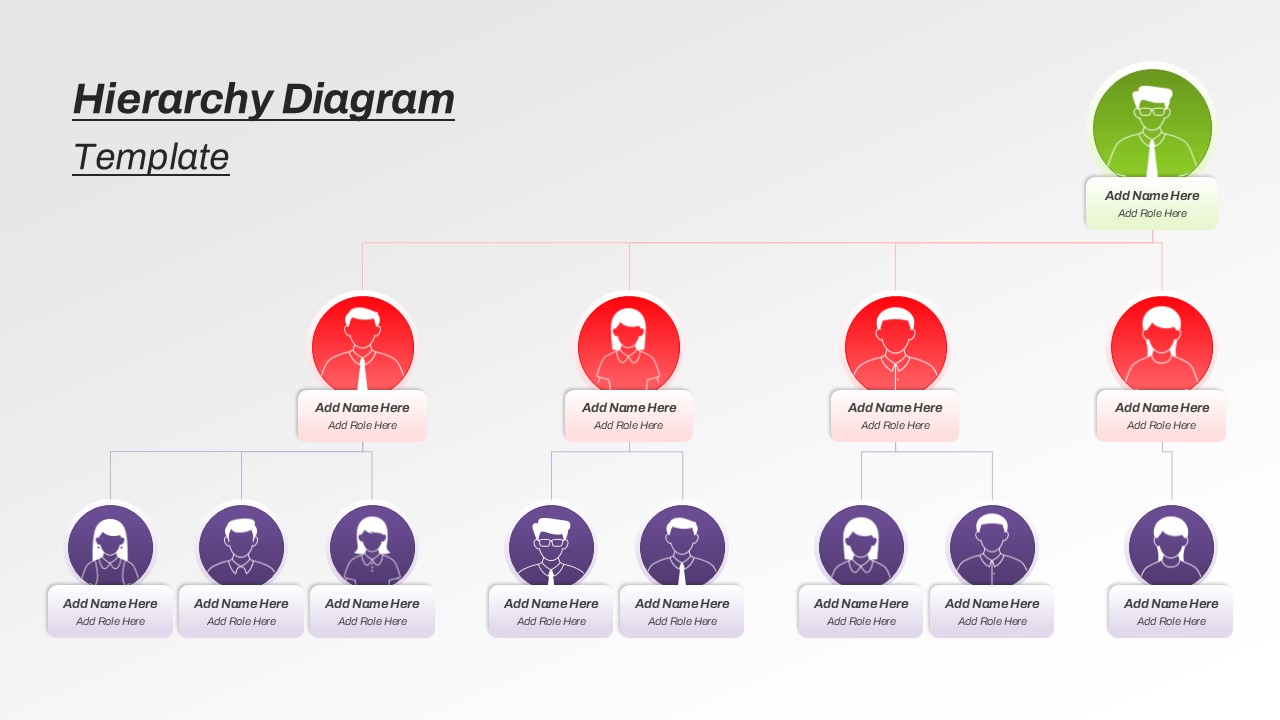
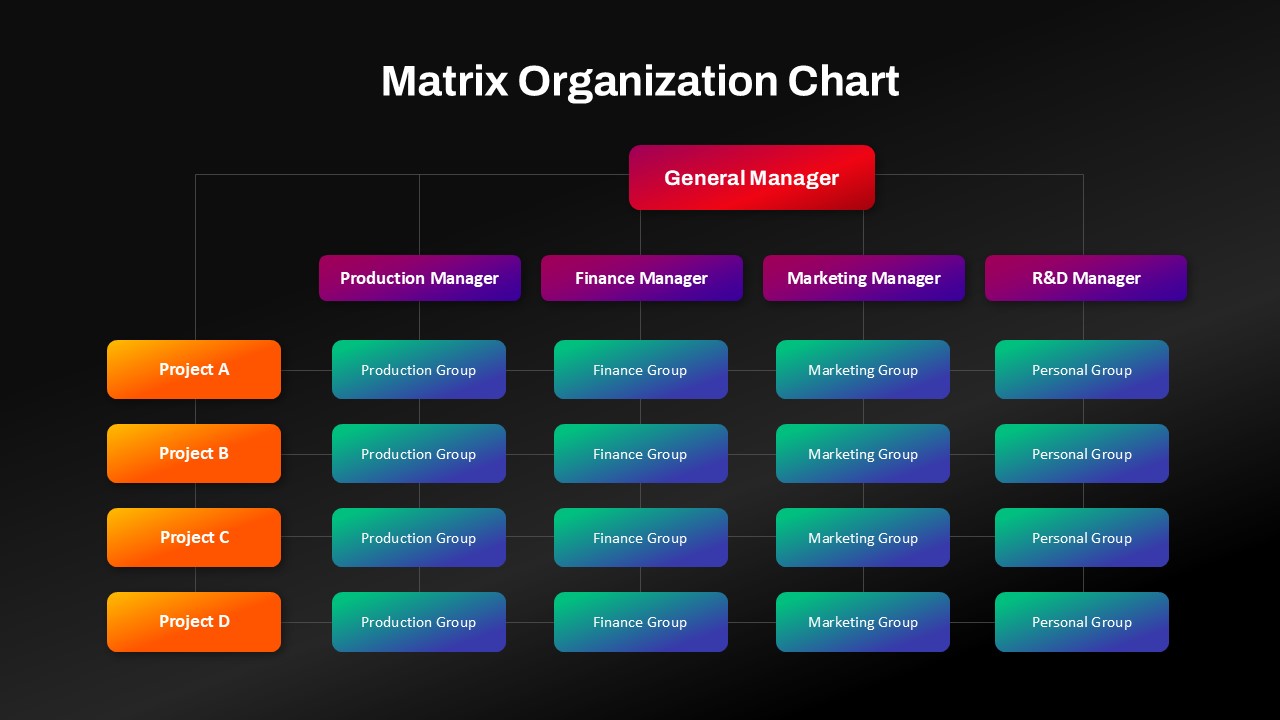
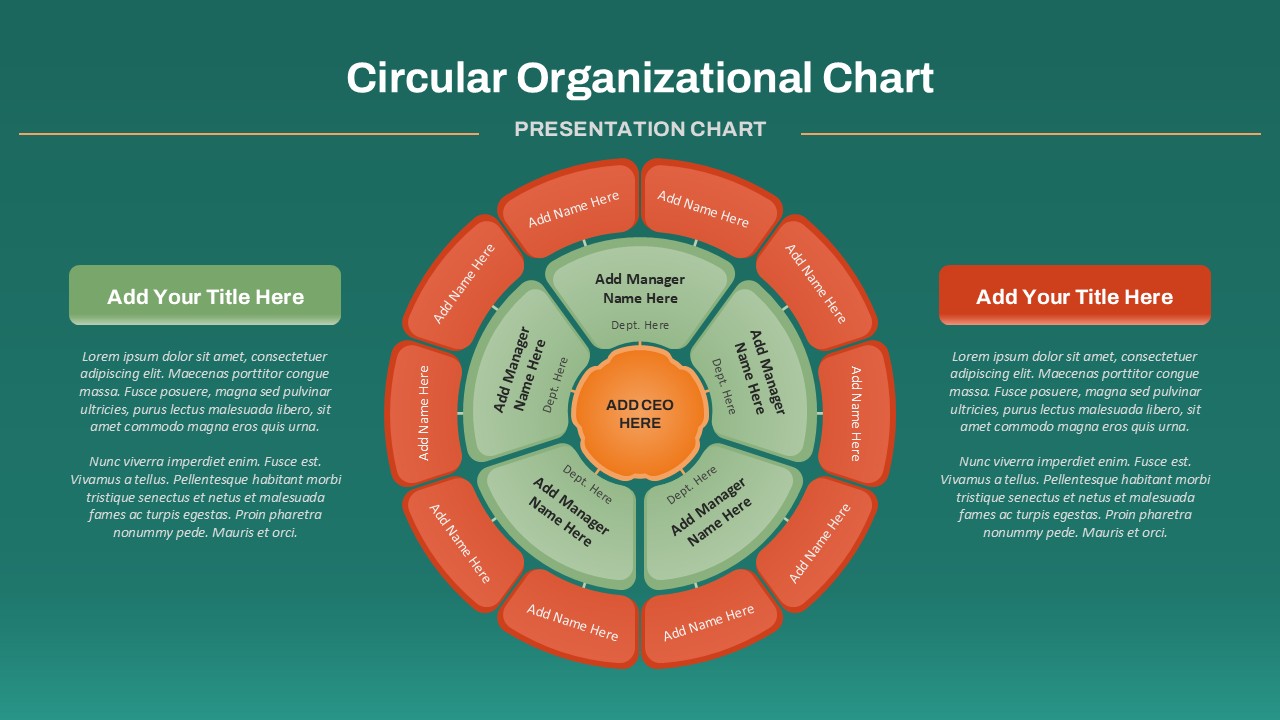
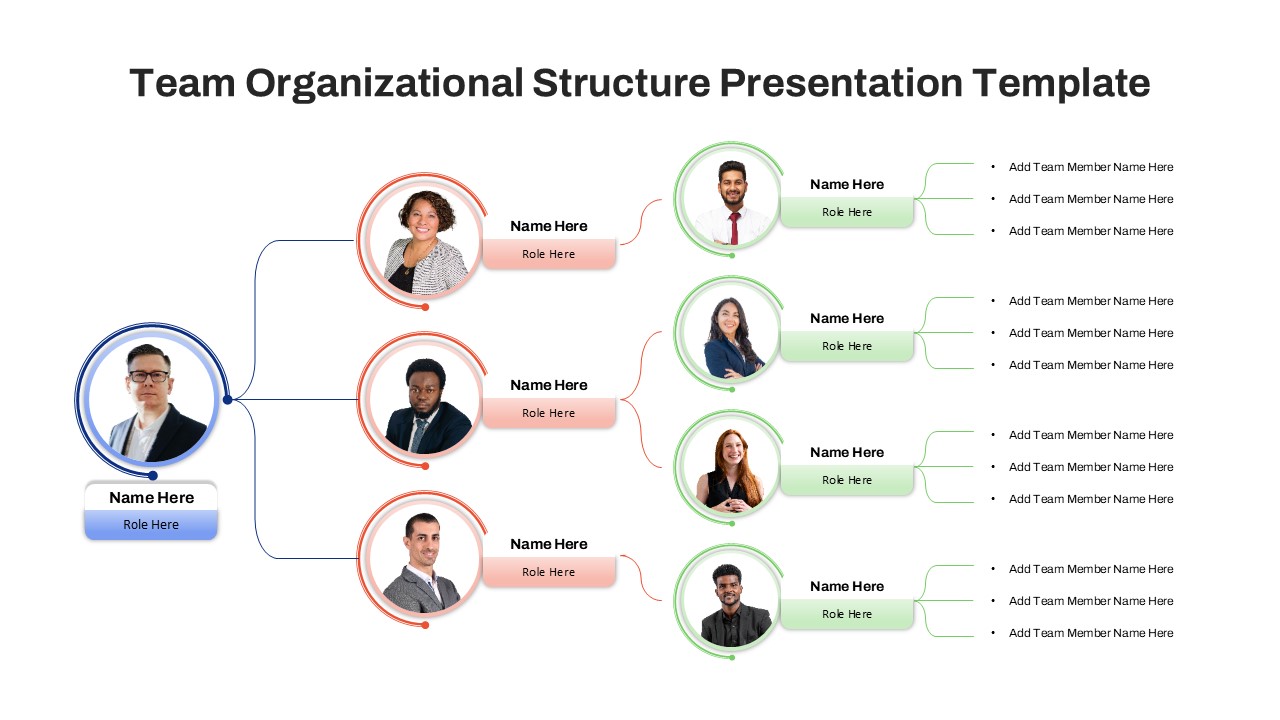
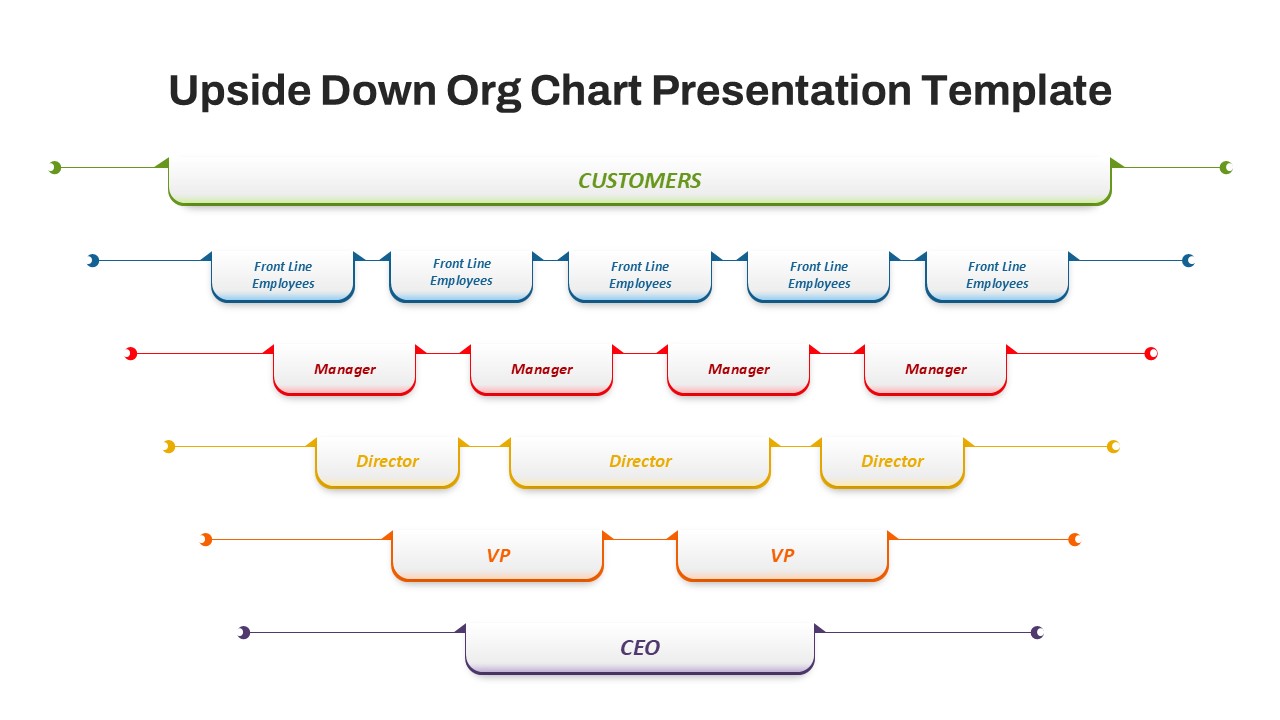
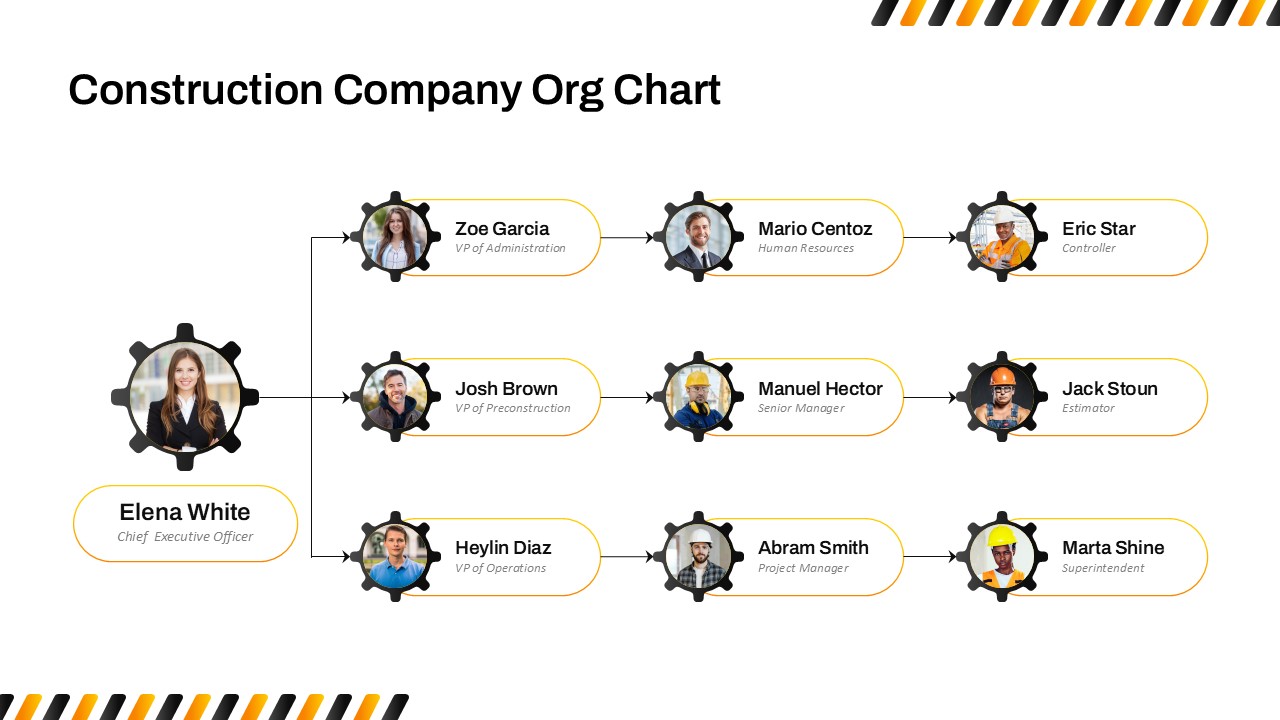
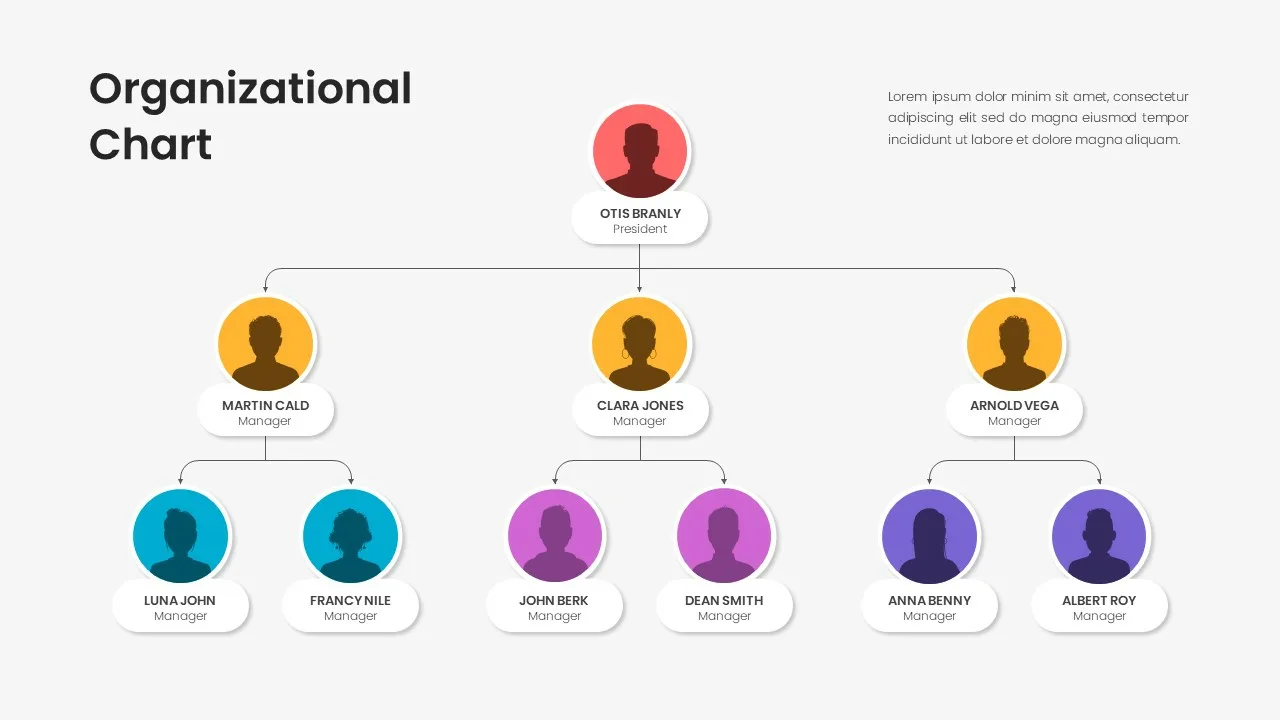
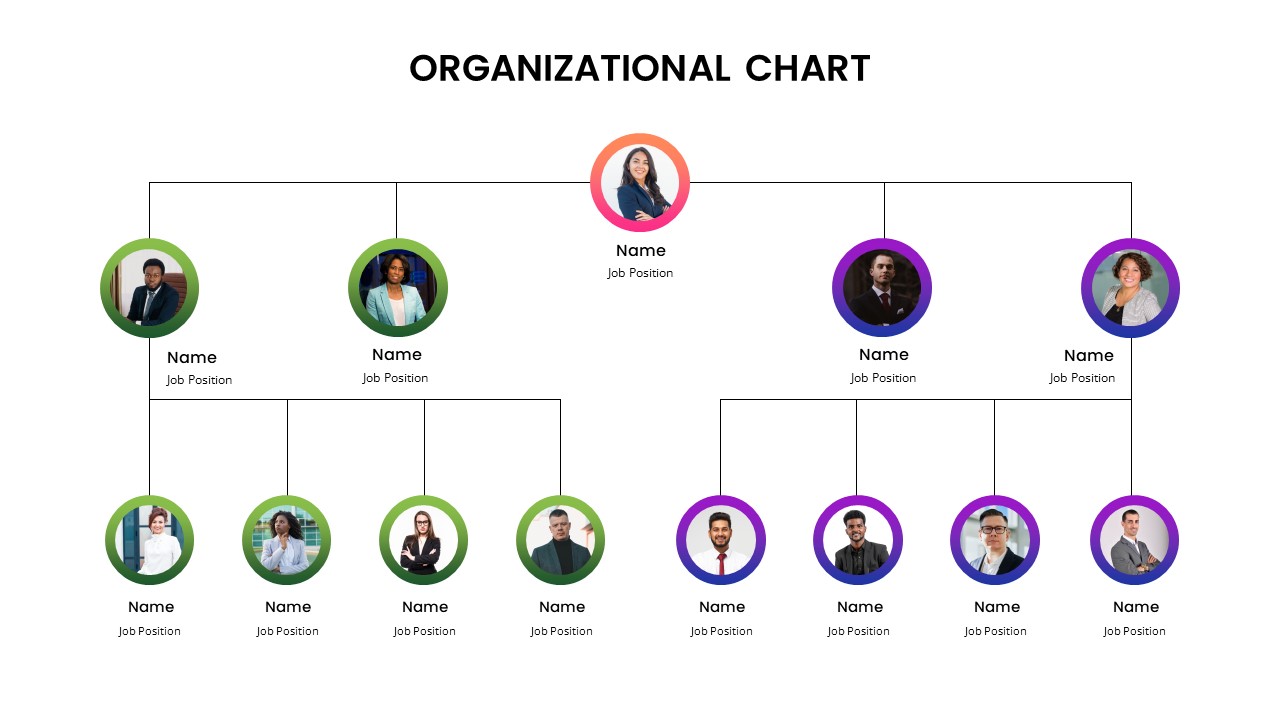
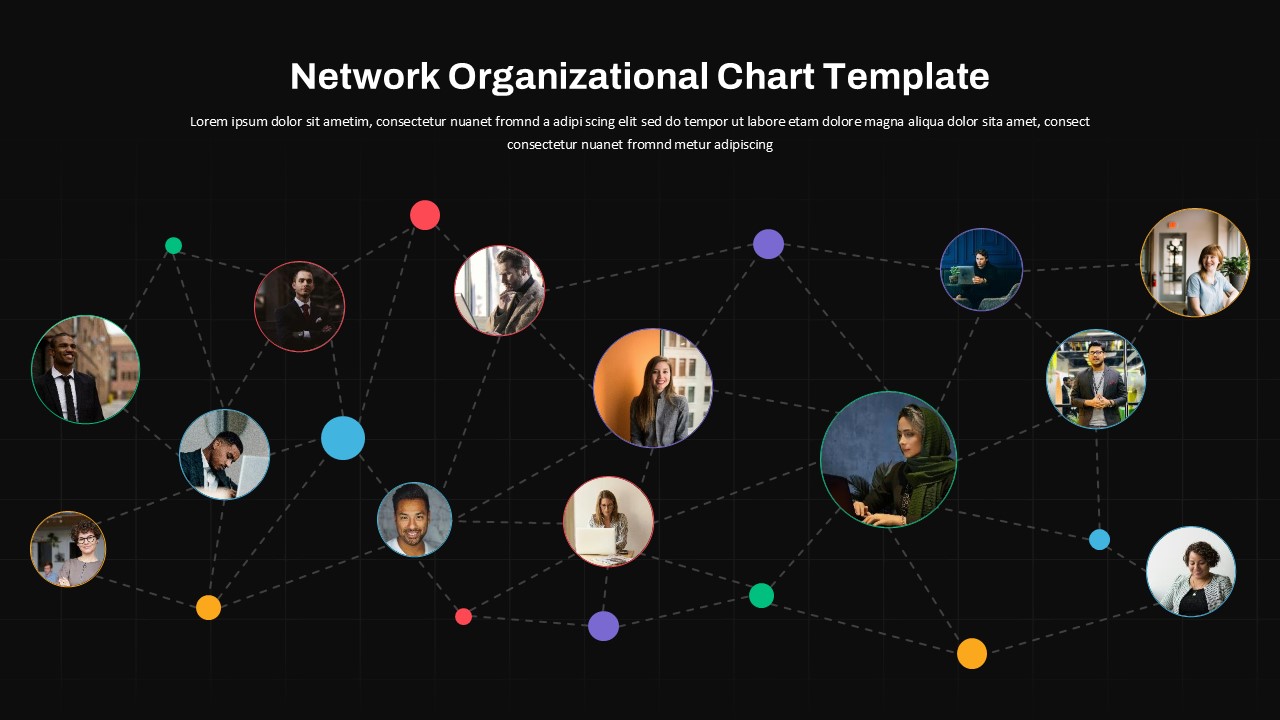
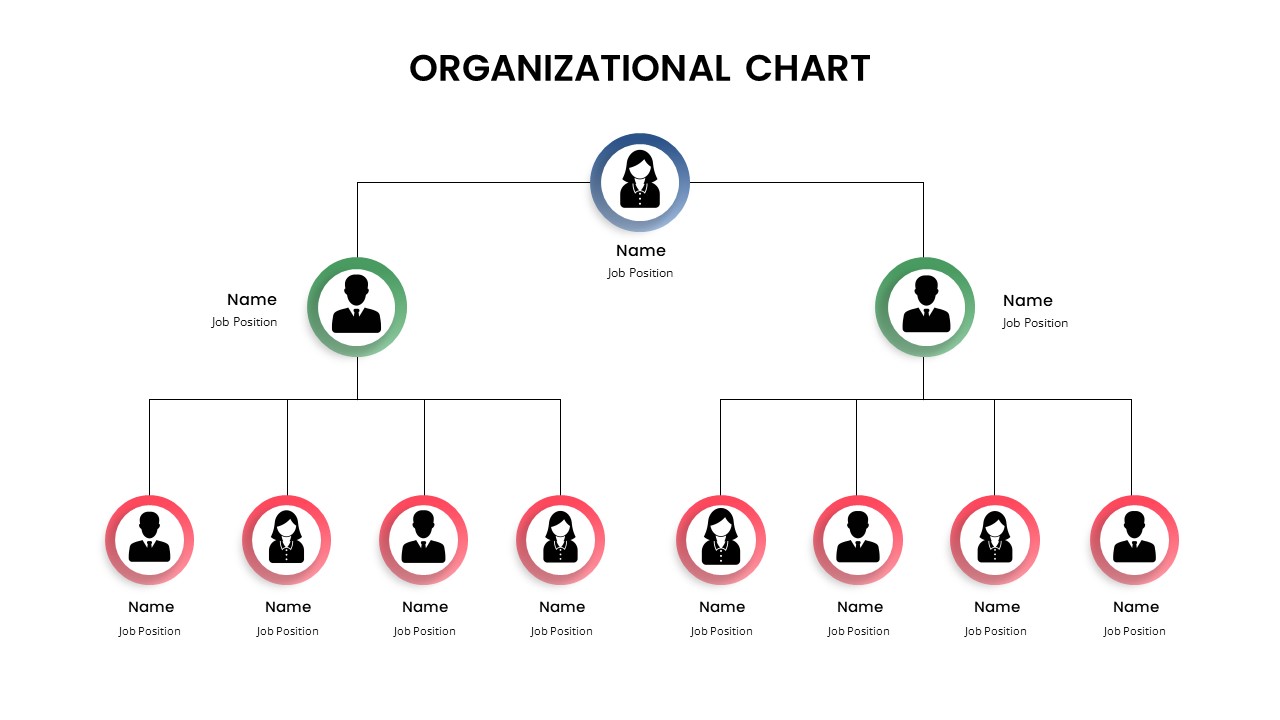
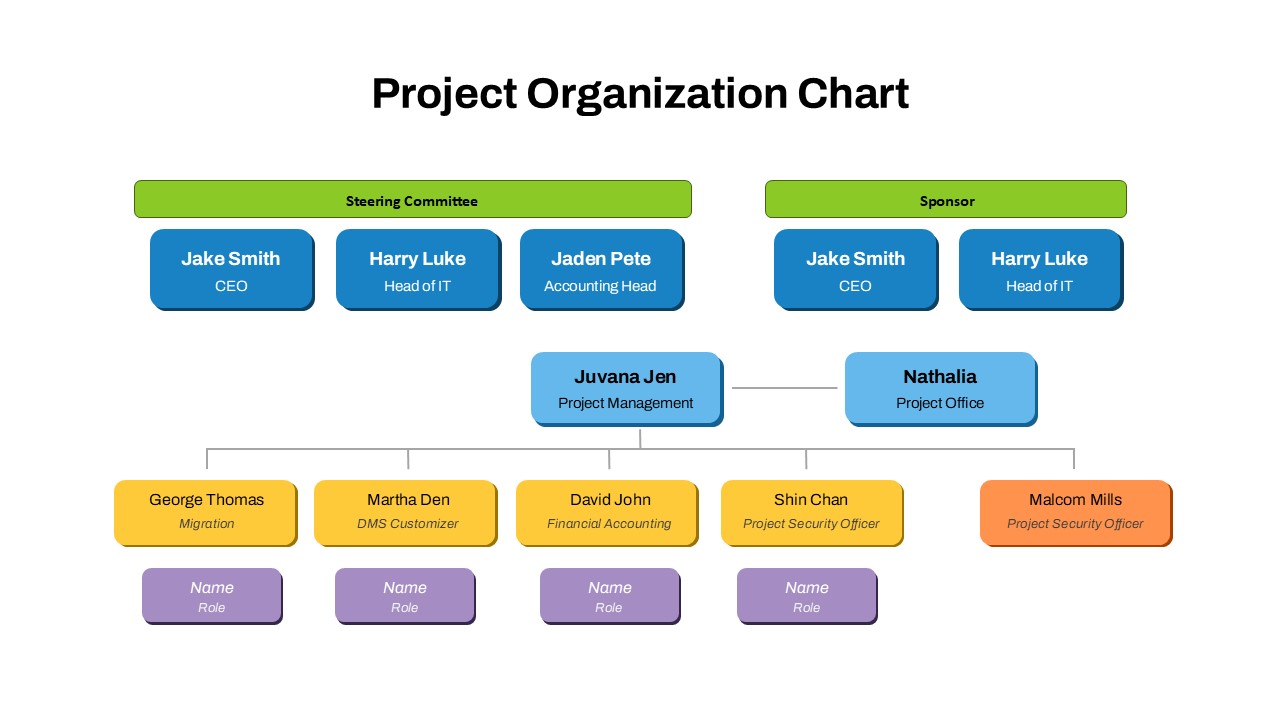
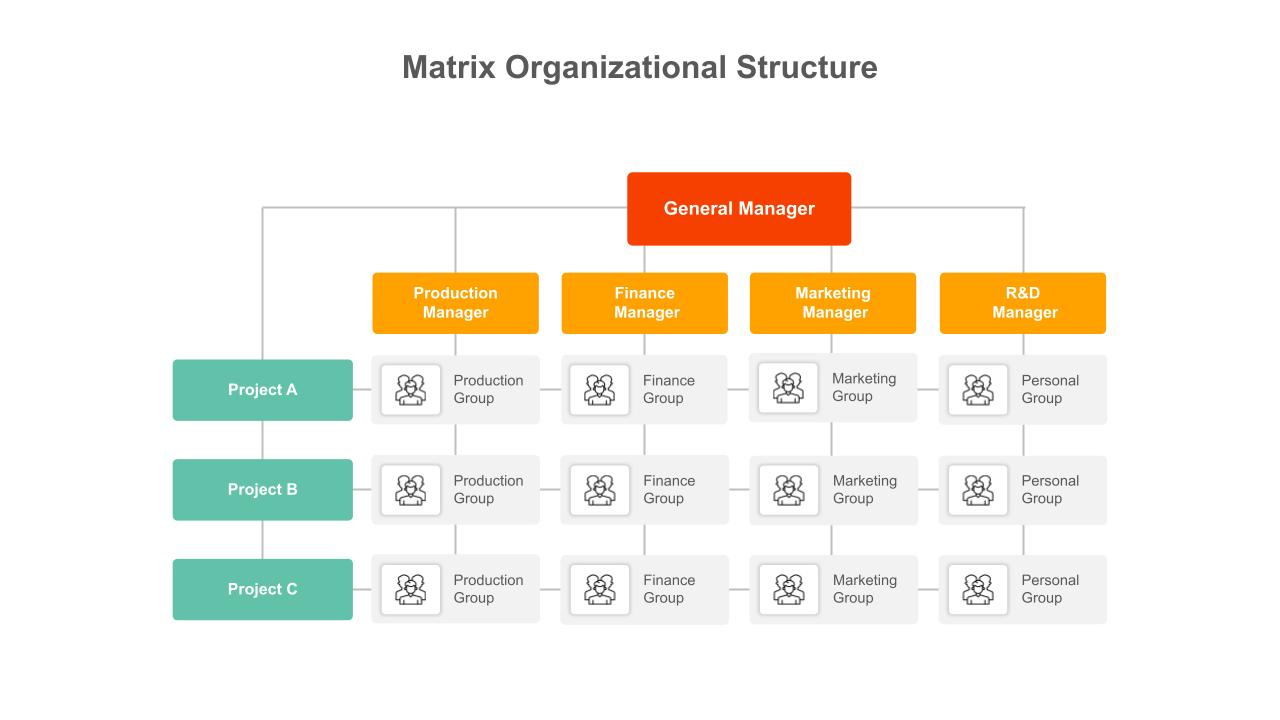
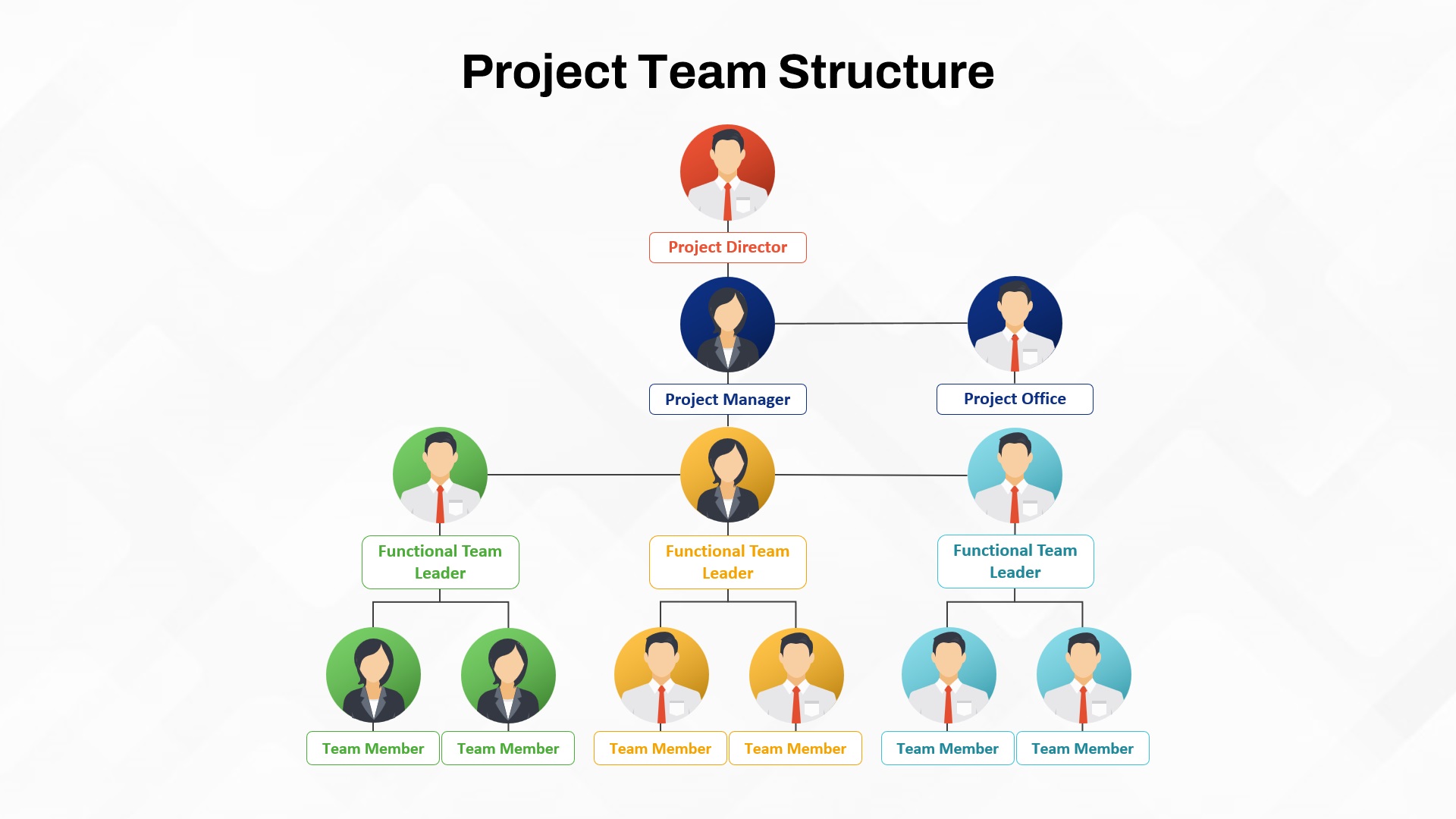
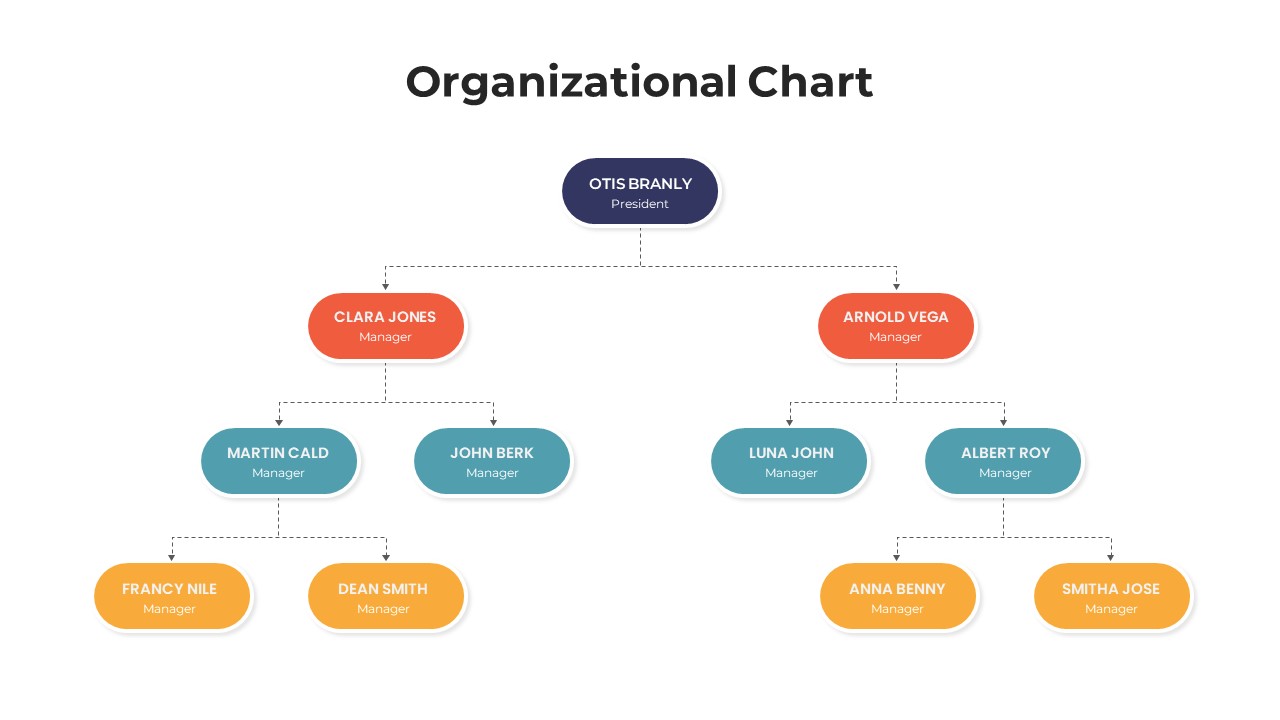
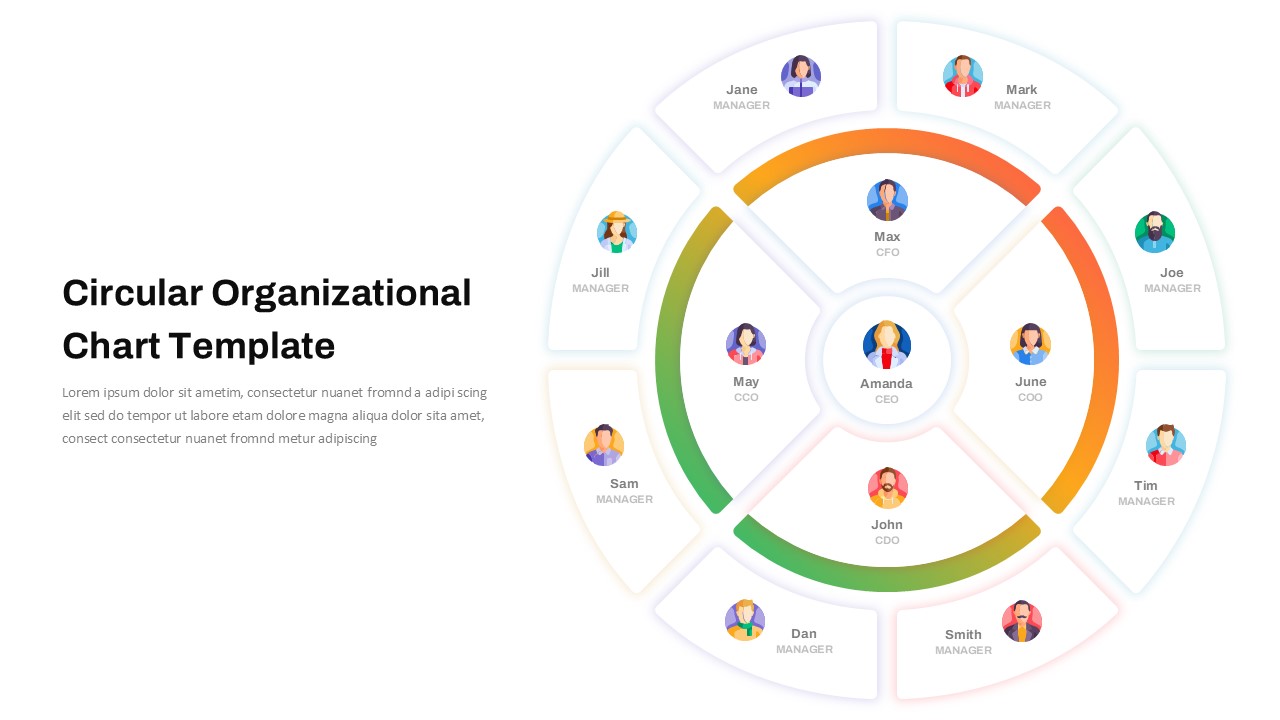
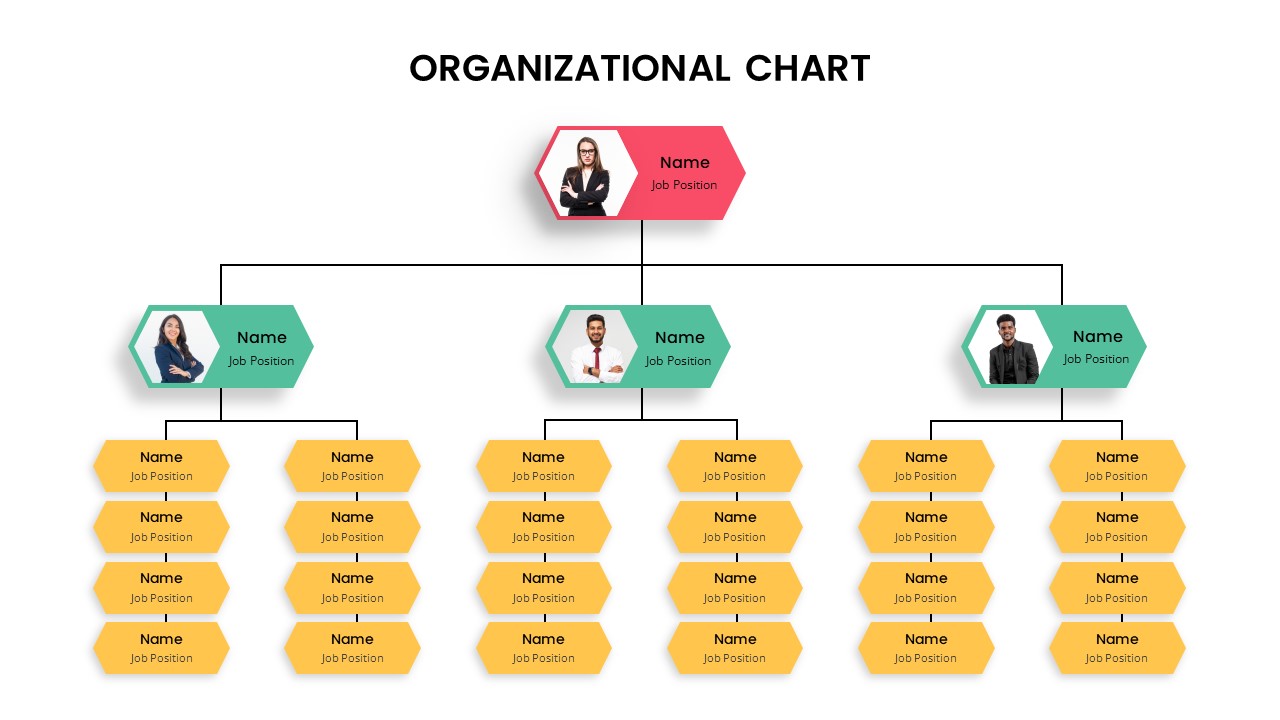
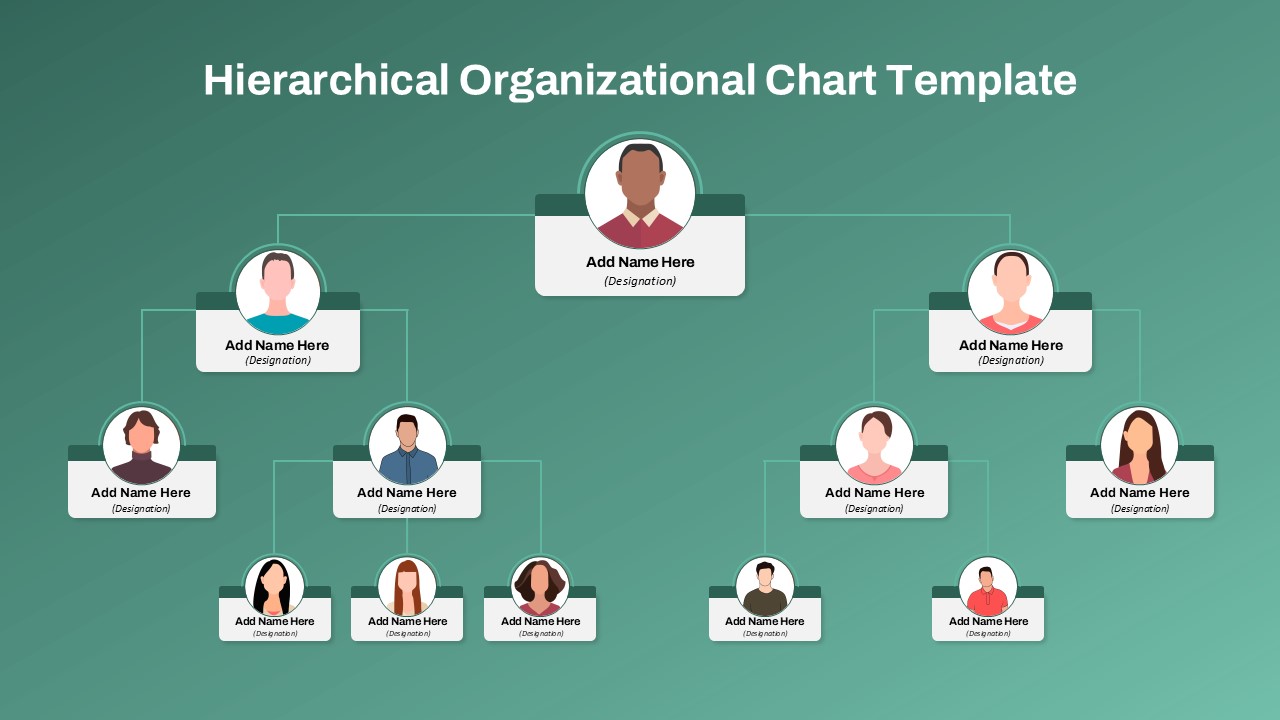
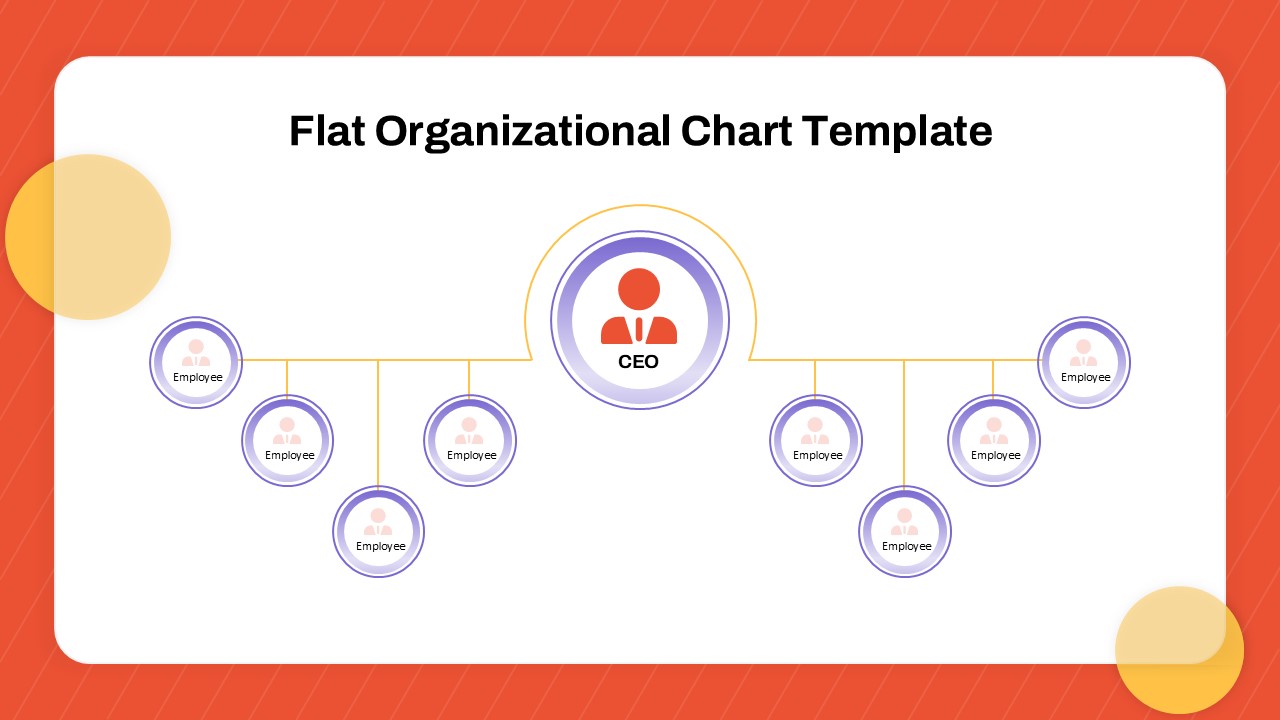
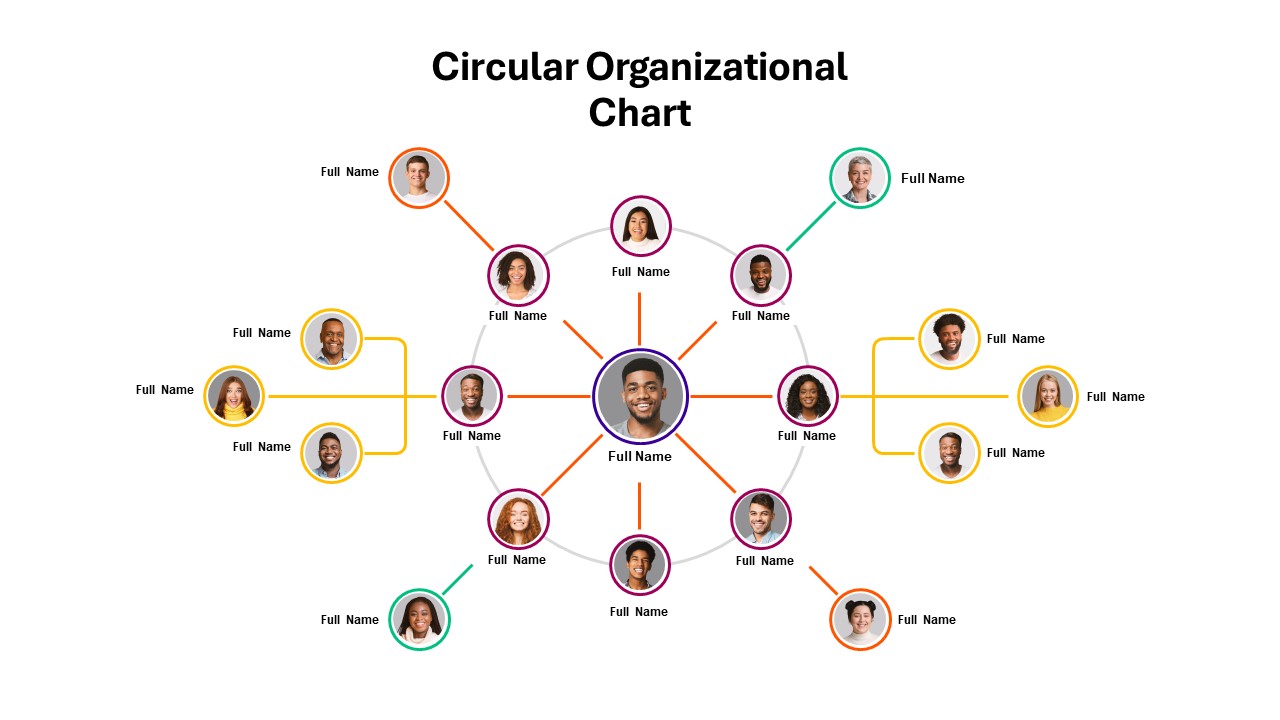
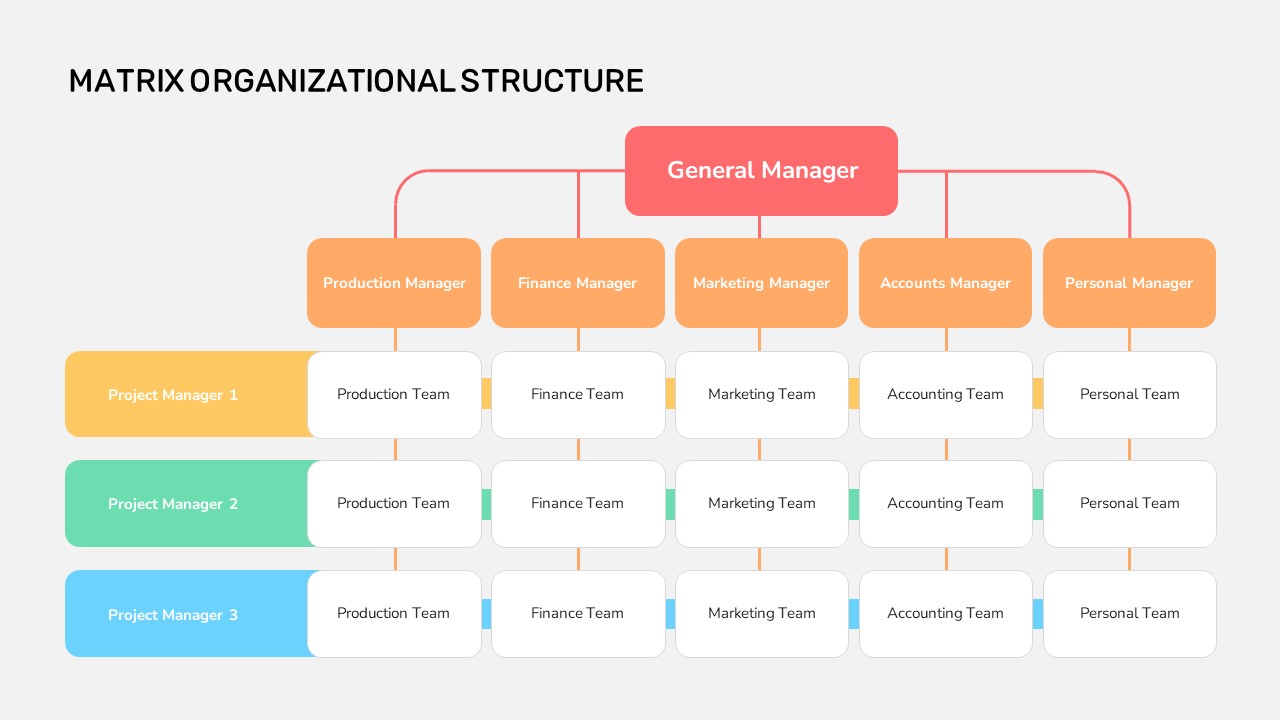
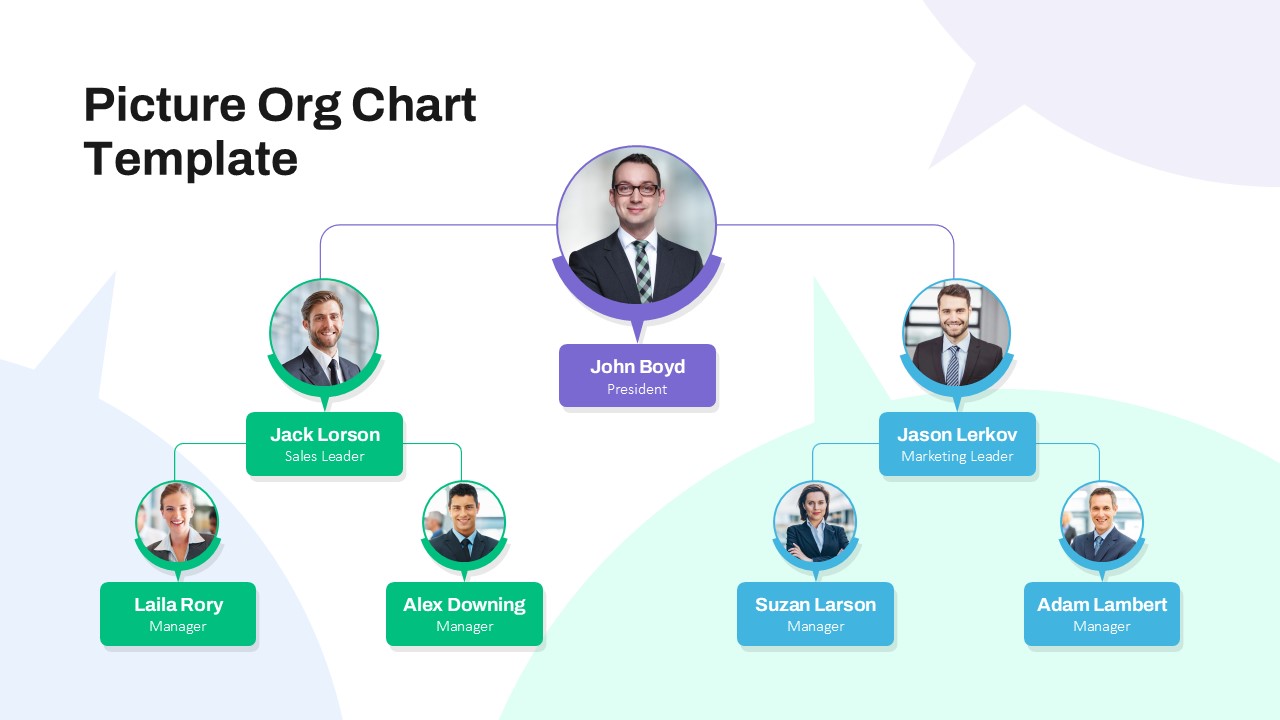
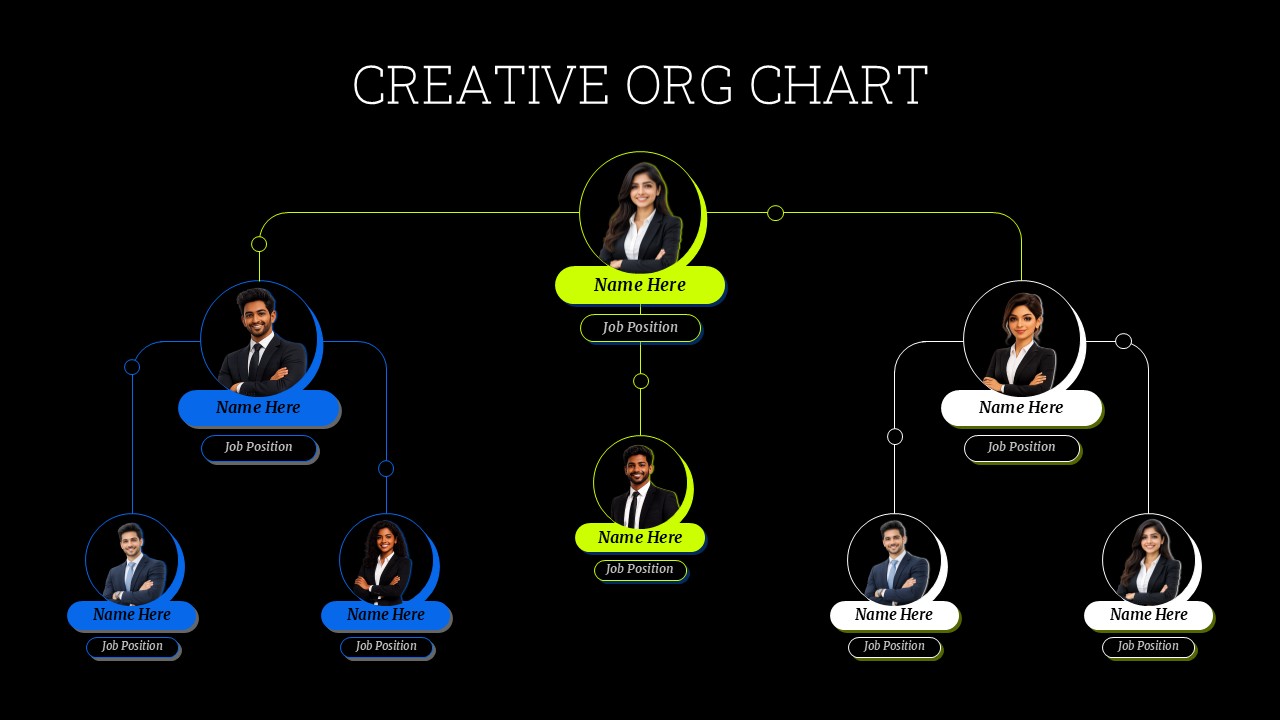
The Creative Org Chart Template helps you present your company structure in a clear, modern, and professional way. Its black background, bright accent colors, and employee portraits create a striking visual design. The chart places a senior leader at the top and connects different team members through clear reporting lines. This structure helps viewers understand who leads each department and how employees fit into the organization. The color-coded sections also make it easier to distinguish teams and management levels. You can add employee names, job titles, profile photos, and department details to personalize the chart. The editable layout works well for startups, established companies, creative agencies, and growing teams. It is useful when introducing new employees, explaining leadership responsibilities, or presenting a company overview to clients and stakeholders. Human resource teams can use it to support onboarding and workforce planning.
Managers can also use it to clarify reporting relationships and improve communication across departments. In addition, business consultants can adapt the design to explain proposed team structures during organizational changes. The visual hierarchy keeps the information easy to follow without making the slide feel crowded. You can change the colors, replace the portraits, adjust the reporting lines, and update the text to match your brand. Both PowerPoint and Google Slides make it convenient to customize the template for meetings, workshops, and corporate presentations. Use it to communicate roles, strengthen team understanding, and present your organization with confidence.
Key Details of the Template:
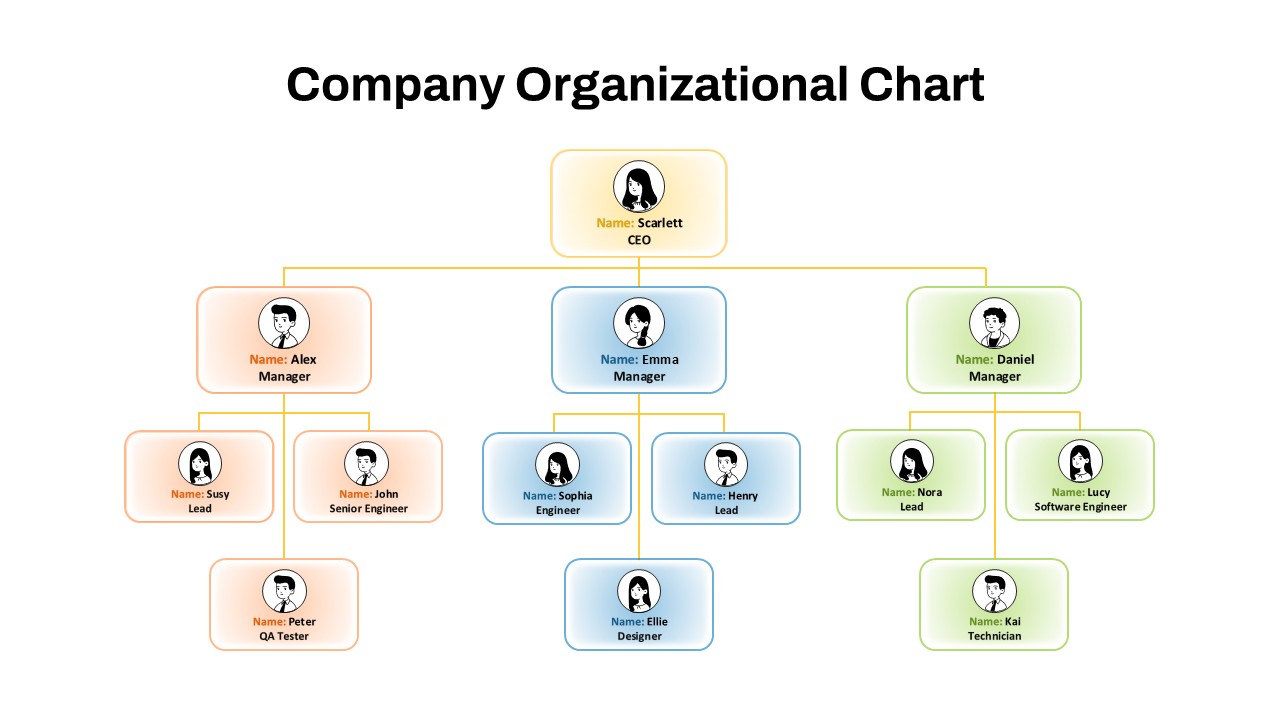
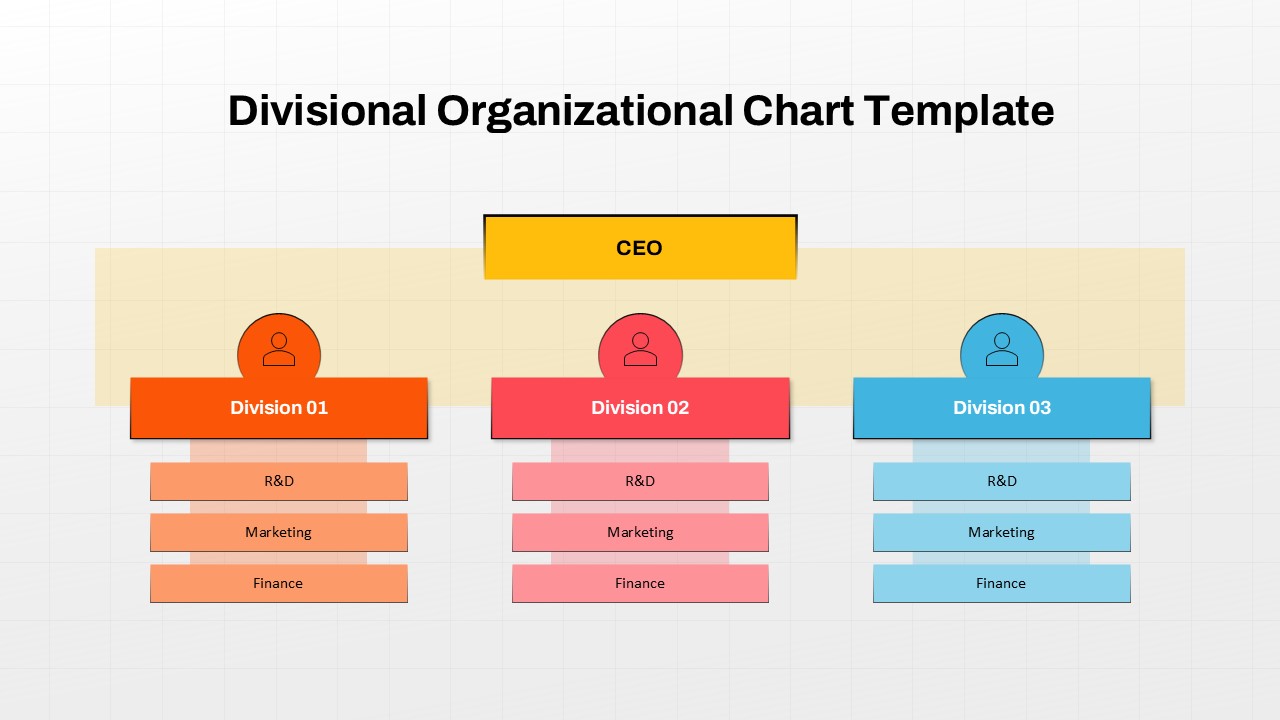
- Leadership Hierarchy: Display senior leaders and their direct reports.
- Employee Profiles: Add names, job titles, and profile photos.
- Color-Coded Teams: Separate departments or groups with distinct accent colors.
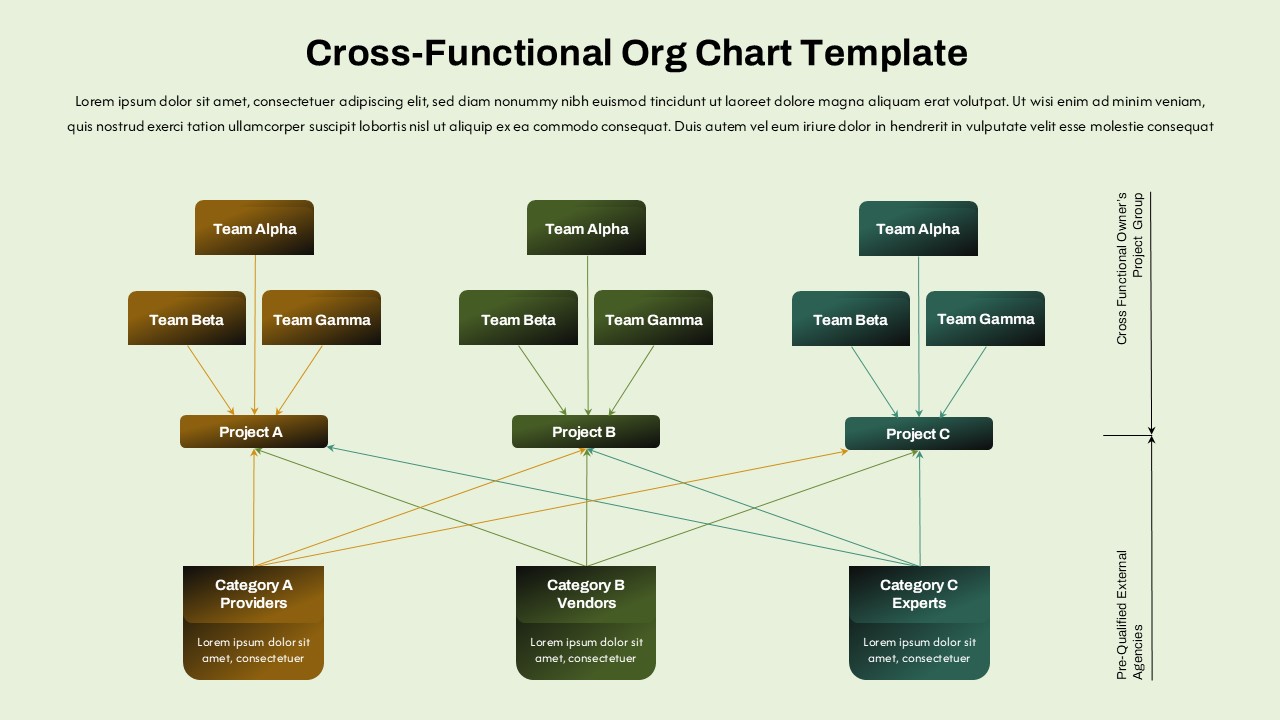
- Reporting Lines: Show relationships between managers and team members.
- Editable Design: Customize text, photos, colors, and layout in PowerPoint or Google Slides.
- Professional Layout: Present company structures clearly during meetings and business reviews.
Use this creative org chart to make team structures easier to understand and share. It is suitable for HR presentations, employee onboarding, leadership introductions, company profiles, and strategic planning sessions.
See more

Aspect Ratio
16:9Item ID
SKT04739


FAQs
You May Also Like These Presentation Templates


- Free
- Free
- Free
- Free
- Free
- Free
- Free
- Free
- Free