Hiring Process Timeline Template
Employee Hiring Process Timeline Template for PowerPoint & Google Slides
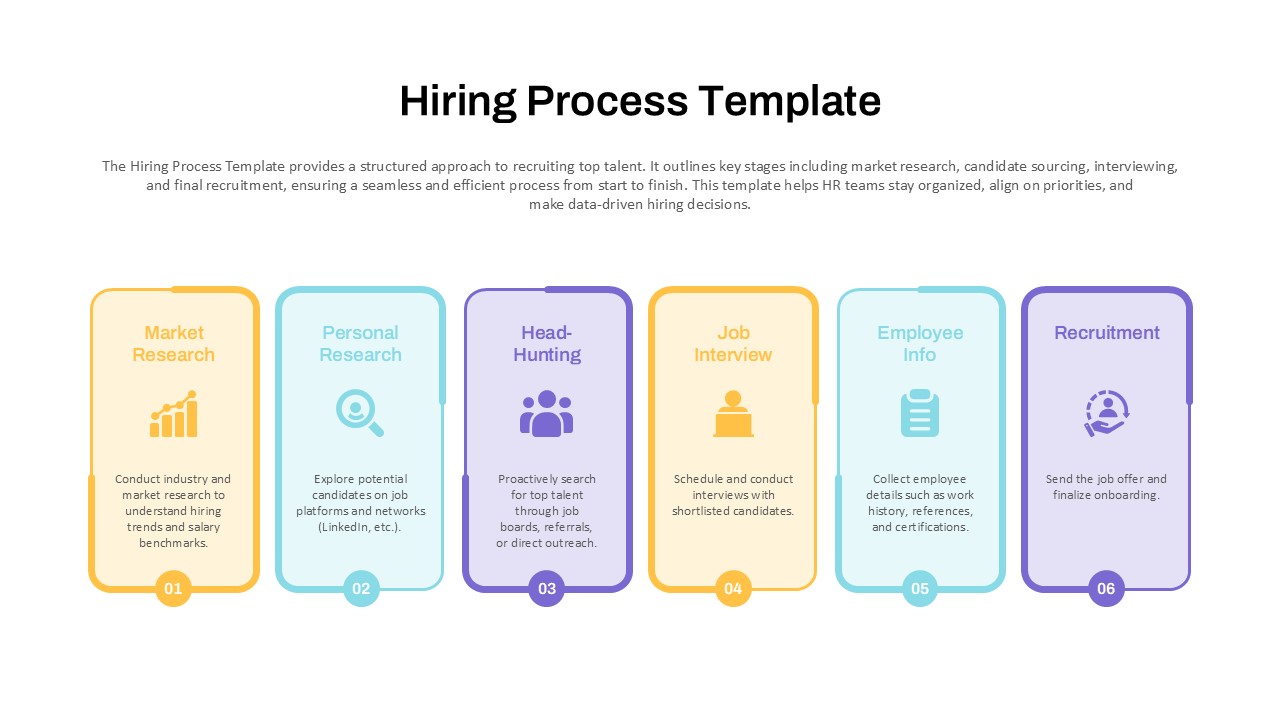
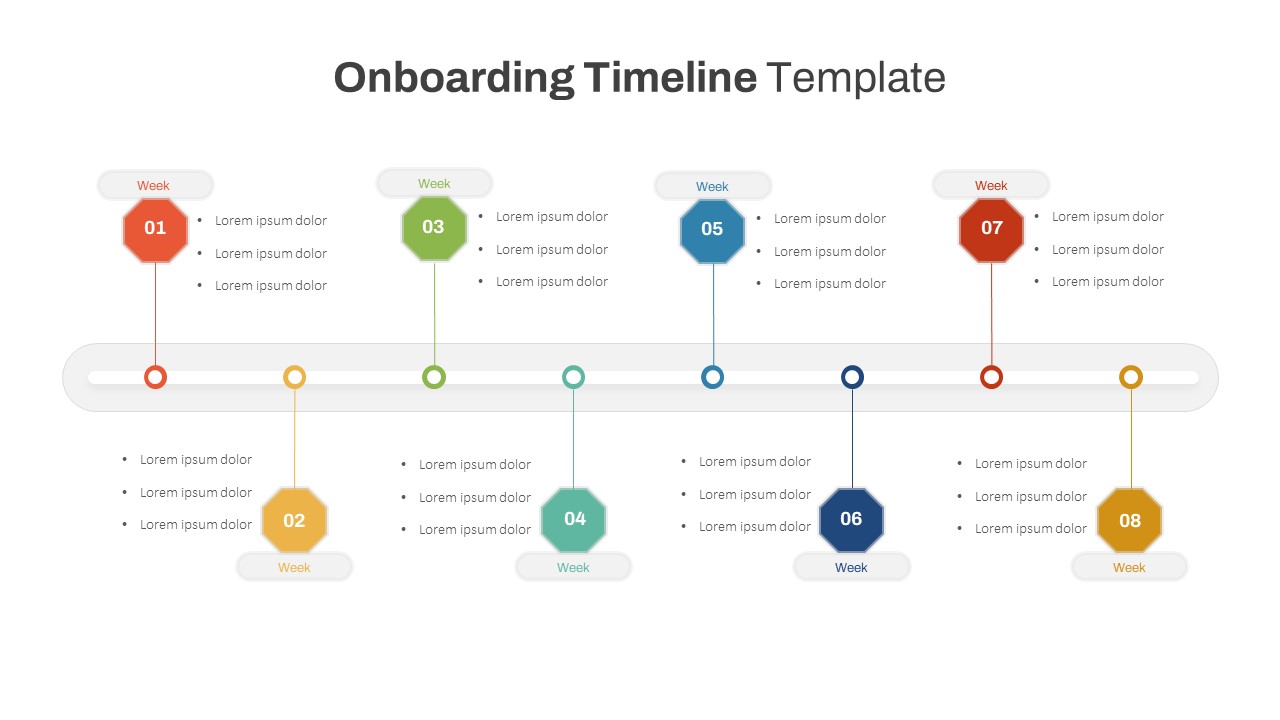
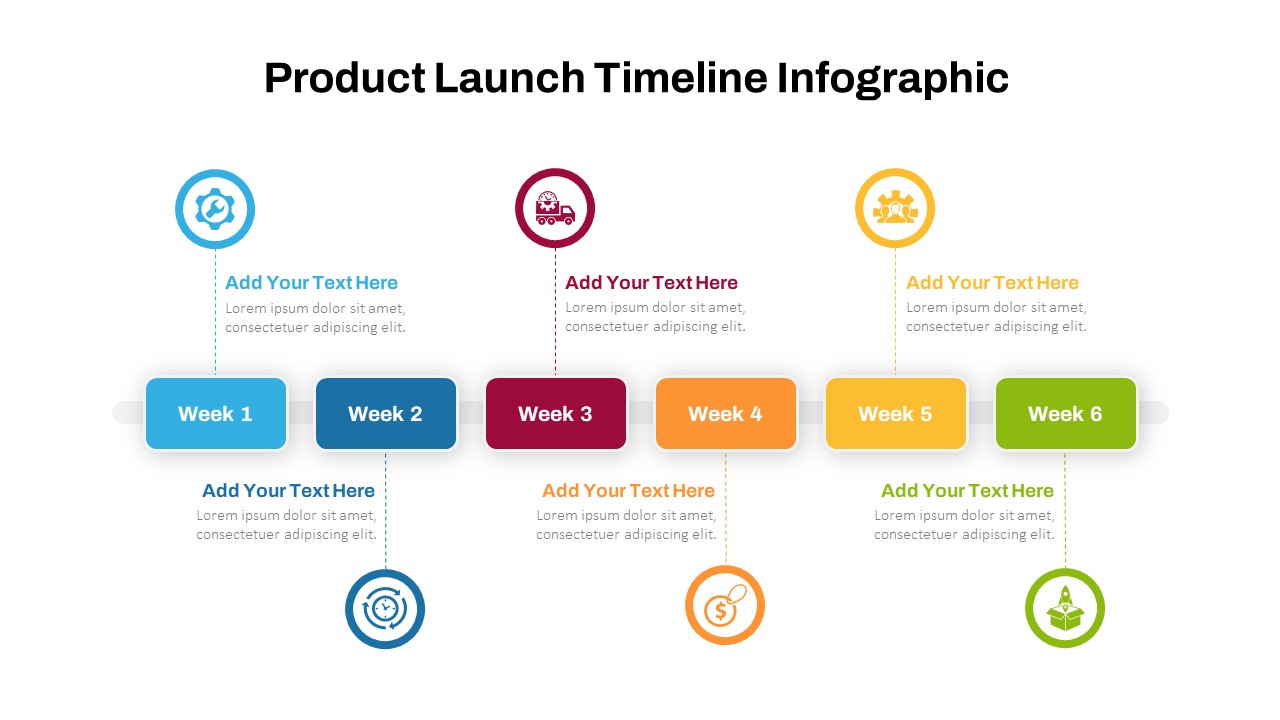
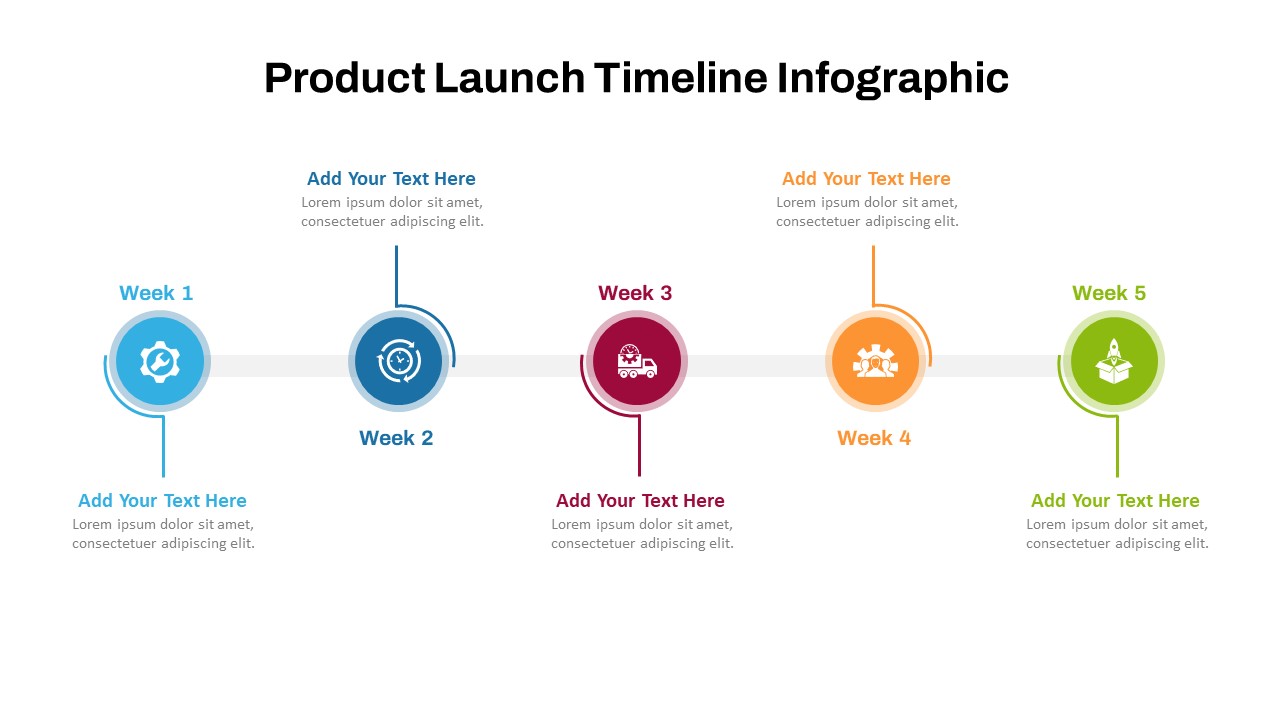
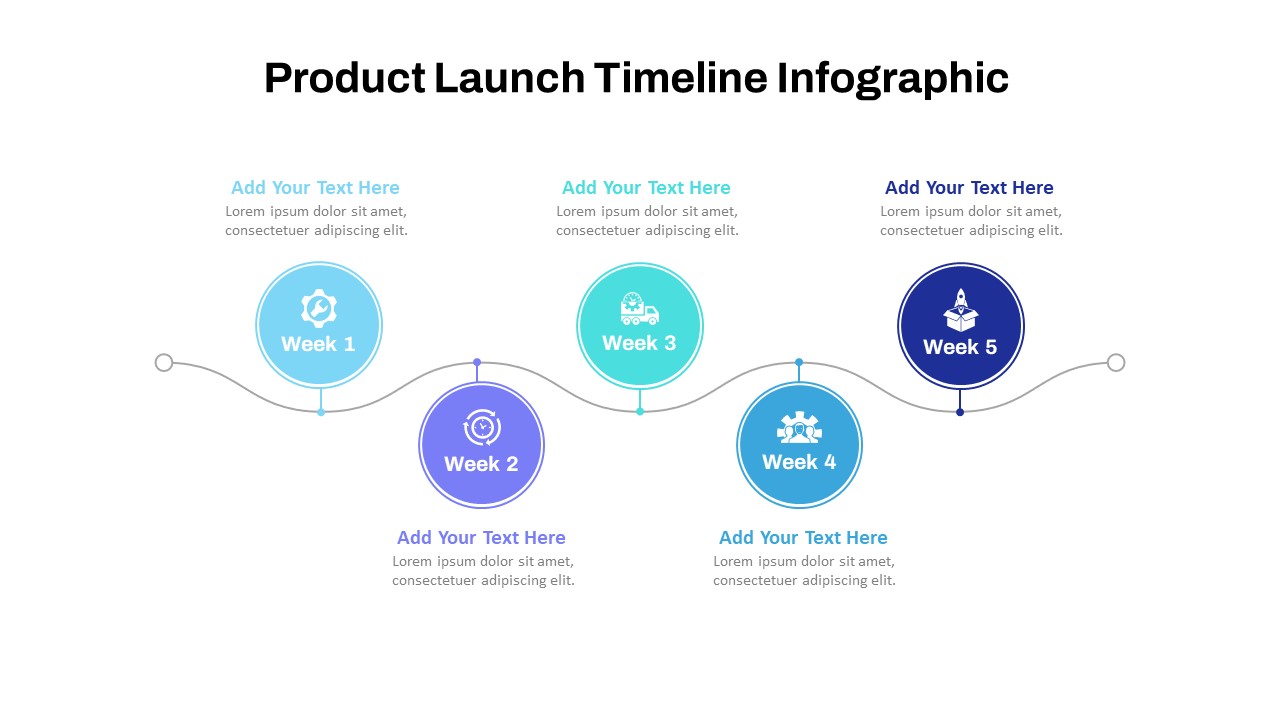
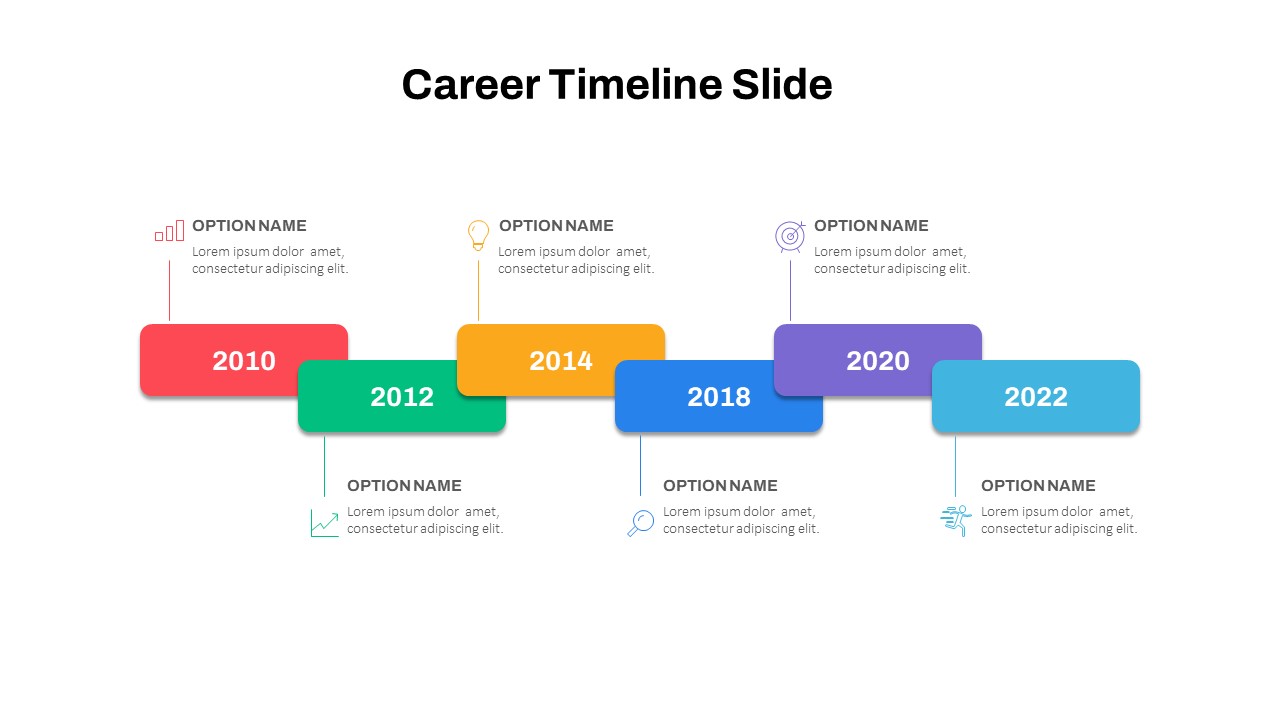
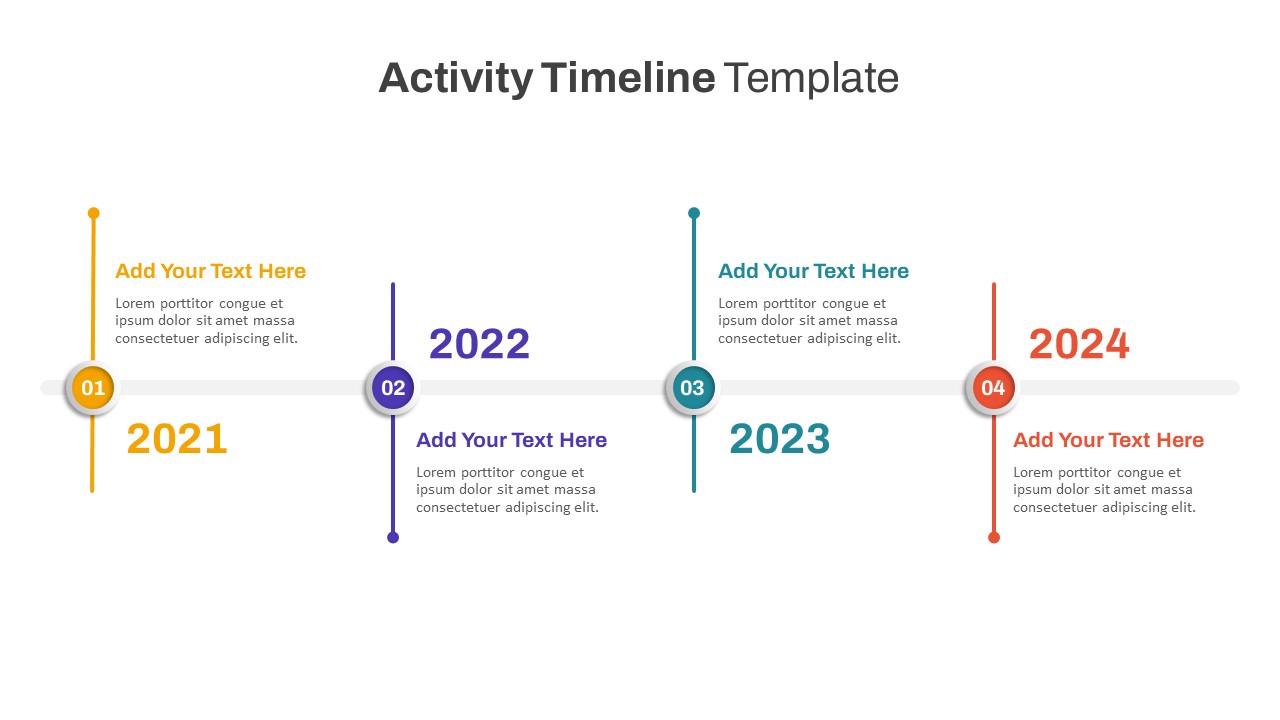
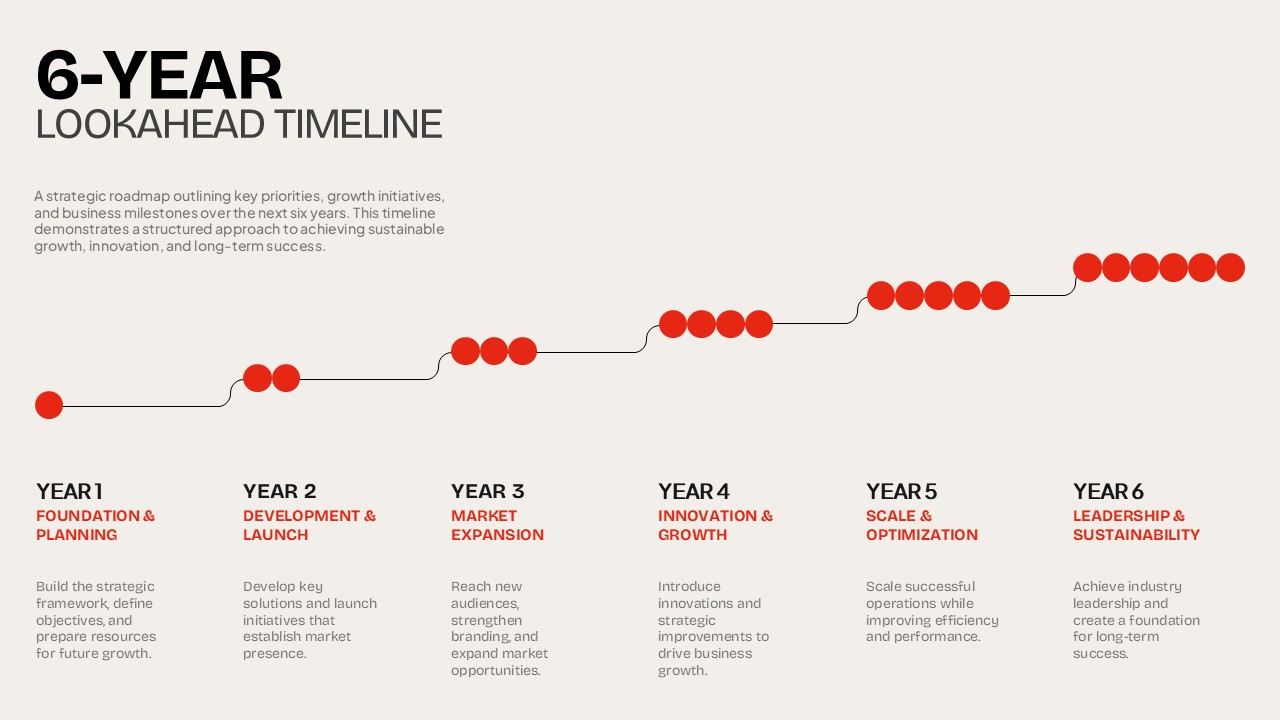
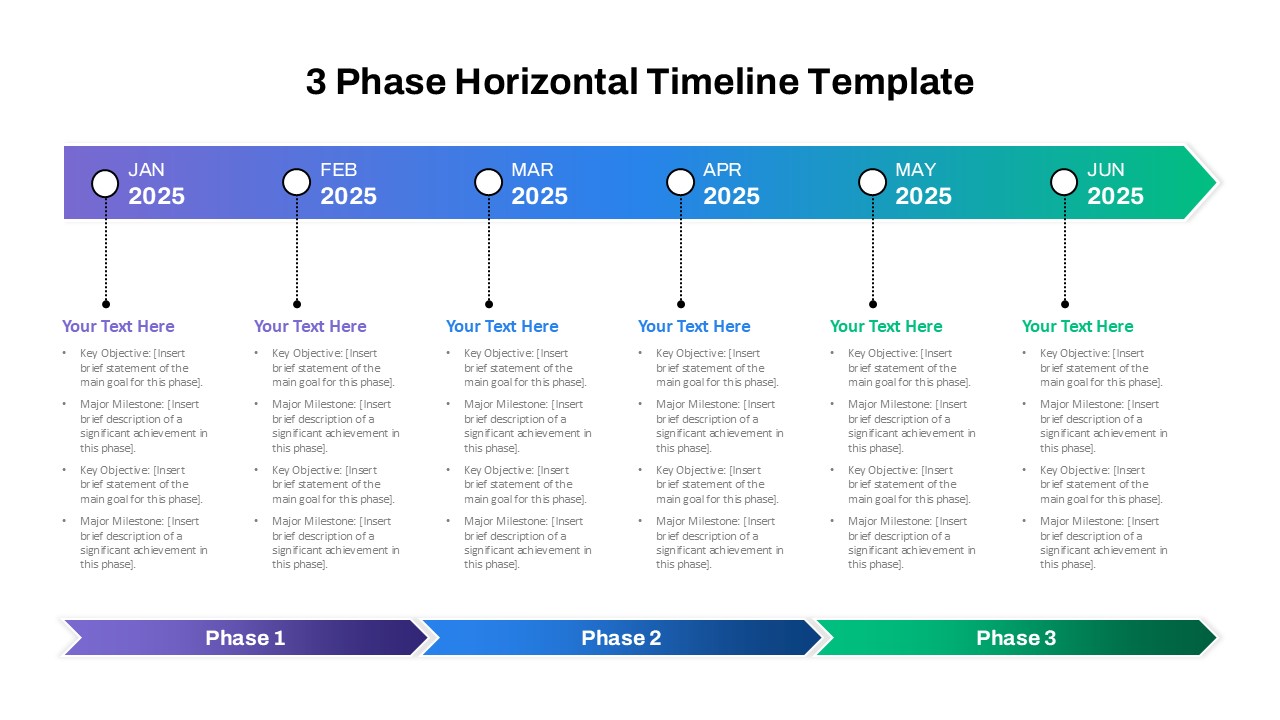
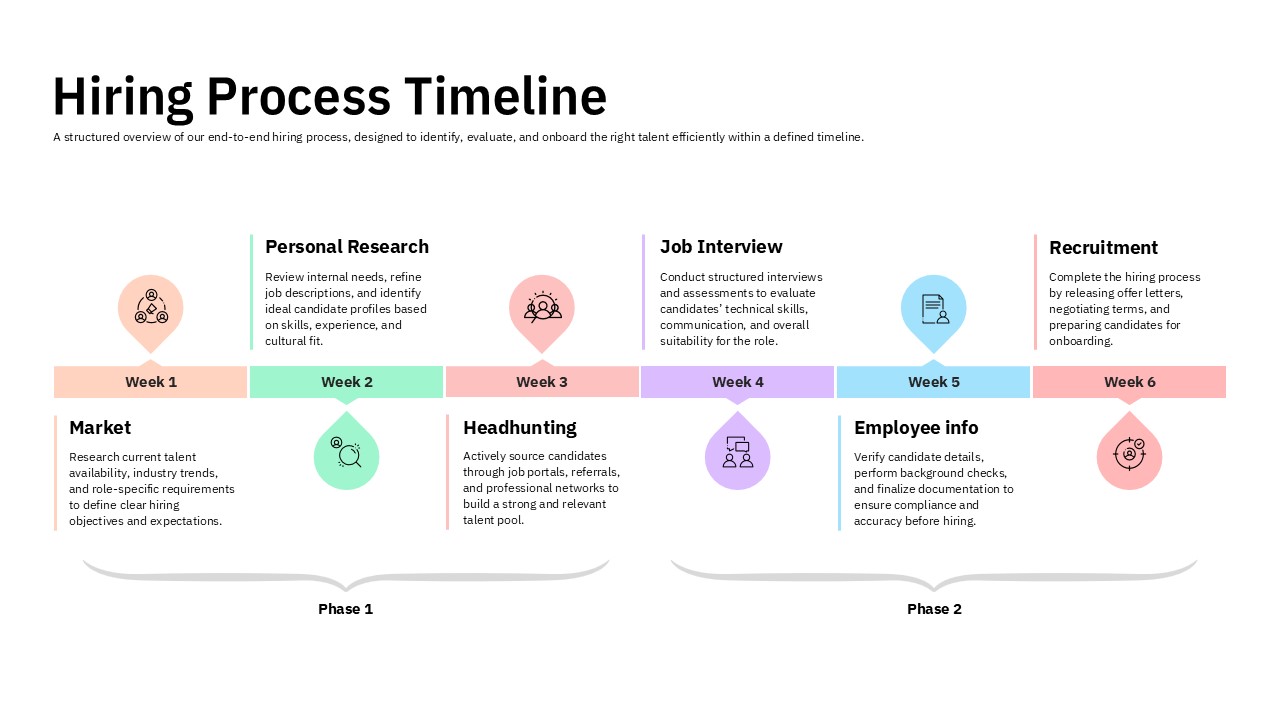
The Employee Hiring Process Timeline is designed to help you present a clear, structured view of recruitment activities from initial market research to final onboarding. Its six-week timeline organizes key hiring stages such as market research, personal research, headhunting, job interviews, employee information checks, and recruitment.
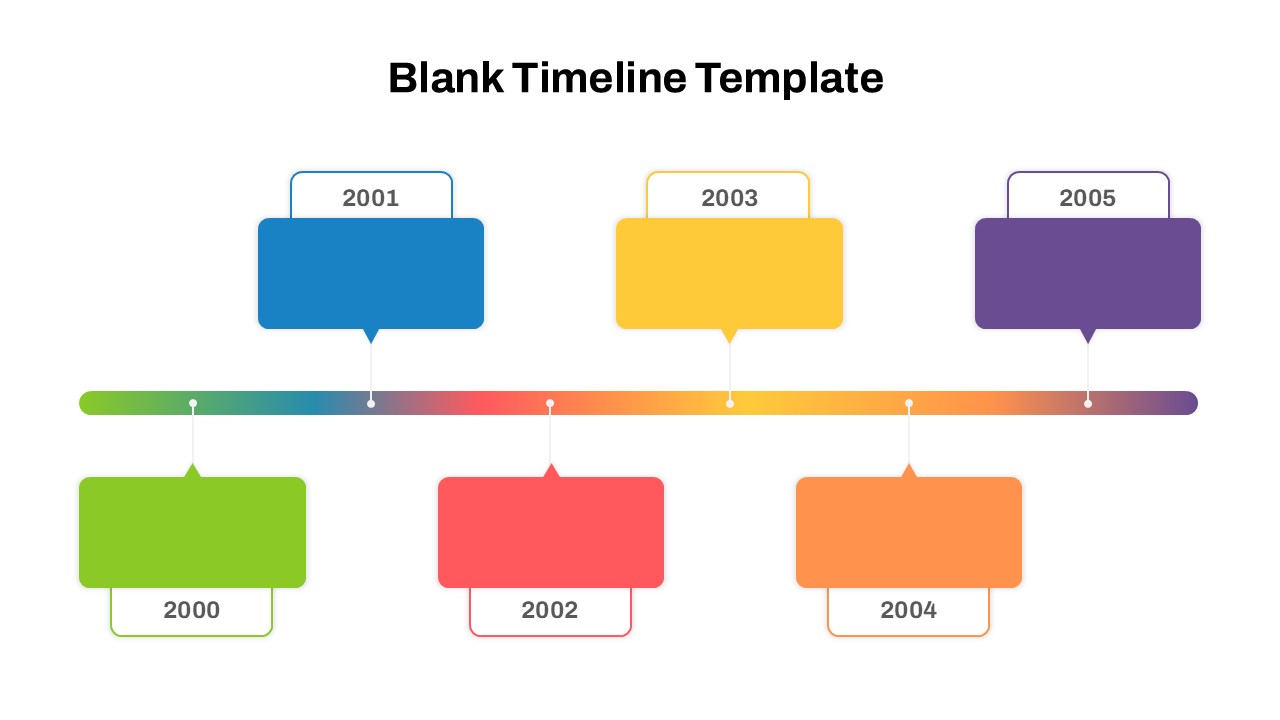
The visual layout uses connected milestones, numbered weeks, and two defined phases to make the hiring process timeline easy to follow. Each stage provides key details to clearly communicate the hiring activities, responsibilities, and overall recruitment progress.
- Six-week hiring process timeline with clearly defined milestones.
- Two-phase structure for organizing recruitment activities.
- Dedicated sections for market research, candidate sourcing, interviews, verification, and recruitment.
- Clean layout with colorful milestone markers and timeline segments.
- Editable content suitable for recruitment and HR presentations.
- Compatible with PowerPoint and Google Slides.
Why use this template
- Present the hiring process timeline in a simple, professional format.
- Explain recruitment stages clearly to hiring teams and stakeholders.
- Track hiring activities across defined weeks and phases.
- Improve communication around recruitment workflows and onboarding.
- Adapt the layout for different hiring strategies and organizational needs.
Who is it for
This template is suitable for HR teams, recruiters, talent acquisition specialists, hiring managers, staffing agencies, business leaders, and organizations presenting recruitment workflows or workforce planning strategies.
See more

Aspect Ratio
16:9Item ID
SKT04484


FAQs
You May Also Like These Presentation Templates

- Free

- Free
- Free
- Free
- Free
- Free
- Free
- Free
- Free