Restaurant Organizational Chart Presentation Template
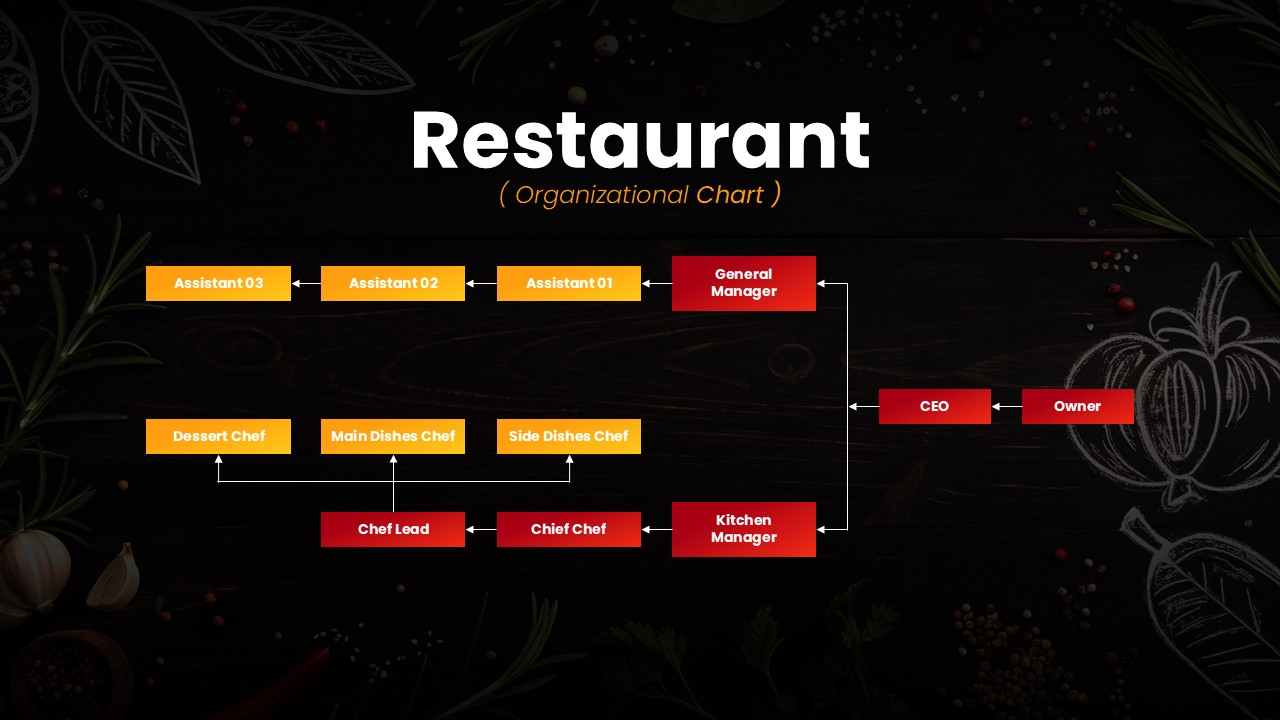
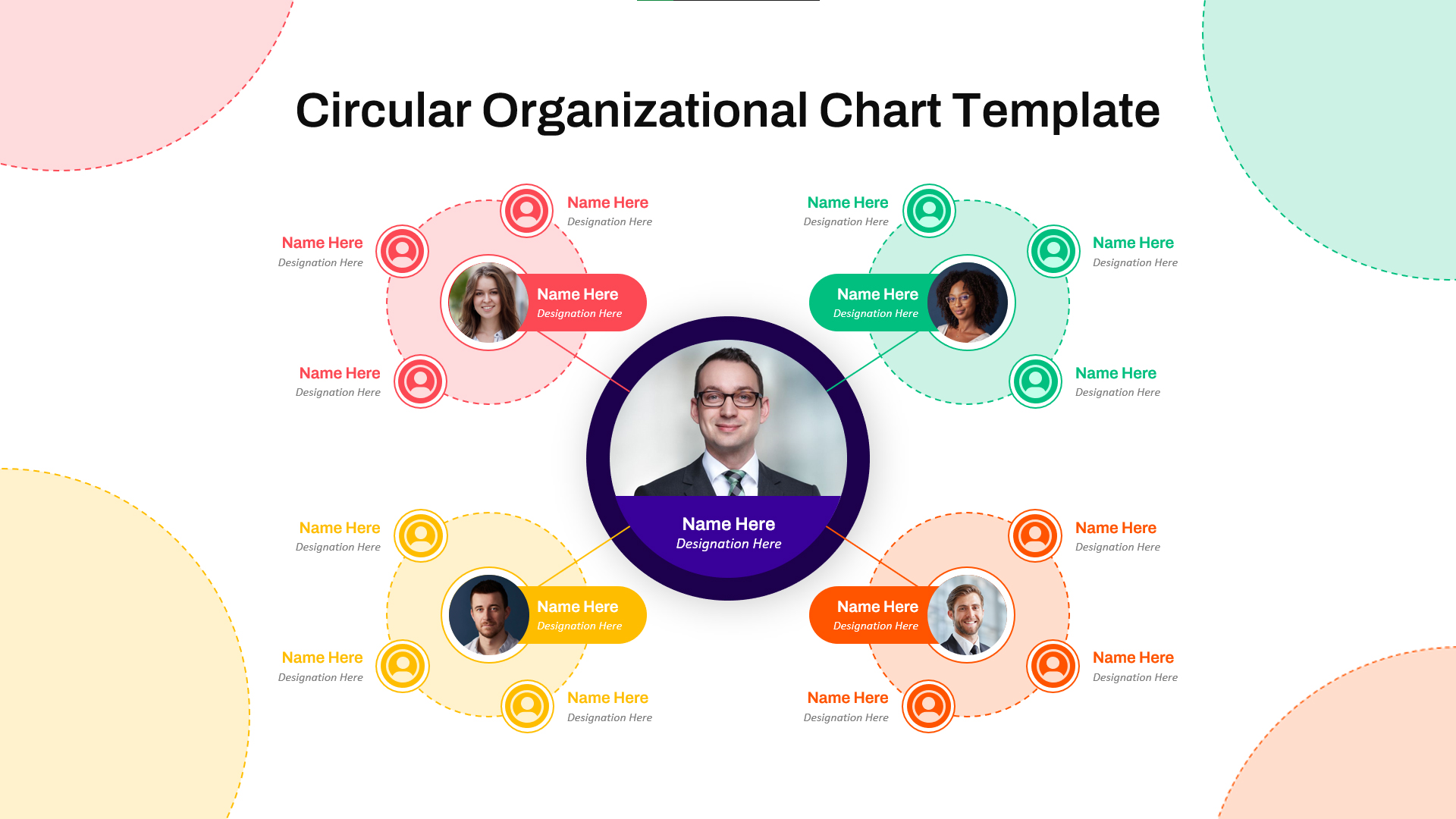
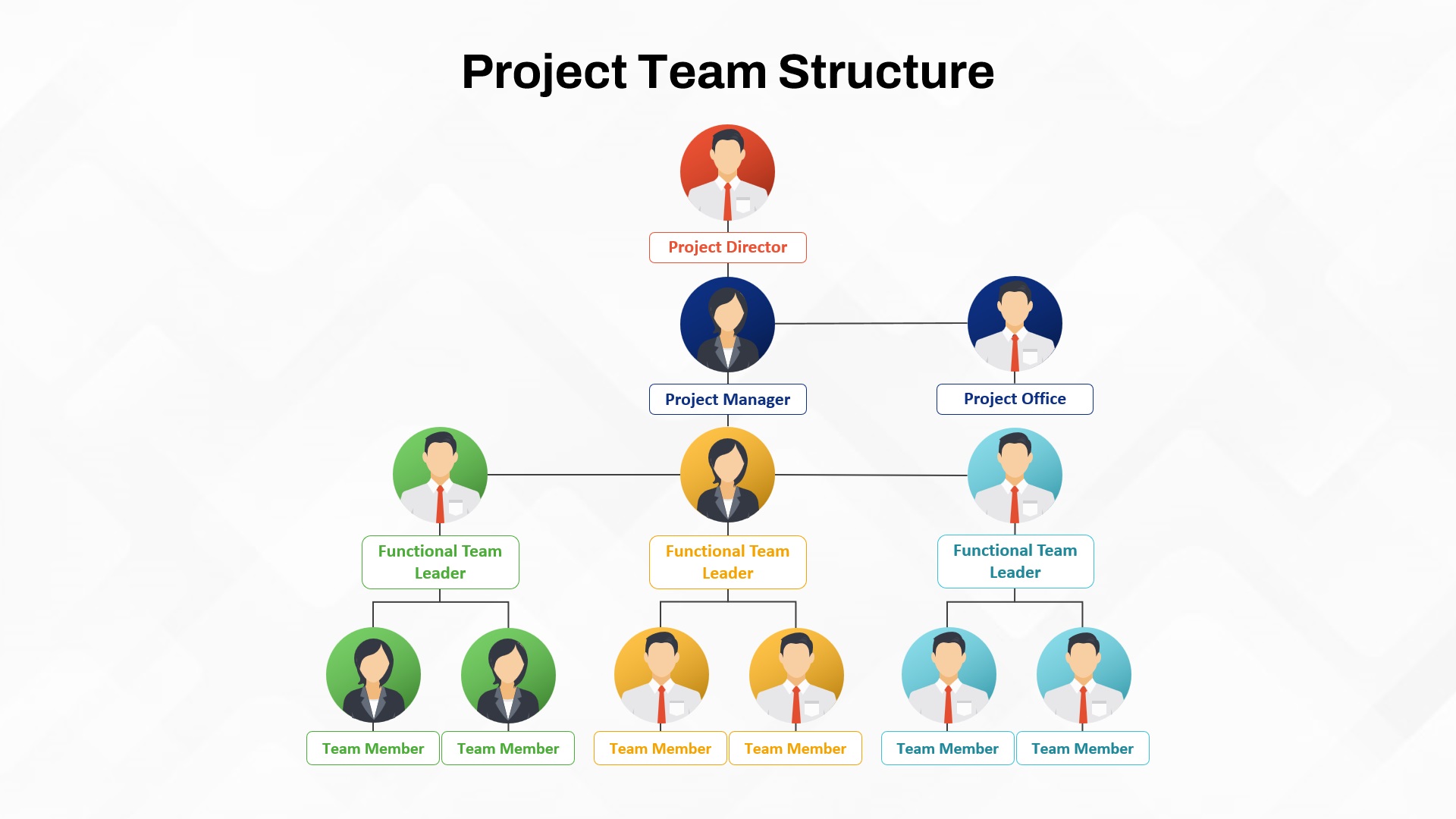
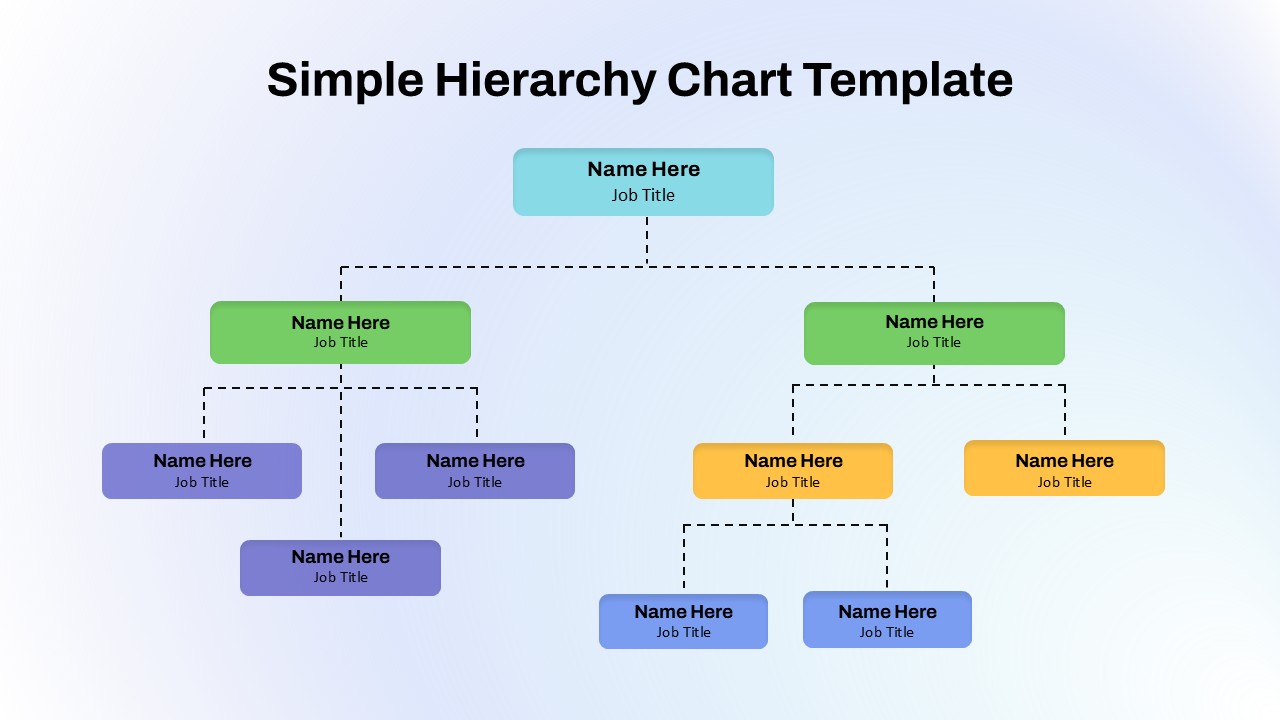
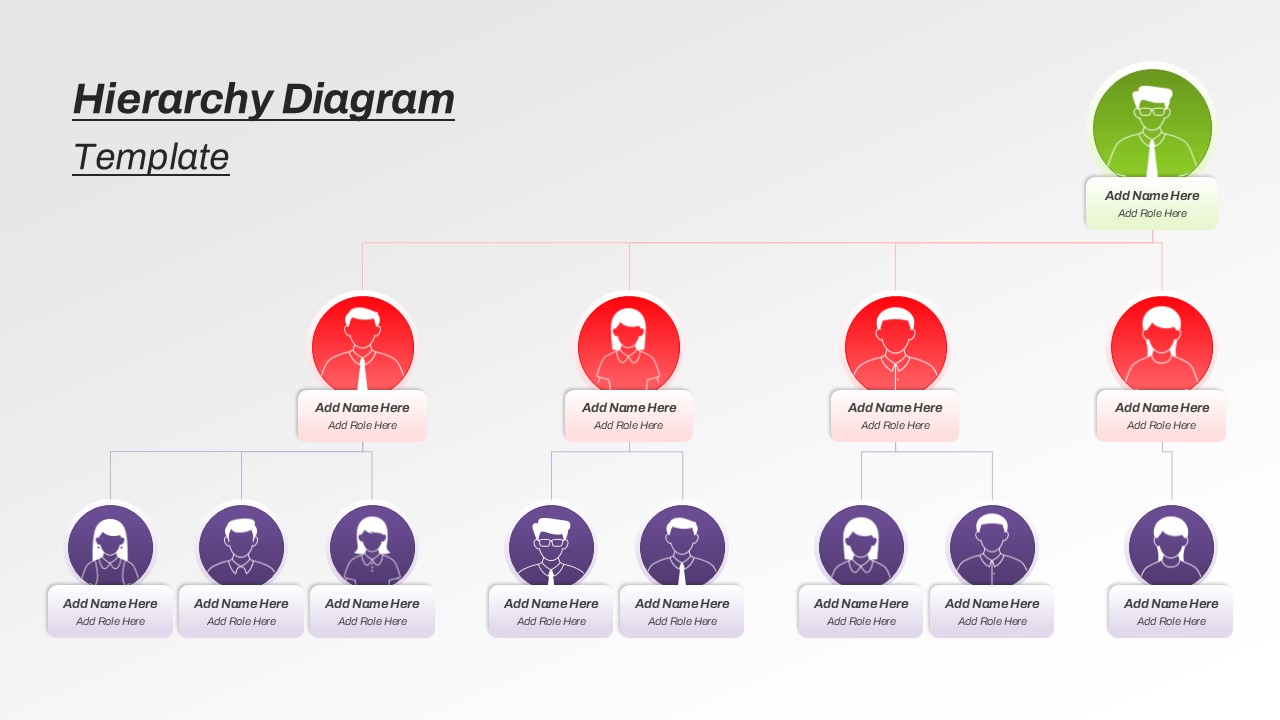
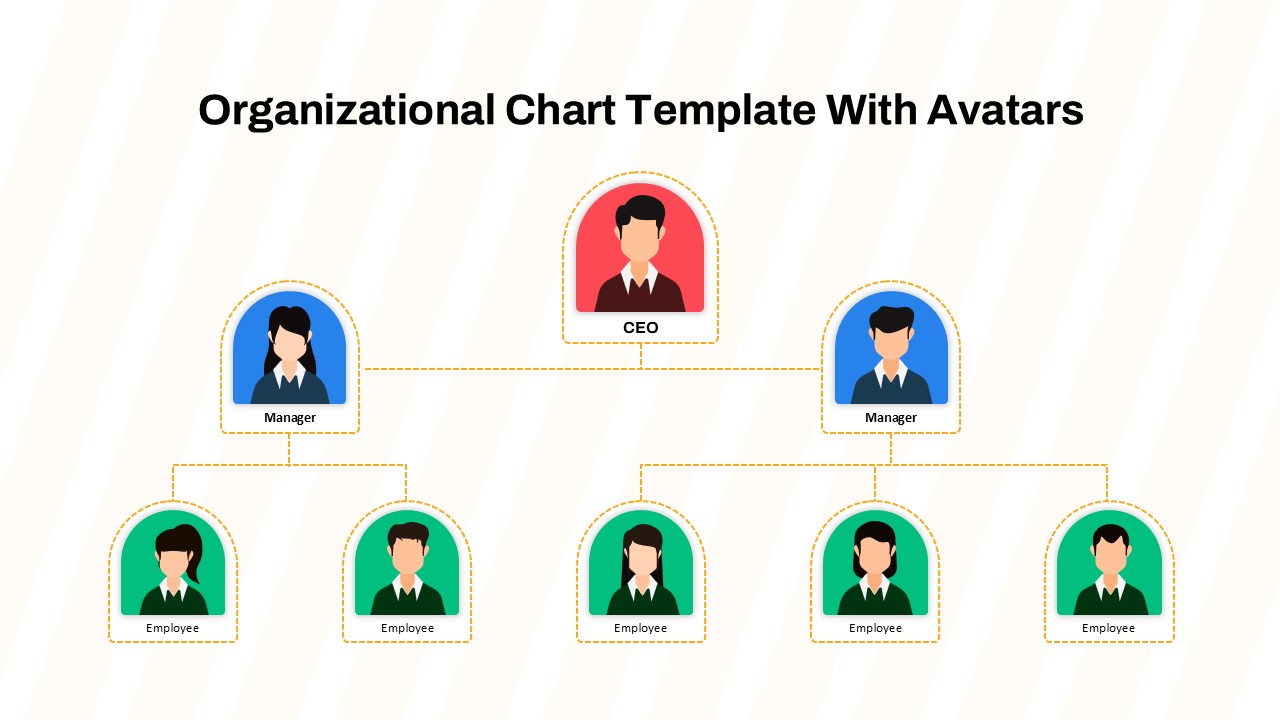
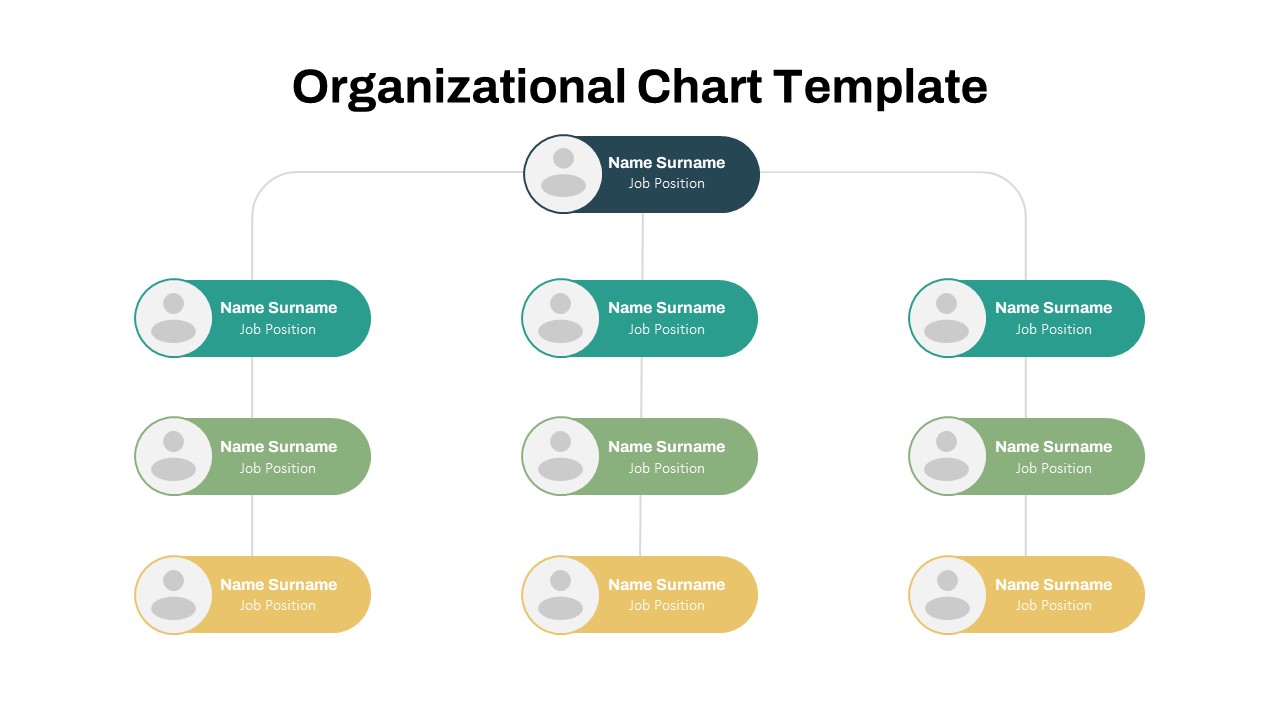
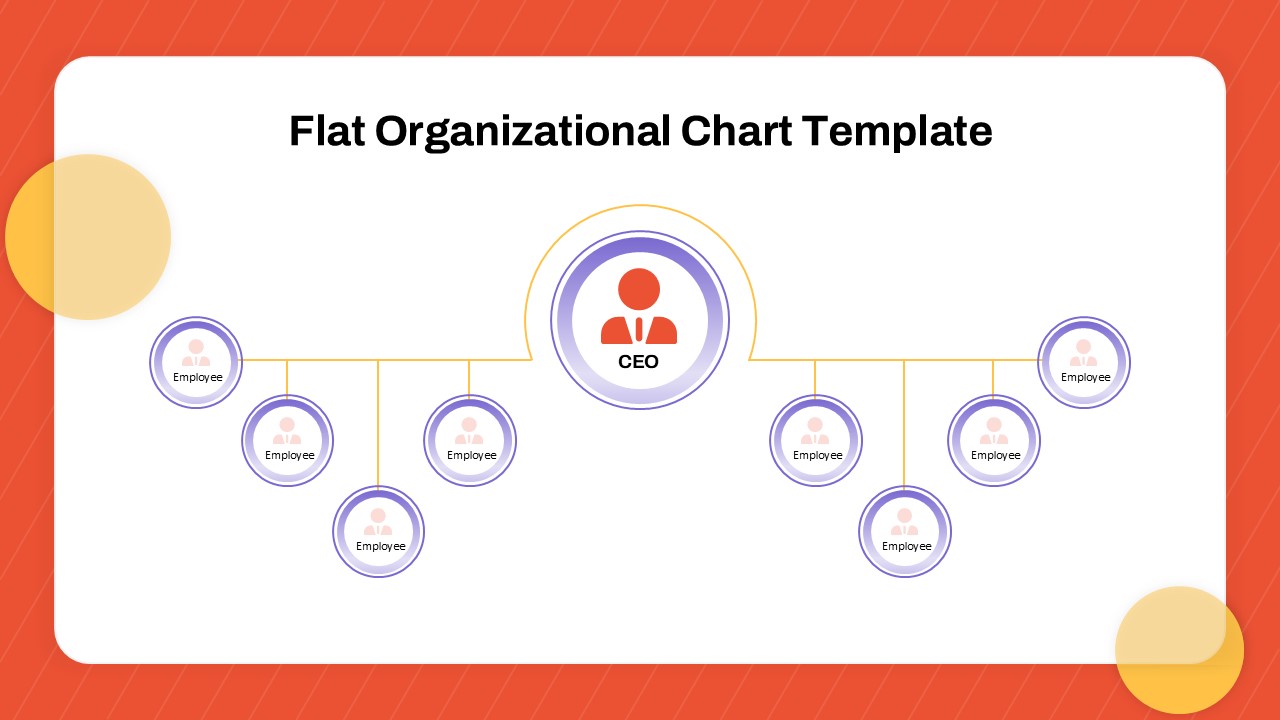
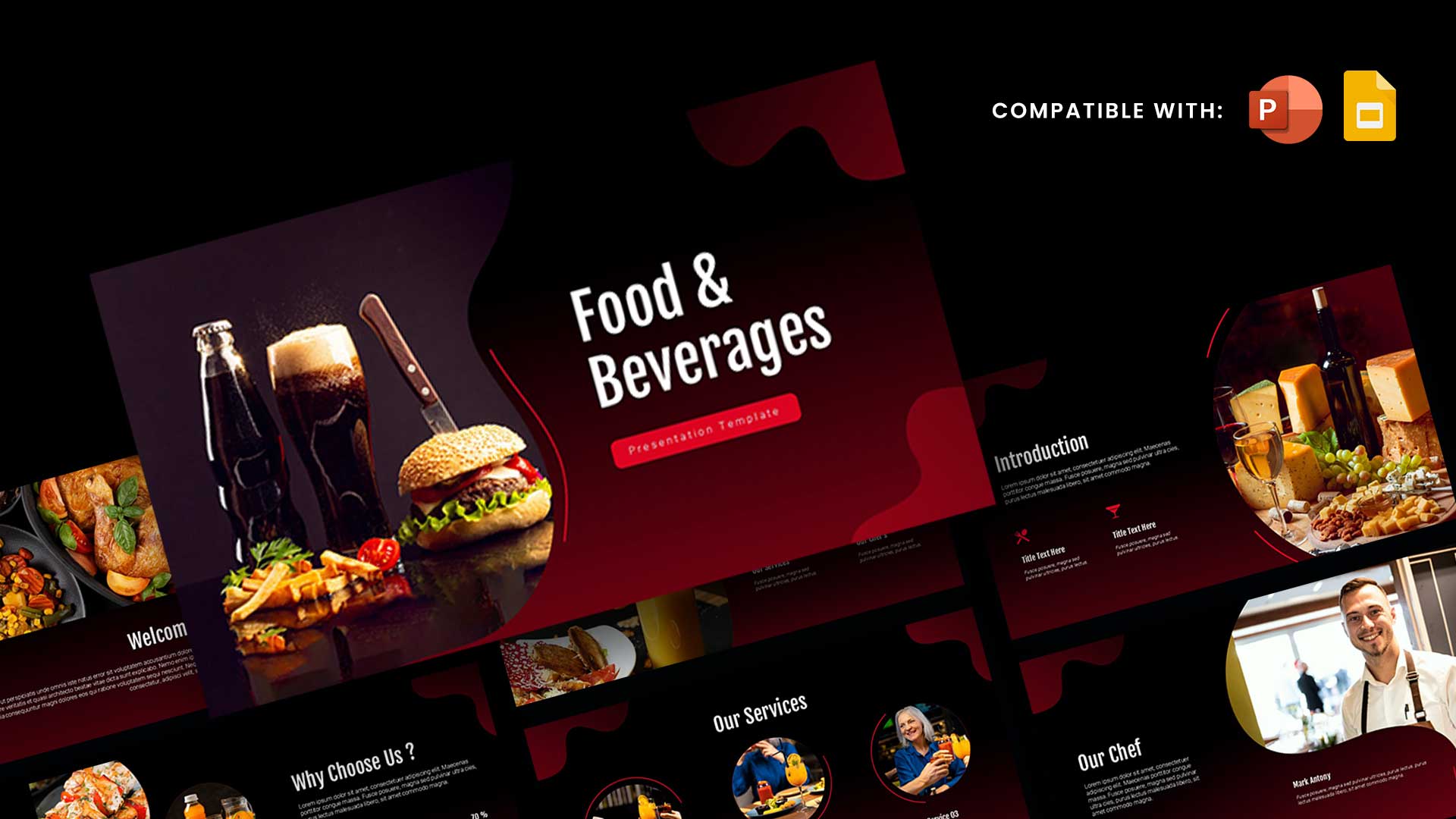
Present your restaurant’s team structure with clarity and professionalism using this Restaurant Organizational Chart Presentation Template. Designed with a visually appealing dark theme complemented by subtle food-inspired illustrations, this template offers a clean and modern way to map out roles, responsibilities, and reporting lines within a restaurant environment.
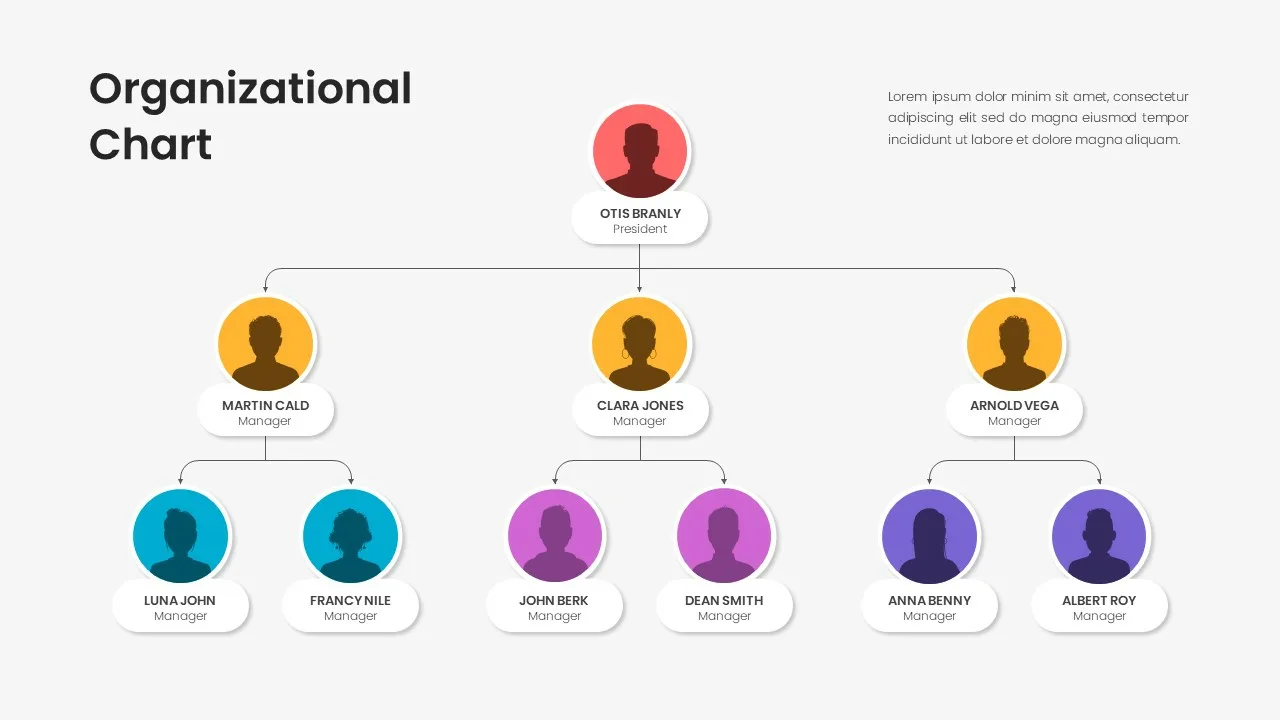
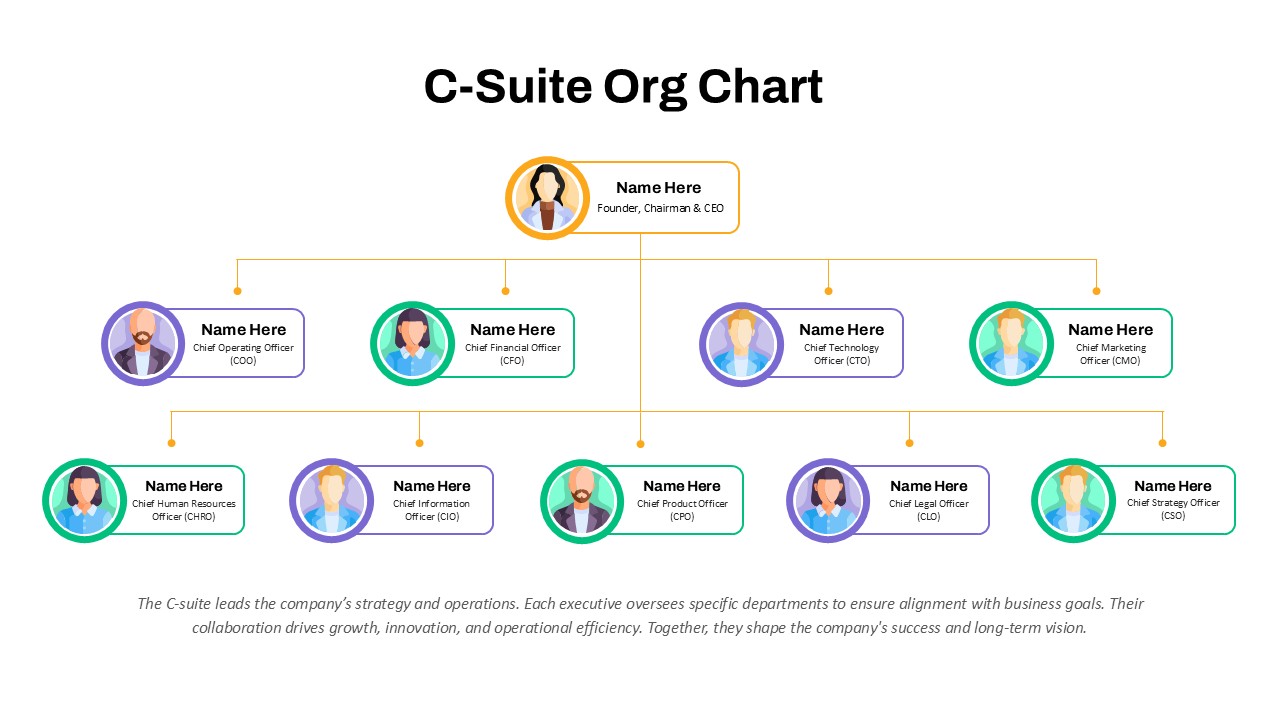
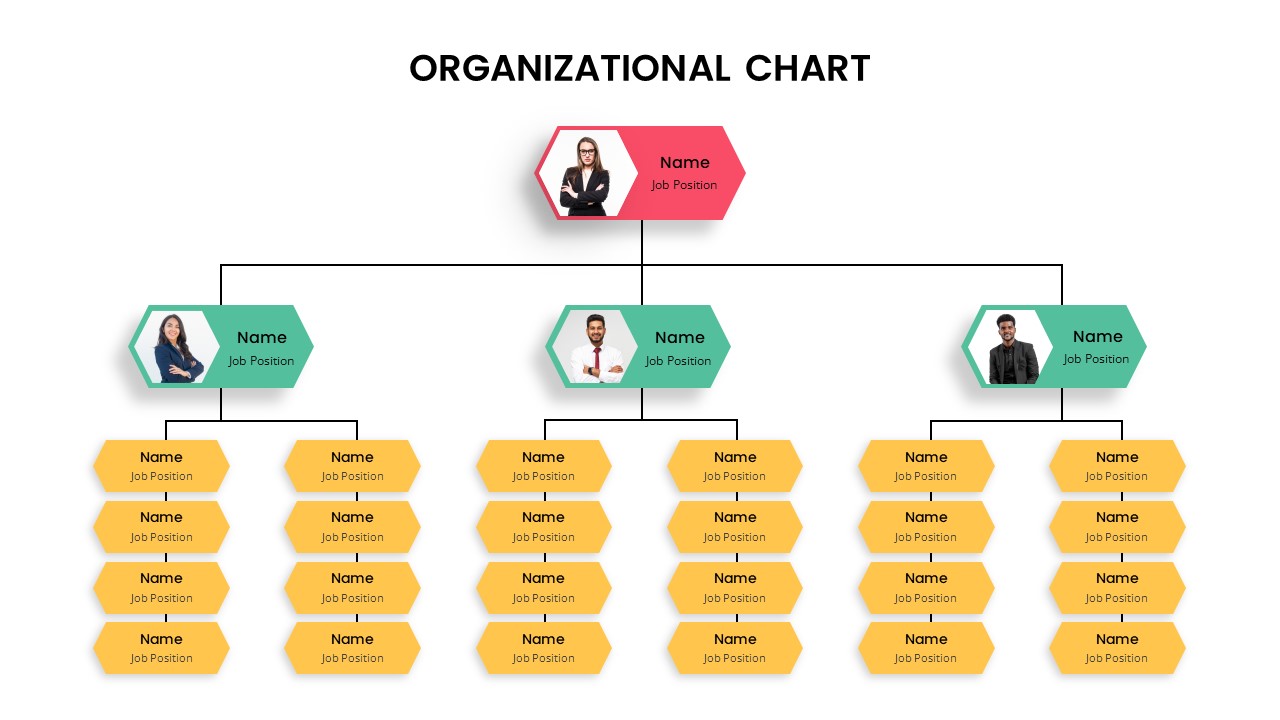
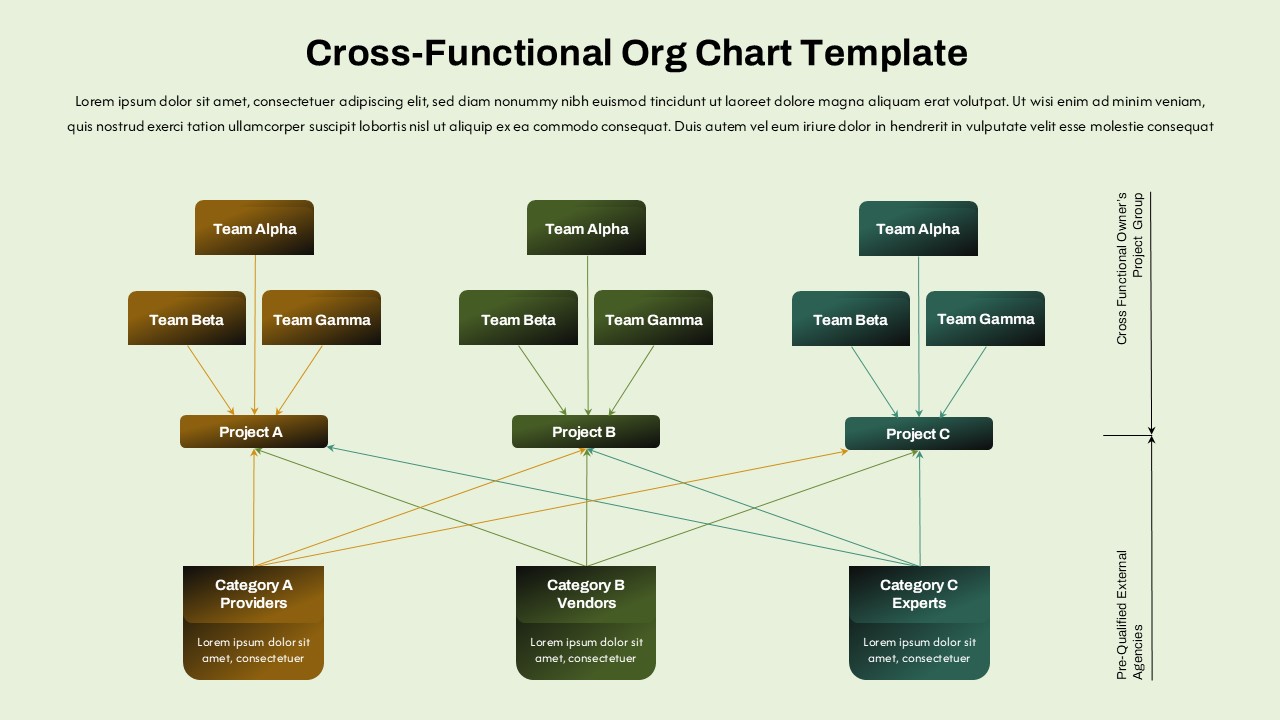
The layout highlights a well-structured hierarchy, starting from top-level leadership such as the Owner and CEO, moving through the General Manager, and extending down to operational roles including Kitchen Manager, Chief Chef, Chef Lead, and specialized chefs. It also incorporates assistant roles and clearly defined reporting connections, making it easy to communicate complex organizational structures in a simplified visual format.
This template is ideal for restaurant owners, managers, and hospitality professionals who need to present team structures during onboarding sessions, internal meetings, or business proposals. The contrasting color scheme—featuring bold red and warm yellow elements—helps differentiate roles and levels of authority, ensuring that the audience can quickly grasp the hierarchy at a glance.
Fully customizable in both PowerPoint and Google Slides, users can effortlessly edit text, adjust roles, or expand the chart to suit restaurants of different sizes and formats, from small cafes to large dining establishments. The template is also useful for training purposes, helping new staff understand reporting lines and operational flow within the organization.
Whether you are planning a new restaurant, restructuring your team, or presenting your business model to stakeholders, this template provides a professional and engaging foundation to communicate your organizational framework effectively.
See more

Aspect Ratio
16:9Item ID
SKT04464


Features of this template
Other User Cases of the Template
FAQs
You May Also Like These Presentation Templates


- Free
- Free

- Free
- Free
- Free
- Free
- Free
- Free
- Free
- Free