Venture Capital Investment Process Flow Diagram for PowerPoint & Google Slides
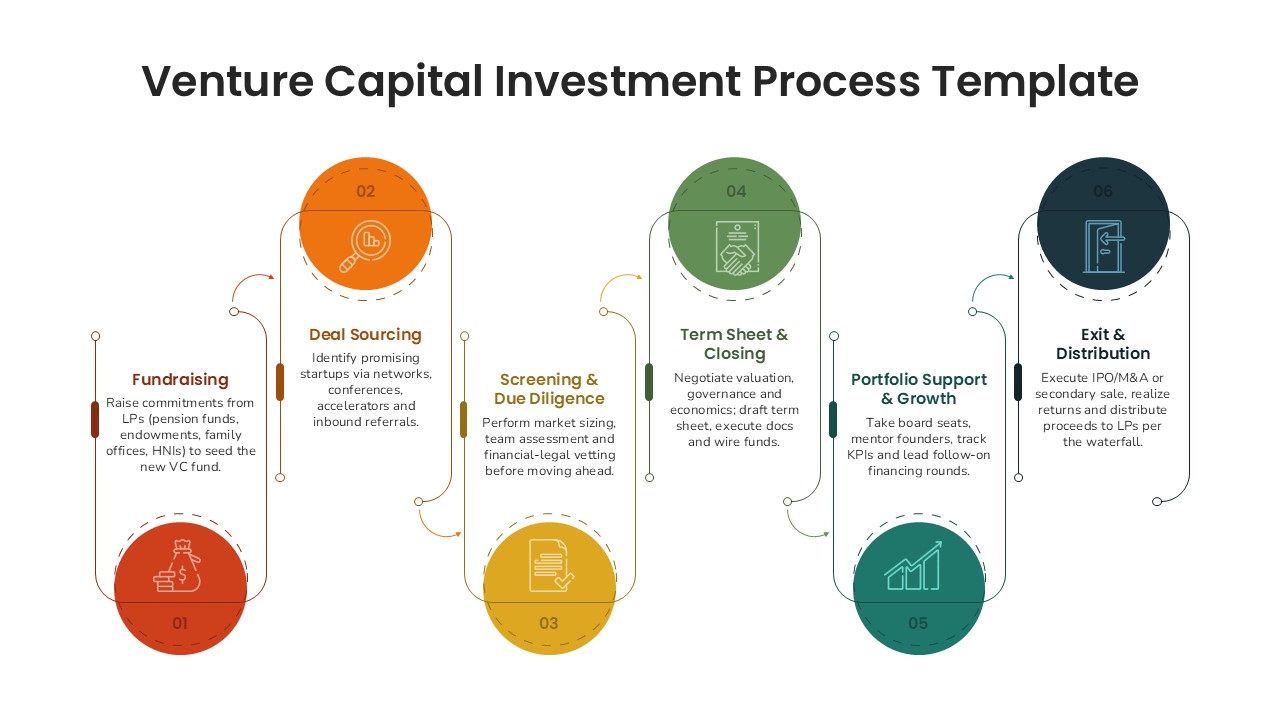
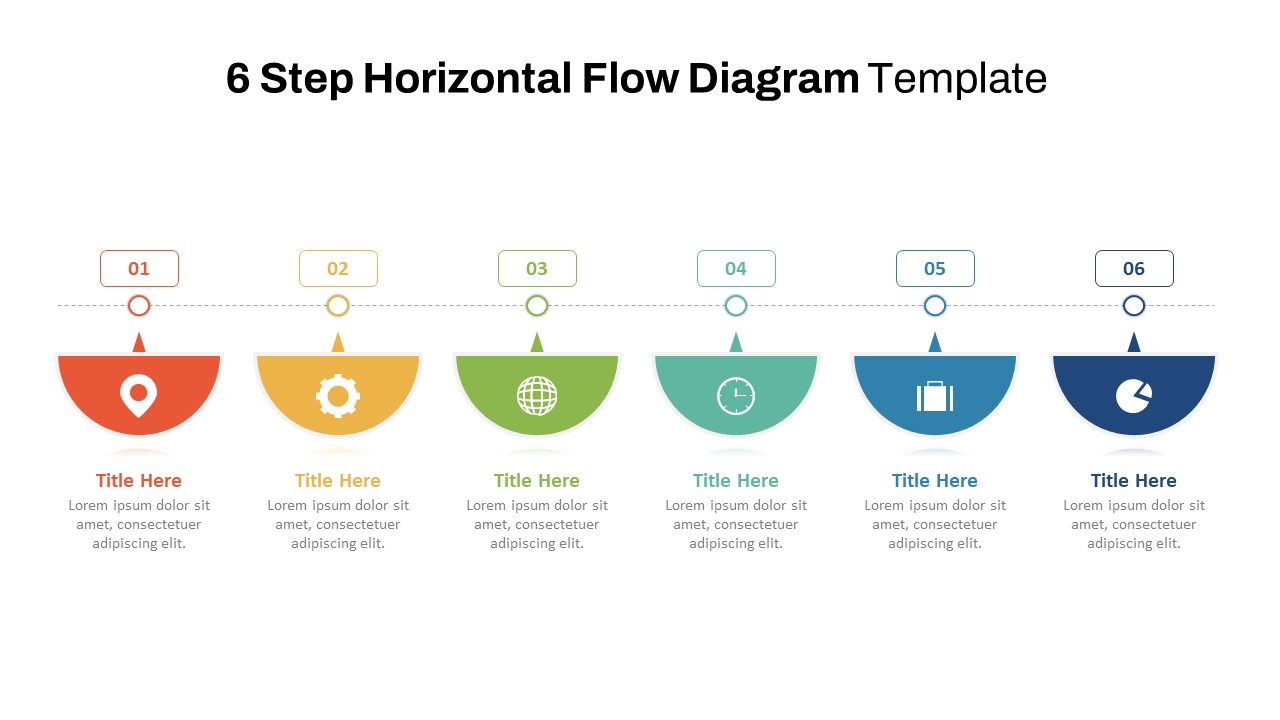
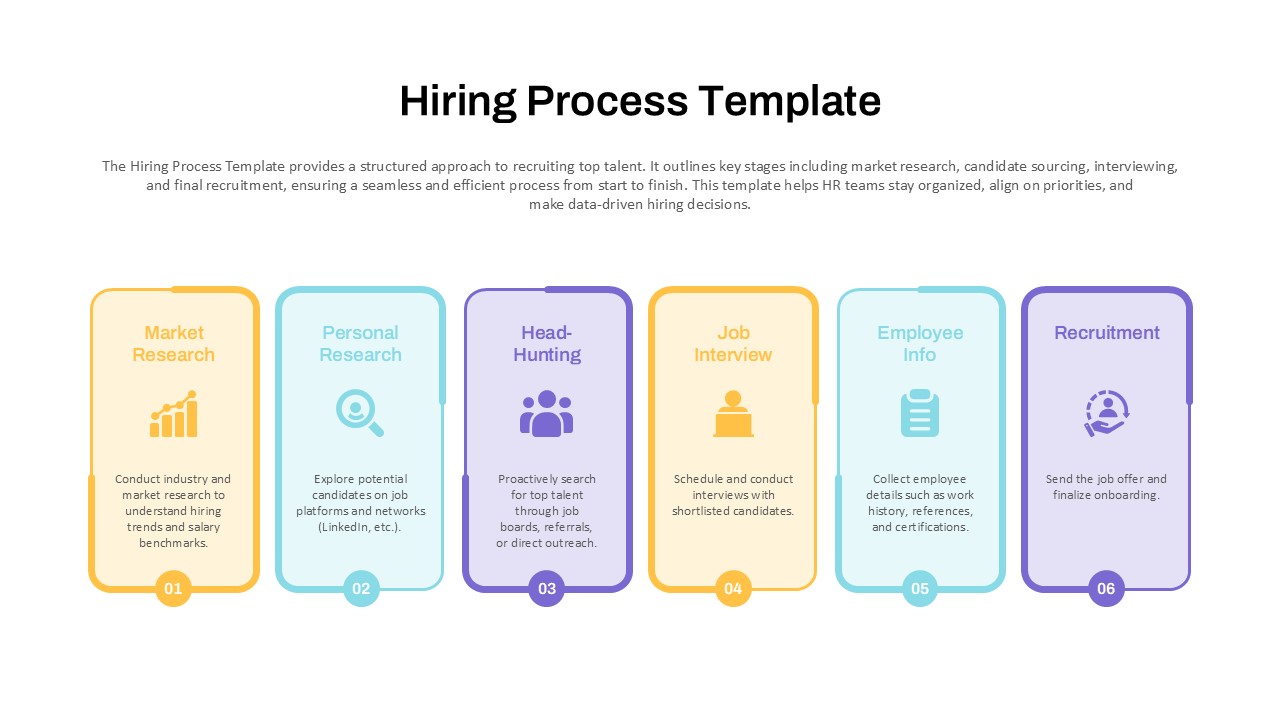
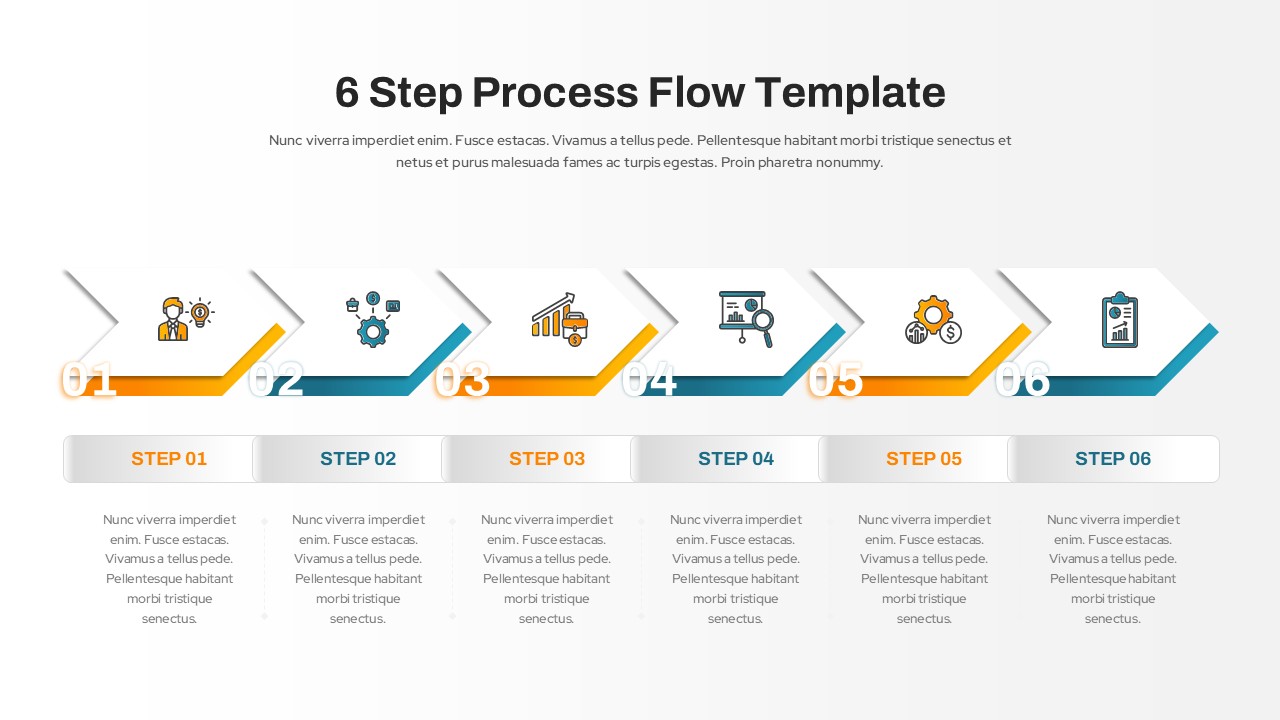
Illustrate the full lifecycle of a venture capital investment with this structured and visually engaging six-phase diagram. The slide outlines key steps—Fundraising, Deal Sourcing, Screening & Due Diligence, Term Sheet & Closing, Portfolio Support & Growth, and Exit & Distribution—each represented as a rounded, color-coded vertical block with descriptive icons. This streamlined format simplifies complex processes and enables clear communication of your VC firm’s workflow to stakeholders, investors, or startup founders.
Each phase is labeled numerically for logical flow and paired with concise descriptions to explain key activities such as LP fundraising, startup vetting, term sheet negotiation, mentoring, and final exit execution. Distinct colors and minimalist iconography help differentiate each step, making the slide ideal for board presentations, LP updates, or accelerator program documentation.
Built for both PowerPoint and Google Slides, this fully editable template allows you to swap icons, update text, and customize colors to reflect your fund’s branding. Whether you’re educating junior analysts, pitching to limited partners, or showcasing fund operations in a demo day presentation, this diagram offers clarity and professionalism in equal measure.
See more

Aspect Ratio
16:9Item ID
SKT04161


Features of this template
Other Uses
Adapt this slide for other investment workflows such as private equity, angel syndicate operations, or M&A lifecycle presentations. It also fits well in financial education seminars, pitch decks, or institutional investment proposals.
FAQs
You May Also Like These Presentation Templates


- Free

- Free