3-Phase Horizontal Timeline for PowerPoint & Google Slides
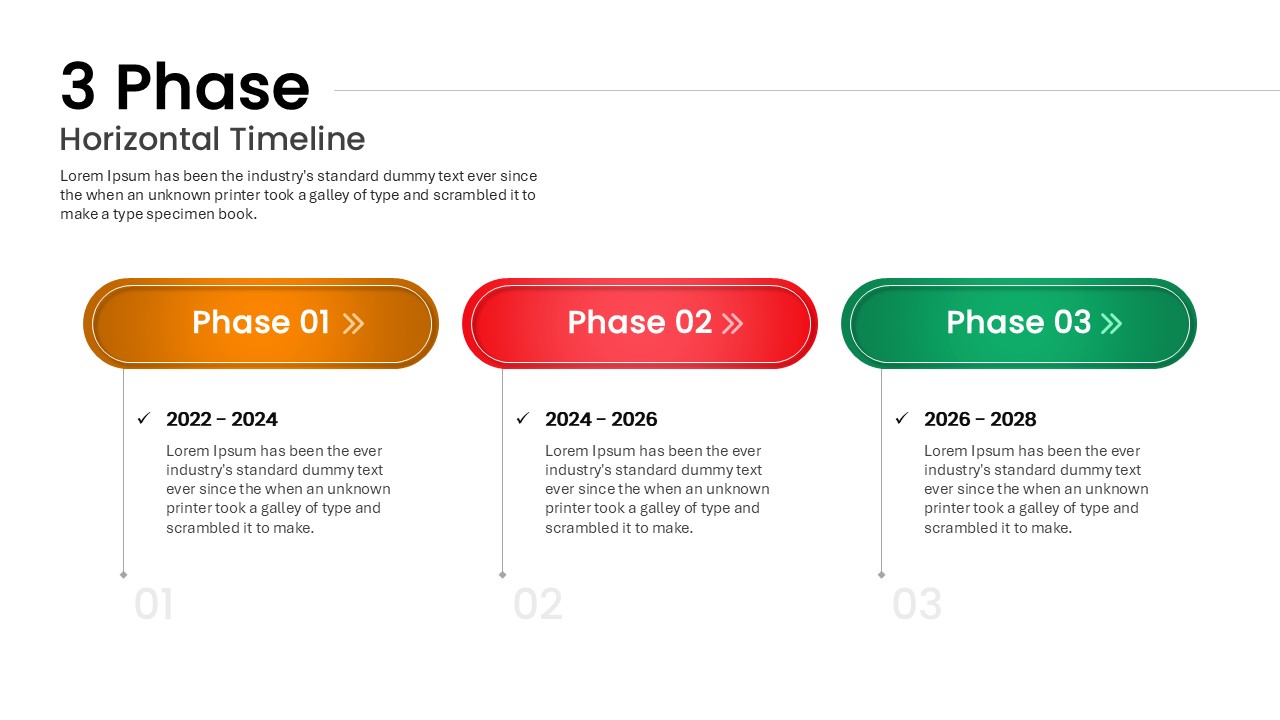
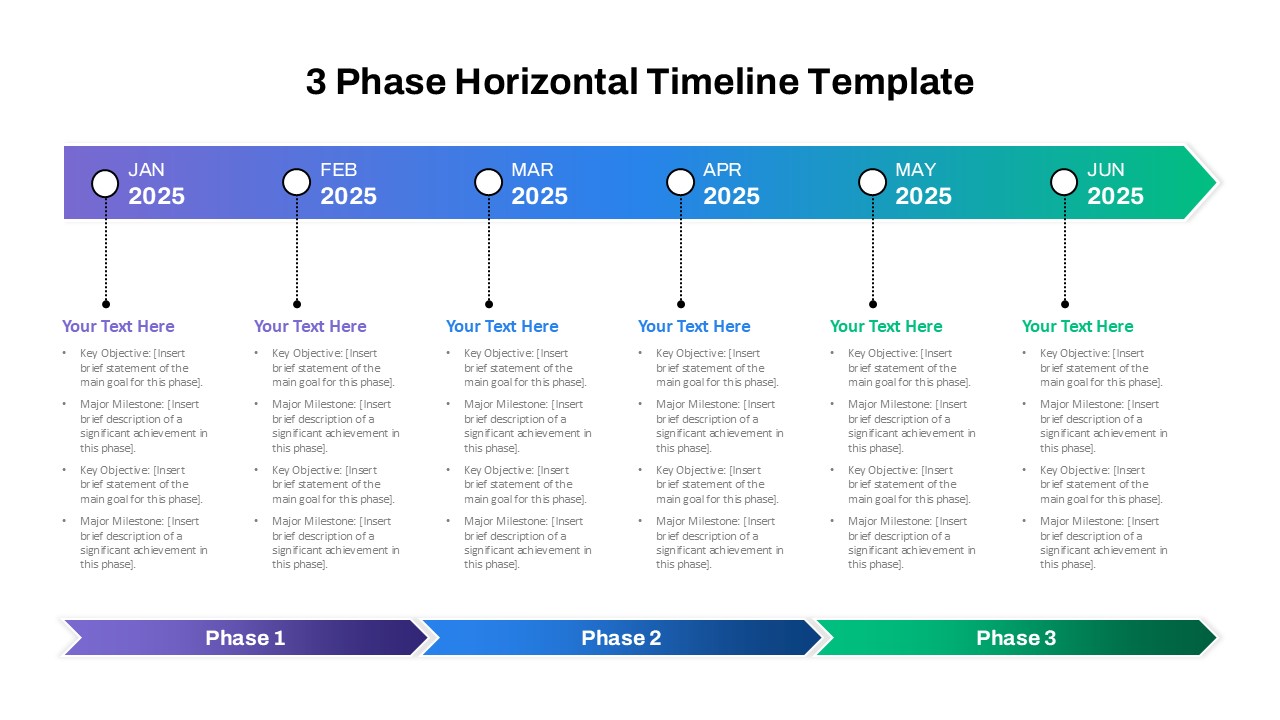
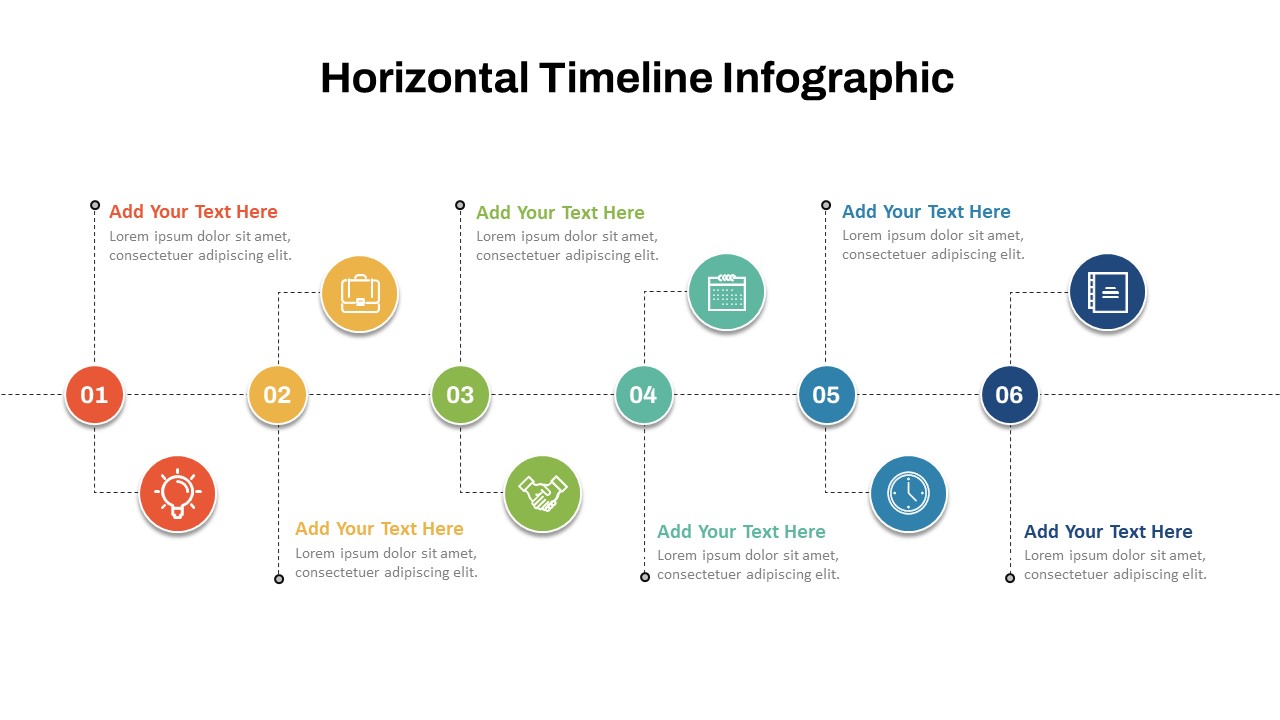
Present your project’s journey with clarity using this 3-Phase Horizontal Timeline slide. This visual layout divides your plan into three distinct segments—Phase 01 (2022–2024), Phase 02 (2024–2026), and Phase 03 (2026–2028)—enabling a clear chronological flow. Each phase is represented by a colorful, rounded rectangular button prominently labeled and color-coded in orange, red, and green for quick visual segmentation. Vertical connectors with date ranges and descriptive text further elaborate on each phase, supporting a step-by-step narrative.
The timeline’s symmetrical structure promotes visual harmony, while bold typography and outlined shapes draw attention to key milestones. Each block features editable content placeholders that make updating text and adjusting timeline elements effortless in both PowerPoint and Google Slides. Whether outlining strategic growth phases, development cycles, or multi-year goals, this slide enhances engagement and aids in stakeholder understanding.
Perfect for showcasing roadmaps in a single glance, this design is ideal for strategic presentations that require a clean, compelling time-based breakdown. Designed with user-friendly formatting, it ensures compatibility across devices and platforms, making collaboration and updates quick and consistent.
See more

Aspect Ratio
16:9Item ID
SKT04082


Features of this template
Other Uses
Use this slide to illustrate onboarding phases, training programs, policy rollouts, event planning schedules, or digital transformation timelines. Adapt it for client journey maps, investment rounds, or curriculum structures across departments.
FAQs
You May Also Like These Presentation Templates


- Free

- Free
- Free
- Free
- Free
- Free
- Free
- Free
- Free