6-Milestone Roadmap Infographic Template
6-Milestone Roadmap Template for PowerPoint & Google Slides
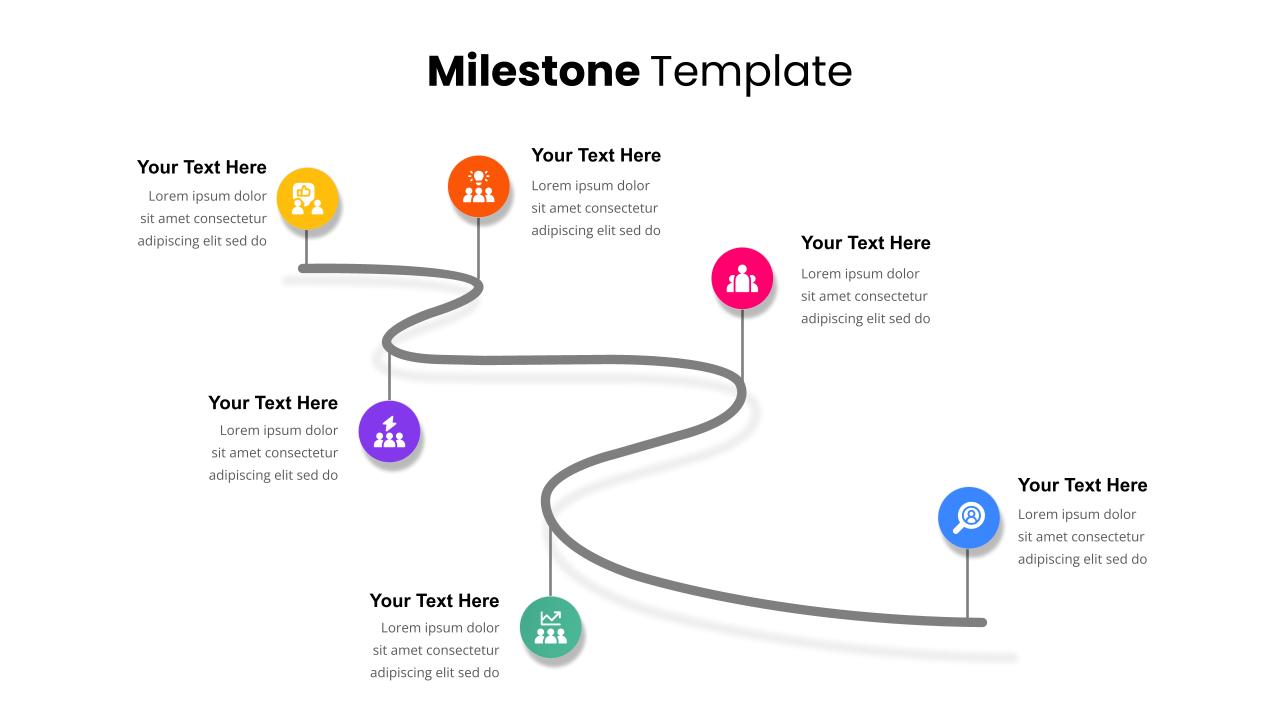
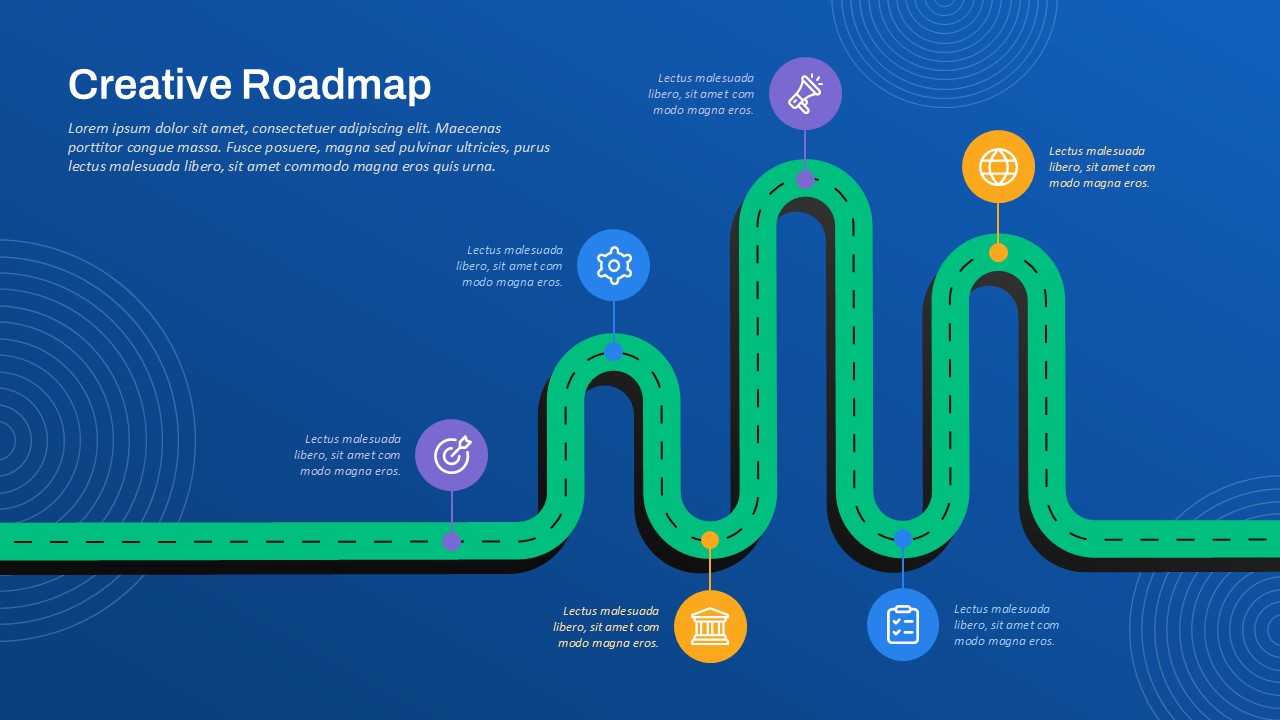
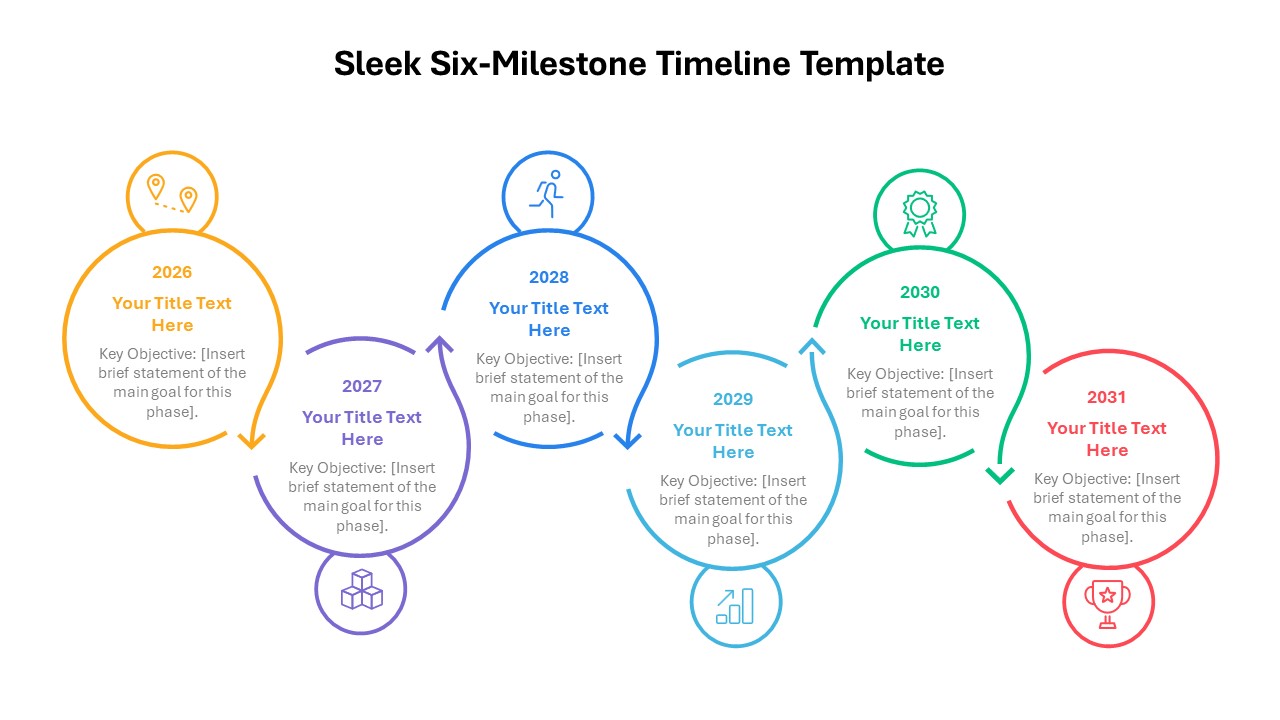
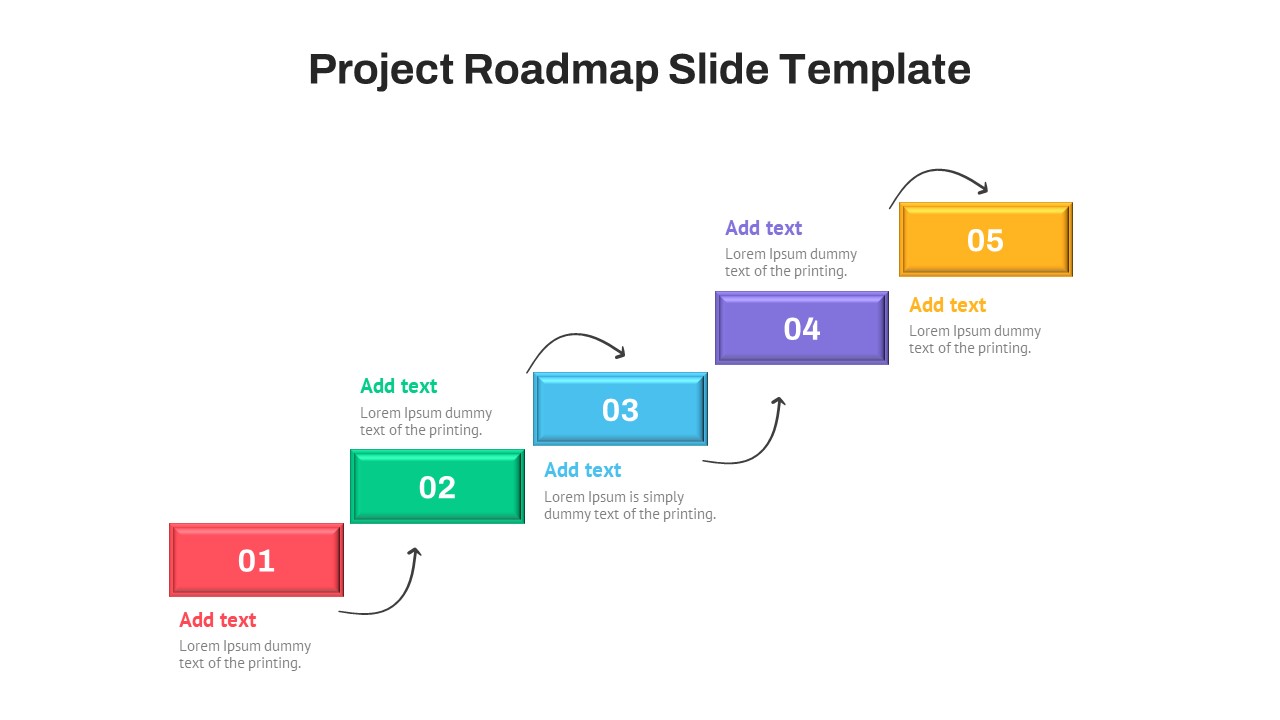
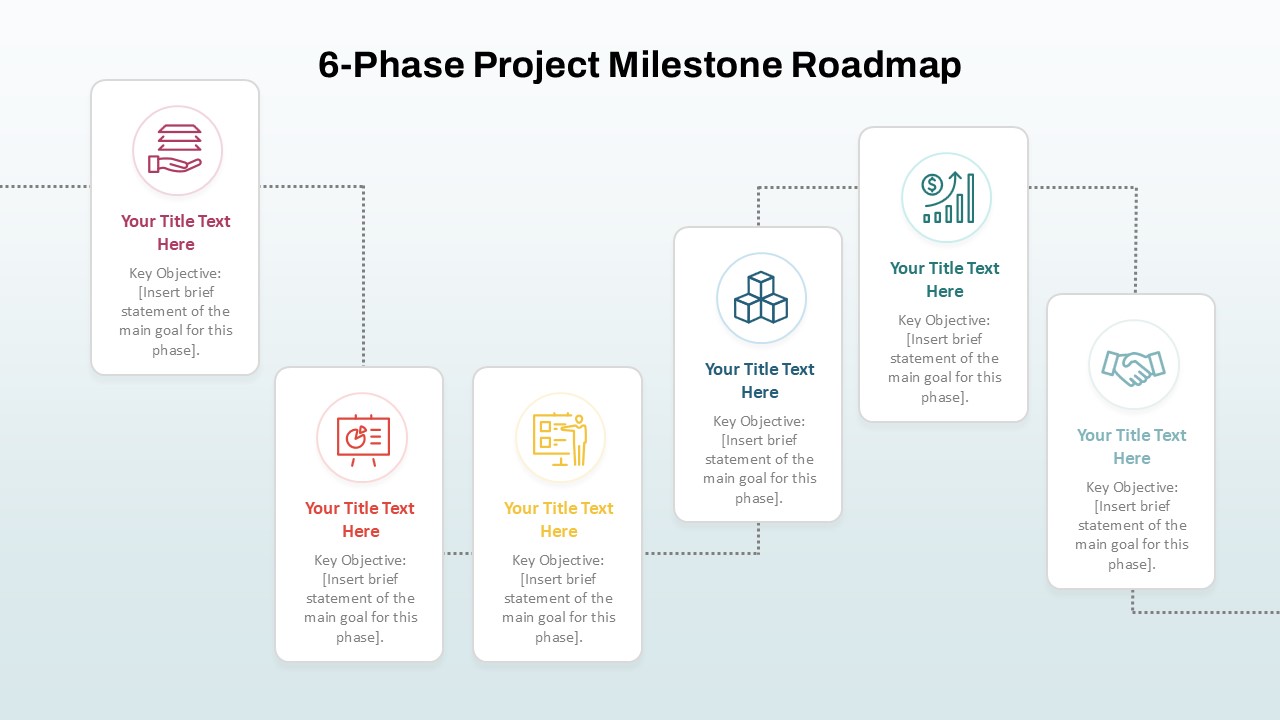
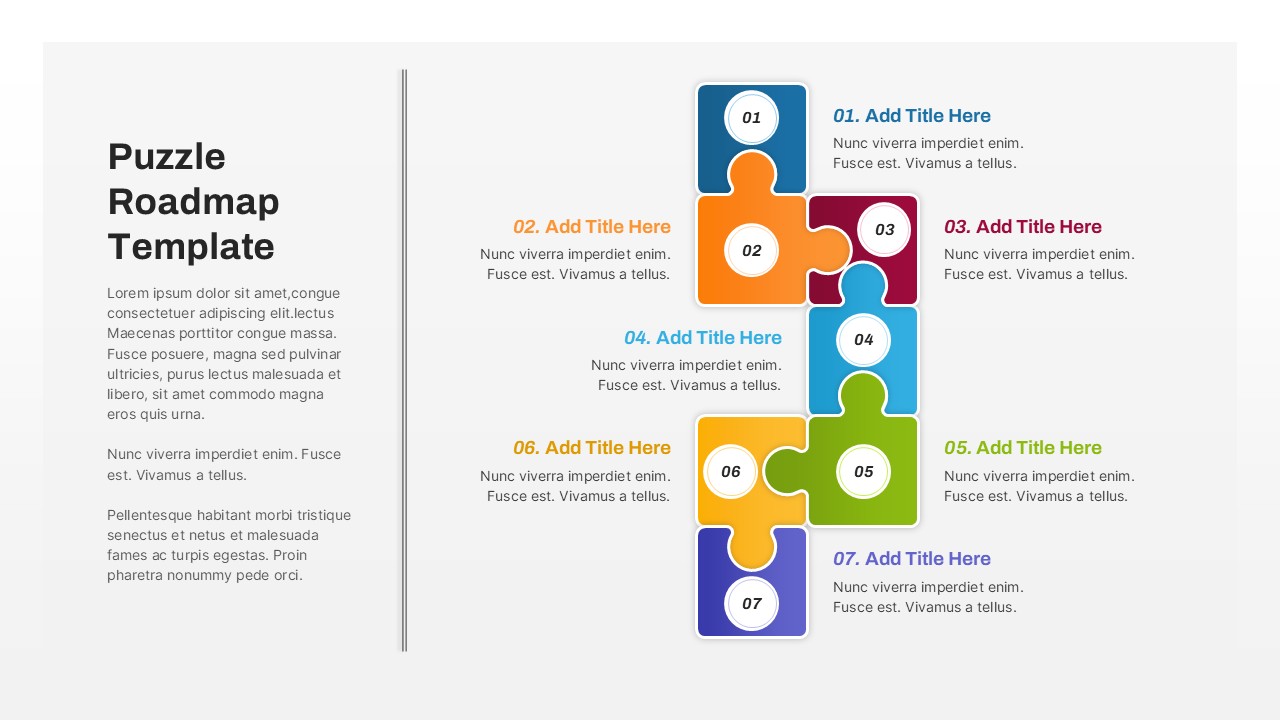
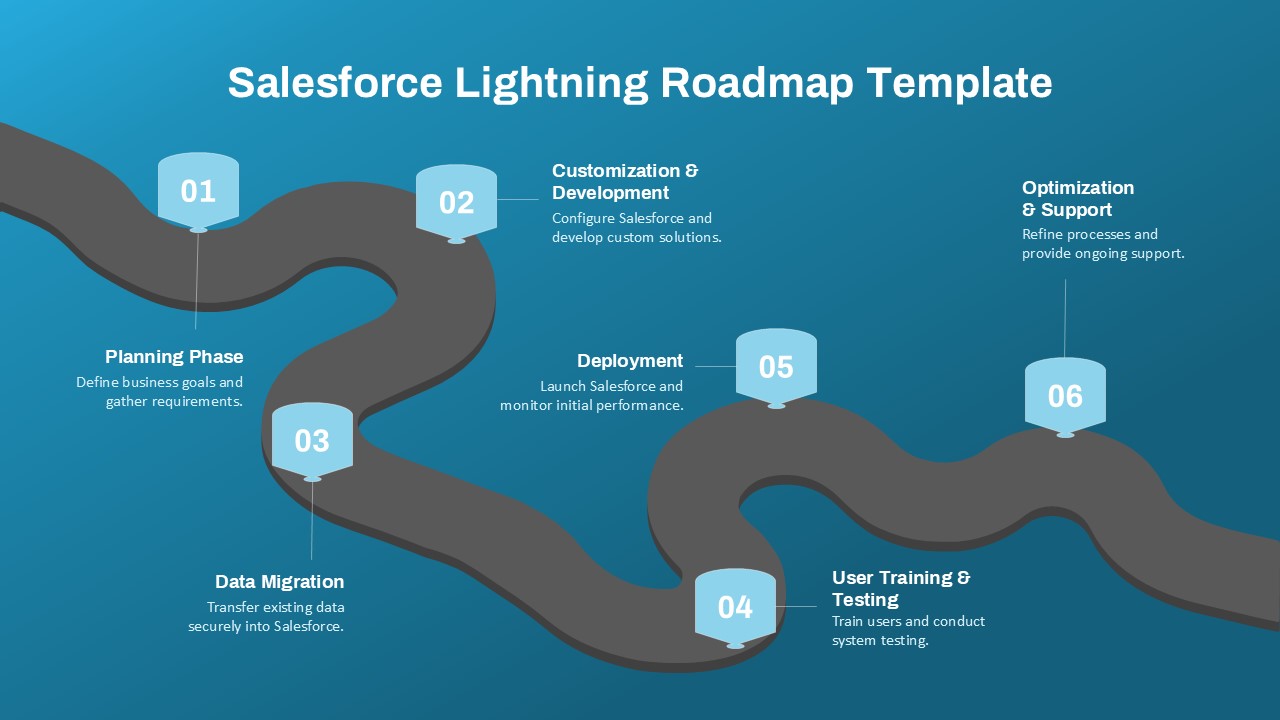
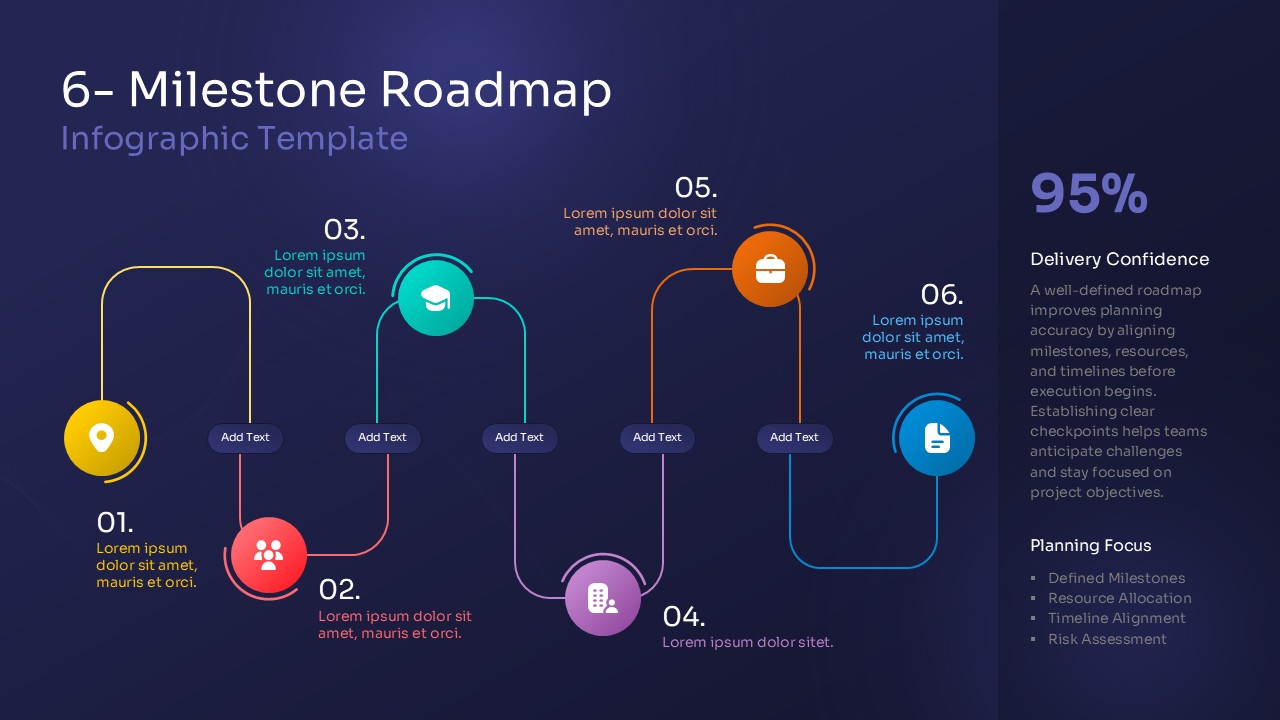
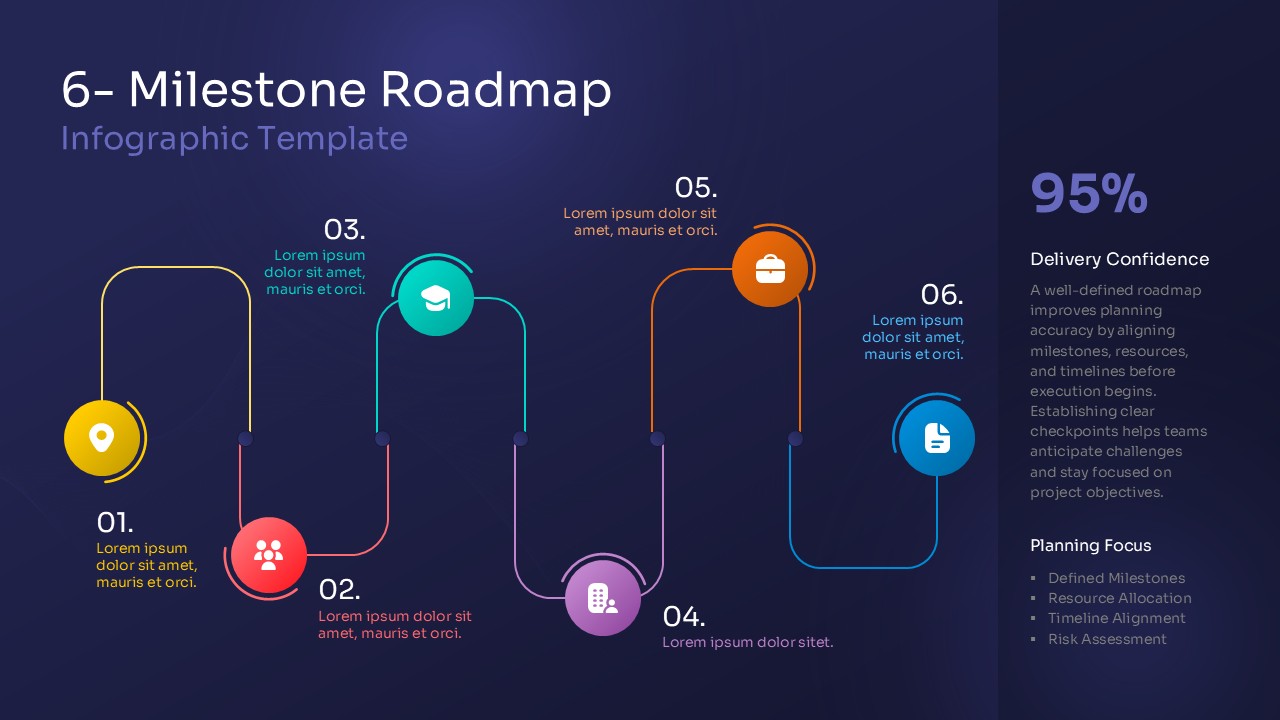
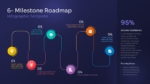
The 6-Milestone Roadmap Template helps you present project stages, key milestones, and important goals in a clear visual format. Its colorful design makes complex plans easier to understand. The template features a curved roadmap with six numbered milestones. Each milestone has a colorful circular icon and space for a heading and short description. The dark blue background creates a professional look, while the bright yellow, red, teal, purple, orange, and blue accents make each stage easy to identify. A dedicated panel on the right highlights delivery confidence and planning priorities.
This 6-Milestone Roadmap Infographic Template for PowerPoint and Google Slides is ideal for project managers, business teams, educators, and consultants. You can use it to explain project timelines, product launches, business strategies, and implementation plans. The six connected stages help your audience follow the process from beginning to end. Each section is editable, so you can replace the sample text with your own milestones, deadlines, responsibilities, and progress updates.
The layout also includes space for planning details. You can highlight resource allocation, timeline alignment, and risk assessment. The side panel is useful for showing project confidence, success indicators, or important planning notes. These elements help your audience understand the overall direction without reading lengthy paragraphs.
Key Features and Slide Details
- Six Connected Milestones: Present project stages in a logical sequence.
- Colorful Milestone Icons: Distinguish tasks, teams, learning goals, business activities, and reports.
- Editable Text Sections: Add milestone names, descriptions, deadlines, and project updates.
- Planning Focus Panel: Highlight resource allocation, timeline alignment, and risk assessment.
- Delivery Confidence Metric: Display a key performance indicator or project confidence score.
- Professional Visual Design: Use the dark background and bright colors to emphasize important information.
- PowerPoint and Google Slides Compatibility: Customize the layout for business, education, or project presentations.
Use this roadmap to communicate plans clearly and keep your audience focused on the next steps. Add concise descriptions to each milestone and use consistent labels throughout the presentation. You can also adapt the design for quarterly goals, product development, team planning, or business growth. The result is a flexible infographic that makes project progress easier to explain, review, and share.
See more

Aspect Ratio
16:9Item ID
SKT04701


FAQs
You May Also Like These Presentation Templates

- Free
- Free
- Free
- Free

- Free
- Free
- Free
- Free