Moscow Method Template for PowerPoint and Google Slides
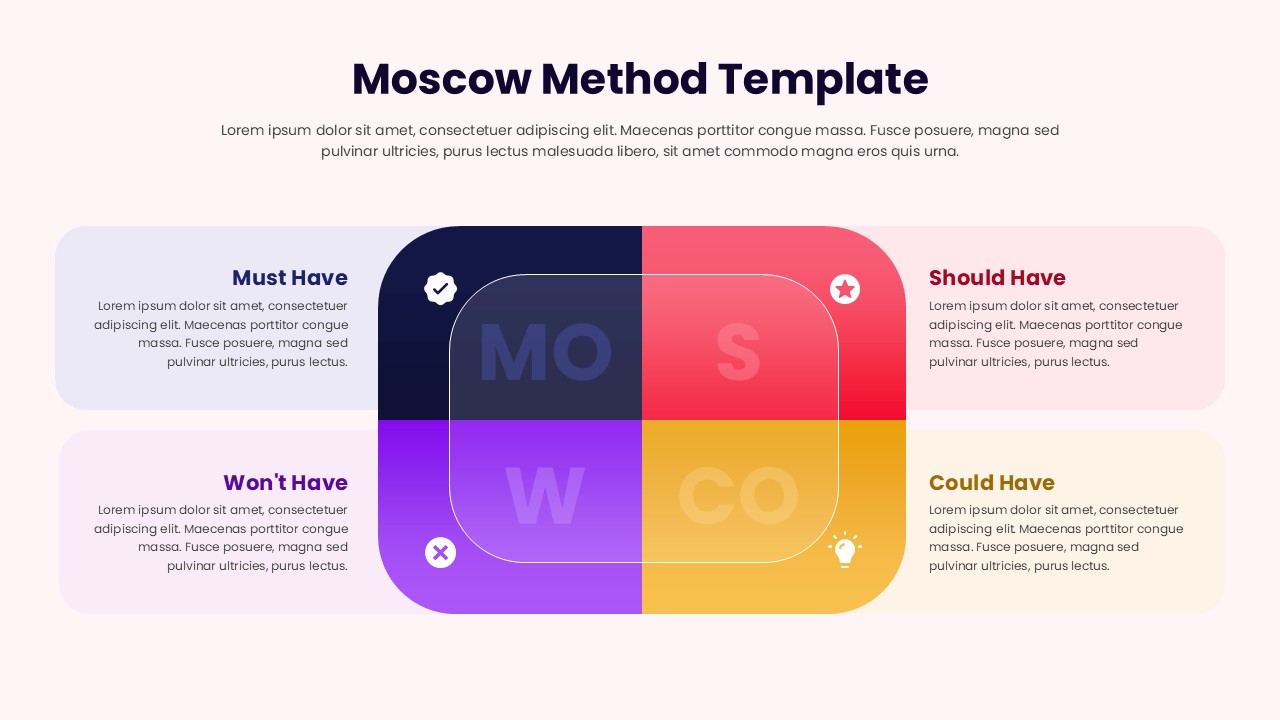
The Moscow Method Template is a professionally designed presentation layout that helps teams, project managers, and business leaders clearly prioritize requirements using the well-known MoSCoW framework — Must Have, Should Have, Could Have, and Won’t Have. This visually engaging template simplifies the process of categorizing project needs and expectations, allowing stakeholders to align on priorities with clarity and confidence.
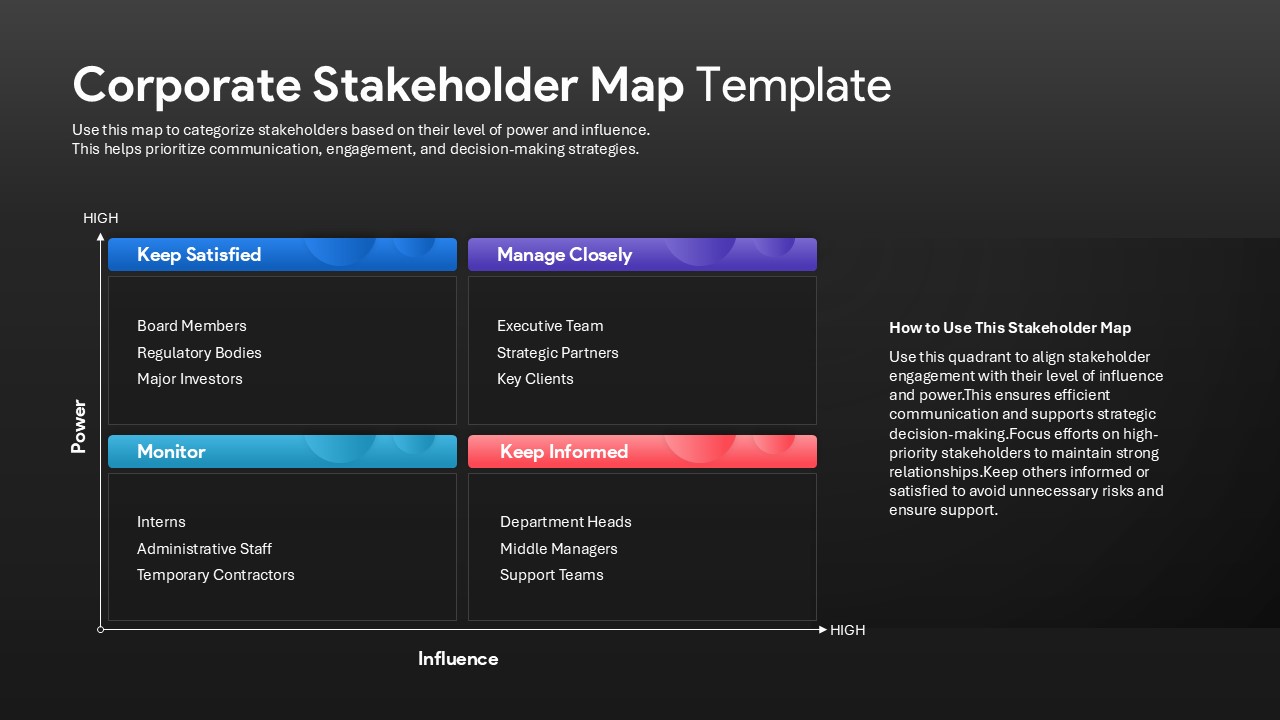
The layout features a modern and vibrant quadrant-style design with distinct color coding for each priority category, ensuring clear visual separation and ease of understanding. The Must Have section highlights non-negotiable elements, while the Should Have and Could Have sections represent desirable and optional features respectively. The Won’t Have category ensures focus by defining what’s out of scope.
Perfect for Agile planning, product development, and business analysis, this template enhances communication and decision-making during project discussions. It can be used to evaluate features, allocate resources, and set realistic delivery timelines. The balanced mix of colors, icons, and text spaces makes it suitable for both corporate and educational presentations.
Available in both PowerPoint and Google Slides, the Moscow Method Template is fully editable, enabling customization of colors, fonts, and text for a tailored, professional look. It’s the ideal visual aid to bring structure and clarity to complex prioritization sessions.
See more

Aspect Ratio
16:9Item ID
SKT04238


Features of this template
FAQs
You May Also Like These Presentation Templates


- Free
- Free
- Free
- Free
- Free
- Free