Cost-Benefit Analysis Template for PowerPoint & Google Slides
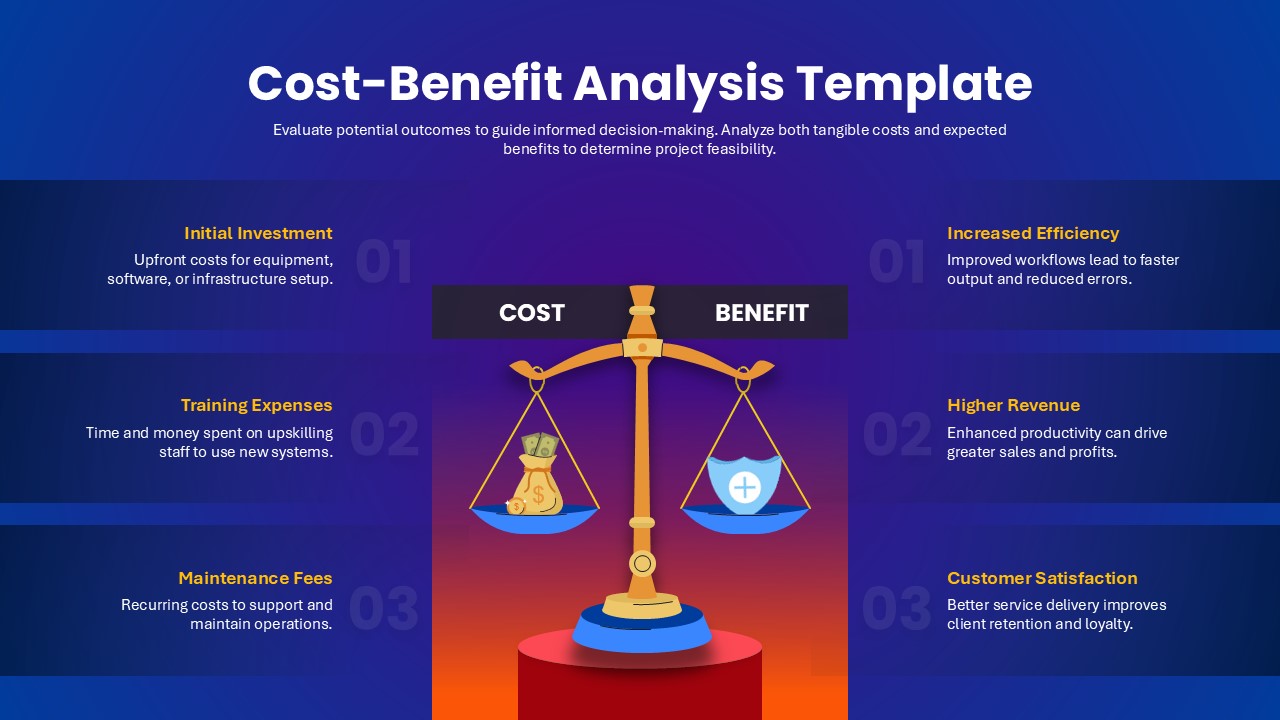
Make smarter business decisions with this visually engaging Cost-Benefit Analysis Template, designed for both PowerPoint and Google Slides. This professional slide layout is ideal for evaluating the financial feasibility of projects, investments, or business initiatives by weighing potential costs against anticipated benefits.
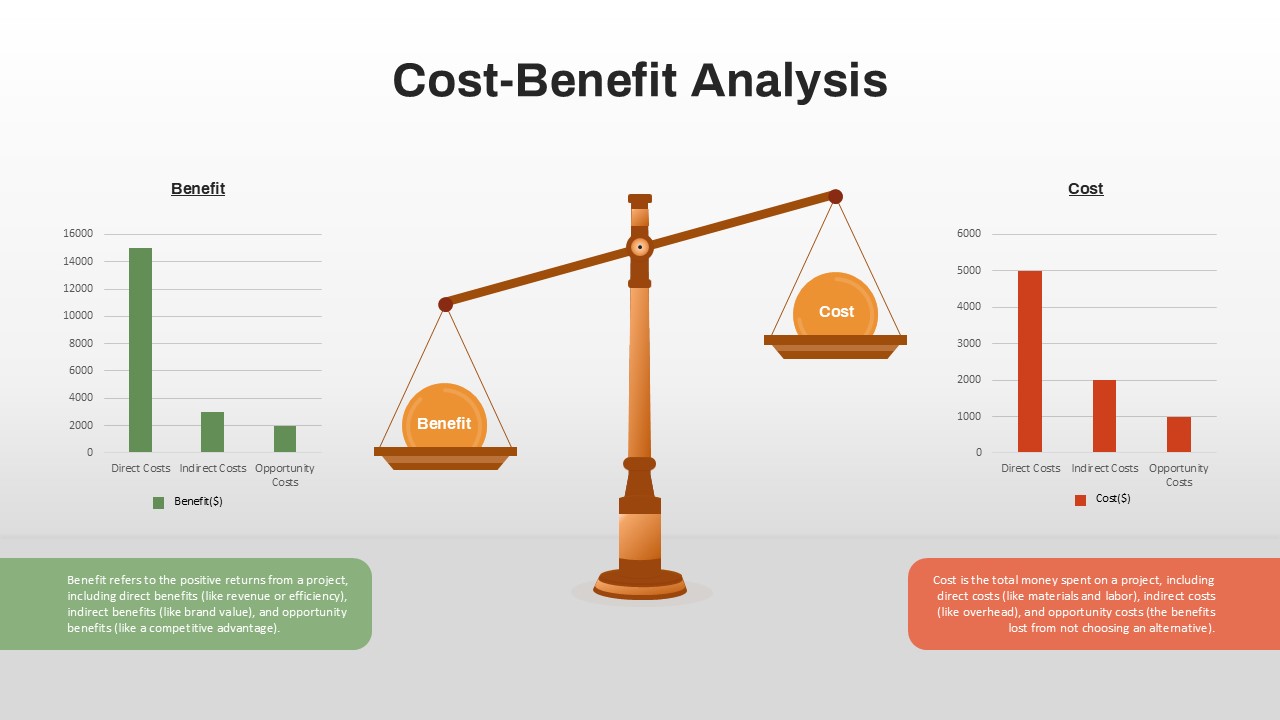
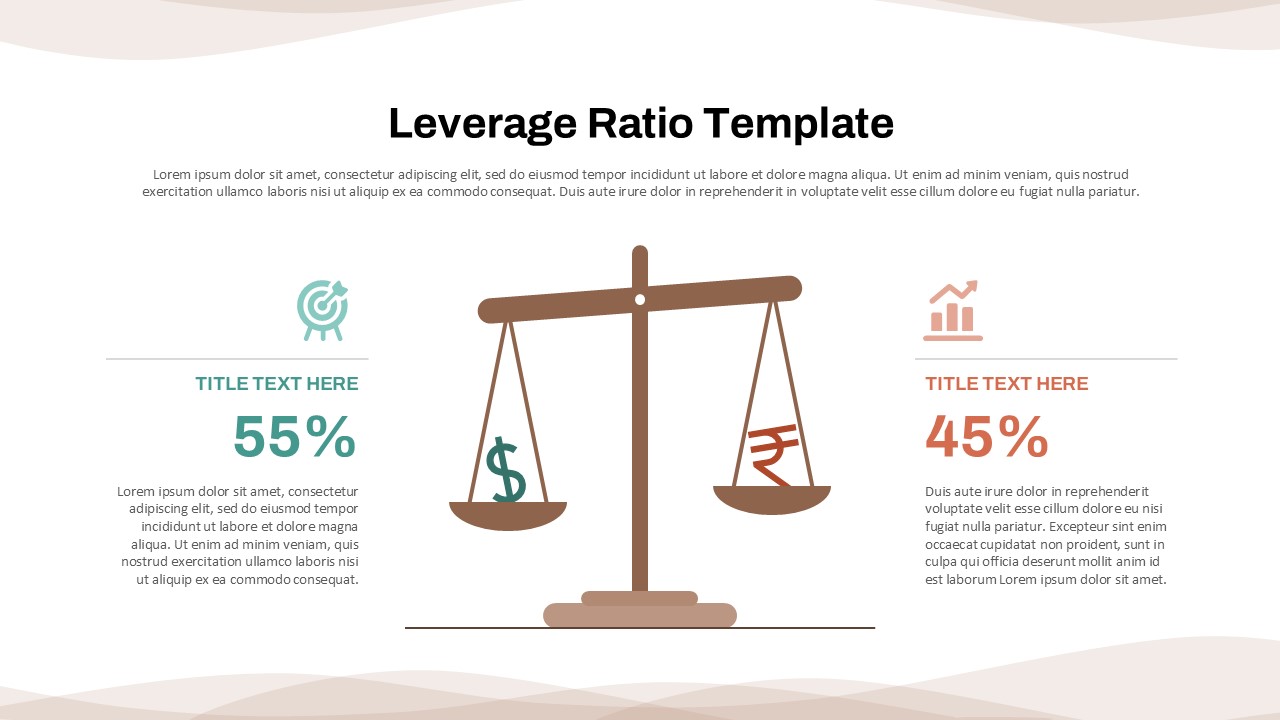
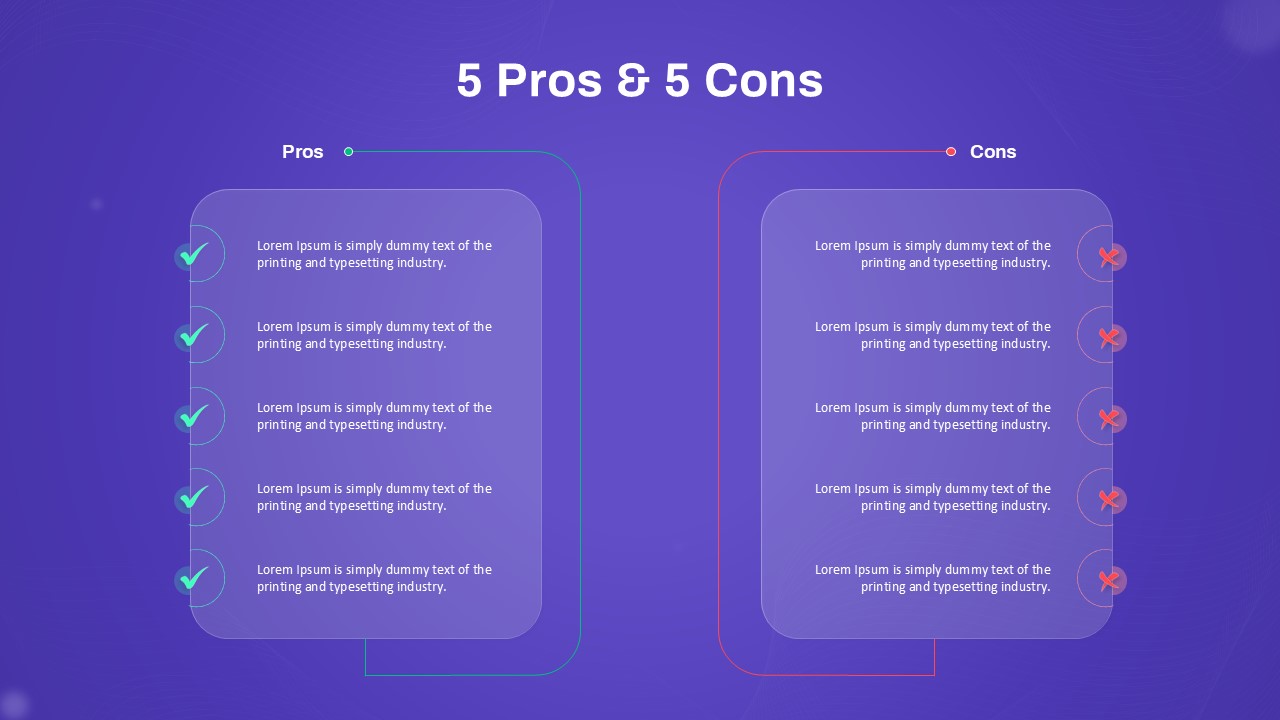
At the center of the design is a symbolic weighing scale, representing the balance between costs and benefits—providing a clear, impactful way to present decision-making insights. On one side, key costs such as initial investment, training expenses, and maintenance fees are outlined. On the other, benefits including increased efficiency, higher revenue, and customer satisfaction are highlighted, helping stakeholders visualize trade-offs at a glance.
The modern gradient background and clean typography enhance readability while giving the slide a polished corporate look. This makes it suitable for executive briefings, financial reviews, consulting proposals, and project approval meetings. Teams can easily customize the text to align with specific business cases, ensuring that the template adapts seamlessly to industries such as finance, IT, healthcare, manufacturing, or services.
Whether you’re presenting to clients, executives, or internal teams, this Cost-Benefit Analysis Template simplifies complex evaluations into a structured, persuasive narrative. It empowers decision-makers with data-driven insights and ensures alignment on the most viable path forward.
See more

Aspect Ratio
16:9Item ID
SKT04253


Features of this template
Other User Cases of the Template:
Project feasibility studies, investment proposals, financial planning presentations, risk assessment reports, consulting pitch decks, business case evaluations, budget approval meetings, resource allocation planning.
FAQs
You May Also Like These Presentation Templates


- Free
- Free


- Free
- Free