Pyramid Tradeoffs Visual Diagram for PowerPoint & Google Slides
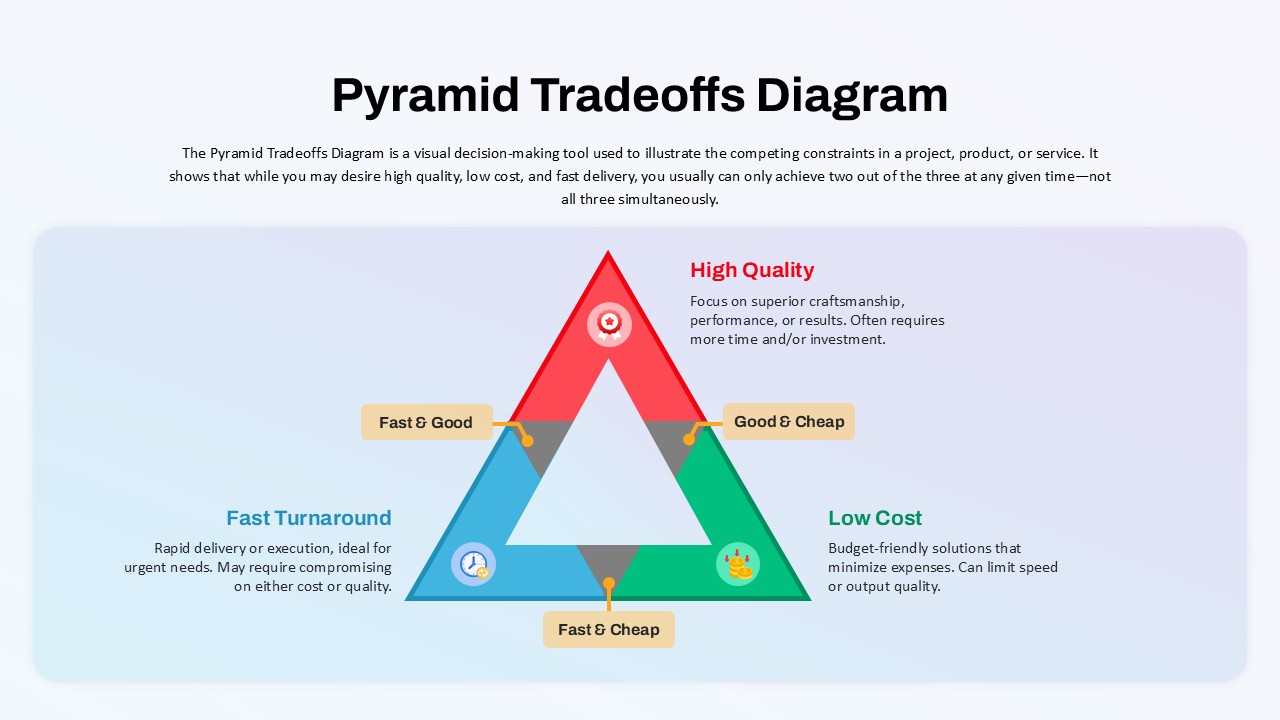
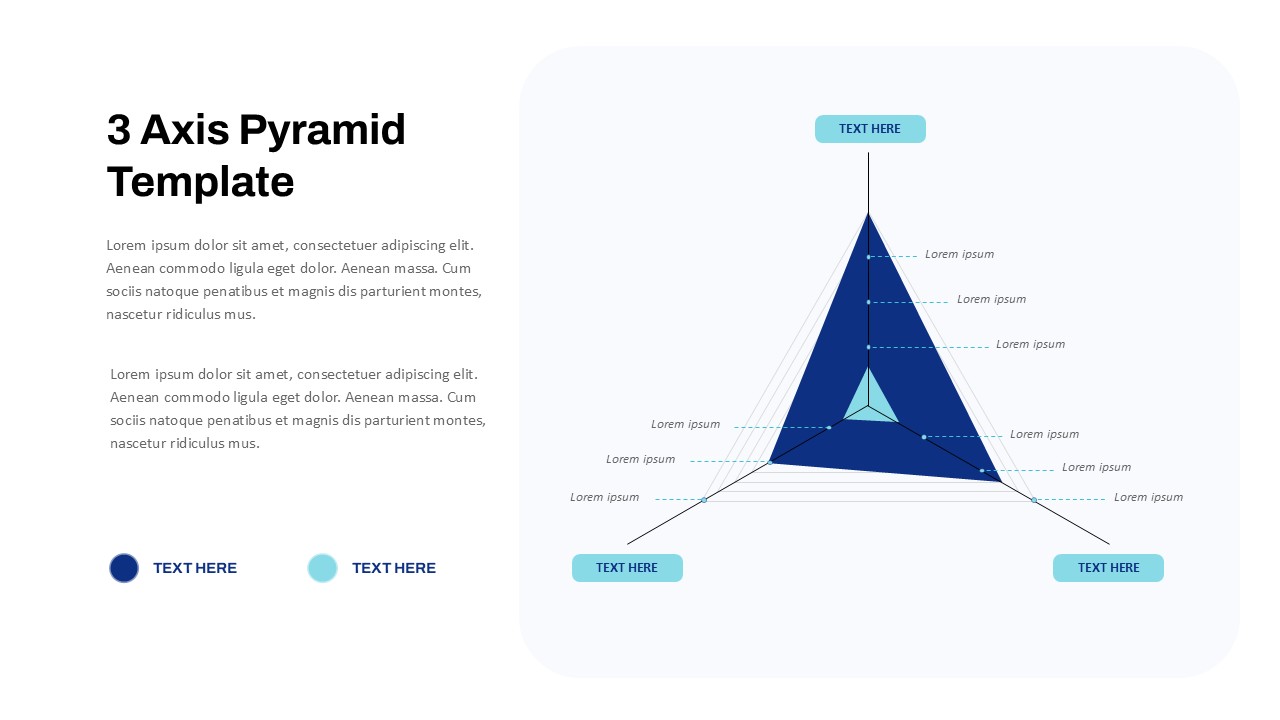
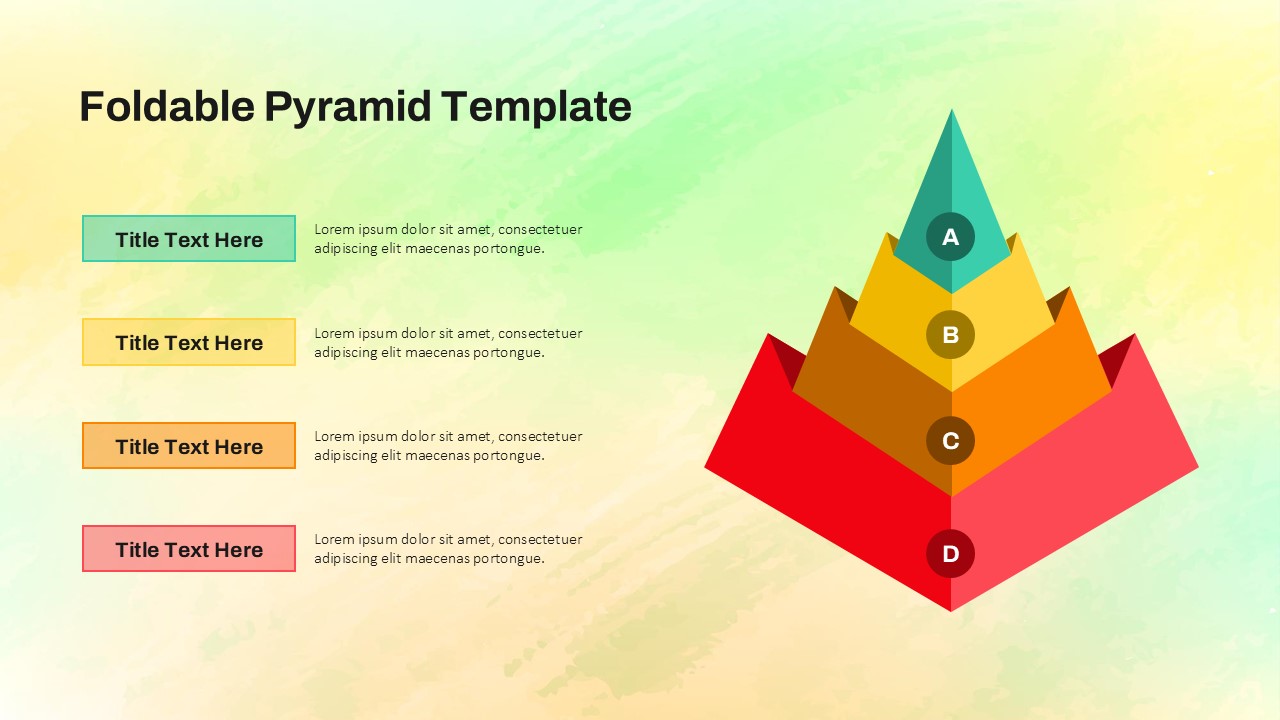
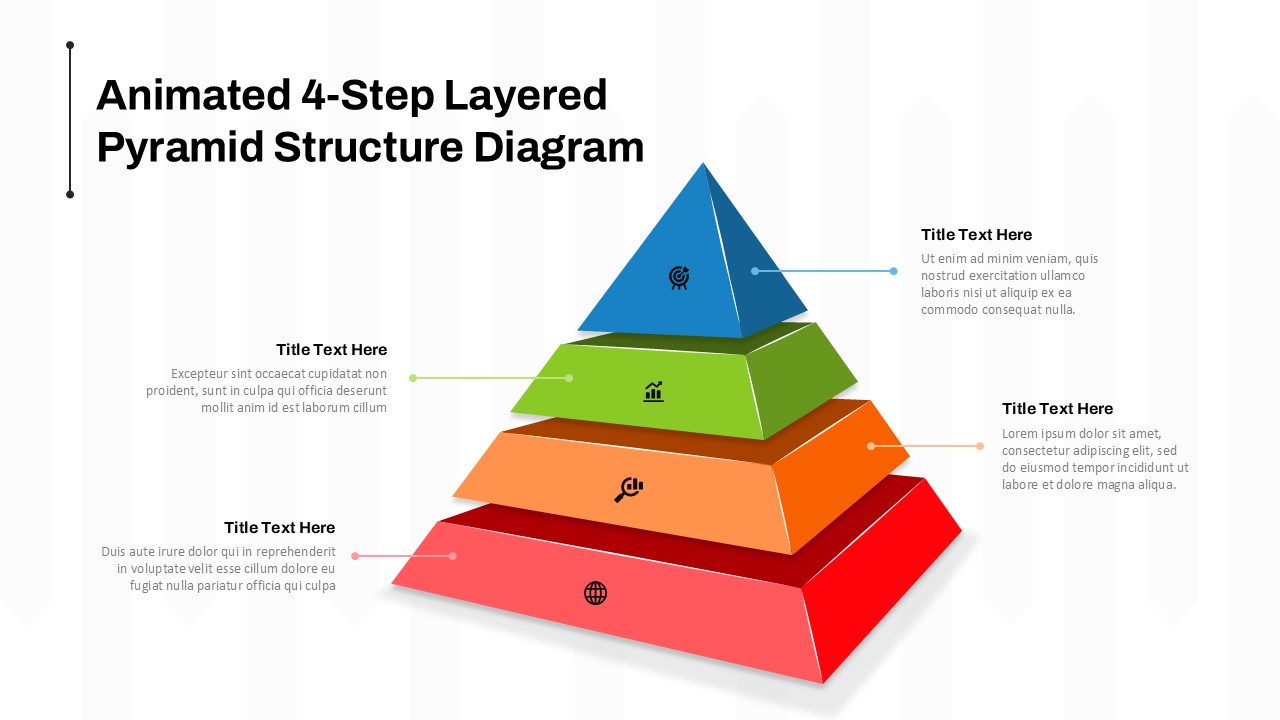
This Pyramid Tradeoffs Diagram clearly illustrates the classic project management dilemma—balancing quality, cost, and speed. Designed as a triangular decision matrix, the slide shows that you can only optimize two of the three variables at once: High Quality, Fast Turnaround, or Low Cost. Each side of the pyramid—”Fast & Good”, “Good & Cheap”, and “Fast & Cheap”—explains the inherent tradeoffs of prioritizing different constraints.
The diagram is color-coded for instant recognition: red for quality, green for cost, and blue for speed. Supplementary text outside the pyramid elaborates on each factor’s implications, providing context for project planning or stakeholder negotiations. The clean layout with a soft gradient background ensures visual balance while keeping the audience focused on decision-making outcomes.
This slide is fully customizable, allowing professionals to update text, colors, or icons to match project-specific contexts. It’s an ideal communication tool for presentations involving budgeting, production scheduling, vendor selection, or client expectation management.
See more

Aspect Ratio
16:9Item ID
SKT04101


Features of this template
Other Uses
The diagram can be repurposed for risk analysis, procurement strategy, time-cost-benefit evaluation, or explaining engineering/design compromises. It also serves as a valuable training asset in leadership workshops or project management courses.
FAQs
You May Also Like These Presentation Templates
- Free


- Free
- Free
- Free
- Free